Arcade framework
- By
A dependency framework to plug your own minigames onto arcade cabinets, with a shared ticket wallet, high scores, and a prize booth. It provides a C# API, and a worked example that adds three playable games. Does nothing on its own.
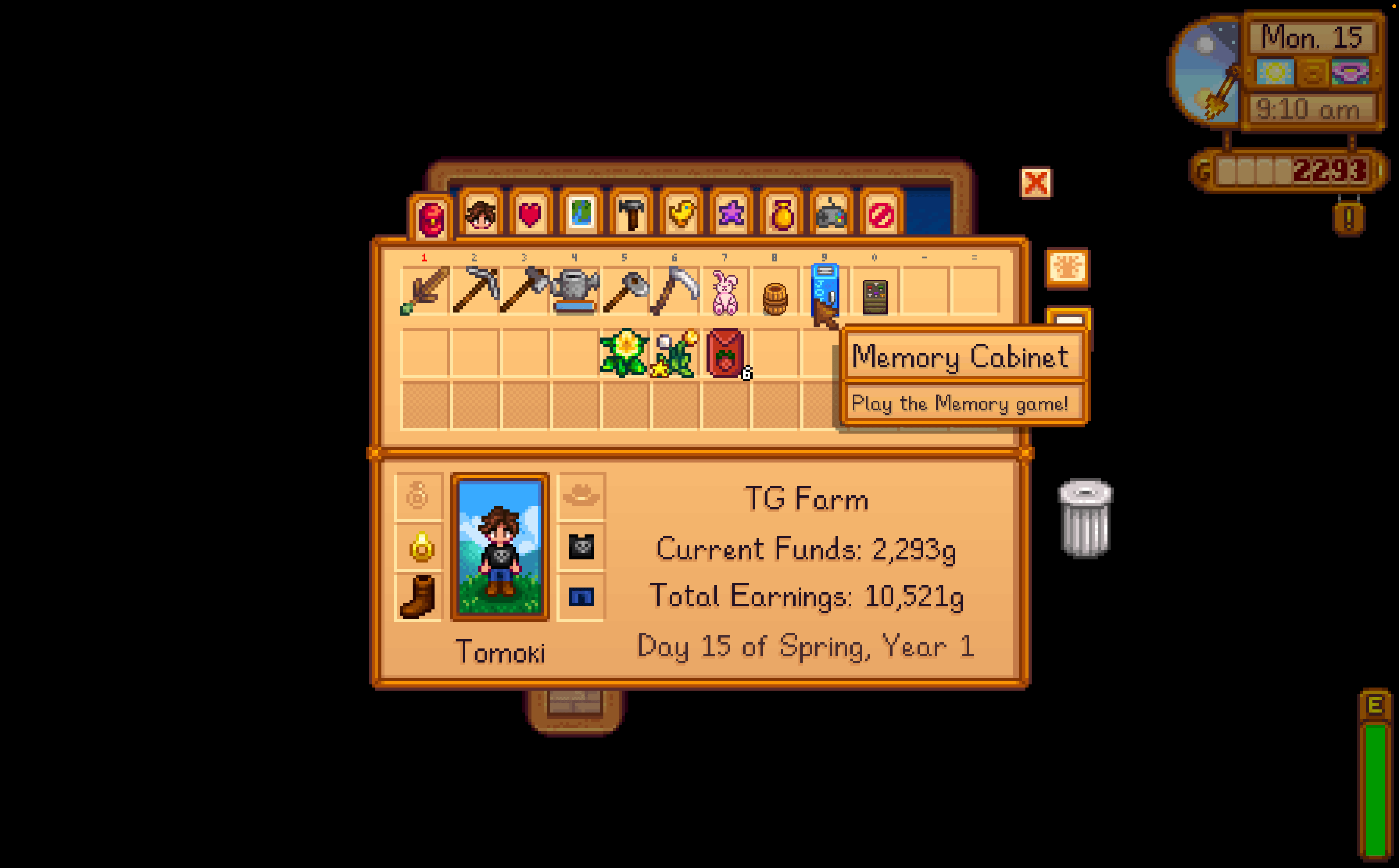
Capture dâeÌcran 2026-08-26 aÌ 11.23.12.png
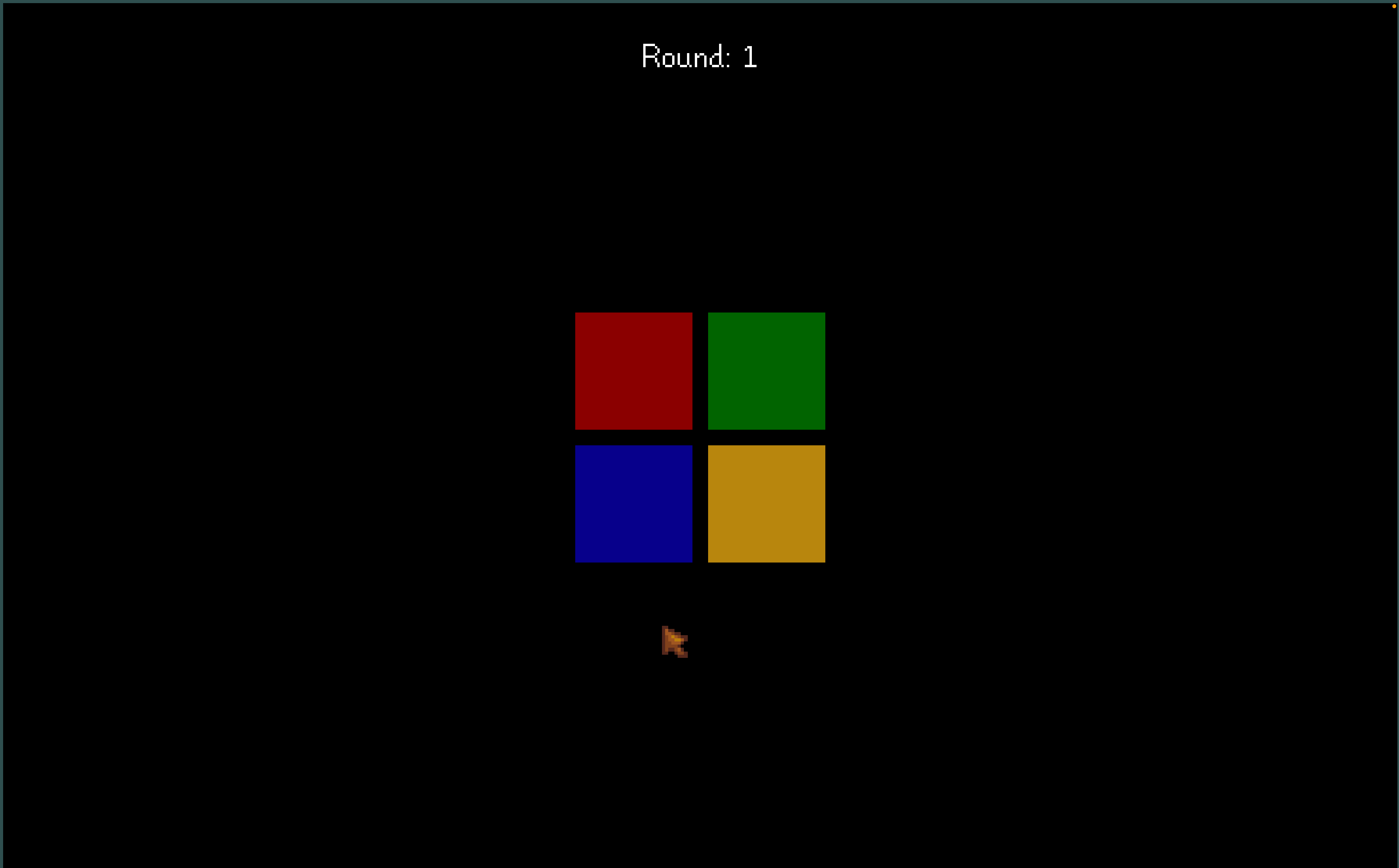
Capture dâeÌcran 2026-08-26 aÌ 11.21.36.png
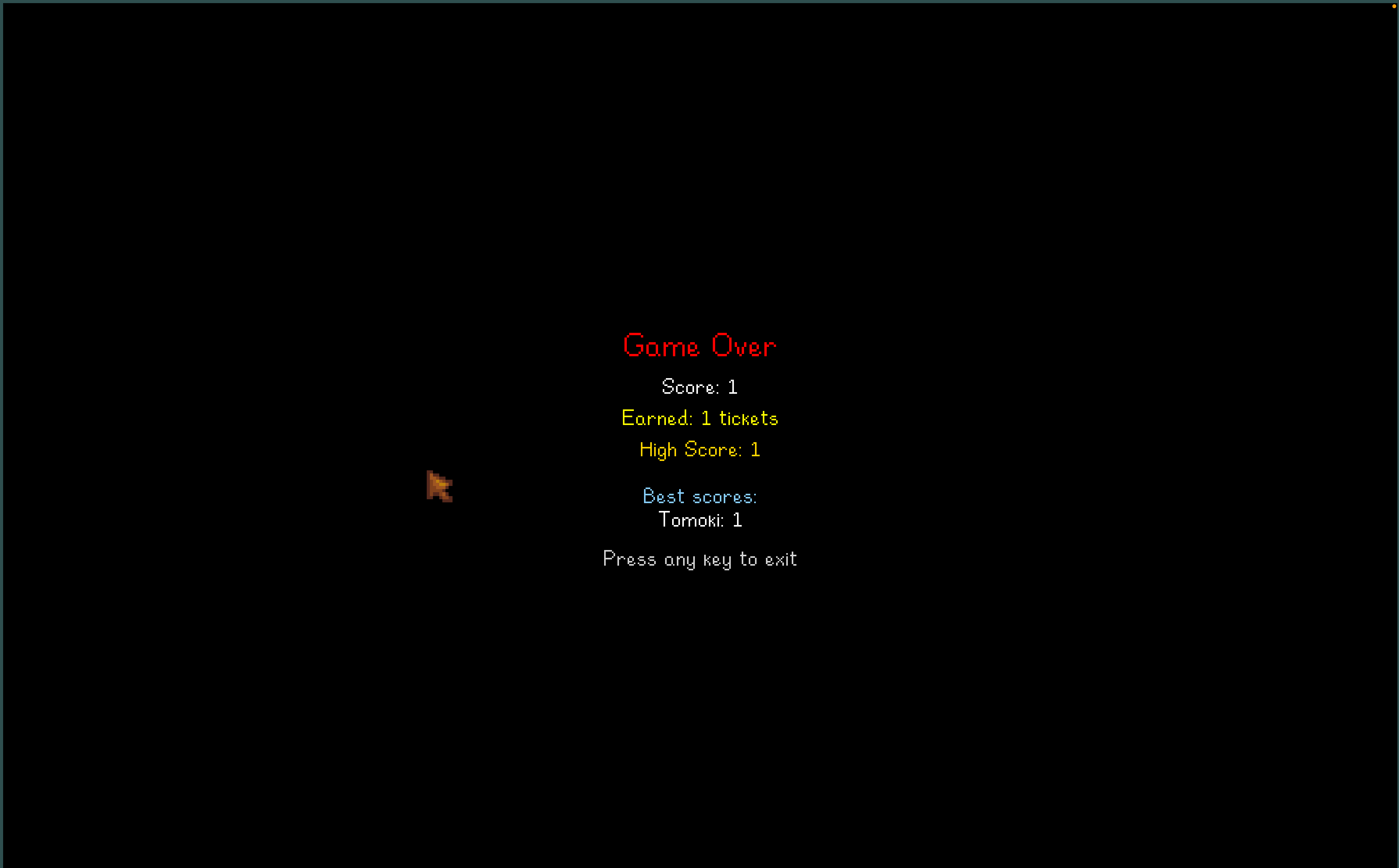
Capture dâeÌcran 2026-08-26 aÌ 11.21.57.png
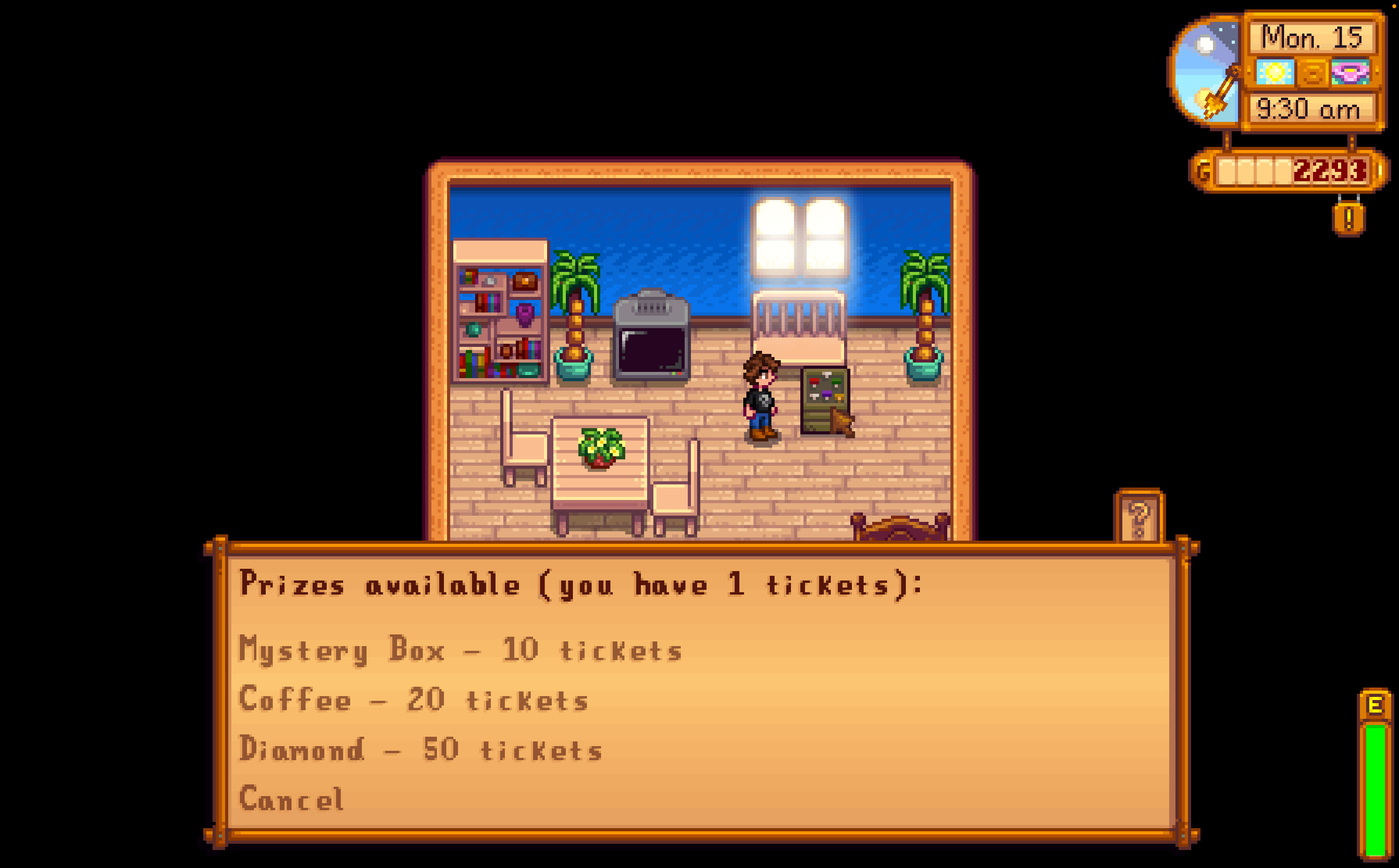
Capture dâeÌcran 2026-08-26 aÌ 11.23.35.png
Description
Arcade Framework
A framework that lets C# mods register their own minigames on arcade cabinets, with a shared ticket wallet, high scores, and a prize redemption cabinet. This mod does nothing on its own. It is a dependency for other mods. A cabinet is just an ordinary big craftable, which you can add any way you like, for example with Content Patcher, or from a C# mod. This framework only owns the arcade layer, which includes launching the game, handling tickets, scores, and prizes.
Requirements
- Stardew Valley 1.6 or later
- SMAPI 4.0.0 or later
Generic Mod Config Menu is an optional dependency. If installed, it adds a configuration screen for the framework.
Games
The framework ships no games of its own. Games are provided by mods that use the framework. A content pack can then bind a cabinet to any game id that such a mod has registered, with no C# code of its own. The bundled example provides three games you can use out of the box: tomokisan.timingbar, tomokisan.runner, and tomokisan.memory (see the Example section).
For C# Mod Authors
To interact with the framework, copy the IArcadeFrameworkApi and IArcadeContext interfaces into your project. Then, request the API after the game launches.
var api = this.Helper.ModRegistry.GetApi<IArcadeFrameworkApi>("tomokisan.arcadeFramework");
api.RegisterGame("your.gameId", ctx => new YourGame());
The RegisterGame method takes a game identifier and a factory function. The factory function takes an IArcadeContext and returns a StardewValley.Minigames.IMinigame. The IArcadeContext provides the Player, the CabinetItemId, and the CostPaid. It is perfectly fine to ignore the context if you do not need it.
The Easy Path
The easiest way to create a game is to subclass ArcadeGameBase. Overrides are available for UpdatePlay, DrawPlay, OnKeyDown, OnClick, and OnStart. In your constructor, pass the game identifier to the base class and set the Title property. When the game ends, call EndGame to pass the score and tickets earned.
Helper methods are available. You can use FillRect, DrawTextCentered, and PlaySound. Gamepad support is handled automatically. Pressing A or Start will begin the game, A acts as the Space key, the Directional Pad acts as the arrow keys, and B or Back will quit. Full screen layout is handled via the bounds rectangle passed to DrawPlay.
The Advanced Path
You can implement IMinigame directly. If you choose this route, you must call api.SubmitScore at the end of the game to record the score and tickets earned. As a reminder, a minigame owns its sprite batch. You must call Begin and End on the sprite batch yourself. ArcadeGameBase does this for you automatically.
Registering Cabinets and Prize Booths from C#
You can register cabinets and prize booths directly from C# code without needing a content pack.
- RegisterCabinet takes a qualified item identifier, a game identifier, and a ticket cost.
- RegisterPrizeBoothFromJson takes a qualified item identifier and a JSON string of prizes.
Introspection and Events
You can check if a game is registered using IsGameRegistered. You can get a list of all registered games using GetRegisteredGames. You can also add a listener using AddGameEndedListener. The listener will receive the game identifier, the player identifier, the score, and the tickets earned. Note that the tickets reported to the listener are the credited amount after the ticket multiplier is applied.
Ticket Wallet and Scores
Tickets and scores are stored per player on the player save data. The data is synchronized over the network in multiplayer. The game over screen shows a top three leaderboard across all players.
- GetTickets returns the ticket balance for a player.
- AddTickets adds tickets to a player balance.
- TrySpendTickets attempts to spend tickets and returns true if successful.
- GetHighScore returns the high score for a specific game and player.
For Content Pack Authors
A content pack for the framework can ship a cabinets.json file and a prizes.json file. Code is not required to bind a cabinet to a game. The cabinet and booth are ordinary big craftables that you add any way you like, for example with Content Patcher targeting Data/BigCraftables, or from a C# mod. The framework only needs their qualified item ids.
Cabinets
The cabinets.json file contains a list of objects. Each object needs an ItemId, a GameId, and a Cost. A cabinet may instead list several games with a Games array. The Games array is a list of game identifiers. If a Games array is provided, clicking the cabinet shows a game picker. The Cost is the tickets required per play. When the cost is greater than zero, the player is asked to confirm before paying.
Example with several cabinets, and one cabinet offering multiple games:
[
  {
    "ItemId": "(BC)tomokisan.TimingBarCabinet",
    "GameId": "tomokisan.timingbar",
    "Cost": 0
  },
  {
    "ItemId": "(BC)tomokisan.RunnerCabinet",
    "GameId": "tomokisan.runner",
    "Cost": 0
  },
  {
    "ItemId": "(BC)tomokisan.MultiCabinet",
    "Games": ["tomokisan.runner", "tomokisan.memory"],
    "Cost": 5
  }
]
Prizes
The prizes.json file defines prize booths. Each object needs an ItemId for the booth and a list of Prizes. Each prize needs an ItemId, Count, Quality, Cost, and optionally a Condition, OncePerDay boolean, and Stock. The Condition is a GameStateQuery. The Stock is an integer per day, where negative one means unlimited.
Example:
[
  {
    "ItemId": "(BC)tomokisan.PrizeBooth",
    "Prizes": [
      { "ItemId": "(O)MysteryBox", "Count": 1, "Cost": 10 },
      { "ItemId": "(O)395", "Count": 1, "Cost": 20 },
      { "ItemId": "(O)72", "Count": 1, "Cost": 50, "OncePerDay": true, "Stock": 1 }
    ]
  }
]
Configuration
If Generic Mod Config Menu is installed, a configuration screen is available. The Ticket multiplier option scales the tickets earned from playing games. The Free play option makes cabinets and prizes cost no tickets.
Console Commands
- arcade_tickets [n] prints the current player ticket balance, or adds n tickets if an argument is given.
- arcade_play <gameId> launches a registered game directly.
Example
The bundled example shows the whole flow, and is split into three folders:
- [AF]arcadeFrameworkExample, a C# mod that registers three example minigames, Timing Bar, Runner, and Memory (ids tomokisan.timingbar, tomokisan.runner, tomokisan.memory). This is where the games live; the framework itself ships none.
- [CP]arcadeFrameworkExample, a Content Patcher pack that adds four big craftables: a Timing Bar cabinet, a Runner cabinet, a Memory cabinet, and a Prize Booth.
- [AFdata]arcadeFrameworkExample, a framework content pack whose cabinets.json binds each cabinet to one of those game ids, with no code of its own, and whose prizes.json fills the Prize Booth.
To try it in game, add the big craftables (for example with the console command player_add (BC)tomokisan.RunnerCabinet 1), place them, and interact. Use arcade_tickets 100 to get some tickets for the Prize Booth.
Arcade framework Team

Owner