Keep It Real
- By
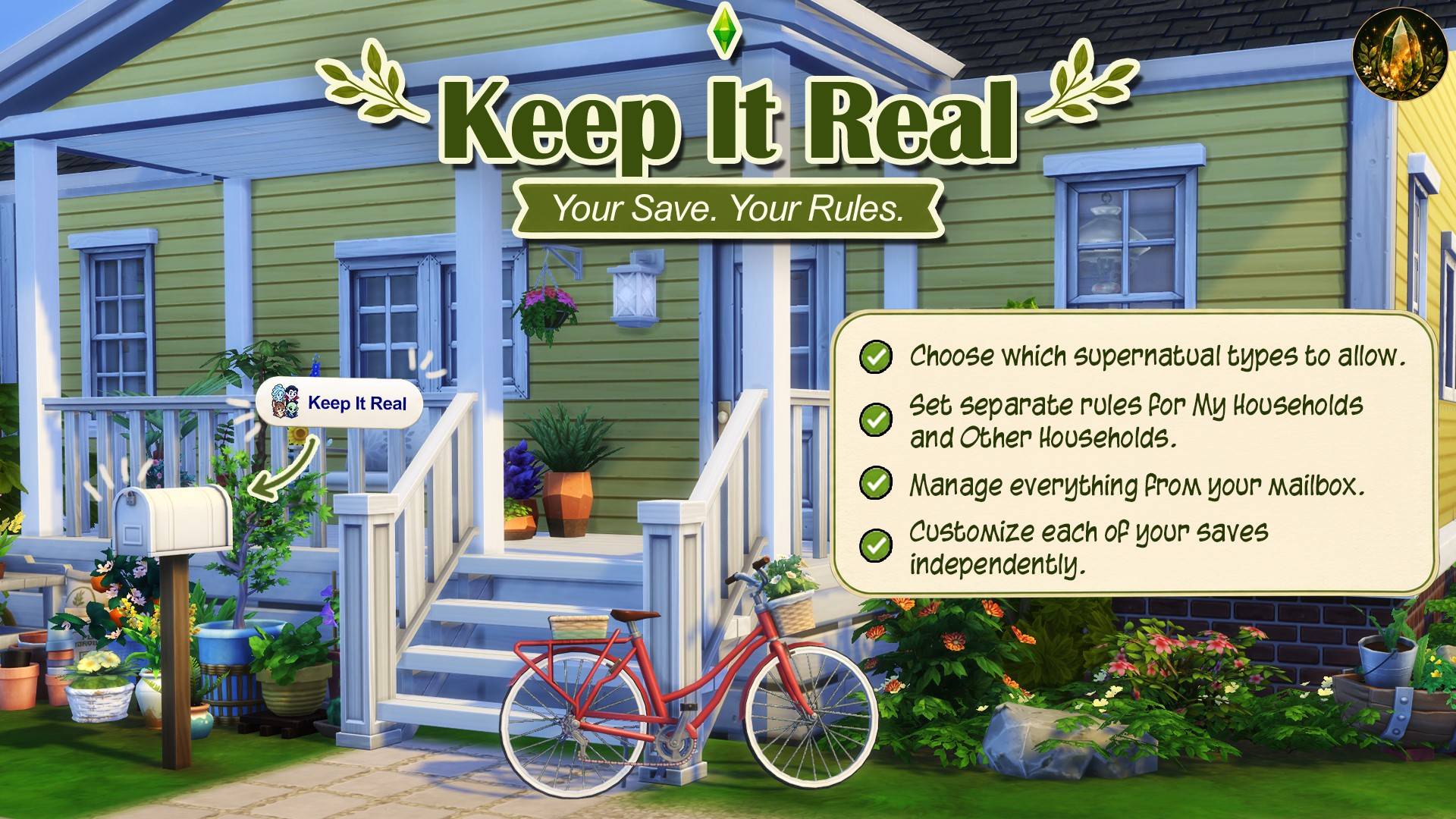
Choose which supernatural Sims belong in your save. Keep your favorite types or disallow all supported types for a more realistic game.
Keep It Real.jpg
Keep It Real Menu.png
Description
Keep It Real
Created by Green Amber
Your save. Your rules.
Prefer a world of ordinary humans, or want to keep just a few supernatural favorites? Keep It Real lets you choose which supported supernatural Sims belong in each save, straight from the mailbox.
What you can control
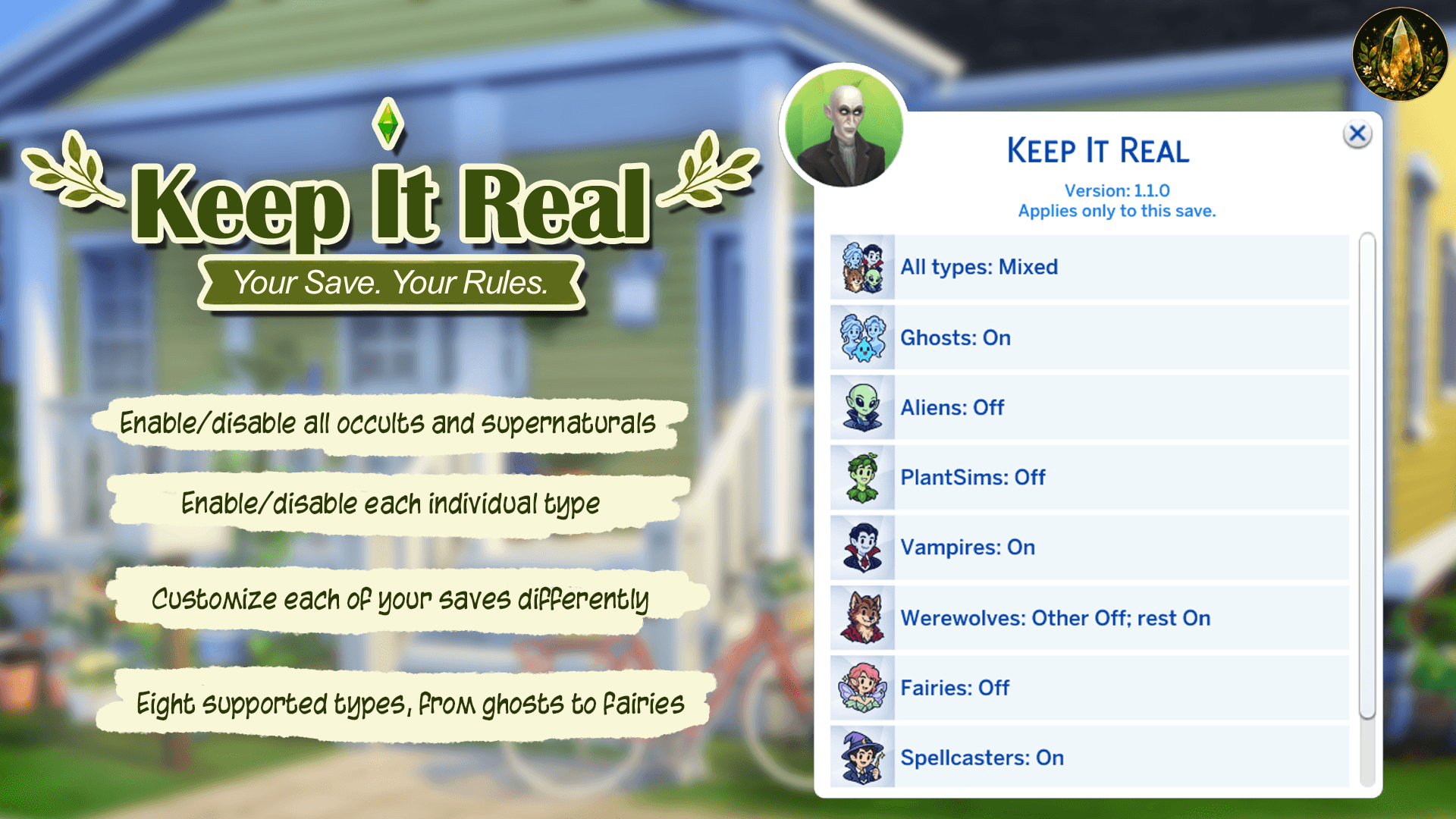
- Eight types: Ghosts, Aliens, PlantSims, Vampires, Werewolves, Fairies, Spellcasters and Mermaids.
- All types: Allow or disallow every available supported type and group together, then make individual exceptions.
- My Households and Other Households: Set separate rules using their marking in Manage Households.
- Ghost groups: Separate choices for household ghosts, Unknown history, Special ghosts and Ravenwood specters.
- Visible status: See On, Off or a compact mixed-group summary directly in the menu.
- Ongoing rules: Disallow affects existing and future supported forms in the selected groups. New saves start with everything allowed.
- Pack-aware menus: Missing-pack options are greyed out. All types affects only available supported groups.
Living supernatural Sims become human; the Sims are not deleted. Ghosts are handled differently: Disallow permanently releases or removes them.
How to use
- Click a mailbox and select Keep It Real.
- Choose All types or an individual type.
- Choose a group, then Allow (On) or Disallow (Off).
- Read the Disallow confirmation. Each type's Information explains its effects.
Settings apply only to the current save, across its worlds. Save your game to retain them. Other saves can have different rules. Ordinary Save, Save As and the game's native autosave/Resume are supported.
My Households includes all households listed under My Households in Manage Households, including those you are not currently playing.
Ghosts use their current or previously recorded household group. If neither is known, they use Unknown history.
Important effects
- Living Sims: Become human. Powers, forms and needs change with the game's cure; some learned or inherited history may remain.
- Vampires: Age progress resets within the current age group.
- Ghosts: Removal is permanent. Relationships, inventories, graves and family history may change. Releasing the last playable ghost may end the household.
- Special ghosts: Original NPCs and their services or quests are permanently removed.
- Ravenwood specters: Removal includes Freddy. Alice's Sorrow, the quest involving Edith, cannot progress without him while specters are Off. Their return, services and quest progress are not guaranteed after Allow.
- PlantSims: Become human and lose plant abilities and the Water need. PlantSim tasks may be blocked. Forbidden fruit, plants and inventory items remain.
- Allow permits future forms. It does not restore cured Sims, released ghosts or original special NPCs. Uninstalling does not undo these effects.
Try permanent changes in a separate save first.
Supported packs and content — 1.1.0
No DLC is required for ordinary ghosts or PlantSims. Other features use the optional packs below. You do not need to own any of them.
| Game or optional pack | Supported content |
|---|---|
| Base Game | Ordinary ghosts, including playable household ghosts; native temporary PlantSim forms |
| Get to Work | Aliens |
| Vampires | Vampires |
| Werewolves | Werewolves |
| Island Living | Mermaids |
| Realm of Magic | Spellcasters |
| Enchanted by Nature | Fairies and its additional PlantSim NPC forms |
| Get Together | Chalet Gardens special ghosts |
| Cats & Dogs | The lighthouse ghost dog |
| Discover University | Felix Psyded |
| Paranormal Stuff | Guidry and Temperance as special Sim ghosts |
| Life & Death | Waylon Warez, Edith and Alice as special ghosts; Ravenwood specters, including Freddy |
Special ghosts requires at least one of its five listed packs. Ravenwood specters requires Life & Death.
Excluded: Servos, unsupported supernatural hybrids, living temporary ghost forms, third-party expanded or permanent PlantSim forms, and Paranormal Stuff specter objects. Ravenwood specters and Paranormal specter objects are different features. This mod does not disable every supernatural event or object in a pack.
New DLC and new special NPCs are not supported automatically. Supported additions will be named in future changelogs and compatibility notes.
Installation and updates
- Close the game and extract GreenAmber_KeepItReal_<version>.zip.
- Place GreenAmber_KeepItReal_<version> directly inside your Mods folder.
- Keep KeepItReal.package and KeepItReal.ts4script together inside it.
- Enable Custom Content and Mods and Script Mods Allowed, then restart the game.
Keep only one version installed. When updating, move your existing KeepItReal.settings.json unchanged into the new version's folder.
Settings and notices
The download contains just the two mod files. During use, the mod creates one KeepItReal.settings.json beside them. It stores one current settings record per save file, including the native autosave, without settings history. Records are removed only after the save and all recognized recovery copies are gone. The mod saves your latest settings for each save. If no settings are stored, all types are allowed by default.
Keep It Real Team