Pocket Photo Studio
- By
Create group portraits, expressive photos and historical keepsakes. Capture snapshots, resize photo copies and save supported photos to your computer.
400-1.png
400-2.png
400-3.png
Description
Pocket Photo Studio
Created by Green Amber
Turn your Sims’ stories into photographs.
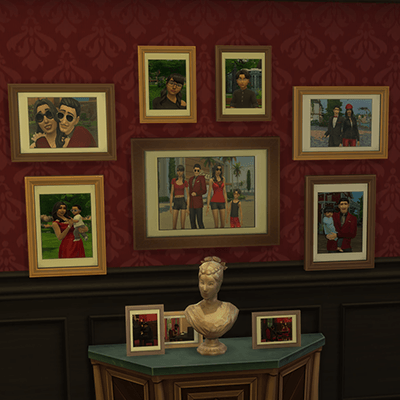
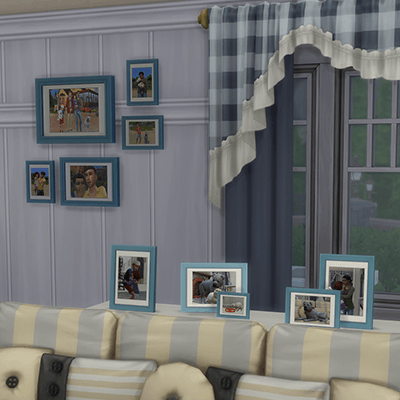
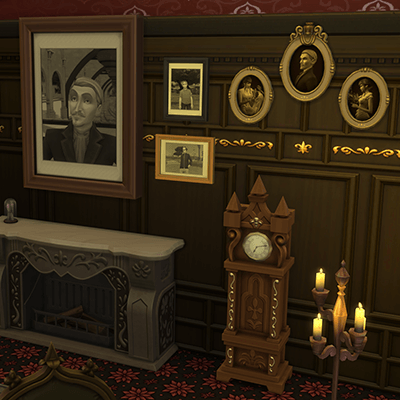
Create family portraits, capture your favorite Sims together, or imagine what they looked like when they were younger. Keep the finished photos in your Sim’s inventory or display them around your home.
Features
- Group Photos: Photograph up to 8 eligible Sims or pets.
- Expressive Photos: Create solo and couple portraits with different expressions. For human Sims aged Teen–Elder.
- Historical Photos: Create younger versions of your Sims without changing the originals.
- Take Snapshot: Capture supported Sims and animals in their current surroundings.
- Customize your photos: Choose backgrounds, outfit categories, sizes and portrait or landscape formats.
- Copy and save: Create different-sized copies of supported photos or save their images to your computer.
How to use
- Open your Sim’s phone and select Pocket Photo Studio.
- Choose a photo mode and follow the menus.
- Find the finished photos in your active Sim’s inventory.
For Take Snapshot, click the subject directly. To copy or save a supported photo, click the photo.
Installation
- Extract the download and place the included mod folder directly inside Mods.
- Keep both the
.packageand.ts4scriptfiles. Do not unpack the.ts4script. - Enable Custom Content and Mods and Script Mods Allowed, then restart the game.
- Keep only one version installed.
Historical photos are imagined earlier appearances, not recovered memories. Some photo effects are not supported when copying or exporting.
Pocket Photo Studio Team