Make your Sims’ streaming drone feel a little less awkward and a lot more camera-aware.
The Hovercam Tracking Script is a small gameplay adjustment for the Get Famous streaming drone. In the unmodded game, the drone often spends a lot of time filming Sims from behind, which can feel a little strange for streaming, singing, storytelling, screenshots, and influencer-style gameplay.
I made this script because real-life streamers usually are not filmed from the back of their head the entire time. If a Sim is staying in roughly the same place for more than a couple of Sim minutes, this script gives the drone a better chance of repositioning toward the front or side instead.
This is especially useful for storytelling, performances, beach streams, singing, social media Sims, influencer saves, and anyone who wants the camera to catch more of their Sim’s face and expressions.
What This Mod Does
-
Adjusts the Get Famous streaming drone’s camera positioning behavior
-
Encourages more front and side-facing drone angles
-
Helps reduce the “filming from behind forever” feeling
-
Works well for gameplay, screenshots, storytelling, and streamer-style saves
-
Can be used with the OrbitEye Hovercam or on its own
Optional Companion Download
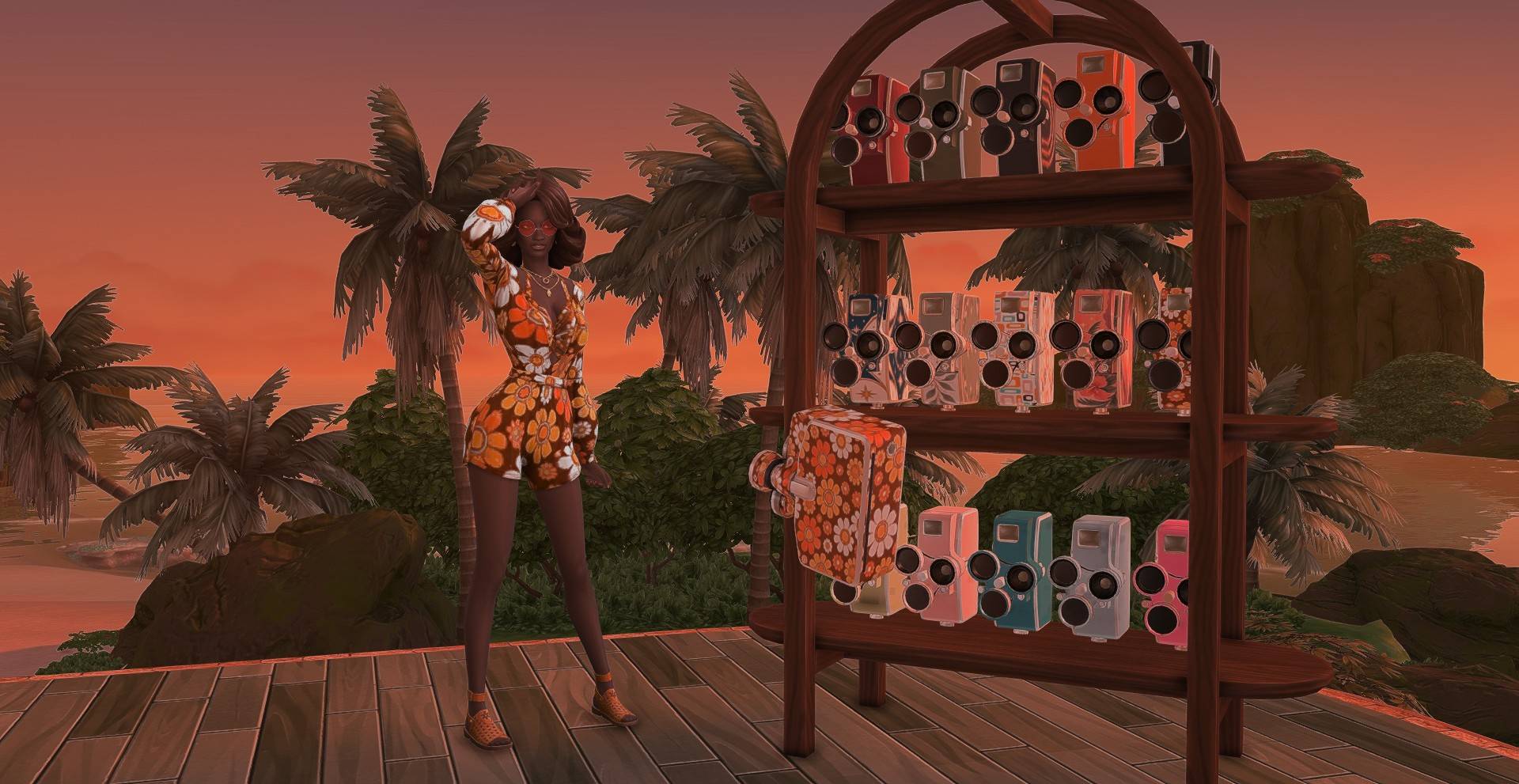
This script was made as an optional companion file for my OrbitEye Hovercam, a vintage-inspired redesign of the Get Famous streaming drone.
You do not have to use the OrbitEye Hovercam to use this script, but they are designed to work nicely together.
Download the OrbitEye Hovercam here:
[INSERT HOVERCAM PACKAGE PAGE LINK HERE]
Requires
Installation
Place the .ts4script file in your Mods folder.
For script mods, make sure:
-
Script Mods Allowed is enabled in your Sims 4 game settings
-
The file stays as a .ts4script file
-
The file is not buried too deep inside subfolders
After enabling script mods, restart your game.
Important Note
This page is for the script file only.
The OrbitEye Hovercam object/package file is a separate optional download.
If you want the vintage flying camera shown in the screenshots, download the OrbitEye Hovercam here:
[HOVERCAM LINK HERE]