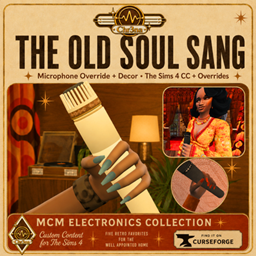
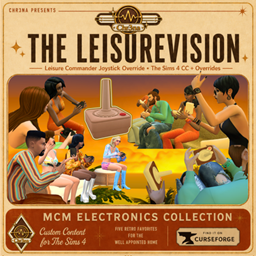
Bring a little analog charm to your Sim’s streaming setup with the Vintage Hovercam, a vintage-inspired redesign of the Get Famous streaming drone.
Important download note: This page is for the Vintage Hovercam object/package file only.
The optional Hovercam script file has its own separate download page because script files cannot be included on this Buy Mode item page.
Download the optional Hovercam script here: [SCRIPT FILE LINK]
The script file is recommended if you want the adjusted camera behavior described below. Without the script, the Hovercam still works as a functional Get Famous streaming drone.
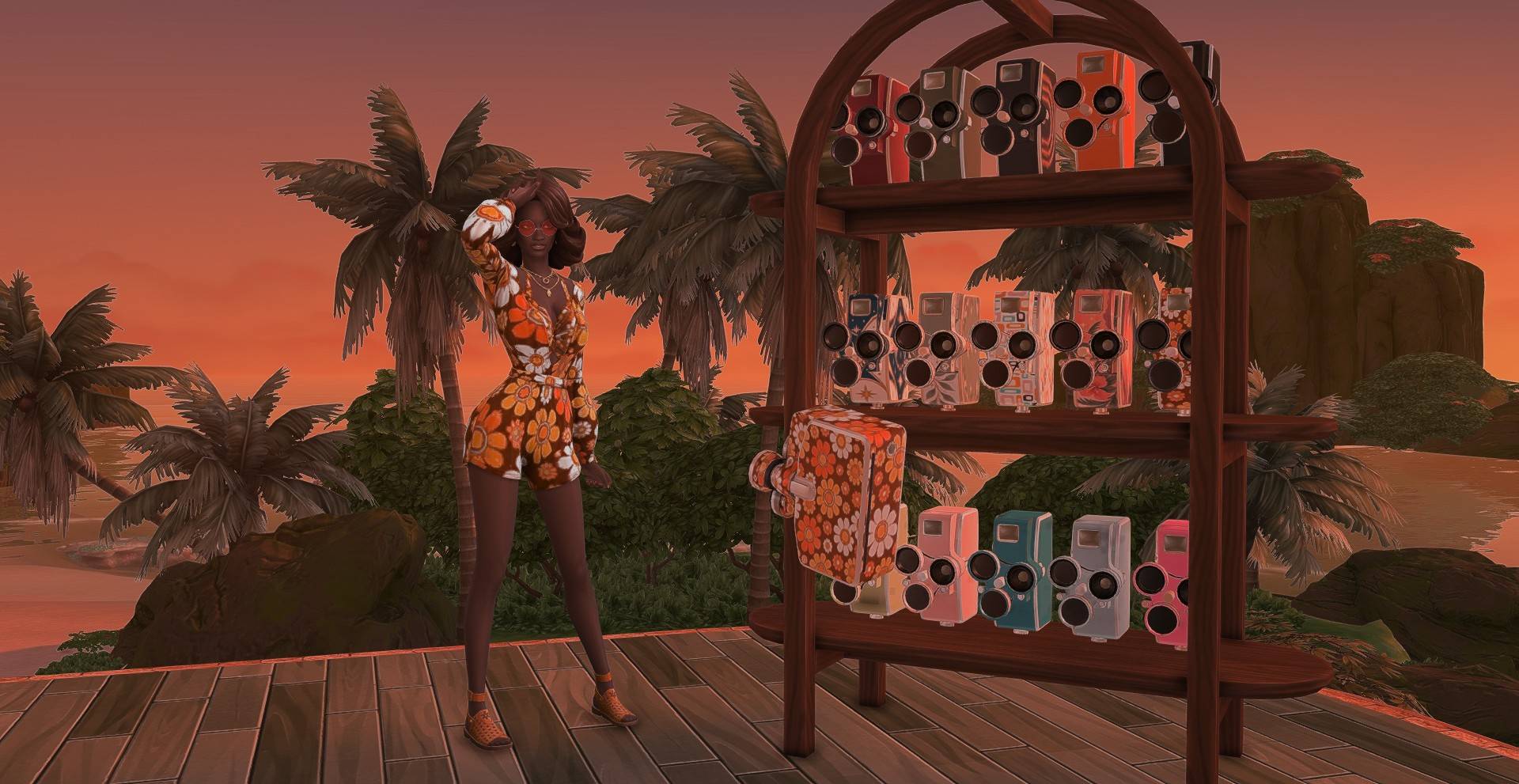
Inspired by late-60s and 70s portable cameras, the OrbitEye comes in 16 retro swatches, including warm tones, creams, avocado greens, oranges, florals, and darker lounge-friendly colorways.
I also made a small optional behavioral adjustment through a separate script file. Normally, the streaming drone spends much of its time filming your Sim from behind. With the companion Hovercam script installed, if your Sim remains in roughly the same place for more than a couple of Sim minutes, the Hovercam can reposition toward the side or front instead. I wanted it to feel more like an actual streamer’s camera, where the Sim’s face and expressions stay in view rather than the camera hovering behind them for the entire session.
The drone still functions as a streaming camera and is intended for gameplay, storytelling, screenshots, influencer saves, and retro Get Famous setups.
Features
-
16 vintage-inspired swatches
-
Mid-century modern / 60s–70s styling
-
Functional Get Famous streaming drone
-
Optional companion script for adjusted camera behavior
-
More side and front-facing filming when the script is installed
-
Designed for gameplay, screenshots, and storytelling
Requires: The Sims 4: Get Famous
Optional Script File
The companion script file is a separate optional download. It adjusts the Hovercam’s positioning behavior so the drone has a better chance of filming from the side or front when your Sim stays in one place for a short period of time.
To use the adjusted behavior, download both:
-
Vintage Hovercam package file from this page
-
Optional Hovercam script file from the separate script download page: [LINK HERE]
Place both files in your Mods folder. Make sure script mods are enabled in your Sims 4 game settings.
Mesh Credit
The vintage camera mesh used for the OrbitEye Hovercam is based on a camera created by Gonya on Sketchfab.
The mesh has been modified, retextured, and adapted for use as a functional Sims 4 streaming drone. All original mesh credit belongs to Gonya.