Auto Loungewear At Home
- By
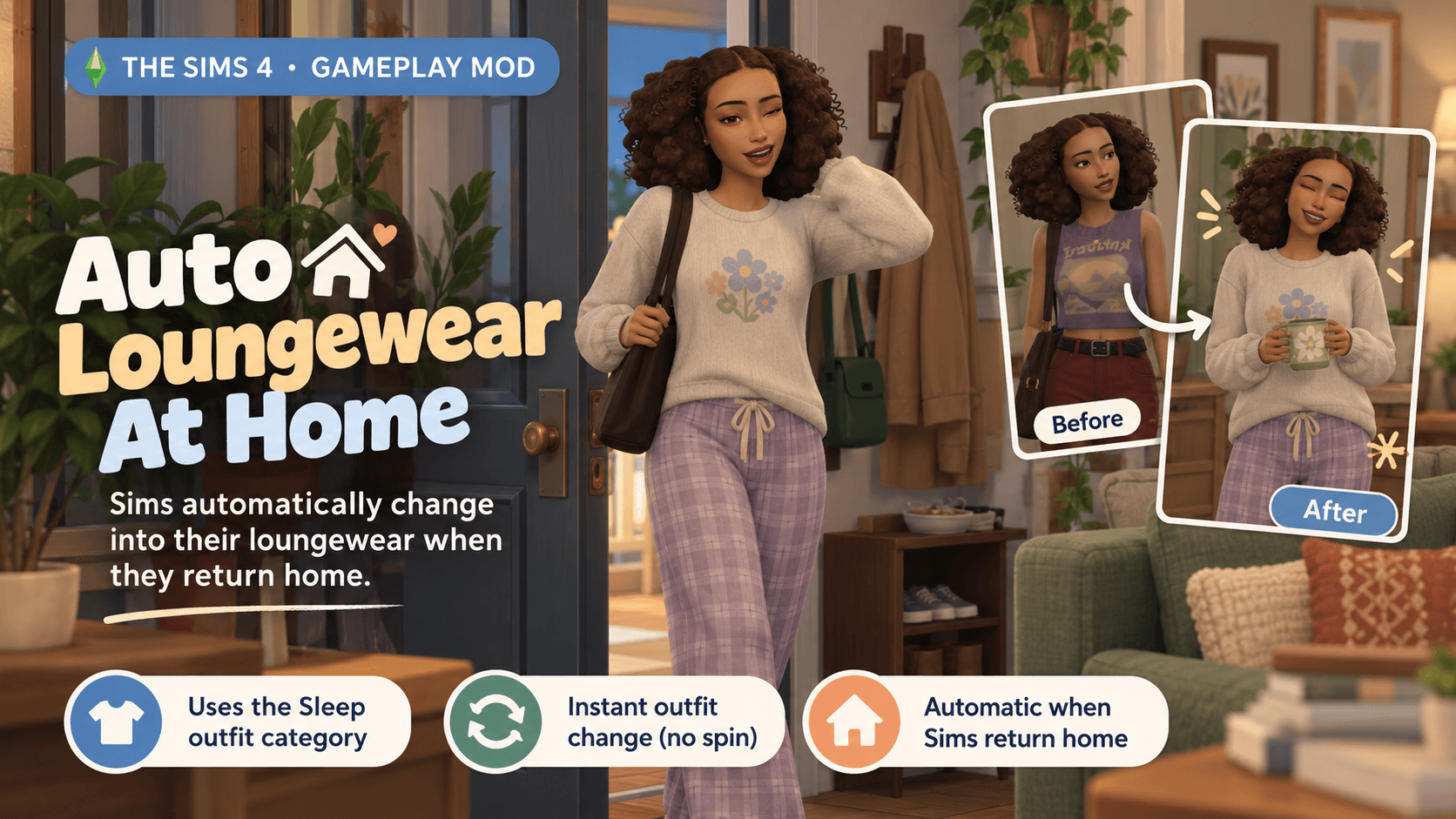
Automatically changes sims into their loungewear (sleep category) when they return home.
autoloungwear.png
Description
Auto Loungewear at Home
A small quality-of-life mod that makes sims automatically change into comfy clothes when they return home. I tend to use the Sleep category as my sims’ loungewear/at-home outfits, and I wanted them to actually get comfortable when they came back to the house instead of still being in their work uniforms or outside clothes. This may work best for players who constantly have their MCCC 'Freeze Motives' cheat turned on all the time, because while its awesome not having to worry about your household's motives decaying, its not-so-awesome that they never change their outfits because they never get dirty lol.
Requirements
Lot 51 Core Library is required.
Make sure both Lot 51 Core and Auto Loungewear at Home are installed and that script mods are enabled in your game settings.
Installation
- Extract
megansway_AutoLoungewear.zip - Copy
megansway_AutoLoungewear.ts4scriptand paste it into your Mods folder.
Because this is a script mod, keep it no more than one folder deep inside your Mods folder.
Example: Mods > megansway_AutoLoungewear.ts4script
Collections
Here are some GREAT loungwear sets/collections you can check out to use with this mod:
Auto Loungewear At Home Team