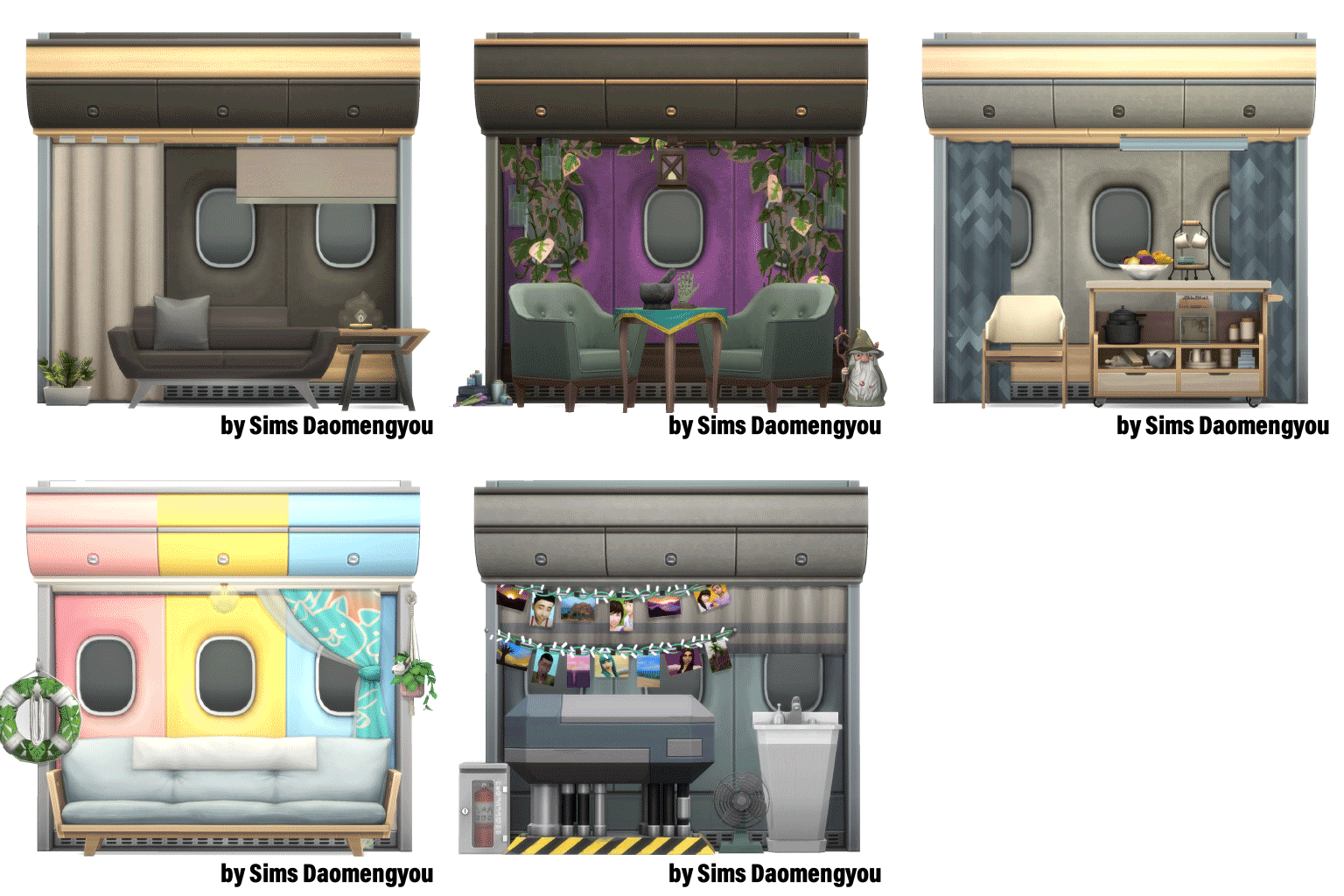
📦01|DAO_WallPanel_RNCL2
4 items|25 swatches | Window
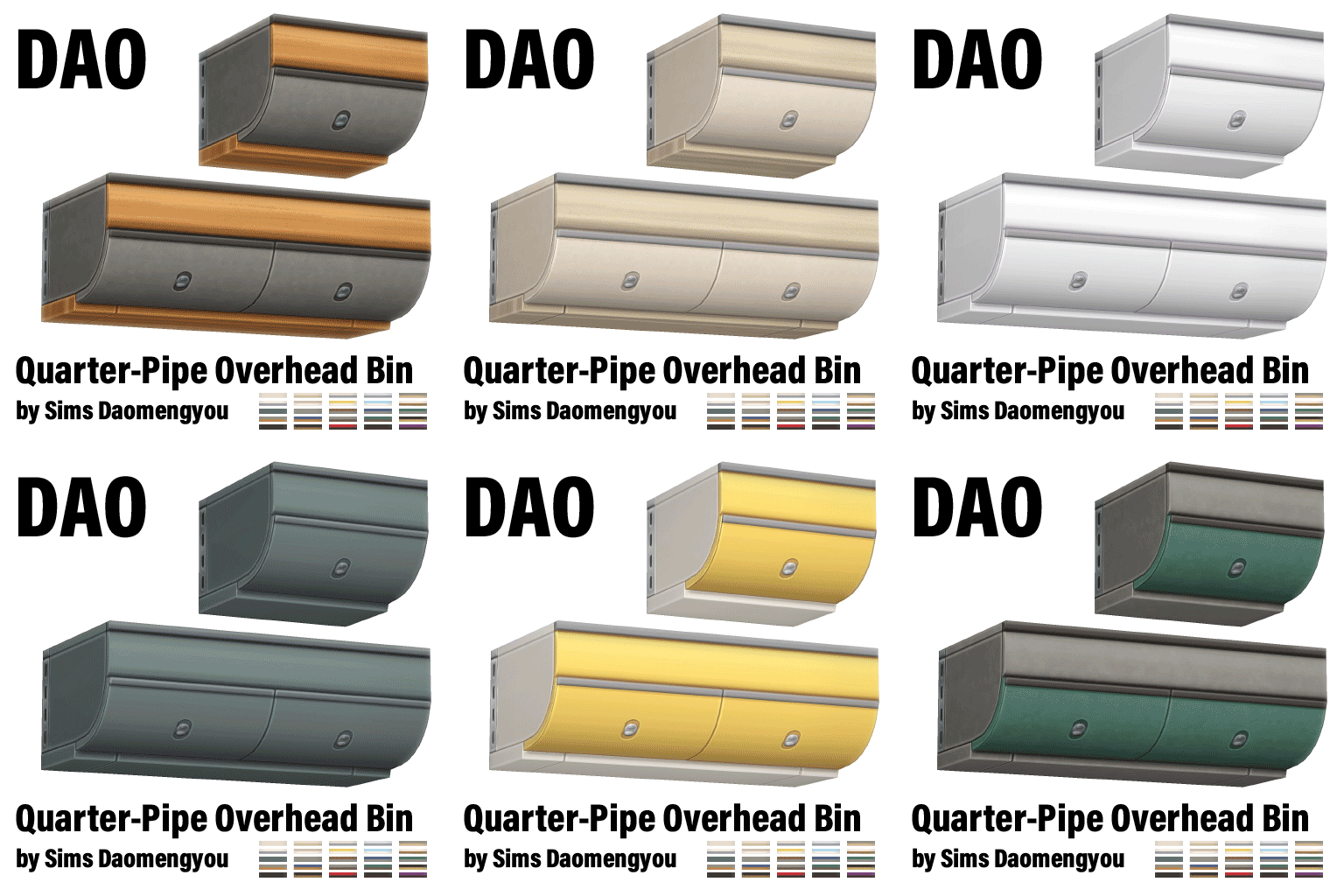
📦02|DAO_OverheadBin _QuarterPipe
2 items|25 swatches | Display / Window
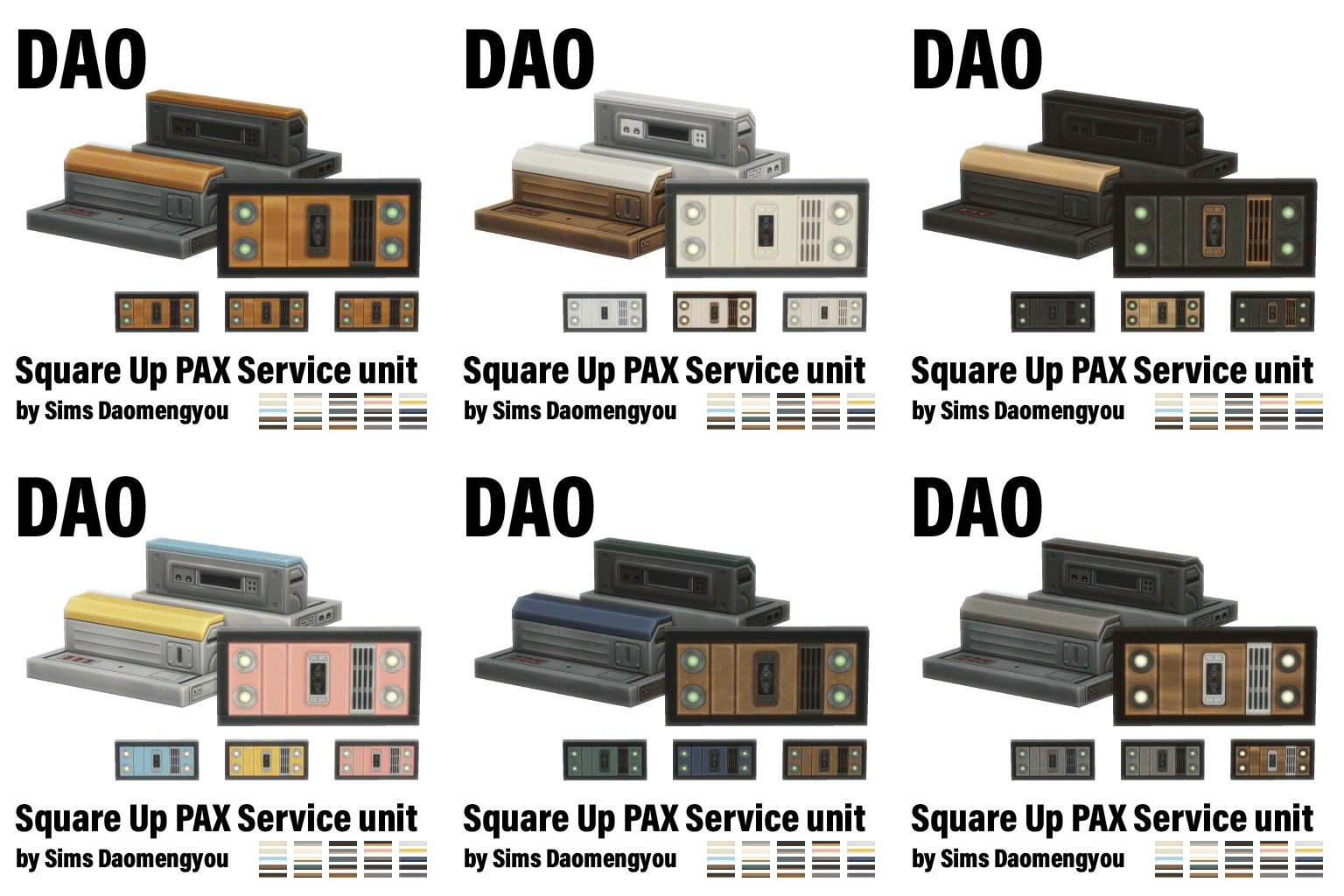
📦03|DAO_PSU_SquareUp
25 swatches |Base Game compatible|Light (wall)
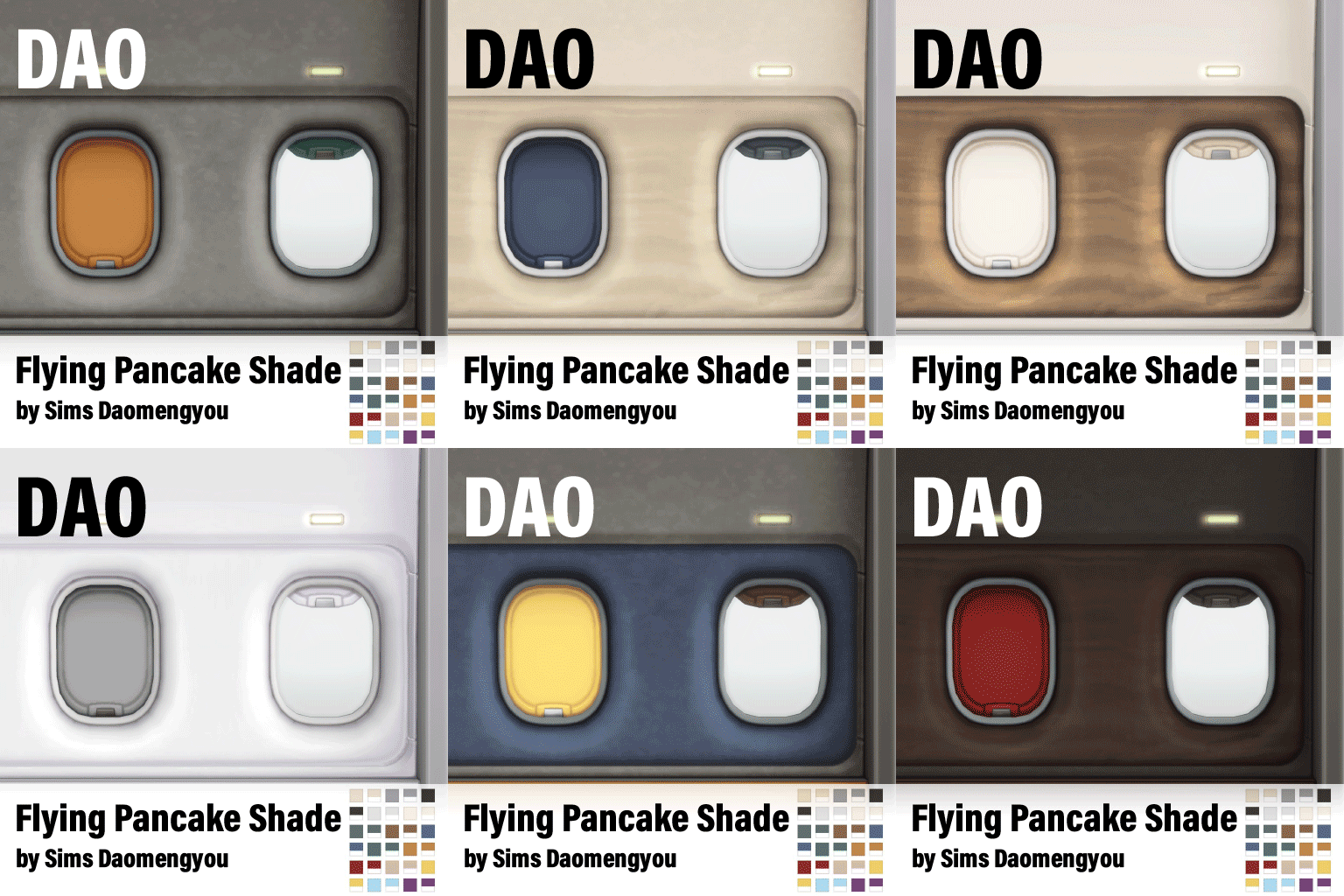
📦04|DAO_Shade_FlyingPancake
30 swatches|2 pattern x 15 colors in one | Curtains
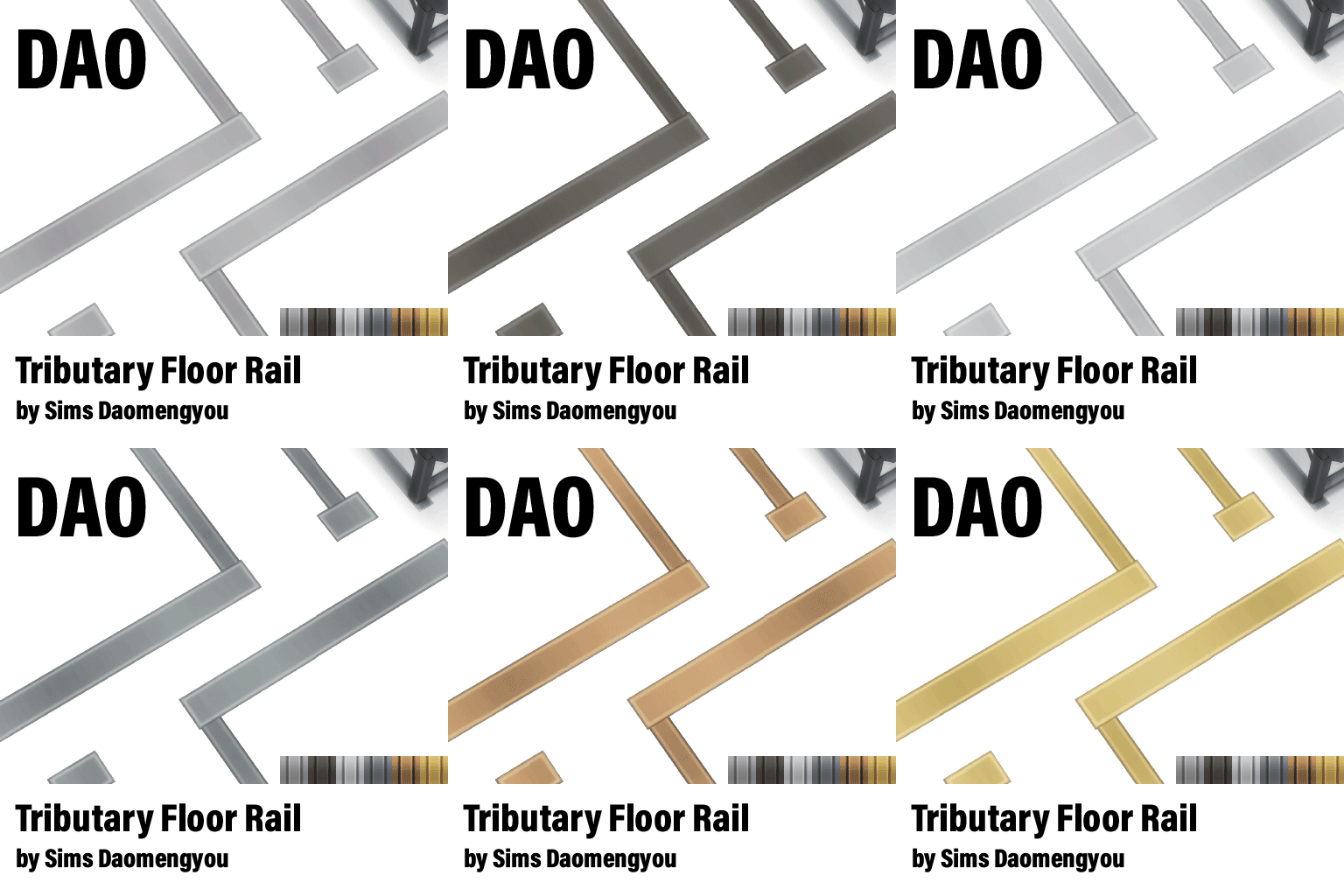
📦05|DAO_FloorRail_Tributary
24 swatches|4 pattern x 6 colors in one | Rug
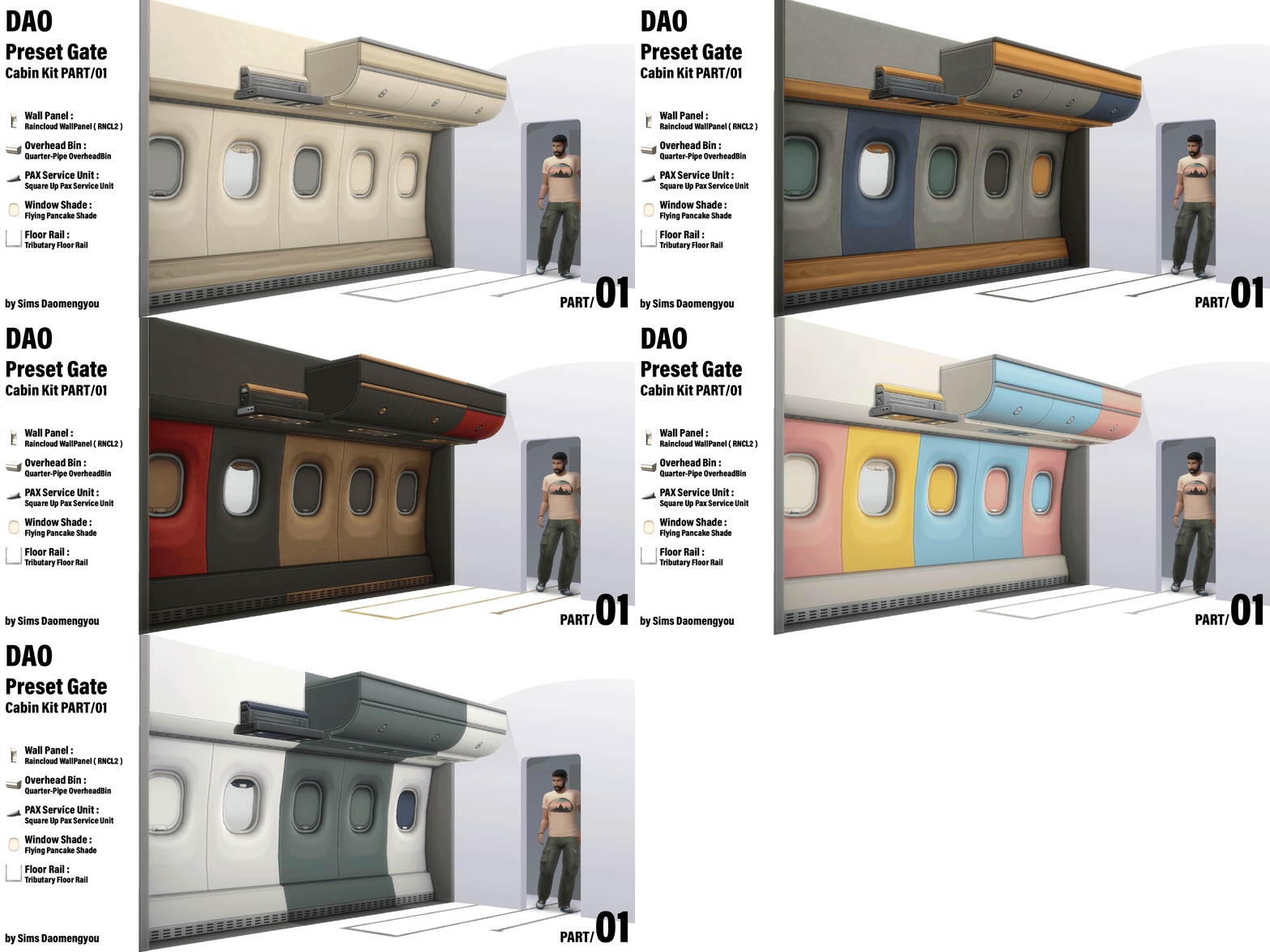
With this collection, you’re ready to start building the aircraft cabin of your dreams.
Begin by creating a room that’s 4 tiles wide (recommended) and as long as you like. Choose your favorite wall color and flooring, then install a set of wall panels in the color scheme you prefer.
Add the matching overhead bins and place Passenger Service Units (PSUs) above each row of seats to softly illuminate your cabin… and just like that, your aircraft interior begins to take shape.
Here are a few advanced building tips to help you get the most out of this set:
💡 Try unexpected combinations: These modular items are designed to pair well with Maxis content. You don’t have to use only the matching parts—try using base game curtains in the curtain slots, or place regular wall sconces as reading lights. You might discover a surprising combo that works beautifully.
💡尝试多样的搭配:这模块物品组追求与maxis内容适配,你不一定需要使用套装内物品,比如尝试搭配普通窗帘到墙板的窗帘插槽,或者在墙壁上安装普通的壁灯充当阅读灯,也许会有意想不到的组合效果。
💡 Take advantage of extended cabin walls: The cabin’s curved sidewalls extend slightly outward, giving you an extra 0.25 tile of space on each side. In Build Mode, enable the bb.moveobjects cheat and press F5 to activate quarter-tile grid. This small extension still allows most functional items to work as expected.
💡利用机舱墙壁的延伸空间:机舱的弧形墙壁向外延伸,并为你争取到了每侧0.25tile的空间。建造模式中,激活建造作弊,并按下键盘的F5开启精细网格模式。0.25tile的突出仍然可以保证多数家具的功能性。
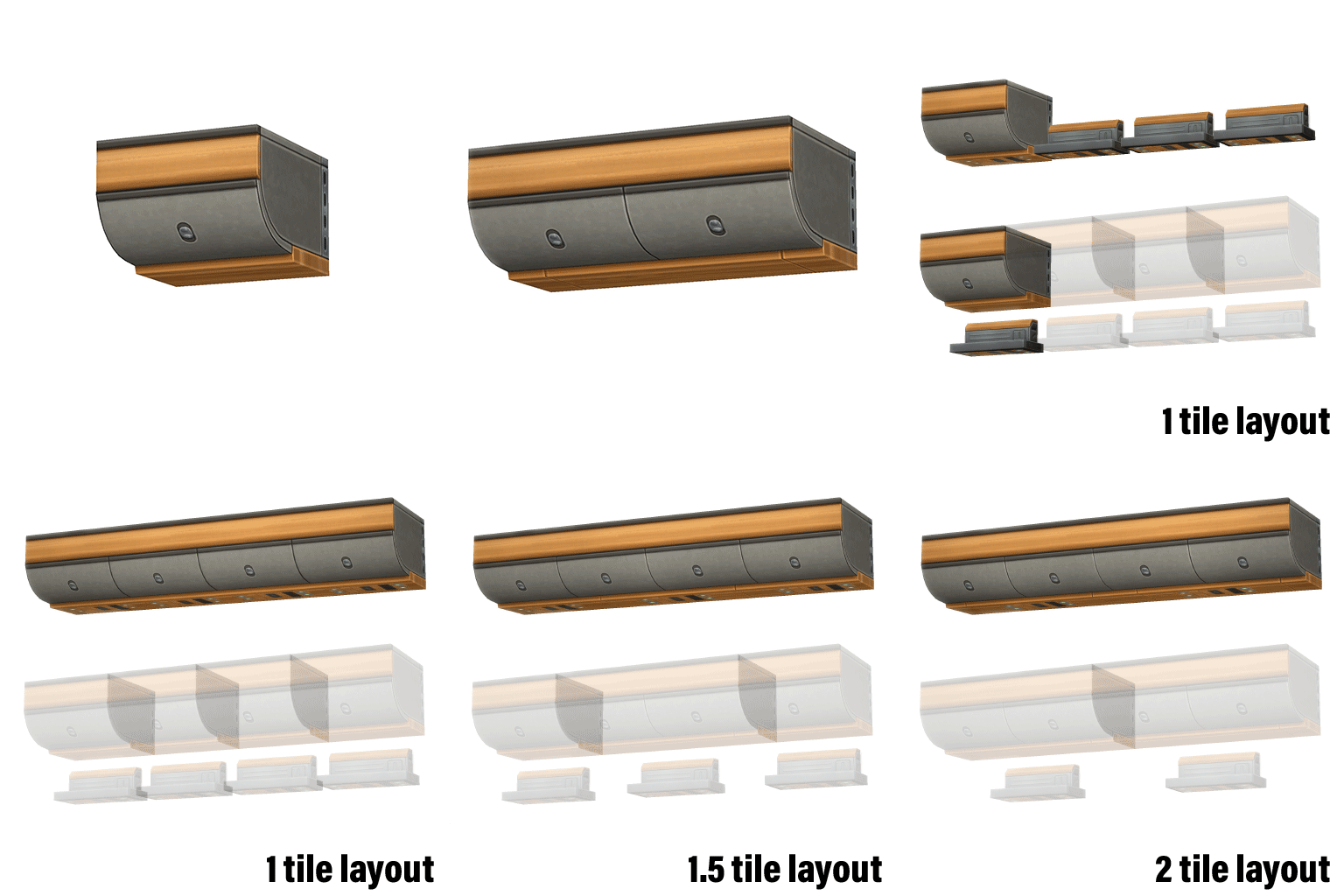
💡 Align the groove patterns under the overhead bins: The standard and extended bins have different decorative groove spacing underneath. For a realistic passenger cabin setup, try placing seat rows every 1.5 tiles, and align PSUs with the same spacing. Then alternate standard and extended bins based on the PSU positions—this helps distribute the groove pattern evenly with minimal effort.
💡调协行李架底部的槽线:行李架和行李架延长版的底部具有不同装饰槽线距离分布。对于普通客机的客舱布置,推荐每1.5瓷砖布置一排座椅。并以相同间距放置乘客服务面板(PSU),接着根据PSU所占用的tile位置交错布置行李架和行李架延长版,这是让行李架底部的槽线分布均匀的轻松方式。
A Few Small Issues & Workarounds
🚧 No exterior structure for wall panels (yet)
Currently, the cabin wall panels do not include an exterior shell. This is because I plan to modularly rebuild the entire aircraft body—this idea has already been tested and proven feasible. The exterior shell is planned for a later stage.
In the meantime, consider building your cabin mock-ups in the basement to avoid disrupting your lot’s external appearance.
壁板没有对应的外侧模型结构。我的计划是模块化整架飞机。计划已经验证可行性。重制外壳在计划的晚些时候。这之前,在地下室进行模拟机舱的房间设计是不破坏房屋外观的好办法。
🚧 Curtain shading may appear incorrect
Sometimes curtains placed in the custom wall panel slots may display incorrect lighting. This usually happens after structural edits to the building and is a temporary rendering issue.
To fix it, you can manually move the curtain slightly to refresh its shading. Alternatively, reloading the lot (e.g., traveling to another area and returning) will automatically correct the visual glitch.
墙板插槽上的窗帘着色有时故障。墙板上的着色故障通常是暂时的,通常可能是因为建筑结构更新带来的着色故障。主动修复的办法有手动更新窗帘位置。或者可以重新加载场景,这个视觉问题会自动修复。
🚧 Wall panels may appear dimly lit
This is a known limitation of the window shader used in these panels. There’s no true fix at the moment, but it can be avoided. shading depends on the absolute world orientation.
Try testing how the panels appear when placed on different walls before finalizing the
direction your airplane faces. The right orientation can significantly improve the overall lighting appearance.
壁板的受光效果暗沉。这是窗户着色器的缺陷。没有解决方法但是可以避免。窗户受绝对世界方向的影响在固定角度方位产生自身阴影,因此在建造房间前尝试对比壁板在不同方向的室内墙壁上的颜色表现,再决定机舱房间的方向。