Useage Notes
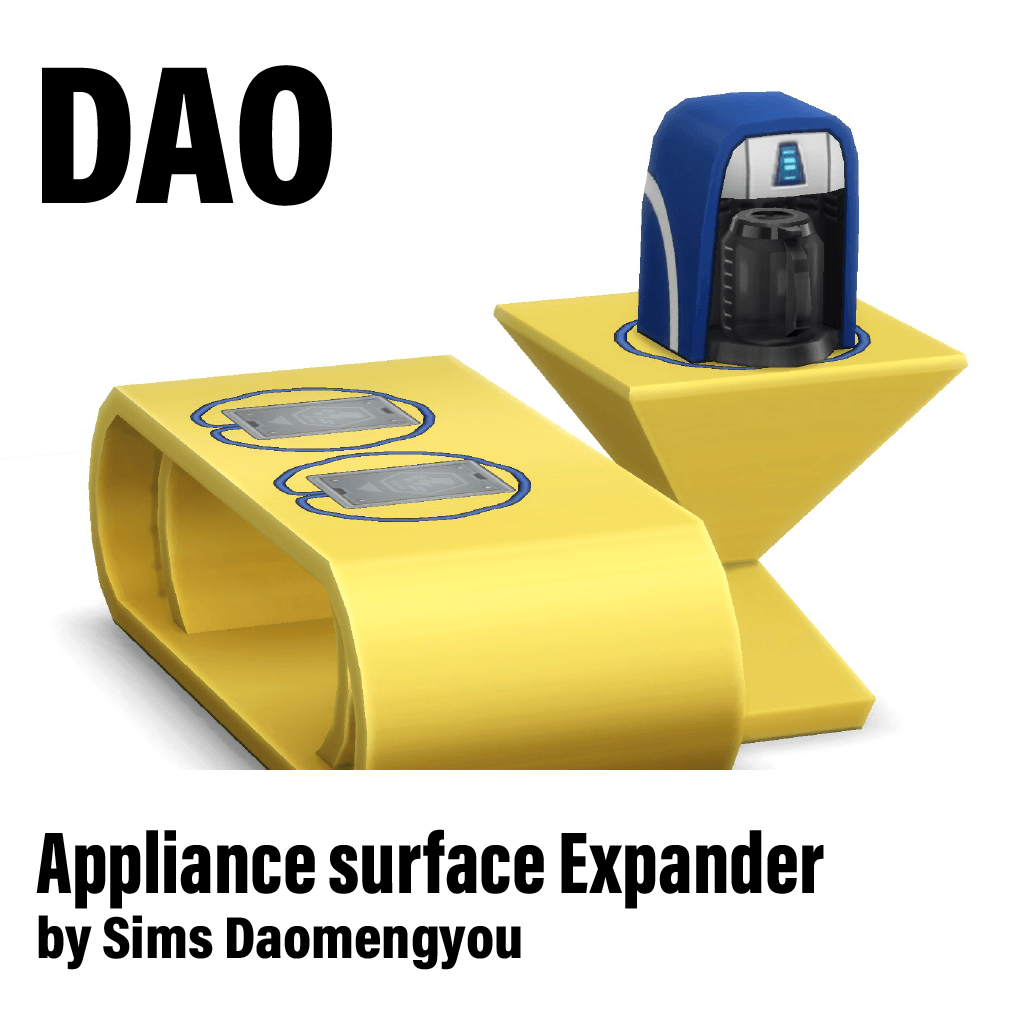
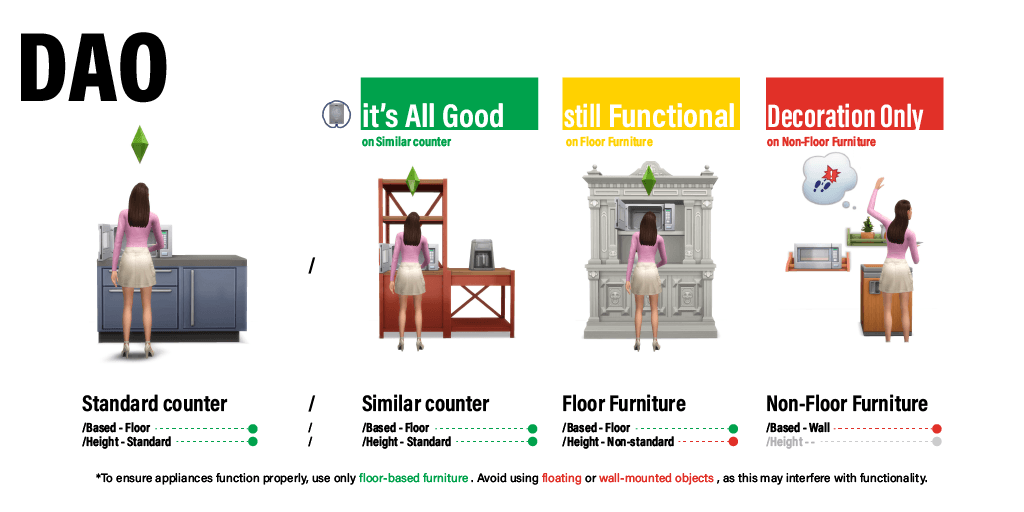
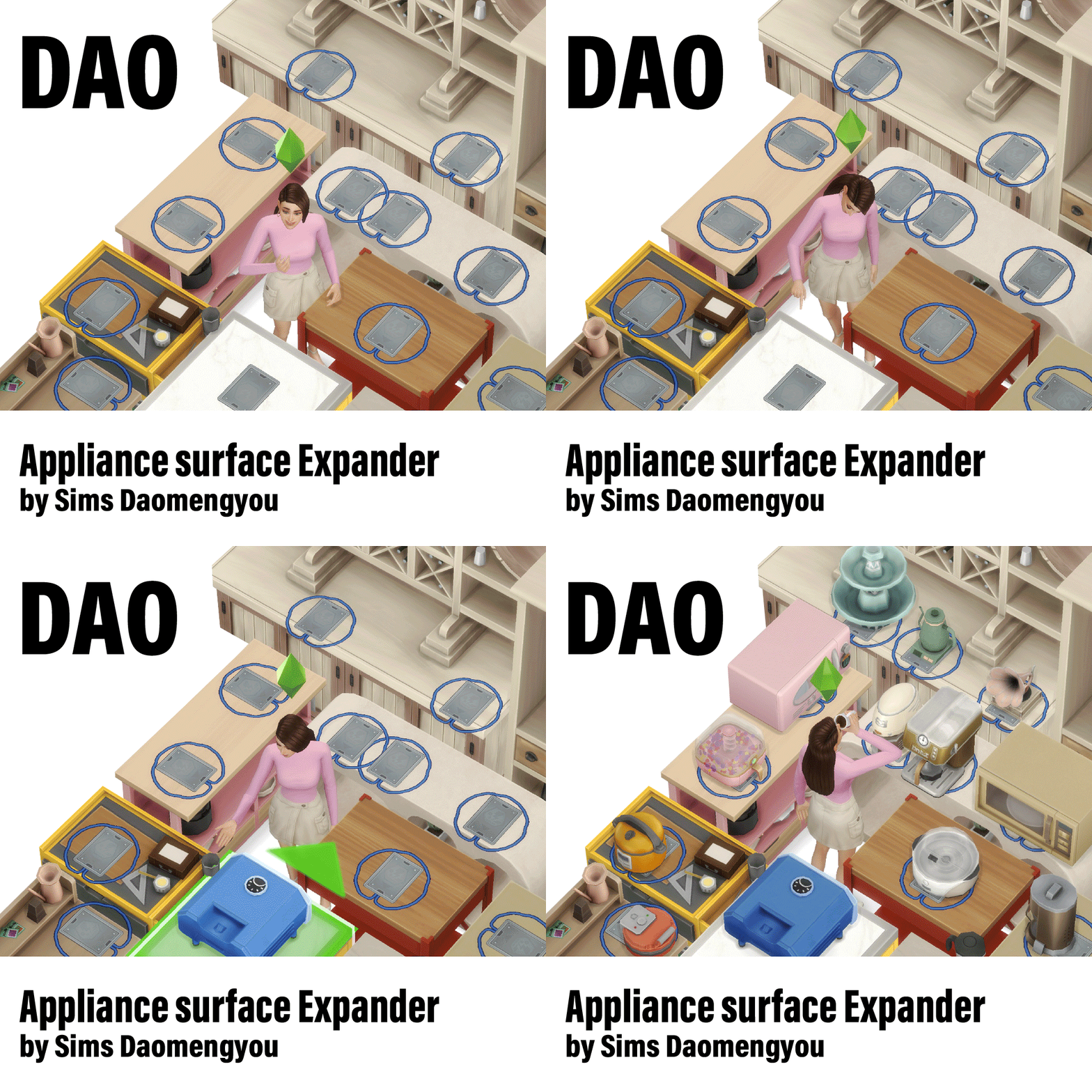
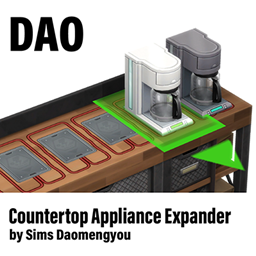
This object lets you place small appliances in decorative slots.In other words, you can bring functional appliances anywhere a decorative slot is available.
To use it, just place the object on any table surface, then put your appliance on top of it. When installing this object, please make sure Build/Buy cheats are enabled. After placement, the object will automatically remain hidden in Live Mode.
Known Issues
Blenders may not work consistently. Due to differences in animation behavior, blenders may sometimes fail to function. In some cases they will still work—try adjusting placement if needed.
Not recommended for child Sims. Children use step stools to access appliances. When placed this way, they may route to nearby counters instead, causing animation misalignment.
Children Step stool issues. If a step stool is placed on non-counter surfaces, it may not disappear properly. If a child gets stuck, entering Build Mode do something will reset and remove the stool.