Screenshot
Screenshot
Screenshot
Screenshot
Screenshot
Description
SCMR Cinematic
Requirement: SCMRmod 5.2
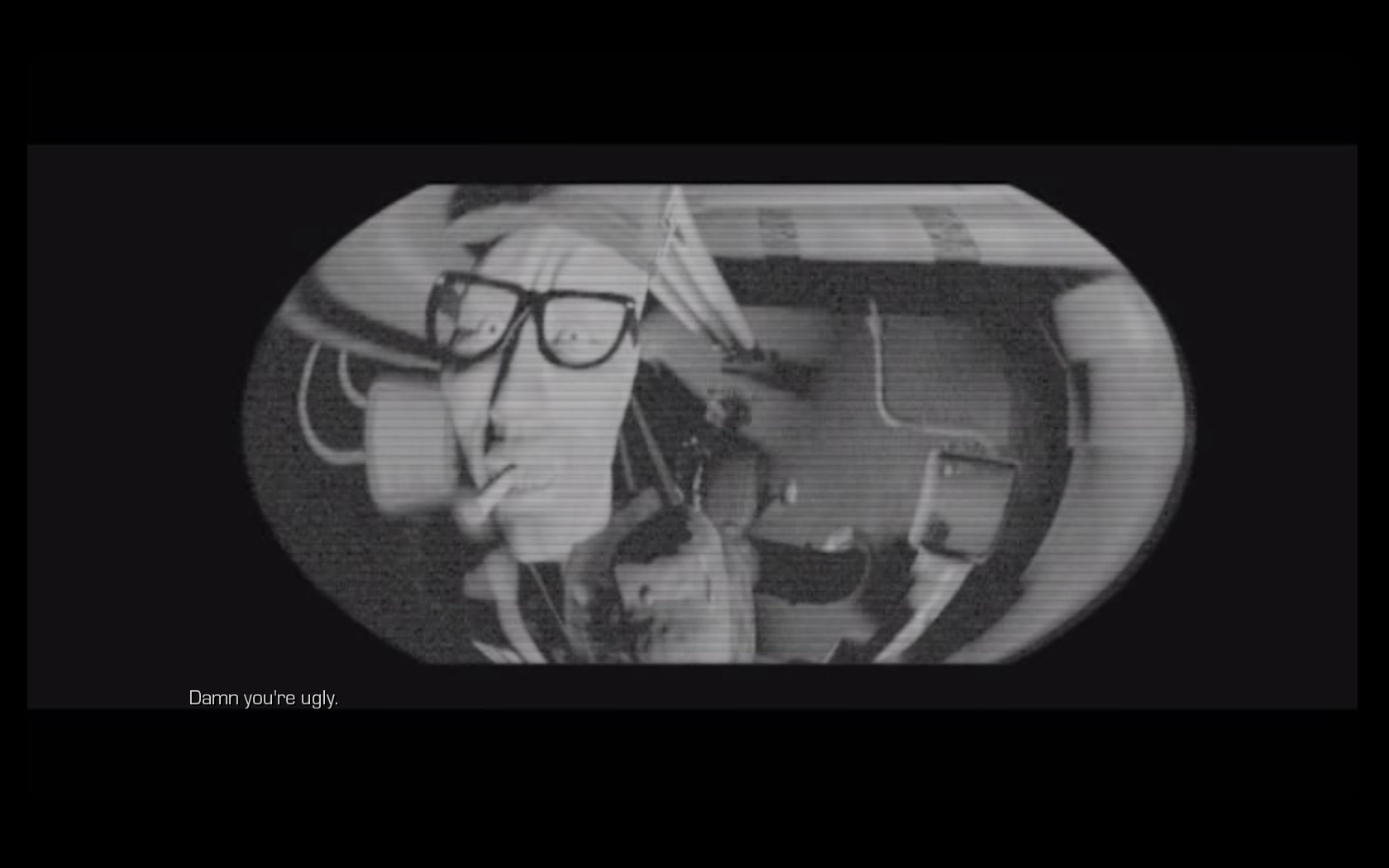
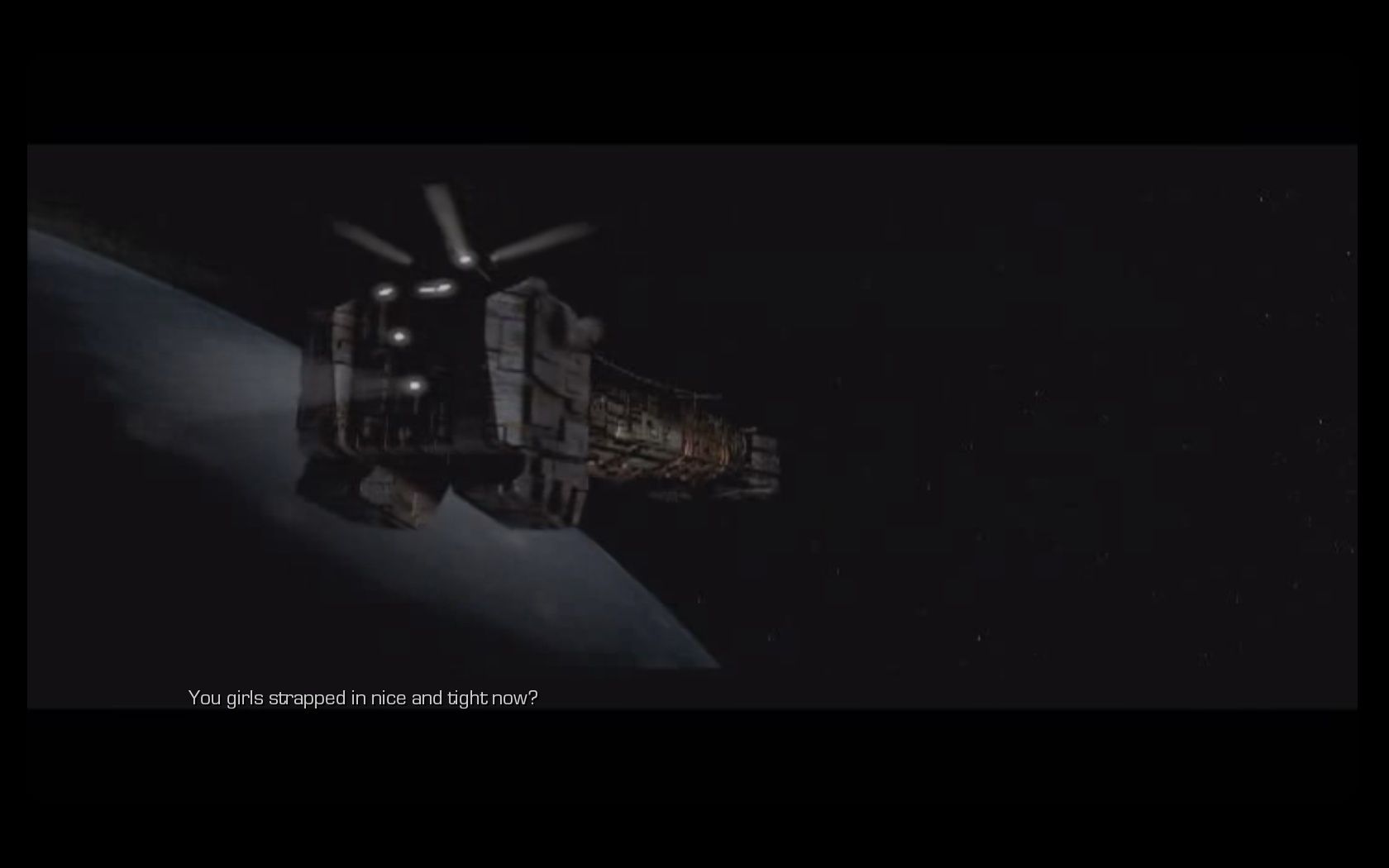
This mod adds cinematics of the original game StarCraft Brood War, in the remake StarCraft: Mass Recall.
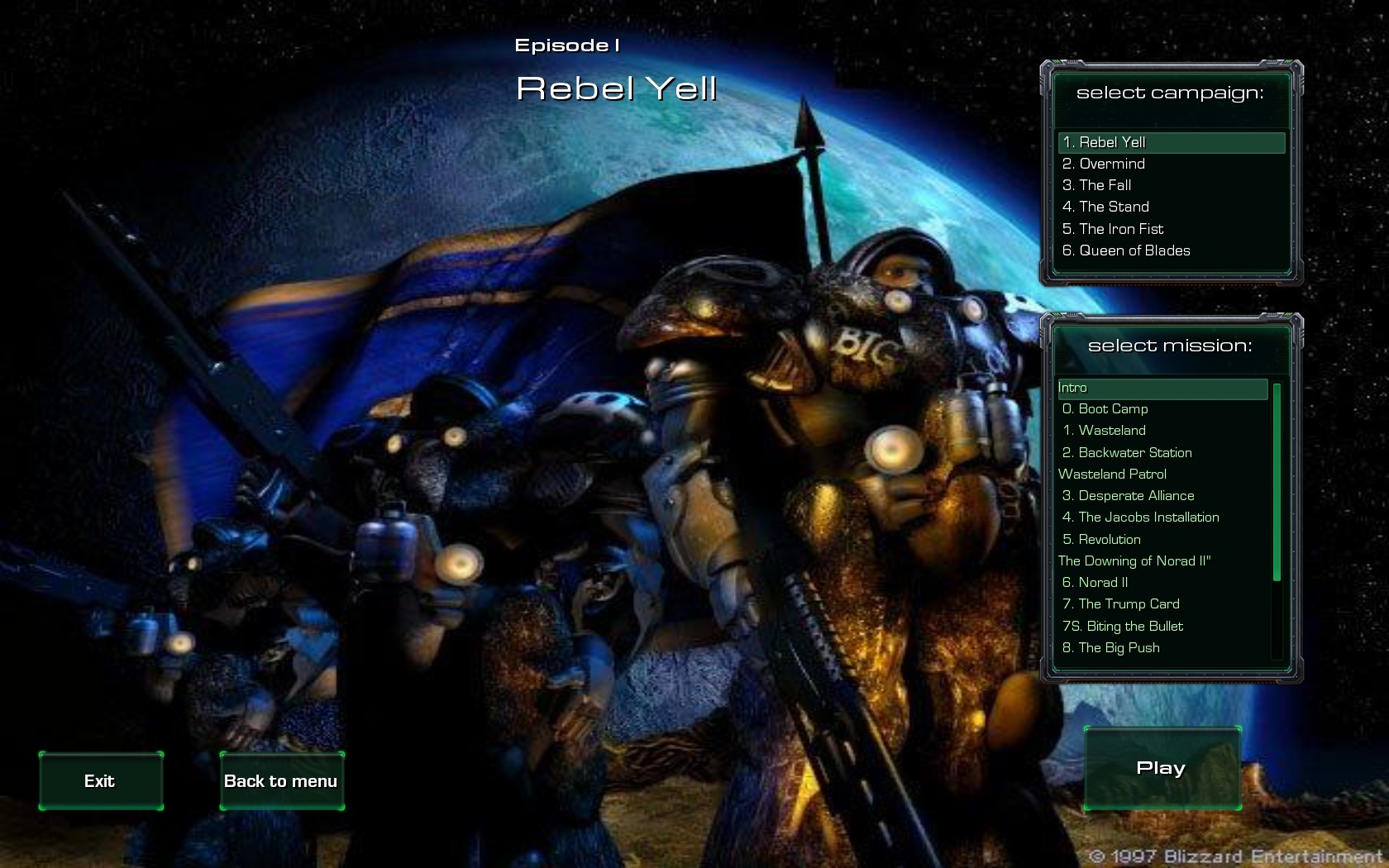
Videos can be played both in the SCMR Campaign Launcher, and between missions.
- Video quality:
- format .ogv
- 720x480
- frame rate 29.
- Installation.
- instal the Starcraft: Mass Recall 5.2
- extract the map packs (SCMR map cinematic)to the "Maps" folder in your Starcraft 2 install directory
- extract the mod file (SCMR mod cinematic ) to the "Mods" folder in your Starcraft 2 install directory
- Load SCMR Campaign Launcher
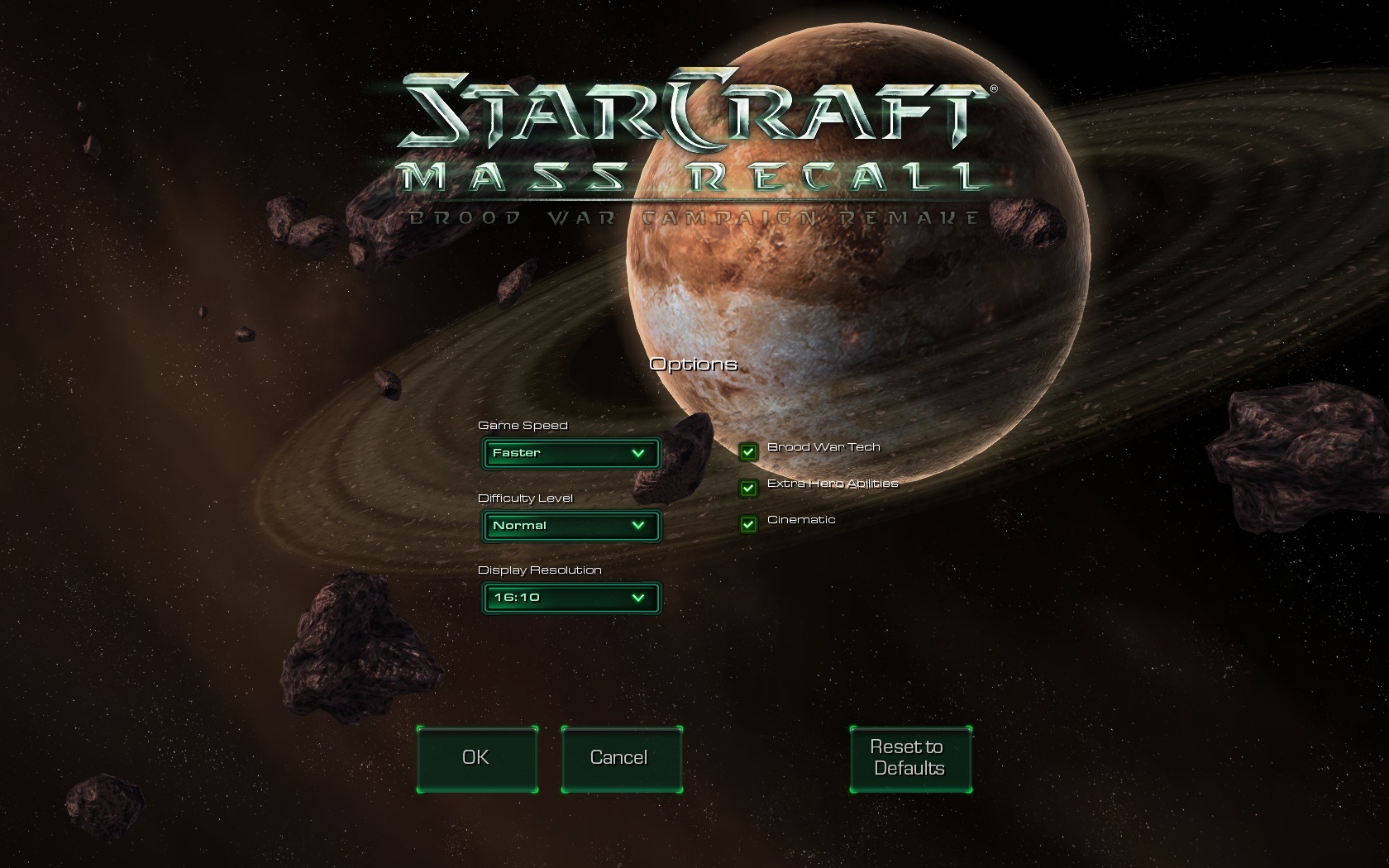
- Click Ctrl+F9
- In options to choose Cinematic and a Display resolution.
- To start playing mission.
Files
The SCMR mod Cinematic Team