
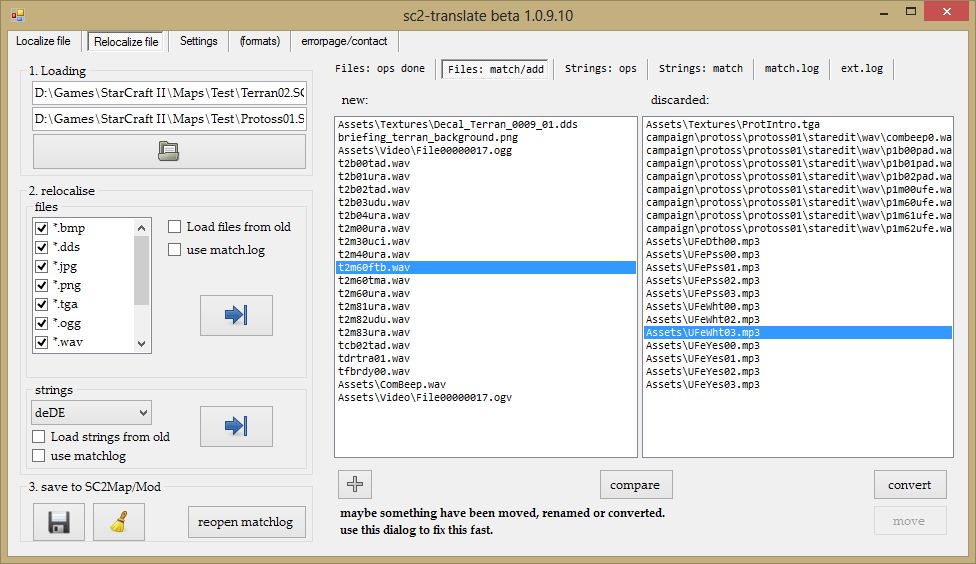
Here you can see the manual matching dialog for files that can't be auto-matched
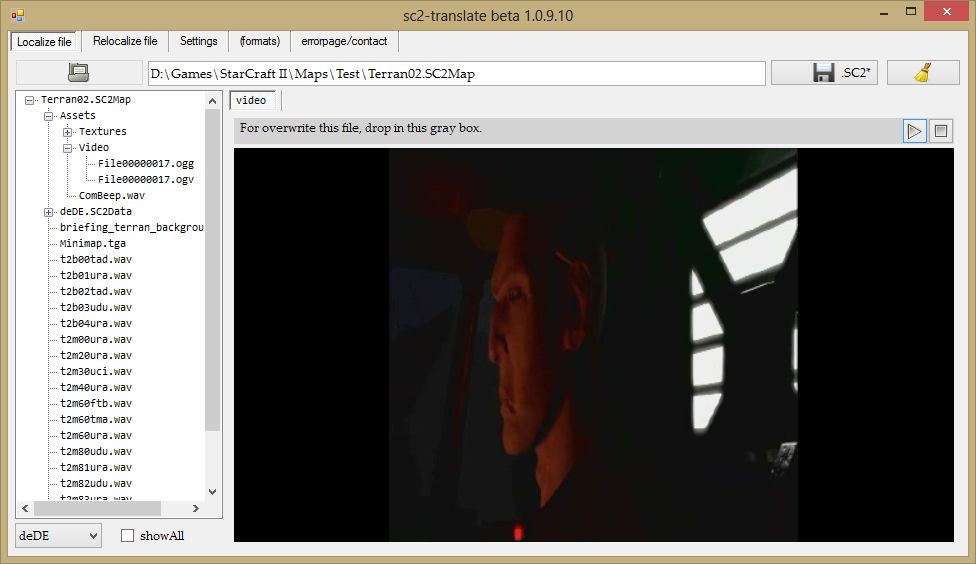
Here you can see, how to localize videos of a Map/Mod. (using VLC)
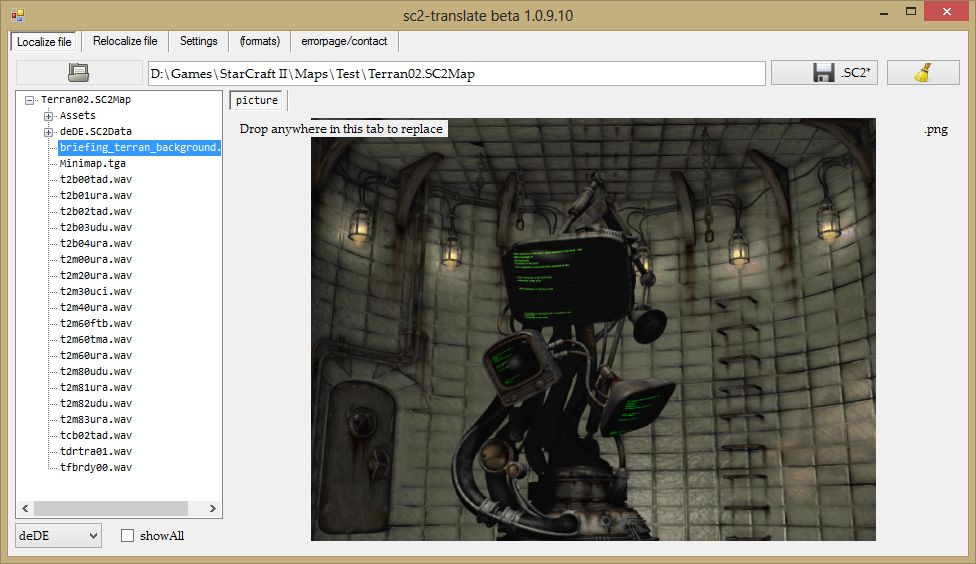
Here you can see, how to localize pictures of a Map/Mod
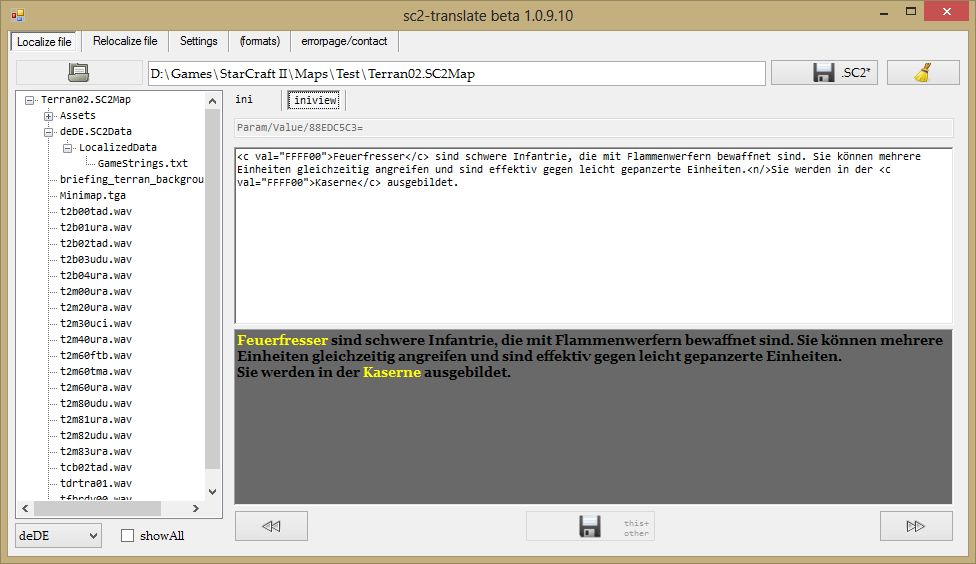
Here you can see, how to localize strings of a Map/Mod
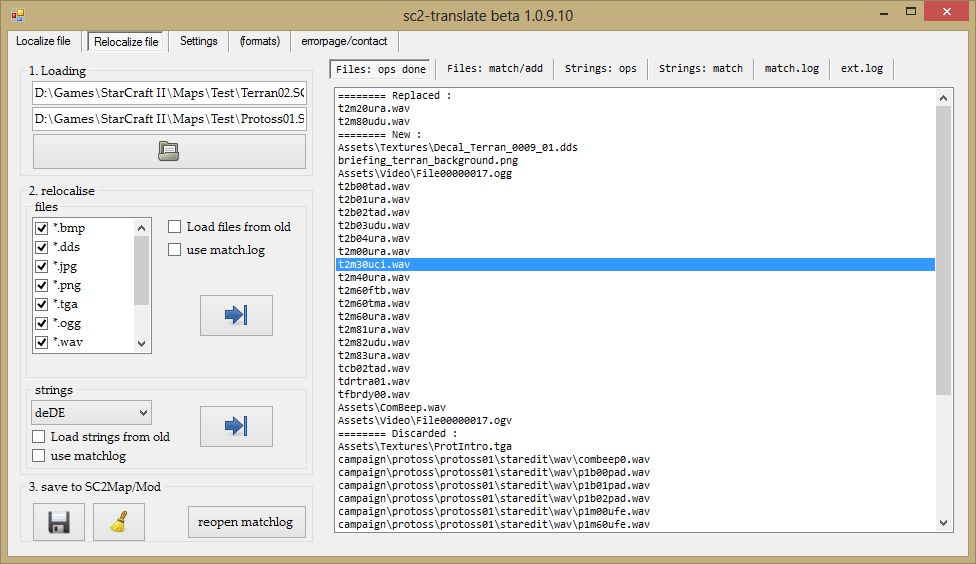
Here you can see the file list of the auto-relocalization operations
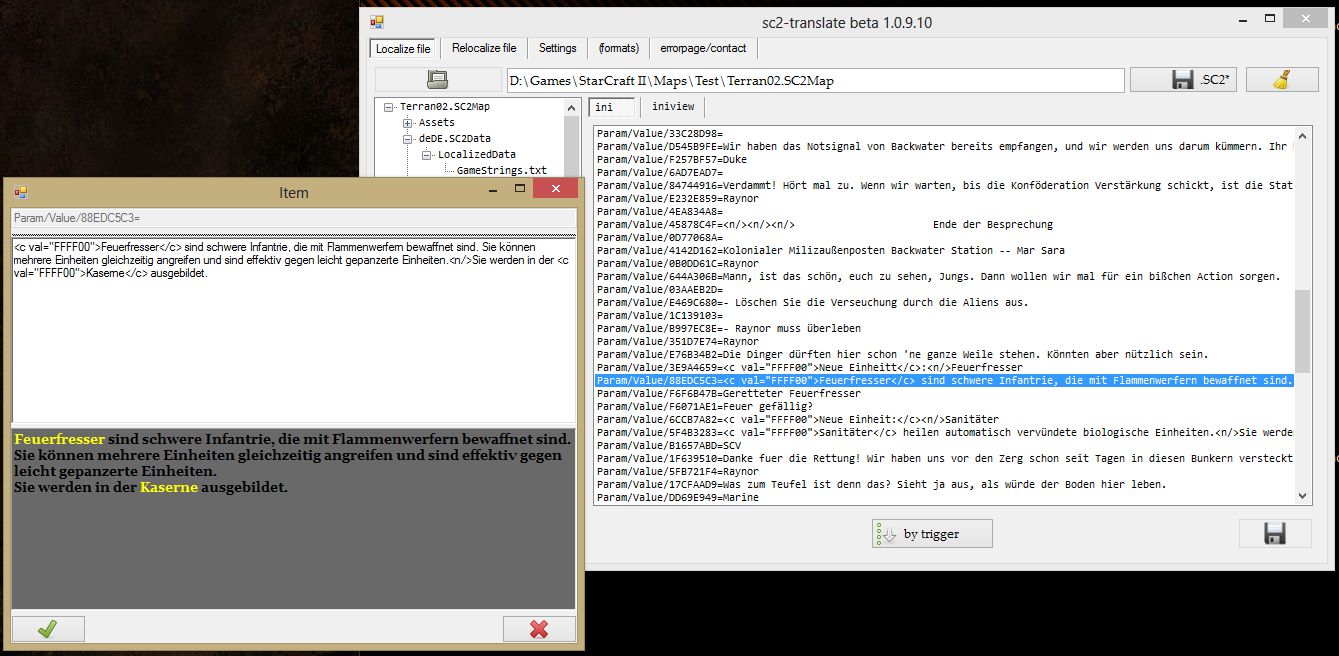
Here you can see, how to localize strings of a Map/Mod
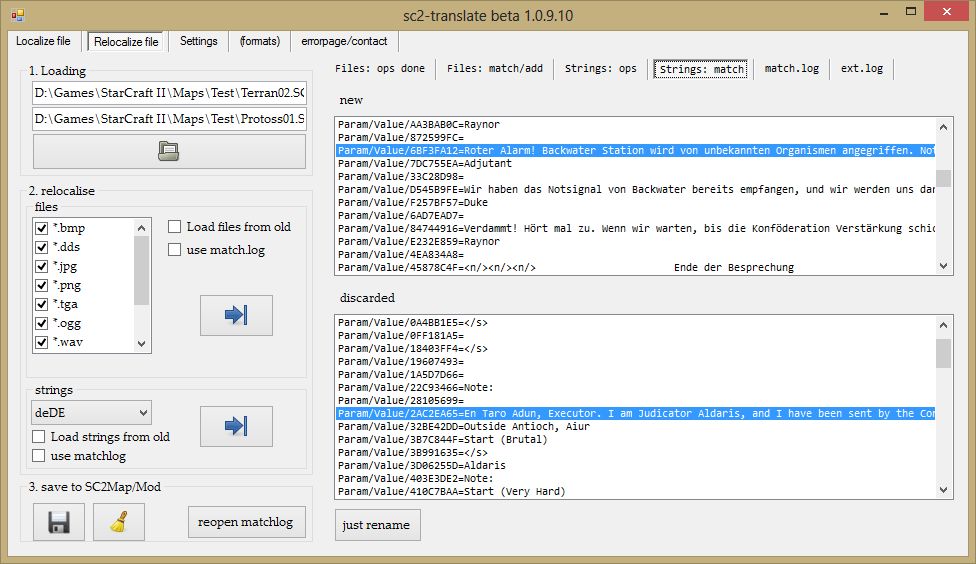
Here you can see the manual matching dialog for strings that can't be auto-matched
Description
SC2-translate 1.0.10.14
I thought about the problems with localizing a new version of a Map or Mod, because the SC2Editor have no option to do this automatically and it seemed to me that to do these will be a waste of time. Therefore I began to write a small tool to help map developers in this fact.
If you have an idea or a comment, just send me an PM or post something. I will be happy about it.
I'm also happy if you test it, or give me a hint what is missing in the program.
FEATURES
localize a file
- preview and replace localized files per drag and drop (images, audio, video)
- automatic convertion to destination codec
- renaming ingame strings more easier than in SC2Editor (linefeeds and multiple spaces are snipped automatically)
- sort the GameStrings.txt by occurrence in the Trigger file
re-localize a file
Problem: you have localized a file. Now a new version of the file is out and you have to do it again.
- automatically copy localized files/strings from the old to the new version
- manually check for new, converted, moved or discarded files to rematch them
- for rematching also previews are available
Possible problem: you have to do this for many languages.
- therefore a MatchLog will be created to log all your manually moved and converted files, to do this for the other runs also automatically
settings
- after you installed VLC you can recheck to the path without restarting the program
- you can select nightly builds for autoupdates
- you can change the default settings for the convertion dialog and can choose the option to use them anyway without a request
errors
- if an error occurs, you can send them with a note to me w/o using any mail-client (uses http:post)
What you have to pay attention for
- The Map/Mod you want to (re)localize has to be in a SC2.subfolder (e.g. /Maps). It's important, that MPQEditor can access the file.
What you need
- SC2 installed
- .Net 4 Framework
- (optional) VLC for viewing videos in the form, else the program open the standard player
- the tool: SC2-translate 1.0.8.0 (updates automatically to actual release)
- (you can get the source under: sourceforge.net/p/sc2translate/ , I'm using EasyMercurial)
KNOWN glitches
+CHANGELOG
+TODO
special thanks
goes to the developer of the libs irrKlang and FreeImage, further more to the developer of the MPQEditor and ffmpeg
The SC2 Localizing Team
