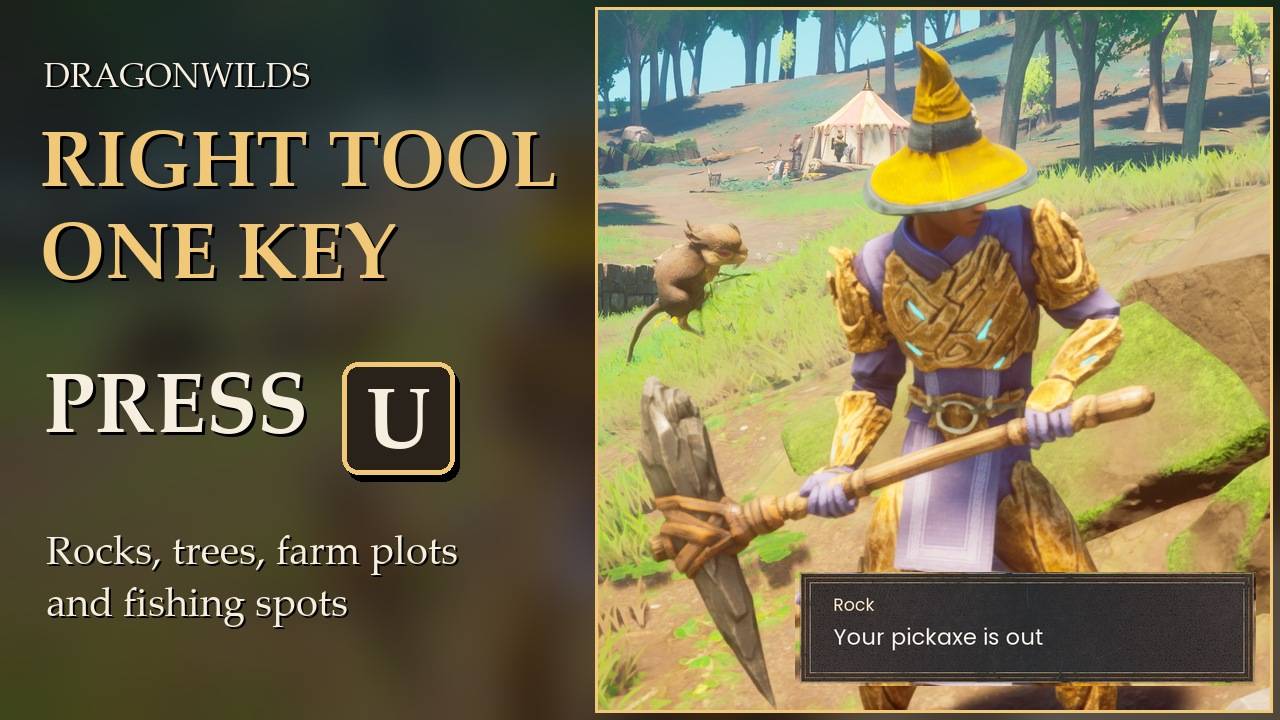
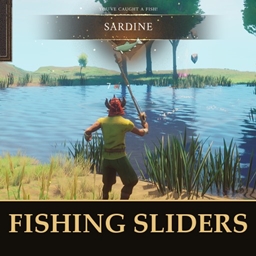
Face it, press one key, and the right tool is in your hand.
Look at a rock, tree, farm plot, buried chest or fishing spot and press U. Your best pickaxe, axe, spade, watering can, compost bucket, rod or net comes out of your bag, from any slot.
I got tired of opening my inventory or hunting for the right hotbar number every time I walked up to something new. So now I press one key and the game hands me the tool for whatever I am looking at. That's all it does. It never swings, chops or digs for you: the gathering is still yours.
What it picks
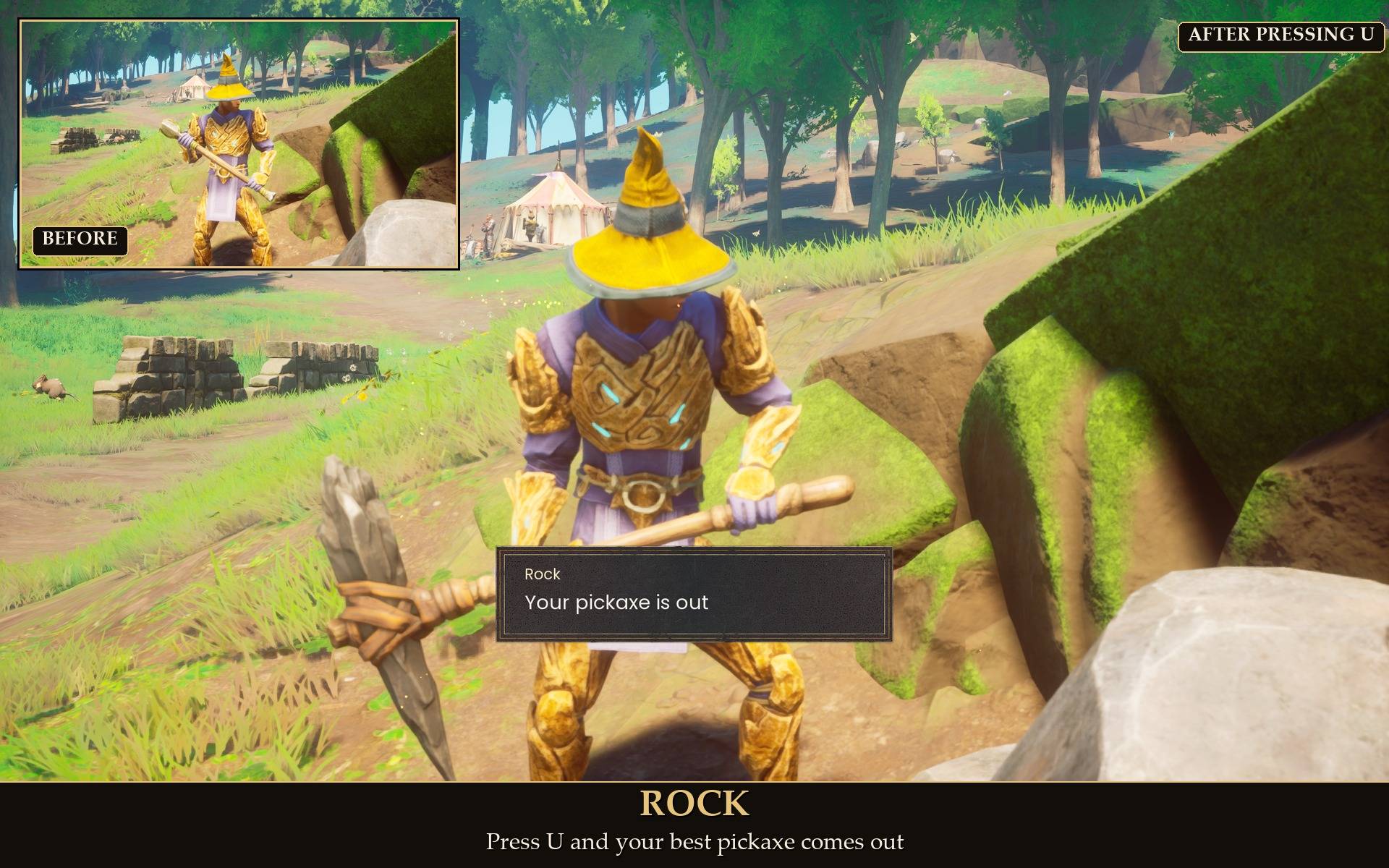
- Rock or ore: your best pickaxe. That includes the iron, coal, copper, tin, gold, silver, mithril and rune essence nodes.
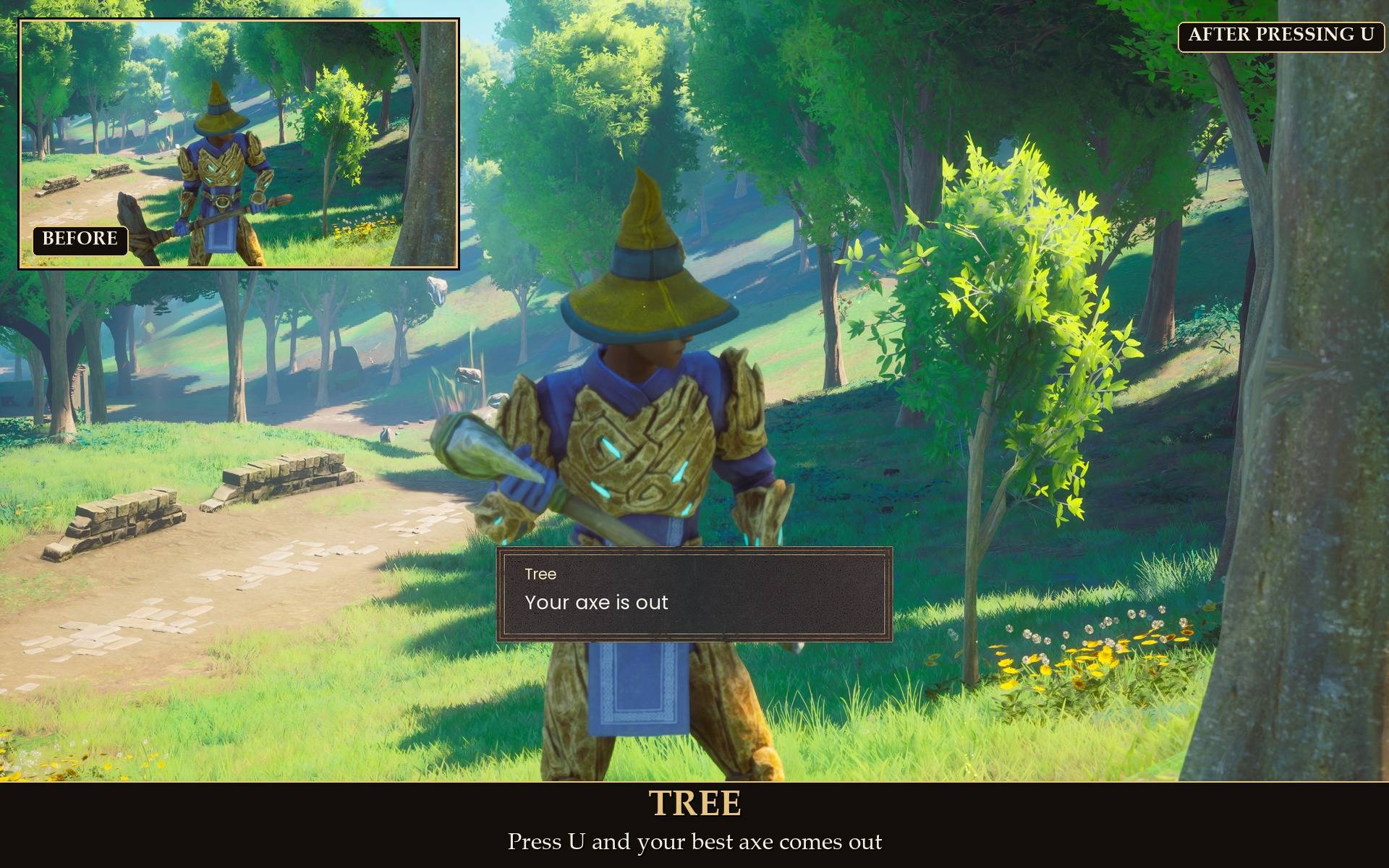
- Tree: your best axe. This works even when a branch is lying next to the tree and the game's own prompt is pointing at the branch. Plain logs lying on the ground bring out the axe too.
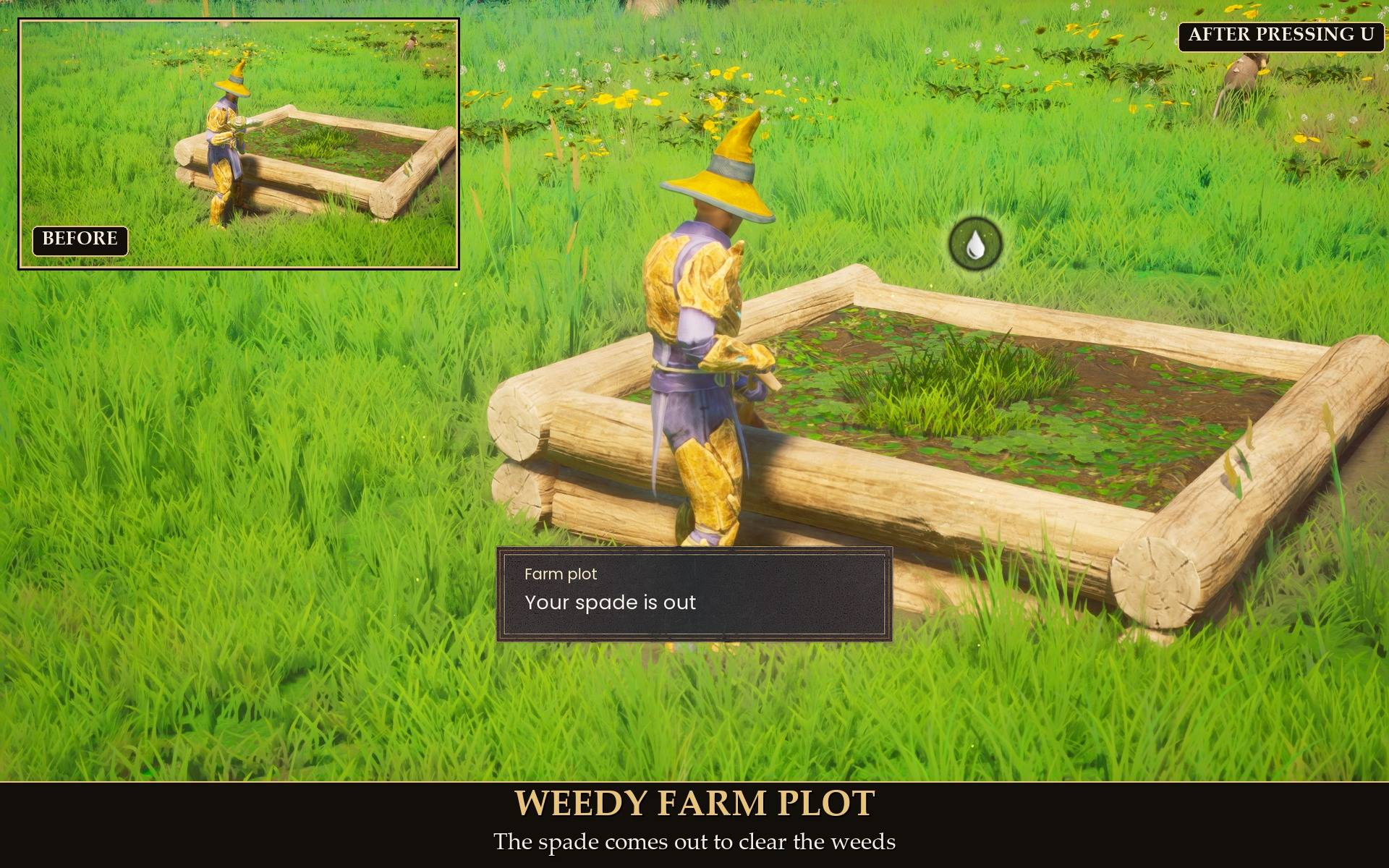
- Farm plot with weeds: the spade. A dead plant gets the spade as well, so you can dig it out.
- Buried chest (dig spot): the spade. One that is already fully dug is skipped.
- Farm plot that needs water: the watering can.
- Watered farm plot: the compost bucket. You can turn this step off in the settings.
- Harvesting and curing need no tool, so it tells you that instead. You harvest with E, and you cure with E as long as the potion is in your bag. A tilled plot with nothing planted needs a seed, not a tool, so it says that too.
- Rod fishing spot: your fishing rod. Net fishing spot: your fishing net.
"Best" means the highest tier the game gives the item (its power level). The tool can be anywhere in your backpack, not only on your hotbar. It stays where it is in your bag, just like when you press a hotbar key.
What it tells you
A short message on screen says what happened:
- "Rock: Your pickaxe is out" (or "is already out" if you were holding it).
- "No pickaxe in your bag" when you don't have one.
- "Face a rock, tree, farm plot, buried chest or fishing spot first" when there is nothing in front of you.
- "Needs no tool right now (harvest or cure with E)" for a plot that just needs E.
Pressing the key again while the tool is already out does nothing, so it never puts your tool away by accident. See the gallery for each case.
Settings
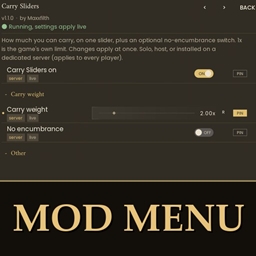
All live in Mod Menu (Esc > MODS > Auto Tool), or in config.txt in the mod folder:
- Auto Tool on: on by default.
- Tool key: U by default (the game does not use U). Letters, F1 to F12 and Numpad 0 to 9 work, and "none" turns the key off. A new key needs a game restart; if you change it in Mod Menu, a message reminds you.
- Rocks and ore, Trees, Farm plots, Fishing spots: each on by default. Turn one off and the key ignores that kind. Buried chests count as Rocks and ore.
- Compost bucket: on by default. Off means a watered plot gets no tool.
- Rock reach: how close a rock has to be, in front of you. 3 m by default, 1.5 to 6 m. A tree found next to a branch uses the same distance.
- On-screen messages: on by default.
- Detailed log: off by default. Extra lines in UE4SS.log if something is not working.
Everything except the key applies straight away.
Install
- Install UE4SS for RSDragonwilds (linked under Requirements).
- Drop the
AutoTool folder into RSDragonwilds/Binaries/Win64/ue4ss/Mods/
- Optional: install Mod Menu to change the settings in game. On Game Pass: use the BE version of UE4SS with the SCO signature, the normal build does not load there. Game Pass also installs the game under Binaries/WinGDK/ instead of Binaries/Win64/, so the AutoTool folder goes in RSDragonwilds/Binaries/WinGDK/ue4ss/Mods/. If you install with Vortex, check that is where it ended up. To uninstall, delete the
AutoTool folder.
Good to know
- It only changes what is in your hand. It uses the tool the same way a hotbar key does. It never swings, and it never adds, removes or moves items. In testing, pressing the key left stamina exactly where it was.
- The key waits for you. It does nothing while a menu is open, and a press while the world is still loading is kept until you are in.
- Light on performance. No hooks, and it only looks at the world when you press the key. The first press after you have moved a few meters takes a quick look at the rocks and trees around you; after that it reuses the list.
- Tip: if you also want the swap itself to be instant, No Equip Delays by another author removes the equip delay. I have not tested the two together.
- Not sure it is running? UE4SS.log shows a line starting with
[AutoTool] loaded. Tested on RuneScape: Dragonwilds 1.0 with real key presses on a test character: a rock, a tree with a branch next to it, a plot with weeds, a plot that needed water, a watered plot, a rod fishing spot and a net fishing spot. For 1.0.3 I also pressed the real key at a dead plant (spade) and at a rune essence geyser (pickaxe). Buried chests were checked by which tool the mod picks, not by digging one. Not tested yet: co-op, Game Pass. The key is a keyboard key; there is no controller button for it.