

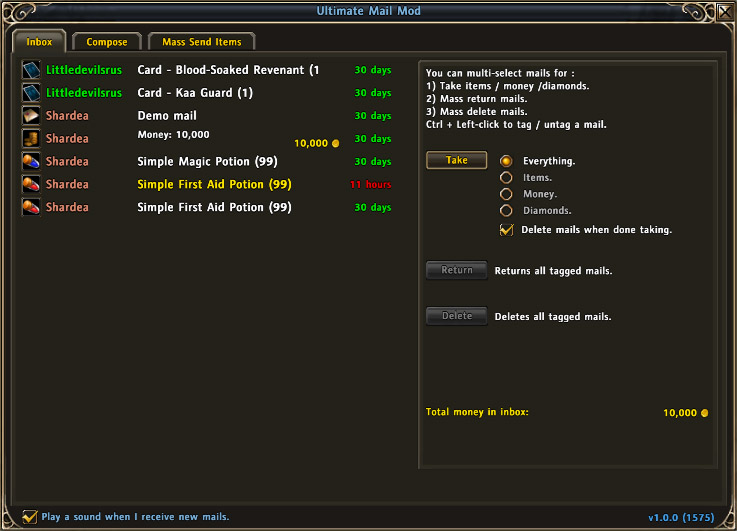
The Inbox will list up to 18 mails at any given time. If more than 18 mails exist in the inbox a scrollbar will be shown allowing you to scroll through the list.
Author names are color coded:
- Red/orange: Your own characters. <...
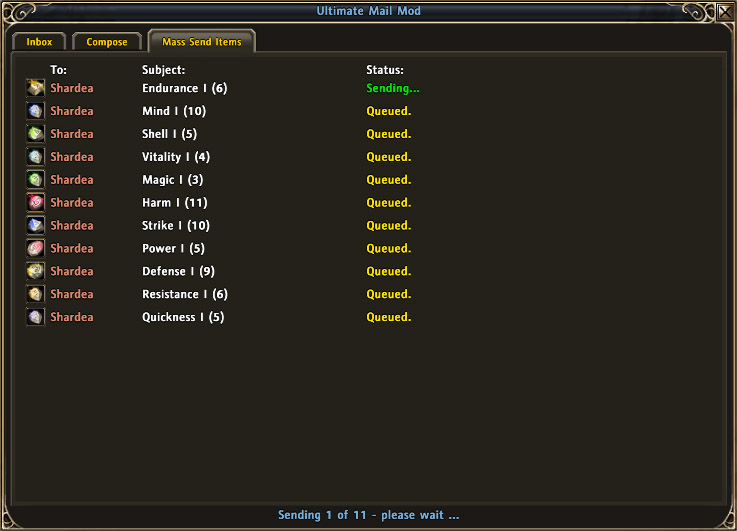
Once "Send" has been clicked in the "Mass Send Items" tab a status display will be shown while UMM attempts to send the mails.
Status count is shown at the bottom of the window while the queue of mails is displayed in the main tab. The top-mos...
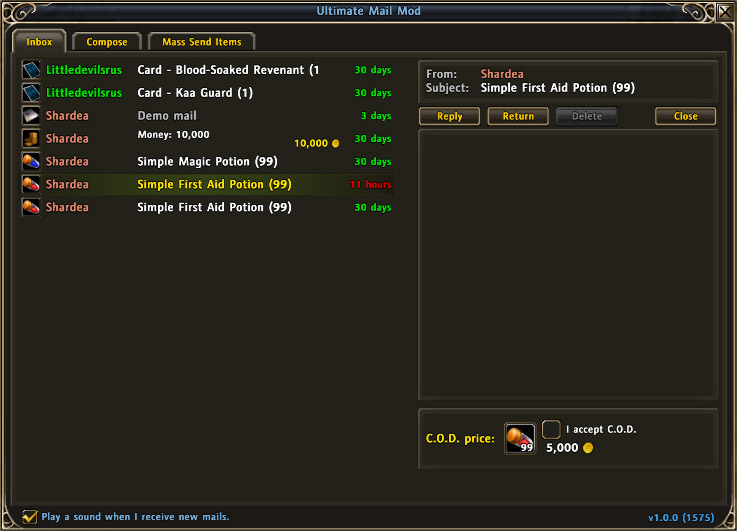
When clicking a single mail the help panel will disappear and instead show the mail viewer.
This one shows a mail from my main character Shardea who sent 99 First Aid Potions and set up a C.O.D. value of 5,000 gold. Put a checkmark in the "I a...
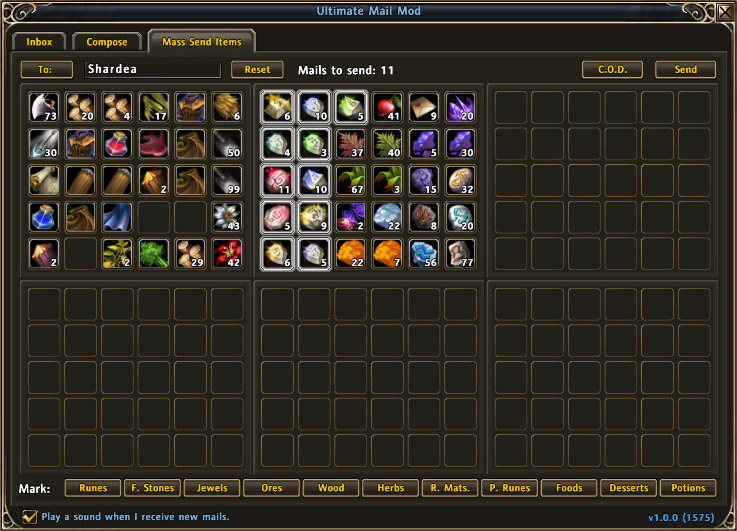
This is perhaps the most usefull part of UMM - the Mass Send Items tab.
This tab allows you to send any number of mails containing slots of items. You can tag/untag any slot of items by simply clicking the slot. The 11 buttons at the bottom of...
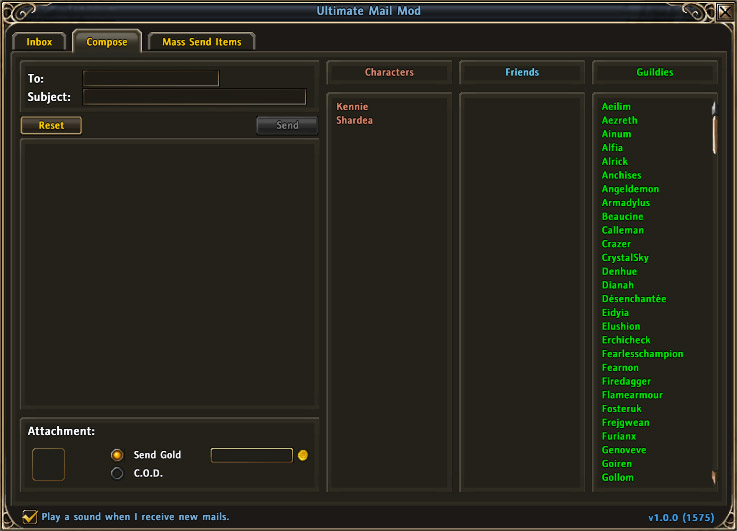
The new mail Composer is fairly identical to the original Composer.
Clicking a name in either of the three columns will copy that name and paste it into the "To:" input box (the recipient). The column "Characters" is automatically updated for ...
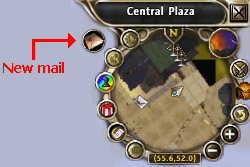
When receiving new mails a small icon is placed near the minimap.

