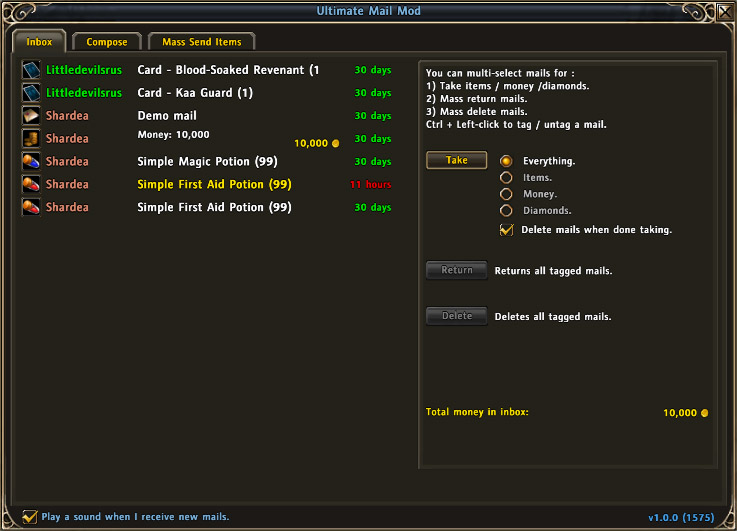
The Inbox will list up to 18 mails at any given time. If more than 18 mails exist in the inbox a scrollbar will be shown allowing you to scroll through the list.
Author names are color coded:
- Red/orange: Your own characters. <...
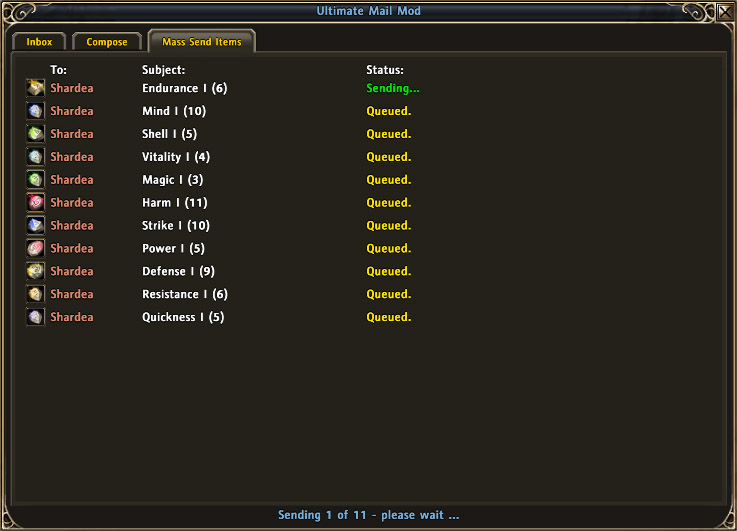
Once "Send" has been clicked in the "Mass Send Items" tab a status display will be shown while UMM attempts to send the mails.
Status count is shown at the bottom of the window while the queue of mails is displayed in the main tab. The top-mos...
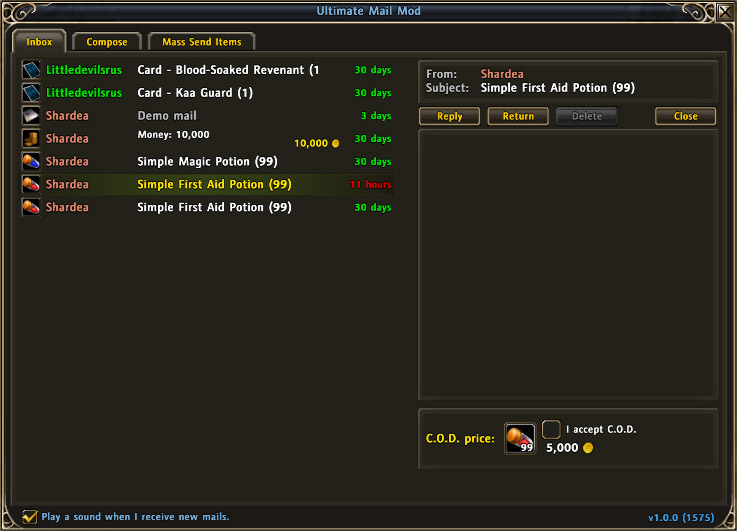
When clicking a single mail the help panel will disappear and instead show the mail viewer.
This one shows a mail from my main character Shardea who sent 99 First Aid Potions and set up a C.O.D. value of 5,000 gold. Put a checkmark in the "I a...
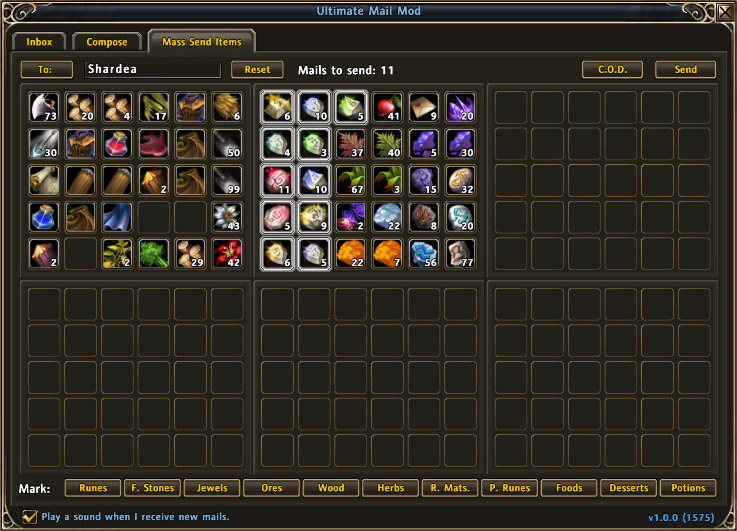
This is perhaps the most usefull part of UMM - the Mass Send Items tab.
This tab allows you to send any number of mails containing slots of items. You can tag/untag any slot of items by simply clicking the slot. The 11 buttons at the bottom of...
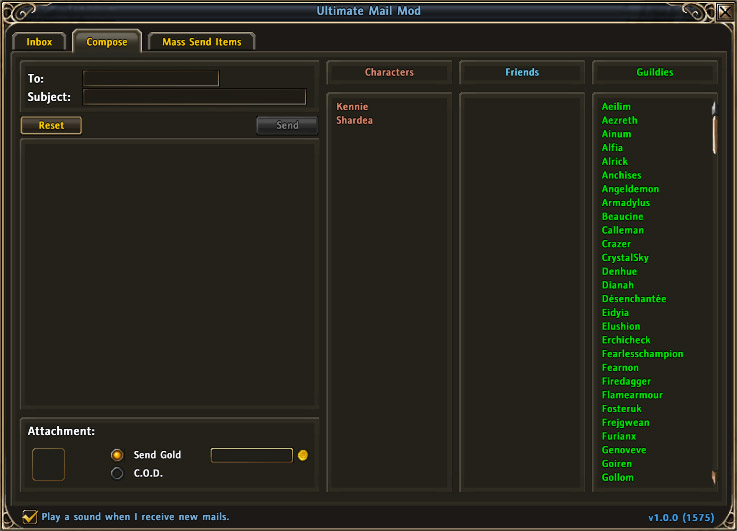
The new mail Composer is fairly identical to the original Composer.
Clicking a name in either of the three columns will copy that name and paste it into the "To:" input box (the recipient). The column "Characters" is automatically updated for ...
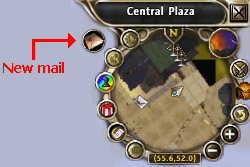
When receiving new mails a small icon is placed near the minimap.
Description
Ultimate Mail Mod is an extension to the existing mail system. The original mail interface is "hidden" and "replaced" by the UMM interface.
Current version is: 1.6.5 (1676)
With the latest release I accidently left out a few labels in the other language files I would like to ask for help getting these labels translated so I can release a fix I have set up a site for these language files: http://addons.azureorder.dk/
Features:
Inbox
- Lists up to 18 mails in the inbox.
- The sender's name of each mail is color coded by reference type:
- Red/orange: One of your own characters
- Bluish: Friend
- Green: Guildie
- Yellow: Anyone not on the above lists.
- Alternative icons displayed for mails depending on their read/unread status.
- Displays mails inside the UMM window on the right hand side of the window.
- Displays amount of gold / diamonds attached to mails.
- Displays total amount of gold / diamonds on all visible mails in the inbox.
- Inbox allows automatic opening and grabbing of attachments. Can be filtered by items, gold, diamonds or all.
- Inbox allows automatic mass-return / mass-delete of mails. Ctrl+Left-mouse to toggle tags.
Composer
- Mail Composer adds lists of "Characters", "Friends" and "Guildies" (if guilded) for easy recipient selection.
- Automatic subject creation if you only attach money.
Mass Send Items
- Like the Composer you can quick select from "Characters", "Friends" and "Guildies" (if guilded)
- Full backpack (all 6 tabs) display of items.
- Click an item slot to toggle that slot for sending. Will display a white border around the slot if it's marked for sending.
- Click one of the 11 buttons in the bottom of the window for category tagging of items. (Runes/Herbs/Wood/etc.)
- Choose to either just send all the items right away or set up C.O.D. values for each slot of items sent.
- Display of current send status - mails listed and status displayed: "sending" or "queued". Top-most mail is the one being sent.
UMM has a complex set of checks preventing accidental deletion of mails containing items aswell as built in checks to stop automation in case of any failures.
For full release notes either consult "Readme.txt" found in the ZIP file or view the file over at CurseForge.com
For those who want to say "Hi" my main character is called "Shardea" - playing on Siochain and I'm the Vice Leader of the guild "The Azure Order" - visit us at www.azureorder.dk (site is in english).
The Ultimate Mail Mod Team