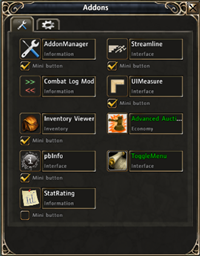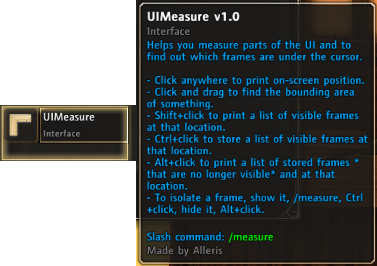
UIMeasure's icon and description in AddonManager
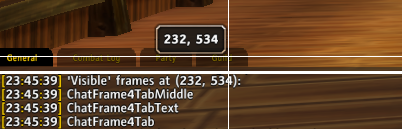
When you shift+click, UIMeasure lists all the "visible" frames under the cursor
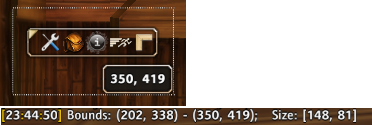
When you click and drag, you get a bounding box. When you release, UIMeasure prints the bounds and size of the box.

On click, UIMeasure prints the position clicked
Description
UIMeasure helps you measure parts of the UI and to find out which frames are under the cursor.
- Click anywhere to print on-screen position.
- Click and drag to find the bounding area of something.
- Shift+click to print a list of "visible" and valid frames at that location (excluding full-screen frames).
- To isolate a frame, show it, /measure, Ctrl+click, hide it, Alt+click.
- Ctrl+click to store a list of visible frames at that location.
- Alt+click to print a list of stored frames *that are no longer visible* and at that location.
- Adds a button to AddonManager's mini-addons bar for quick access
- Displays 'crosshair' guides and tooltip position as you move around
The UIMeasure Team