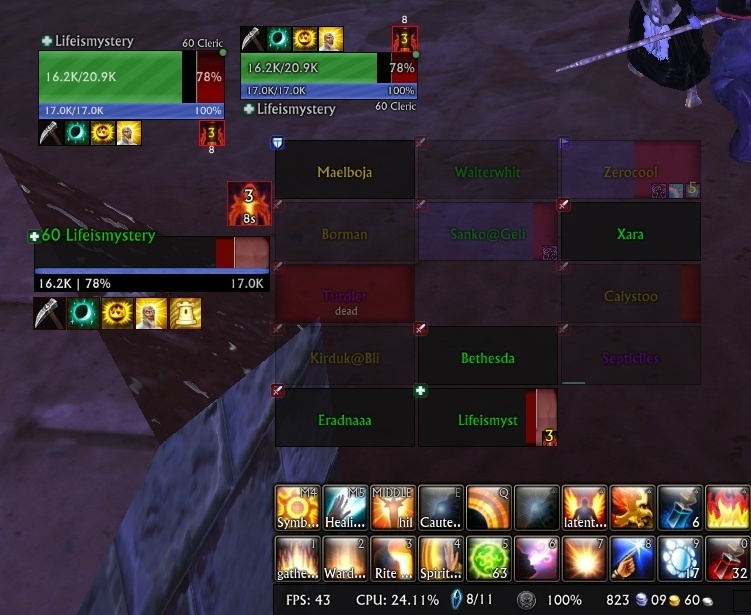
Update which could manage and show the life % debuff(HealthCap)
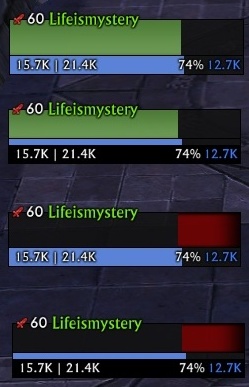
halfHP
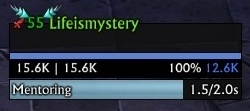
LifeismysteryUnitFrame
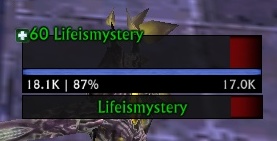
Add new template for TargetOfTarget
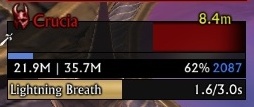
Boss_icon(Lifeismystery)
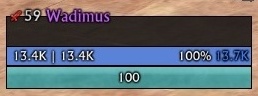
LifeismysteryMageFrame
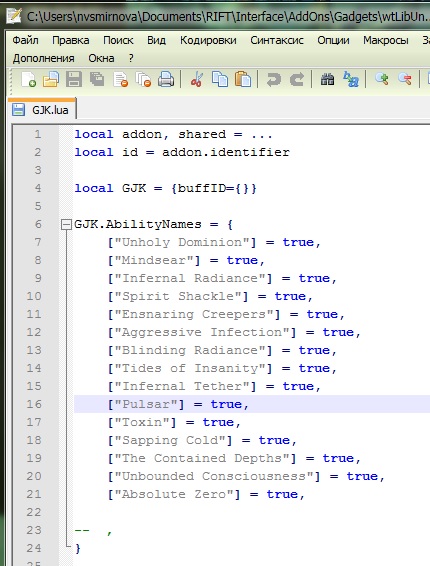
Add option to add specific debuff for LifeRaidFrame template, yellow color
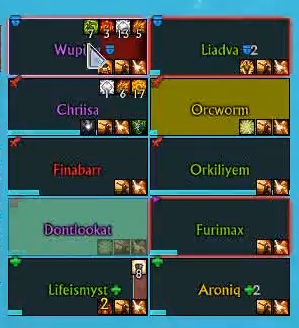
Add option to add specific debuff for LifeRaidFrame template, yellow color
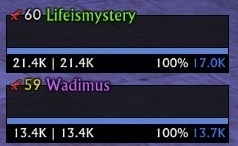
LifeismysteryGroupFrame
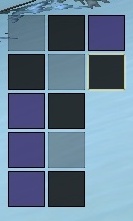
LifeismysteryDispel templete
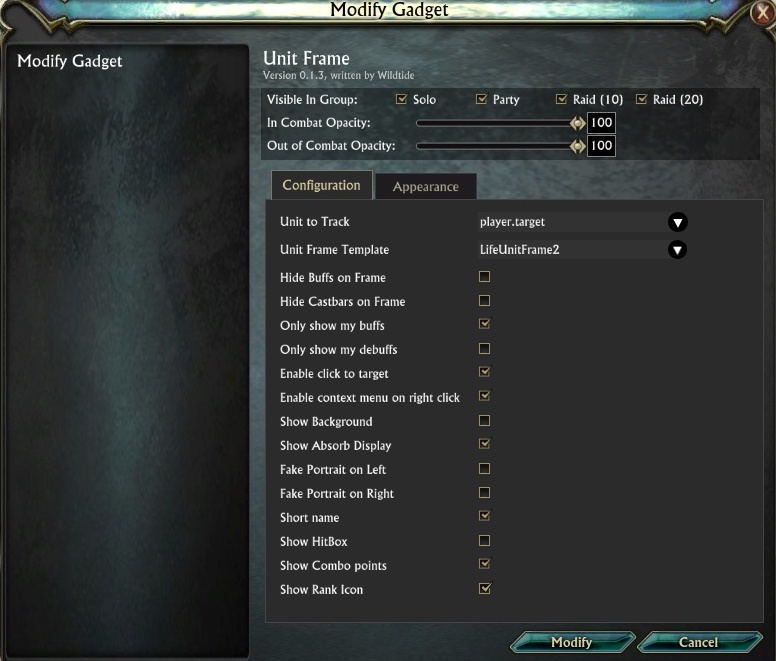
Add tier icon to LifeUnitFrame temple
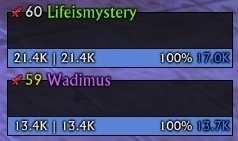
LifeismysteryGroupFrame2
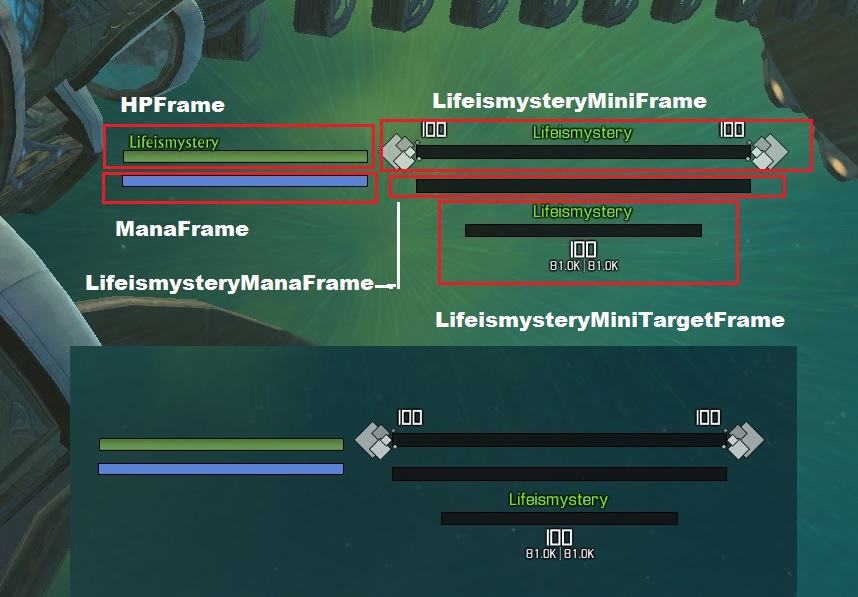
New UnitFrames
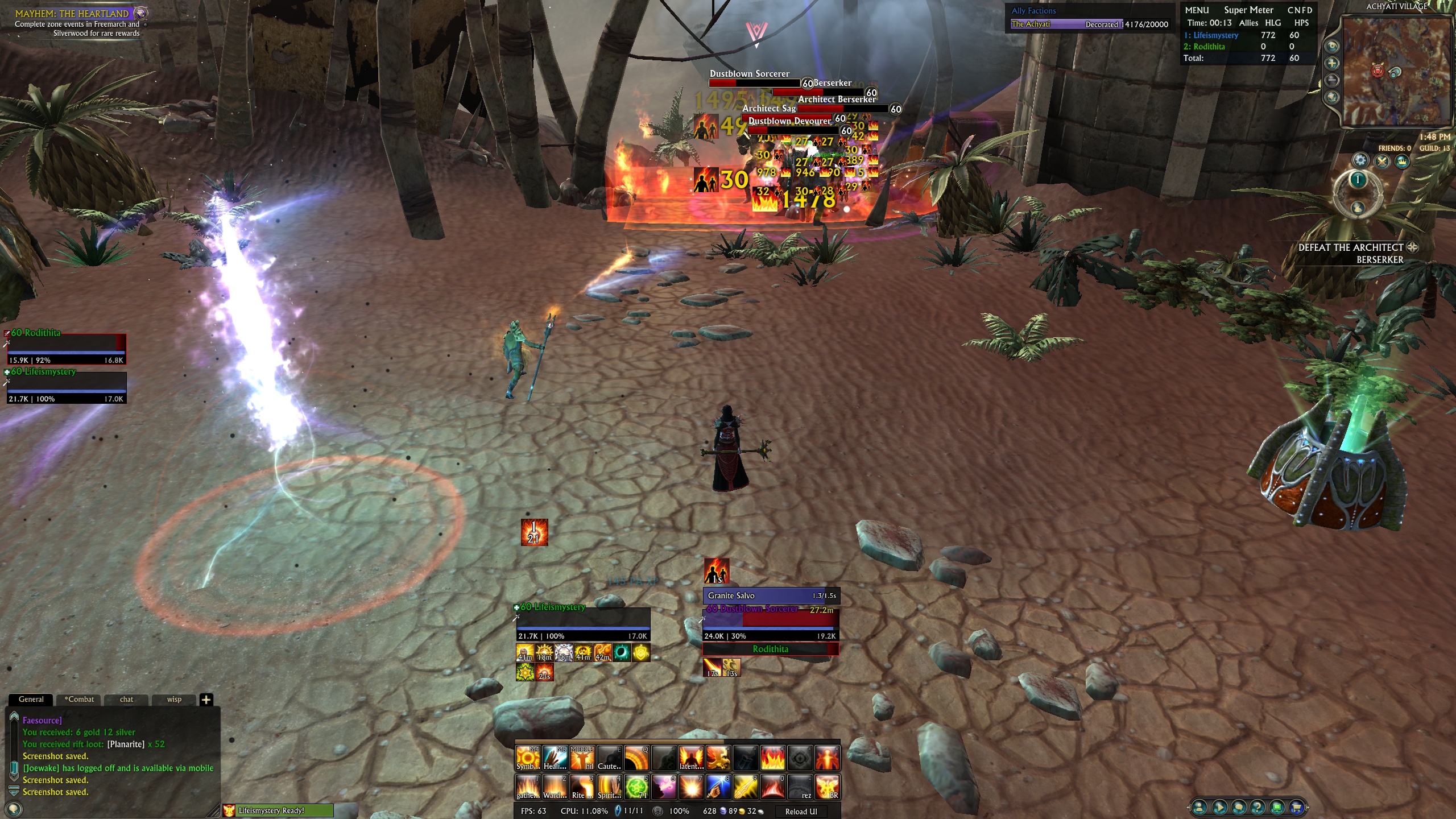
new templete LifeismysteryGroupFrame
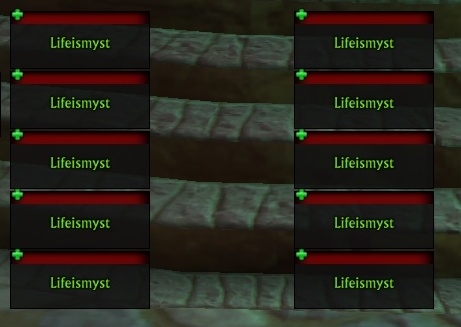
growthDirection=up
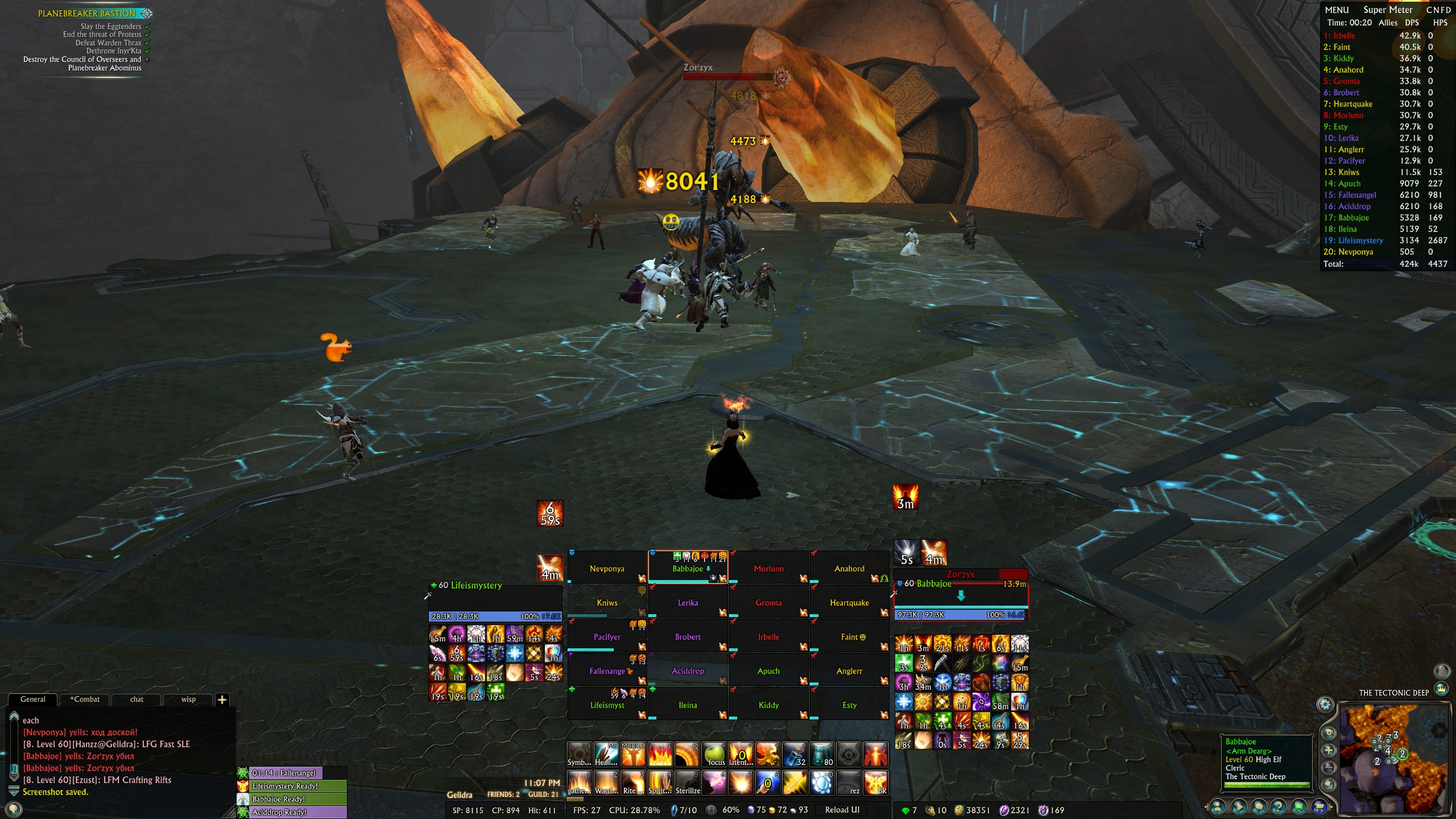
Gadgets: Lifeismystery Unit Frame
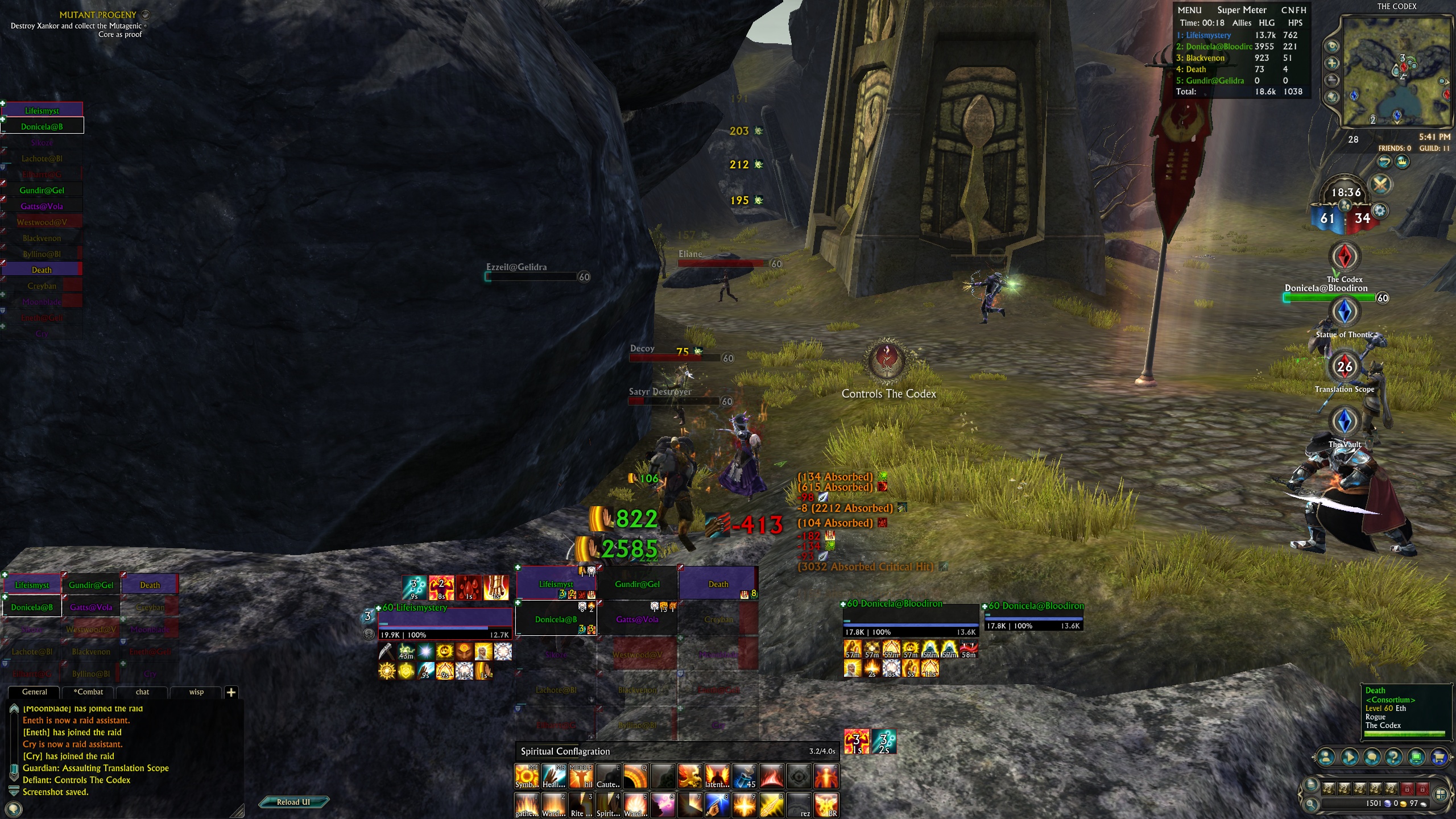
cleanseble debuff
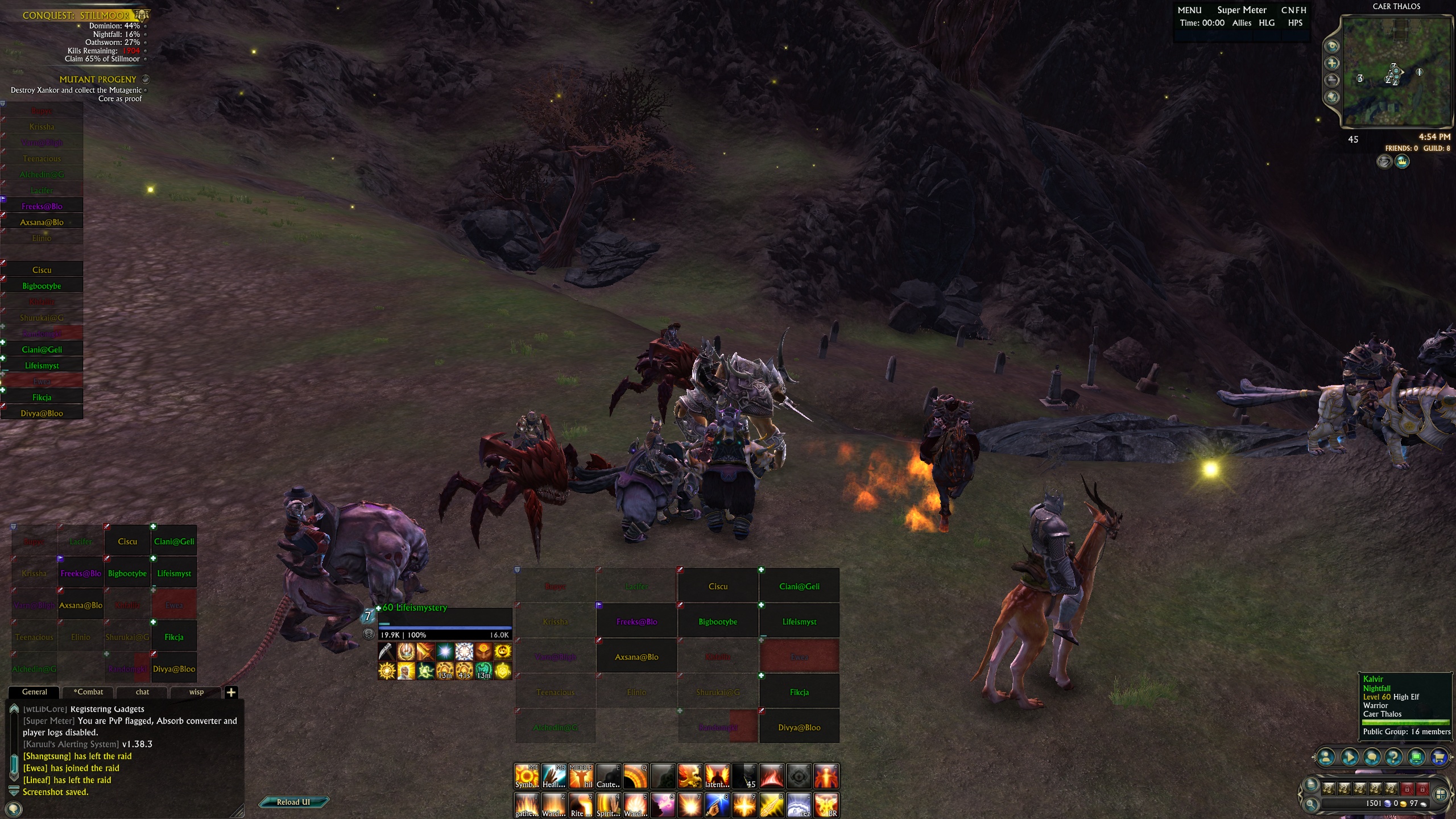
different variants of frames
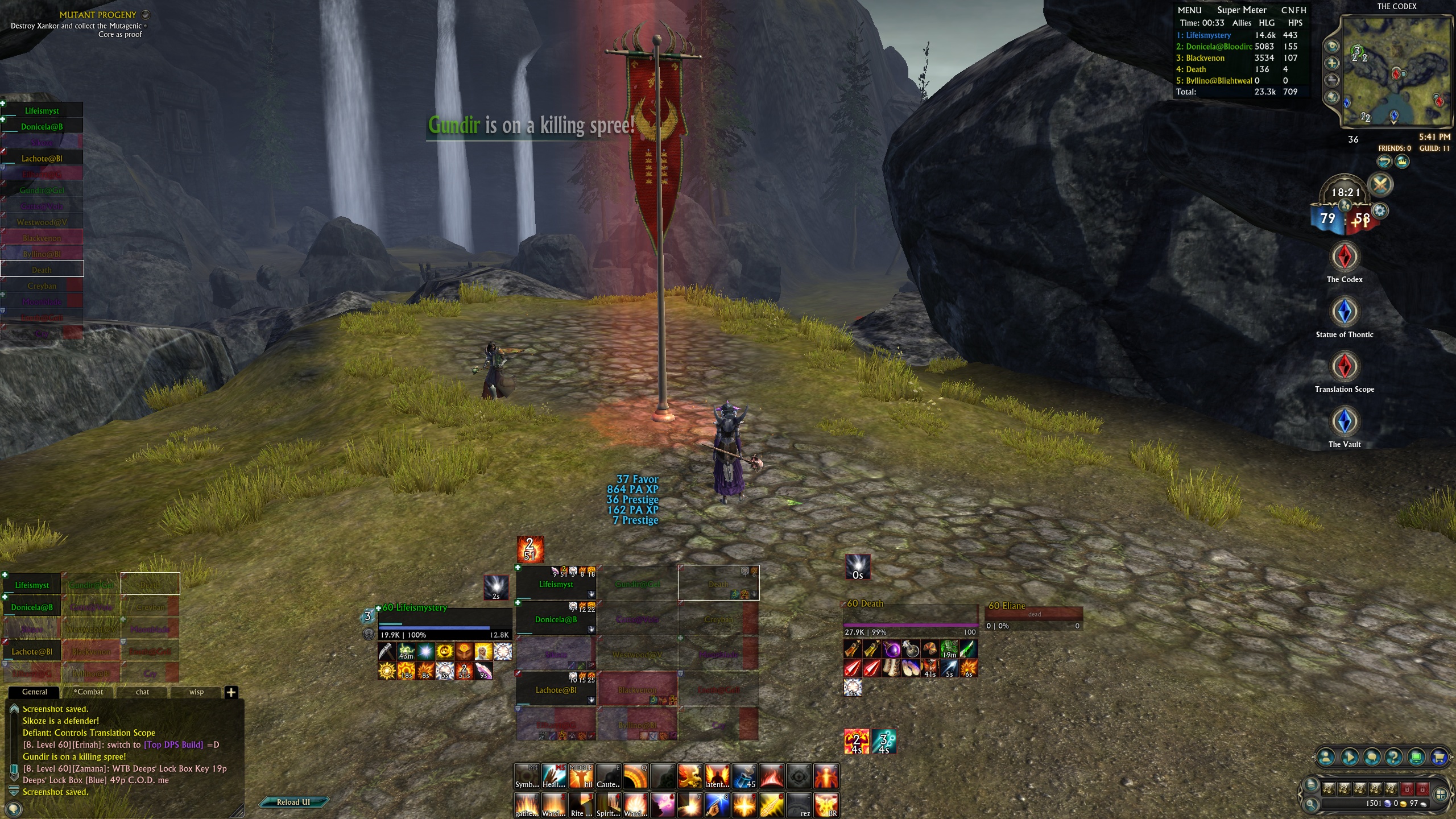
in combat
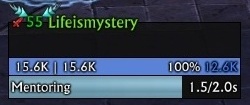
LifeismysteryUnitFrame2
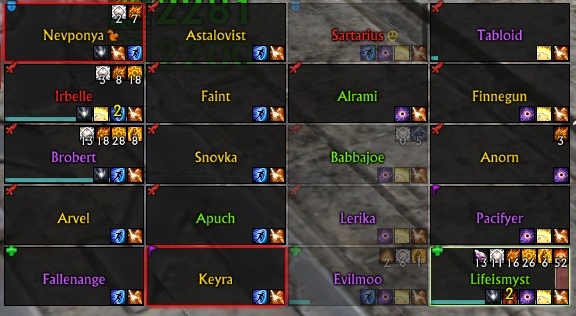
LifeismysteryRaidFrame
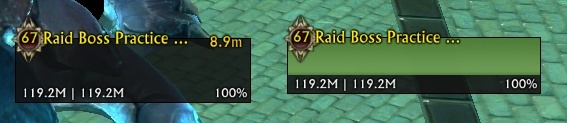
Add tier icon to LifeUnitFrame temple
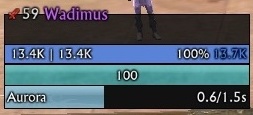
LifeismysteryMageFrame(cast)
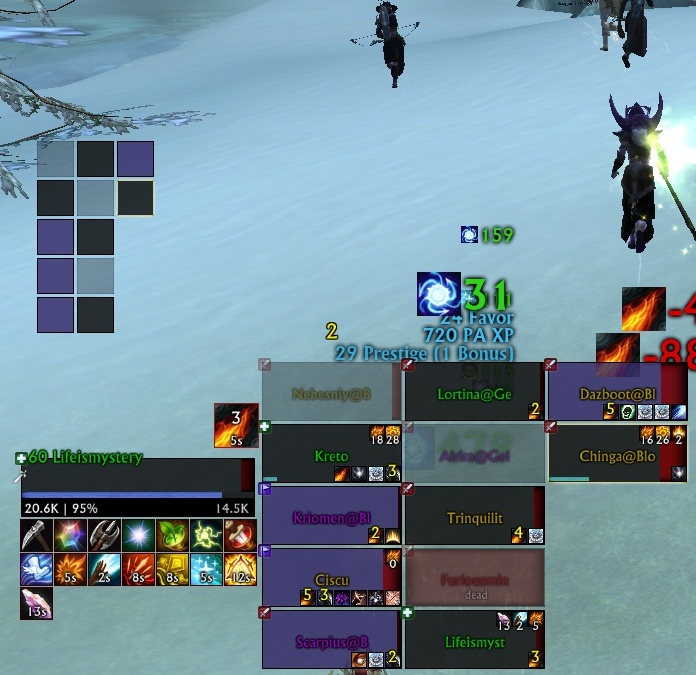
Added new templete LIfeismysteryDispel (I think it will be useful for those who use the standard raid frames).
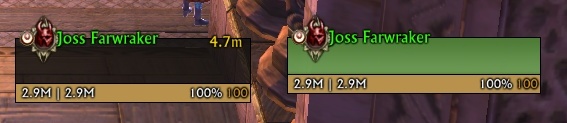
Add tier icon to LifeUnitFrame temple
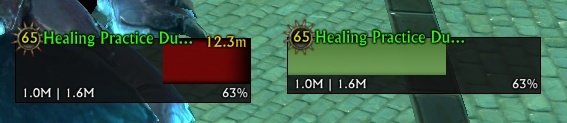
Add tier icon to LifeUnitFrame temple
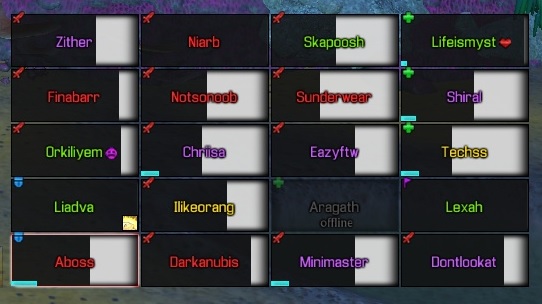
LifeismysteryRaidFrameMini
Description
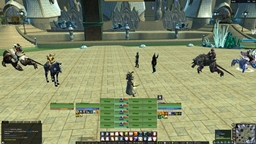
About Unit Frame
- Transparent frame
- Shows who got agro
- Shows who you have selected
- Shows who is cleansable
- Shows Raid Marks
- Shows absorb/shields
- shows who is offline
- Shows when unit is out of range
- Show the life % debuff(HealthCap)
Last Update
v4.3
- Added Black/White List to Raid frames for next template:
- LifeismysteryRaidFrame,
- LifeismysteryRaidFrameDps,
- LifeismysteryRaidFrameMini,
- LifeismysteryTanksRaidFrame
- Added template HP_Text - show only hp%
Installation
- Download these files
- Unzip them and put them in "RIFT\Interface\AddOns" folder
- then add gadget in the Gadget menu:
- go to "Raid Frames" then in the templates select "LifeismysteryRaidFrame" for raid frames
- go to "Unit Frames" then in the templates select "LifeismysteryUnitFrame"
- go to "Group Frames" then in the templates select "LifeismysteryGroupFrame"
- Select ShowHots if you want to see your hots on raid frame
- Select ShowDebuffs if you want to see debuffs on raid frame
- Unselect "Show Background"
Included templetes
- LifeismysteryRaidFrame
- LifeismysteryUnitFrame
- LifeismysteryGroupFrame
- LIfeismysteryDispel

Video guide about gadgets configuration and capability
It have five parts:
- Part 1. Standart Rift UI setup
- Part 2. Addon Gadgets setup ( Heal_profile )
- Part 3. Addon Gadgets: Buffs setup ( for Heal_profile )
- Part 4. Addon Gadgets setup (how to make DPS profile from our HEAL profile)
- Part 5. Addon Gadgets Macros setup
All of them you can find here
Gadgets: Lifeismystery Unit Frame Team