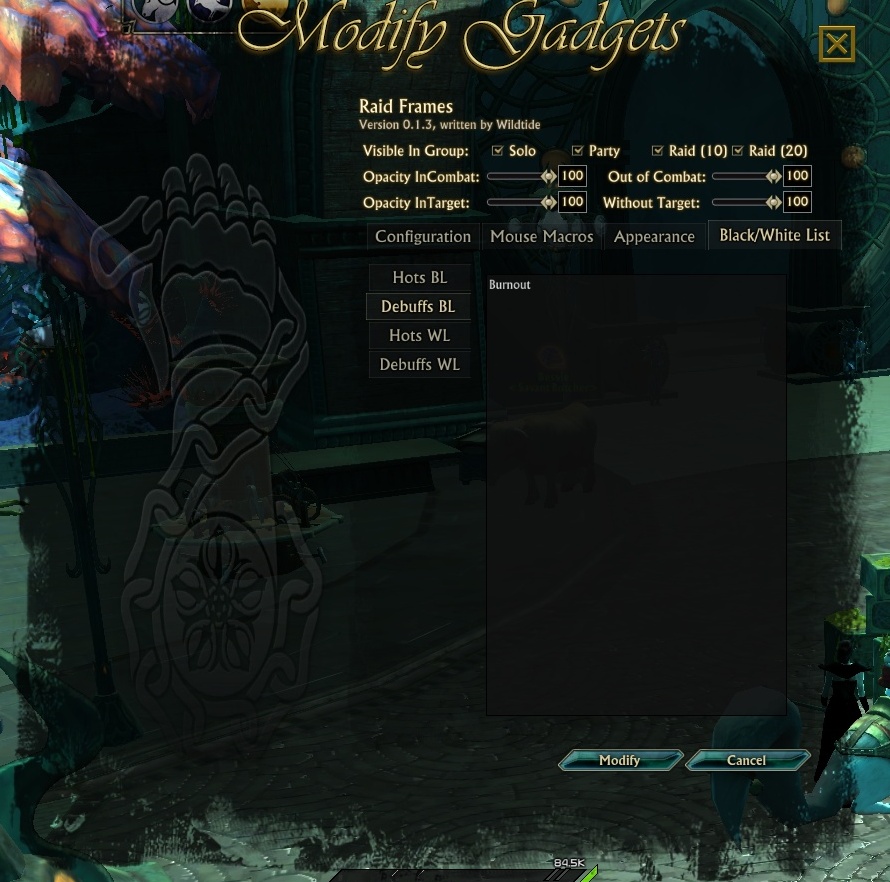
Black/White List for Raid frames
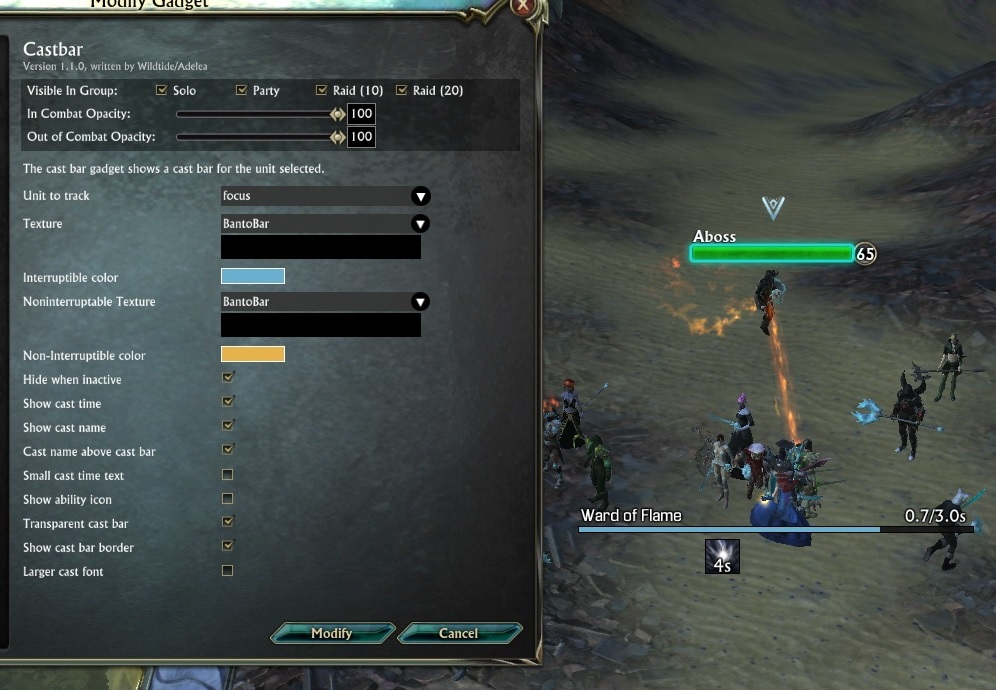
CastBar - cast name above cast bar
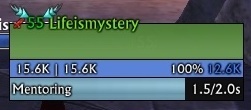
LifeUnitFrame2
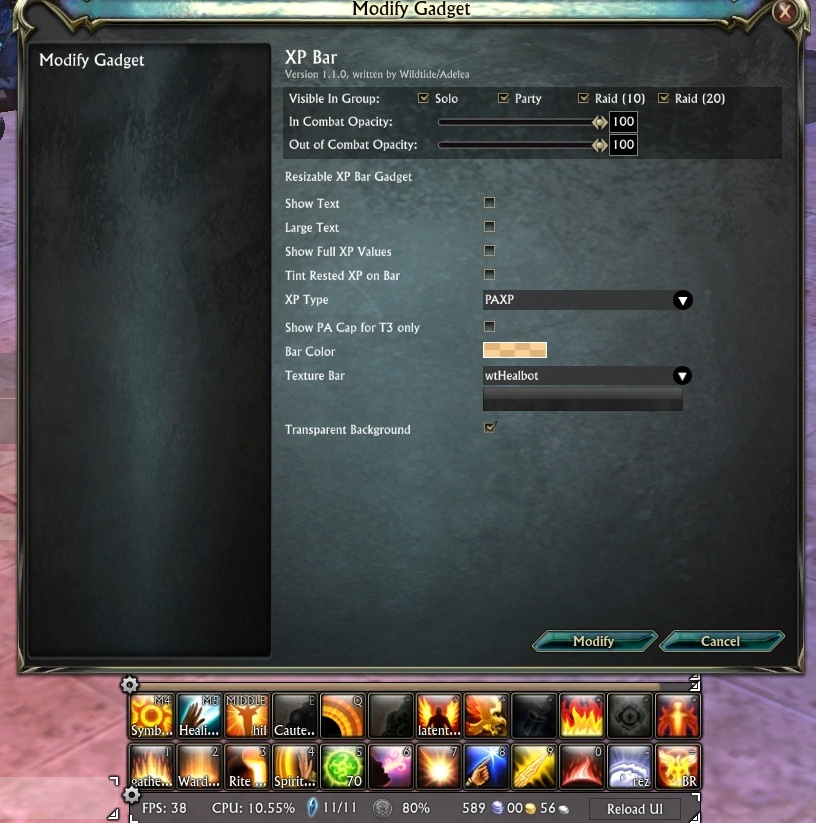
Change XPBar: Fixed bug with wrong illustration reputation bar when text off. Add options: Change bar color, Change bar Texture, Change background bar in Transparent background.
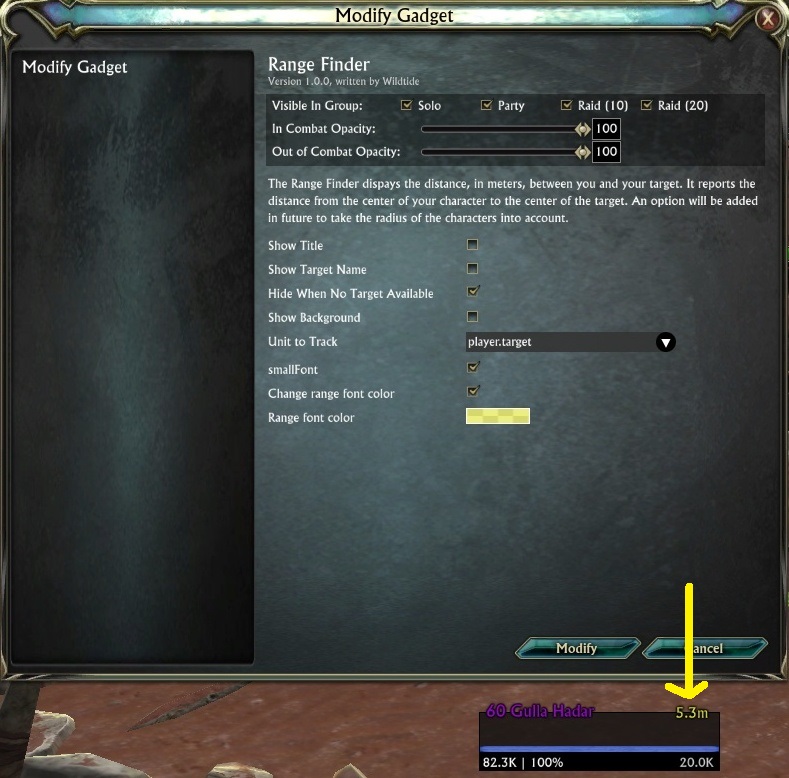
Change RangeFinder: Add options Small Font, Change font color.
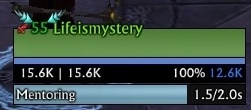
LifeUnitFrame1
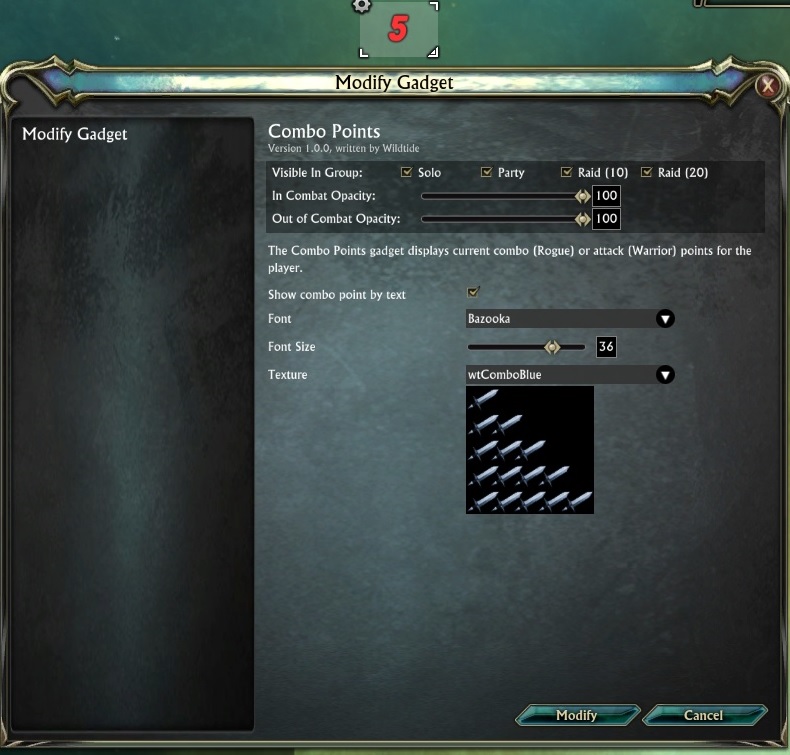
ComboPoints
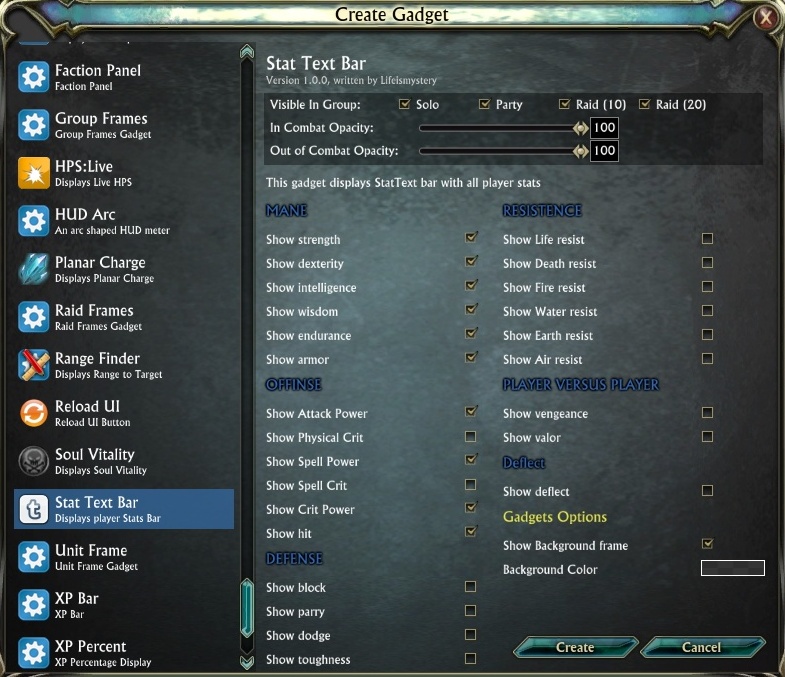
StatTextBar_Options.jpg
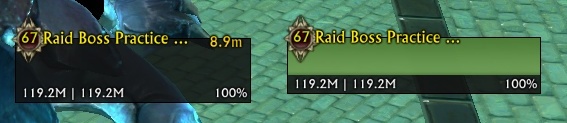
Add tier icon to LifeUnitFrame temple
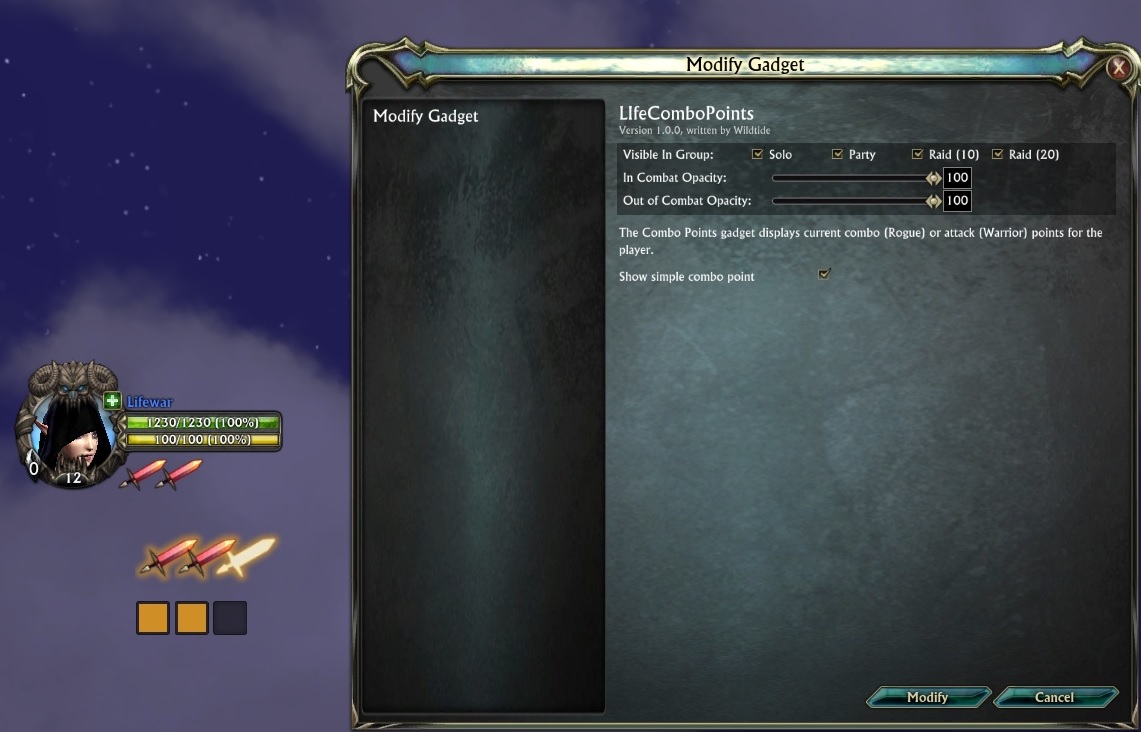
warrior_combo
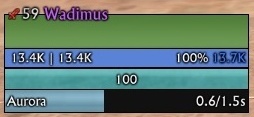
LifeMageFrame(cast)

This gadget displays DataText bar with FRS, CPU, Planar charge, Soul vitality, Money and button 'ReloadUI'

Add options to change font and font size in CastBar, ChargeMater, RangeFinder, DataTextBar, StatTextBar
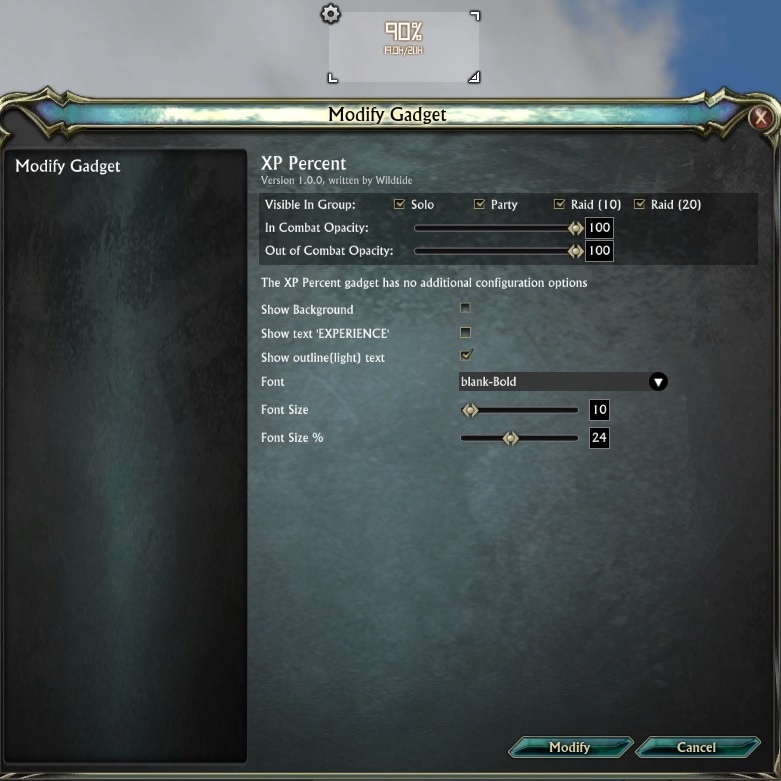
XPPercent

LifeTargetOfTarget
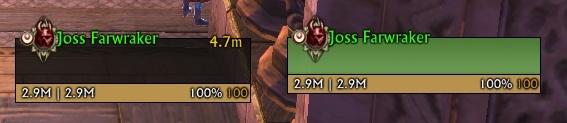
Add tier icon to LifeUnitFrame temple
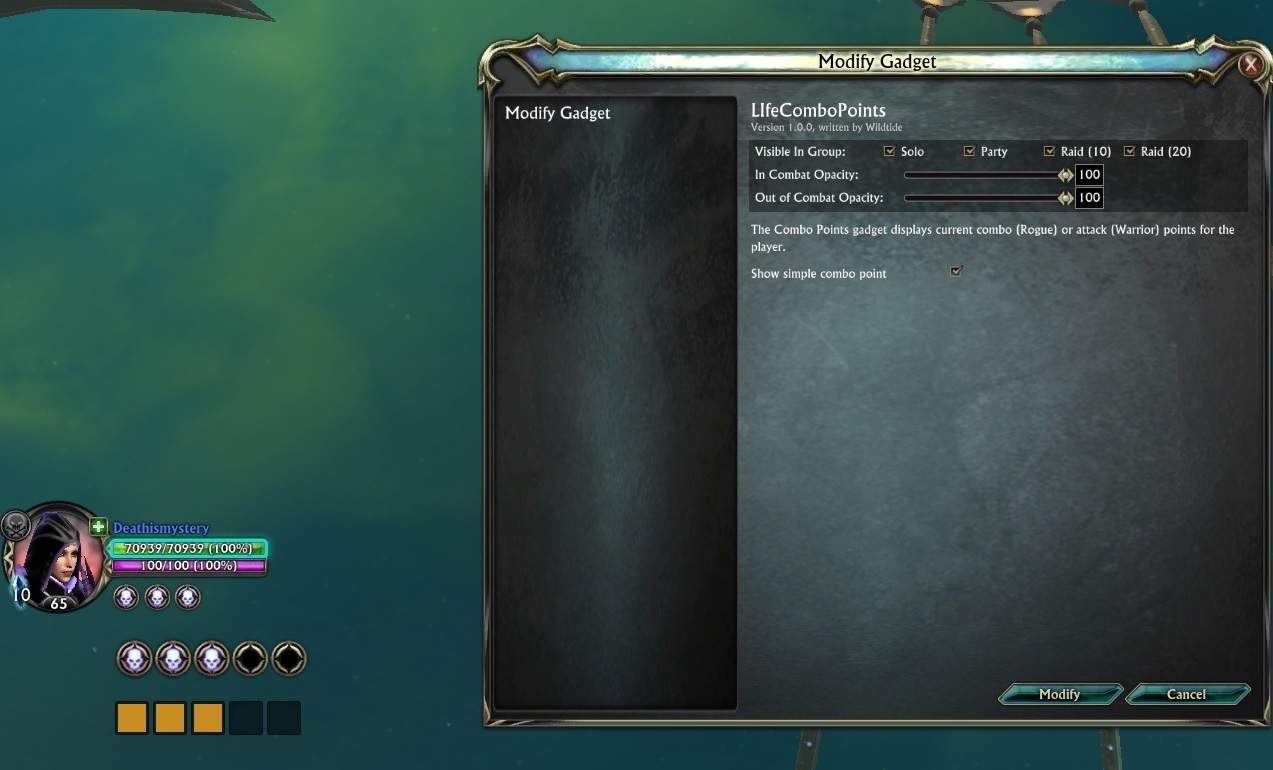
Rogue_combo

UnitframePresets
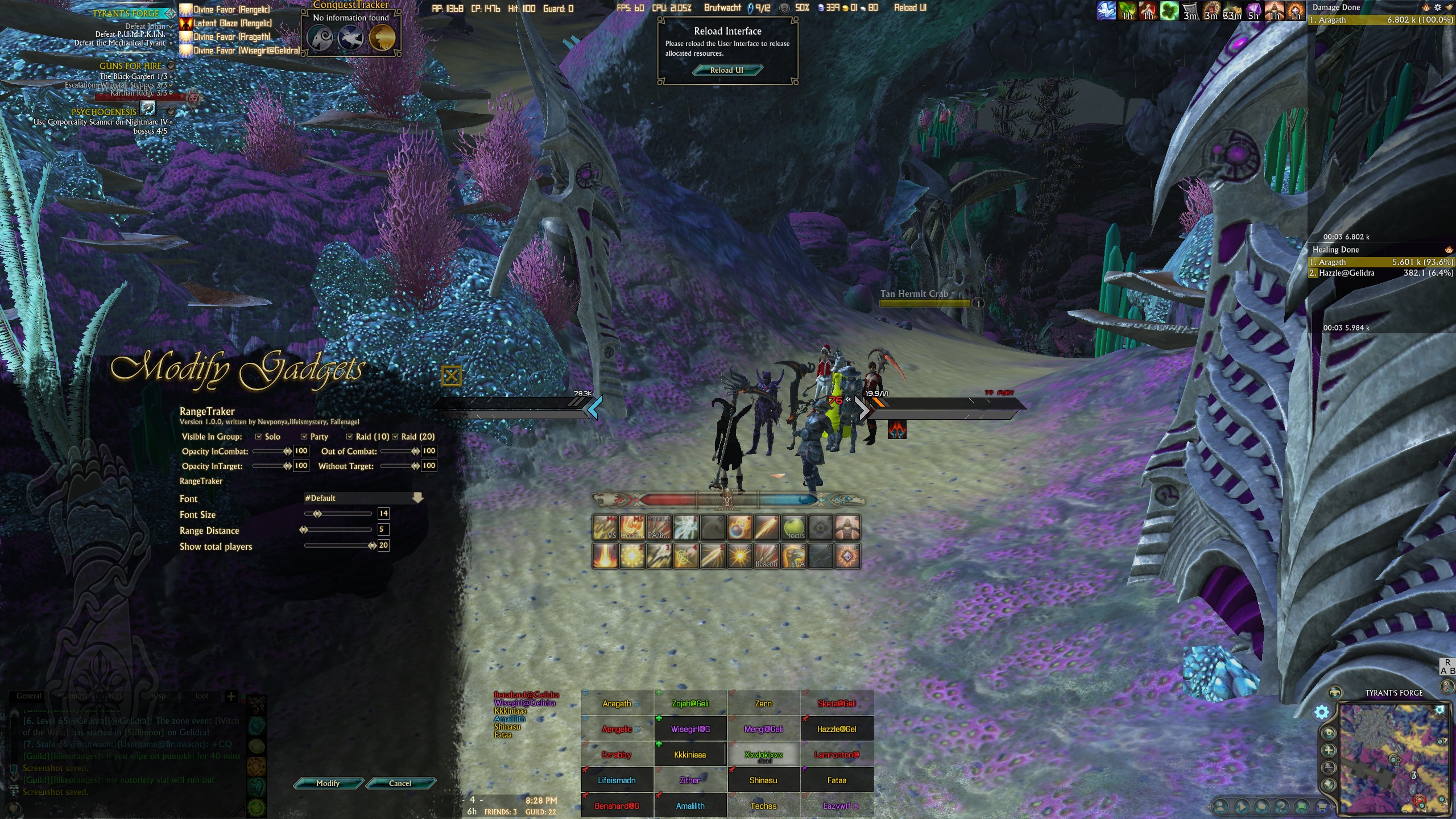
RangeTraker
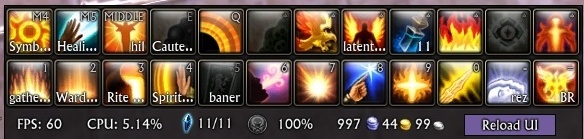
This gadget displays DataText bar with FRS, CPU, Planar charge, Soul vitality, Money and button 'ReloadUI'
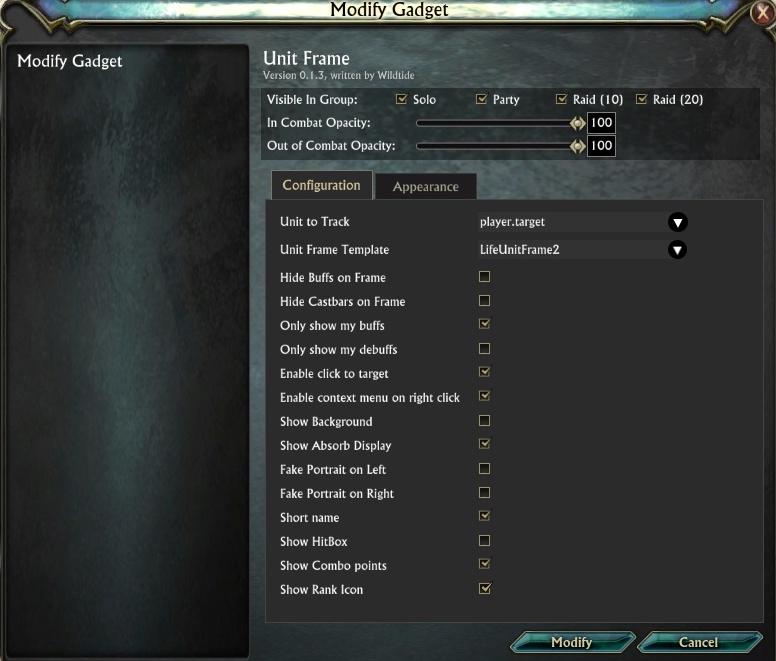
Add tier icon to LifeUnitFrame temple

NewGadgetsUI
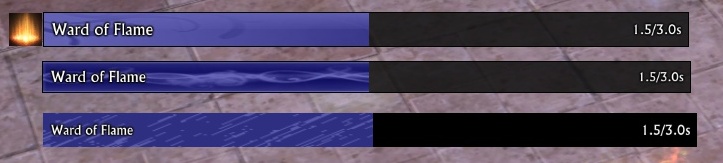
Example of cast bars in action
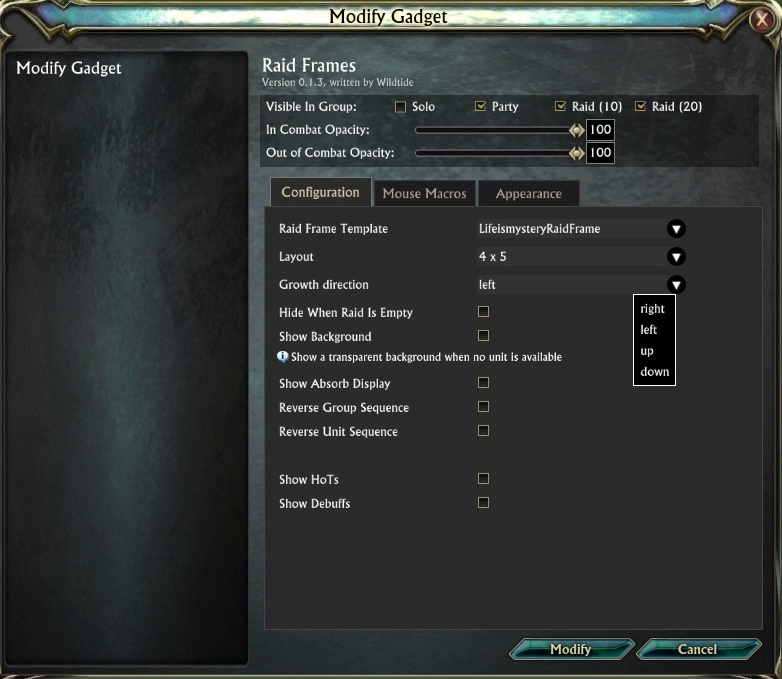
modify raid frame
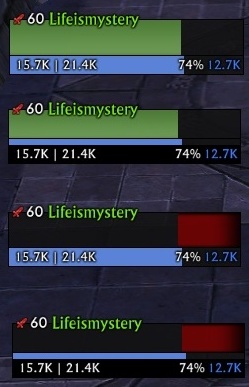
halfHP
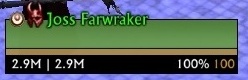
Boss_icon(Life)
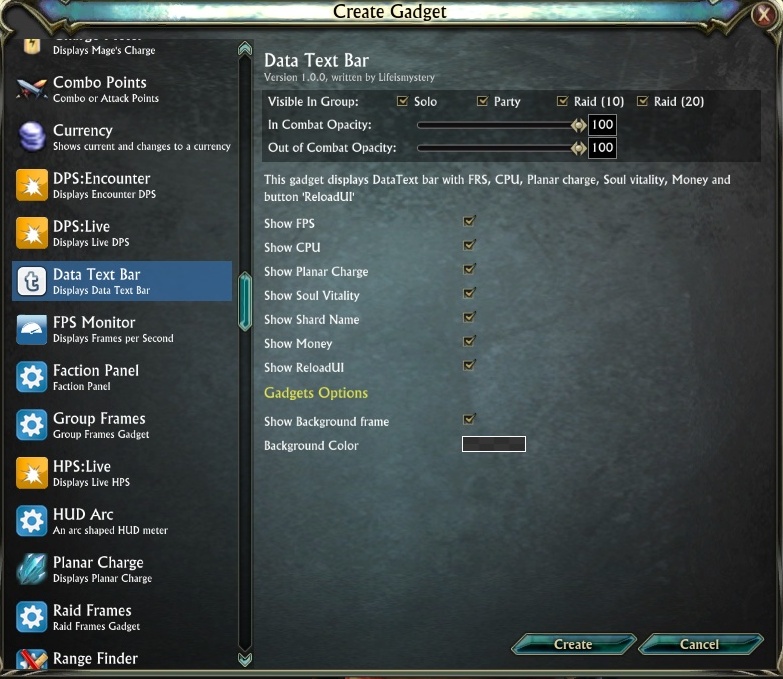
DataTextBar_Options
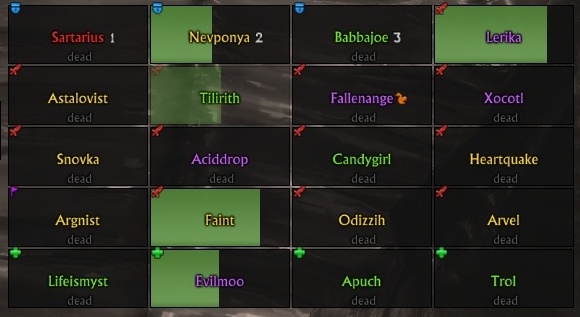
LifeRaidFrame1(dead)
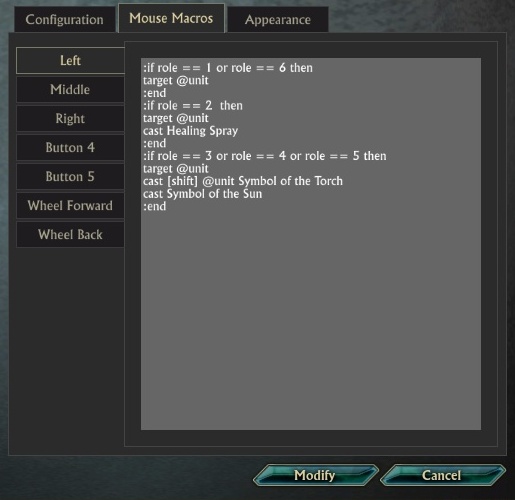
:if role == 1 or role
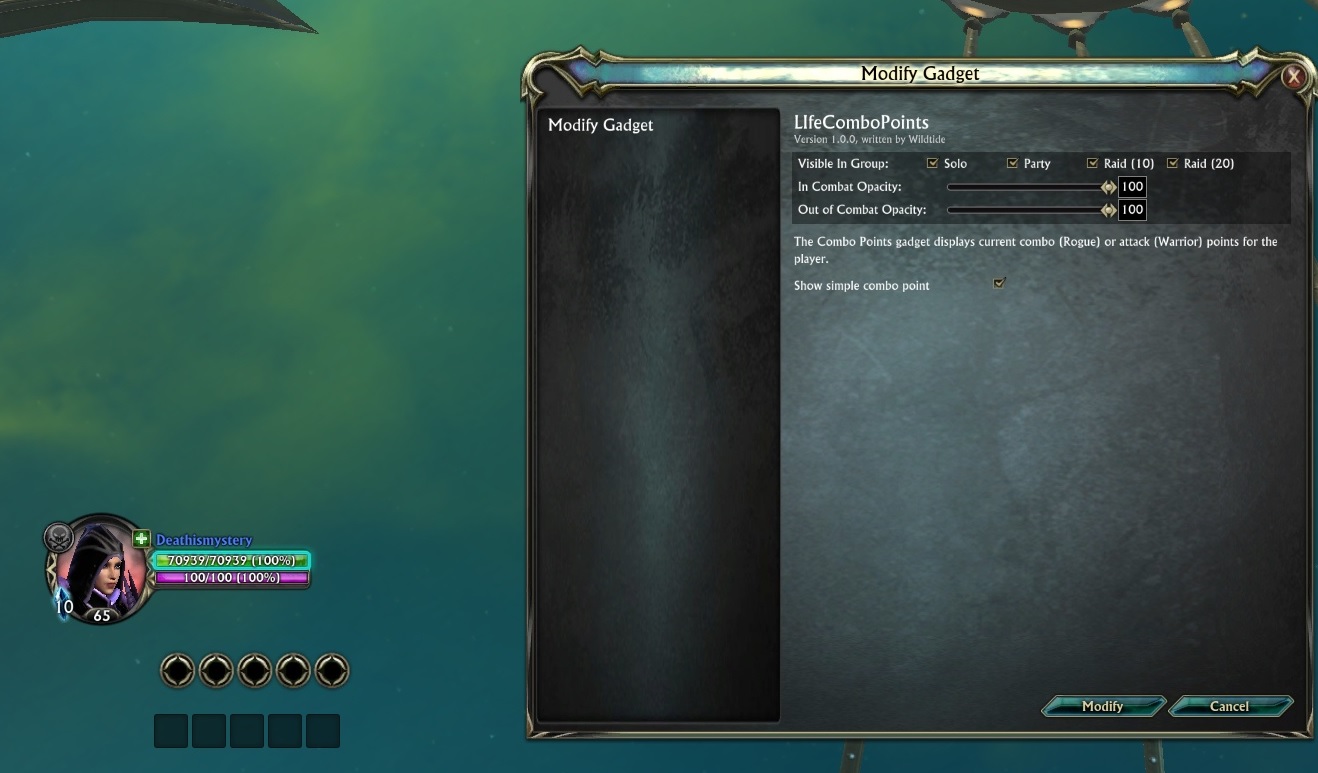
Rogue_combo_empty
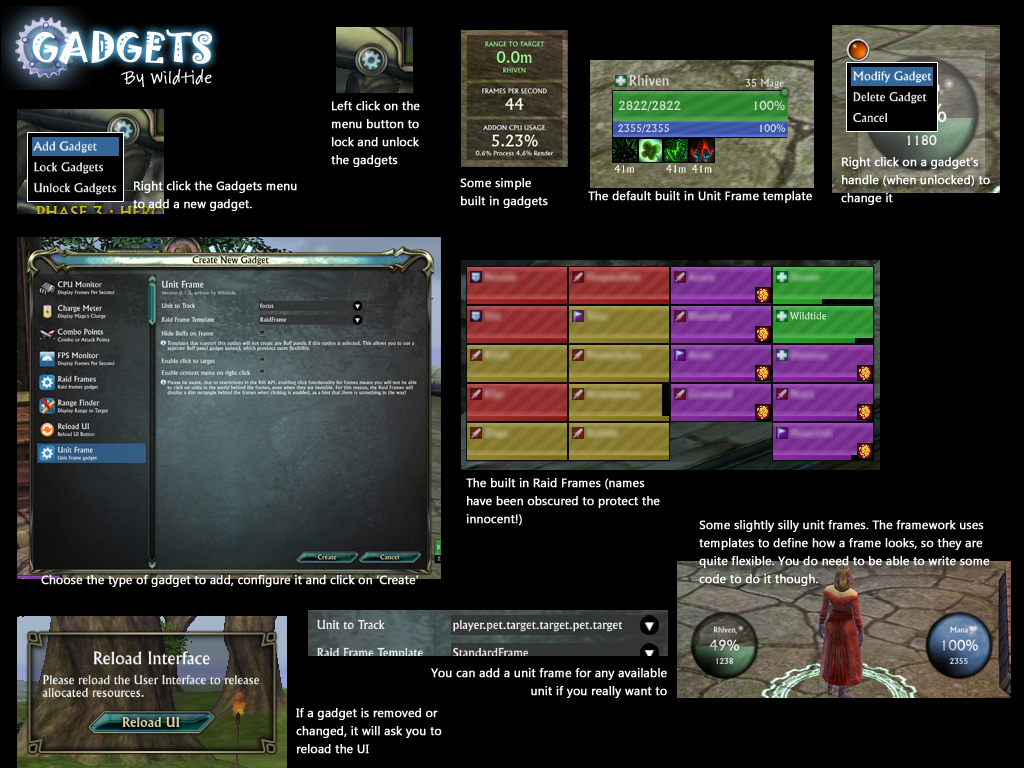
An overview of Gadgets in operation.
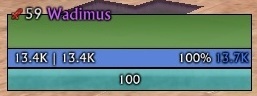
LifeMageFrame
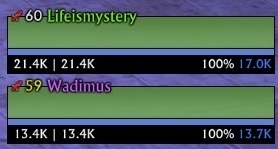
LifeGroupFrame1
(When you add it select LifeismysteryGroupFrame in Layout!!!!)

LifeGroupFrame2
(When you add it select LifeismysteryGroupFrame in Layout!!!!)

Update which could manage and show the life % debuff(HealthCap)
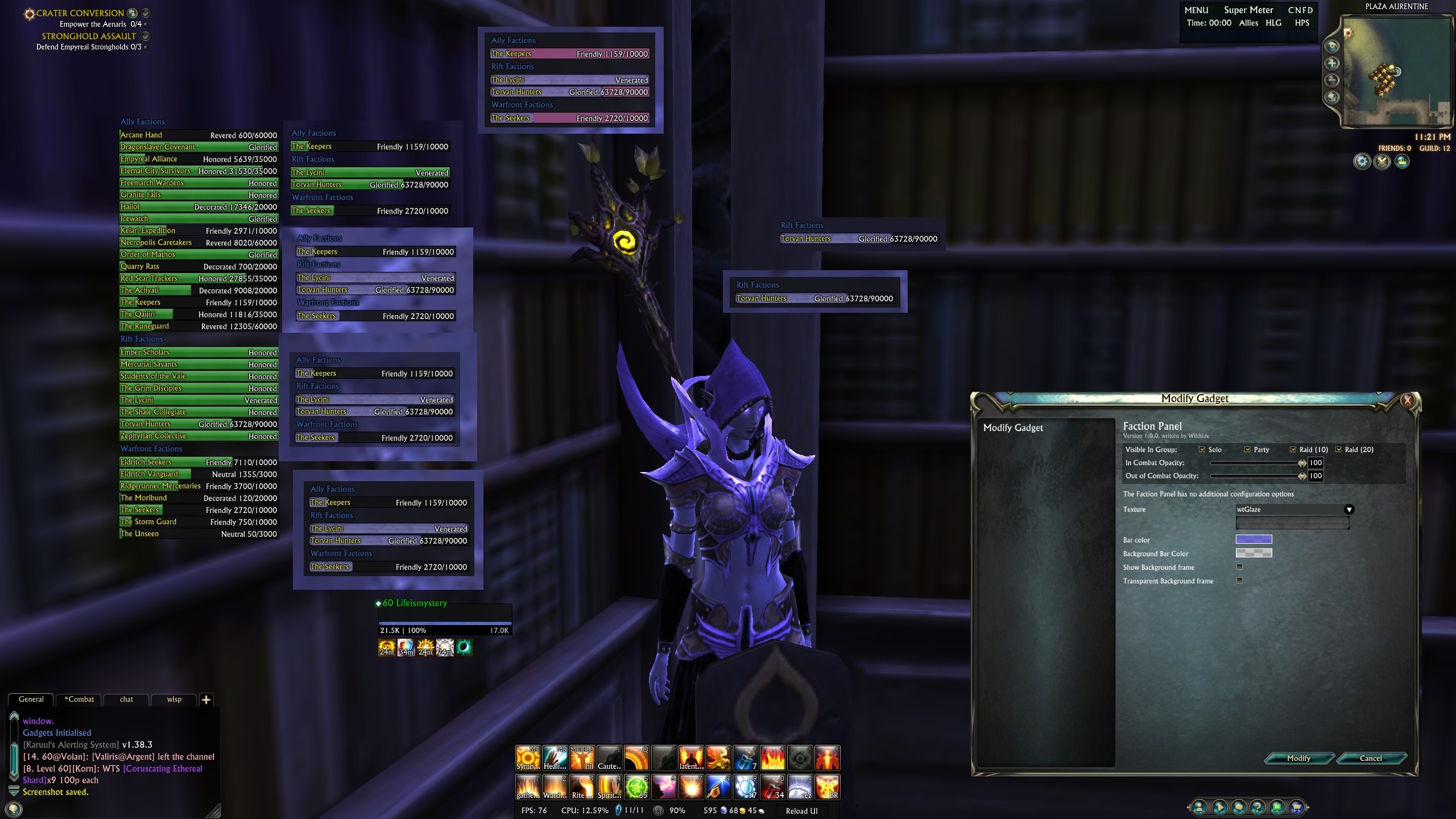
Change Fraction Panel: 1) Added option to tracks pecific fraction reputation 2) Added option to change bar texture 3) Added option to change bar color 4) Added option to change background bar color 5) Added option to unshow background frame 6) Added ...
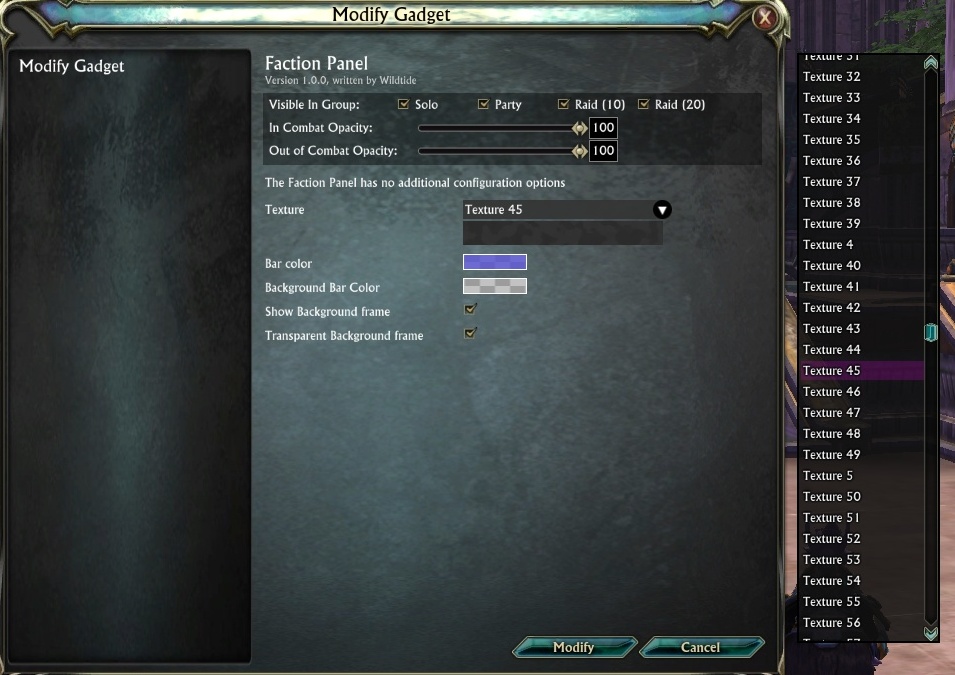
New SharedMadia + New Texture Select

StatTextBar
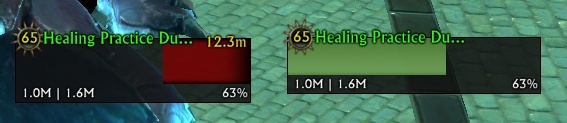
Add tier icon to LifeUnitFrame temple
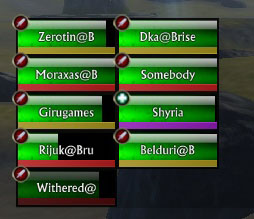
Raid frames using artwork created by Octanus (originally for LifeBinder)
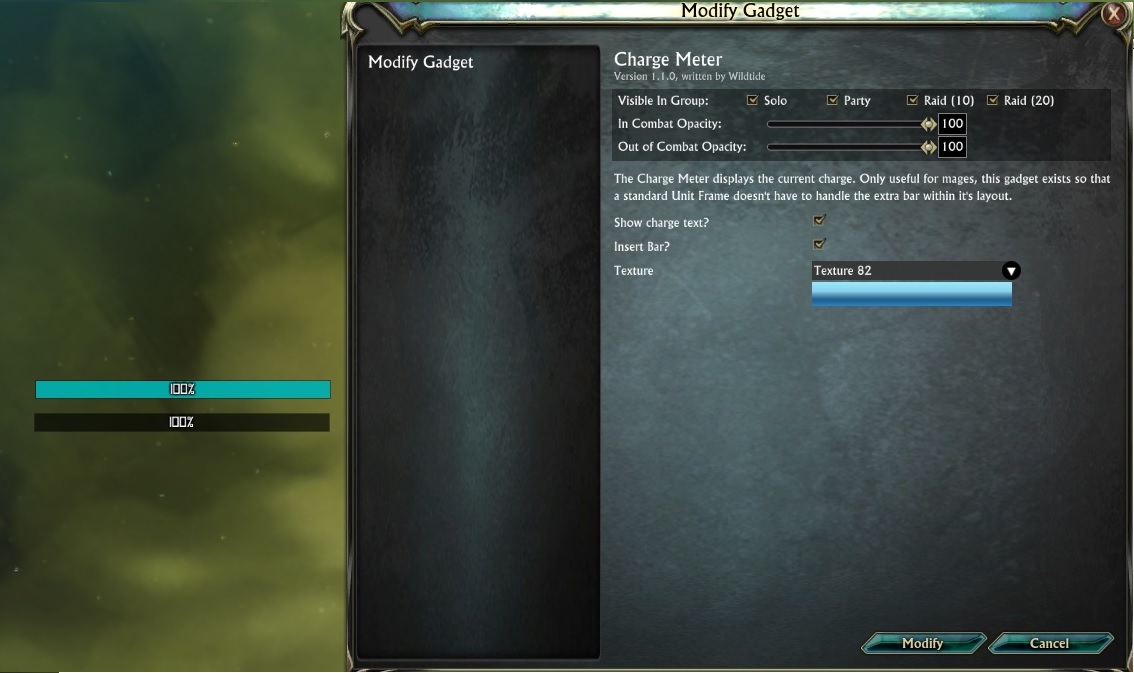
Change font/text in ChargeMeter + add inset option
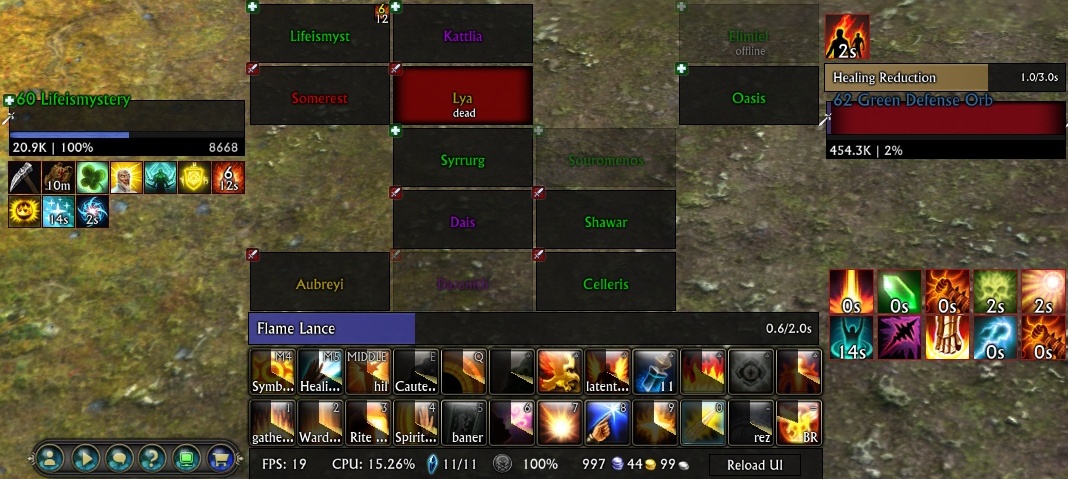
Change cast bar:
- Added option to doing Transparent cast bar
- Added option to make visible cast bar border
- Added option to doing Larger cast font
- Added option to make font outline t
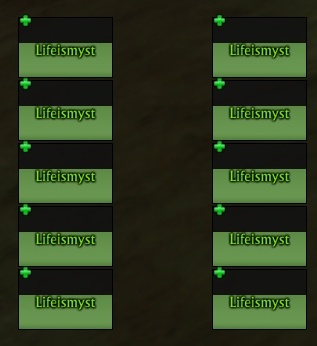
growthDirection=up
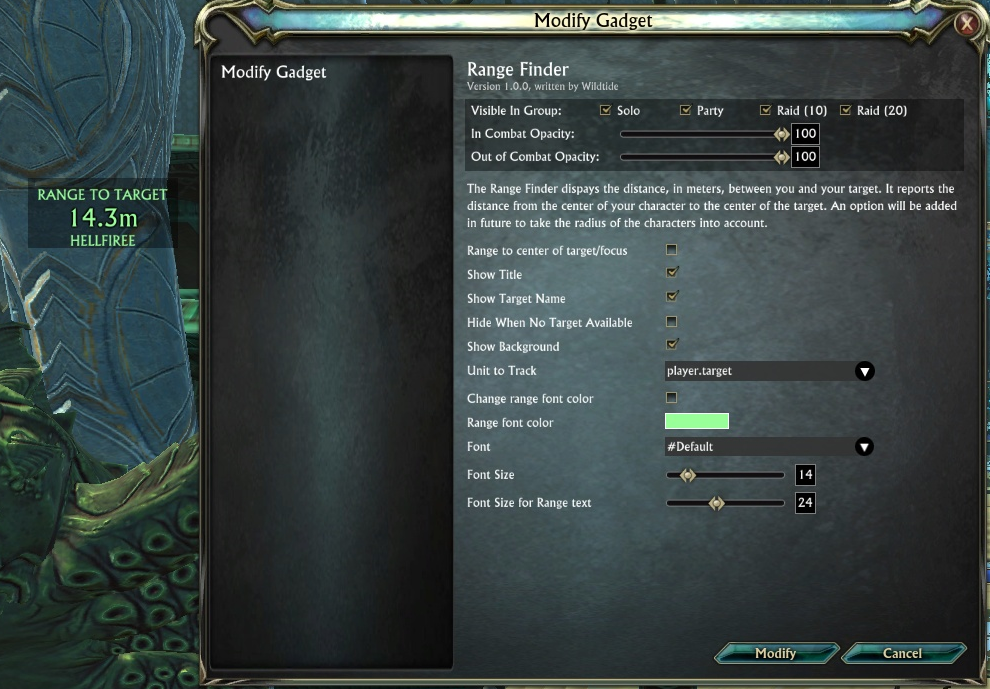
Add option to change font size range text in RangeFinder
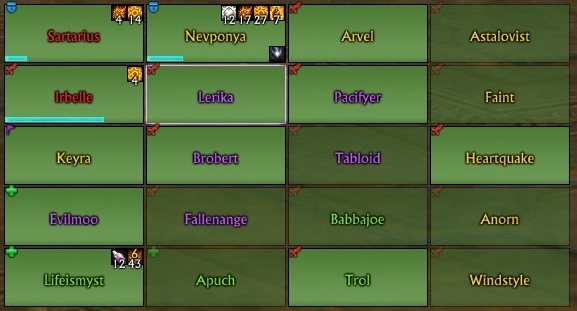
LifeRaidFrame1
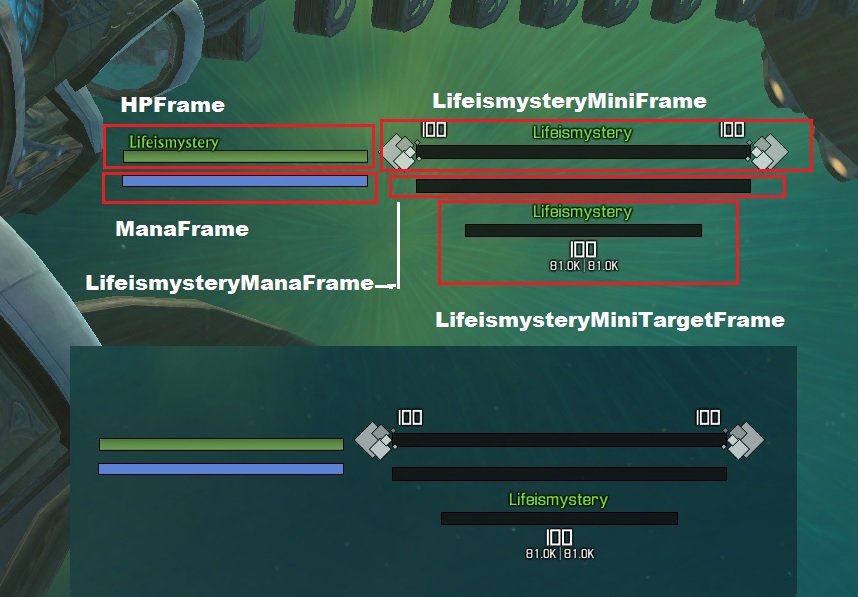
NewUnitFrames

growthDirection=down
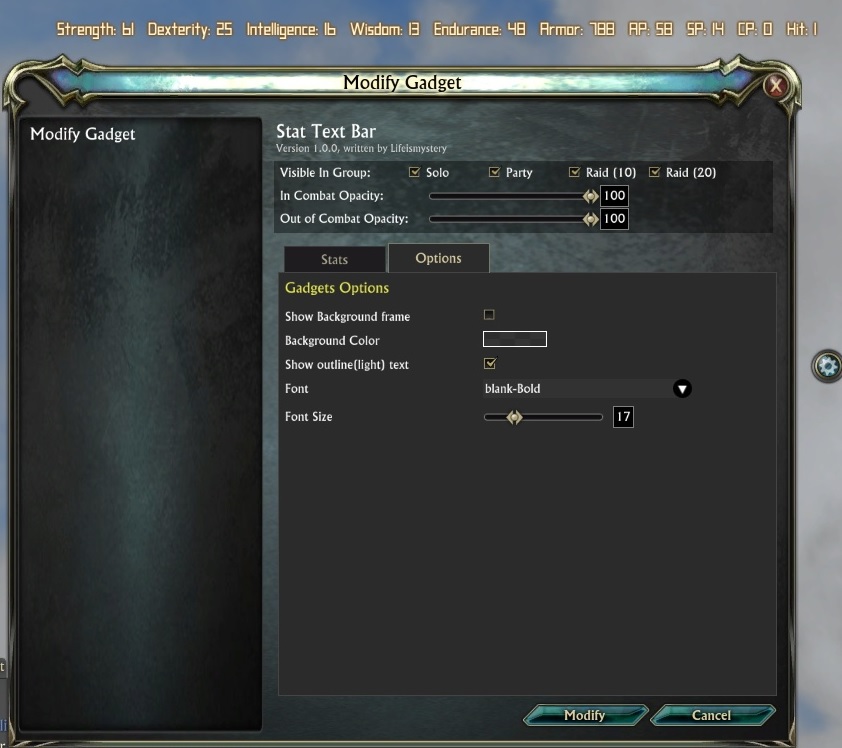
StatsBar

RangeSmartText
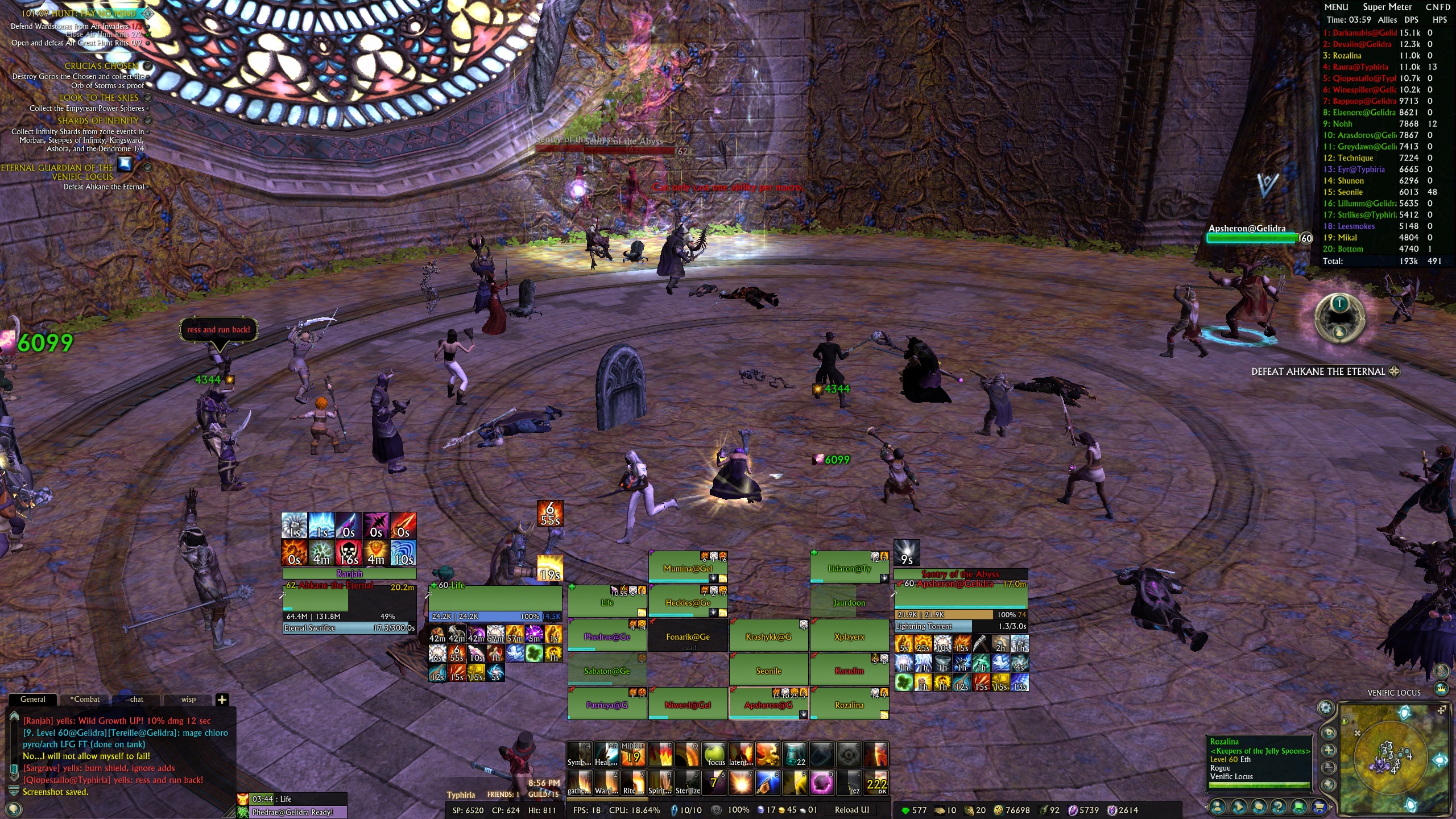
Gadgets
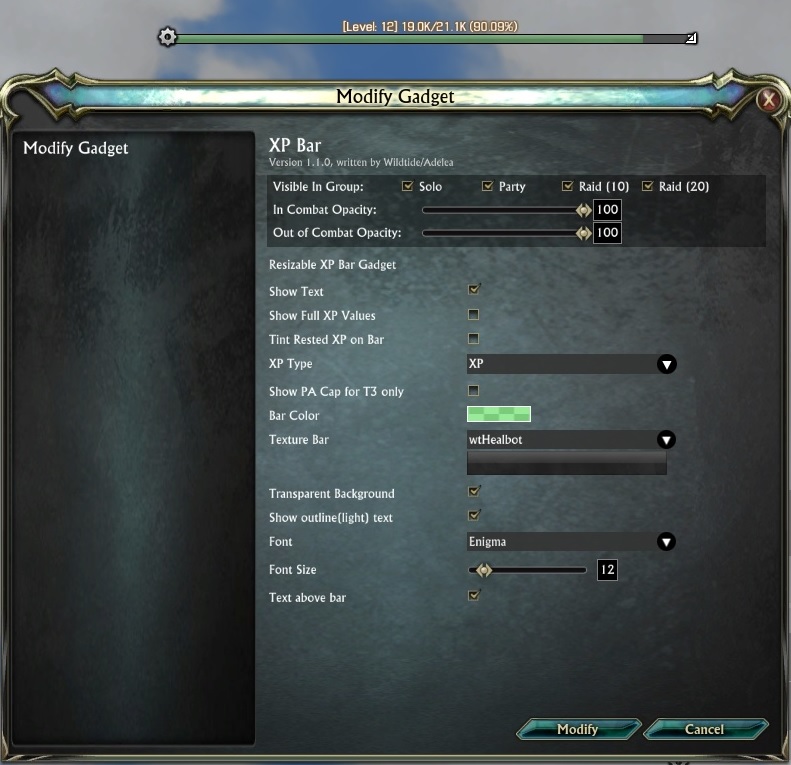
XPBar

LifeRaidFrameCallingColor
Description
Video guide about gadgets configuration and capability
It have six parts:
- Part 1. Standart Rift UI setup
- Part 2. Addon Gadgets setup ( Heal_profile )
- Part 3. Addon Gadgets: Buffs setup ( for Heal_profile )
- Part 4. Addon Gadgets setup (how to make DPS profile from our HEAL profile)
- Part 5. Addon Gadgets Macros setup
- HowTo create your own unit frame
All of them you can find here
Wish List
Write here your thoughts about what you wish to be added or change with Gadgets.
How to...
I create "How to" pages, where i'm write frequently asked questions.
Lost Your Button?
If you ever lose your Gadget button, type /gadget reset into chat to put it back in the centre of your screen.
Latest Update
v0.11.01
- Added aileen's changes (http://forums.riftgame.com/technical-discussions/addons-macros-ui/315634-addon-gadgets-67.html#post5353056)
- Fixed mouseover issue for raid frames ( aileen )
- Change UnitFramePreset (you need to recreate it if you have).
- Add preview to UnitFramePreset.
- Clear code(trim trailing space)
- Delete not necessary images
- Update game version
- Fixed error: Currencies Text Bar
- Fixed error: XP Bar
- Fixed error: get error when open Settings without any layouts
Included Gadgets
- Buff Bars
- Buff Icons
- CPU Monitor
- Cast Bar
- Cast Bar Presets
- Charge Meter
- Combo Points
- CurrenciesTextBar
- DPS:Encounter
- DPS:Live
- DataTextBar
- FPS Monitor
- StatTextBar
- FPS Monitor
- Faction Panel
- Free Memory
- Group Frames
- HPS:Live
- HUD Arcs
- LifeComboPoints
- Planar Charge
- Raid Frames
- Range Finder
- Range Traker
- Reload UI
- Soul Vitality
- Stat Text Bar
- System Usage
- Unit Frame
- Unit Frame Presets
- XP Bar
- XP Percent
Buff Bars and Icons
Please check out the Gadgets:Buffs addon, if you want more advanced buff/debuff tracking.
Quick Start
You will see a round button with a Gear icon in the middle of your screen. Drag this button to where you want it by left clicking and dragging.
Right click on the button and choose 'Add Gadget' to add a gadget to your screen.
Left clicking on the button will unlock (and re-lock) all of your gadgets. When unlocked, Gadgets can be moved by dragging their movement handles (the white gear icon at the top corner of each gadget).
To alter an existing gadget, right click on it's movement handle while gadgets are unlocked, and choose 'Modify Gadget'.
When moving gadgets around on the screen, you can align them to another gadget by dragging the move handle over the top of another move handle. The gadget you are dragging will align itself either horizontally or vertically with it. If you move the gadget too far from the horizontal or vertical axes, alignment mode will turn off (it should hopefully become clear when you try it!).
Grid Snapping
Typing "/gadgets grid 8" for example, will snap all movement and resizes to an 8 pixel grid. Type "/gadgets grid" with no number to reset snapping.
Macros
The raid and group frames allow you to specify macros for various mouse buttons and the mouse wheel. These are standard RIFT macros, with a couple of extra Gadgets features:
Use @unit to refer to the unit the frame is showing. For example "cast @unit Healing Breath".
Use modifer it you want:
cast [shift] @unit Symbol of the Torch
cast Symbol of the Sun
Use the following syntax to have a macro carry out different actions depending on your current role:
:if role == 1 or role == 6 then
target @unit
:end
:if role == 2  then
target @unit
cast Healing Spray
:end
:if role == 3 or role == 4 or role == 5 then
target @unit
cast [shift] @unit Symbol of the Torch
cast Symbol of the Sun
:end
Profiles
Save, load and delete your profiles. How to save, load and delete your profiles you can see on my video guide http://www.youtube.com/watch?v=Tr7bcidyFv8&;
Notes
I have borrowed some images from other people. I believe the licenses on these sources allow this, but if not, I will replace them.
- Various bar textures from LibSharedMedia (WoW addon)
- Orb images from Roth UI (WoW addon)
- A few images from the Rift Fansite Kit
If you store your addons not in the my documents folder. This case you need to manualy download Gadgets but not with Curse Client.
The Gadgets Team