Simulation 1v1 - 12 Arena's - Skill based PvP - Training
- By
Skill-based encounters Simulated - 12 different Arena's - Battle your friends in real-world scenarios!
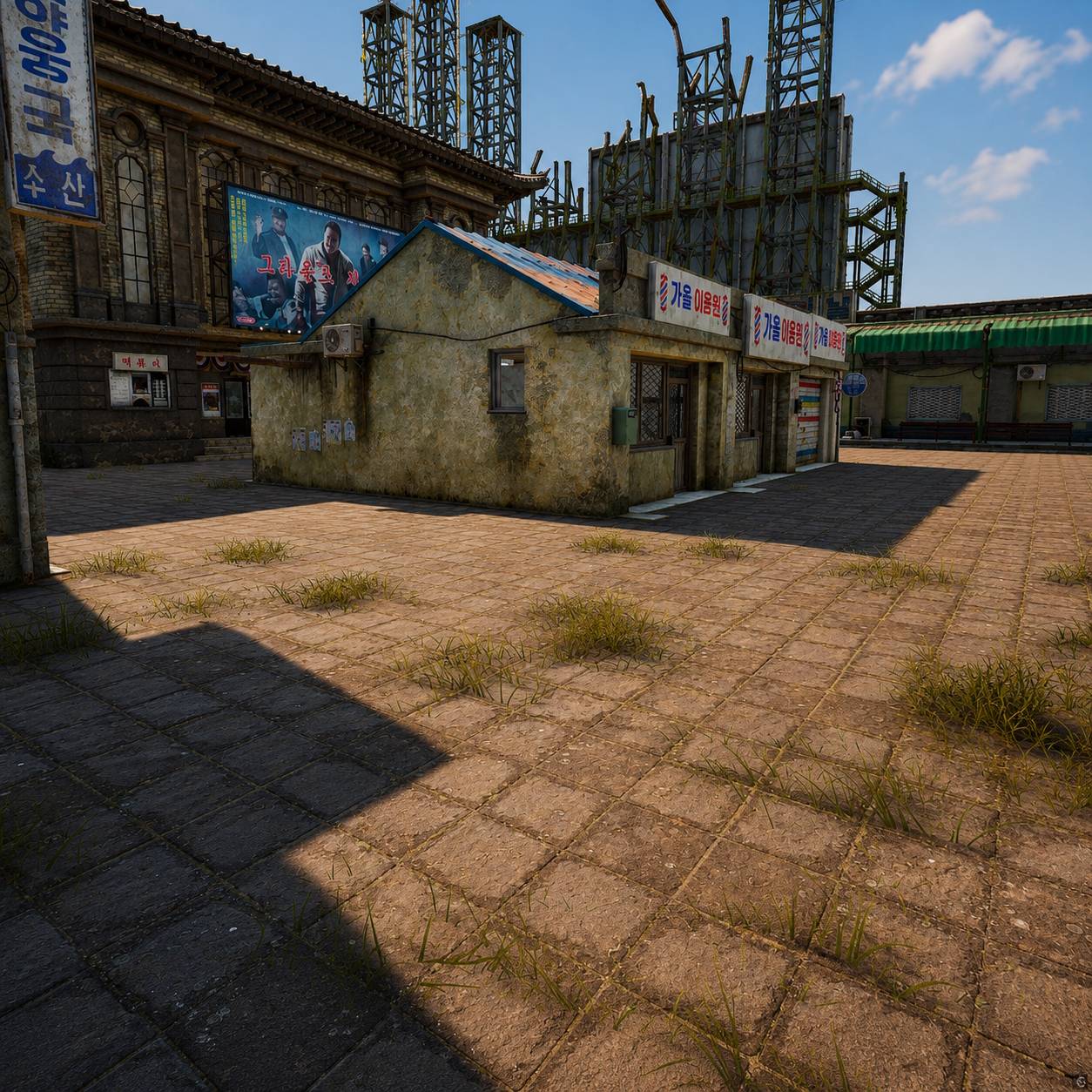
Description
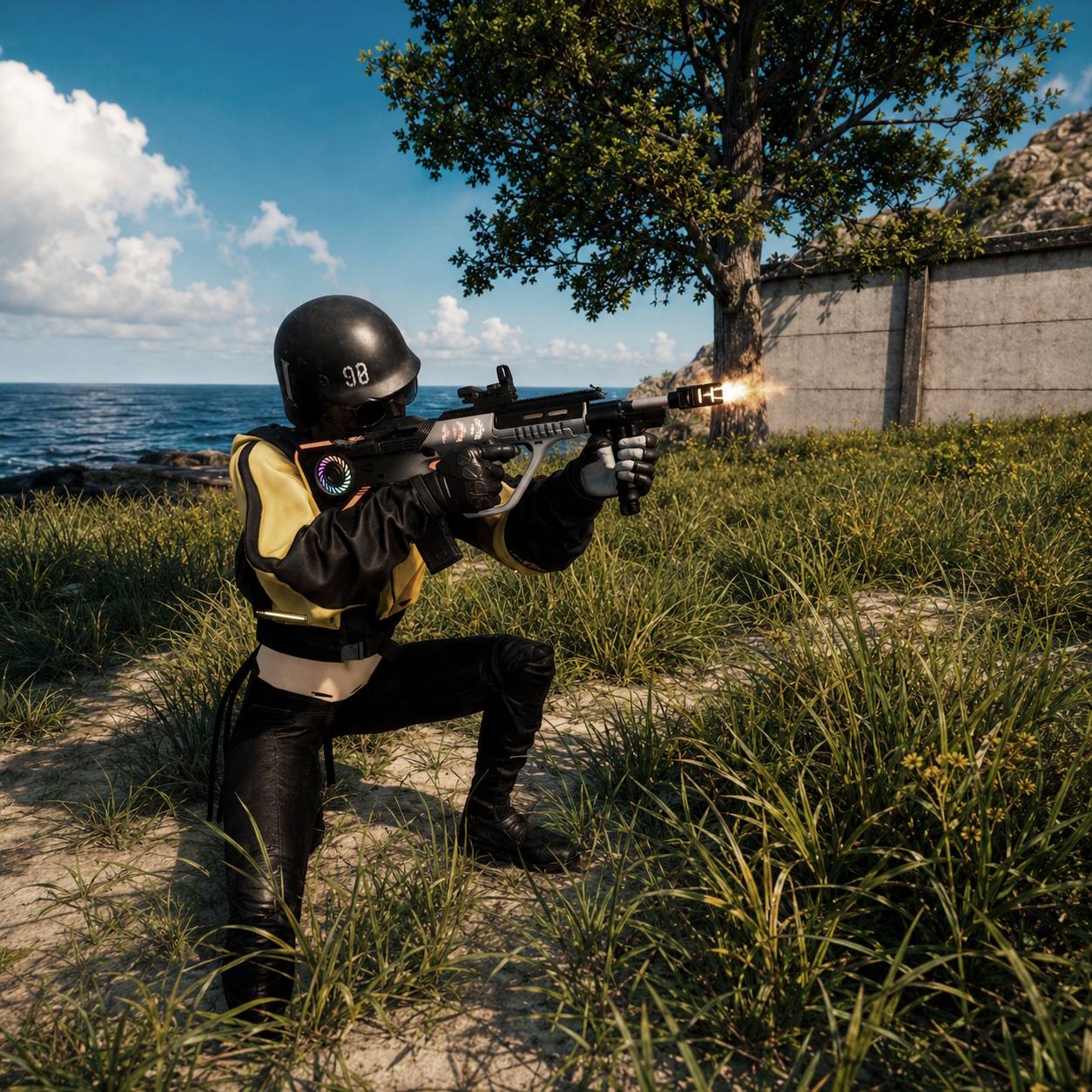
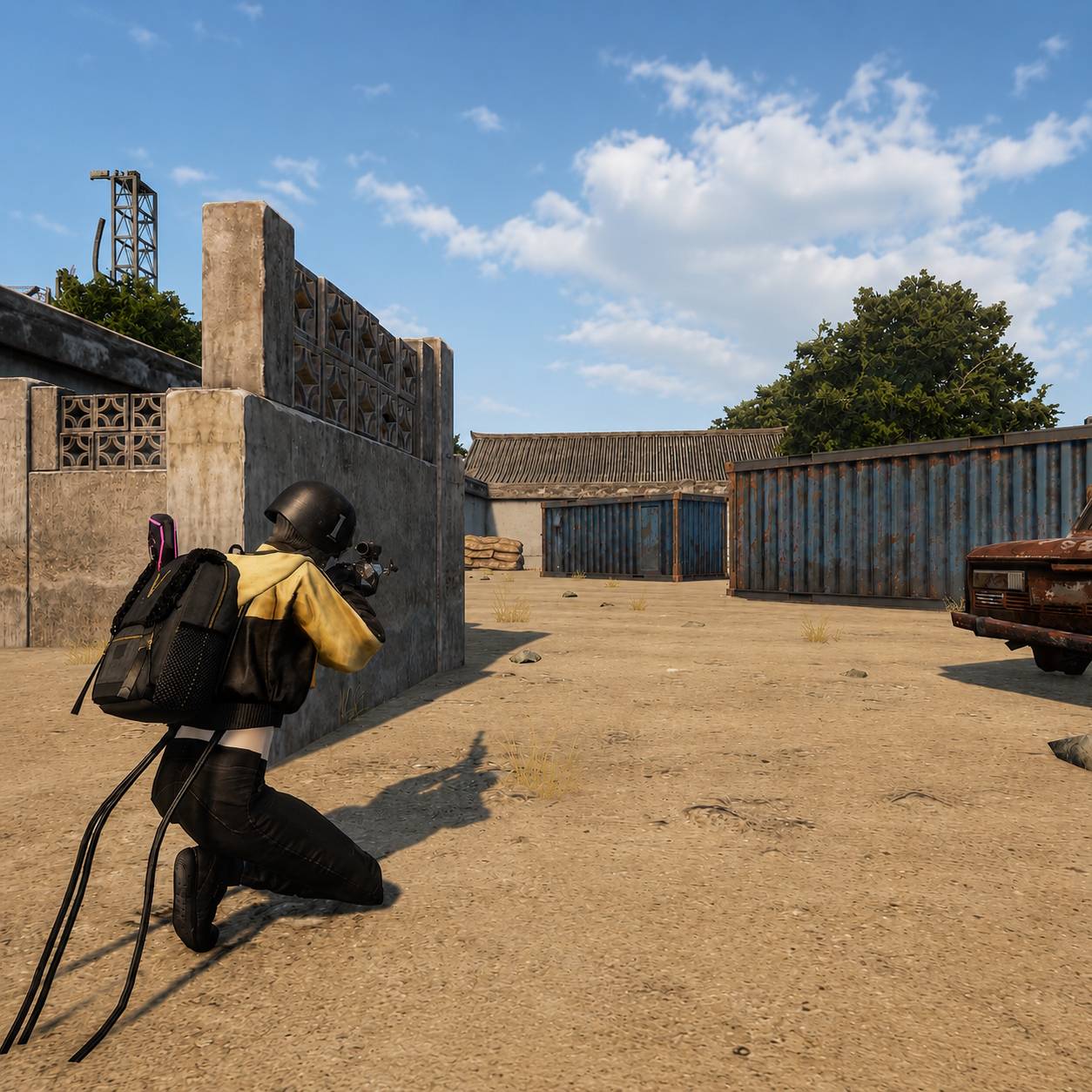
1v1 Simulation Arena
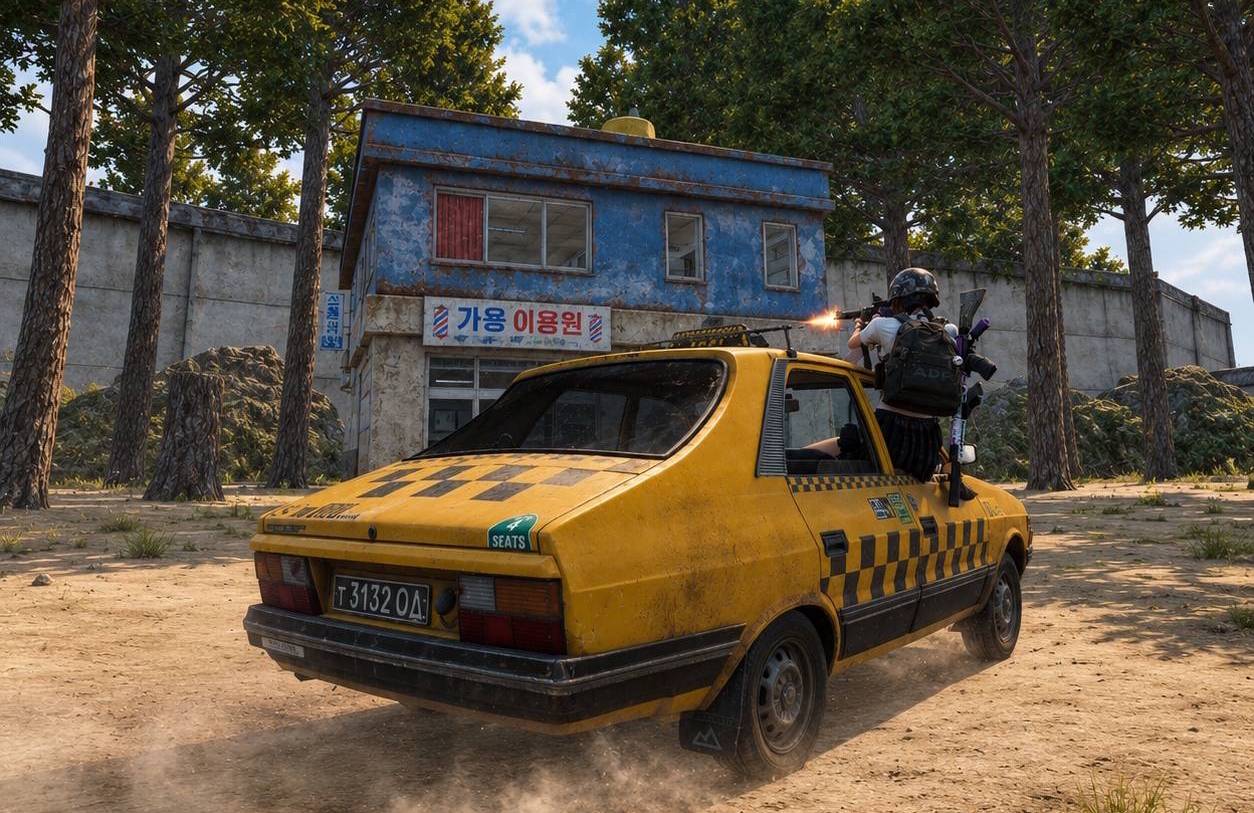
Battle Your Friends
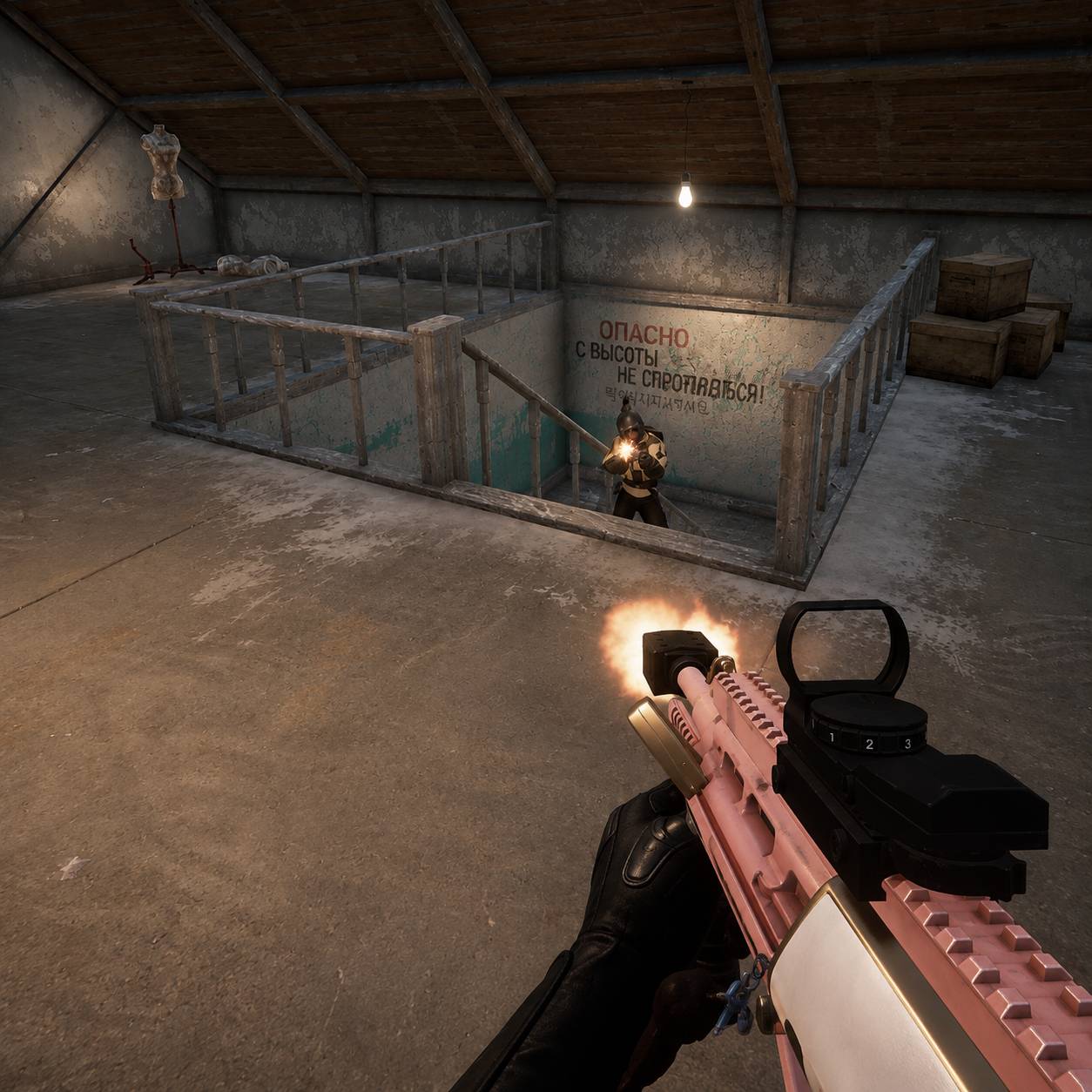
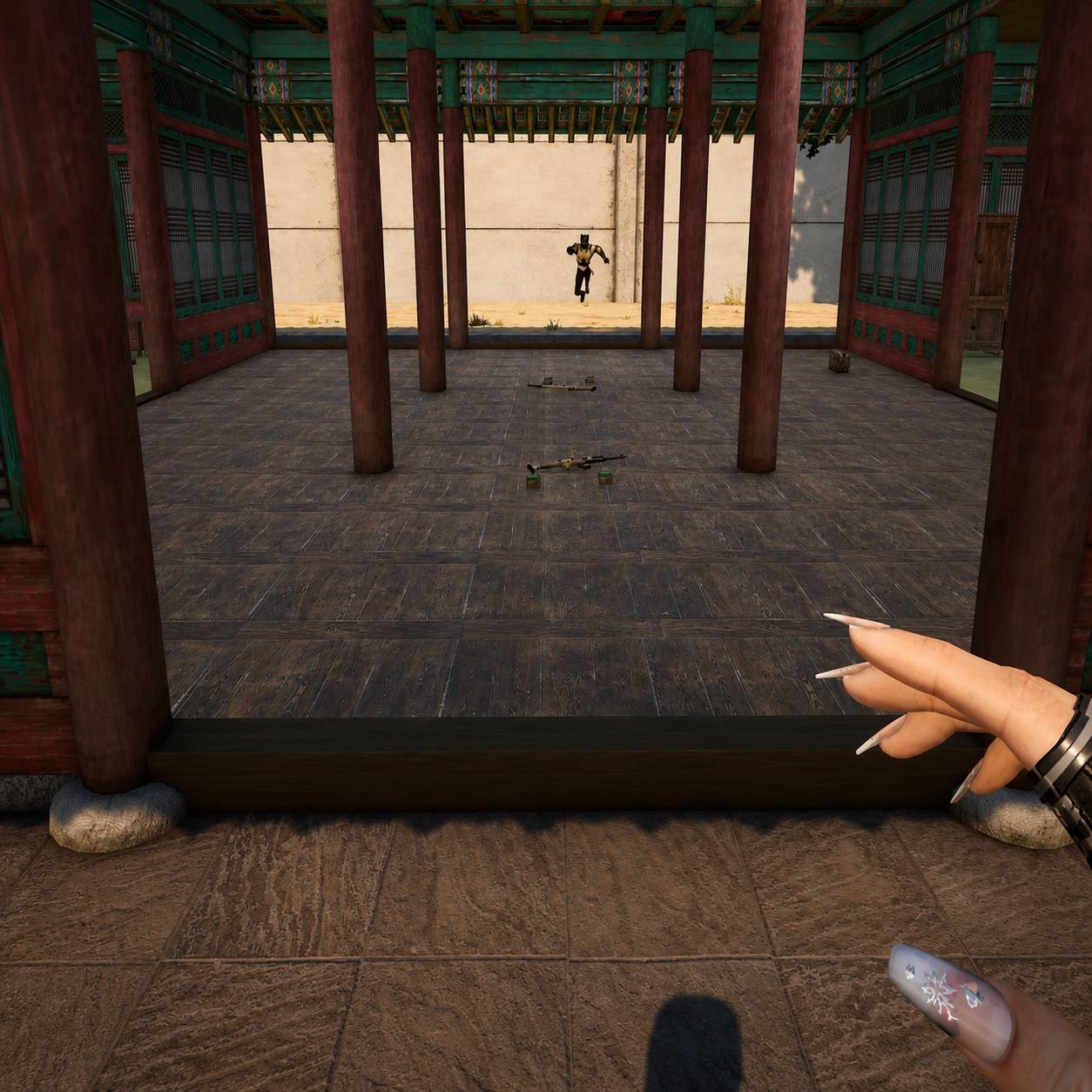
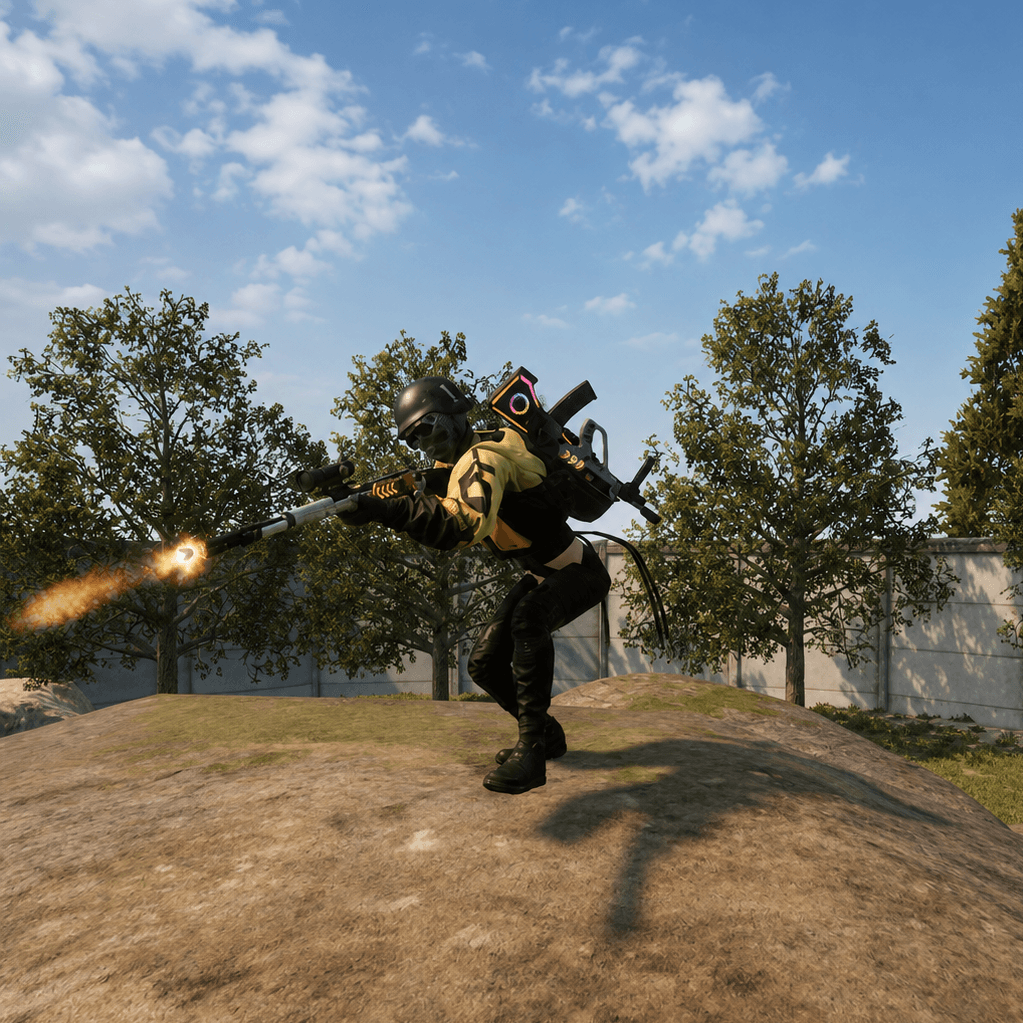
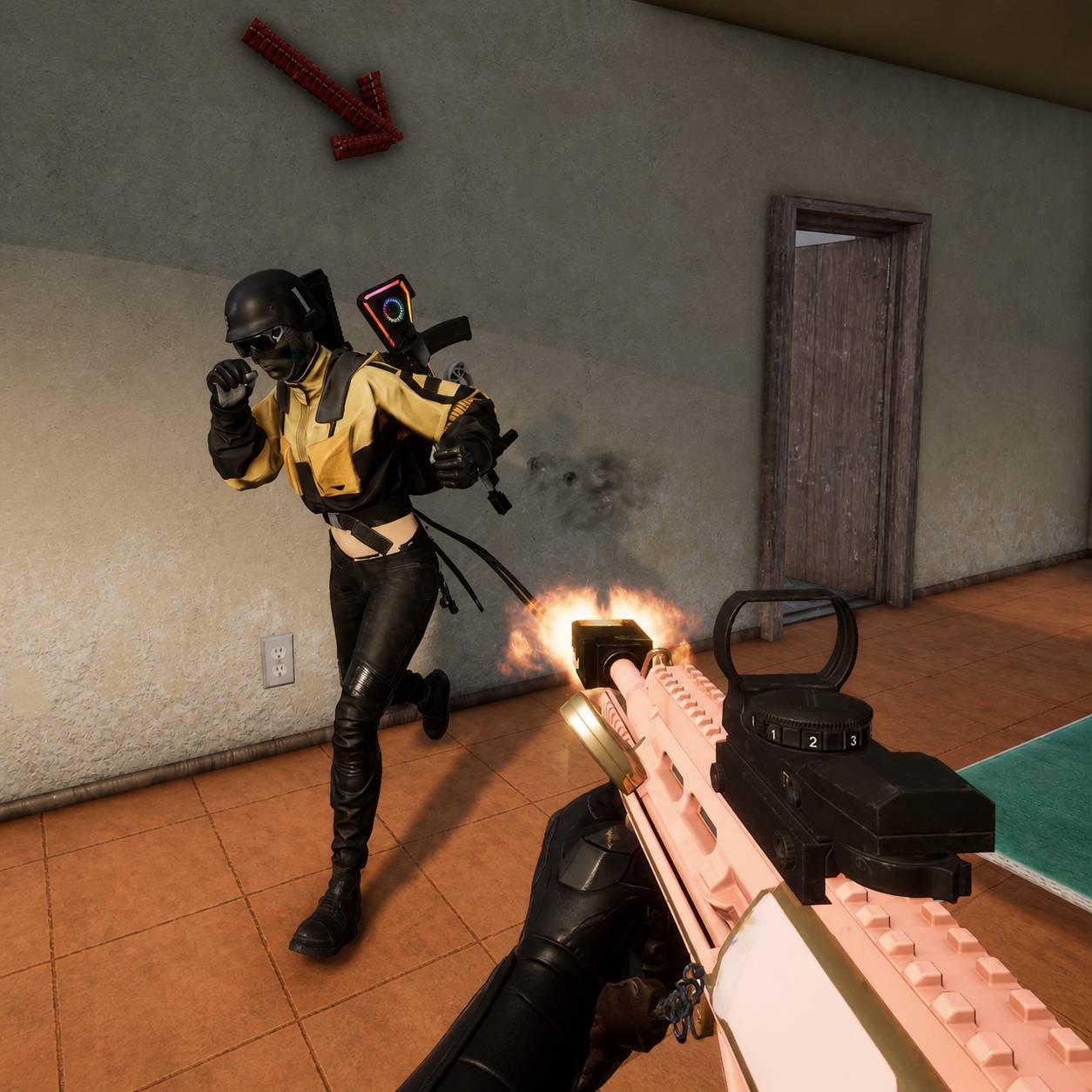
Battle your friends across 12 different 1v1 replicated arenas, each designed to help you practice different combat situations.
Whether you want to practice:
- Crashing compounds
- Long-range fights with minimal cover
- HOT-DROP Loot-speed practice
- Close-quarters combat in tight corners
- In-house fights
- Fighting for stairs
- And much more
If you can think of a scenario, there's an arena for it.
Designed for 2 players total - a true 1v1 experience.
How to Play
1. Choose Your Secondary
Select your AR/SMG of choice using the interactive buttons located in front of the weapons.
2. Choose Your Primary
Once you've selected your secondary, choose your primary weapon by pressing the buttons located above your head.
3. Start the game by standing in the corner
Stand in the corner with the white marking for 3 seconds and the game will start counting down. In a rush? No worries! The second your enemy steps into the same circle, the game will start immediately -- no need to wait!
4. Let the Game Handle the Rest
After you've selected your loadout, everything else happens automatically.
The following are fully programmed:
- Player spawns
- Timers
- Devices
- Arena setup
Choose your weapons and get ready to fight.
Why Do Some Houses Have Flashbangs & Grenades?
Some houses and arenas contain grenades or flashbangs to help mitigate naturally unfair situations.
For example:
- Pushing stairs
- Holding an open field
- Breaking difficult defensive positions
These items are included to help balance certain scenarios and make the fights more realistic and competitive.
Pick Your Loadout. Enter the Arena. Fight.
Mod Installation Guide
Download the latest version of this mod here.
Press Windows + R.
- Go to %LOCALAPPDATA% and hit Enter.
- Go to the
\TslGamefolder. - Go to
\Savedfolder. - Go to the UGC folder or create it if it doesnt exist. The full path will look like this
C:\Users\USERNAME\AppData\Local\TslGame\Saved\UGC - Drag and drop the .pugc file you downloaded into this folder
Go back to the PUBG Lobby > Custom > Battlegrounds > Create Custom lobby > -Invite your friends- > Start
- Open the menu with P
- Click LOAD and select the mod you want to play
- Press P again
- Press PLAY
Simulation 1v1 - 12 Arena's - Skill based PvP - Training Team