Gungame Office
- By
Fast-paced, Fun & Exciting weapon sets at Neox Headquarters. use what you get: SR's, AR's, Panzerfausts, Tasers, and Gas cans; Play serious- or for fun!
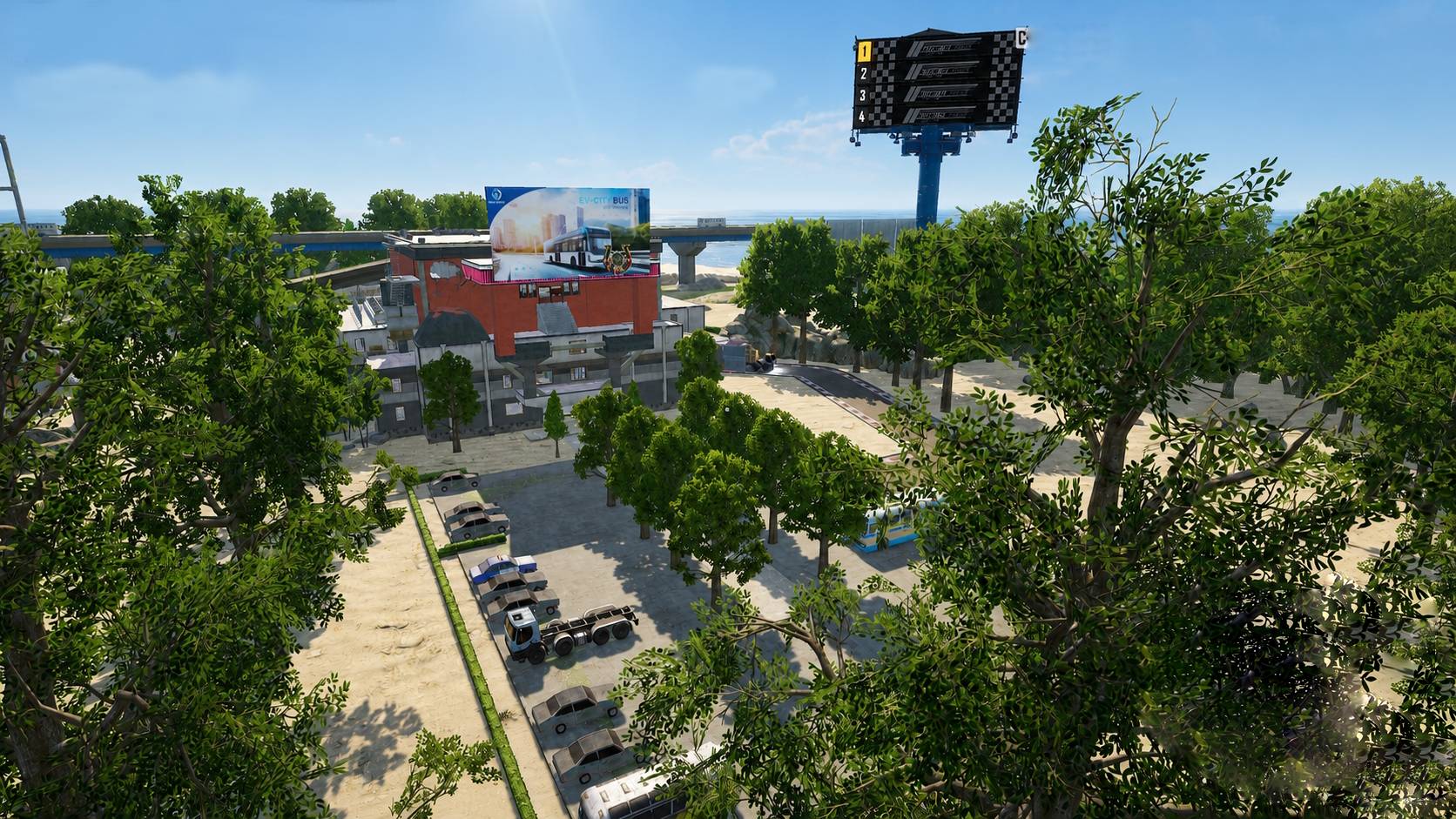
Outside-Office.jpg
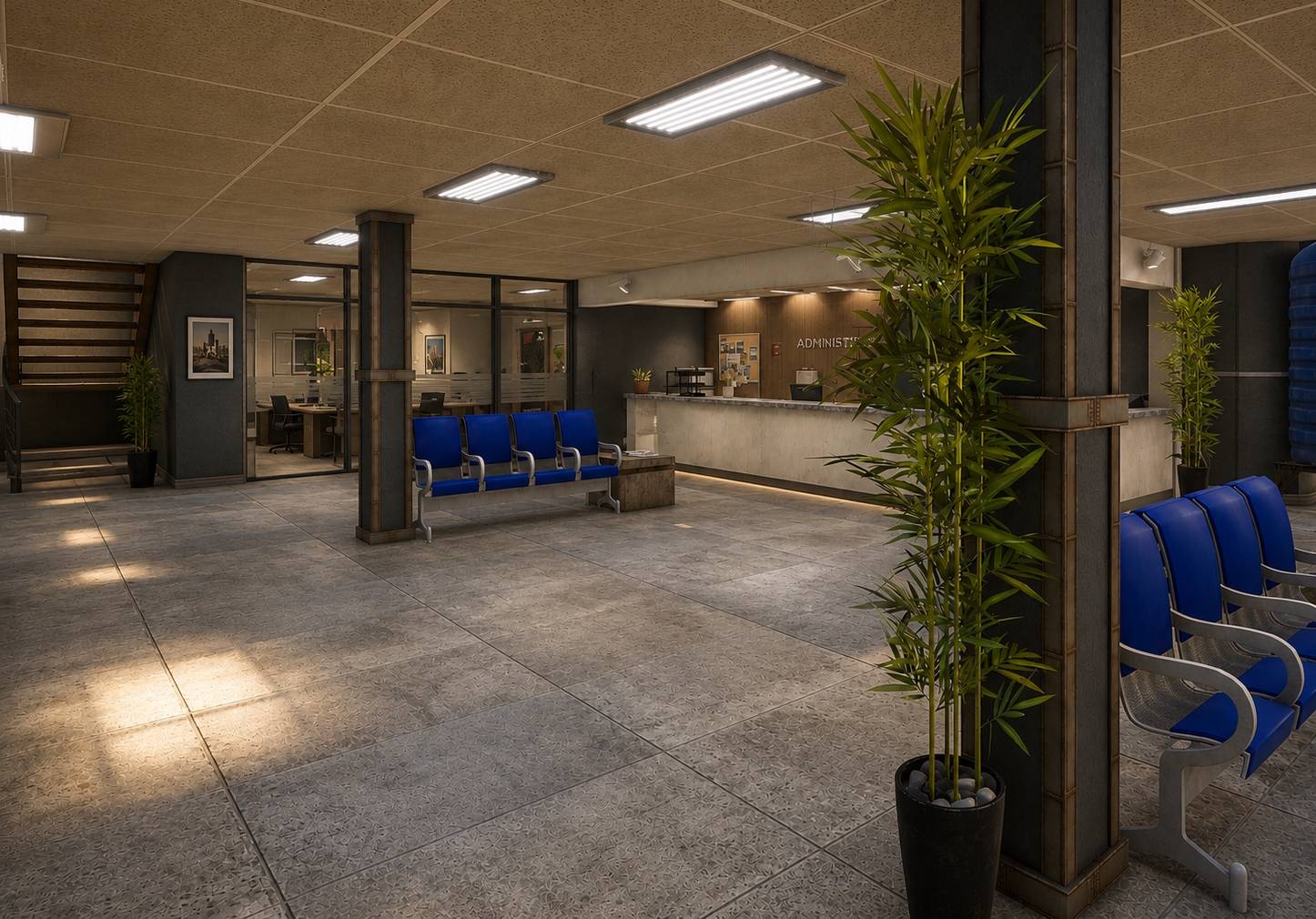
Check-In.jpg
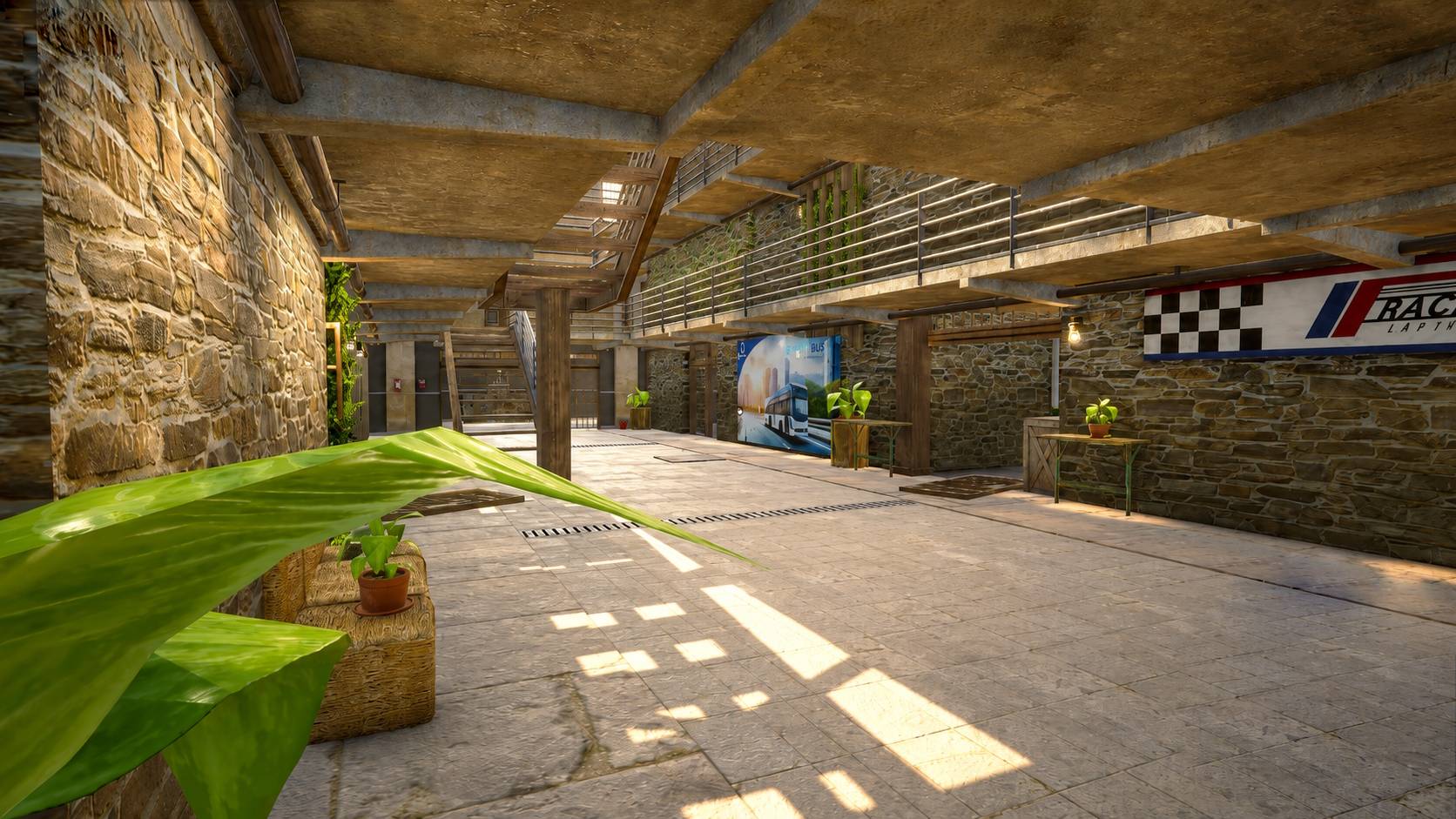
Hallway.jpg
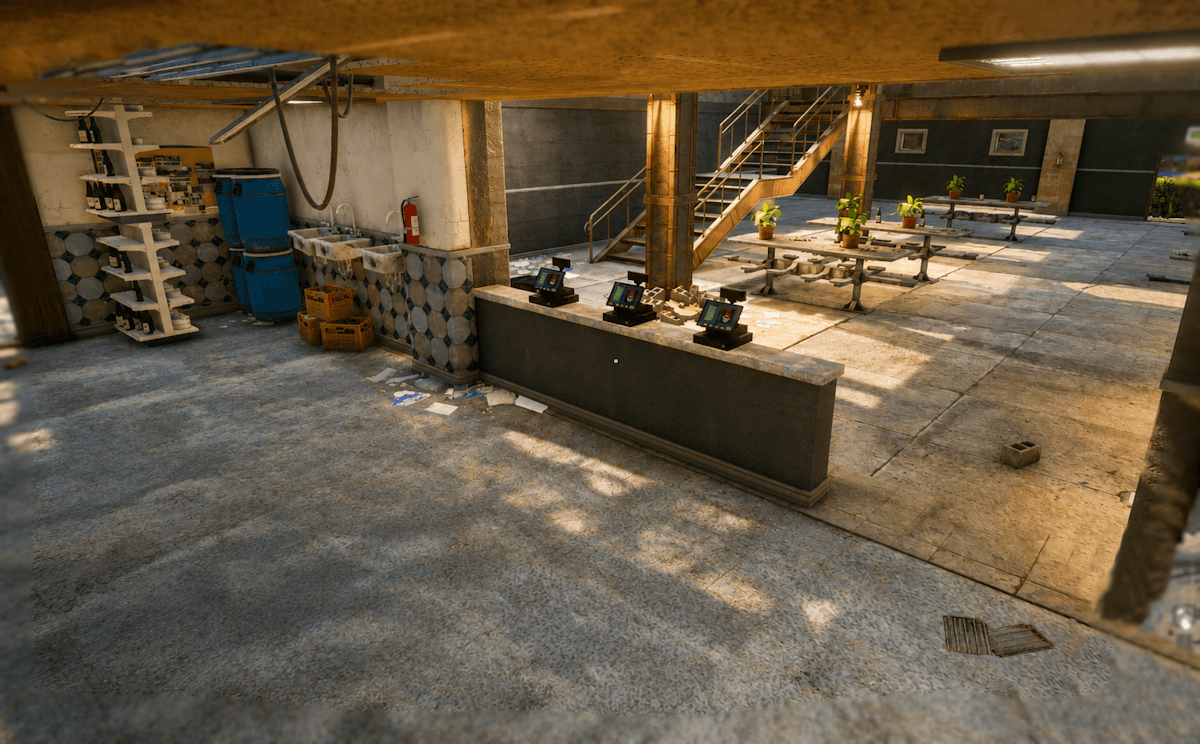
Cafeteria.png
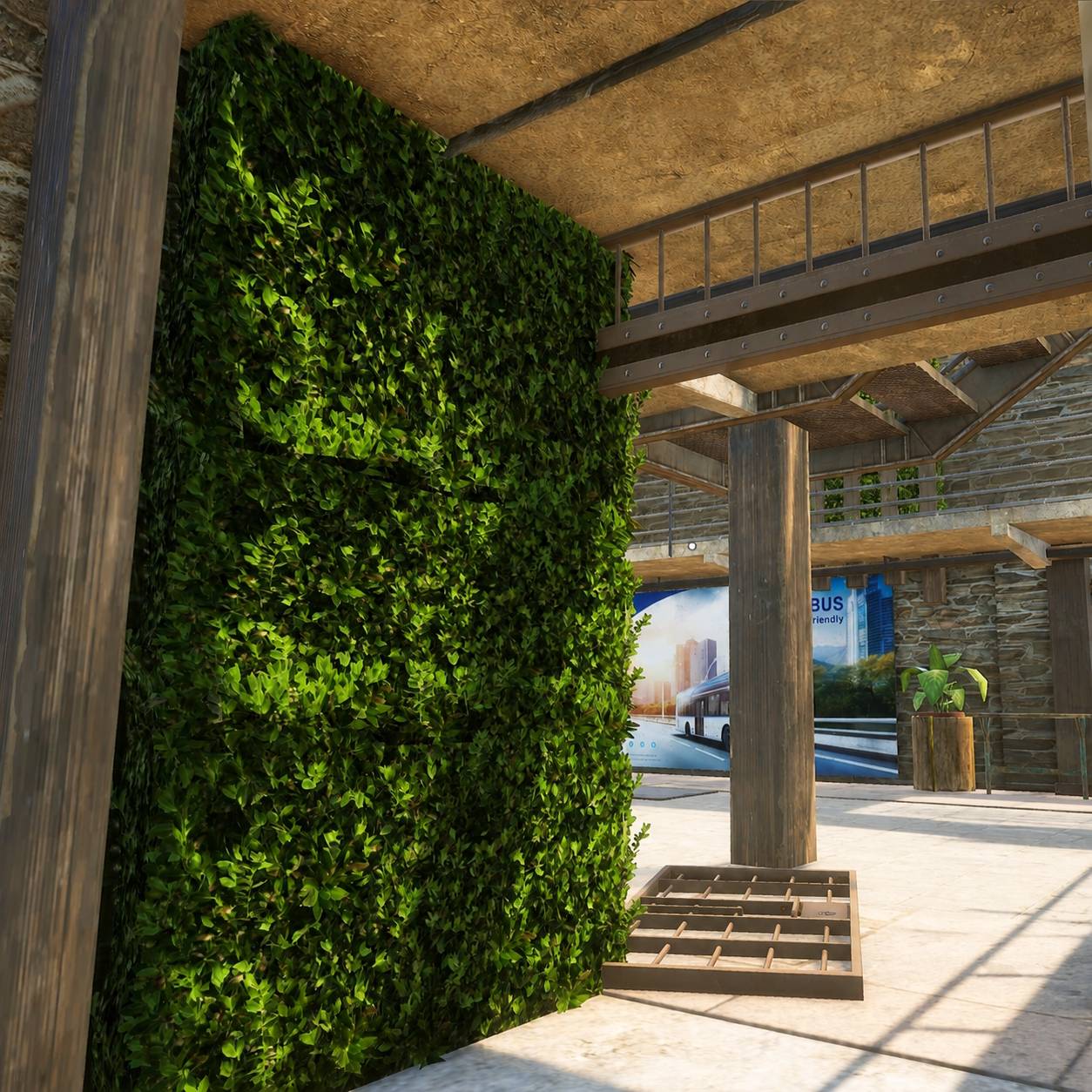
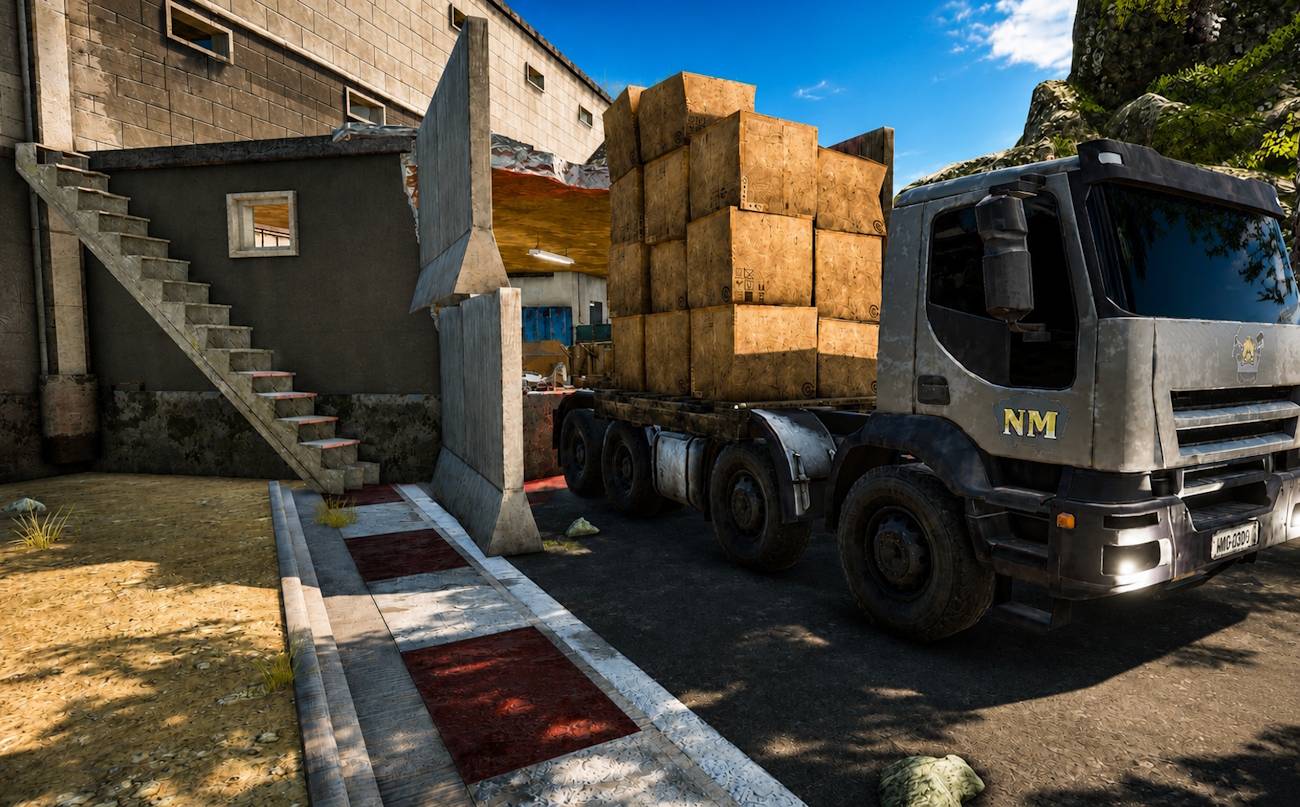
Loading_Truck.jpg
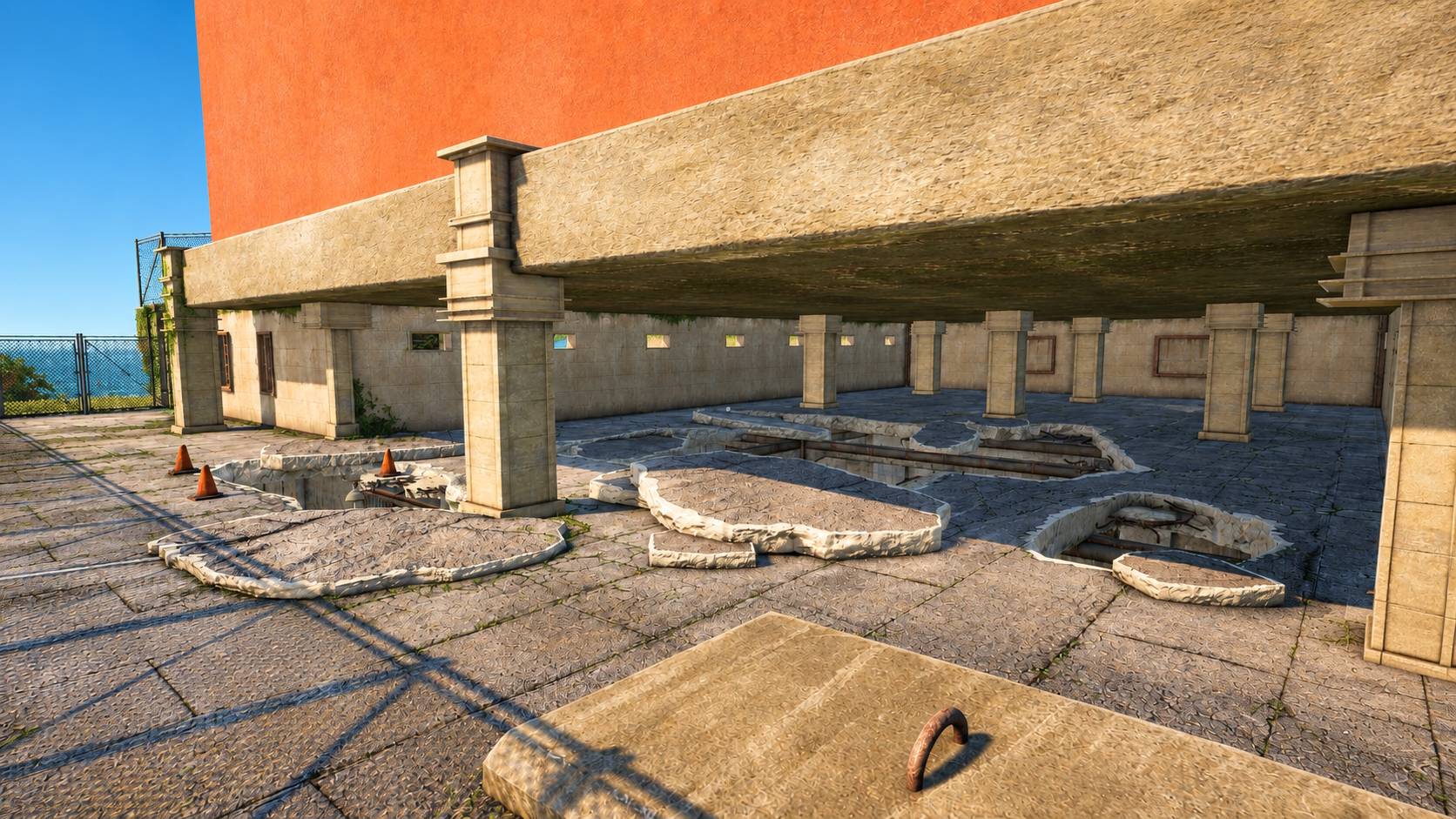
Outside-Second_Floor.jpg
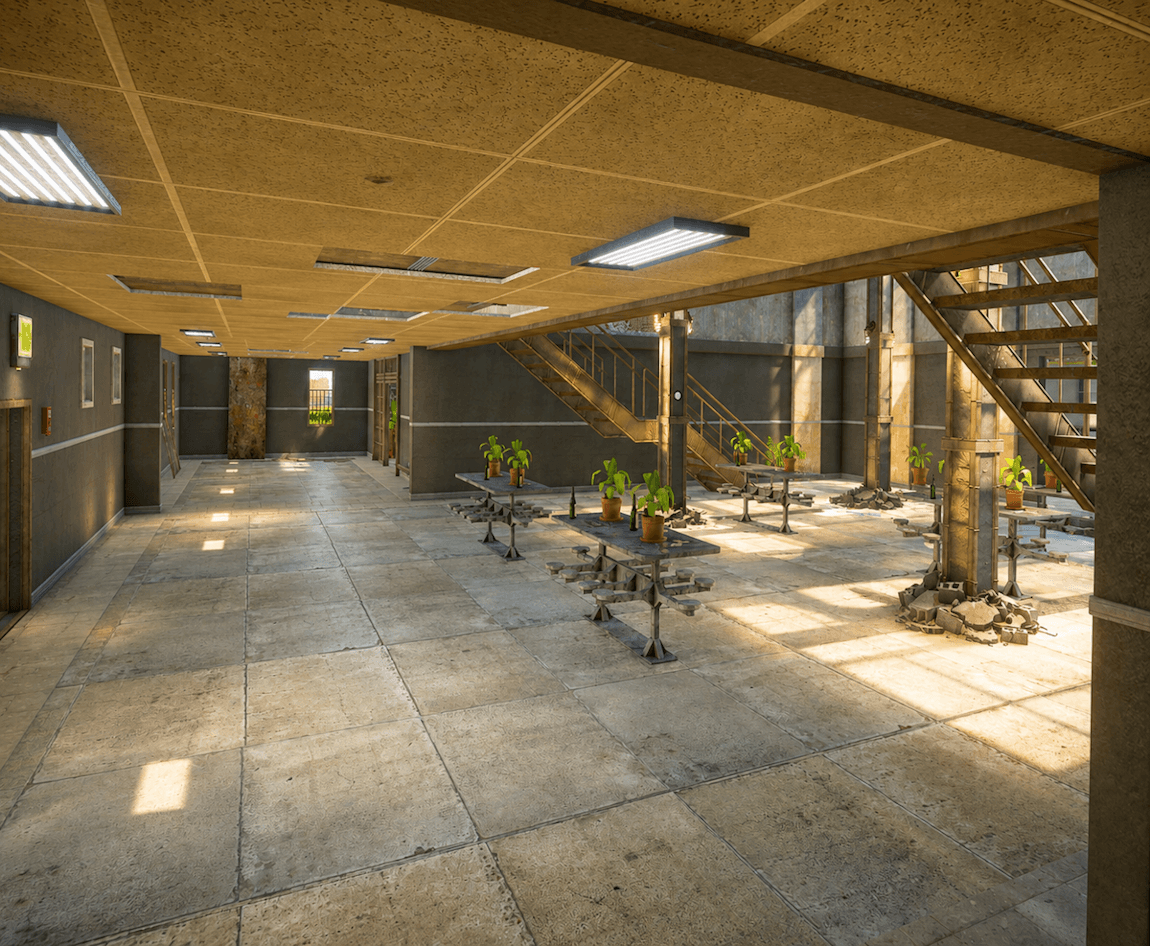
Cafeteria-2.png
Description
🏢 OFFICE GUNGAME
Fast-paced combat. Unpredictable weaponsets. Absolute office chaos.
Welcome to Office Gungame; a chaotic, action-packed map packed with variable, fun weaponsets, unique angles, and plenty of surprises.
Explore the office!
VARIED WEAPONSETS
Every weapon-set is different, with a wide variety of weapons, items and pistols!
- Panzerfausts -- Send special deliveries!
- Tazers -- SHOCK your friends!
- Shotguns -- up close and personal
- Snipers -- find your angle and take the shot, or simple go for trickshots
- Melee weapons -- sometimes the old-fashioned way is best
- Grenades -- because offices weren't chaotic enough already
And many more!
EXPLORE THE OFFICE
The map features tons of interesting and unexpected angles, giving you plenty of opportunities to outsmart your opponents.
Fight your way through:
- The Parking Lot -- open-area firefights right outside the building
- The Front Desk -- watch your back while checking in
- The Kitchen -- yes, even the kitchen becomes a battlefield
- Office Areas -- plenty of cover, corners, and sneaky positions
- Hidden Spots & Easter Eggs -- keep your eyes open…
👥 2–45 PLAYERS
Whether you're battling it out with a friend or causing absolute chaos with a full lobby, Office Gungame supports anywhere from 2 to 45 players!
ENTER THE OFFICE. GRAB A WEAPON. GET TO WORK.
Who needs a coffee break when you can have a Panzerfaust?
Mod Installation Guide
Download the latest version of this mod here.
Press Windows + R.
- Go to %LOCALAPPDATA% and hit Enter.
- Go to the
\TslGamefolder. - Go to
\Savedfolder. - Go to the UGC folder or create it if it doesnt exist. The full path will look like this
C:\Users\USERNAME\AppData\Local\TslGame\Saved\UGC - Drag and drop the .pugc file you downloaded into this folder
Go back to the PUBG Lobby > Custom > Battlegrounds > Create Custom lobby > -Invite your friends- > Start
- Open the menu with P
- Click LOAD and select the mod you want to play
- Press P again
- Press PLAY
Gungame Office Team