OGIskill
- By
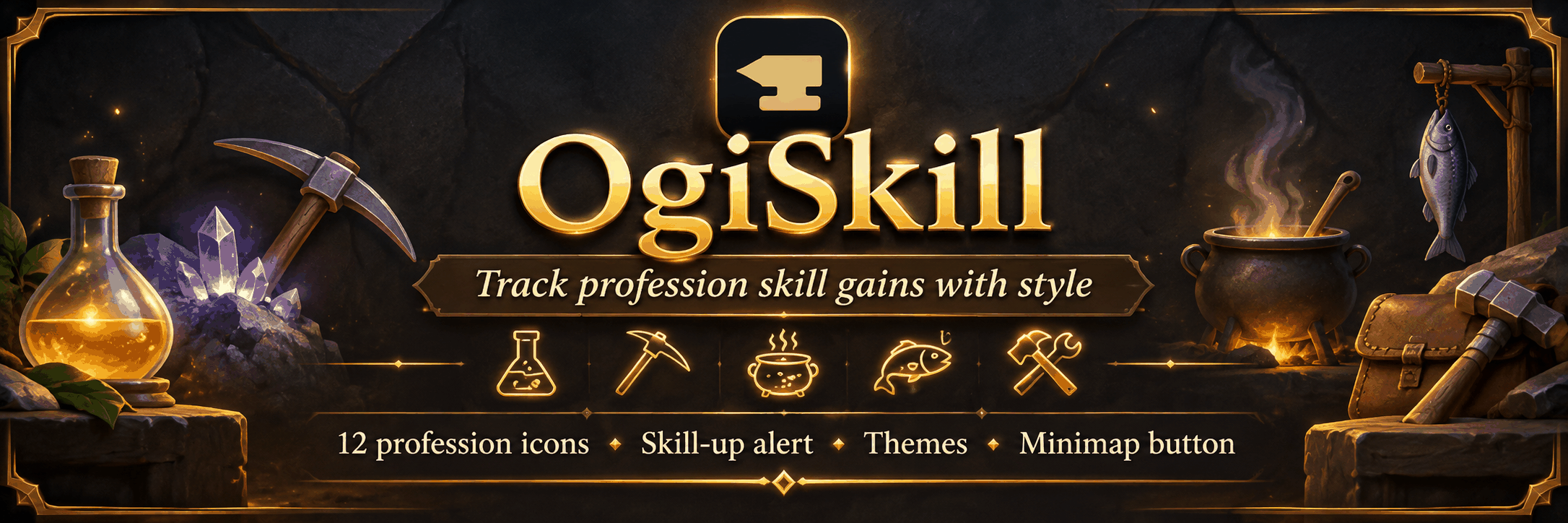
OgiSkill is a lightweight, customizable profession skill tracker for WoW Forever. Track skill levels in real time with animated skill-up notifications, six UI themes, custom profession icons, and a clean, movable interface.
зобÑаженнÑ_2026-11-09_214434304.png
Description
⚒️ OgiSkill — Profession Skill Tracker
Every skill point counts. Make every gain visible.
OgiSkill is a lightweight, highly customizable profession skill tracker designed specifically for World of Warcraft: Forever.
Whether you're mining ore, gathering herbs, crafting equipment, brewing potions, or leveling your secondary professions, OgiSkill keeps your progress visible without cluttering your interface.
Track your profession levels in real time, enjoy smooth skill-up animations, and customize the appearance to perfectly match your UI.
Simple. Elegant. Fully customizable.
✨ Key Features
📊 Real-Time Profession Tracking
Keep track of your profession progress directly on your screen.
-
Displays profession names and current skill levels.
-
Tracks skill progression automatically.
-
Shows progress toward your current profession skill cap.
-
Updates your display as your skills increase.
-
Individually enable or disable tracked professions.
-
Remembers hidden professions without triggering false skill-up notifications.
No need to constantly open your profession window to check your progress.
⬆️ Animated Skill-Up Notifications
Make every profession skill increase feel rewarding!
Whenever a profession skill increases, OgiSkill provides visual feedback:
-
A smooth, rising
+1animation next to the skill value. -
A temporary green highlight on the updated skill number.
-
A separate, frameless skill-up notification.
-
Profession-colored notification text.
-
Adjustable notification size and opacity.
-
Independently movable notification position.
The notification automatically disappears after a short animation, keeping your screen clean.
🎨 Five Customizable UI Themes
Choose the appearance that best suits your interface.
| Theme | Appearance |
|---|---|
| Minimal | Clean, subtle, distraction-free tracking |
| Classic | Traditional fantasy-inspired interface |
| Class | Styling influenced by your character's class color |
| Stone | Dark, neutral interface styling |
| Bare | Frameless presentation with minimal decoration |
| Bars | Individual profession-colored progress bars |
Customize your tracker further with adjustable font sizes, opacity, corner radius, and individual bar rounding.
Six appearance styles are available in version 1.2.11.
🛠️ 12 Supported Professions
OgiSkill includes custom profession icons and individual profession colors for:
-
⚗️ Alchemy
-
🔨 Blacksmithing
-
✨ Enchanting
-
⚙️ Engineering
-
🧵 Leatherworking
-
🪡 Tailoring
-
🌿 Herbalism
-
⛏️ Mining
-
🐾 Skinning
-
🍳 Cooking
-
🩹 First Aid
-
🎣 Fishing
Every profession can be shown or hidden independently through the settings panel.
⚙️ Extensive Customization
Configure your tracker without editing any addon files.
Tracker Settings
-
Profession name font size
-
Skill number font size
-
Overall opacity
-
UI theme selection
-
Corner radius
-
Progress bar corner radius
-
Position locking
-
Individual profession visibility
Skill-Up Alert Settings
-
Notification font size
-
Notification opacity
-
Independent positioning
-
Live preview while configuring
Interface Settings
-
Movable tracker
-
Optional minimap button
-
Settings accessible through chat commands
-
Reset to default appearance
Your settings are saved between sessions.
🖱️ Easy Access
OgiSkill includes a minimap button for convenient access to its settings.
Minimap Controls
-
Left-click: Open the settings window.
-
Right-click: Preview a skill-up notification.
-
Drag: Reposition the minimap button.
You can also access the addon through chat commands.
Chat Commands
/ogiskill — Open the settings window.
/oskill — Alternative command.
/ogiskill demo — Preview the skill-up animation.
/ogiskill status — Display diagnostic information.
🌍 Localization
OgiSkill supports English and Russian interface labels.
Profession names are obtained from the game client, and the tracker uses the client's font for improved text compatibility.
💻 Compatibility
Designed for World of Warcraft: Forever
-
Interface version:
16001 -
Addon version:
1.2.11 -
No external addon dependencies
-
Saved settings between sessions
-
Custom profession icon assets included
OgiSkill is developed specifically around the WoW Forever client and its profession APIs.
Compatibility with other World of Warcraft versions is not guaranteed.
📦 Installation
-
Download the latest OgiSkill release.
-
Extract the archive into your World of Warcraft
Interface/AddOnsdirectory. -
Make sure the addon files are located inside the
OgiSkillfolder. -
Enable OgiSkill from the in-game AddOns menu.
-
Log in and type
/ogiskillto customize your tracker.
Enjoy tracking your profession progression!
🆕 What's New in Version 1.2.11?
-
Improved profession icon readability across all themes.
-
Heavier icon strokes for better visibility.
-
Enhanced icon contrast in the Bars theme.
-
Profession-colored progress bars.
-
Adjustable corner rounding.
-
Improved profession data detection for WoW Forever.
-
Updated text rendering using the game client's fonts.
❤️ Made for Players Who Love a Clean UI
OgiSkill focuses on one simple idea:
Your profession progress should always be visible — without getting in your way.
No unnecessary menus. No oversized interface elements. Just the information you need, exactly where you want it.
Whether you're leveling Engineering, farming Mining, or mastering every available profession, OgiSkill helps you keep track of every skill point.
Forge your skills. Track your progress. Make every point count.
OgiSkill is an independent community addon and is not affiliated with or endorsed by Blizzard Entertainment.
OGIskill Team