Copperline
- By
An elegant money and currency display with smooth animations, customizable themes, and optional balance tracking.
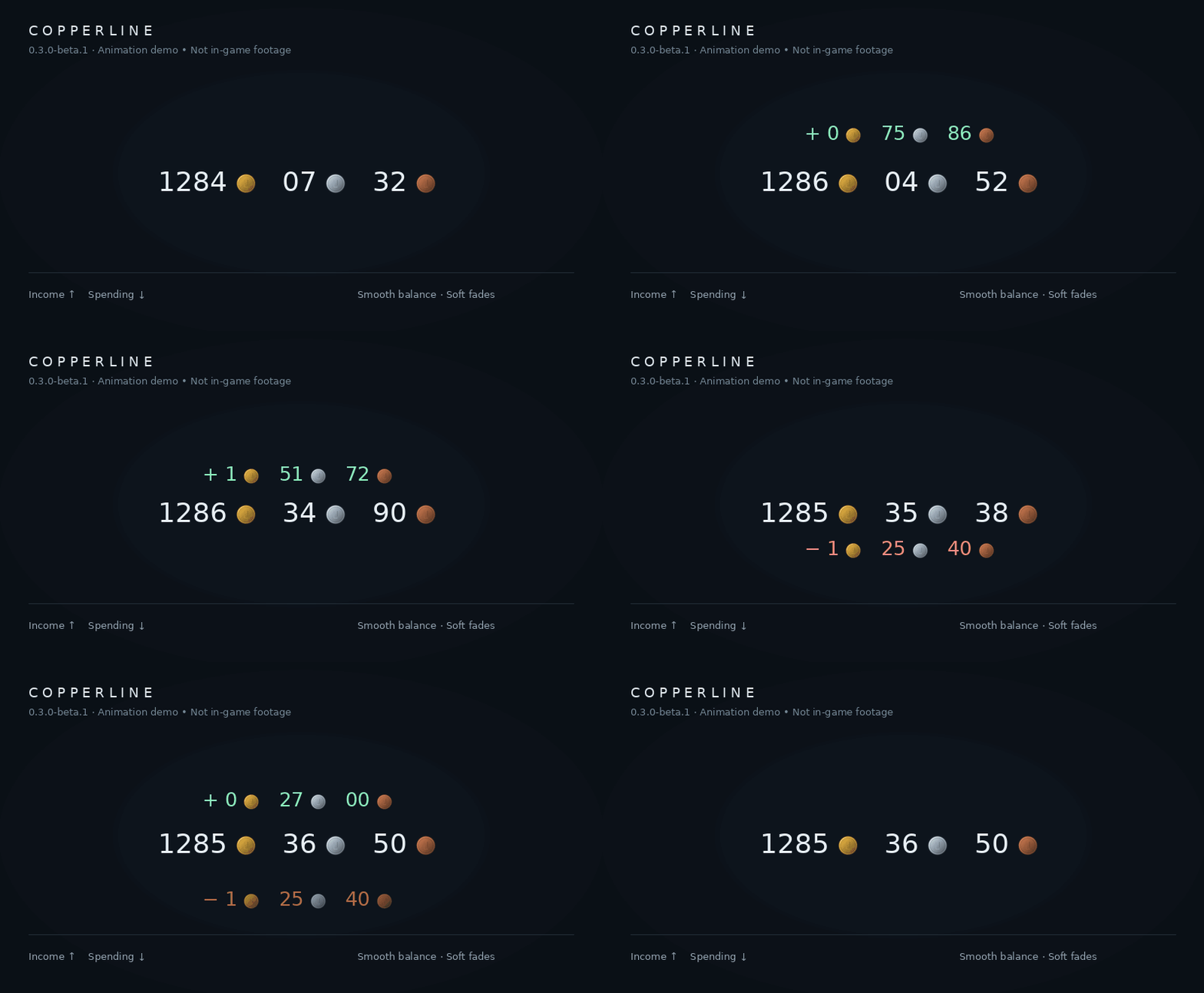
Copperline-demo.gif
Copperline-themes.jpg
Description
Copperline
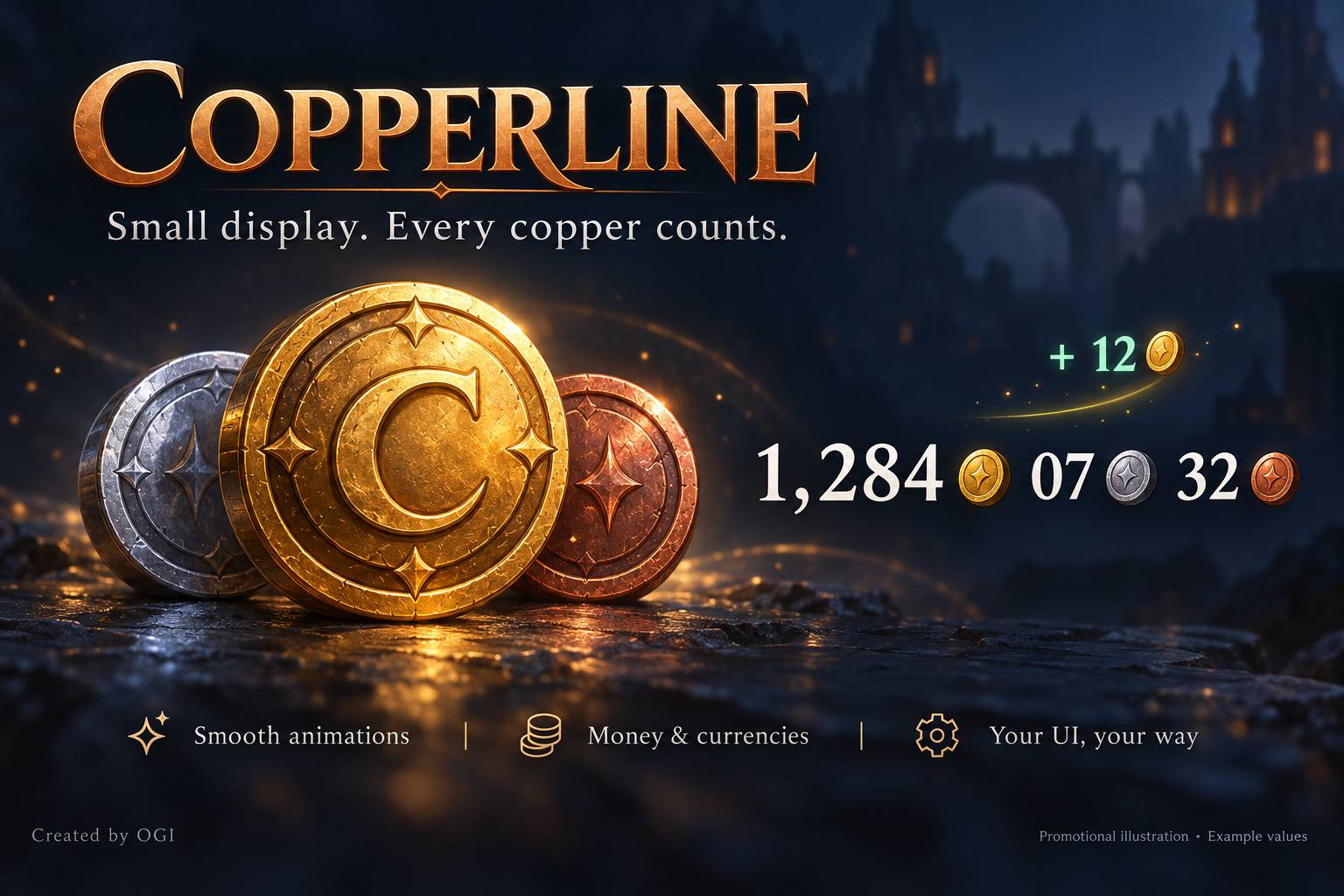
Small display. Every copper counts.
Your next mount. Your next upgrade. Every repair bill along the way.
Copperline keeps your money in sight with a compact, customizable display and smooth animations. Watch your balance glide as it changes, see incoming money gently float above the counter, and keep track of spending without opening your bags.
Place it where it belongs in your interface, choose your style, and get back to the adventure.
✨ A little detail that feels good
- Smooth balance changes with soft acceleration and a clean finish.
- Floating income and spending notifications, with separate colors and toggles.
- Custom coin artwork for gold, silver and copper.
- Adjustable animation speed, intensity and notification thresholds.
- Click-through display during normal play. Hold Alt to interact.
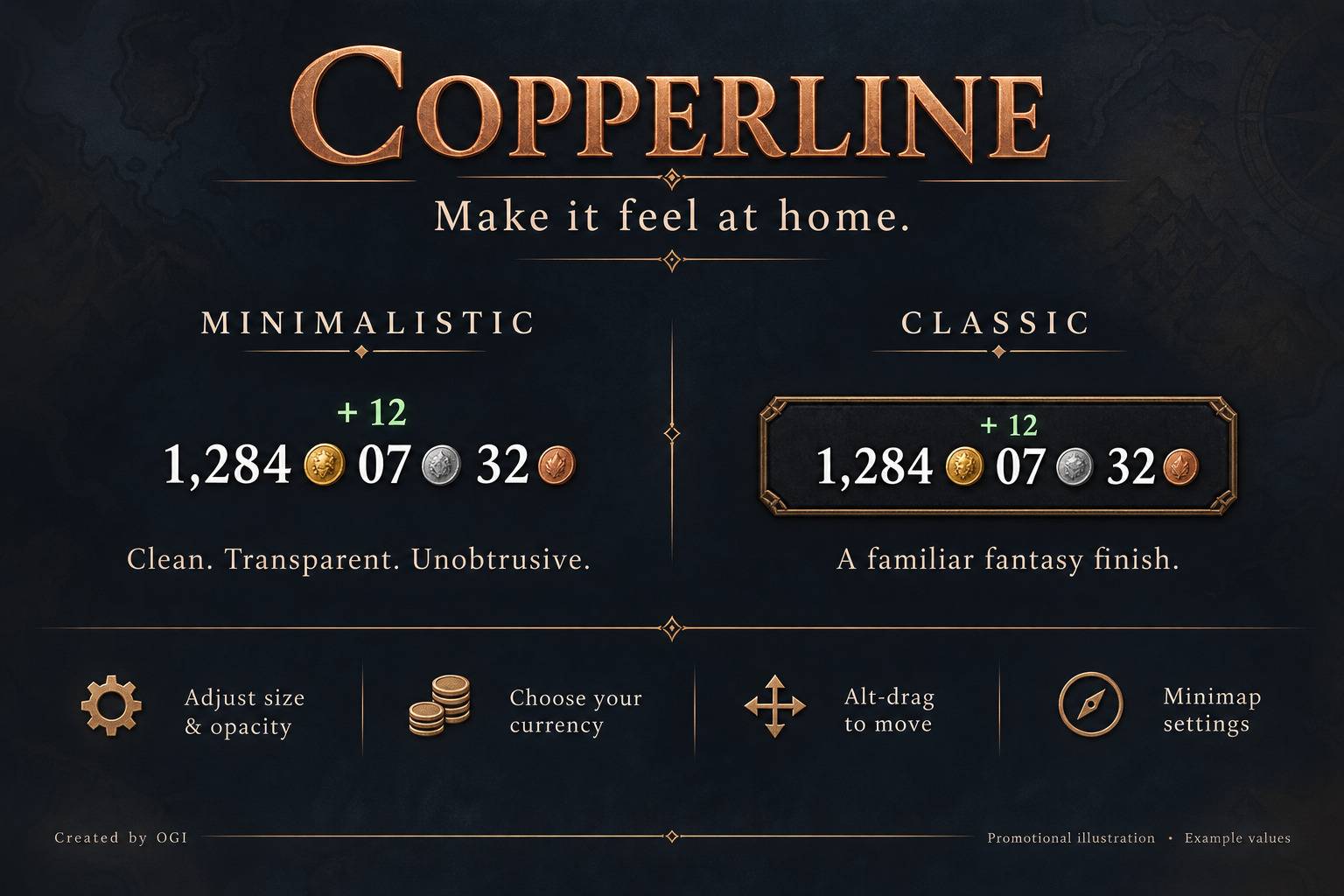
🎨 Two styles. Your setup.
Minimalistic — a transparent, borderless counter for a clean interface.
Classic — a framed display with a familiar WoW-inspired look.
Adjust scale, font size, opacity, padding and minimum dimensions. The display expands to fit its contents, keeping the amount readable. Your position and preferences are saved for each character.
🪙 More than gold
Choose money, an available character currency, or a supported item token as your main counter. Refresh the currency list or add a currency by ID; item tokens can also be added by ID or item link.
Honor and recognized badges have custom icons. Other currencies retain their recognizable artwork in Copperline's circular styling. One selected currency is displayed at a time; item tokens count the contents of your bags.
📊 See the bigger picture
Hold Alt and hover to check your current money session:
- Money received and spent.
- Net change in your wallet.
- Session duration and net gold per hour.
Sessions survive /reload; a fresh login starts a new one. You can also reset the session whenever you begin a new farming run.
Optional balance tracking lets you include saved wallet totals from same-faction characters, supported bank funds, and unclaimed auction proceeds. Bank and auction amounts can appear in the money counter or stay in the Alt-hover tooltip.
⚙️ Simple controls
|
| Move the display |Alt + left-drag |
| View session and balance details |Alt + hover |
| Open settings |Minimap button, Alt + right-click, or /copper |
| Start a new money session |/copper session |
| Read the latest release notes |/copper changelog |
The minimap button can be moved or hidden. A short update notice introduces each new version once across your characters.
Good to know
Current target: WoW Forever Beta 1.60.1, build 69913. Compatibility with other game versions is not claimed.
Character totals update when you log into each character and include recorded wallets from the same faction and region. Bank and auction data are saved snapshots refreshed when you visit the bank or open your mailbox. Currency and bank features depend on what the client exposes.
Bank extras cover the current character's supported personal bank and the shared bank; shared funds are counted once and may include both factions. Guild banks are excluded. Auction extras cover the current character's available and confirmed pending sale payouts, not unsold listings. Incomplete mailbox scans are excluded from the main total.
Session statistics measure wallet changes, including transfers, rather than economic profit. Gold per hour appears after the first minute.
Help shape Copperline
Found a bug or have an idea? Leave a comment with your game build, Copperline version, and the steps needed to reproduce the issue. Feedback from the beta helps make every update better.
Created by OGI
Copperline Team