Squizzframes
Party, raid, pet and unit frames built for 12.1, with a full indicator system, click-casting, a tank tracker and a resource bar.
Description
SquizzFrames
Party, raid, pet and unit frames for World of Warcraft 12.1, built around healing, where the frames are the game. Aura indicators run on Blizzard's own aura system, so they keep working in combat, when aura data is hidden from addons.
Party and raid frames
- Separate party and raid layouts: size, spacing, position, growth direction (including centred) and opacity.
- Raid frames laid out per group, with role sorting inside each group.
- Health colours by class, or by how hurt someone is (green through amber to red).
- Range fading, aggro, ready check, summon, drinking and phasing status, plus the game's ping markers on your frames.
- Pet frames, attached to their owner or as a free group.
Indicators
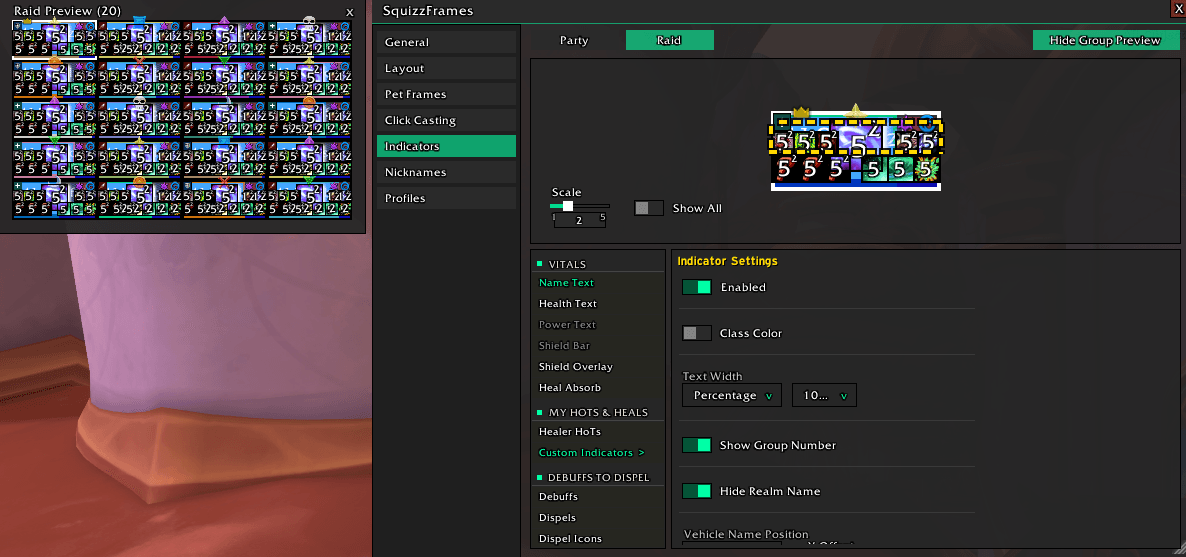
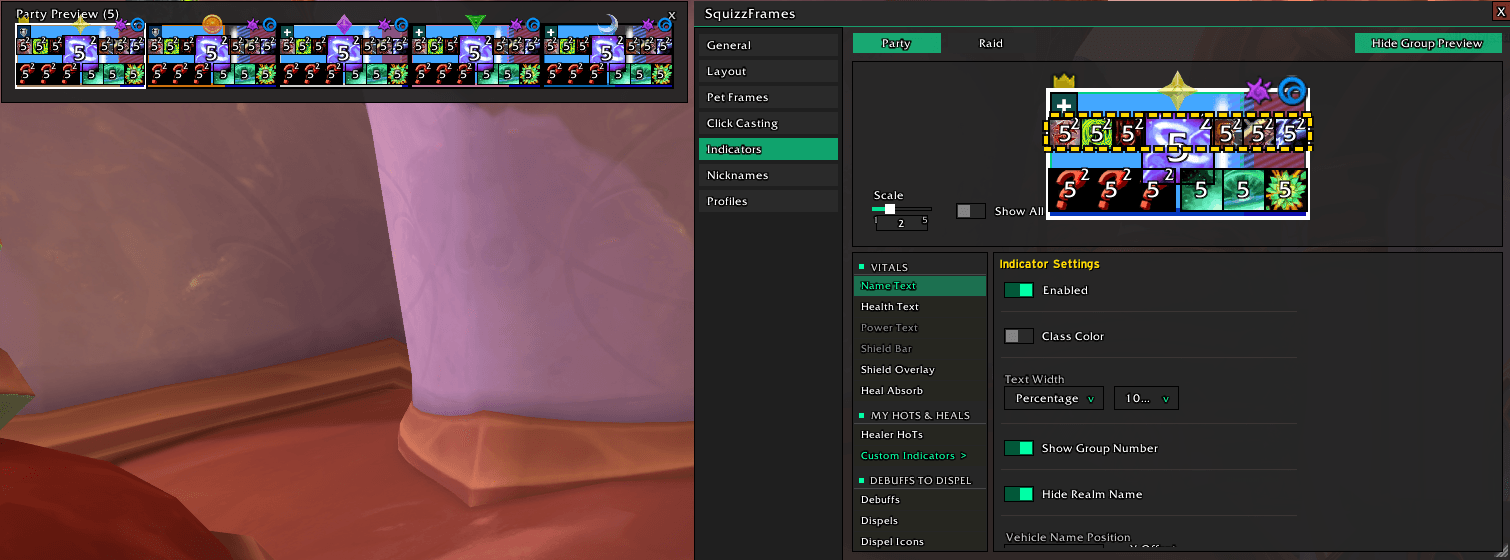
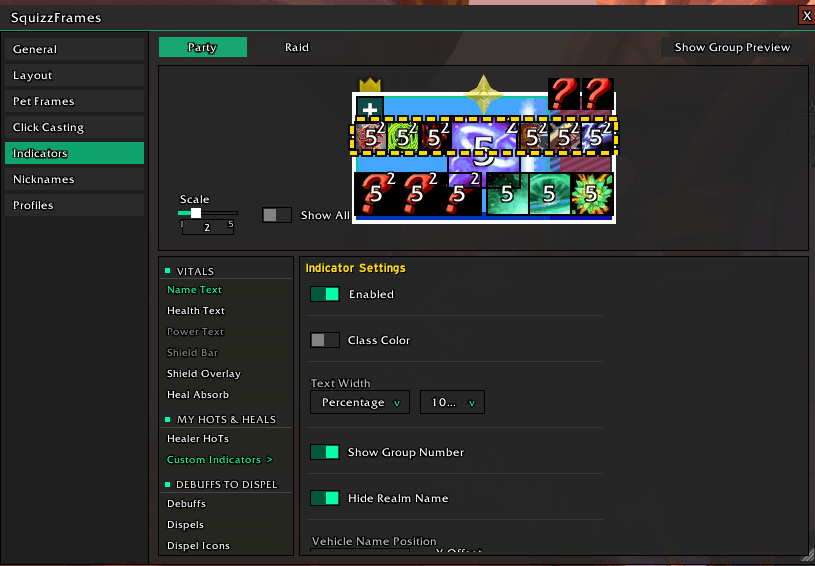
- Built-in indicators for HoTs, external and defensive cooldowns, debuffs (with a filter), crowd control, dispels (health-bar overlay and type icons), shields, heal absorbs, missing raid buffs, role, leader, raid marker, target and hover highlights, and more.
- Custom indicators driven by your own spell lists.
- Place any indicator anywhere with one anchor point and an offset, and see it in a live preview.
- One-click Healer preset.
Unit frames
- Player, target, target of target, focus, focus target and boss frames.
- Cast bars, 2D/3D portraits, buff and debuff rows, absorb overlays, dispel overlays and icons, hover/target/aggro highlights, combat and leader icons, borders, and fully configurable text.
- Attach unit frames and cast bars to Squizzumables' cooldown groups or Blizzard's Cooldown Manager rows, optionally matching their height.
Resource bar
- A movable power bar plus your class resource points, together or placed separately.
- Points as bars, shapes (round, star, heart, runes and more) or Blizzard's own class art, with rainbow colours and borders that follow the shape.
Tank tracker
- A frame per tank showing their incoming debuffs above and their defensives below,s are dealing with at a glance.
Click-casting
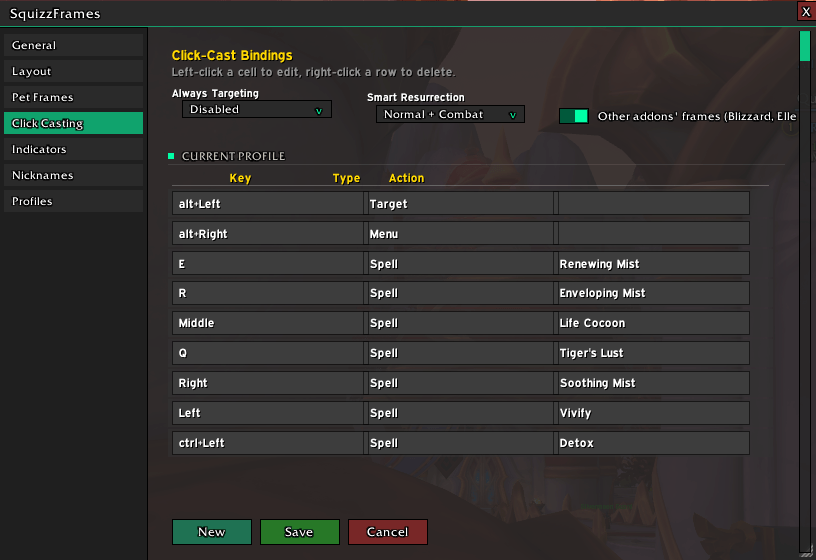
- Bind spells, items, macros, target, focus and menus to any mouse button, key or mouse wheel, with any modifier.
- Optionally extends the same bindings to Blizzard's player, target, focus and boss frames.
Nicknames
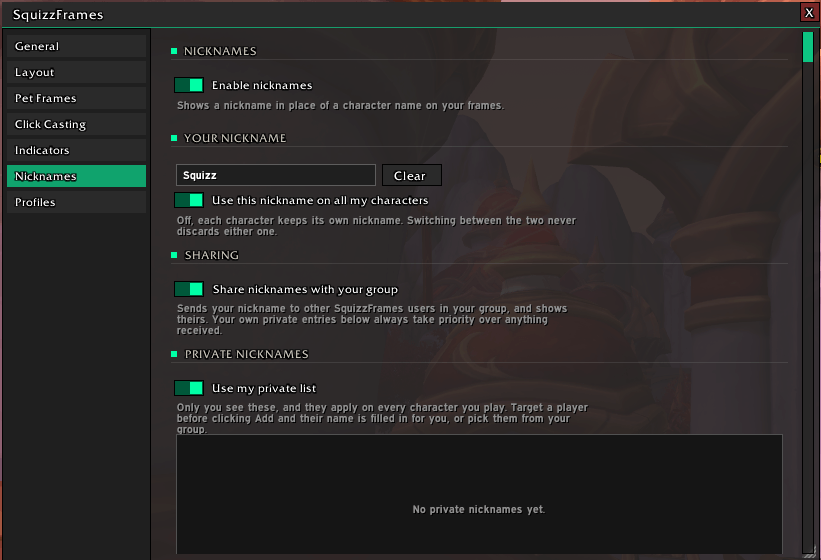
- Show a short nickname instead of a long character name: a private list only you s shared with other SquizzFrames users in your group. Incoming names are sanitised.
Everything else
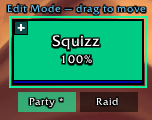
- Edit Mode alignment grid in your class colour, with snapping to screen centre, edges and other frames. Shared with Squizzumables.
- Profiles that switch automatically by specialization and situation.
- Hides the Blizzard frames it replaces, with one switch.
Commands
/sf: options/sf lock//sf unlock: lock or move the frames/sf healer: apply the healer preset/sf nick: nickname commands/sf notes: this version's release notes
Support
If you encounter any bugs or have feature requests, feel free to use the issue tracker on CurseForge.
If you enjoy using SquizzFrames, consider supporting development ❤️

Also check out my other addons:
- Squizzumables: one-click reminders for food, flasks, oils and class buffs, plus raid tools and a restyled Cooldown Manager
- Squizzcap: what killed you, how hard it hit and how fast you went down, with every death of a key saved to look back on
- SquizzTalents: all your talent builds in one list, with a reminder when your build doesn't match the content
- DPS Report: a lightweight damage meter with spell breakdowns and an end-of-key MVP summary
- Avatar Continued: your character model on screen as part of your UI
- KSLBestDungeon: ranks Mythic+ dungeons by how many of your KeystoneLoot favorites drop there
The Squizzframes Team