
Inventory Enhancer
- By

Sorting, filtering and search for Bannerlord's inventory screen, so managing hundreds of items stays fast. Thirteen sort categories, filters for every weapon, armor and culture, and a search bar that works in loot screens, where the game disables it.
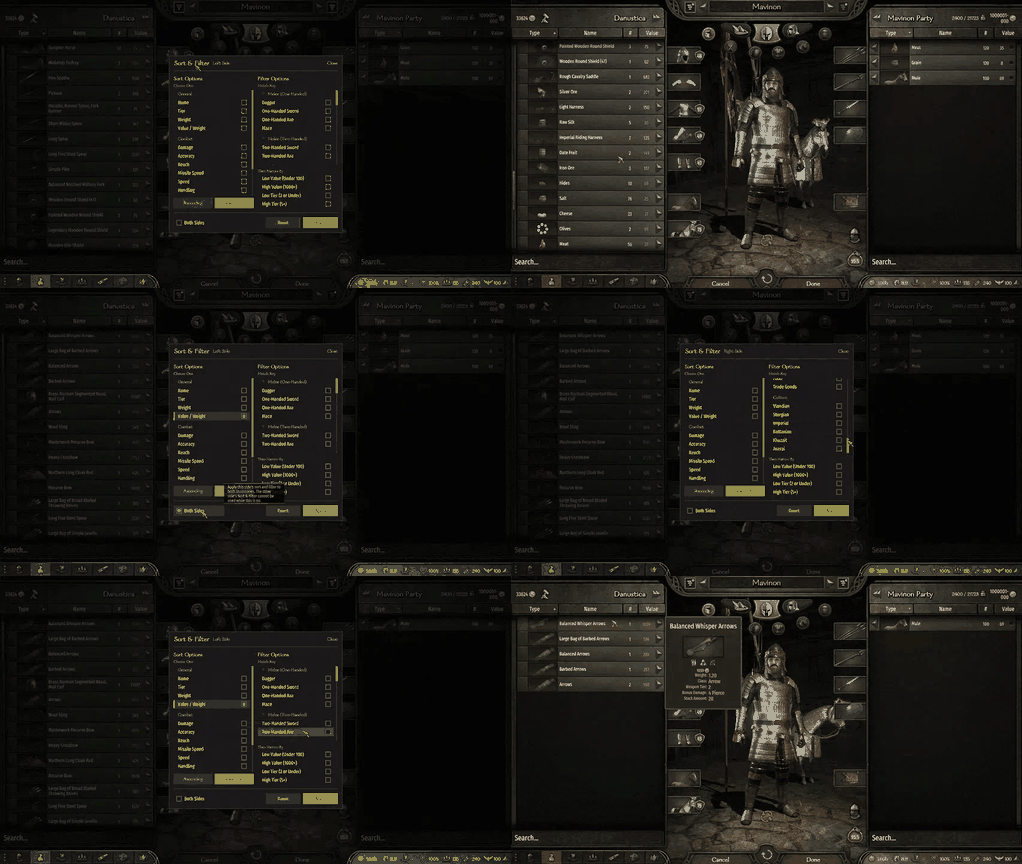
Opening a side's Sort & Filter menu, picking a sort and filters, and applying them to that side's item list.
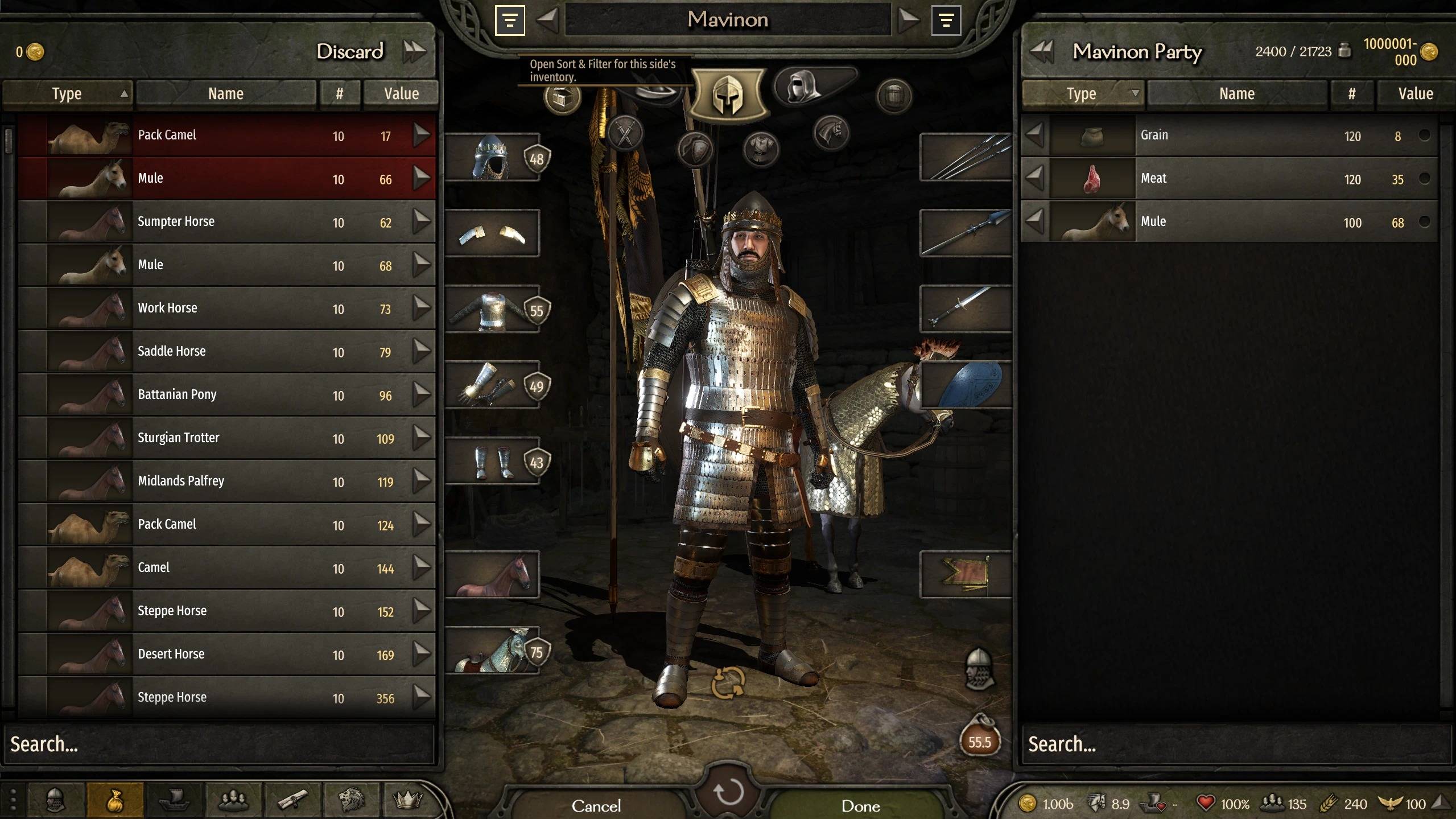
The two Sort & Filter buttons in the vanilla character name bar, one for each side of the inventory.
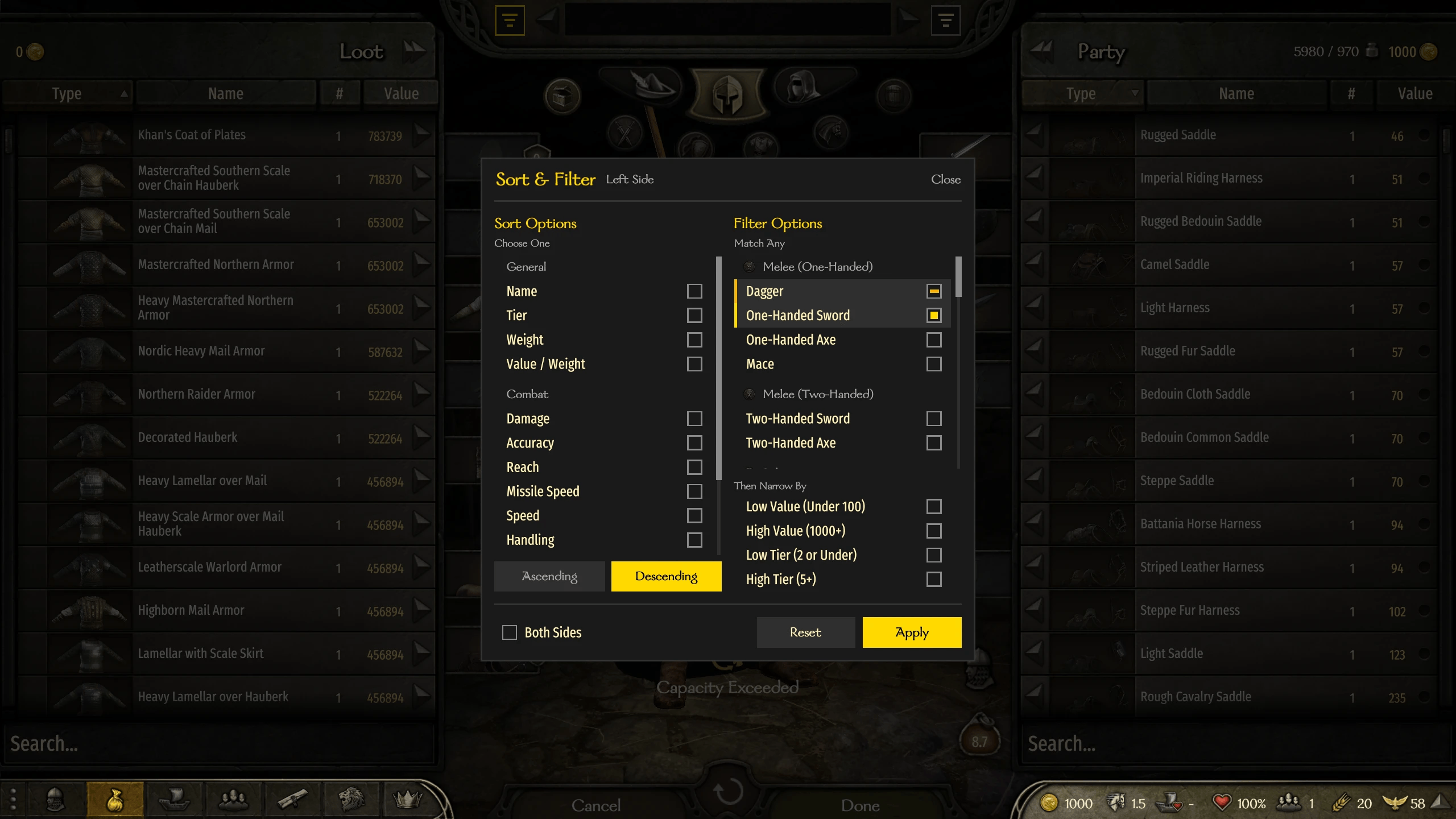
The Sort & Filter menu with Dagger excluded (dash) and One-Handed Sword included (square).
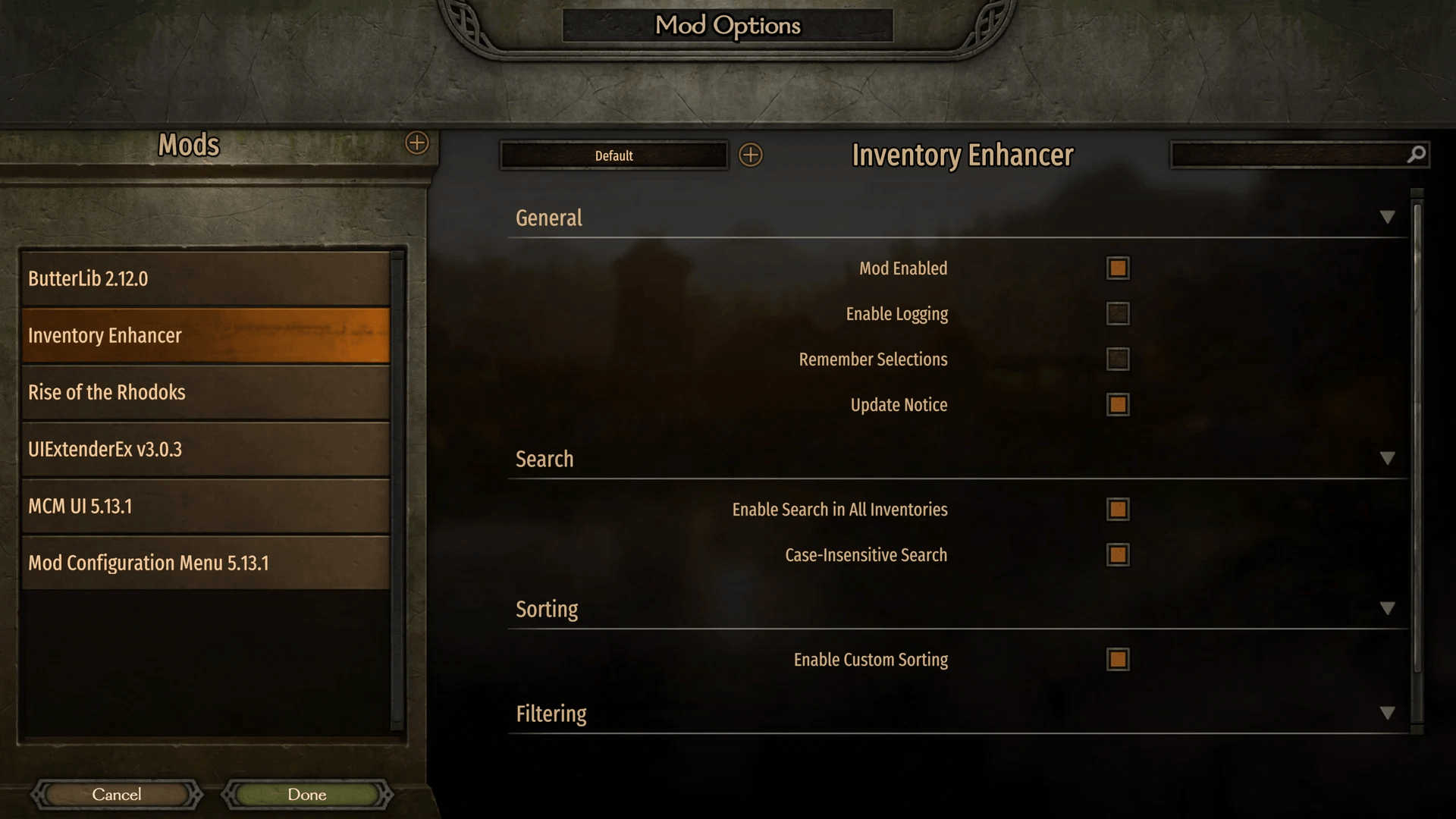
Inventory Enhancer in Mod Options: turn the mod, logging, remembered selections, the update notice, search and sorting on or off.
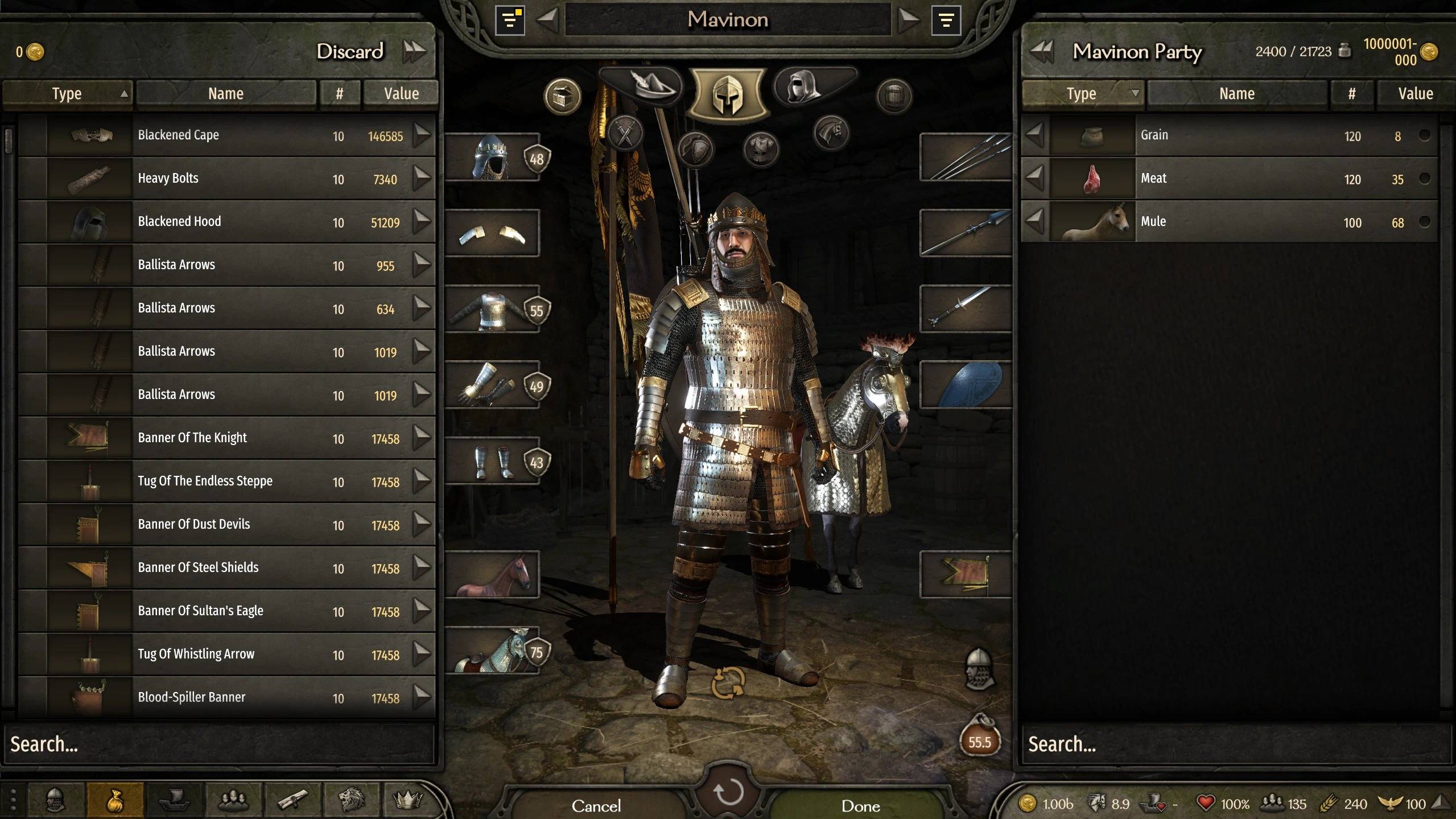
The left side sorted by Value / Weight, highest first, and narrowed to High Value (1000+), while the right side keeps its own order.