Winter Fair
- By
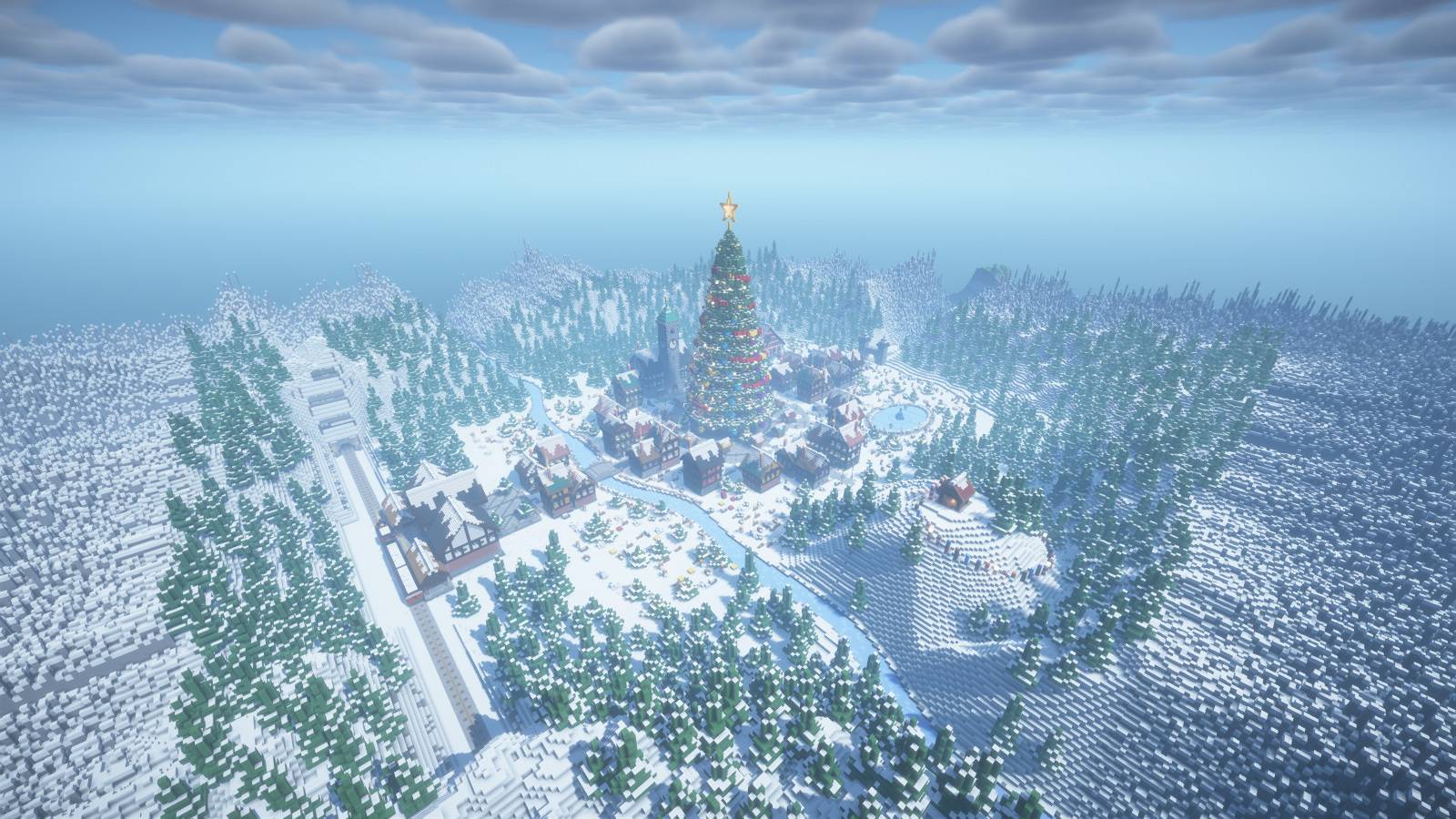
A festive winter server spawn and Christmas lobby with a giant decorated tree, market square, railway station, ice rink and snowy village.
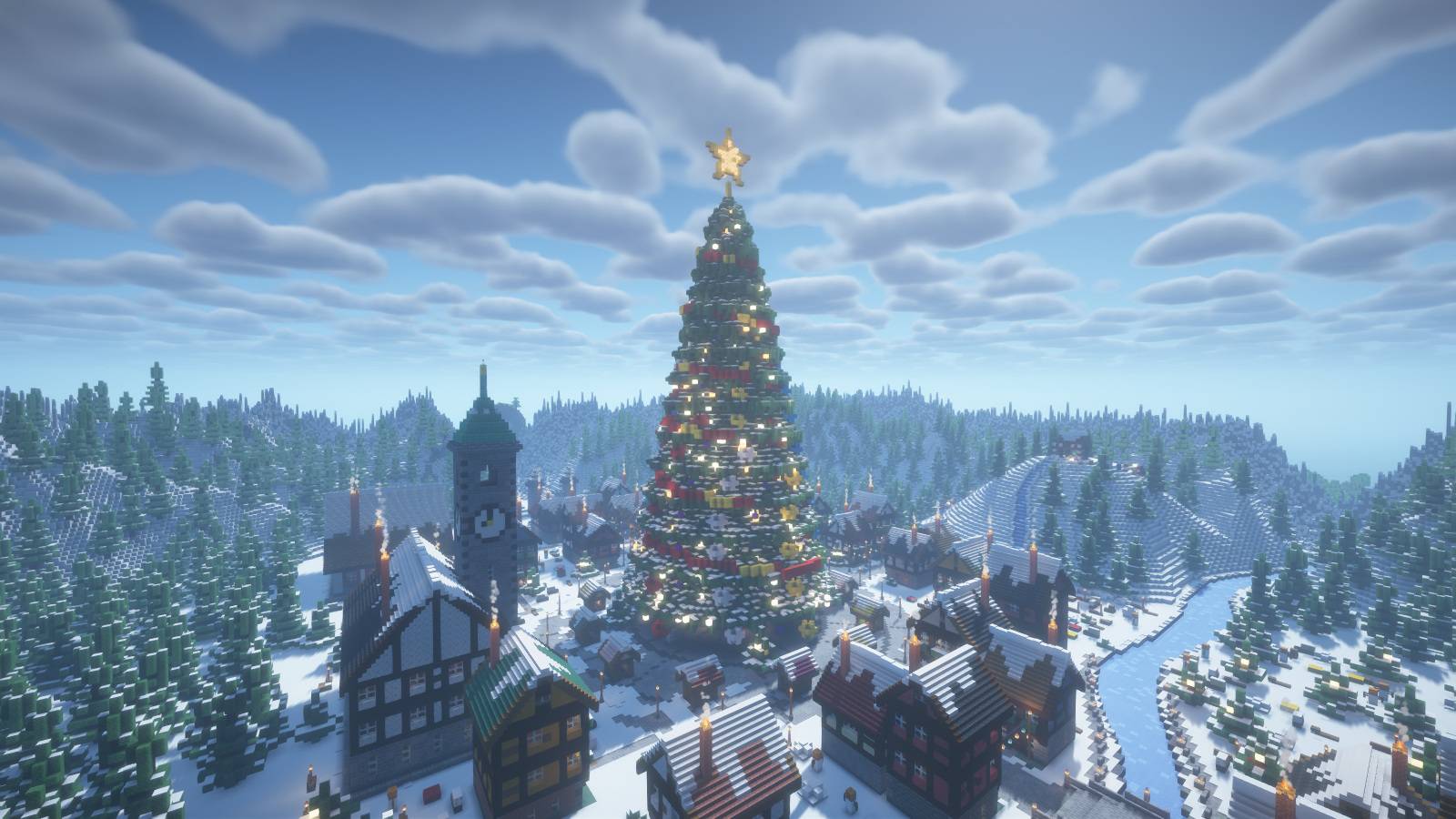
01_hero.jpg
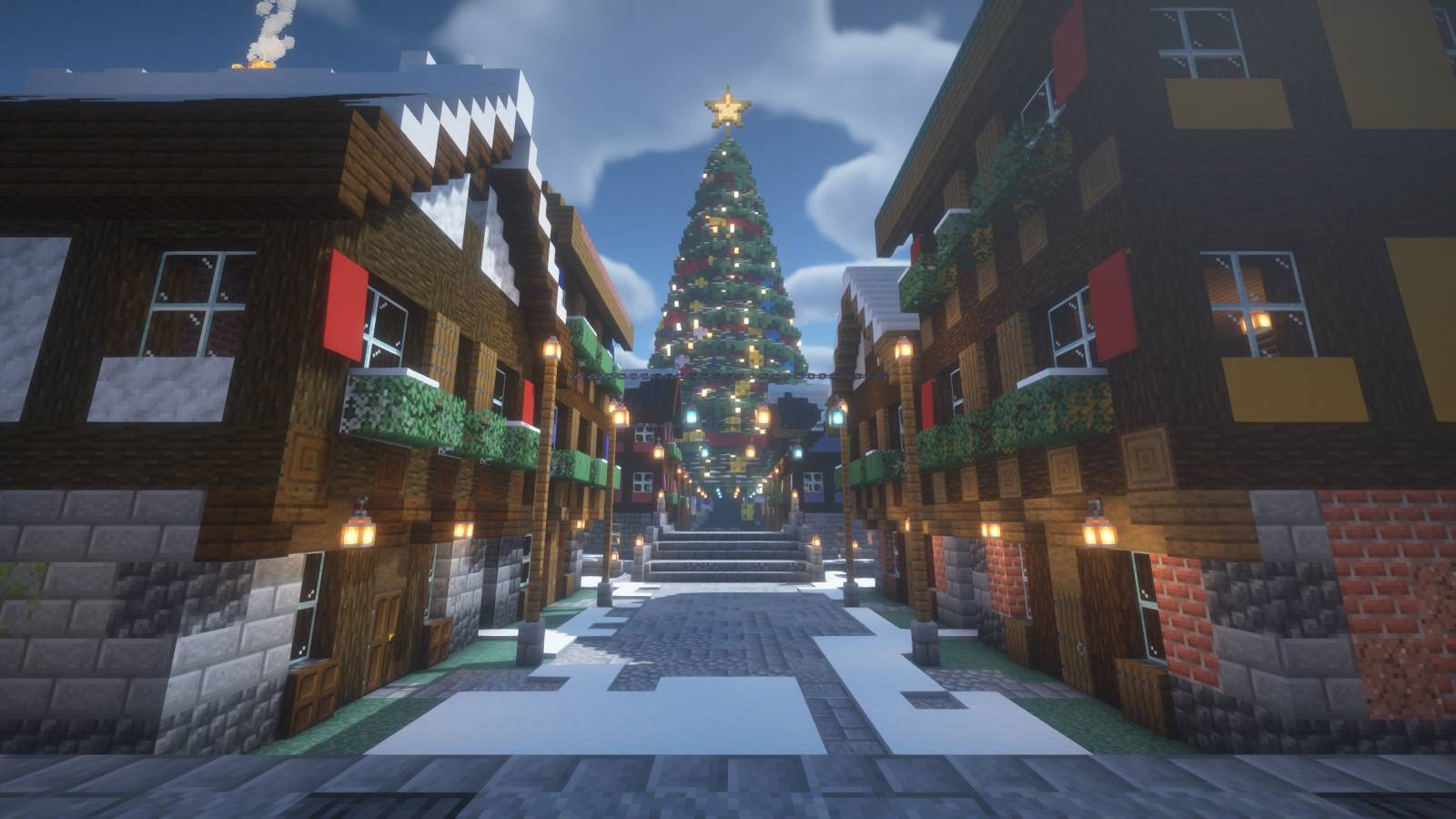
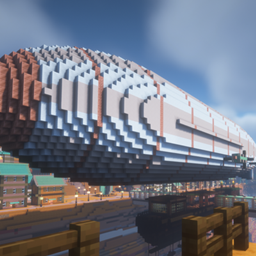
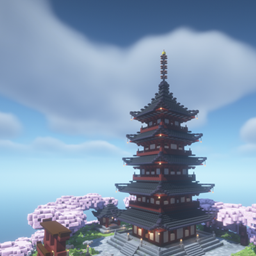
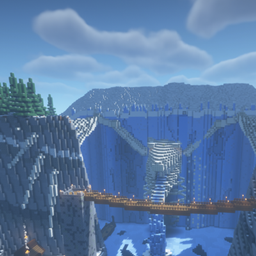
Captured in Minecraft Java Edition with BSL shaders.
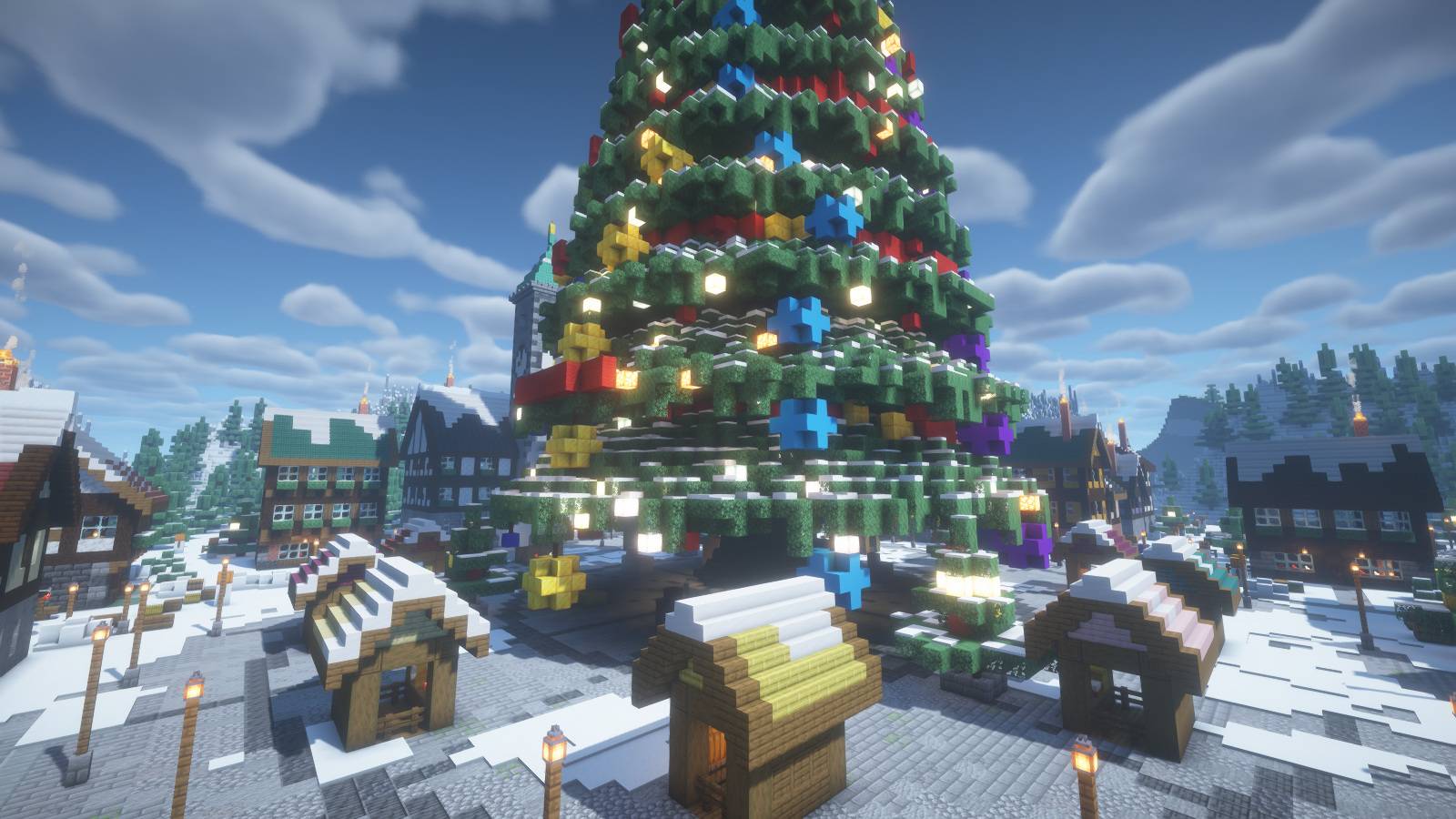
Captured in Minecraft Java Edition with BSL shaders.
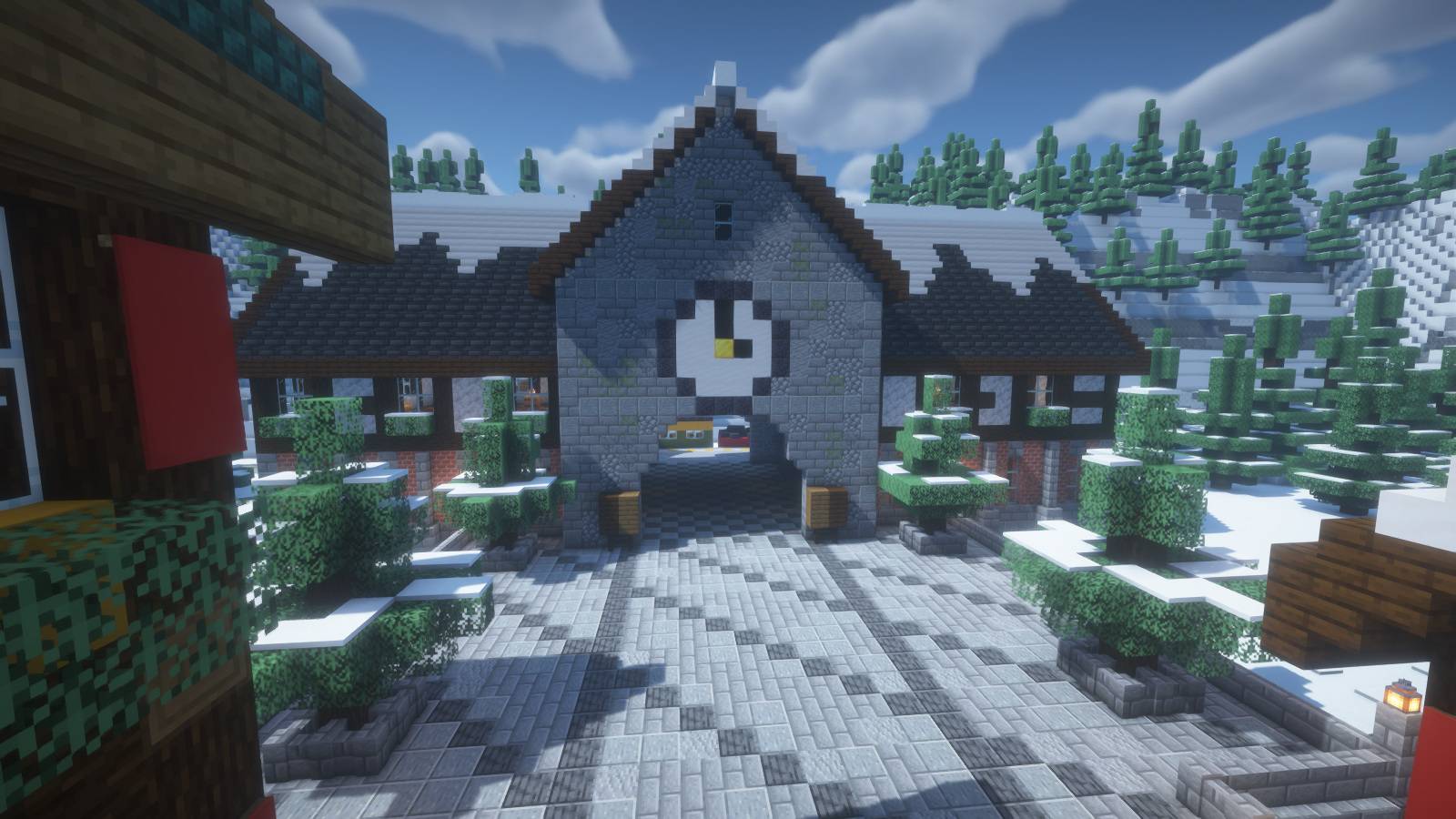
04_station.jpg
Captured in Minecraft Java Edition with BSL shaders.
Description
Winter Fair
Christmas server spawn & festive winter lobby
Arrive at a snowy railway station and follow the main street toward a giant decorated Christmas tree. Around the central square, timber-framed houses, market stalls and warm lights turn the village into a holiday gathering place.
Explore the fair
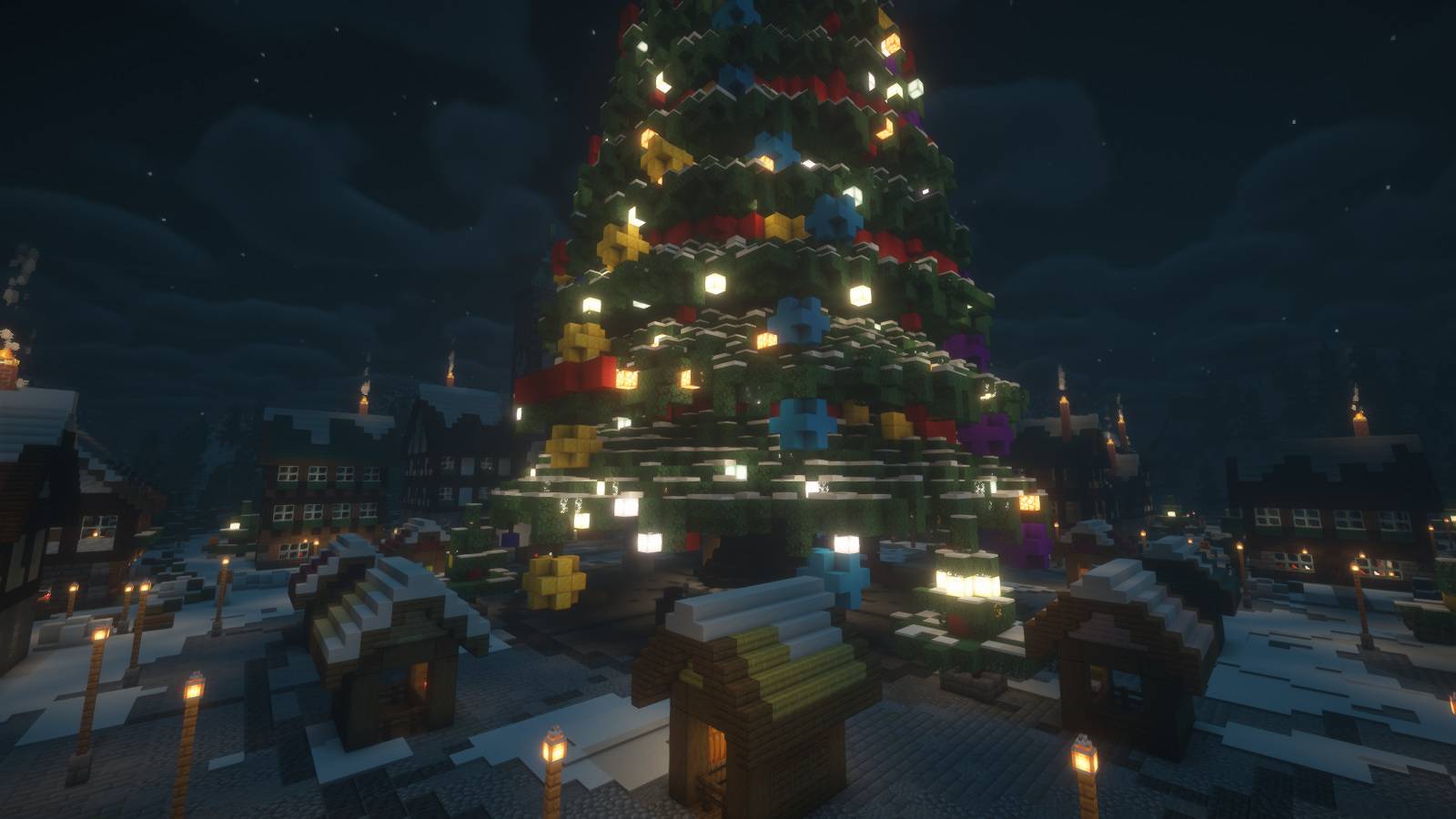
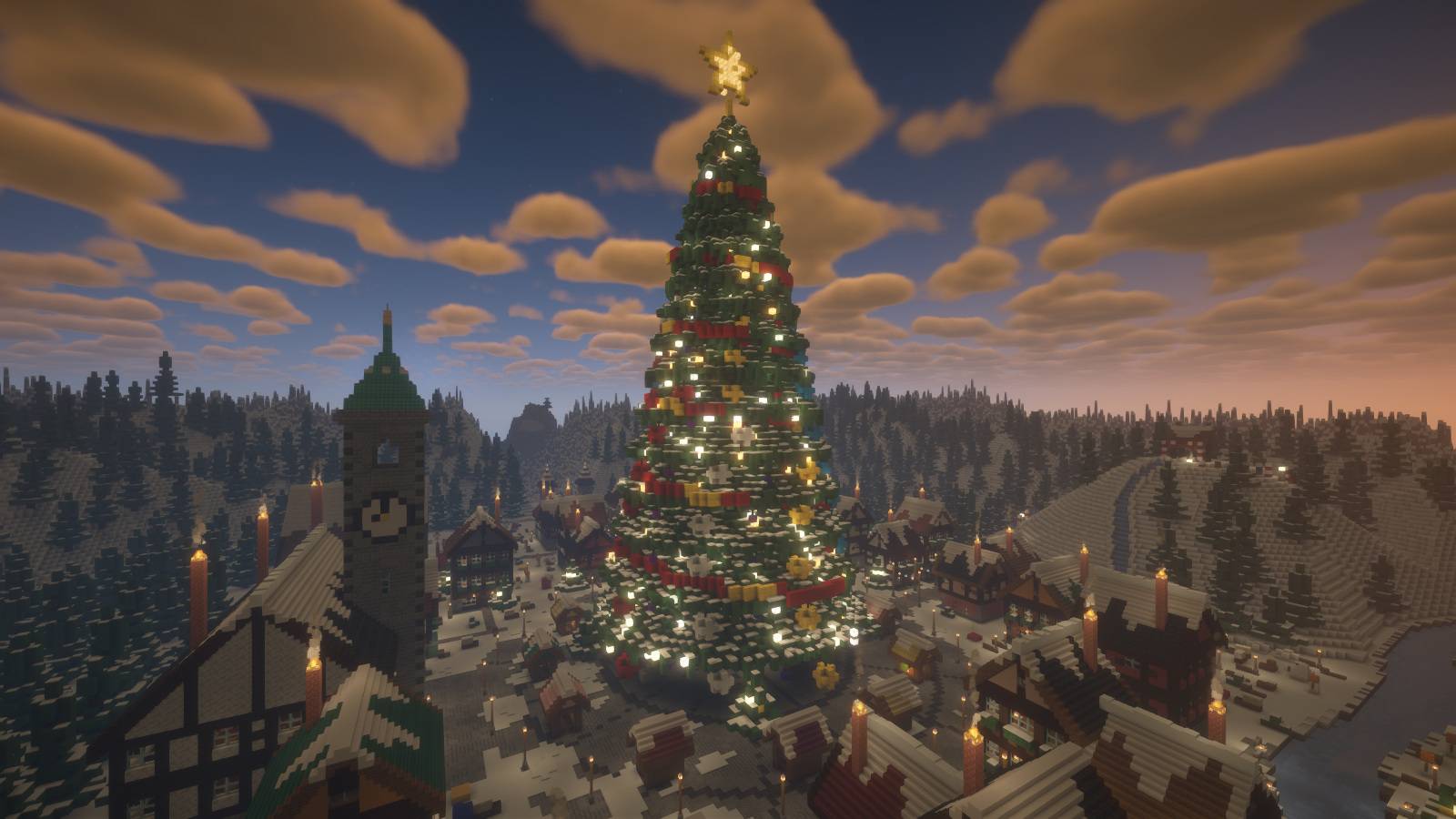
- A giant Christmas tree with a glowing star, decorations and presents
- A circular market square with festive stalls
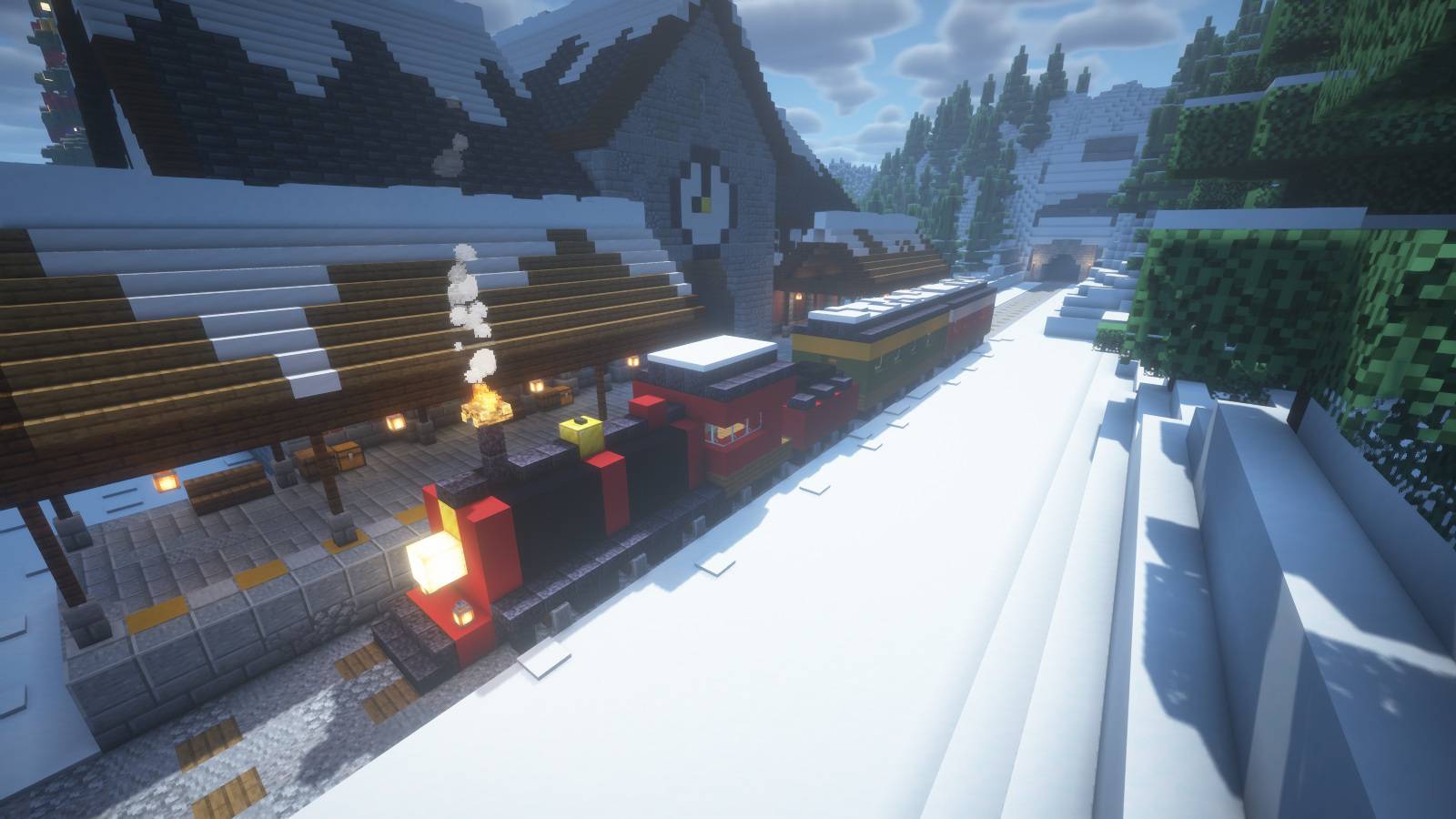
- A railway station, locomotive and passenger carriages
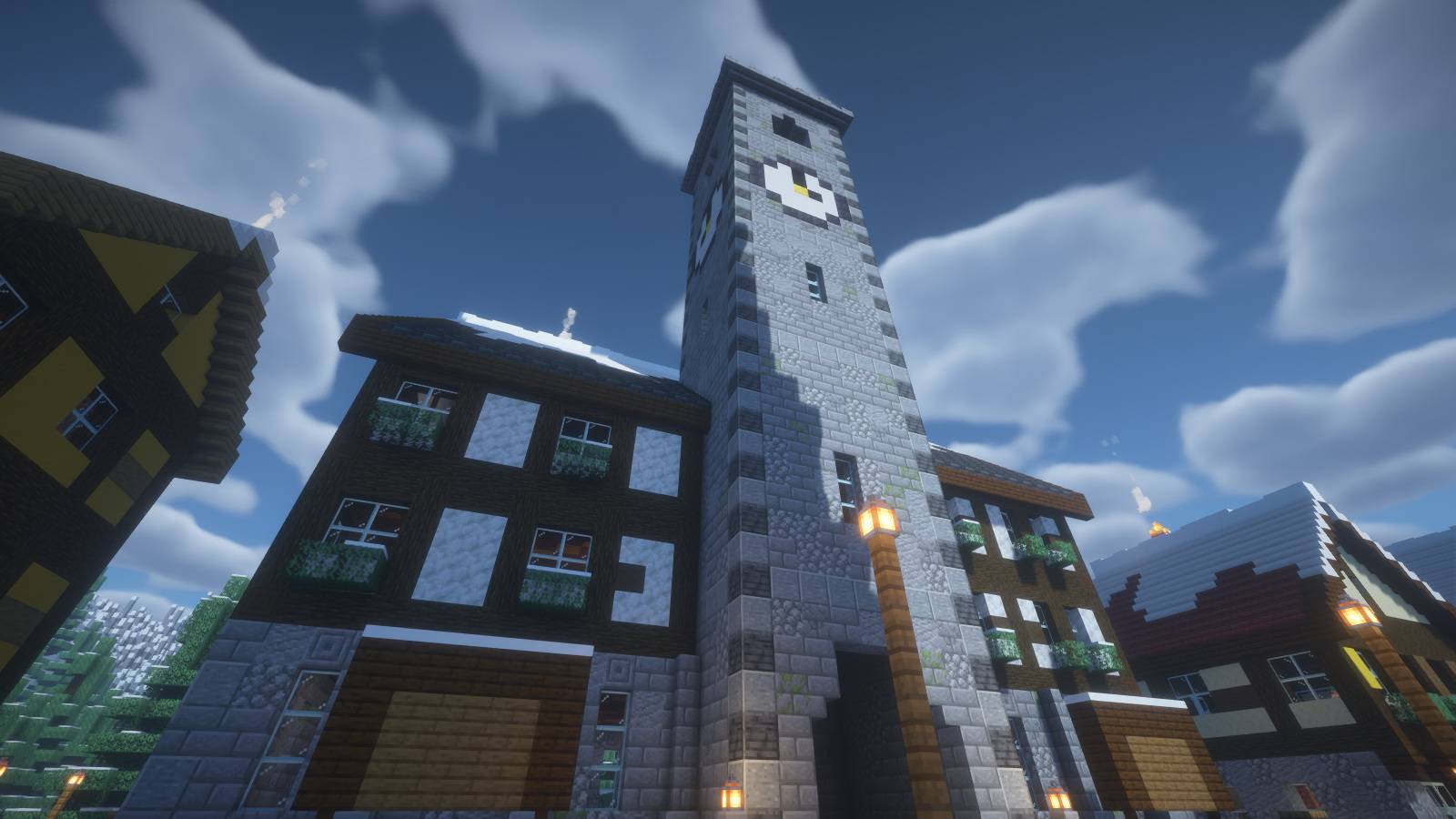
- A town hall with a clock tower
- A toy workshop and detailed snowy village streets
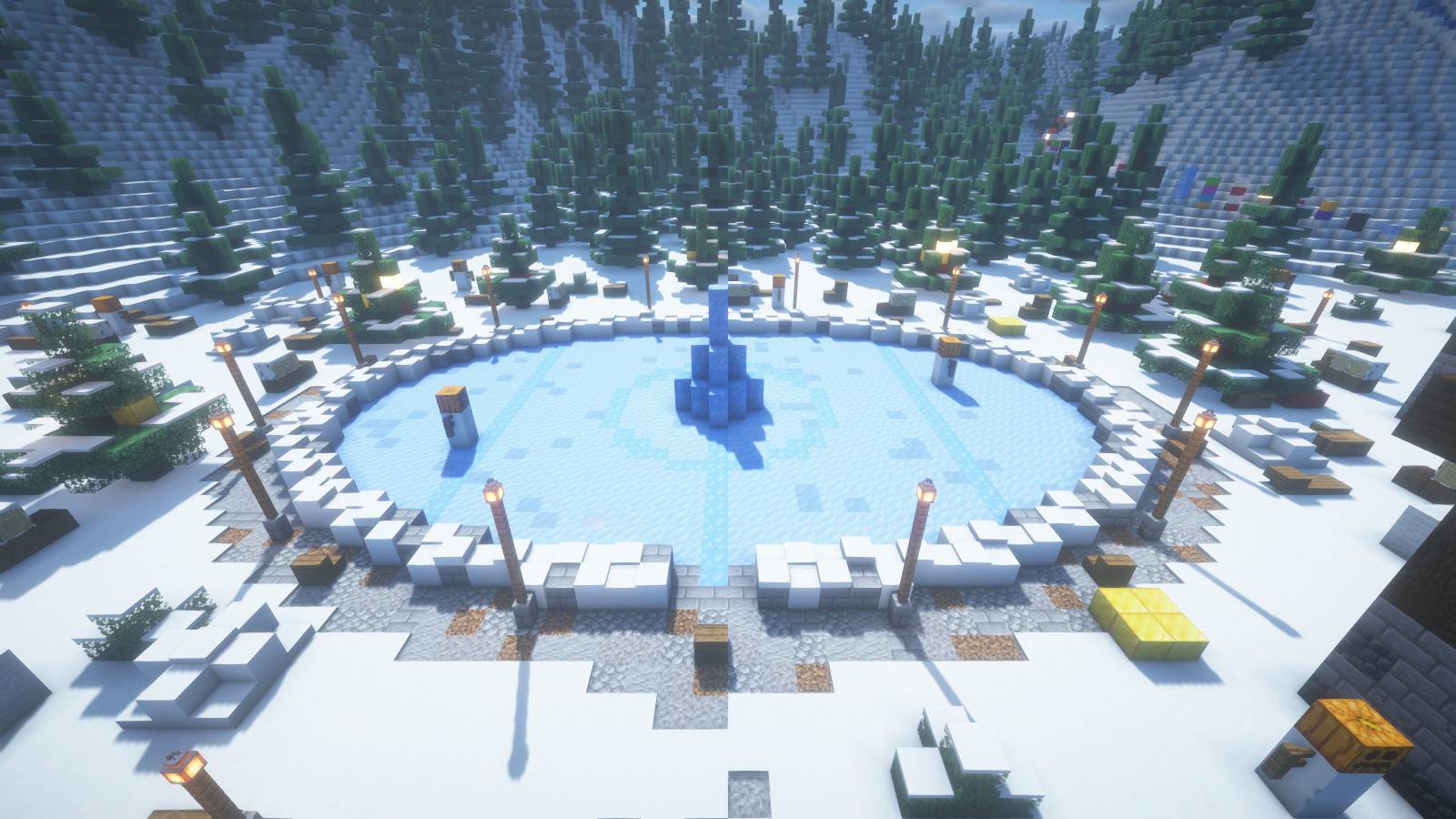
- An ice rink, frozen river and bridge
- A snowy sled hill and a parkour route toward the summit hut/
Arrive by train
Clock tower and village streets
Ice rink and snowy surroundings
Holiday lights after dark
Built for seasonal servers
Use Winter Fair as a Christmas spawn, holiday lobby, winter event hub or a festive building world. The layout includes decorated locations for mode NPCs, traders, crates, leaderboards, an AFK area and a countdown hologram. These are building locations: plugins, NPCs, portals, shops, countdowns and minigame logic are not preconfigured.
Included in the download
- Ready-to-open Java Edition world
- Optional 400 x 140 x 400 block Litematica schematic
- Installation instructions and a server-slot coordinate guide
Installation
Extract the archive and place the Winter Fair folder in your Minecraft saves folder. Open it in Java Edition 1.21.4. The world starts in Creative mode and requires no mods.
For the optional .litematic, use Litematica on a compatible Java client. Place the schematic origin at world Y=51 to align its frozen river with sea level Y=62.
The included world places the schematic origin at (96, 51, 96). Slot coordinates in the guide are relative to that origin. This is a custom spawn area, not a complete survival server or preconfigured minigame.
Screenshots
Captured in Minecraft Java Edition with optional BSL shaders. Shaders are not included or required to open the world.
Winter Fair Team