Copper Harbour Airship Spawn
- By
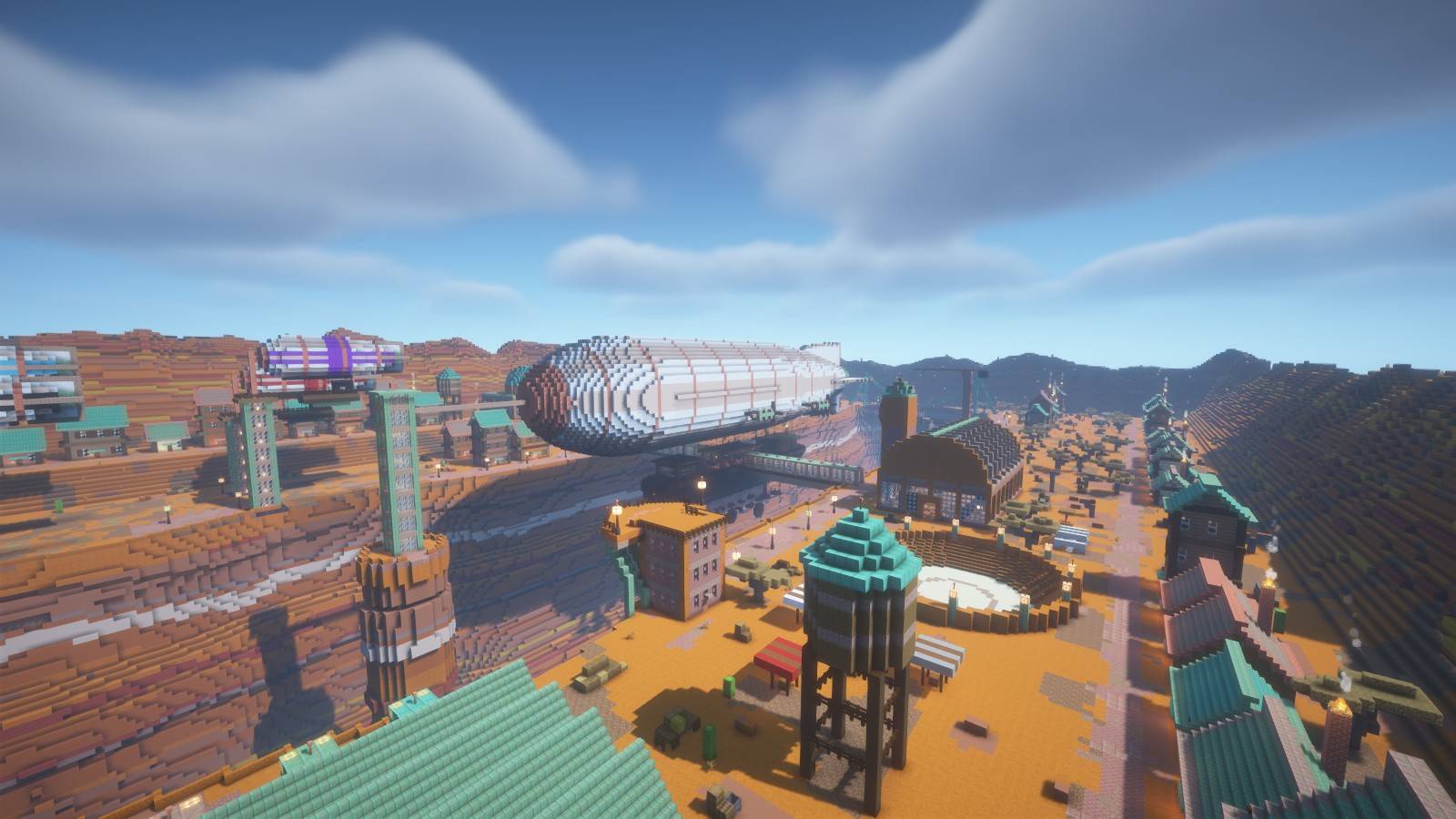
A steampunk airship port on the walls of a red canyon: server spawn and lobby with a giant moored airship, terminal, arena and copper town.
01_hero.jpg
02_spawn_view.jpg
03_airship_side.jpg
05_under_airship.jpg
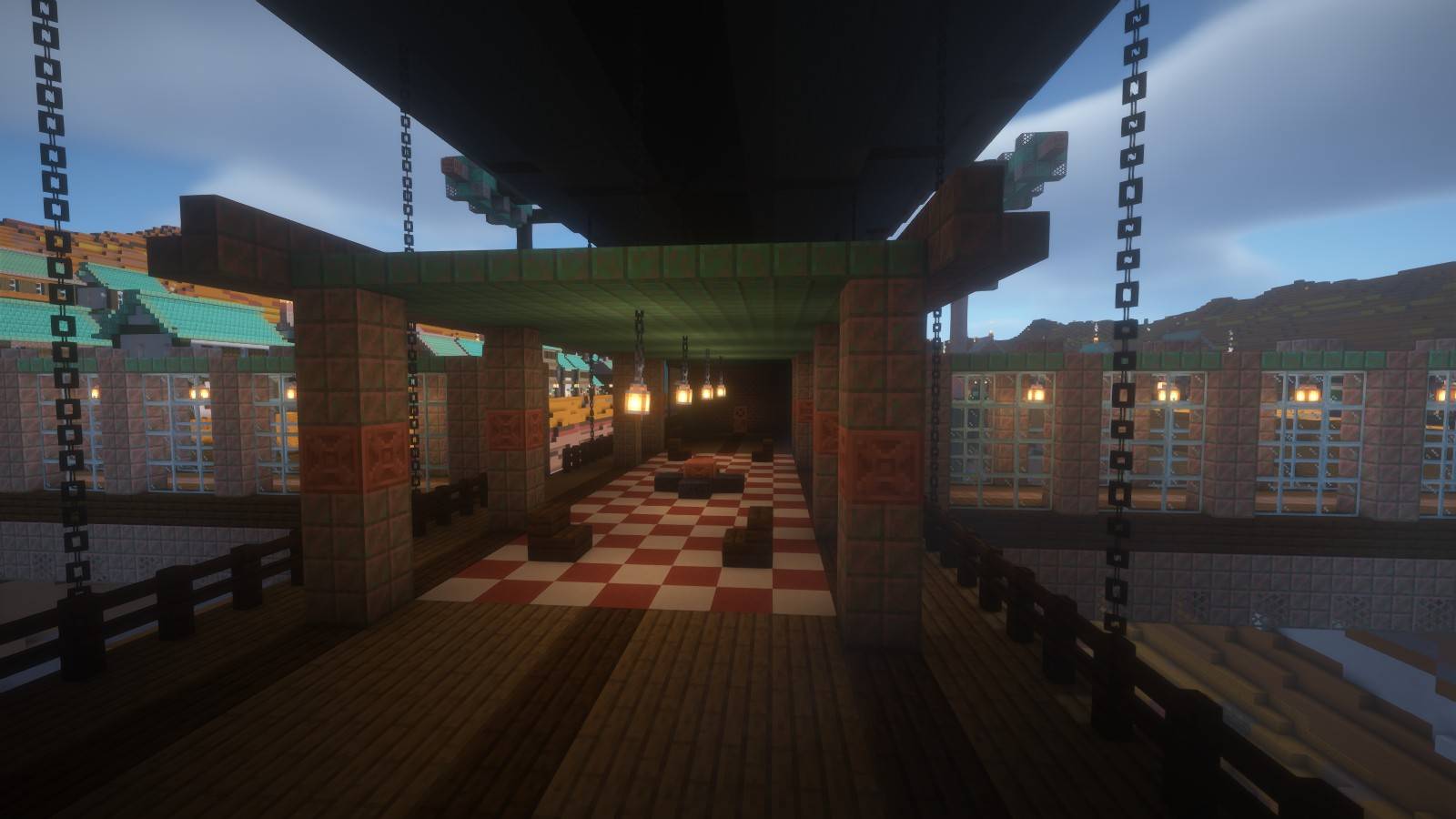
06_deck.jpg
Description
Copper Harbour
Steampunk airship port & server spawn over a red canyon
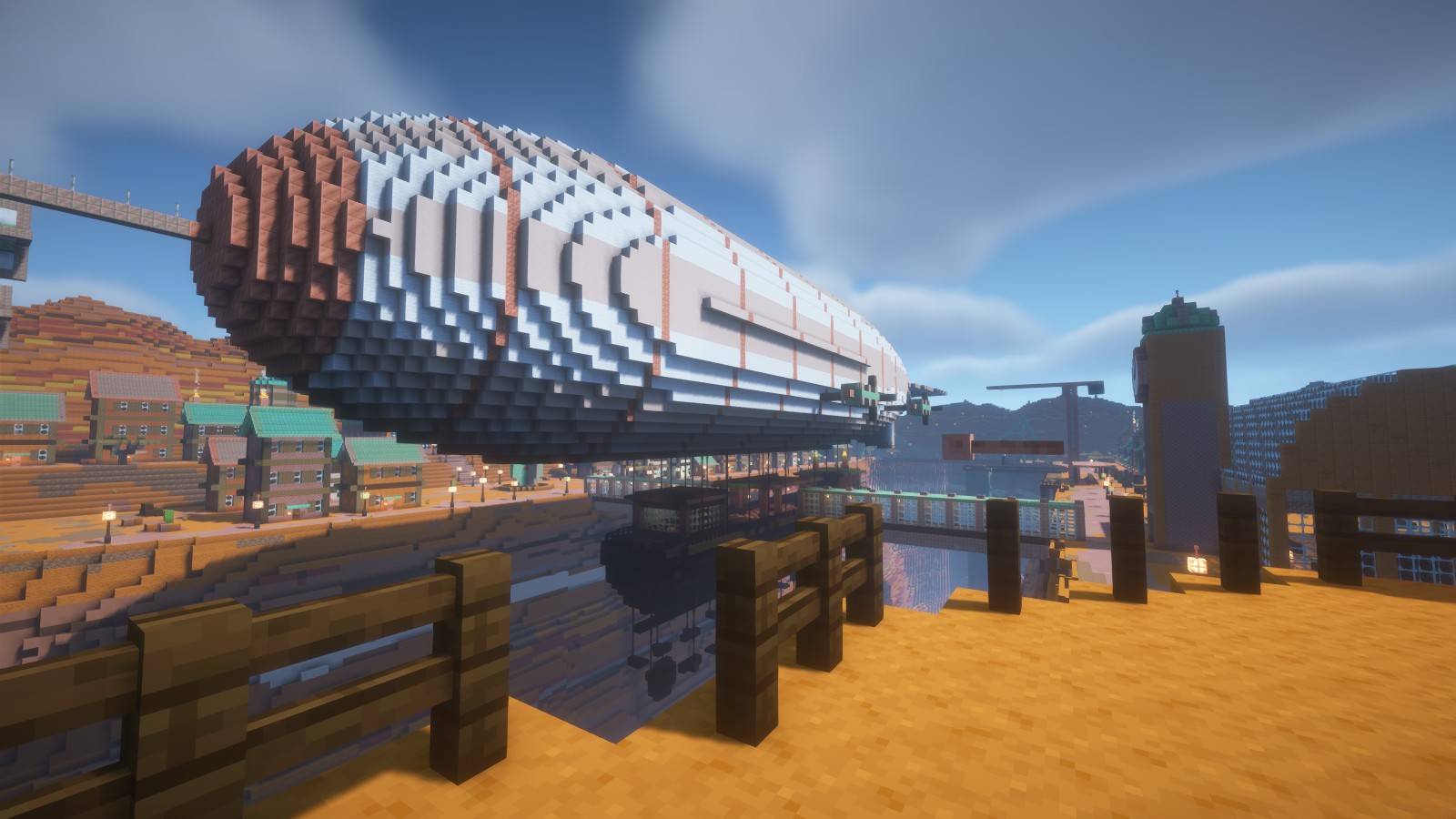
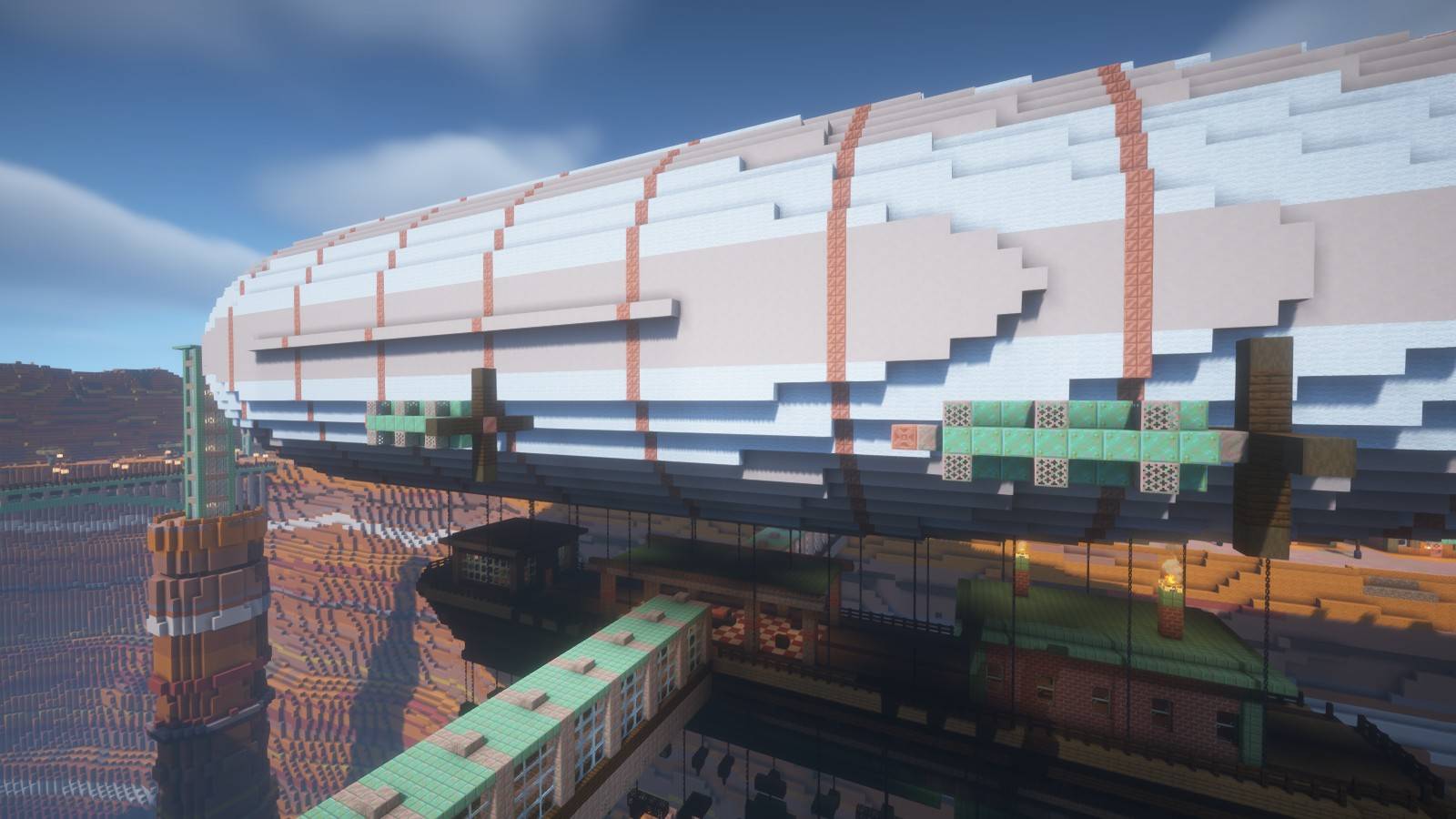
A 156-block airship is moored over a deep badlands canyon. Its nose is tied to a mast on a rock spire in the river, and covered copper gangways lead from both canyon rims onto its gondola deck. Around it stands a town of brick, sandstone and green copper roofs, enclosed by a ring of mesa hills.
Explore the harbour
- A giant airship with a wheelhouse, a VIP lounge on the deck and an engine room inside the hull
- An observation tower: players spawn on its deck at eye level with the airship's side
- An air terminal with a glass barrel vault and a clock tower
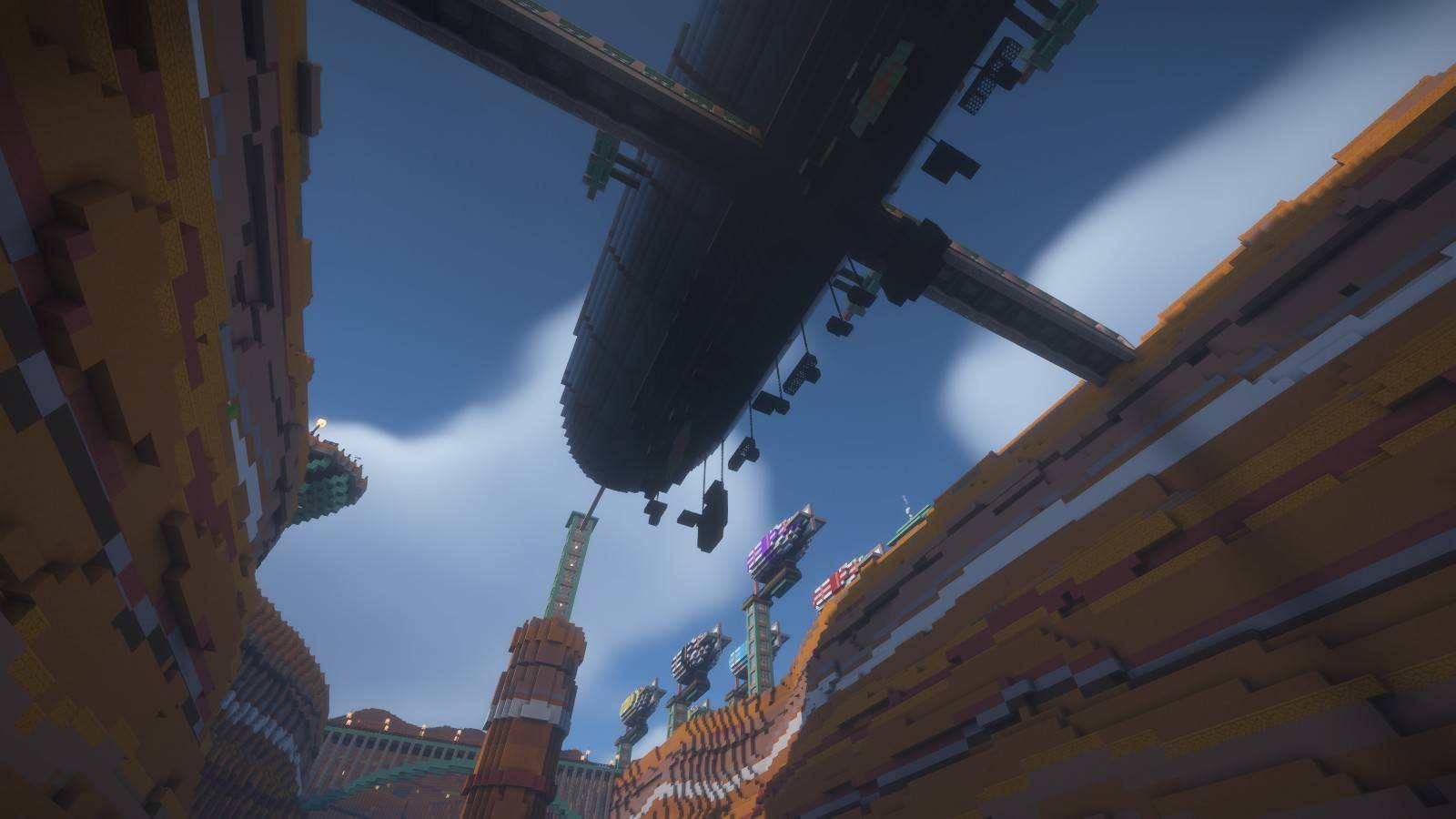
- A mooring field with six small airships, one for each game mode
- An engineer's workshop with copper golem statues at all four oxidation stages
- A cargo dock with a crane over the canyon and a sunken PvP arena with stands
- A domed guild hall, a gear fountain square and a boiler house with tall chimneys
- A copper arch bridge, a suspension bridge and a lift tower down to the river dock
- A parkour route under the airship's keel: pipes, plates and gears on chains
Built for server spawns and lobbies
The coordinate guide includes locations for:
- the spawn point and six mode NPCs
- cases, top-player boards and rules
- a shop, a donate lounge and an AFK park
- a PvP arena, an RTP portal frame, parkour start and finish, and holograms
These are building locations only: NPCs, shops, crates, holograms, portals and minigame logic are not configured. All copper is waxed, so the colours never change on a server.
Included in the download
- A ready-to-open Java Edition world
- An optional 576 x 192 x 320 block Litematica schematic
- Installation notes and server-slot coordinates
Installation
Extract the archive and copy Copper Harbour into your Minecraft saves folder. Open it in Java Edition 1.21.4. The world starts in Creative mode and needs no mods.
The optional .litematic requires Litematica. Paste the schematic origin at Y=54 to put the river on vanilla sea level Y=62. The included world already uses origin (0, 54, 0).
This is a custom building and spawn world surrounded by a superflat plain, not a complete survival world or a configured game server.
Screenshots
Captured directly in Minecraft Java Edition with BSL shaders, during the day, at sunset and at night. Shaders are optional and not included.
Copper Harbour Airship Spawn Team