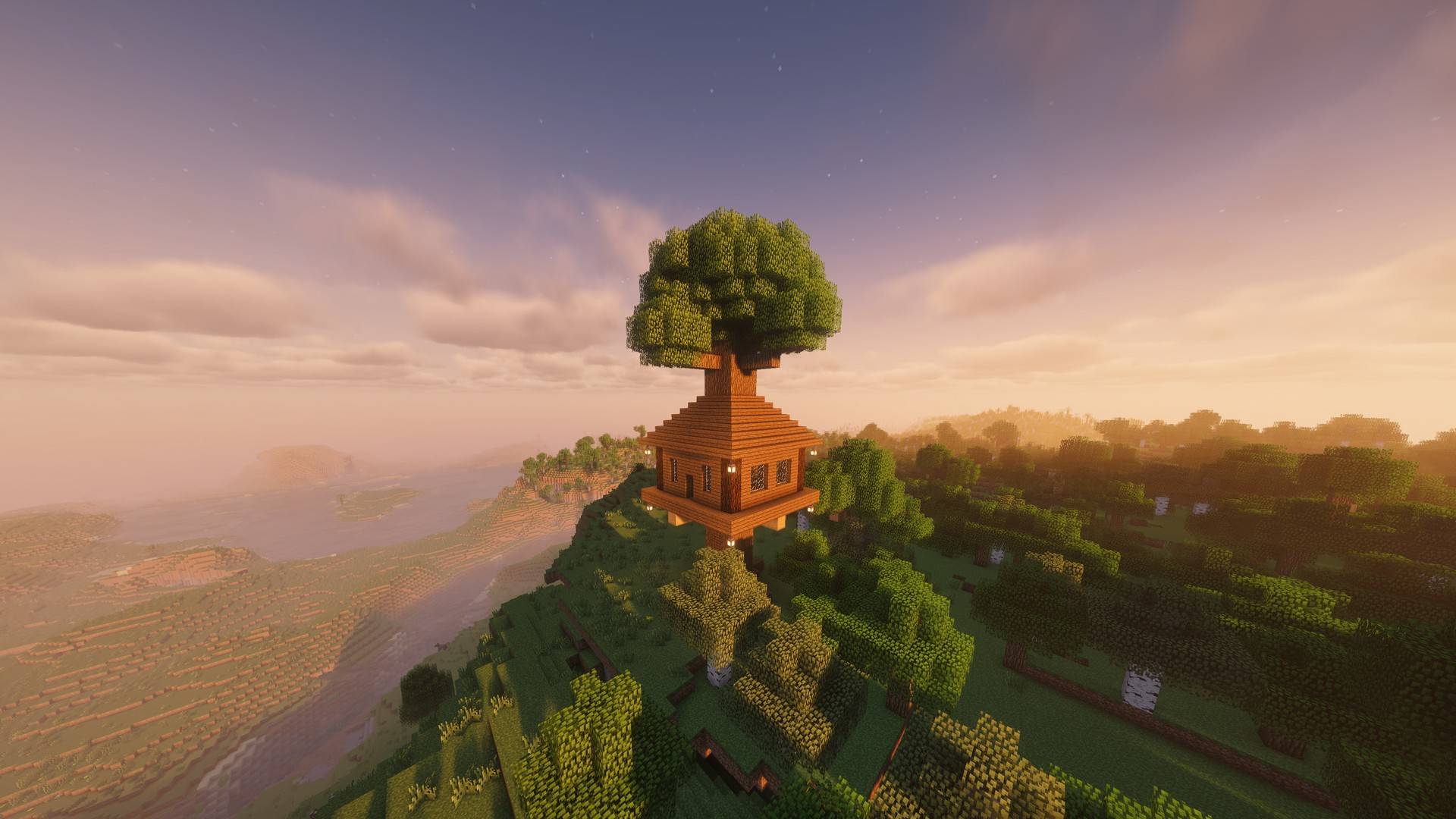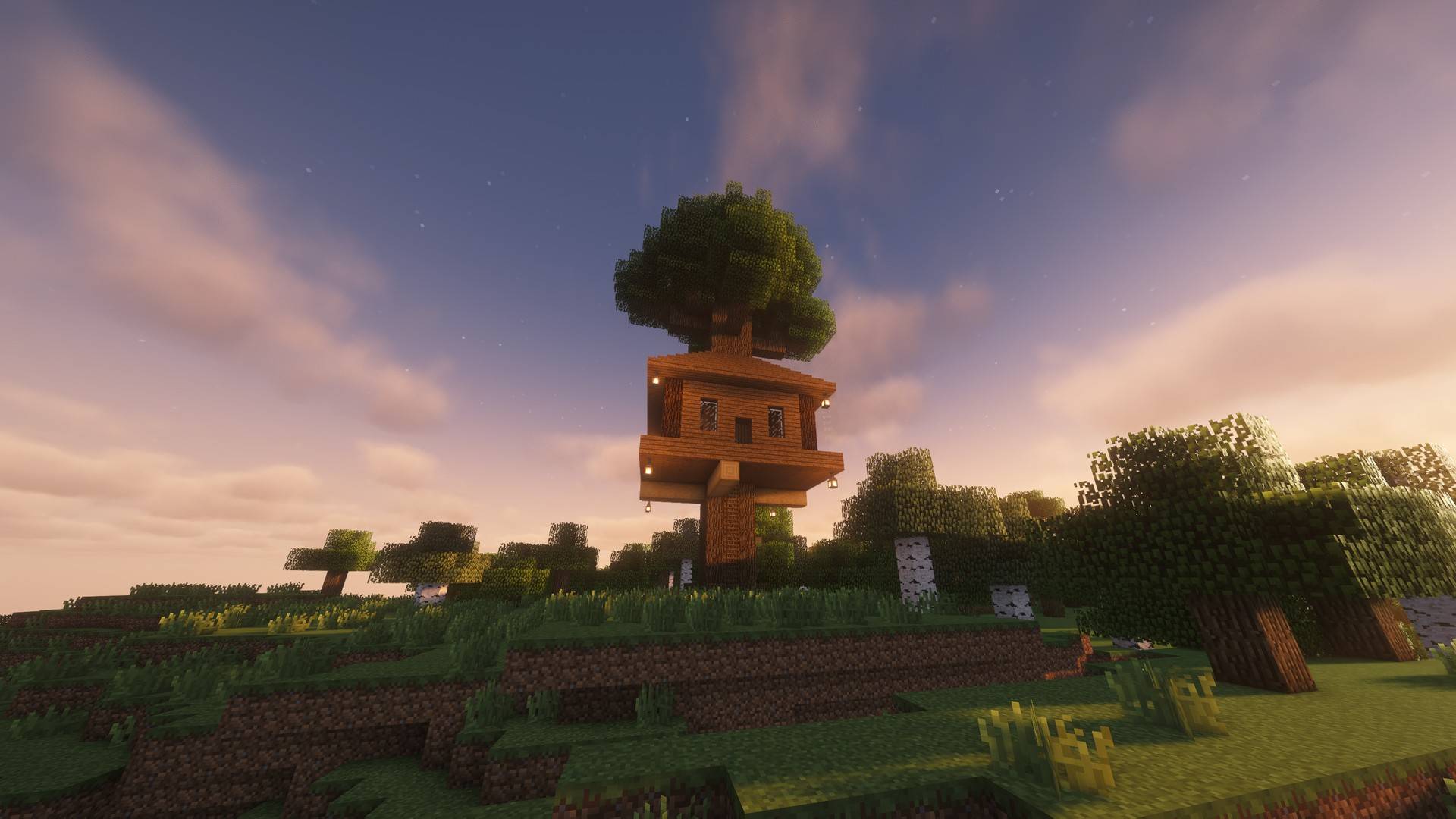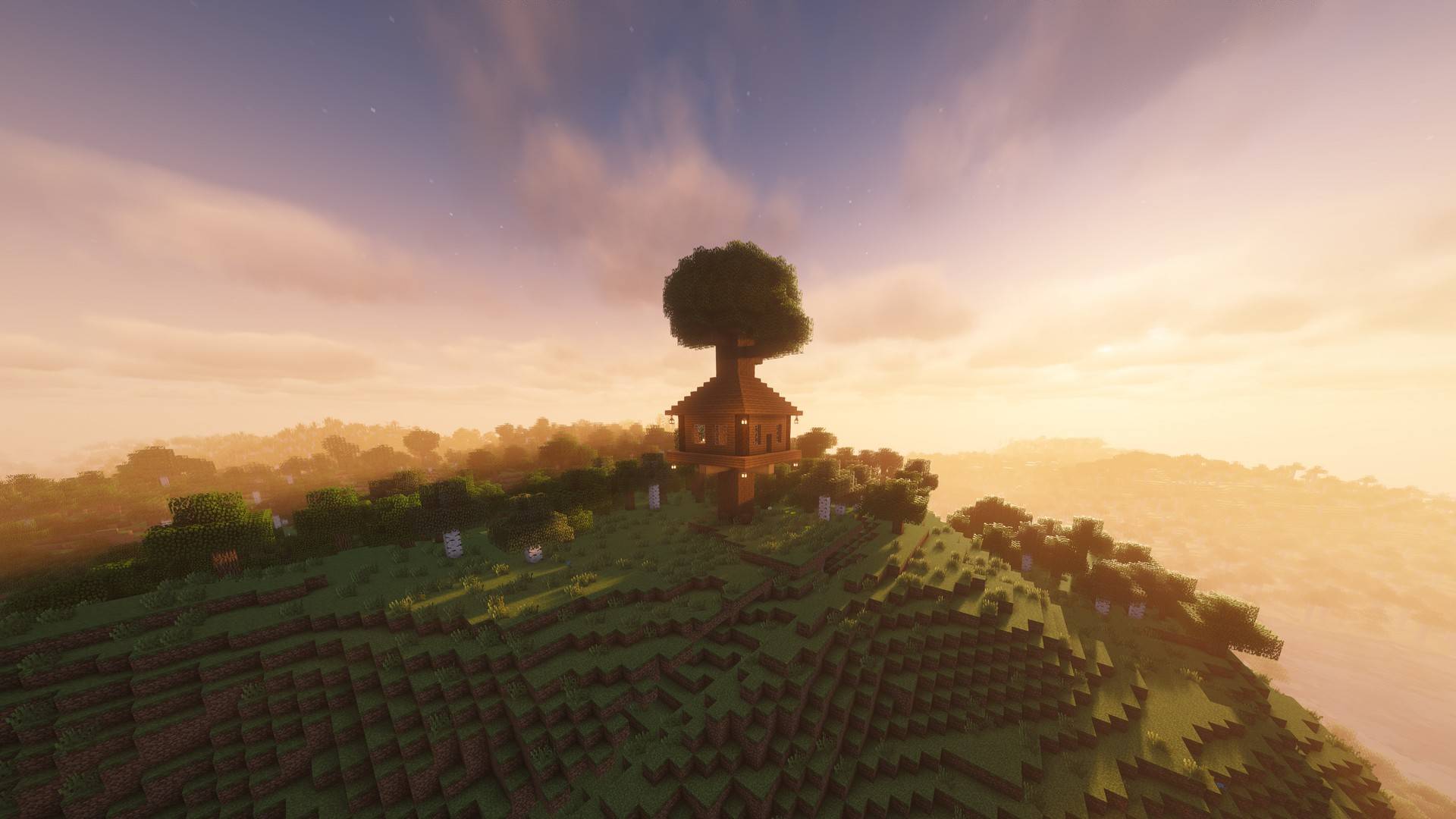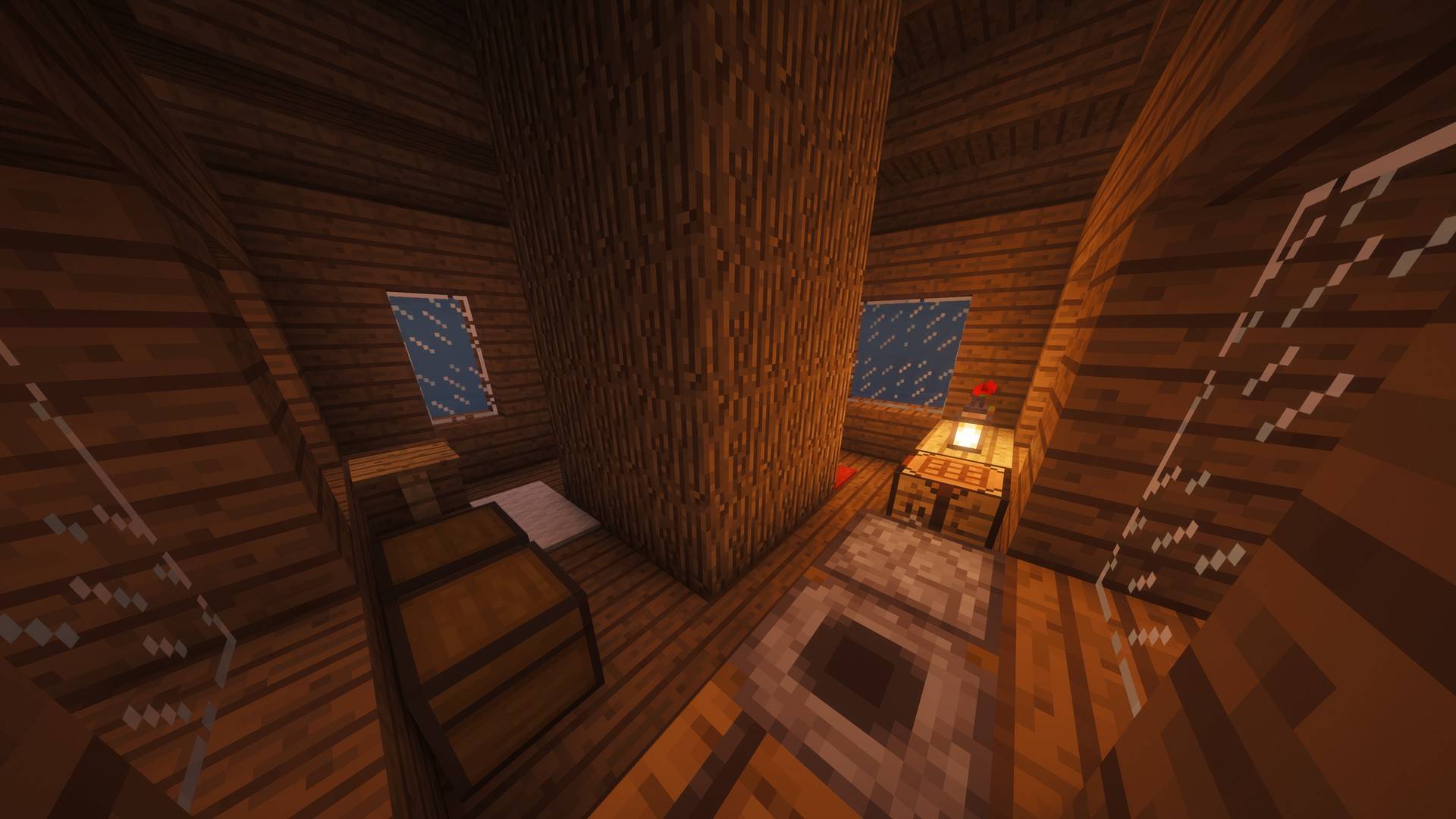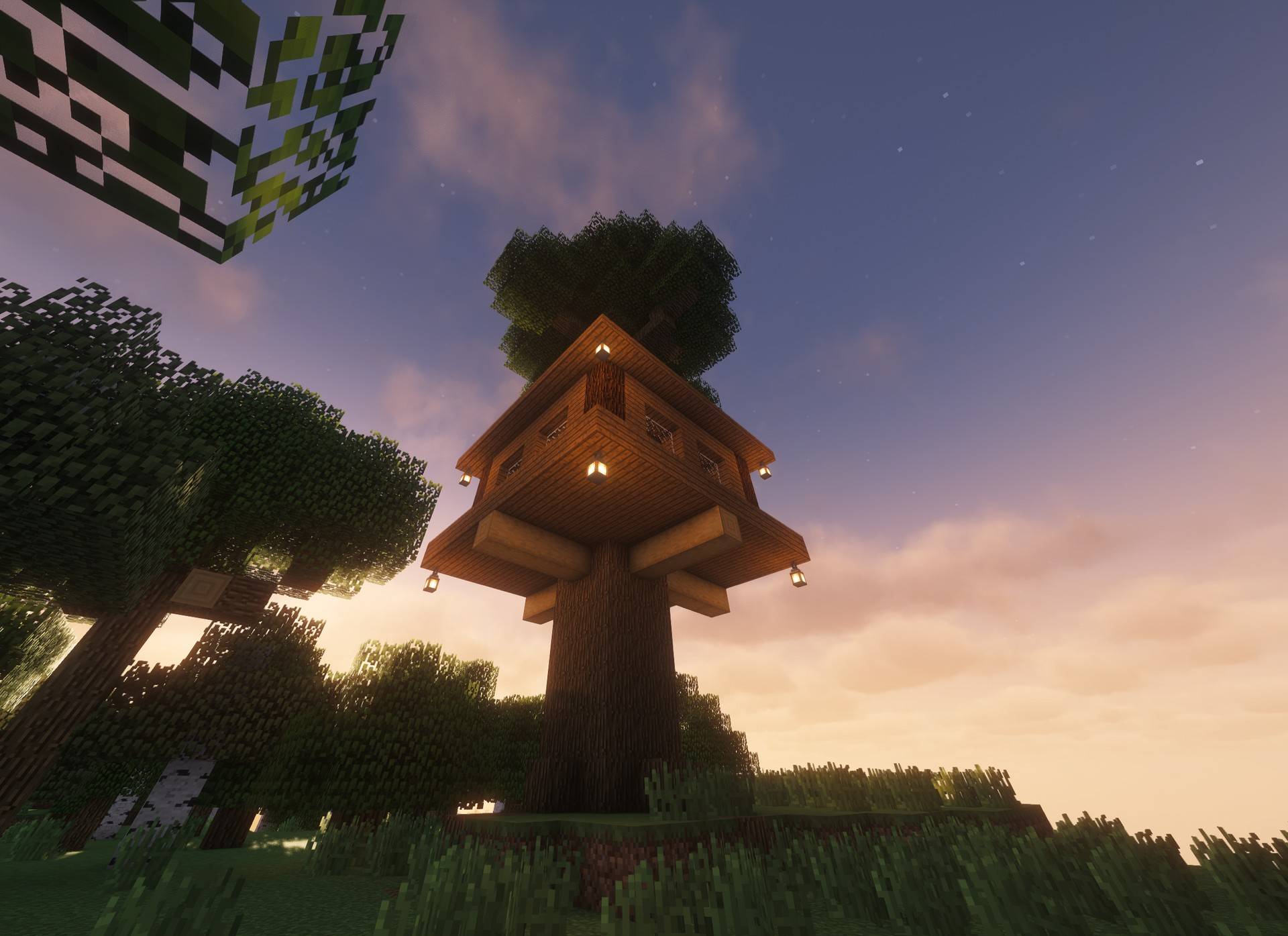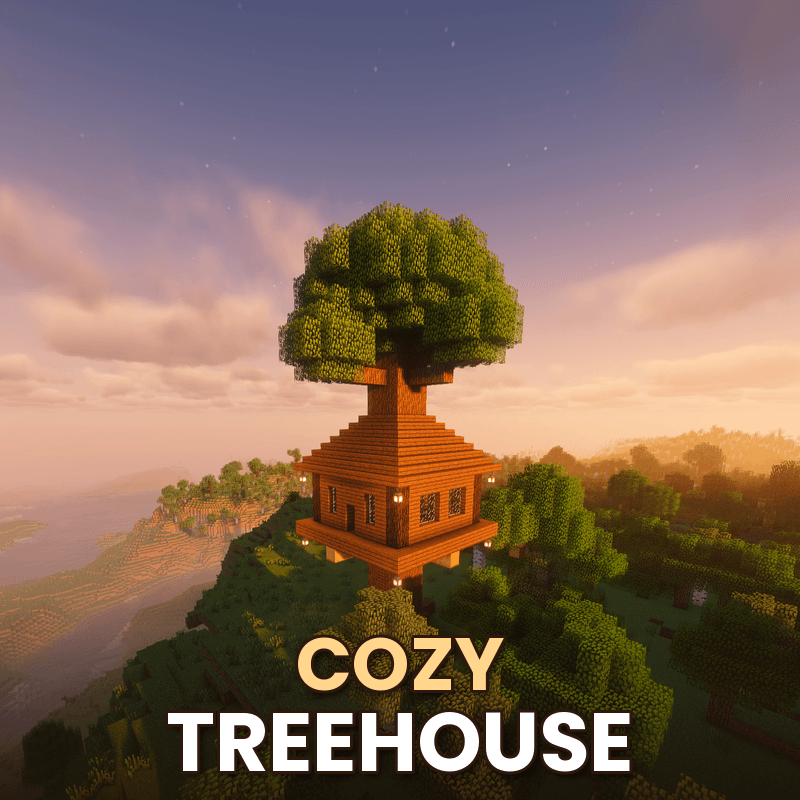
🌳 Cozy Treehouse — World + Schematic
Walk around the treehouse in a ready-made world, or build it in your own world with the schematic.
The world puts you in a flower meadow right in front of the treehouse, in creative mode, with the Giant's Hollow towering in the background. Climb the ladder up the trunk to get inside.
Size: 23 × 32 × 23 blocks with its little grass island. The treehouse itself is 1,546 blocks.
Play the world
- Unzip it into your saves folder (.minecraft/saves, or the saves folder of your CurseForge instance).
- Open the world Cozy Treehouse.
Build it with Litematica (survival)
- Copy cozy_treehouse.litematic from the world's schematics folder into your .minecraft/schematics folder.
- In game, press M → Load Schematics and pick it.
- Open the material list to see what you need, then build along with the hologram.
Paste it with WorldEdit (creative)
- Copy cozy_treehouse.schem into config/worldedit/schematics (or plugins/WorldEdit/schematics on a server).
- Stand where you want it and type
//schem load cozy_treehouse, then //paste -a.
Made in 1.20.1. The world and both schematics also open in newer versions; Minecraft, Litematica and WorldEdit update the blocks automatically.
Want treehouses to spawn in your worlds by themselves? Get the Cozy Treehouse mod or Cozy Treehouse data pack.
Made by Knowledge/WorldBeAmazed — @Knowledge_official on YouTube