Amethyst Valley ( Survival )
- By
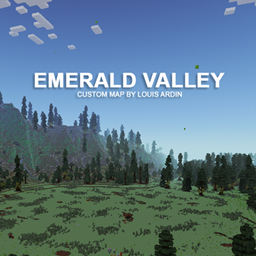
An enchanting, custom-terrain Minecraft world featuring a massive plain valley surrounded by glowing amethyst-colored mountains, vibrant custom flora, and a breathtaking aurora sky.
2026-07-06_19.56.34.png
2026-07-06_19.47.52.png
2026-07-06_19.45.57.png
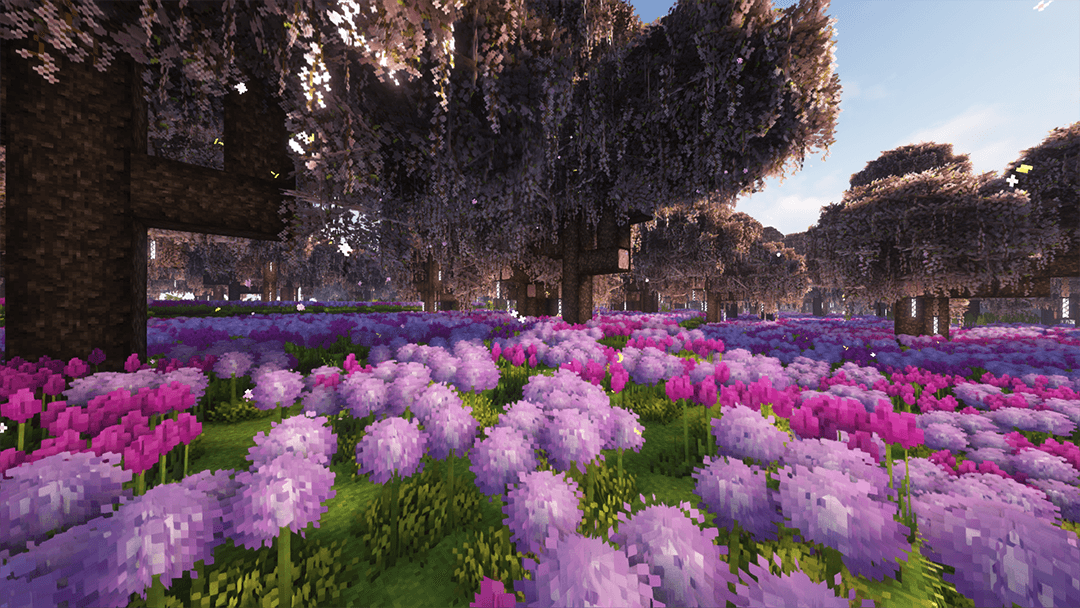
2026-07-06_19.53.28.png
Description
Welcome to Amethyst Valley, a meticulously crafted custom Minecraft world designed for players who love exploration, building, and stunning landscapes.
Nestled within a massive crater-like formation, this map features an expansive, flat plain ideal for mega-builds, survival bases, or custom adventure setups. The valley is completely encircled by magnificent, glowing mountain ranges that come alive at night, creating a magical atmosphere unlike anything in the vanilla game.
Key Features:
-
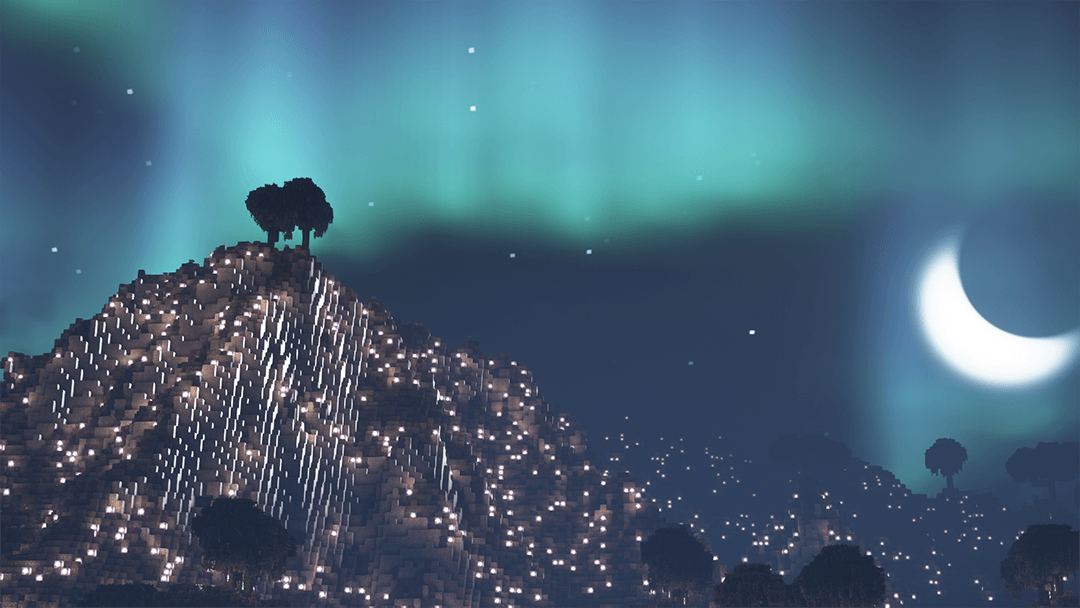
Stunning Amethyst Mountains: A majestic, continuous mountain range that encircles the entire valley, beautifully illuminated both day and night to provide a scenic backdrop from any angle.
-
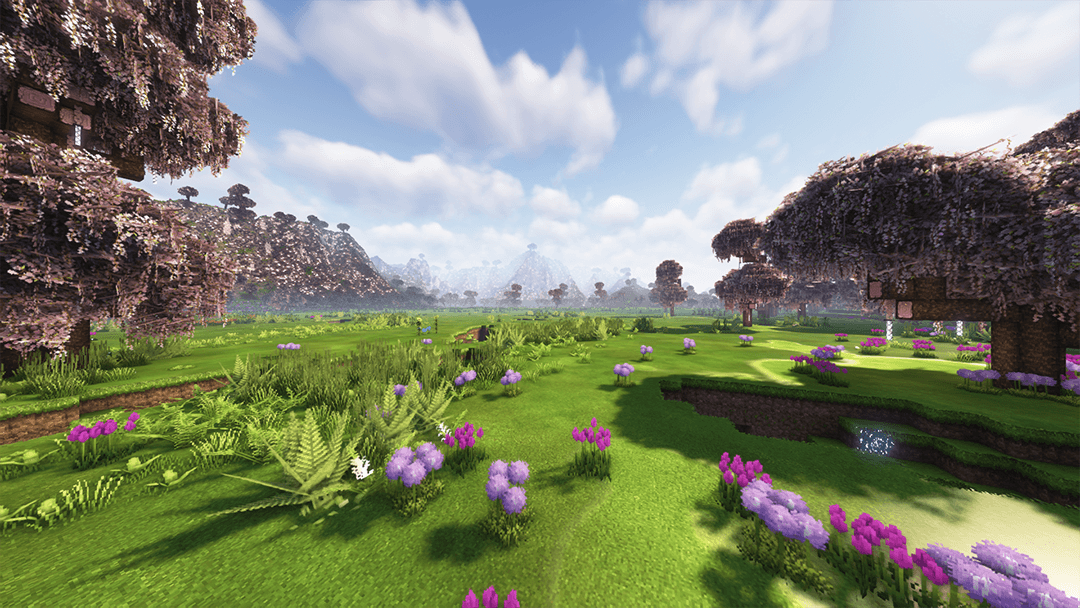
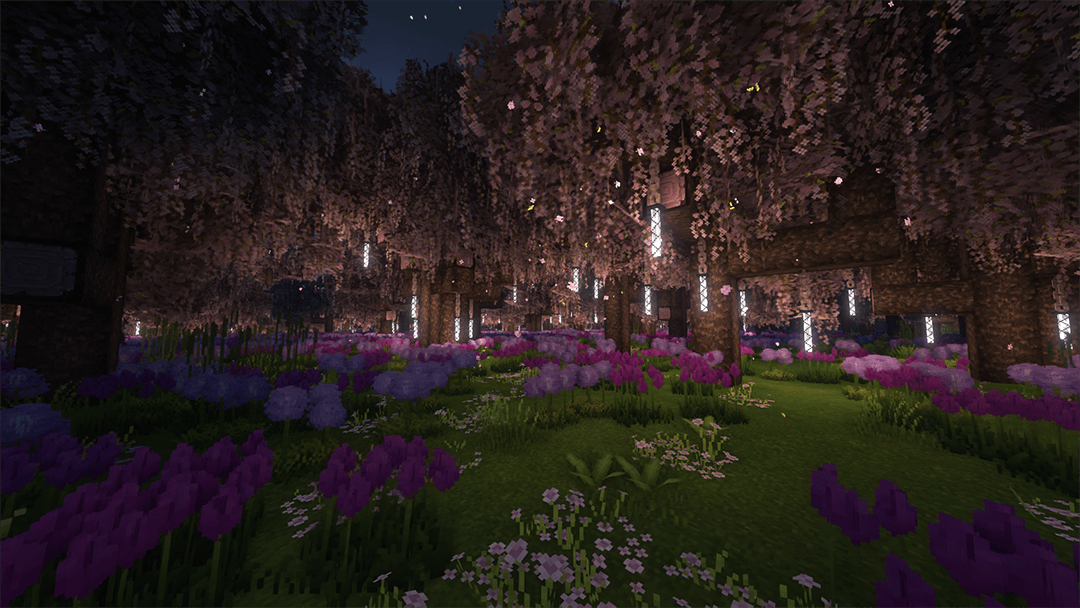
Vibrant Flora & Custom Trees: Explore a dense, mystical forest filled with custom drooping wisteria-like trees, glowing lanterns, and fields of deep purple and blue flowers.
-
Breathtaking Nightscapes: Experience a truly magical night with a vibrant aurora borealis stretching across the starry sky, perfect for cinematic photography and immersive gameplay.
-
Massive Crater Topography: An aerial view reveals the true scale of the valley, showcasing a perfect bowl-shaped crater terrain that isolates your world from the rest of the generation.
-
Builder-Friendly Terrain: The heart of the valley offers vast, open green fields with flat surfaces, making it incredibly easy to start sprawling cities, castles, or survival homes without heavy terraforming.
Specifications & Installation
-
Map Type: Custom Terrain / Survival World / Creative Canvas
-
Supported Versions: Minecraft 1.20+ (Recommended)
-
Game Mode: Survival
How to Install:
-
Download the world zip file from the Files tab.
-
Extract the folder into your Minecraft
savesdirectory. -
Launch Minecraft, select Singleplayer, and embark on your journey in Amethyst Valley!
If you love the map, please leave a comment, give it a like, and feel free to share screenshots of your builds in the valley!
Amethyst Valley ( Survival ) Team