0d4ce37f7a632c561478291ed7451d65f58d6c5b.png
8a969017fc21435d93951e4318f726cf25618181.jpeg
9b989dd2608a0b5e78acbea1df8c1aa3a37aa409.jpeg
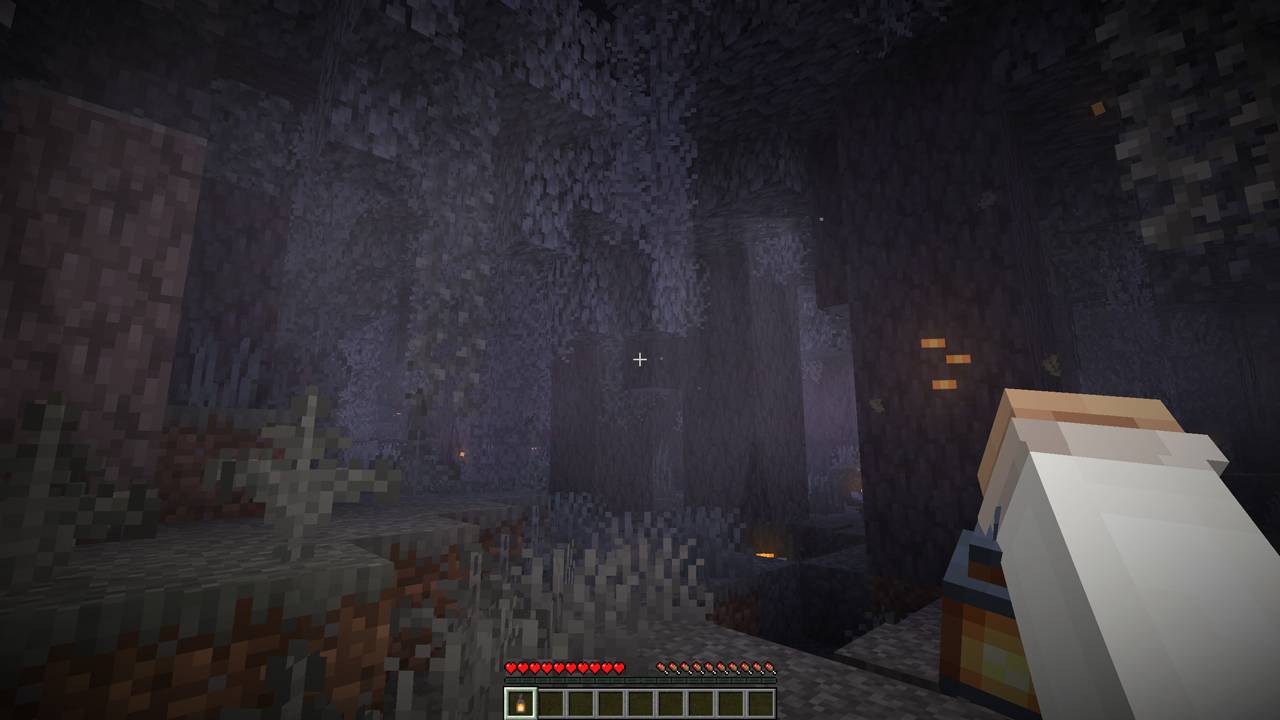
16b2c4021ac8767f19a33899090065e0c4efd0aa.jpeg
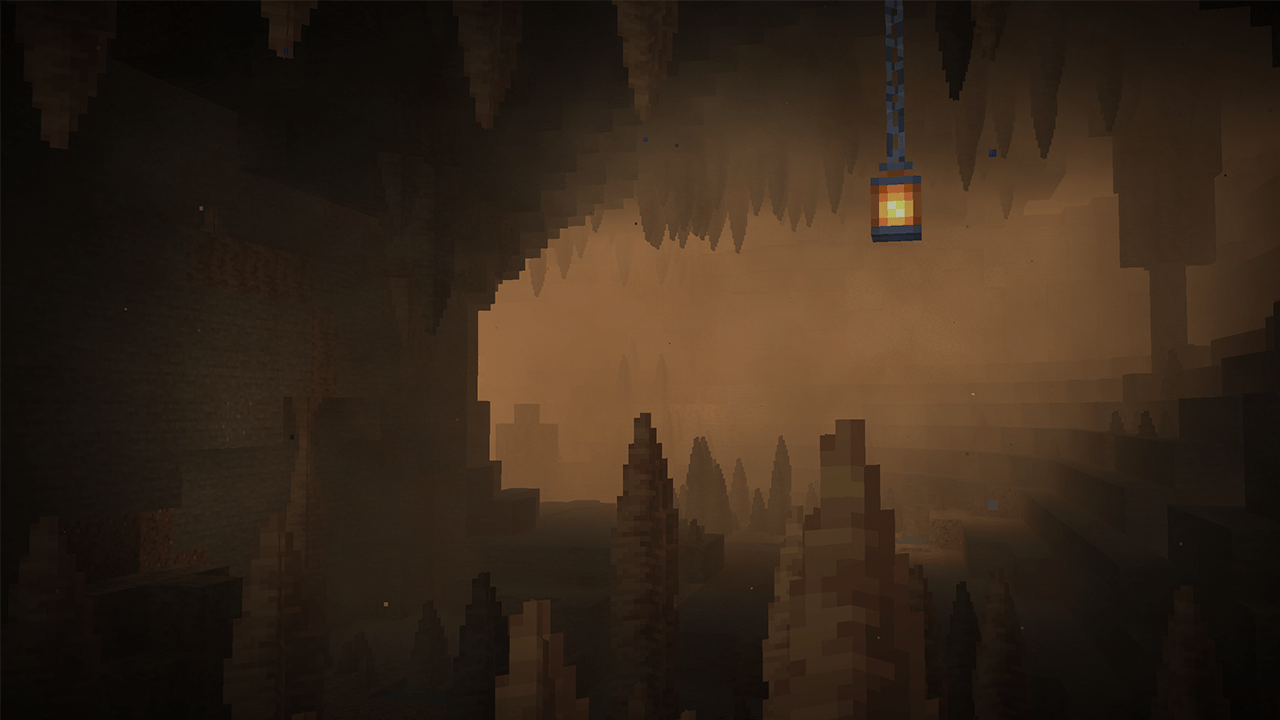
79aa7711ad2f6fb0d9720bb7119c480da4c47c50.png
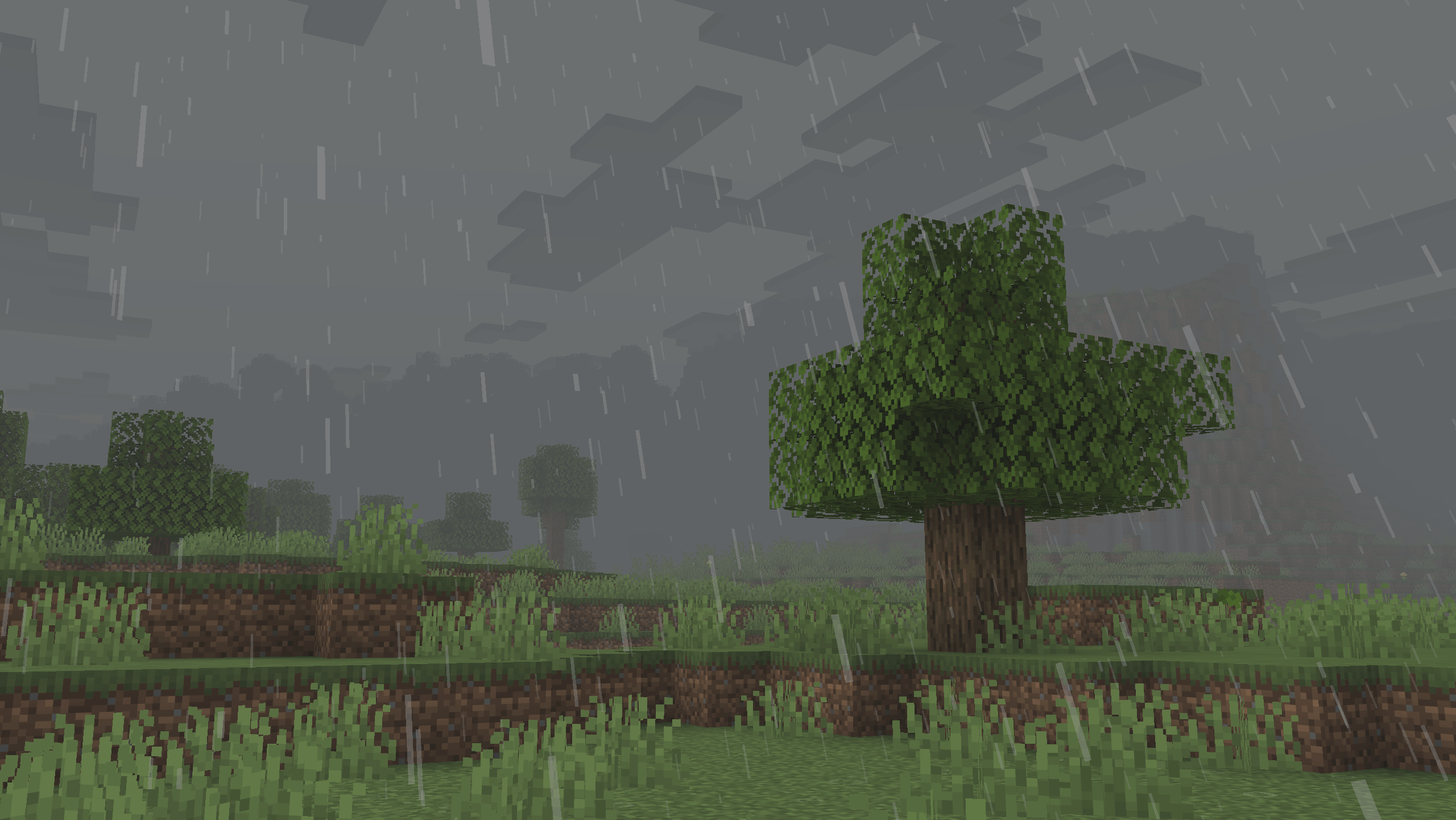
66744d5403617a3c35428ad11f887c97184d5eb9.png
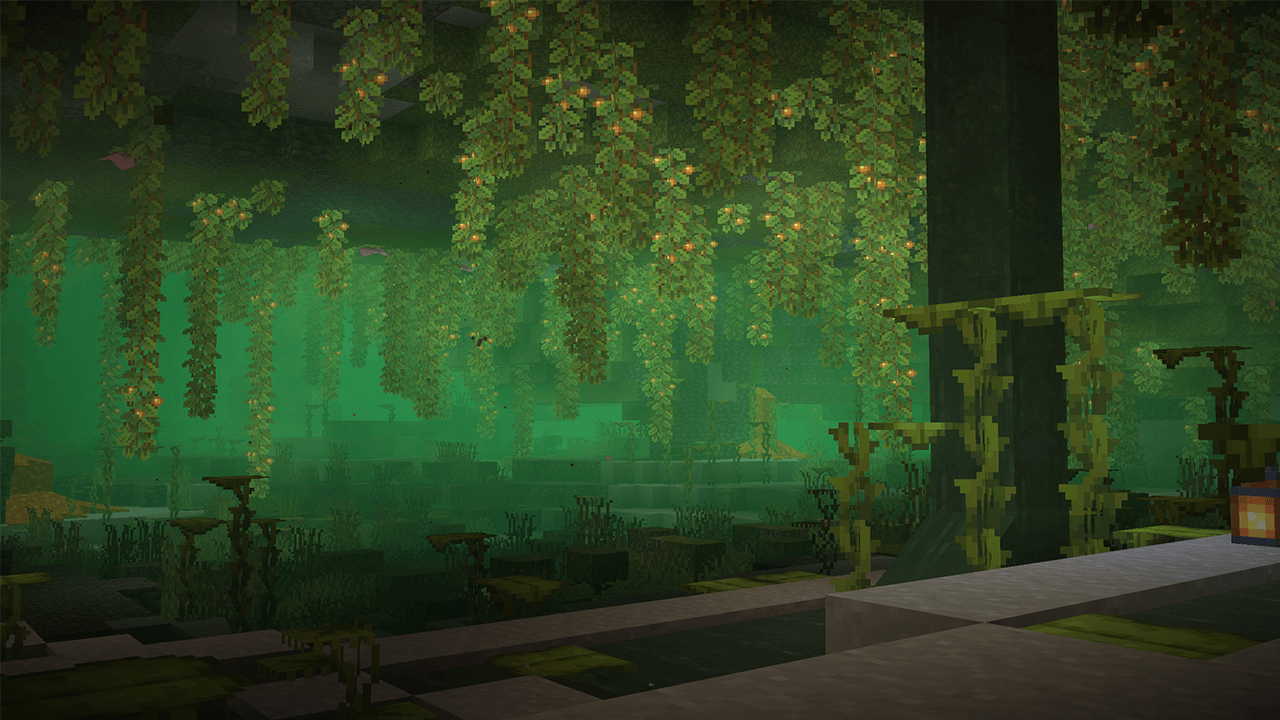
a1c3f92a7c12c39d8b14b9269935d3fd022cc820.png
e7d0743bd195e07371faa7a663689edd8d8c4255.jpeg
ef7dc4bb99bf17f1562a3f790814cf74d4846fca.png
Description

[](https://www.curseforge.com/minecraft/mc-mods/polytone)
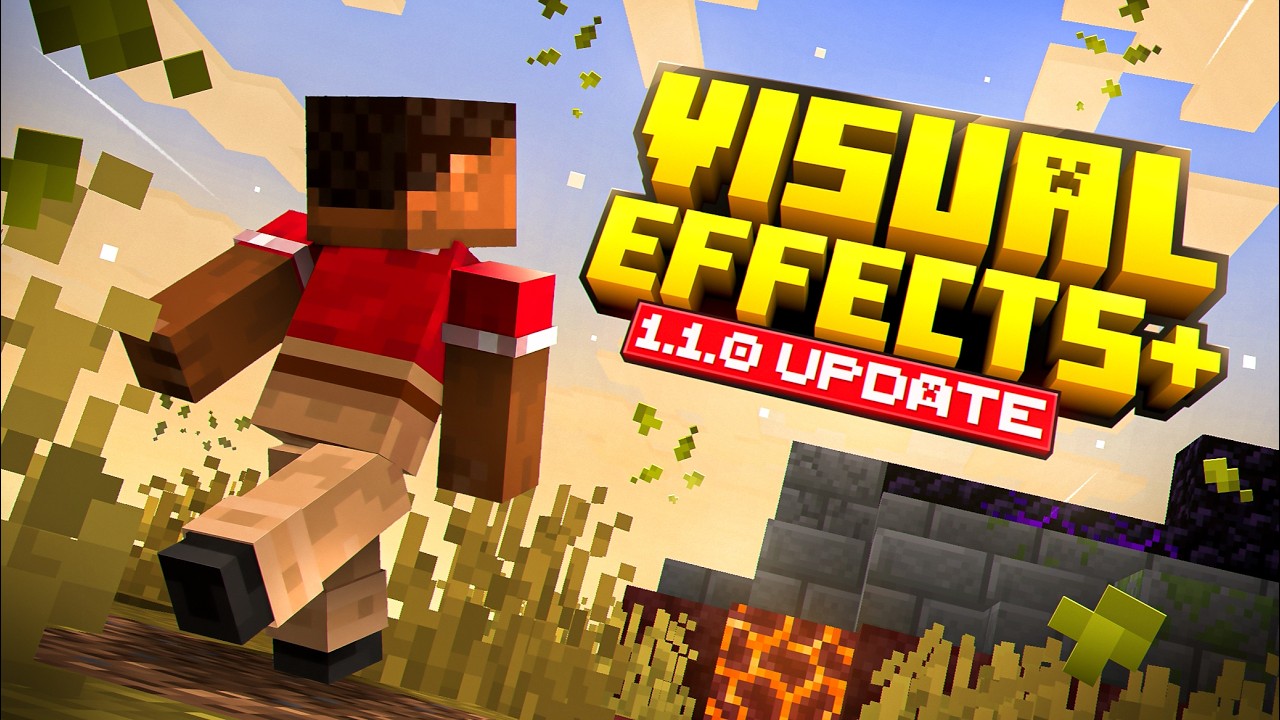
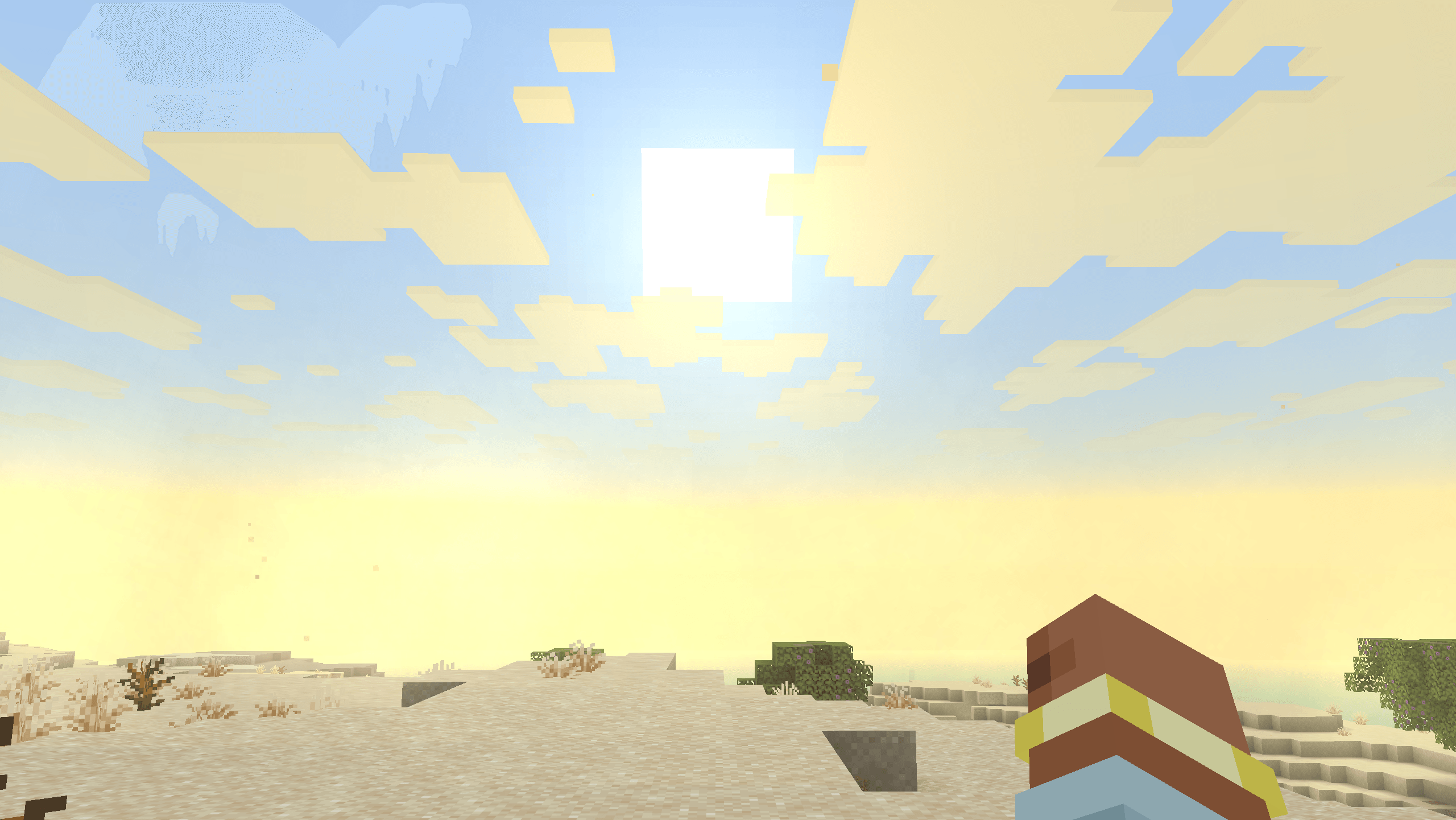
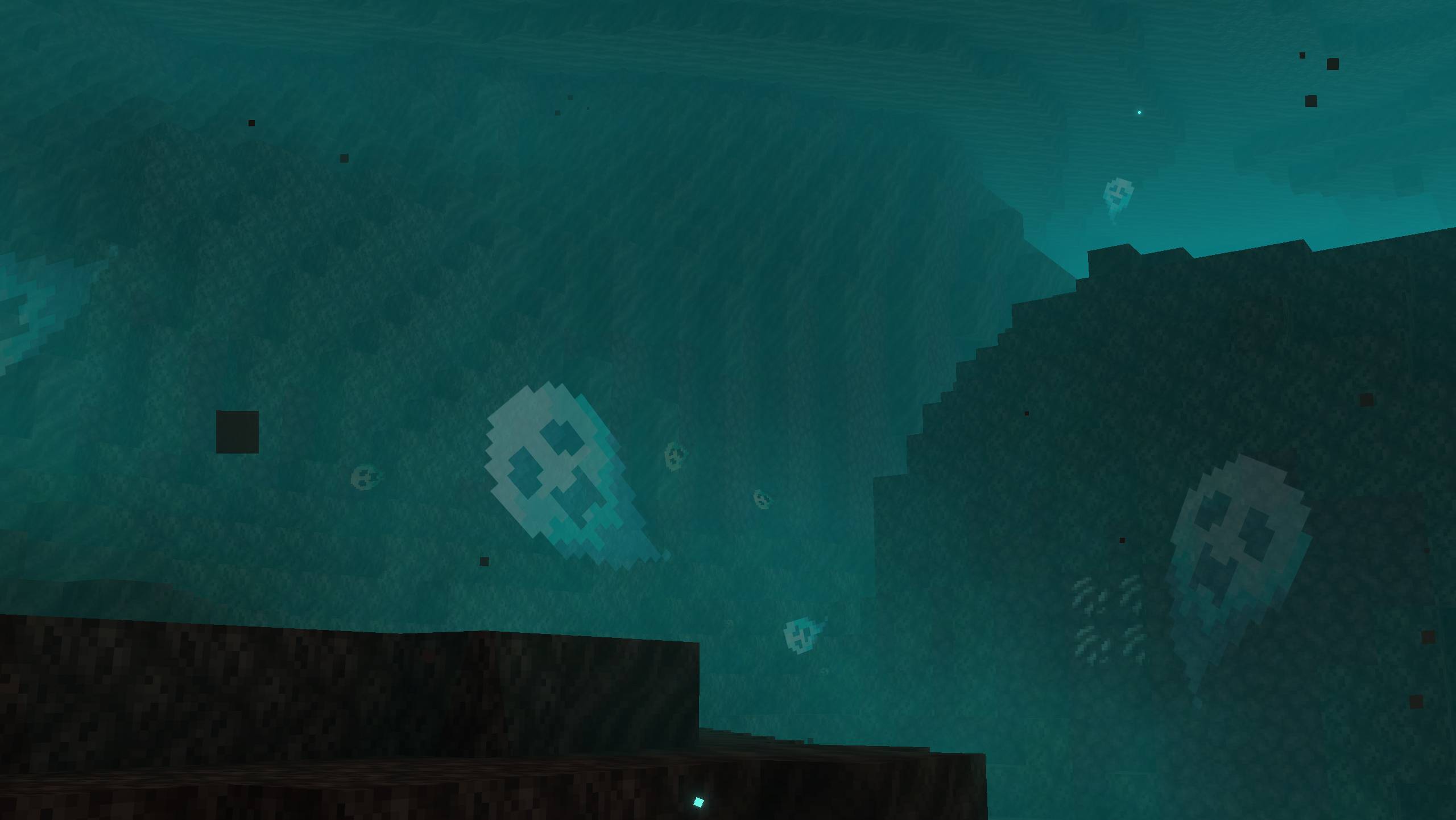
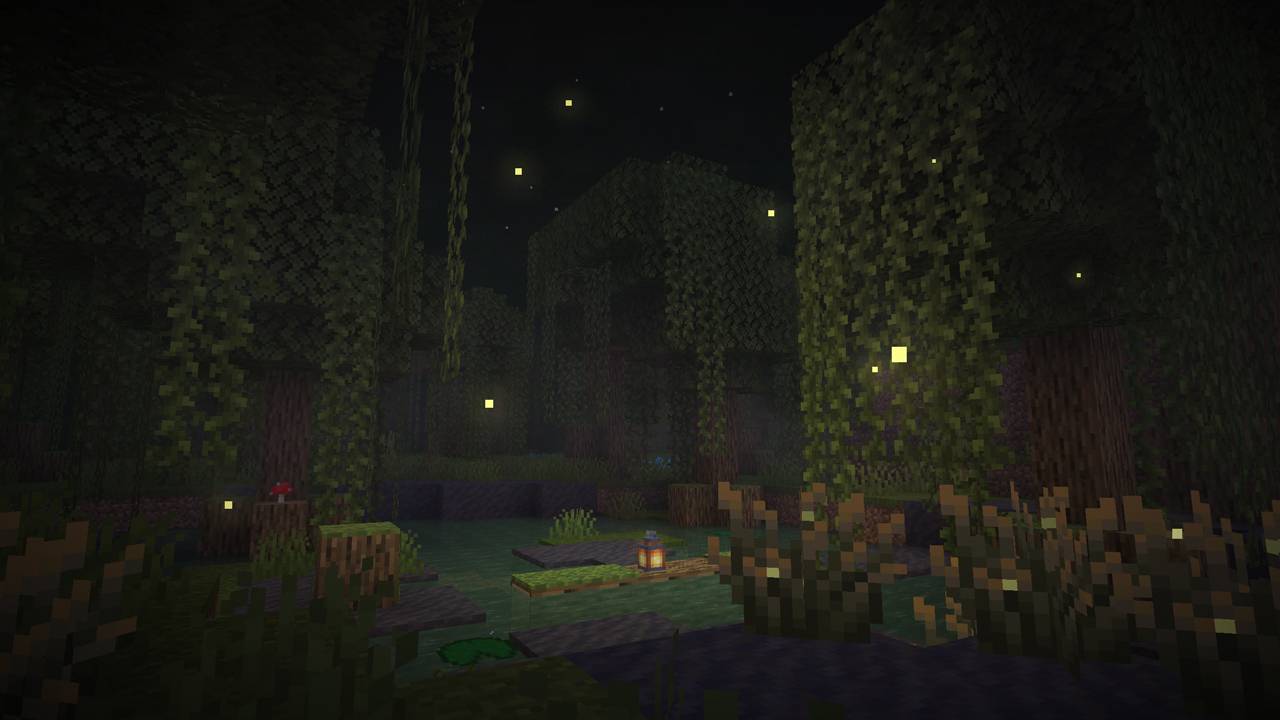
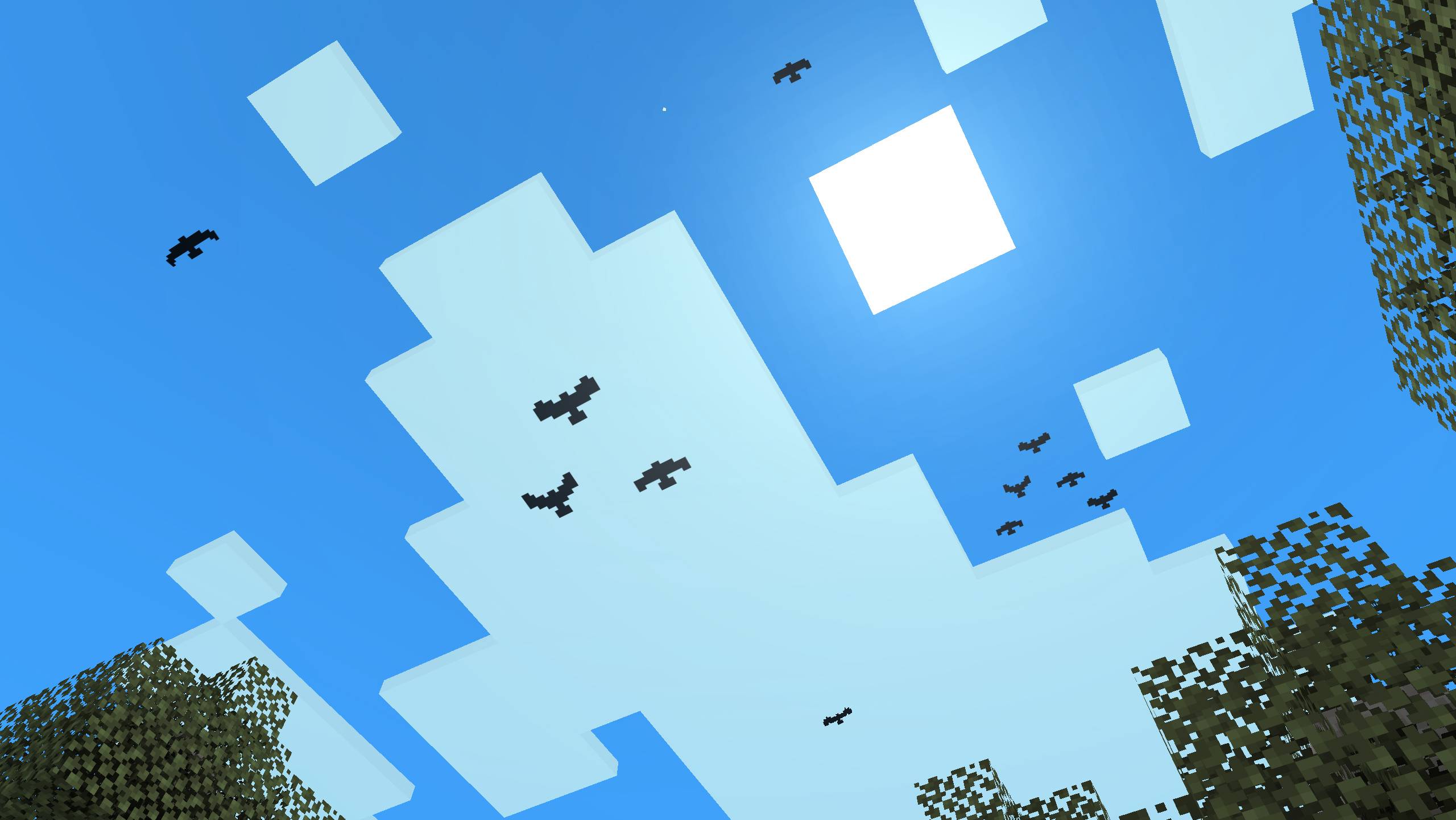
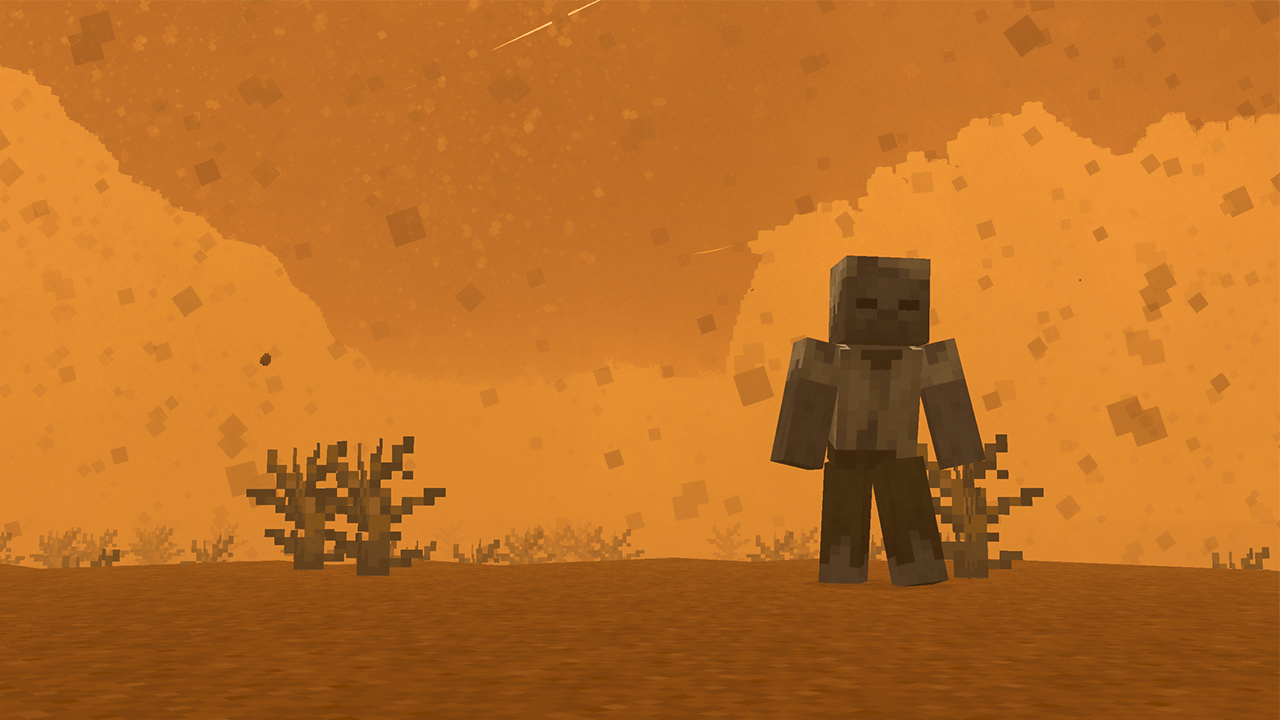
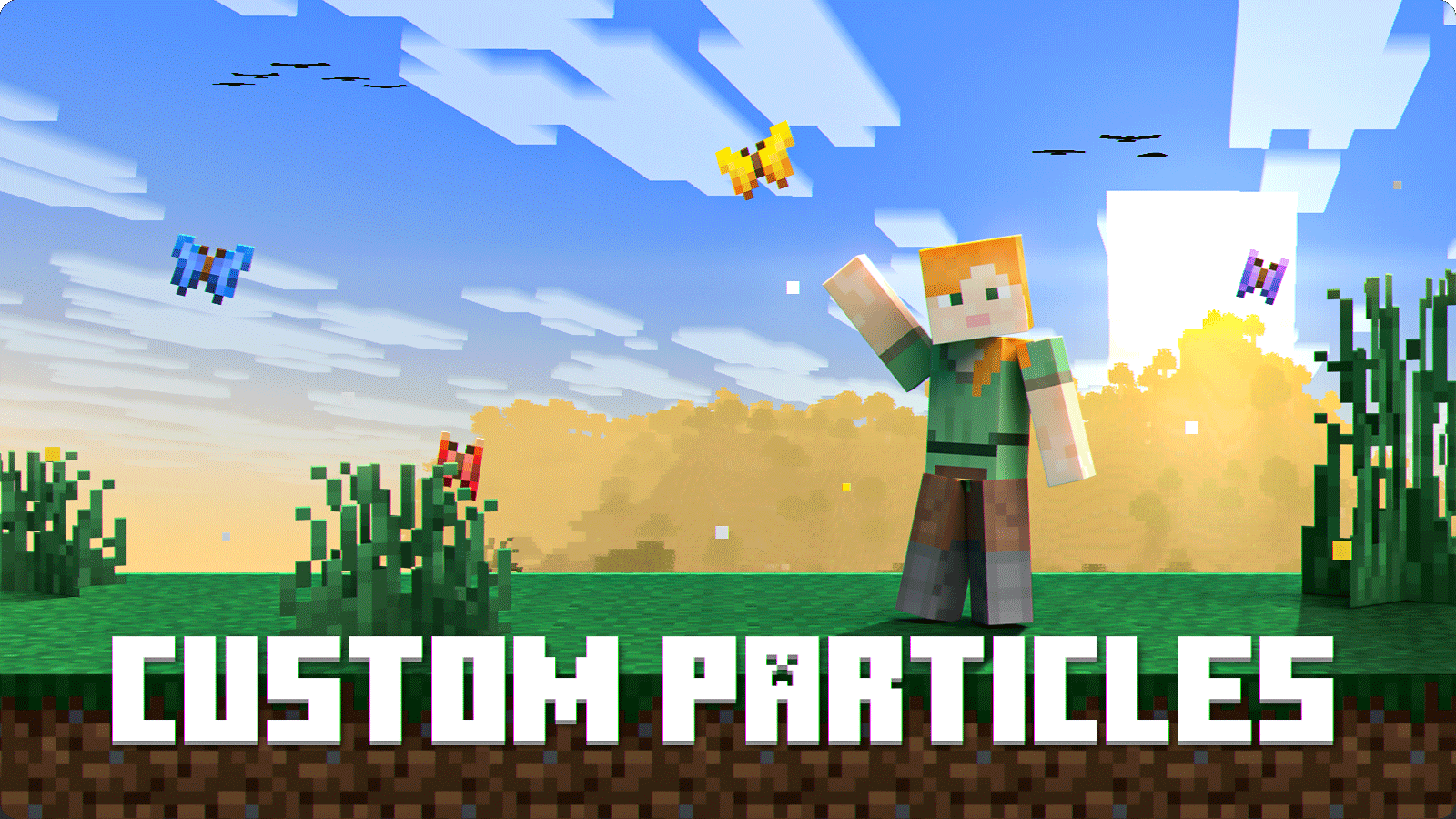
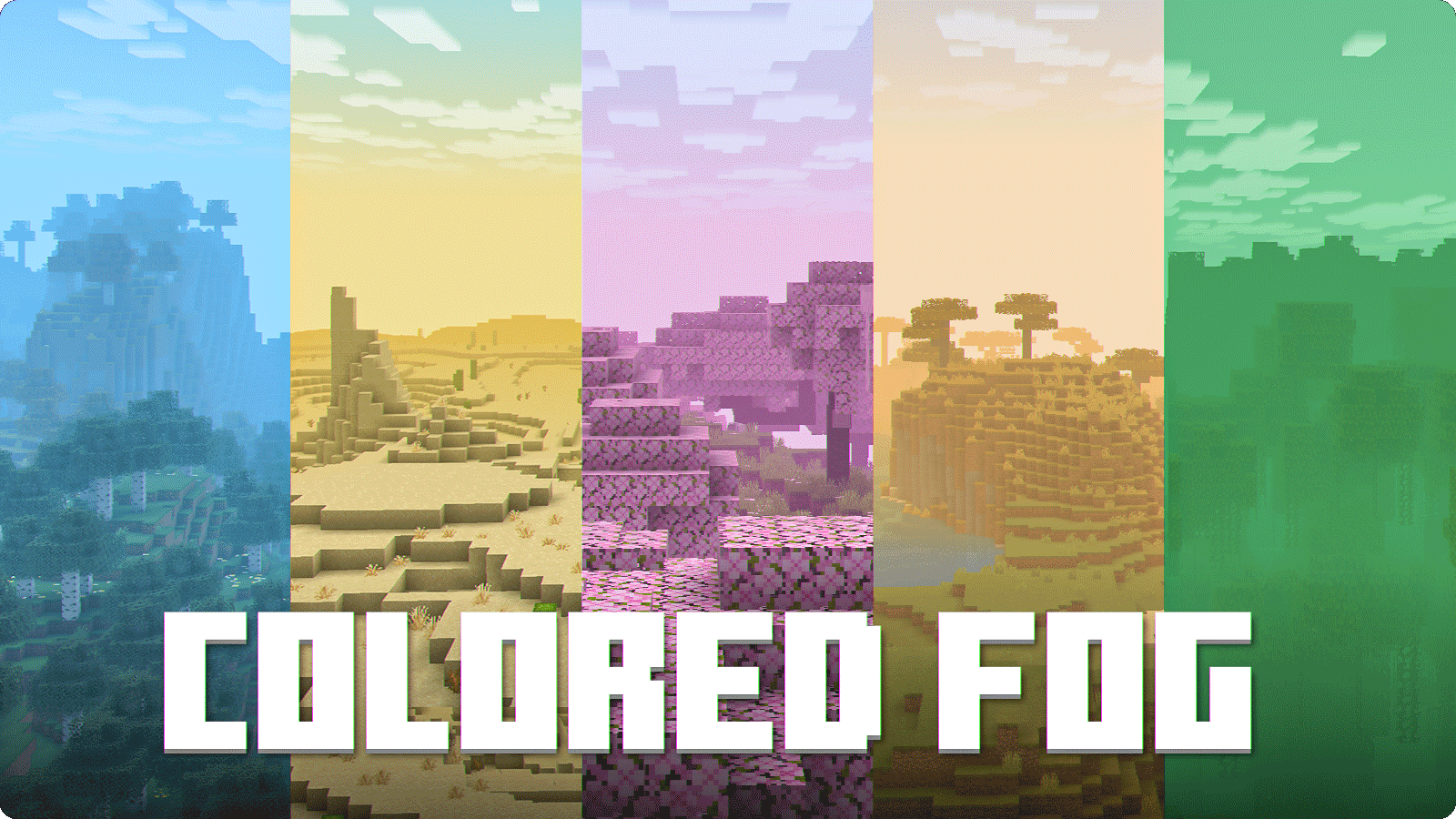
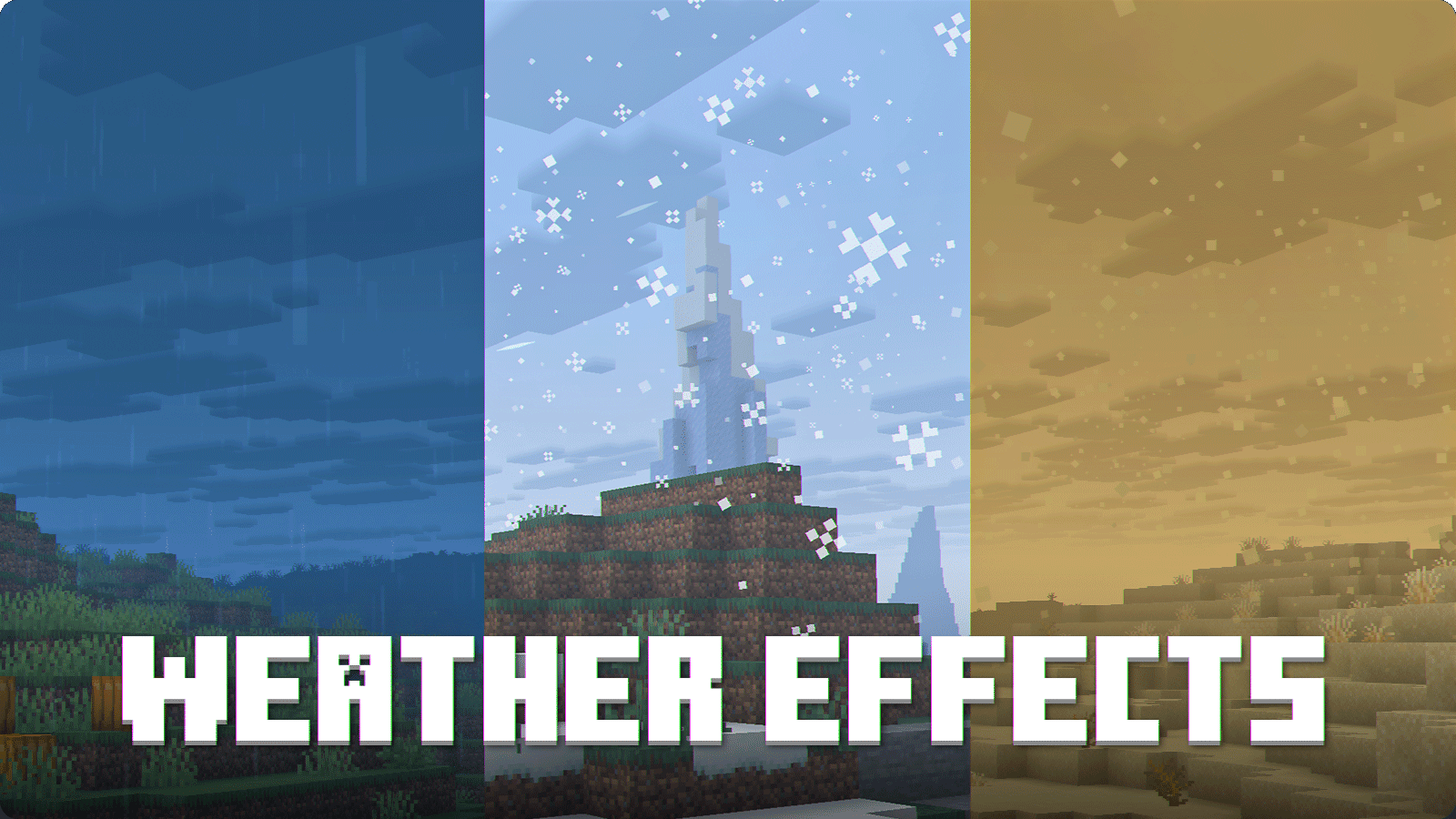
Visual Effects+ transforms Minecraft's atmosphere with dynamic biome fog, custom particles, weather effects, reworked skies, clouds, and much more.
Features
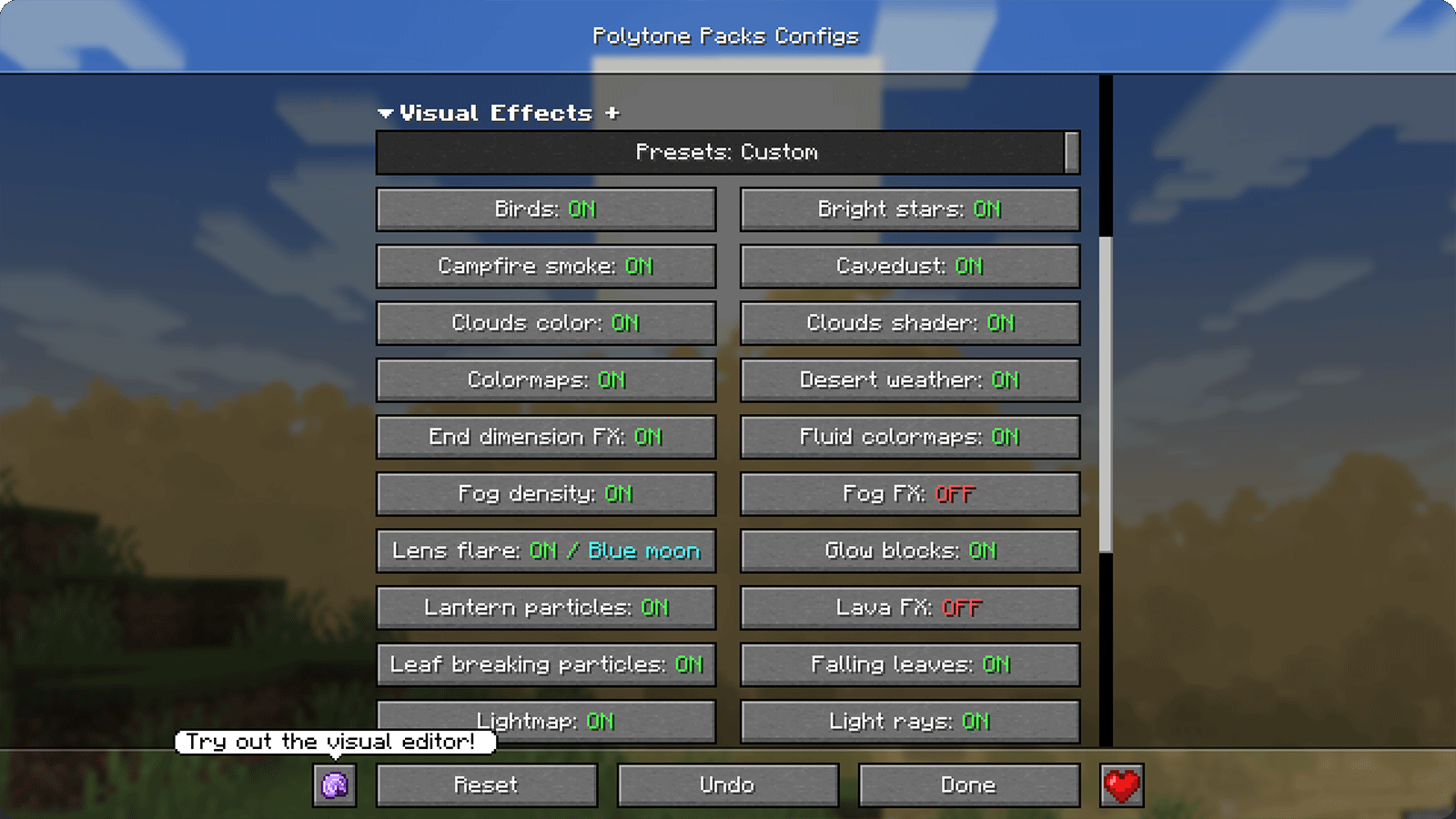
Configuration
Requirements
- Polytone — required
- AsyncParticles — recommended
- Respackopts — recommended
Recommended Settings
1. Place Visual Effects+ at the top
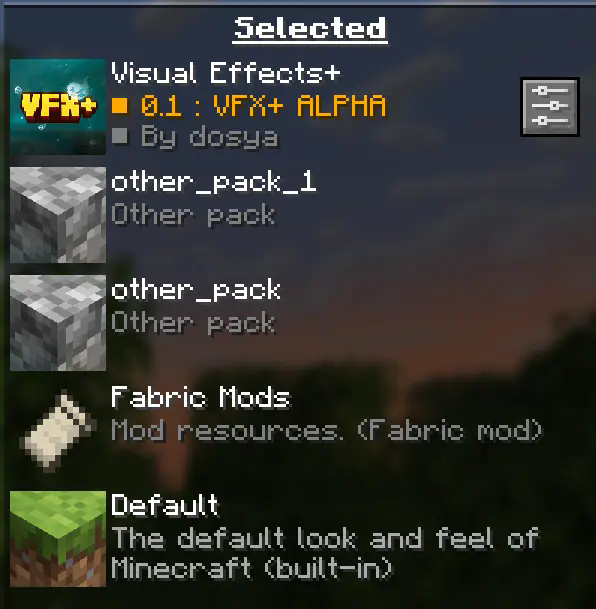
Visual Effects+ should always be placed at the top of the resource-pack list to prevent Polytone-related conflicts.
2. Disable fog occlusion
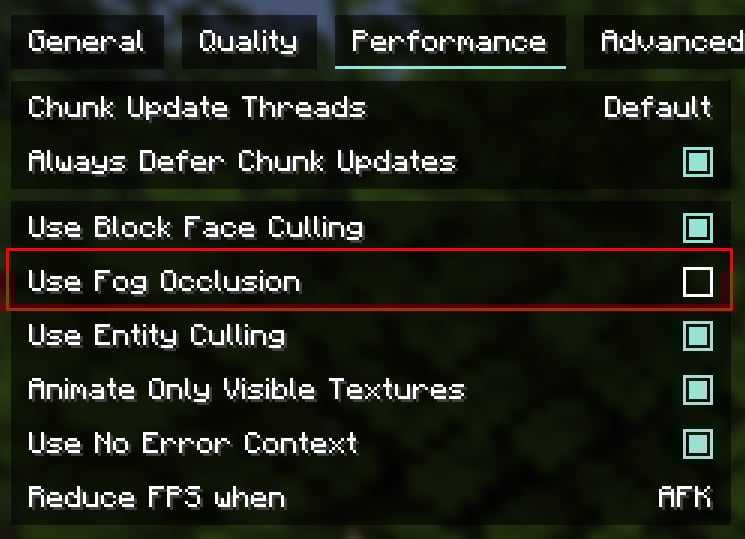
You can find this option in the Performance settings.
On low-end PCs, leave fog occlusion enabled for better performance.
A render distance of 12–16 chunks is recommended, but you can adjust it to suit your system.
Credits
Tealover — testing, suggestions, and other help.
sapling. — testing, suggestions, and other help.
Cubert — helped choose the project name, as well as with testing and suggestions.
Peanut Butter Jelly — testing and suggestions.
VFX+ Discord server — community feedback and support.
sapling. Mods Discord server — community feedback and support.
MehVahdJukaar — development of Polytone and technical assistance.
Support and Links


Visual Effects+ Team