What is PinkWobble?
PinkWobble is a Resuource Pack for that aims to replace Minecraft's gray Gui with pink and purple pastels, while also having a few illustrations here and there for additional whimsy.
What does PinkWobble change?
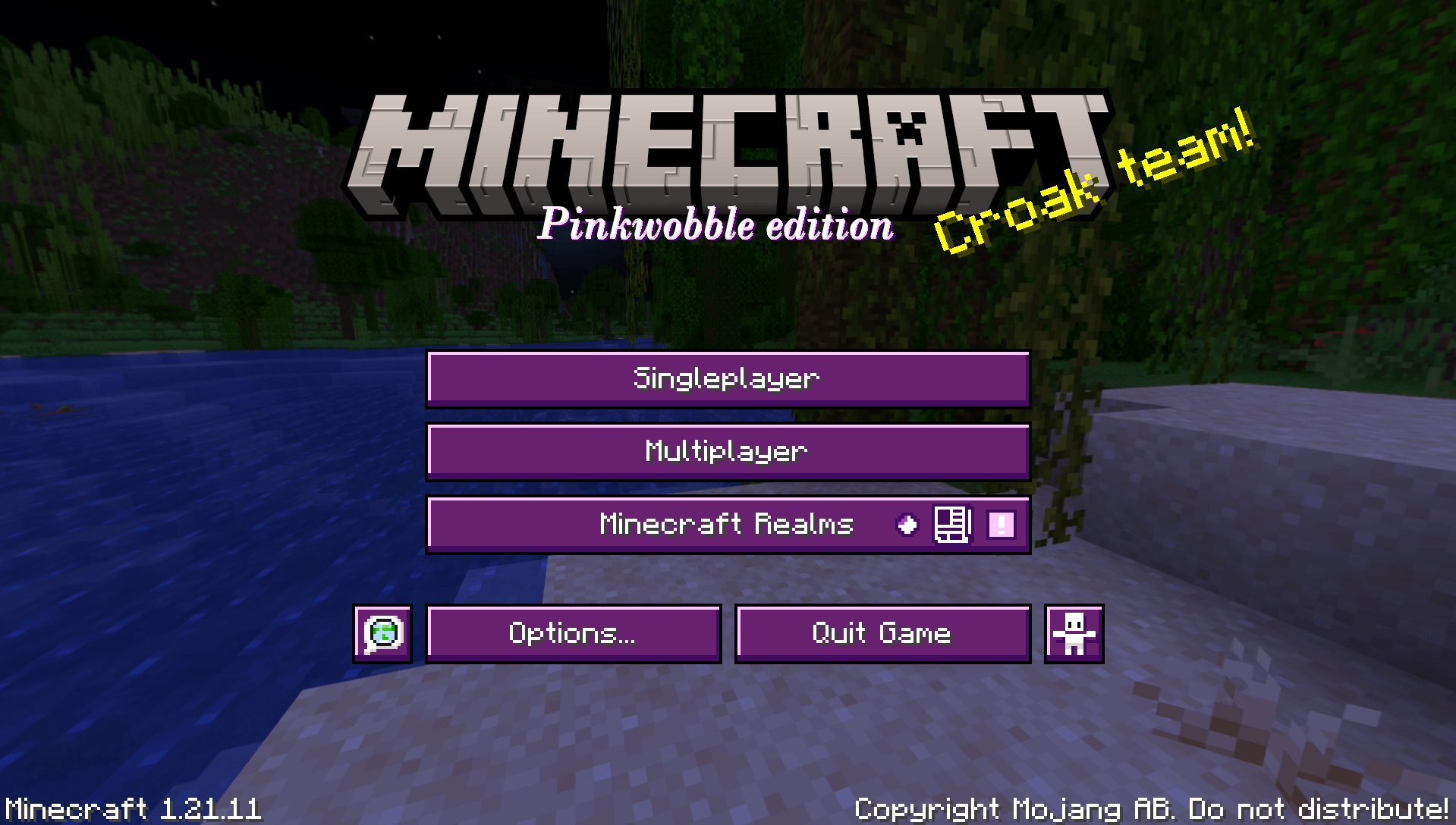
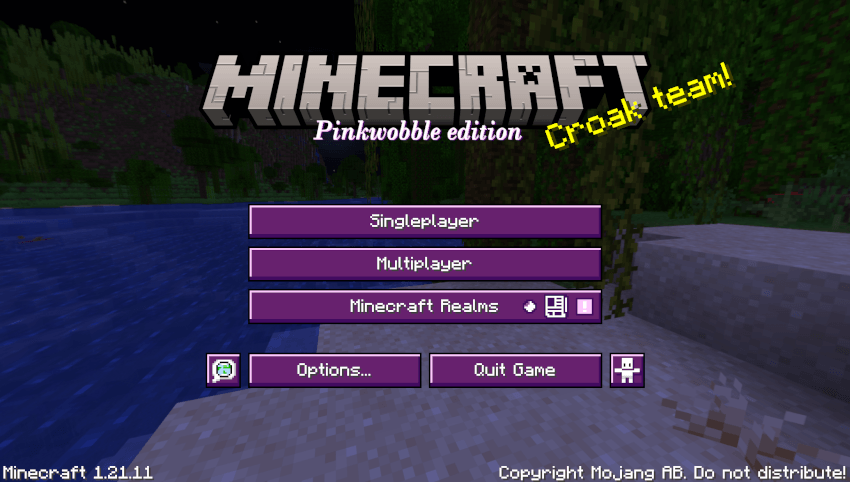
- Changes the main menu.
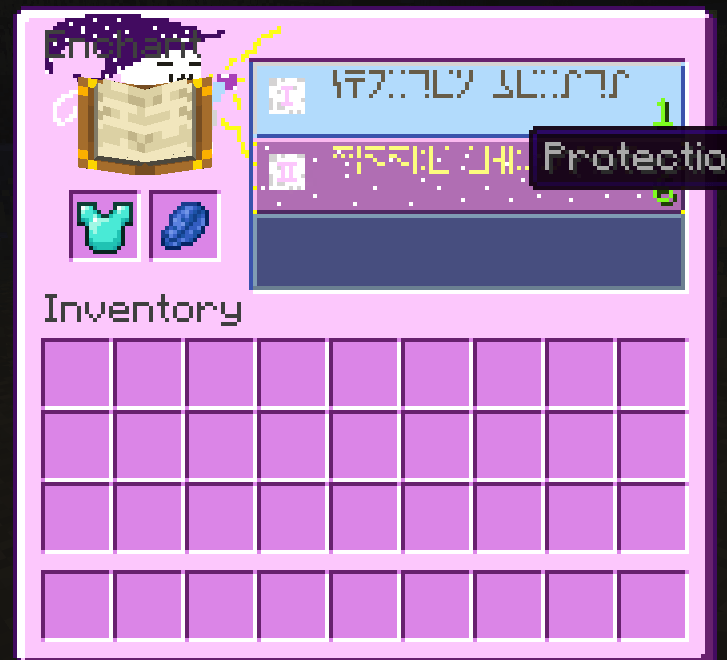
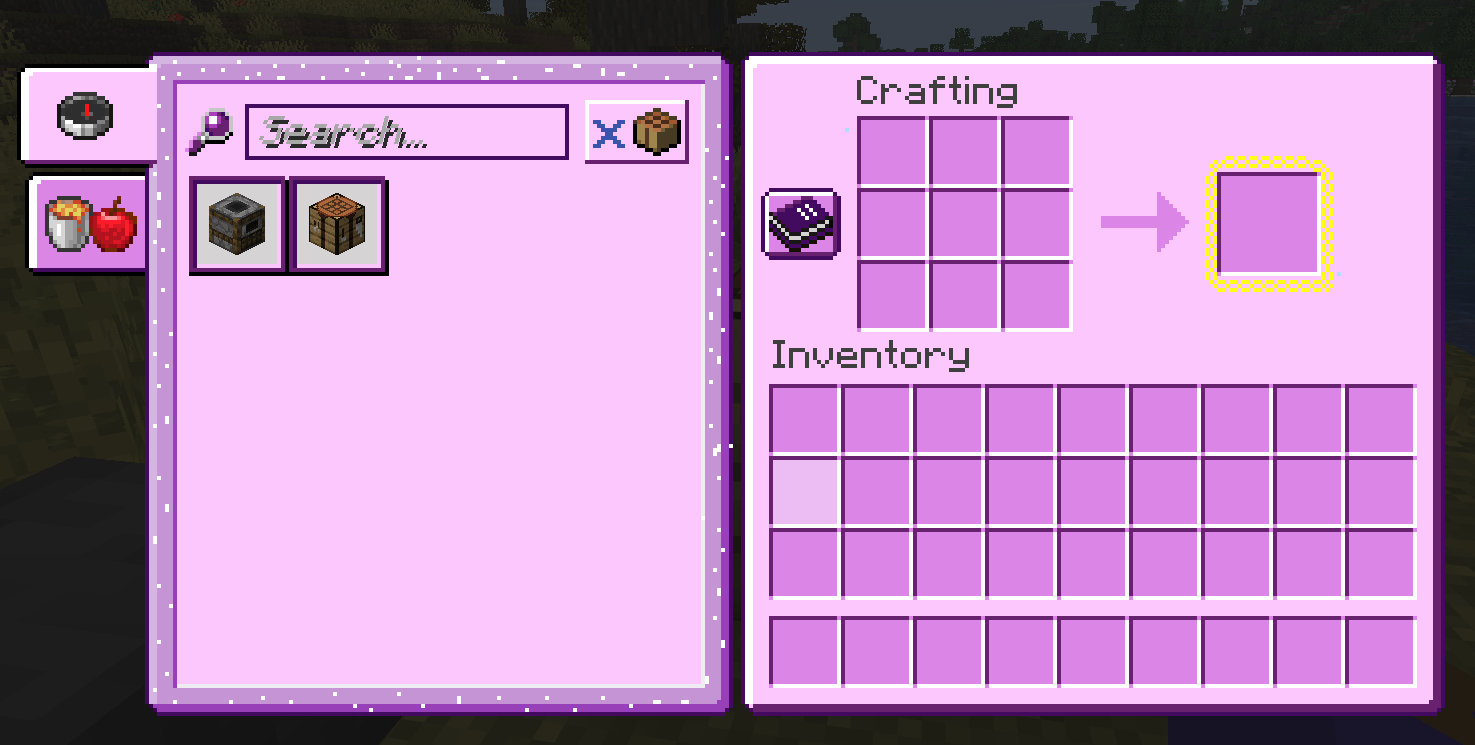
- Survival inventory.
- Creative inventory.
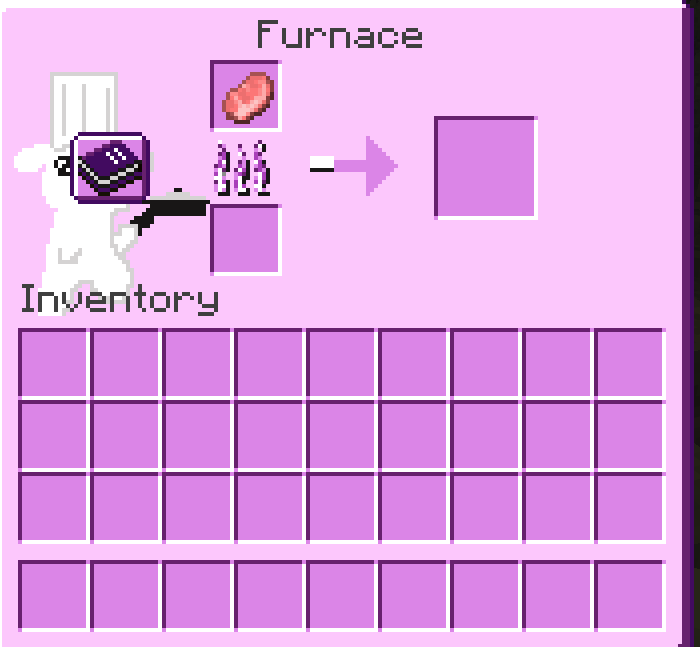
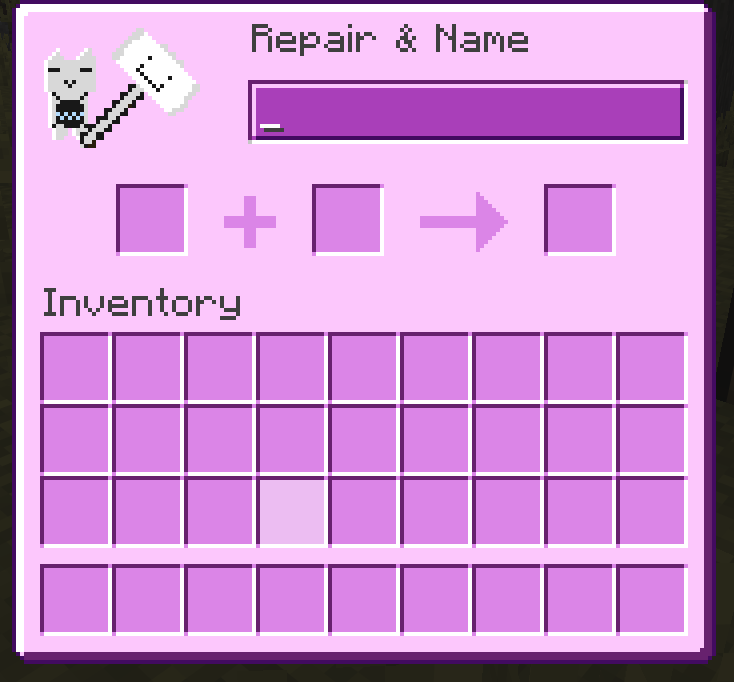
- Most containers.
- Server status/ping.
- Crosshair.
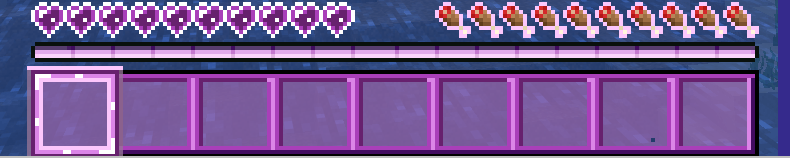
- Exp. Bar.
- Hearts.
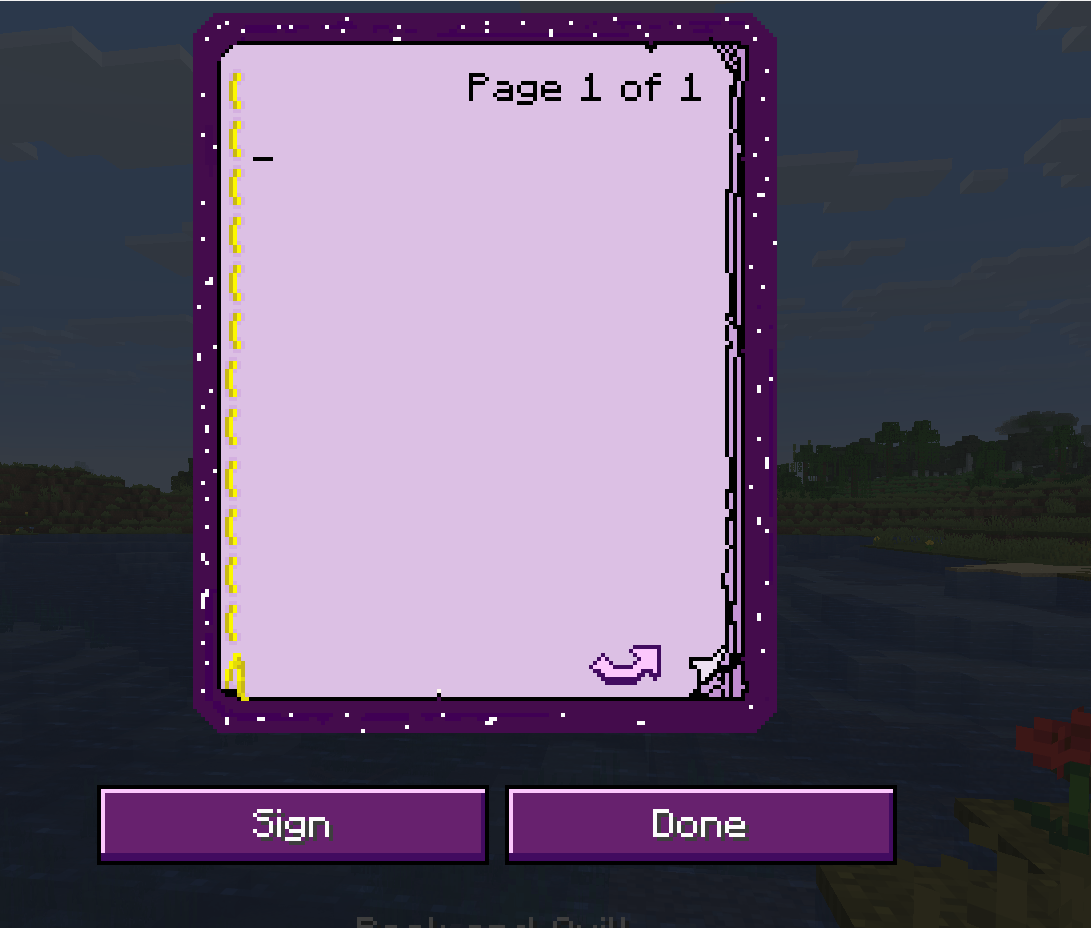
- Book & Quill page.
How Do I install PinkWobble?
- Once inside your Minecraft installation, go to "settings".
- Click on "Resource Packs".
- Click on "Open Resource Pack Folder"
- Drag "PinkWobbleGUI.zip" into the "resourcepacks" folder.
- Hover your mouse above the PinkWobble icon.
- Click on the big triangle pointing to the right.
- Make sure the Resource is above Minecraft's default Texture pack.
- You're good to go!
Main menu example:
Additional notes:
If you have any questions/suggestions please leave a comment and I'll try to reply as soon as possible.