

PinkWobble GUI
A Resource Pack that swaps Minecraft's Gray GUI with pink and purple pastels.
- 539
- January 25, 2026



PinkWobble GUI
A Resource Pack that swaps Minecraft's Gray GUI with pink and purple pastels.
- 539
- January 25, 2026


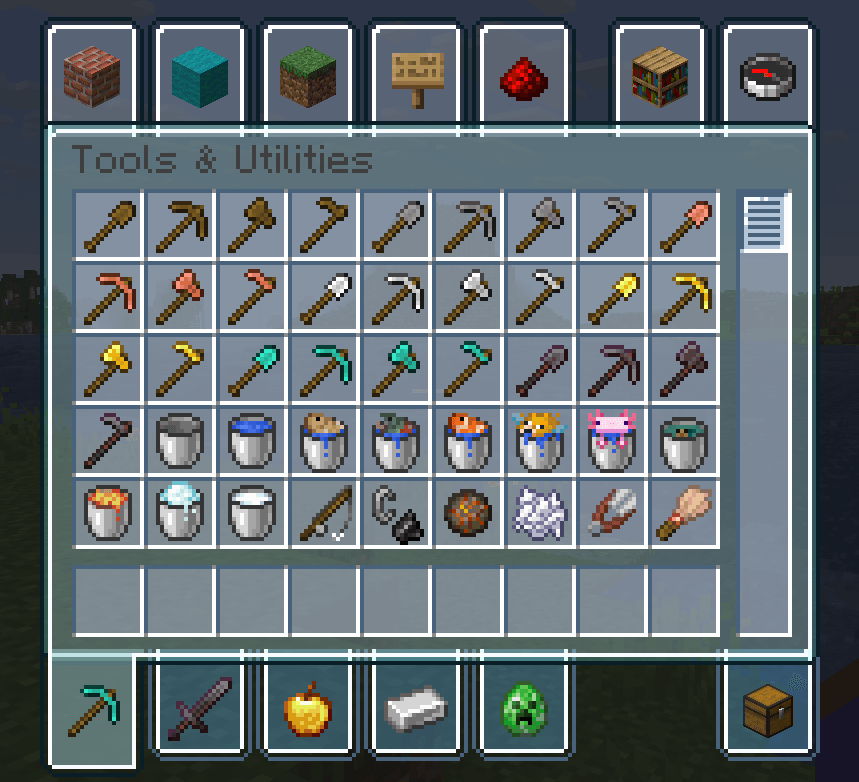
Creative Mode Inventory.png
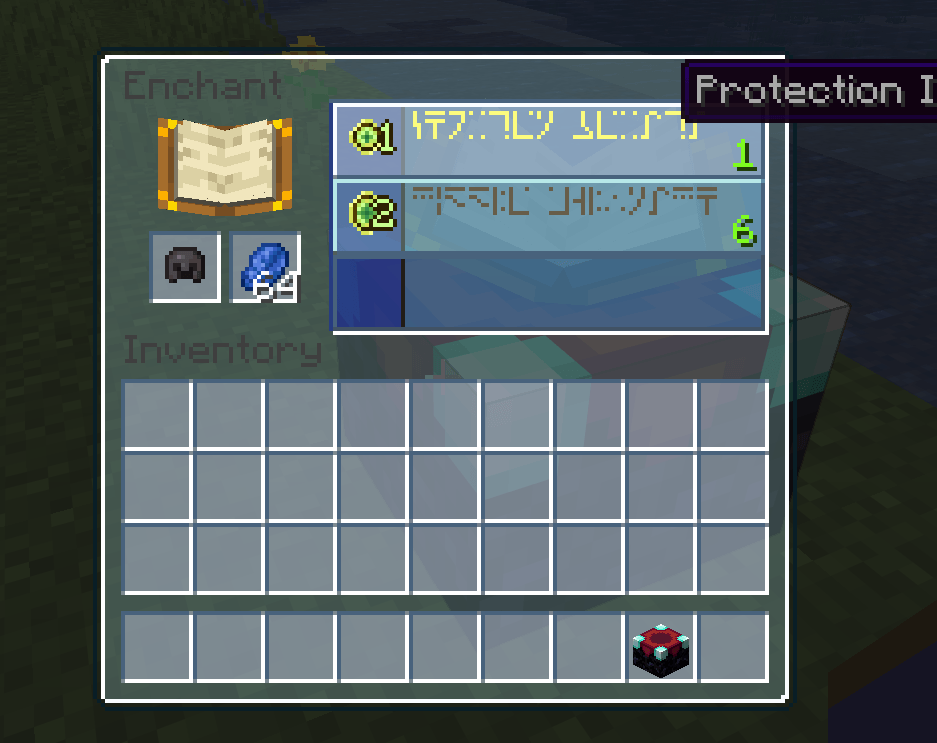
Enchanting table.png
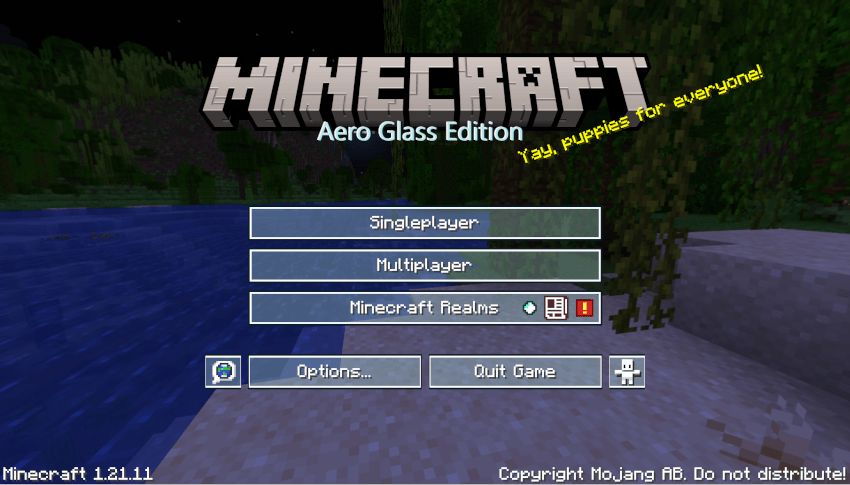
Aero Main Menu.png
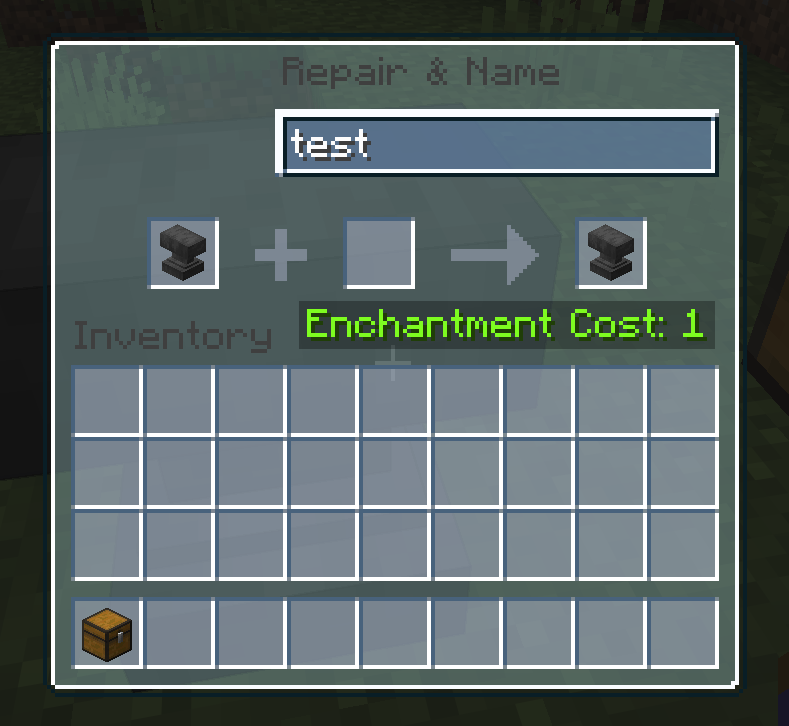
Aero Anvil.png
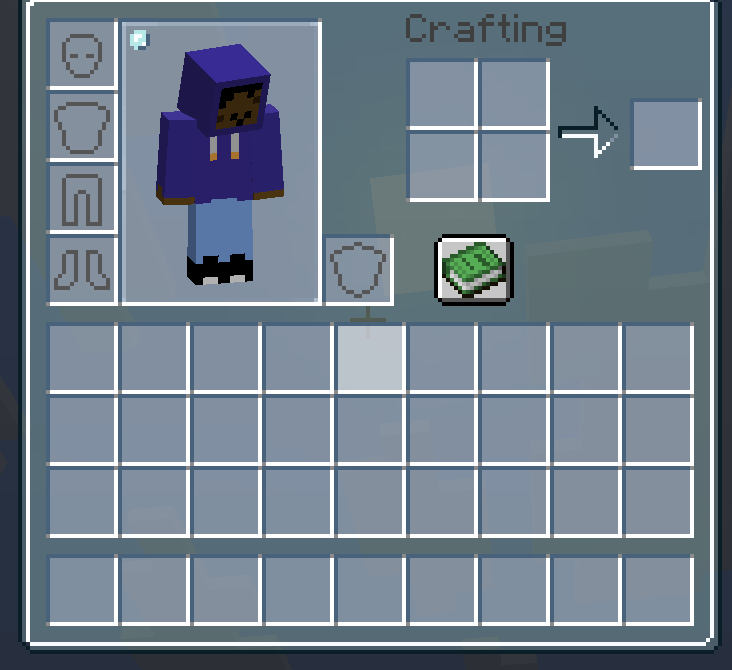
Survival Inventory.png
Aero Glass is a Texture Pack that replaces Minecraft's GUI with Frutiger Aero themed buttons and menus.
Reference Image: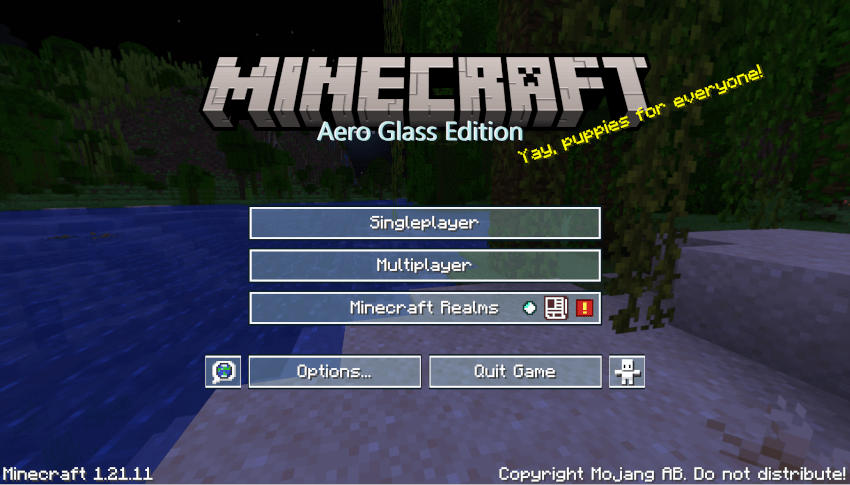
I am planning on converting the rest of the icons into a frutiger aero style as well.
If you have any issues/suggestions please leave a comment and I'll answer as soon as possible.
1/26/2025: It seems that the partially transperent inventory containers are only supported by 1.21.11, any previous version will have the transperent menu, but the inventory will be opaque.

A Resource Pack that swaps Minecraft's Gray GUI with pink and purple pastels.
A Resource Pack that swaps Minecraft's Gray GUI with pink and purple pastels.