

Excalibur - JustPBR TMRT
Patched The Roads More Travelled (TMRT) Textures to fit Excalibur JustPBR
- 27
- September 2, 2026
Excalibur - JustPBR TMRT
Patched The Roads More Travelled (TMRT) Textures to fit Excalibur JustPBR
- 27
- September 2, 2026


1.jpg
2.jpg
3.jpg
5.webp
4.jpg
Spice your world with natural details.
Crafted by Hardek


Modrinth · CurseForge · GitHub

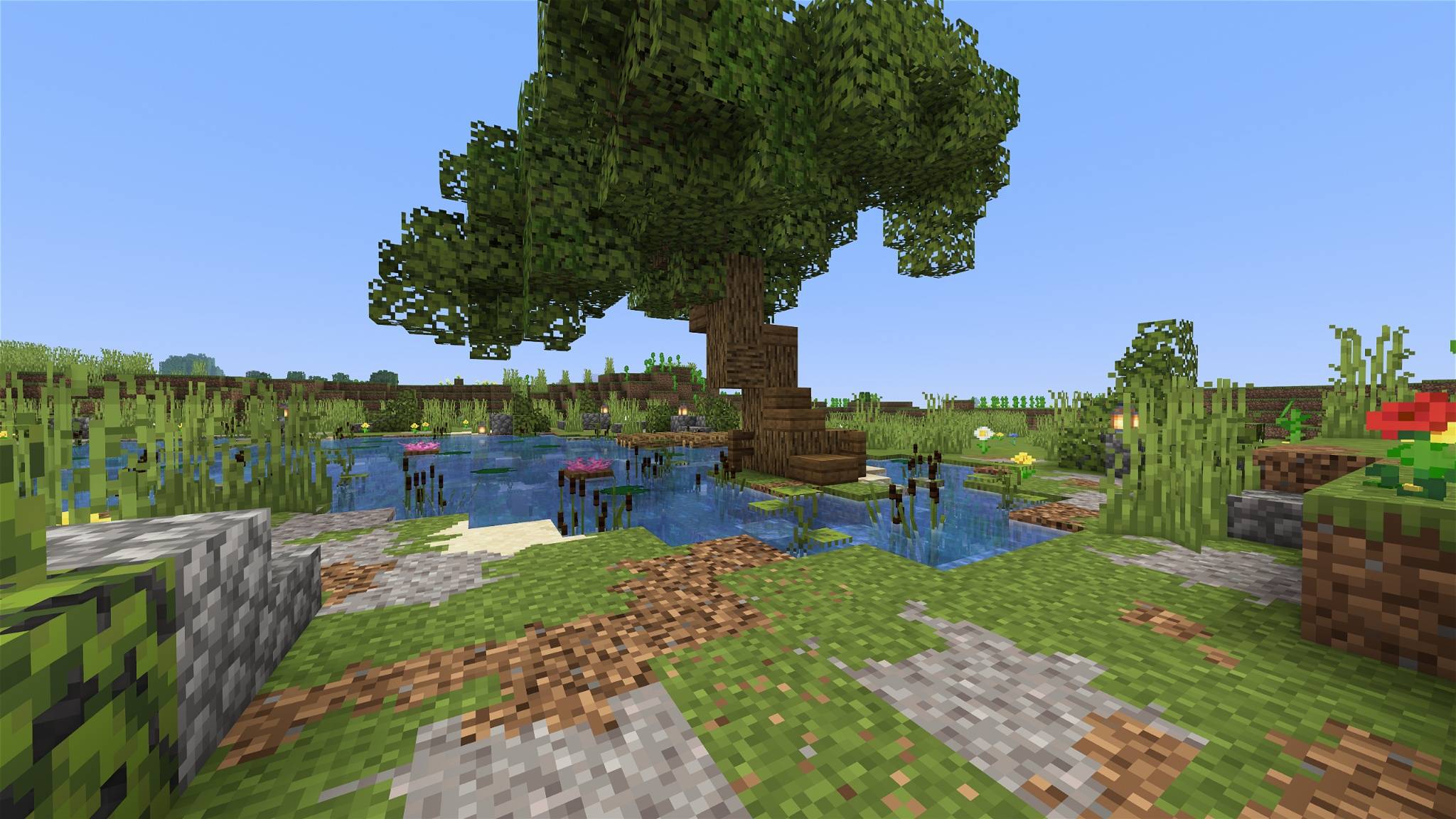
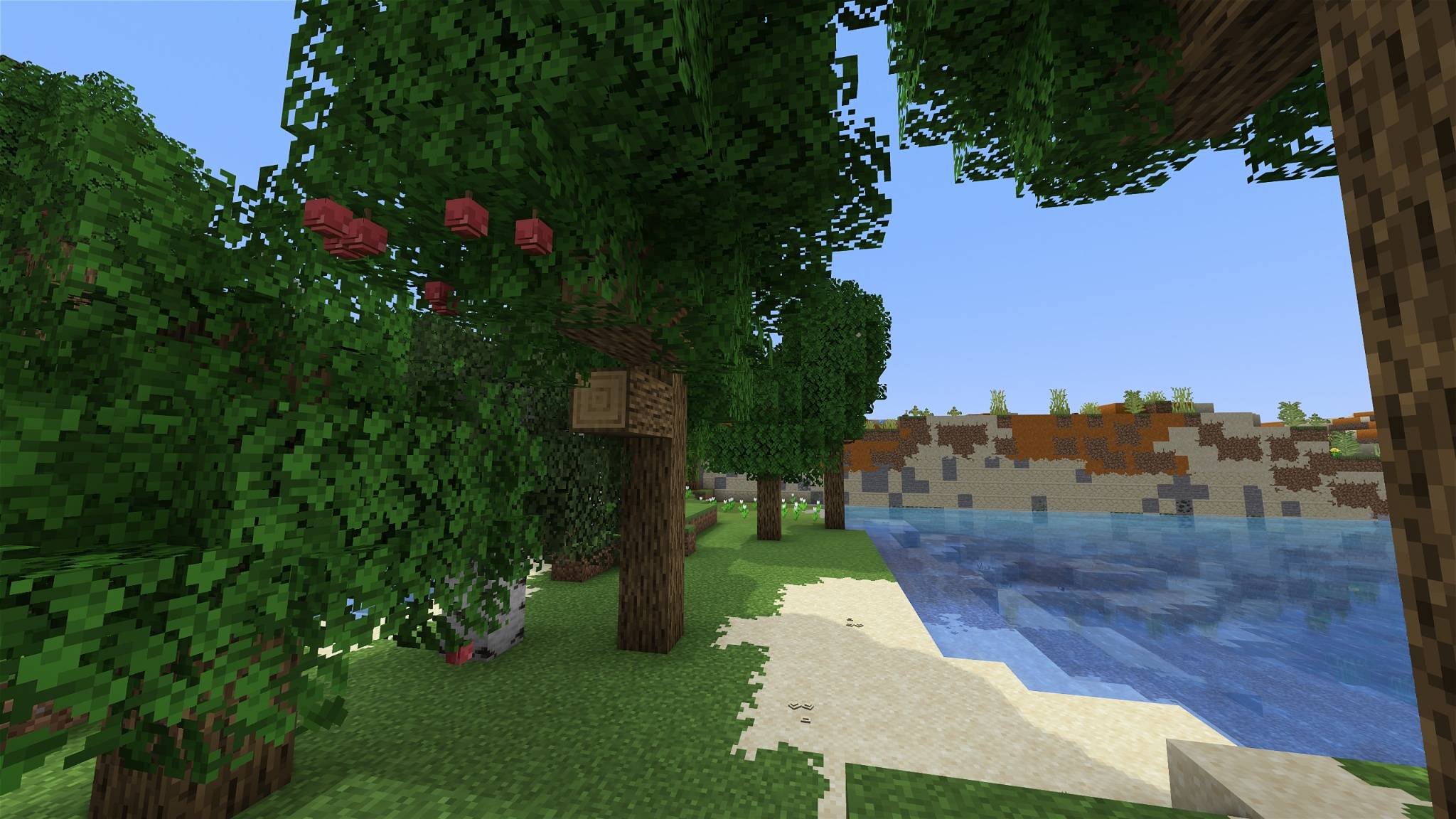
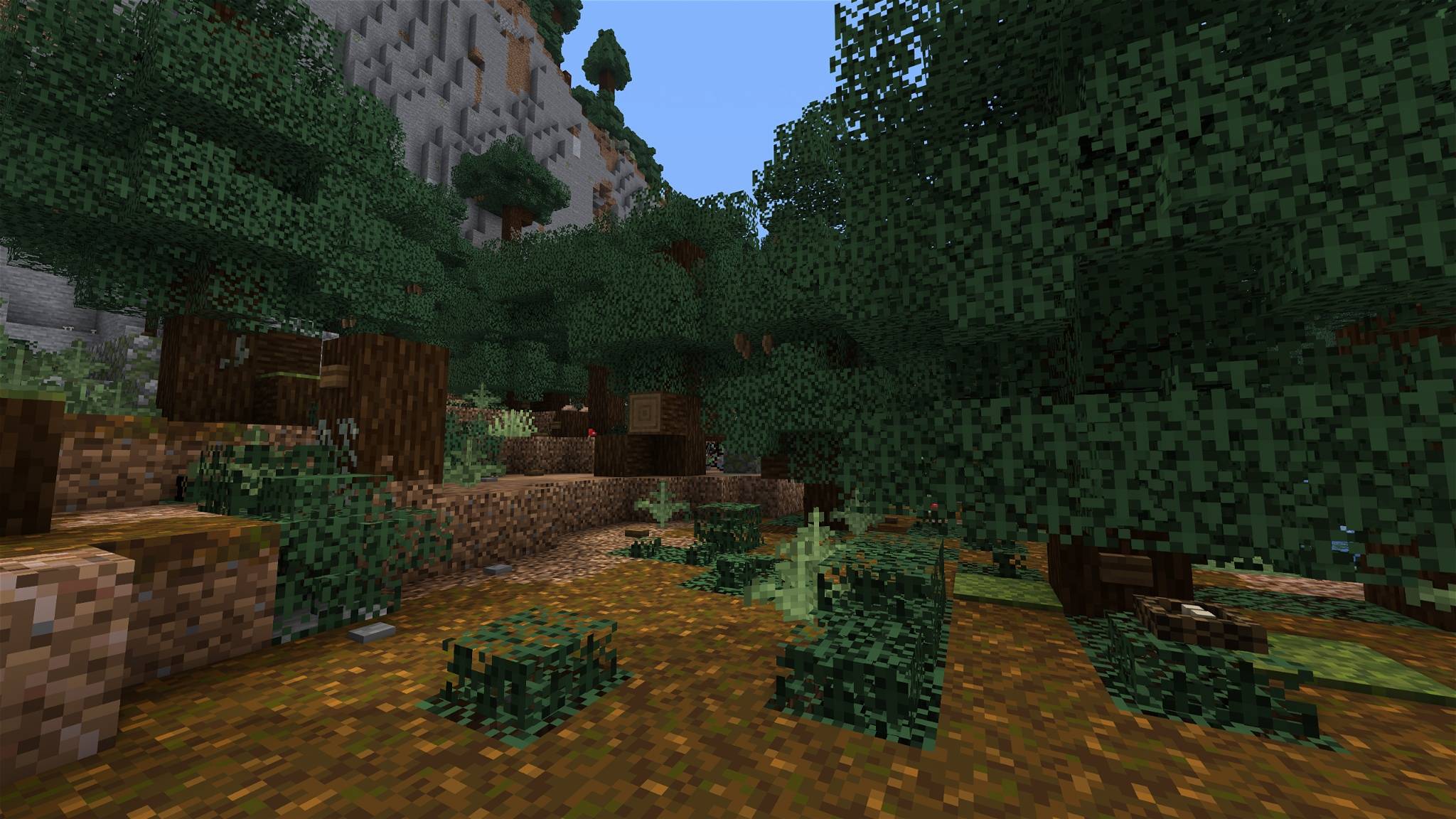
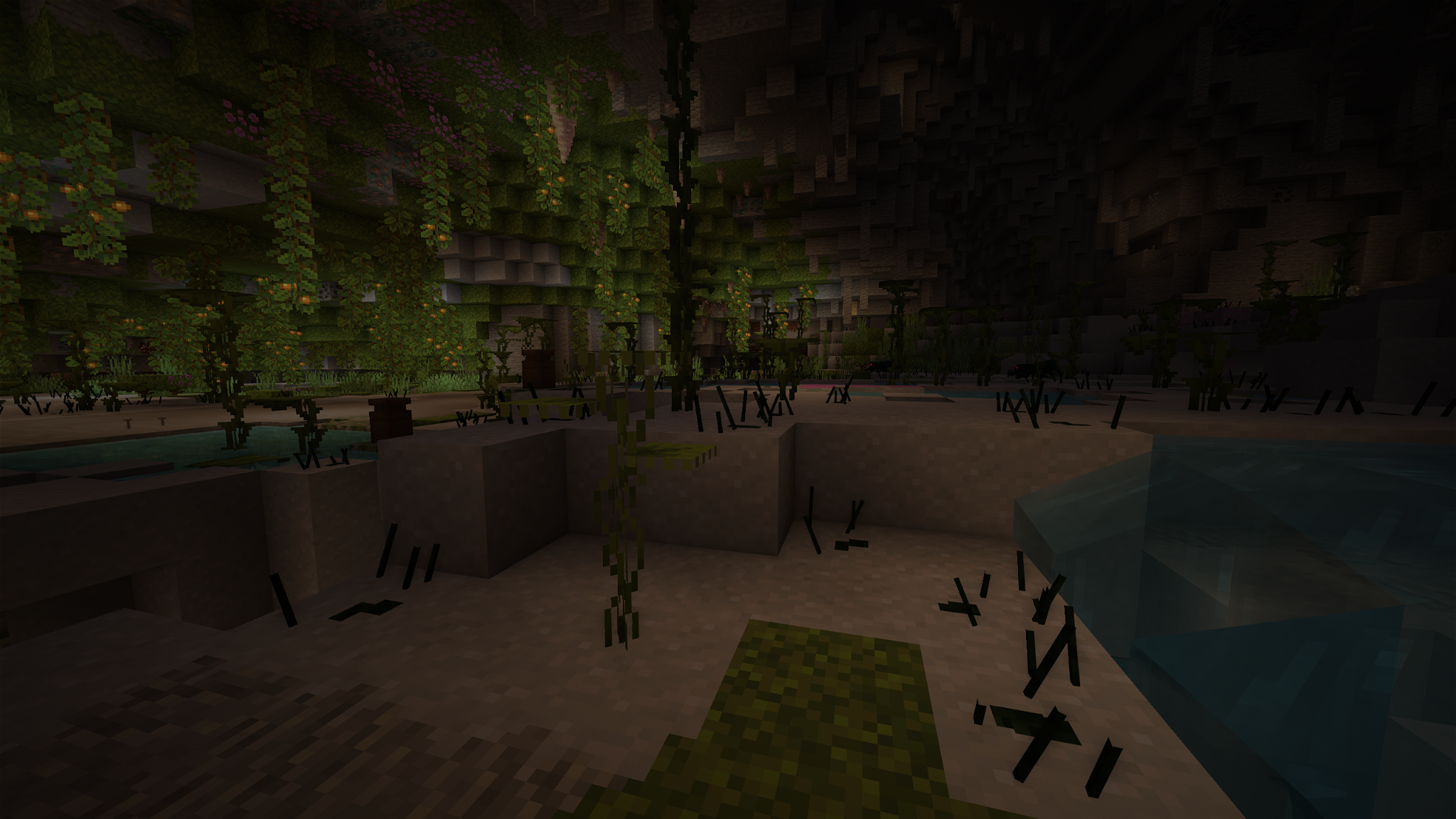
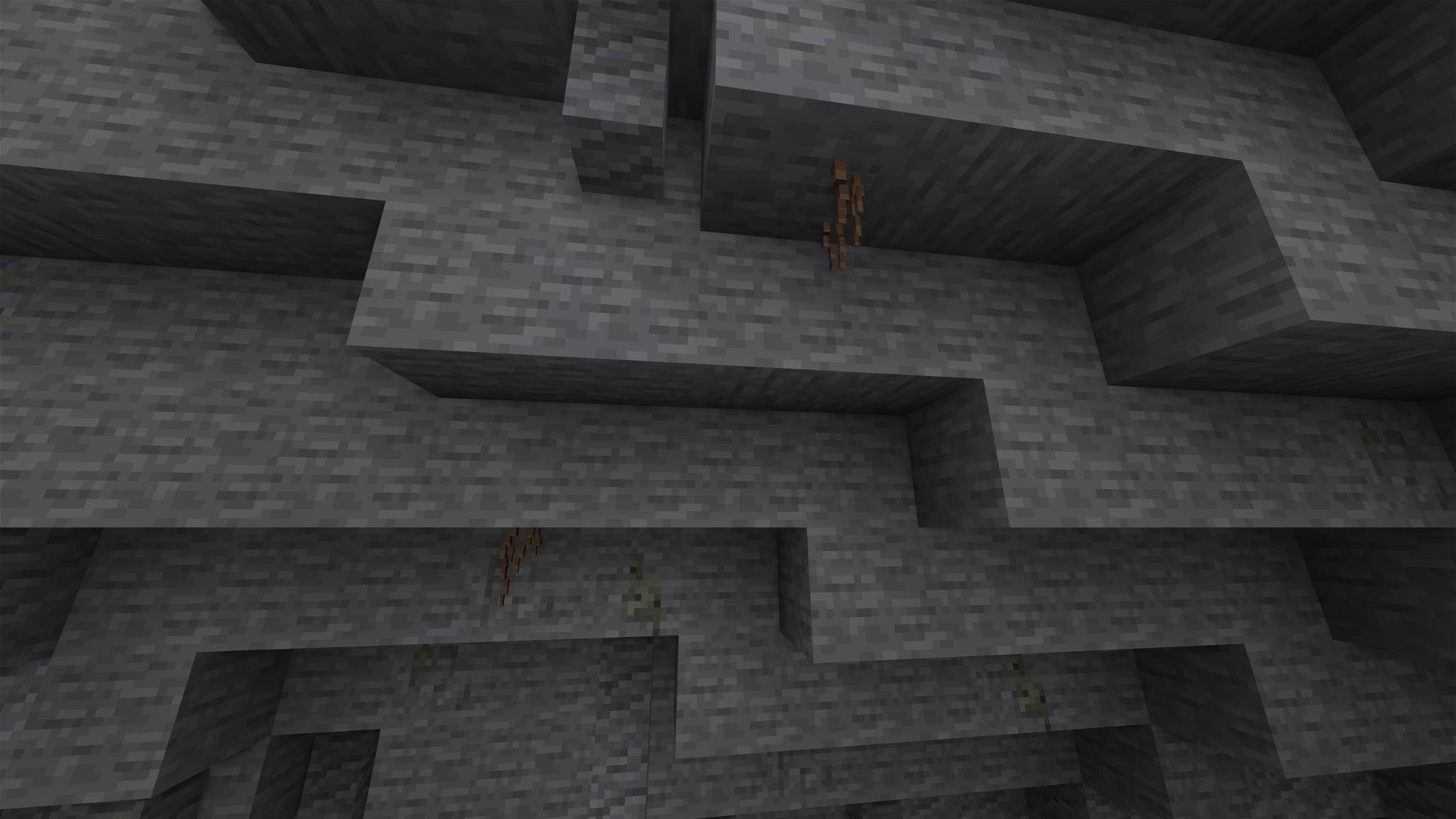
Overgrowth lets nature take back the world, one block at a time. Moss creeps up old trunks, twigs push out of the bark, bricks come loose from forgotten walls, and the ground blends softly from one block to the next, all on top of the vanilla textures.


| 🌳 Trees | moss and lichen on the bark, twigs with leafy tufts, bare dead twigs, shelf fungus, resin, bird nests |
| 🍎 Leaves | bushy leaves, apples, acorns, pinecones, cherries, catkins, cocoa, acacia pods, blossoms |
| 💧 Water | thick cattails, flowering lily pads, algae, icicles |
| 🪨 Ground & caves | roots, pebbles, shells, pale mushrooms |
| 🍄 Mushrooms | tiny mushrooms sprouting on caps, bracket fungi on mushroom stems |
| 🏰 Builds | loose bricks sticking out of stone walls, moss on stone and planks, wrought-iron sconces, sacks on barrels, straw on hay |

| Version | Forge / NeoForge | Fabric / Vanilla |
|---|---|---|
| 1.13 and older | ❌ | ❌ |
| 1.14 – 1.18 | 🟧 | 🟧 |
| 1.19 – 1.19.4 | ✅ ² | ✅ ² |
| 1.20 – 1.20.1 | ✅ | ✅ |
| 1.20.2 – 1.21.11 | ✅ | ✅ ¹ |
| 26.1 – 26.3 | ✅ | ✅ |
✅ Supported.
🟧 Partial: newer blocks and some details may be missing.
❌ Not supported.
¹ A few see-through details on solid blocks aren't shown on these versions.
² Minecraft shows a harmless "made for a newer version" warning, just enable the pack anyway.
Blending between blocks needs Continuity (or OptiFine). Everything else works without any mod.
With other packs: put Overgrowth above your texture pack. Base blocks use the vanilla texture names, so most texture packs still show through.
Installation: drop the .zip into your resourcepacks folder and enable it in Options → Resource Packs.

Overgrowth is also built into Everwild, a MedieVanilla resource pack. If you play with Everwild, you don't need this pack: everything is already included.

See LICENSE.md for details.
This is NOT an official Minecraft product. Not approved by or associated with Mojang or Microsoft.
Patched The Roads More Travelled (TMRT) Textures to fit Excalibur JustPBR
Patched The Roads More Travelled (TMRT) Textures to fit Excalibur JustPBR