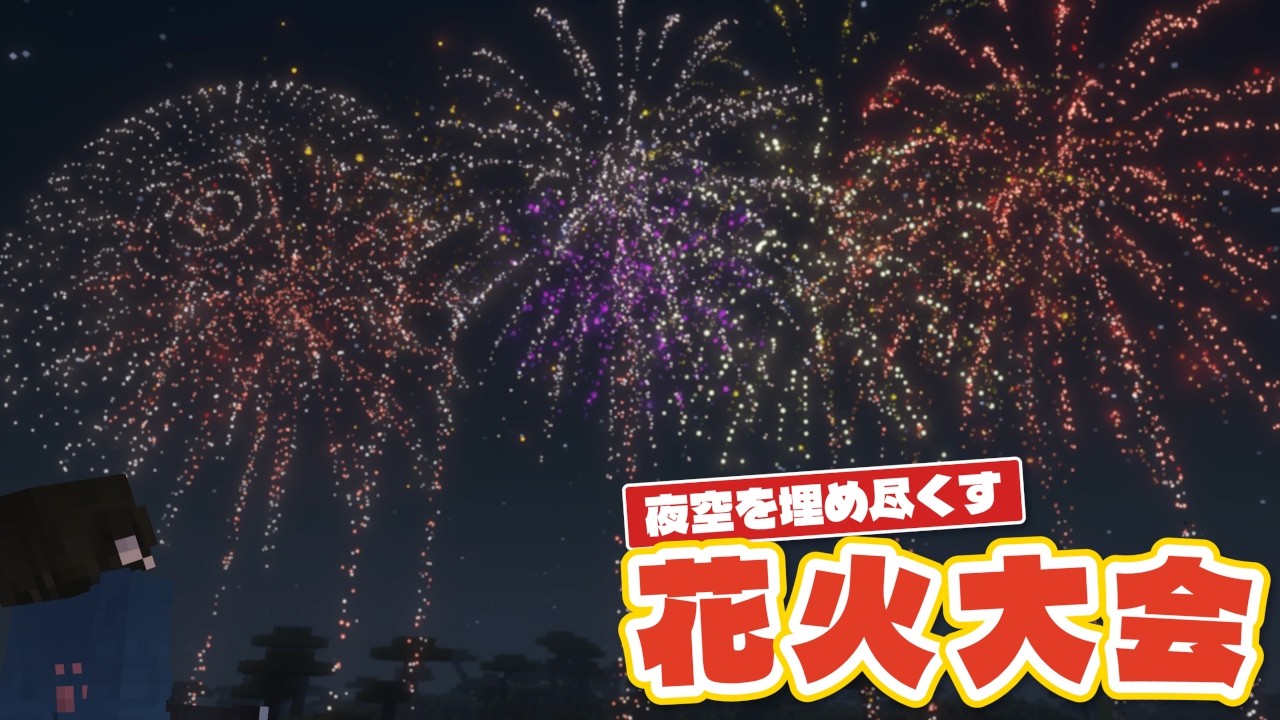
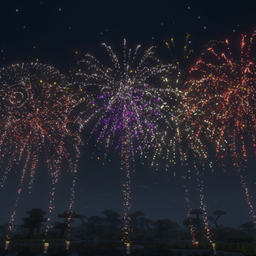
Bring a Japanese fireworks festival to your Minecraft night sky
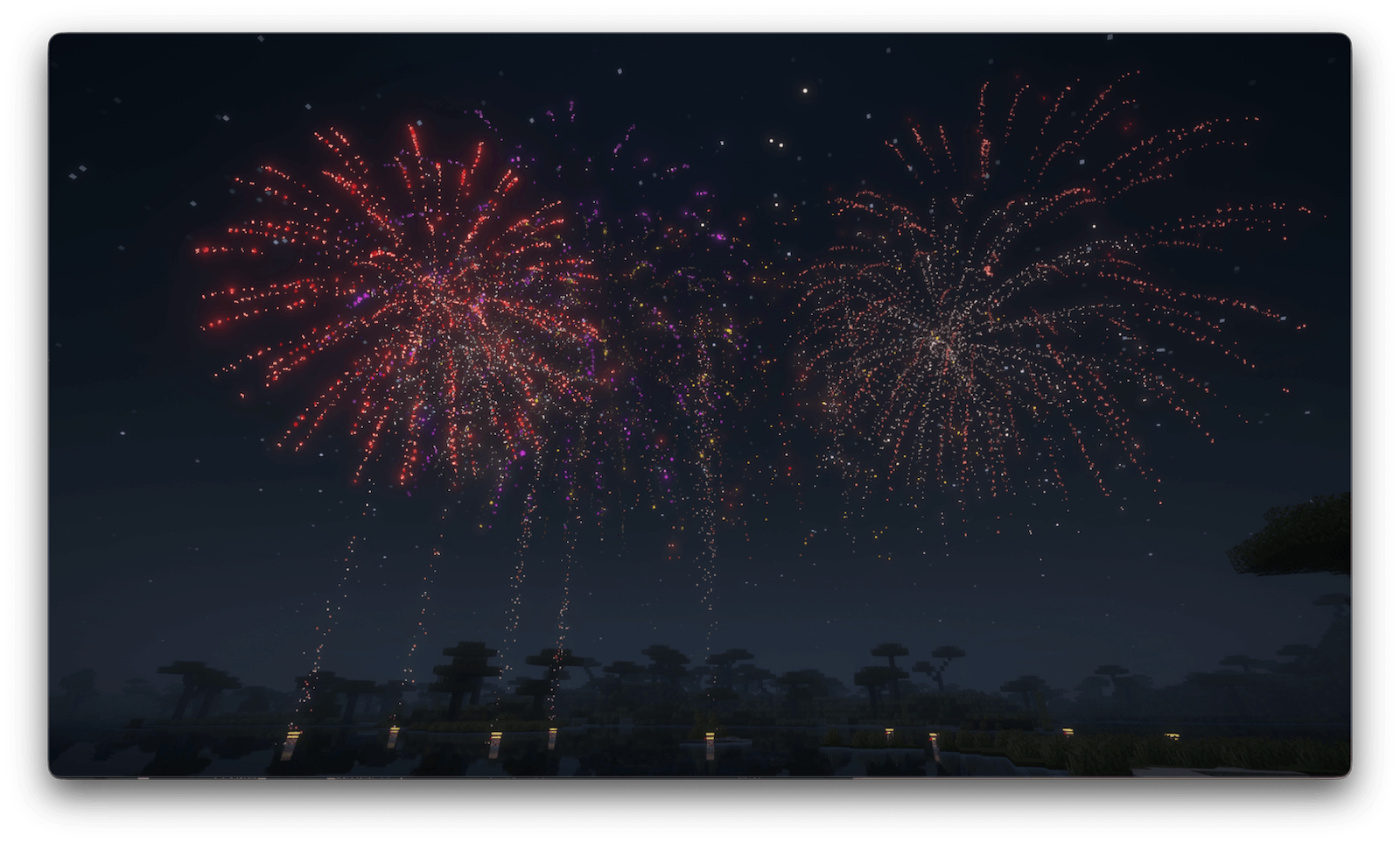
Japanese Fireworks Festival is a command-driven datapack that recreates the
motion, pacing, color transitions, and lingering trails of Japanese fireworks.
It includes a fully sequenced grand show as well as an independent continuous
mode for screenshots, videos, festivals, and multiplayer events.
Highlights
- A 180-launch grand program lasting about 169 seconds
- Ten launch tubes arranged in front and back rows for visual depth
- Different burst heights selected for each firework and scene
- A separate 103-launch continuous program that loops until stopped
- Three particle-quality presets for groups of different sizes
- Optional HUD-free filming mode
- Custom positional launch, burst, distant echo, and taiko sounds
- A grand 240-trail Shidare Yanagi finale
Japanese firework styles
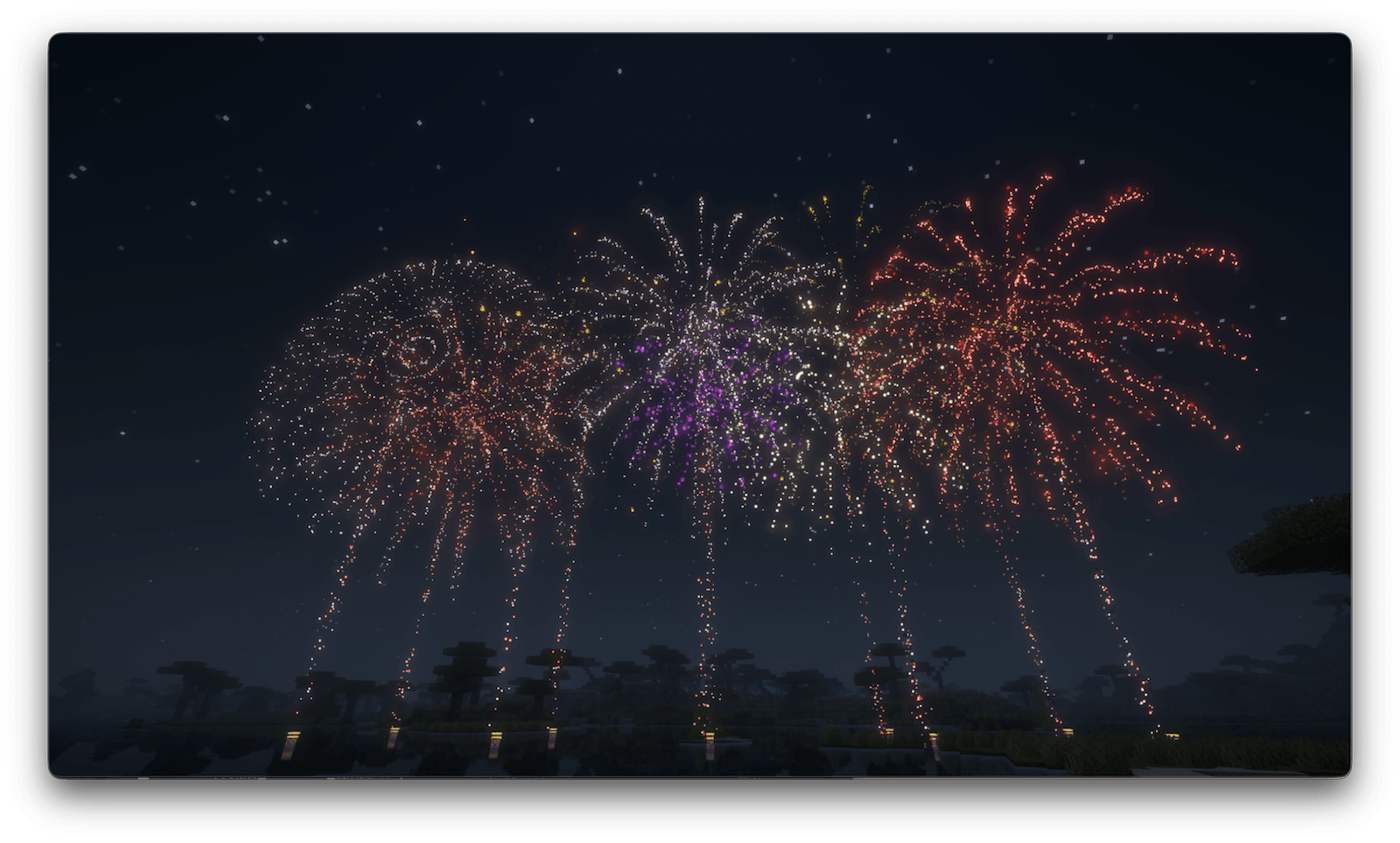
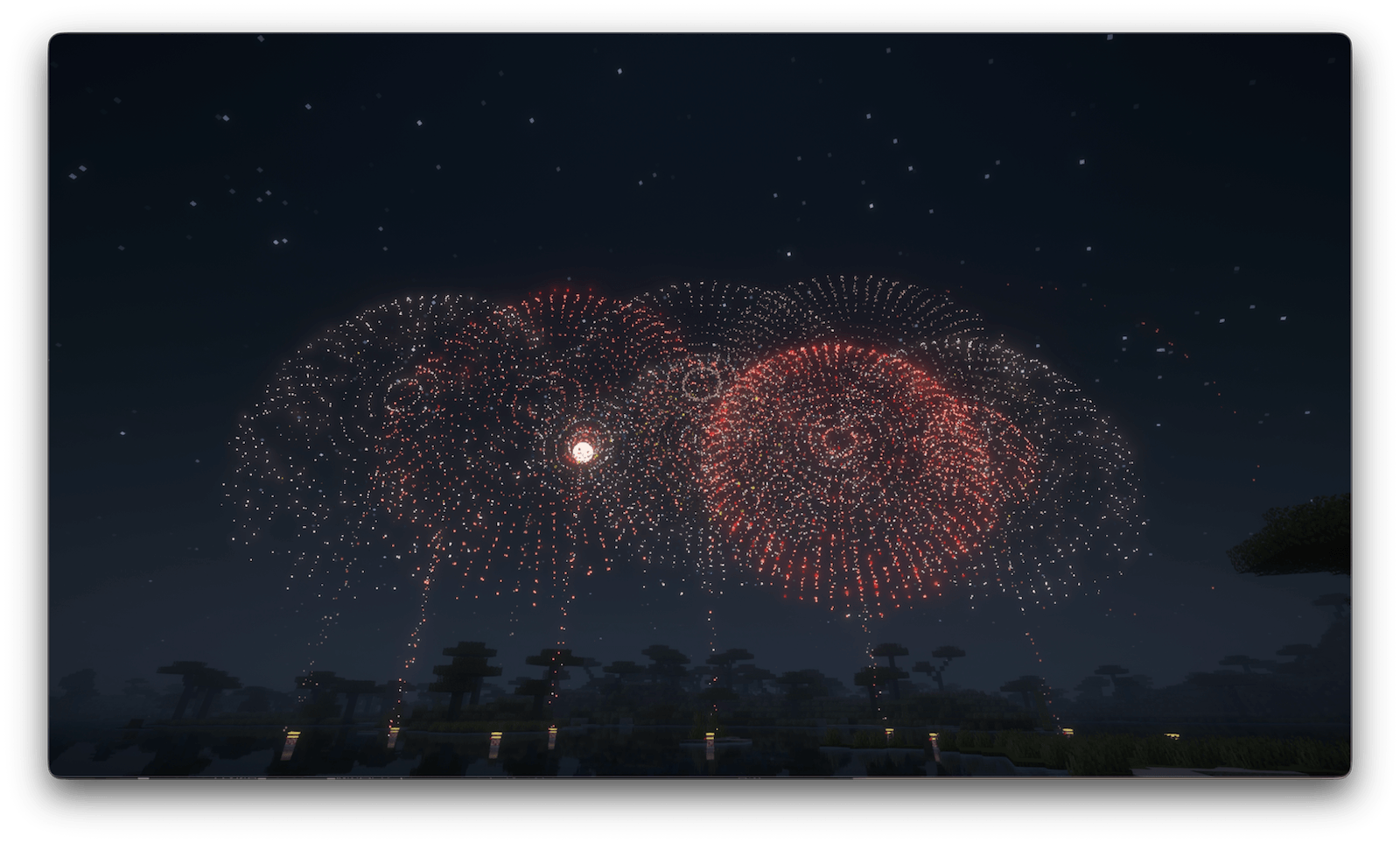
- Kiku (Chrysanthemum): spherical bursts with luminous trailing stars
- Botan (Peony): clean moving stars without long trails
- Nishiki Kamuro: long-lasting golden crown trails
- Gin Kamuro: bright silver crown trails
- Yashi (Palm): a small number of thick, branching trails
- Tora-no-O (Tiger Tail): powerful trails rising from the launch tubes
- Youraku: quiet fragments that drift slowly through the air
- Hachi (Bee): small stars that move erratically across the sky
- Rings, Saturn, UFO, heart, Creeper, and Zombie shaped fireworks
Requirements
- Minecraft Java Edition 26.2
- Permission to run commands
- The companion Japanese Fireworks Festival Resources pack
The companion resource pack is required for the intended luminous particles,
launch-tube model, and custom sounds. It replaces a small number of vanilla
particle textures while enabled.
Required Resource Pack
This datapack requires Japanese Fireworks Festival Resources for its custom particles and sounds.
Please install the resource pack and enable it from Options → Resource Packs before starting the fireworks show.
Download the Resource Pack
Installation
- Download the datapack and keep it as a ZIP file.
- Place it in .minecraft/saves/<world>/datapacks/.
- Download the required Japanese Fireworks Festival Resources pack.
- Place it in .minecraft/resourcepacks/ and enable it from Options → Resource Packs. Every viewer must enable it in multiplayer.
- Rejoin the world or run /reload.
First-time setup
Stand at the center of the launch area:
/function firework:debug/set_launch_origin
Stand at the viewing area and face the launch area:
/function firework:debug/set_audience_origin
Optionally display ten non-blocking launch-tube models:
/function firework:venue/build
Start the show
Full show with a boss bar, announcements, and countdown:
/function firework:show/start
HUD-free filming mode:
/function firework:show/filming_start
Continuous fireworks:
/function firework:loop/start
Stop continuous fireworks:
/function firework:loop/stop
Emergency stop:
/function firework:cleanup
Particle quality
/function firework:quality/high
/function firework:quality/normal
/function firework:quality/low
- High: filming or 1-5 players
- Normal: 6-12 players
- Low: 13-20 players
Showcase
YouTube: https://www.youtube.com/watch?v=osphMEK1dAY
Japanese project page: https://minecraft-mcworld.com/242090/