Cubix - PBR
- By
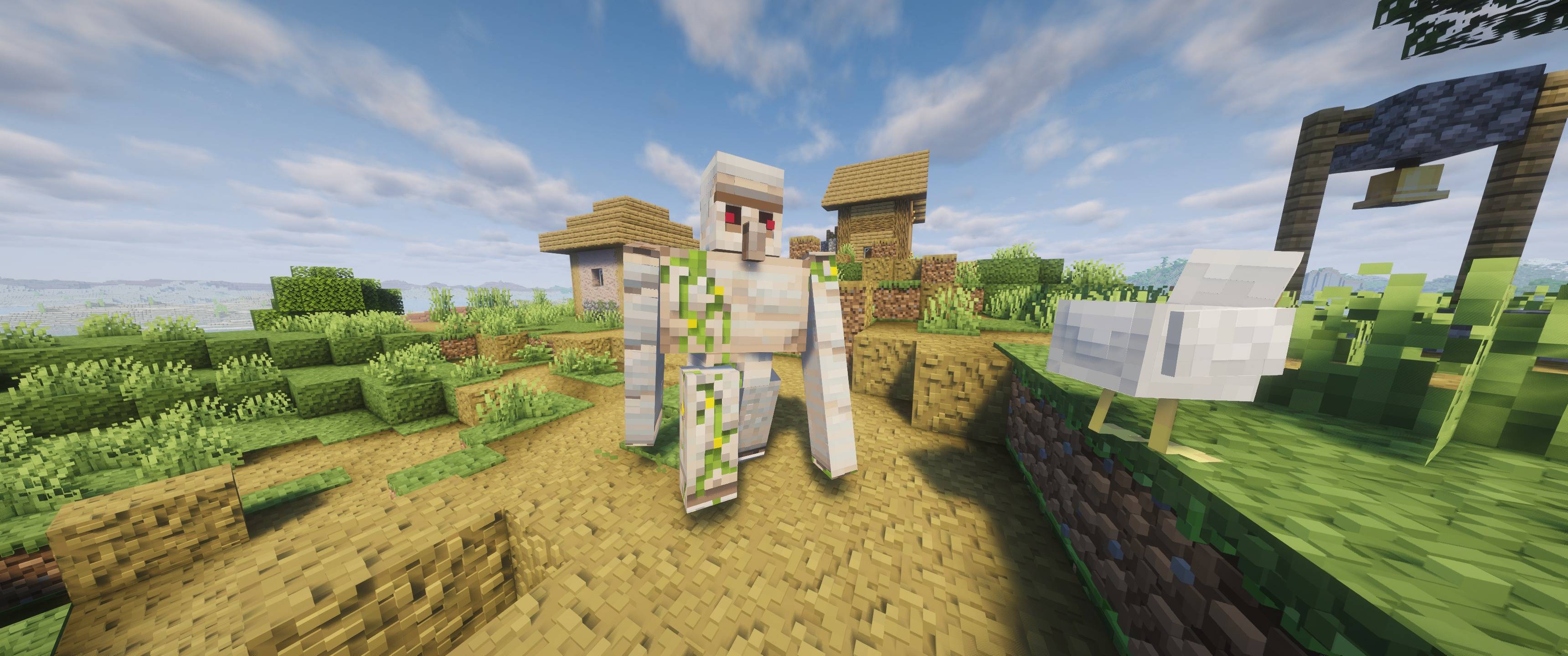
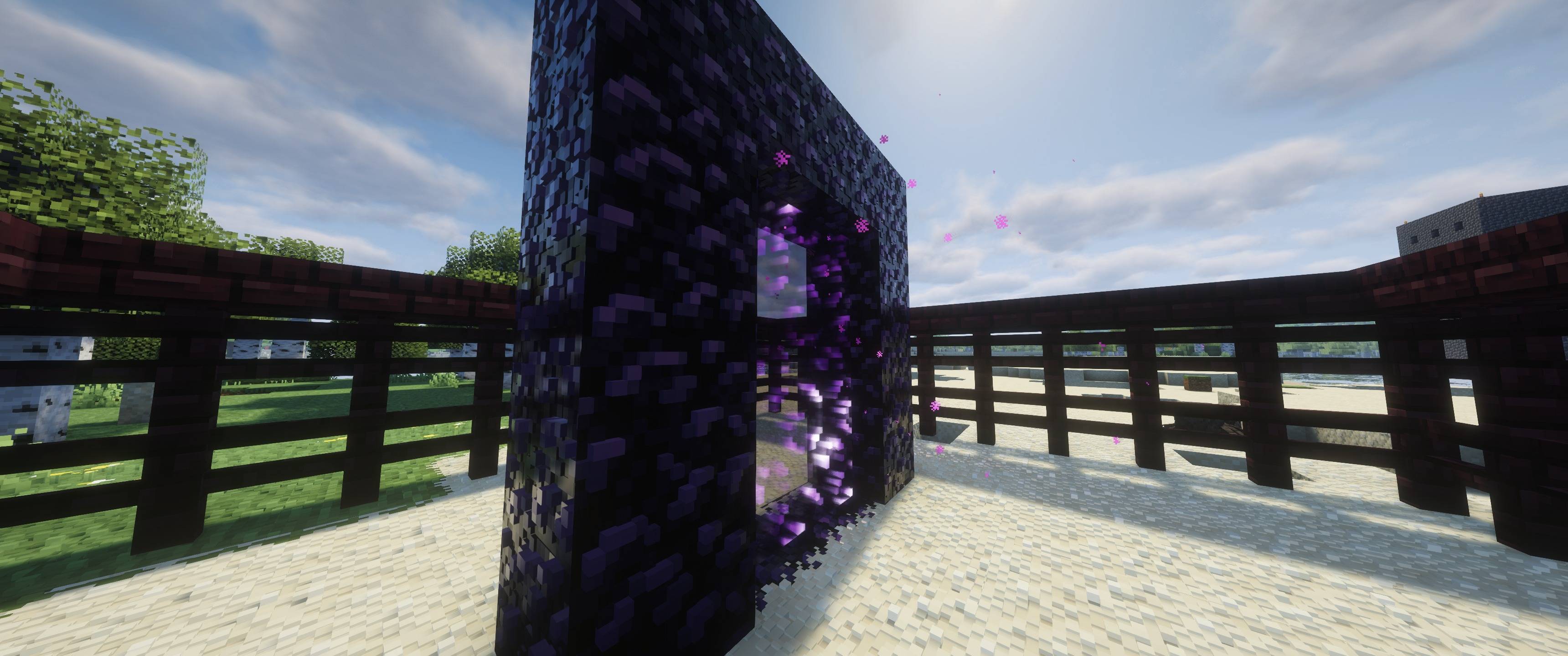
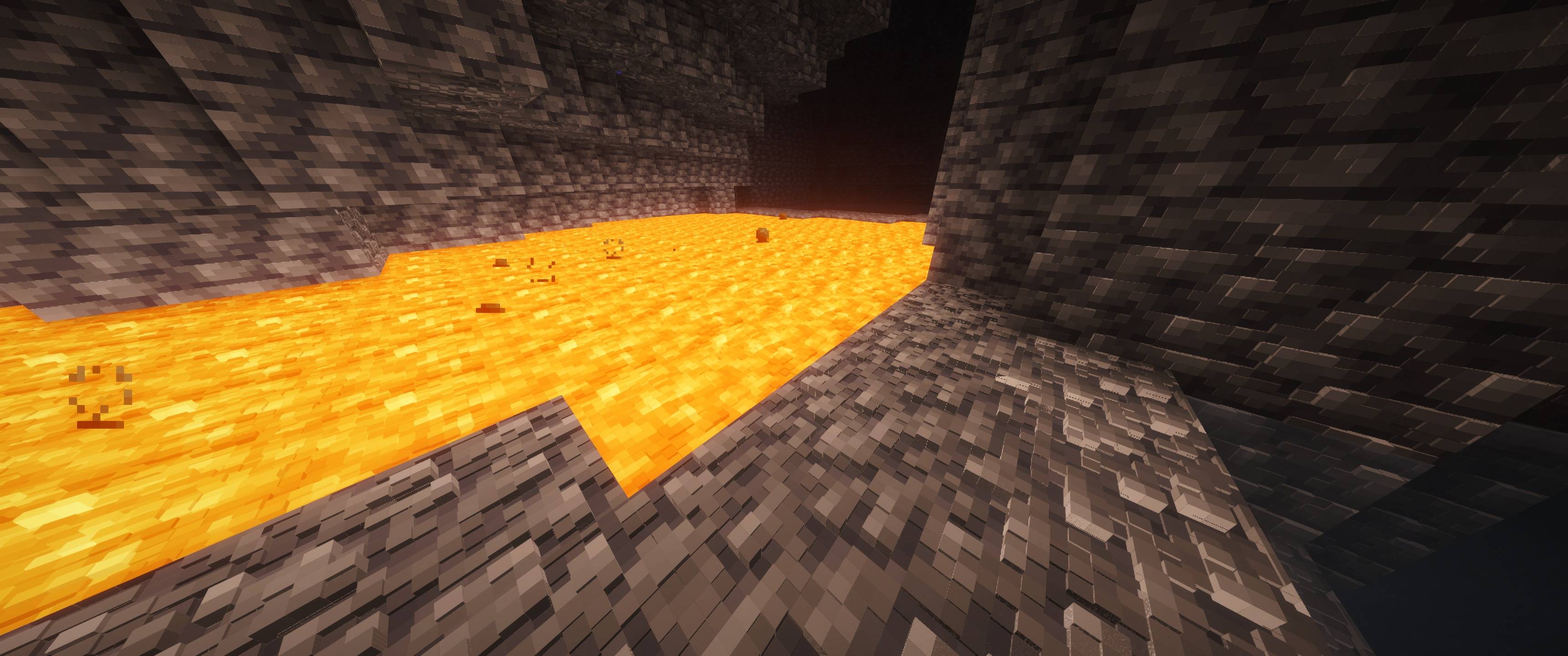
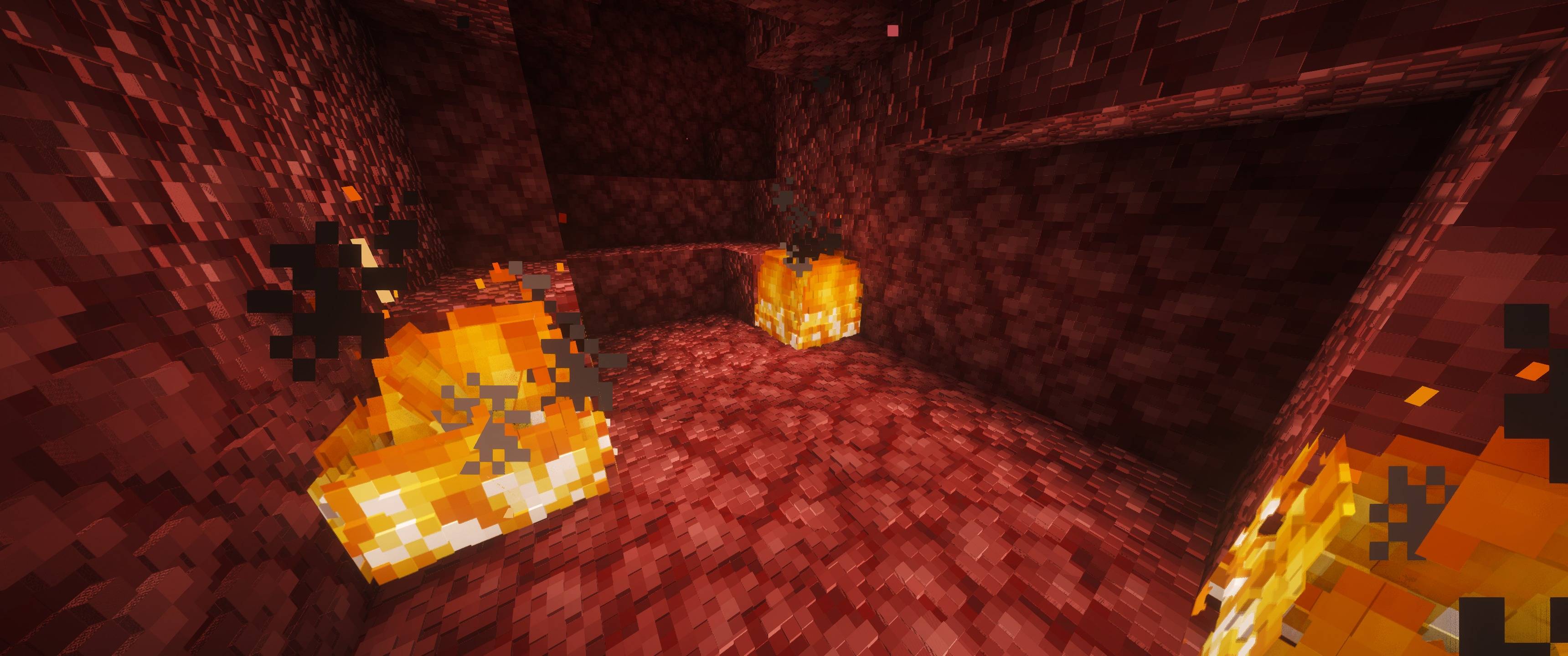
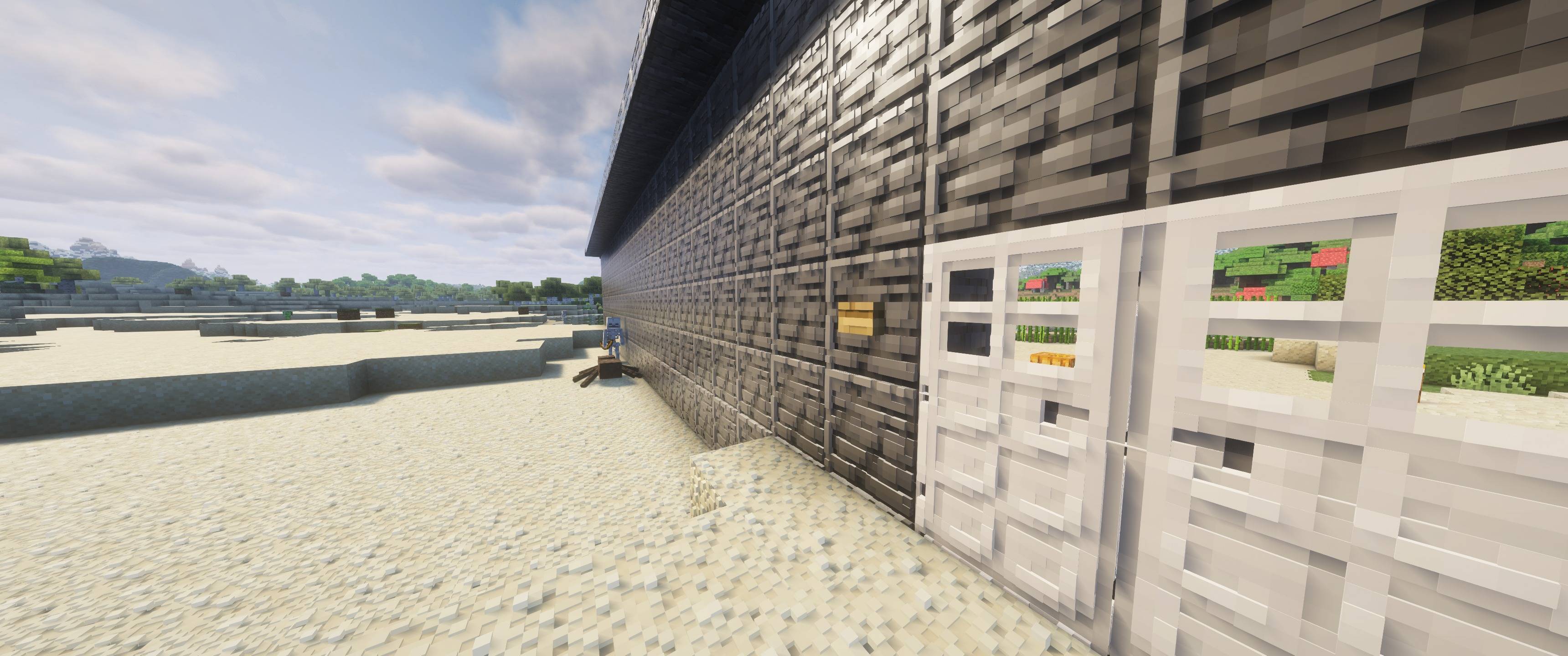
Vanilla textures with real depth. Cubix keeps Minecraft’s look and adds parallax depth (POM) and specular maps to the textures, so blocks, mobs and items have relief when you use a PBR shader.
2026-10-28_02.09.35.jpg
2026-10-28_02.15.00.jpg
2026-10-28_02.10.46.jpg
2026-10-28_02.14.37.jpg
2026-10-28_02.12.57.jpg
Description
Cubix
Vanilla textures with real depth.
Cubix keeps Minecraft’s look and adds parallax depth (POM) and specular maps to the textures, so blocks, mobs and items have relief when you use a PBR shader. Nothing is repainted. Colors and style stay vanilla, and the depth comes from the maps.
Features
- Depth on nearly everything: blocks, entities, items, plants, leaves, cactus, glow berry vines and more. Lighter areas sit higher and darker areas sit lower, so cracks, grains and edges read as relief.
- Stronger depth on vanilla-based textures: these have about twice the relief of the mod-sourced ones, so they stand out under POM.
- Specular maps: ore, metal and gem blocks shine the way you’d expect.
- Flat water: the water texture has no depth, so it stays smooth.
- Deeper torches: torches have extra relief so they stand out.
- Glass birch door: the door’s white window is now a clear glass pane.
- Mod support: depth and specular for Iron Chests, with each chest taking its shine from its matching block (iron, gold, diamond, emerald, netherite and so on). Canoe and boss entity maps are included too.
- Connected texture maps: the CTM (connected textures) replacement tiles have depth too, so connected sandstone, glass and similar blocks match the rest.
Requirements
- Minecraft 26.2 (Fabric)
- A shader pack with PBR and POM support, such as Complementary Unbound, running through Iris
- Turn on parallax occlusion or PBR in your shader settings. Without a PBR shader, the pack looks like vanilla.
Installation
- Put
Cubix.zipin yourresourcepacksfolder. - Enable it in Options → Resource Packs.
- Pick a PBR shader and enable its POM option.
Cubix - PBR Team