



Astral Clock

A whimsical texture for the minecraft clock.
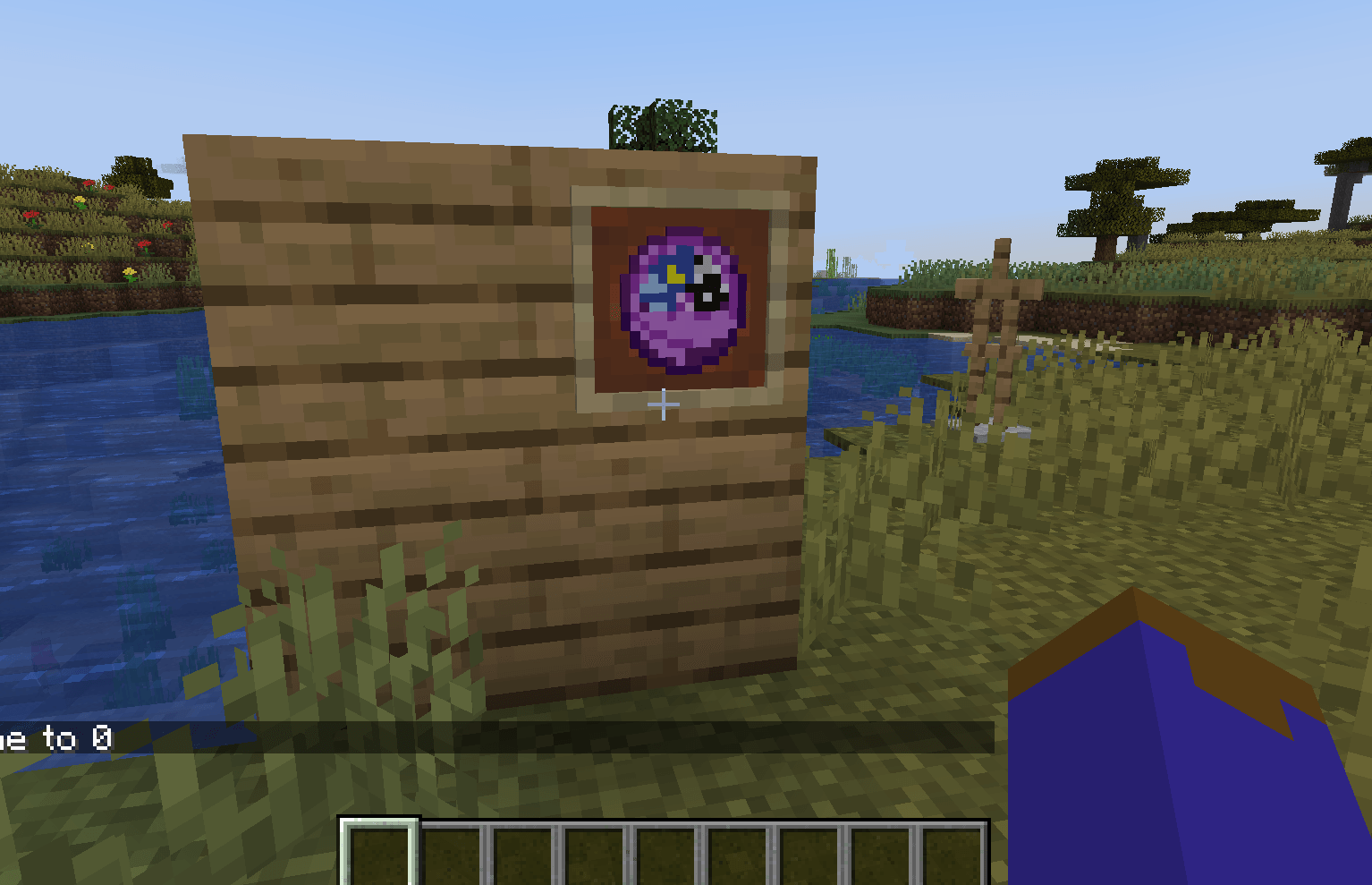
Front_view1.png

Front_view1.png

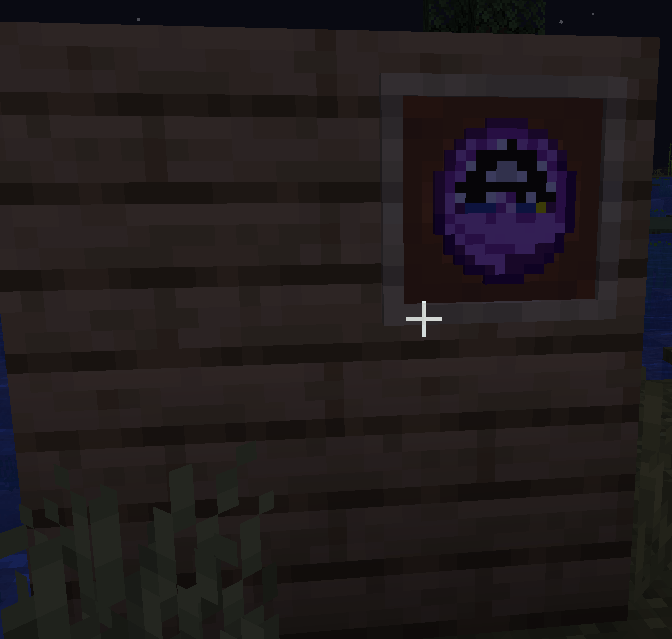
Clock_At_Midnight.png

Clock_At_Midnight.png

Clock_At_0000.png

Clock_At_0000.png

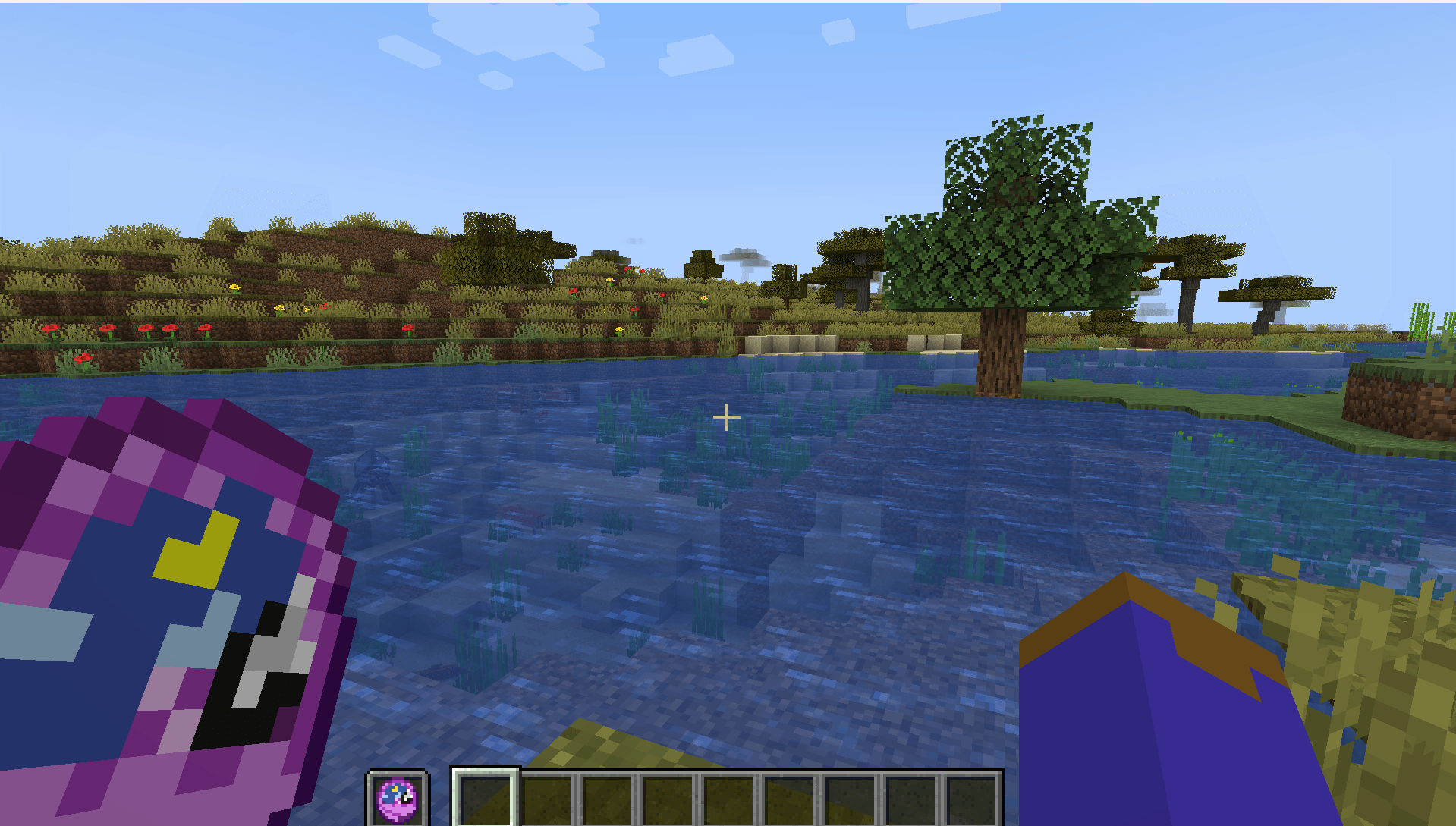
Clock_Offhand.png

Clock_Offhand.png

Behind-View.png

Behind-View.png

Description

What is Astral Clock?

  • It is a resource pack that re-visualizes Minecraft's default clock texture.
  • It should work with any version of minecraft 1.5 and above.

How do I install it?

Inside of Minecraft-----> Settings----->Resource Packs-----> Open Resource Pack Folder---->Drag the "Astral Clock.zip" file inside the "Resourcepacks" folder----> hover the mouse above the resource pack's icon ---->  press the big arrow/triangle that points to the right.  *make sure the file is above Minecraft's default texture pack.

Notes: 

  • Minecraft on ARM seems to have a visual glitch for version 1.21.1 where the clock fails to produce a texture, this is not caused by the texture pack, this bug seems to only occur when taking an item from the creative mode inventory. The bug is fixed by closing and reopening the inventory menu. playing on survival does not produce the bug.

Picture:

front view of the clock

The Astral Clock Team

profile avatar
  • 1
    Followers
  • 6
    Projects
  • 1.6K
    Downloads

More from jgameo777View all