Zaza Shaders — Impairment & Visual Effects
- By
Zaza Shaders is a BSL-based Iris/OptiFine shader pack that simulates being high in Minecraft, from a light color lift and lazy camera drift all the way to a full green-out, with a press-a-key session system and fake frame stutter with trippy visuals.
2026-08-15_13.28.37.jpg
2026-08-16_20.08.21.jpg
2026-09-03_19.43.30.jpg
2026-09-03_19.44.08.jpg
2026-08-16_20.08.35.jpg
Description
Zaza Shaders
This is a post-processing shader pack that simulates dynamic impaired vision, and then lets it build up on you slowly over a session instead of just flipping on.
It's built on BSL, so everything that pack already does is still here — shadows, water reflections, light shafts, bloom, TAA. The simulation layer sits on top of it.
How to use: press the f1 key, wait, and the world gradually gets harder to see straight. Colours warm up first. Then the camera starts drifting. Then there's a delay between you moving and the screen catching up. Give it long enough and the frame starts stuttering and freezing like your computer is falling over.
It builds, it doesn't just switch on
Most impairment effects in games are a static overlay. This one runs on a two-compartment absorption model, which is a fancy way of saying the effect has to work its way in before you feel it.
Press the f1 key and nothing happens for about ten seconds. Then it climbs. It peaks roughly fifteen minutes later — real minutes, not ticks — and then tails off over the next couple of hours on a half-life curve.
Each activation stacks independently too. Trigger another while the first is still coming up and you get two overlapping curves rather than one lump. A long session drifts somewhere you didn't quite plan, which is the whole point.
Both the peak time and the half-life are adjustable if two hours is too much of a commitment for one sitting.
Replay loops (new in 2.0)
The old version faked a low framerate. It worked, but honestly it mostly just felt like your PC was struggling.
The thing people actually describe is different: losing the thread of what you were doing, catching yourself repeating a moment, and then realising time has slipped. So that's what 2.0 does.
The pack keeps a short memory of real recent frames, and every so often it plays them back. The camera glides through the replay smoothly; it runs slower than it really happened, and it starts and ends exactly where you're looking right now — so there's never a jarring cut in or out. You just... drift back into a moment you already lived, and then you're back.
Early on, these are faint echoes you might not even consciously notice. Further in, they take over the screen and can reach nearly ten seconds back.
And it still never touches your real framerate. The game runs at full speed, and your input never stops registering the whole time. Only the picture doubles back.
What you'll actually see
Effects come in at their own thresholds, so new things keep appearing rather than one slider getting louder.
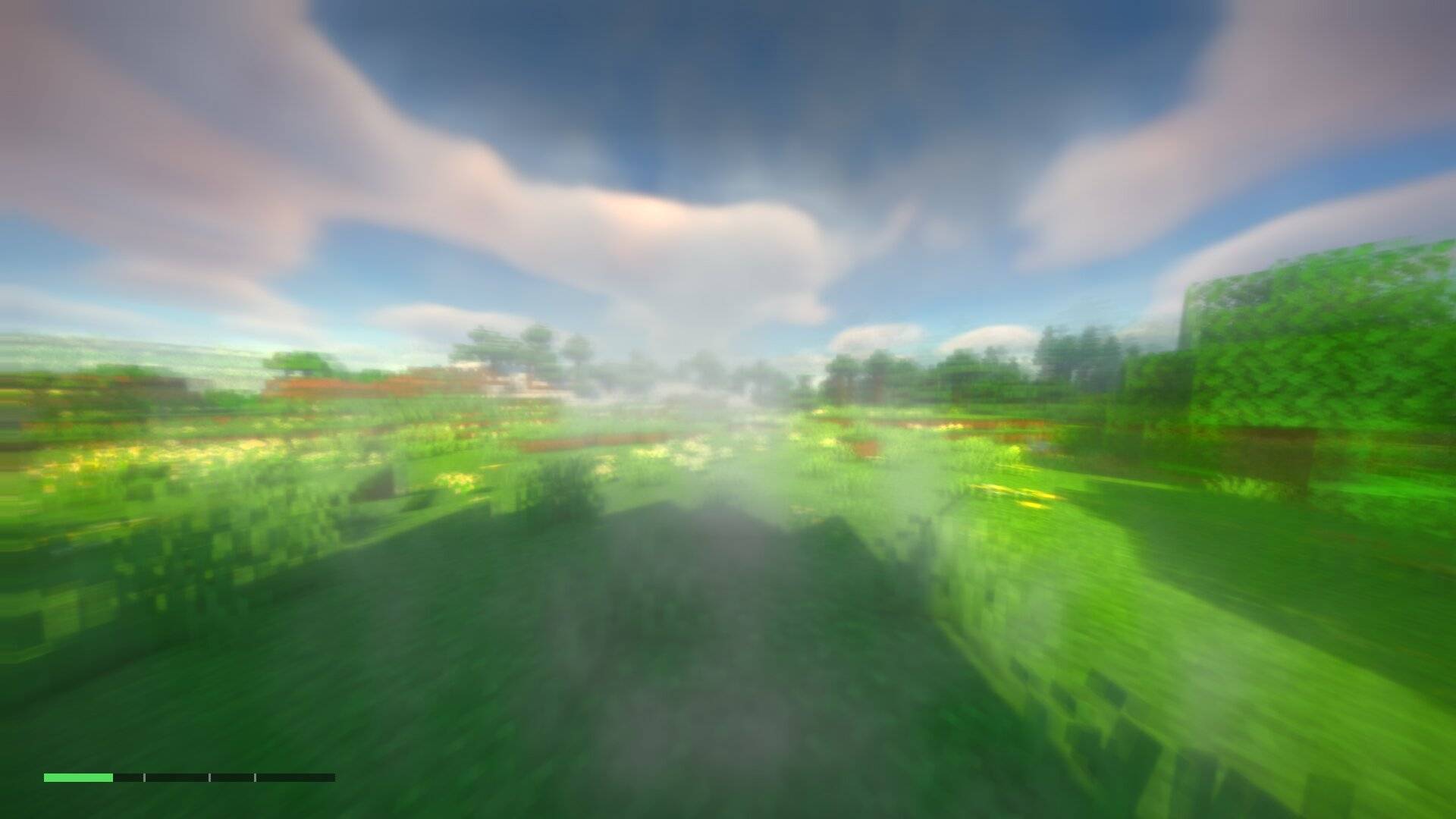
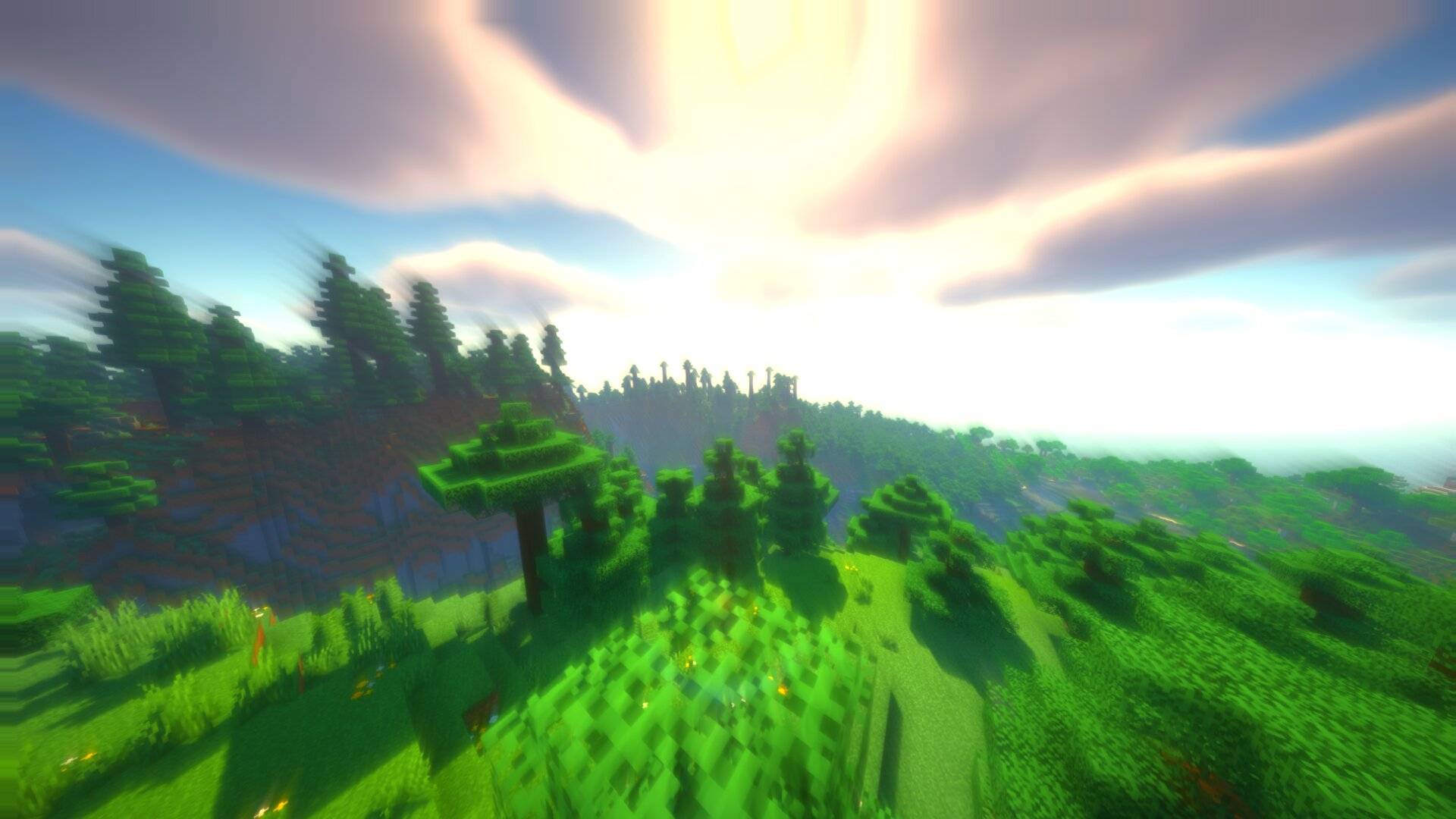
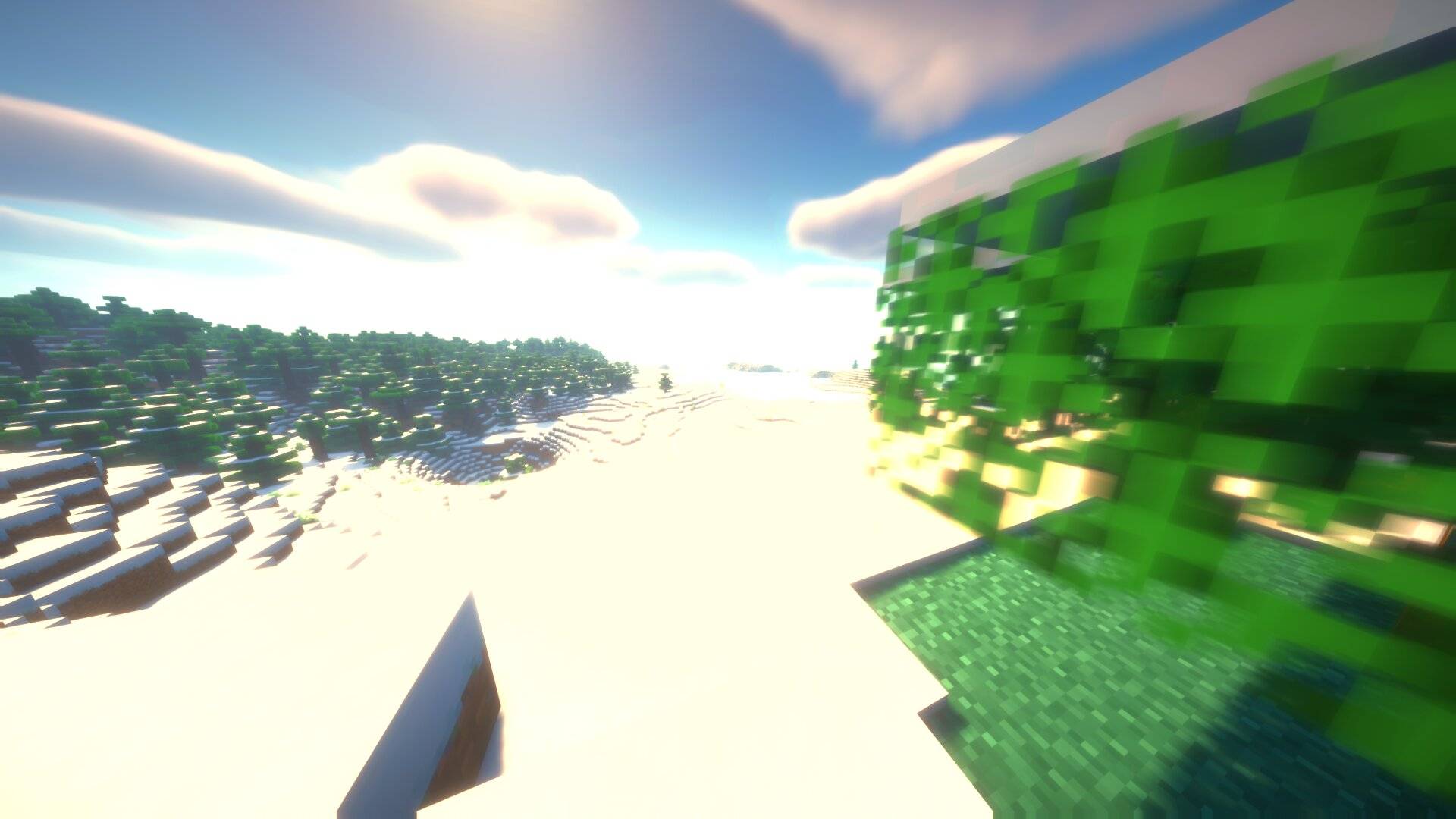
Early on it's subtle. Colours deepen, bright things bloom a little, the camera settles into a slow drift, edges soften.
Further in you get motion trails, a real lag between input and image, and the first frame judder.
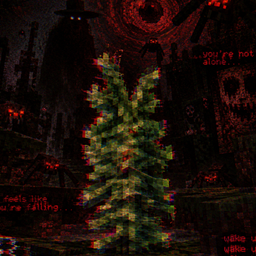
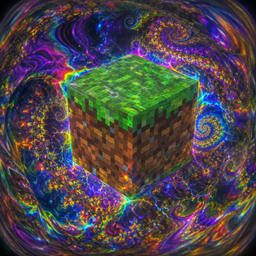
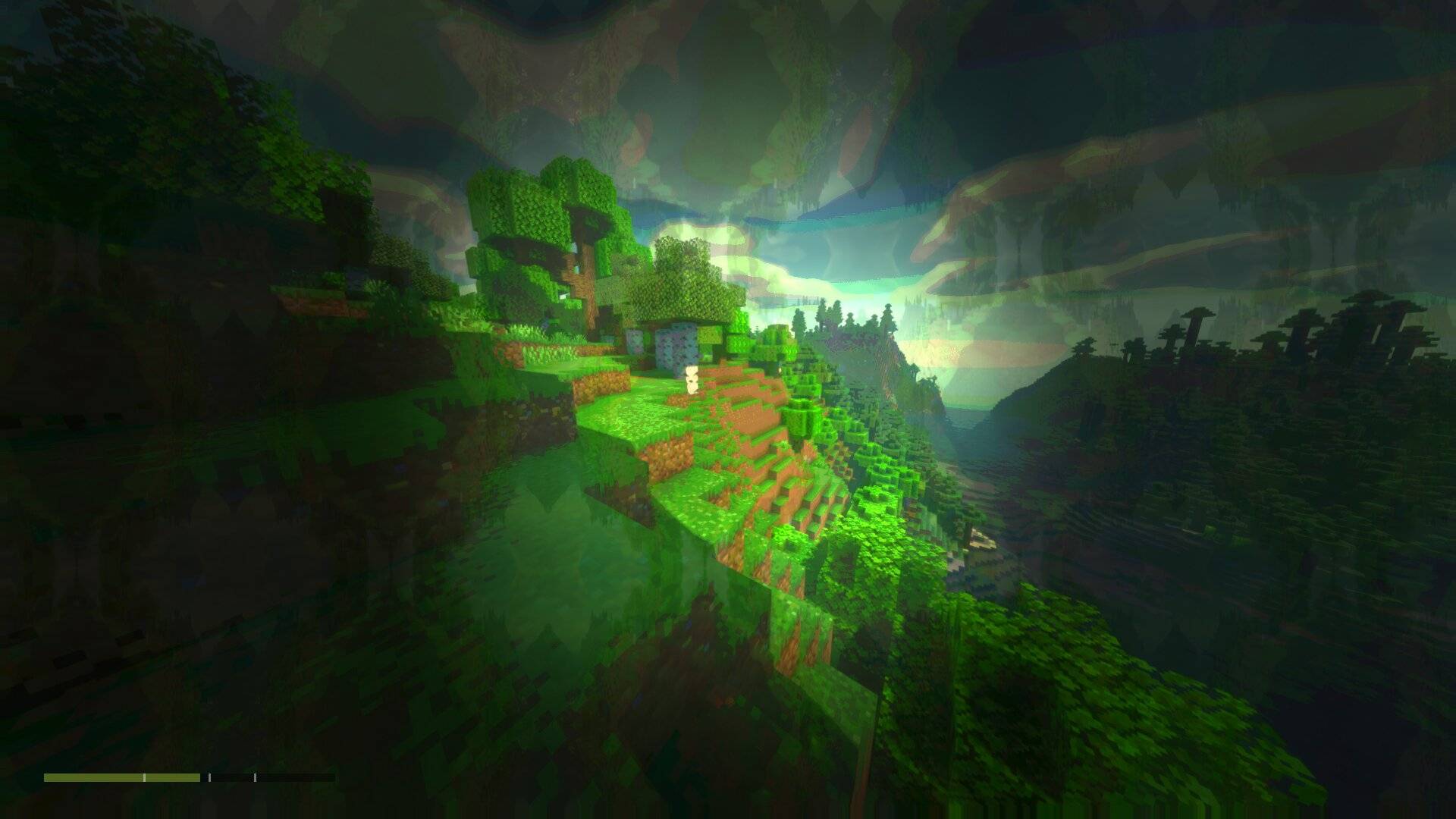
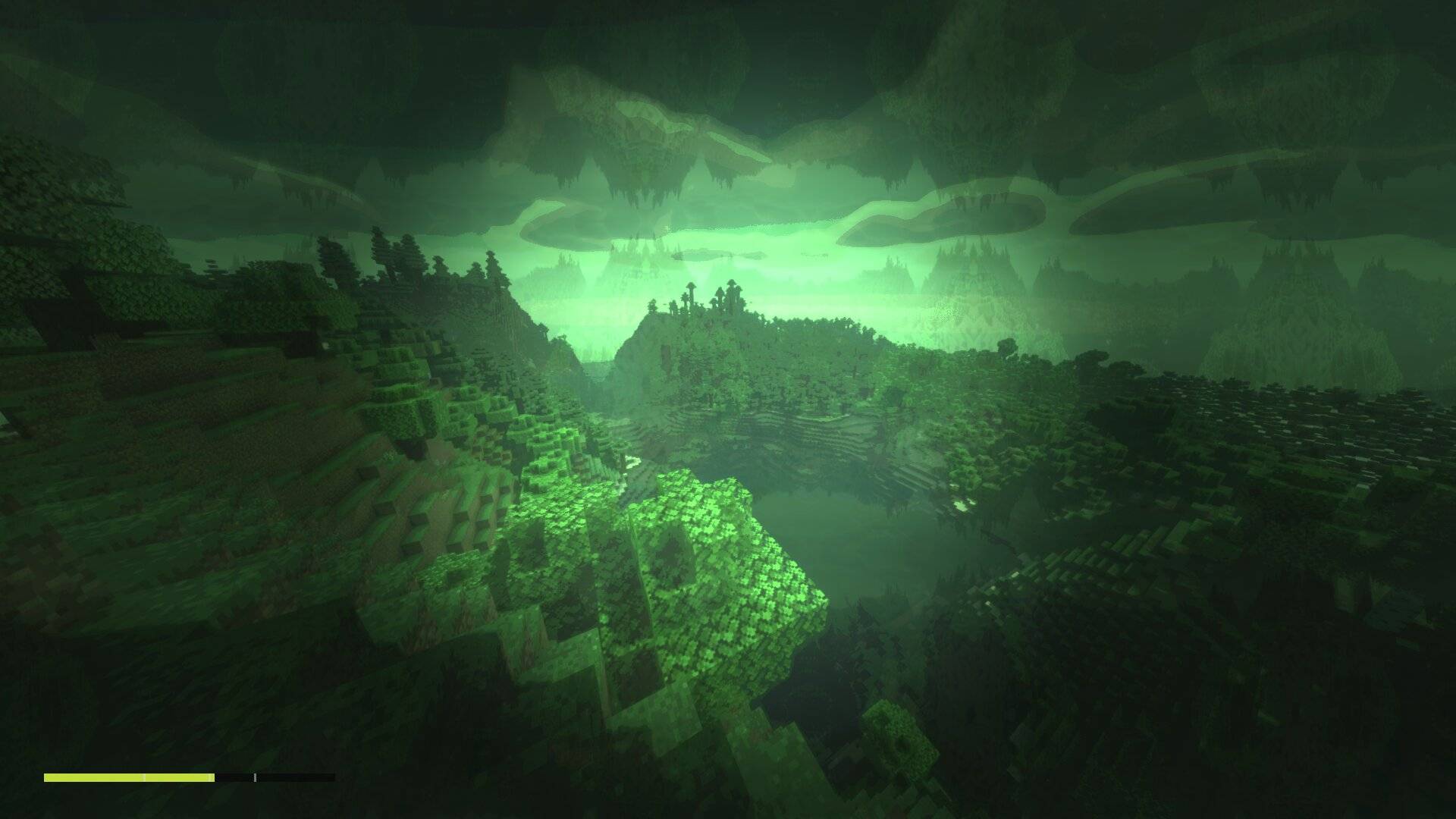
Deeper still the image starts holding and snapping, colours quantise into visible bands, and a mirrored copy of the scene ghosts over the top so shapes repeat where they shouldn't.
At the far end everything drains toward a sick grey-green, the edges close in, brightness pulses, and waves of near-blackout roll through. You can technically still play. You won't do it well.
Settings
All under Shader options → Zaza.
Strength picks how fast you get there — Weak, Mild (default), Moderate or Strong. Mild is deliberately gentle; you have to commit to a session to get anywhere. Strong does in four activations what Mild does in sixteen.
Blinker Mode is off by default and roughly doubles the strength, with a longer delay before the on-screen exhale effect and a small indicator light.
There's an optional level meter in the corner if you want to watch the curve working. It's off by default.
Then a stack of individual sliders — colour, soft focus, delay, trails, drift, tunnel vision, frame judder, holds and skips, repeating patterns, and the final overload stage. Every one can be turned off on its own. Want the colour grade with none of the stutter? Fine. Want nothing but the frame holds for a horror map? Also fine.
If you'd rather skip the session system entirely, switch Mode to fixed and a slider just holds you at a chosen level. That's the one to use for screenshots.
Requirements and performance
- Iris or OptiFine
- Works in the Overworld, Nether and End
- Leave TAA on if you can, it stops the drifting image from crawling
Anything below its threshold is compiled out entirely, so at zero it costs nothing and runs exactly like normal BSL. Soft focus is the heaviest layer — drop Quality to Fast if you need frames back.
Questions people keep asking
Why the Toggle HUD key? Shader packs receive no keyboard input at all. None. That key is the only dedicated key press a shader can see, so that's what I had to use, and hiding your HUD is an unavoidable side effect. Fixing it properly would mean shipping a Java mod alongside the pack, which I'm not doing.
Does it lower my FPS? No. See above. That's the trick.
Can I get stuck? The half-life defaults to 90 minutes so a long session takes a while to clear. Lower it in the settings, or just reload the shader — that resets everything instantly.
Photosensitivity? There's no full-screen strobing anywhere in the pack. The frame holds alternate between two nearly identical images rather than flashing. If you're sensitive, turn down Holds & Skips and Frame Judder first.
Is this good for anything besides the obvious? Honestly yes. The frame-hold and colour-drain layers on their own make a decent horror or cursed-world effect, and fixed mode makes it easy to dial in one look and leave it there.
Note
This is a visual effects pack. It simulates the appearance of visual imparement as a screen effect and nothing else — no gameplay, no items, no crafting, nothing instructional. It's a dynamic post-processing filter.
Credits
Built on BSL Shaders by Capt Tatsu. All the underlying lighting and shadow work is his — this adds a screen-effect layer on top. Please respect the original pack's terms.
Zaza Shaders — Impairment & Visual Effects Team