Shiroi Visuals
- By
2026-10-29_03.47.34 (1).png
2026-10-27_20.38.38.png
2026-10-27_20.39.32 (1).png
2026-10-27_20.51.07.png
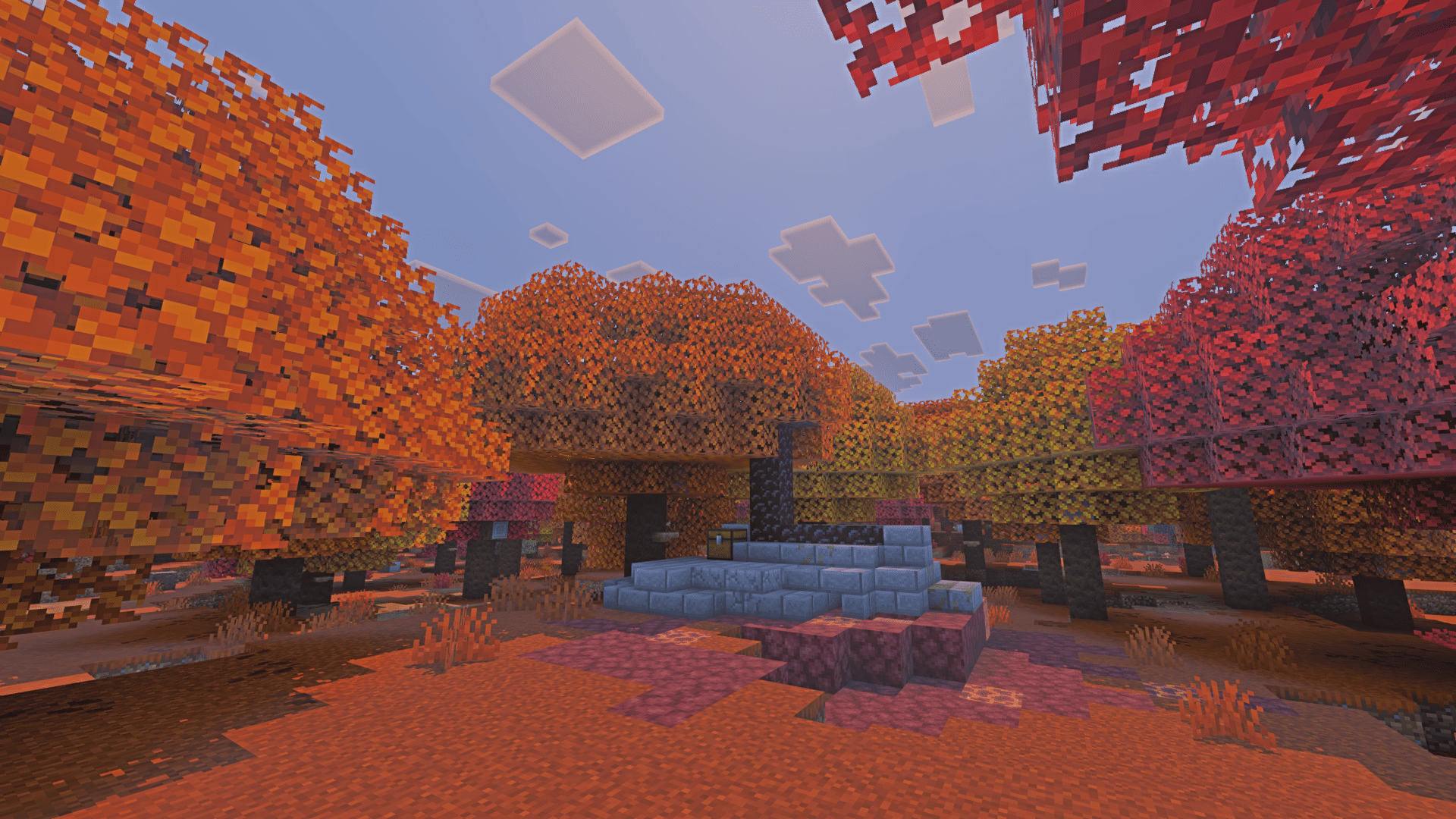
2026-10-27_20.50.21.png
Description
About
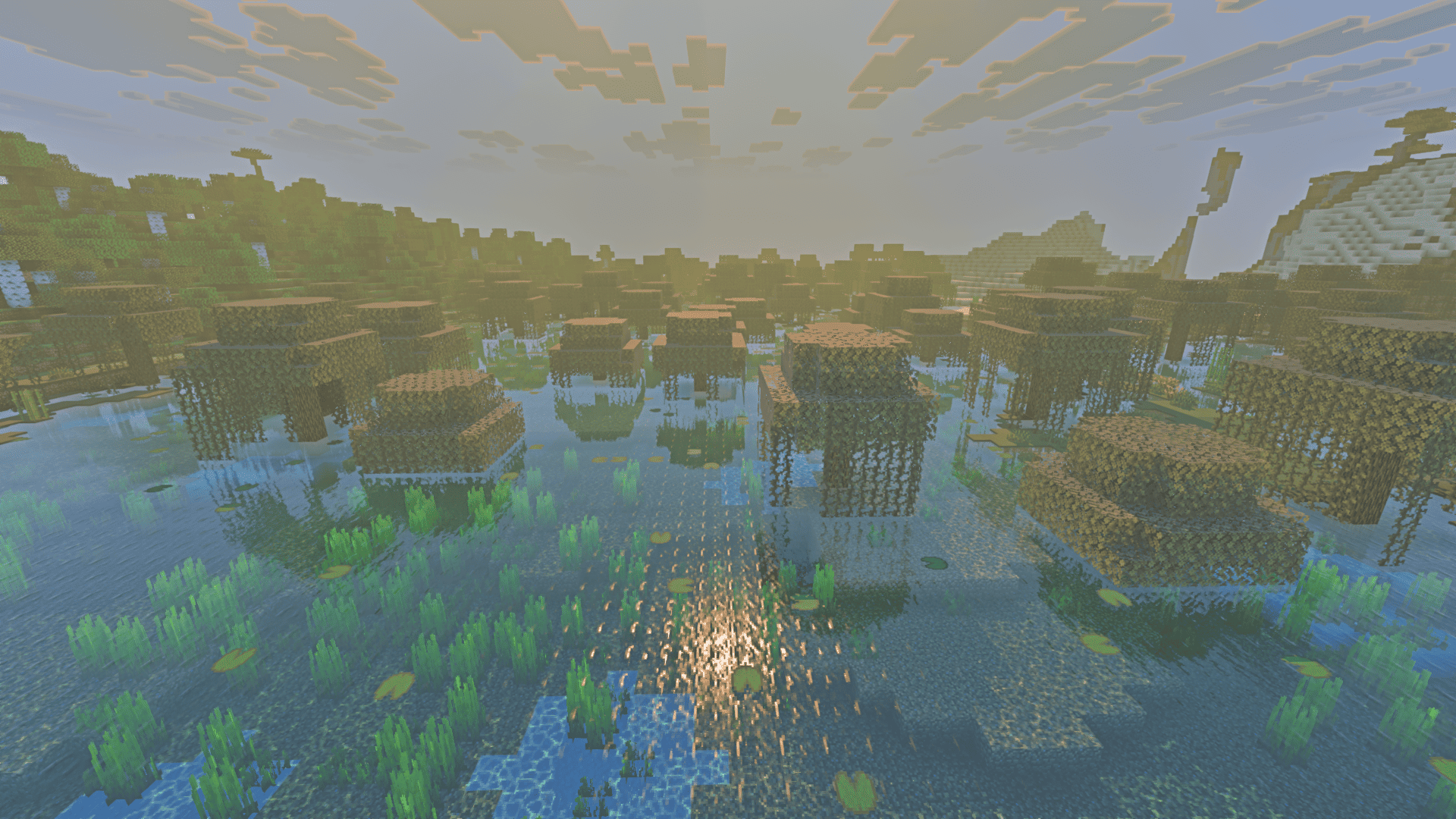
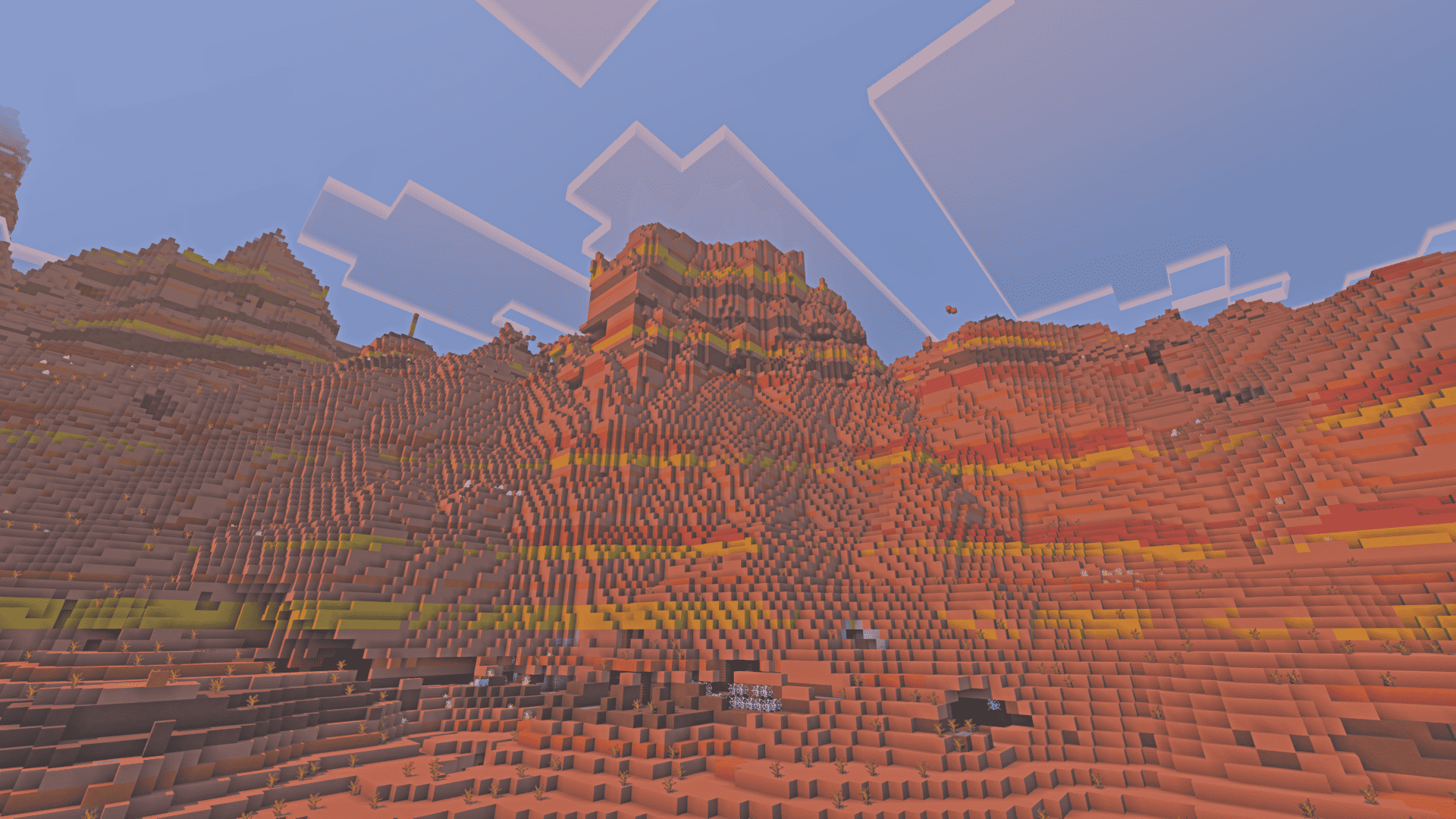
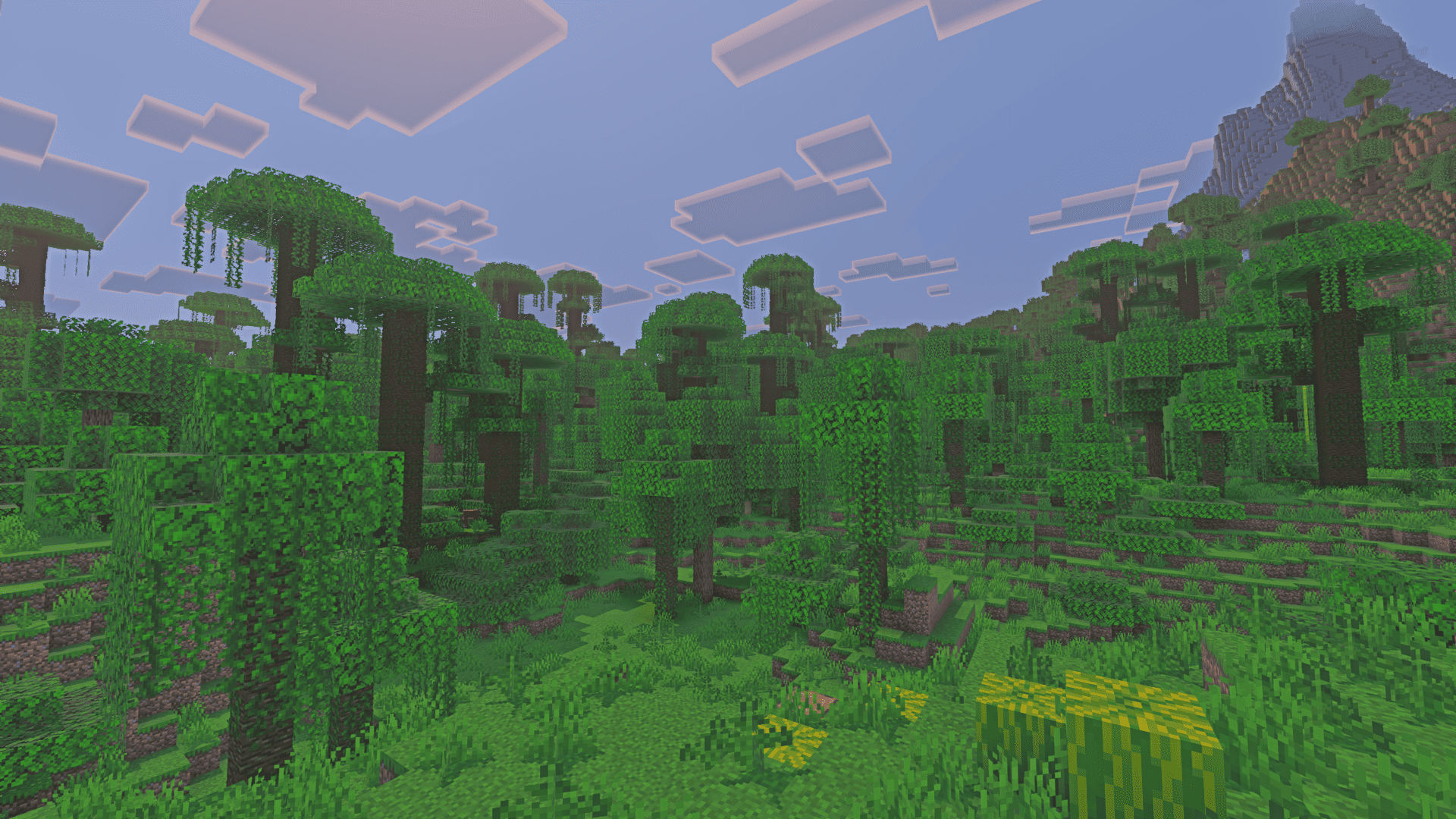
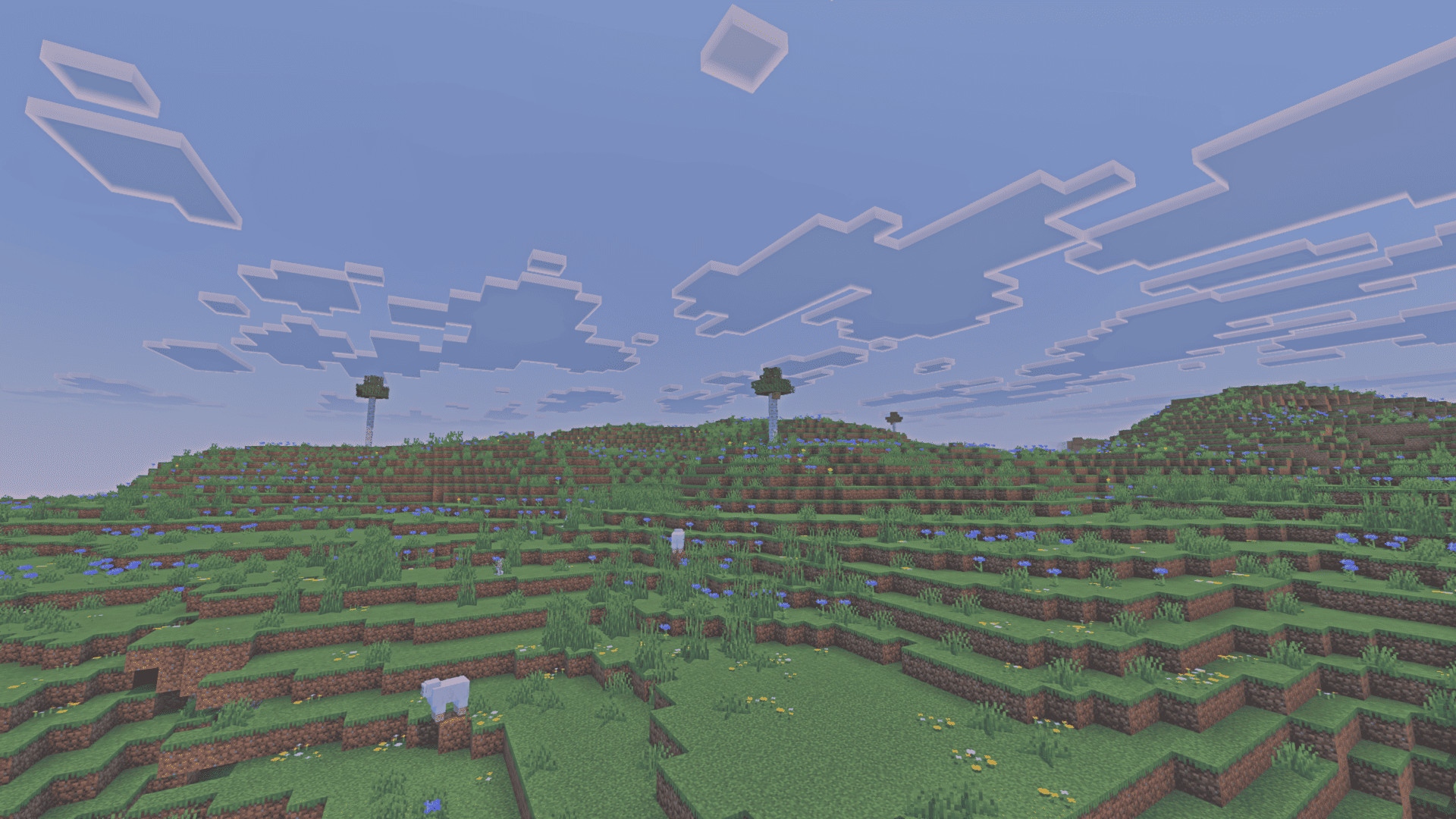
Shiroi Visuals is a shader pack for Minecraft: Java Edition that brings the look of Bedrock's Vibrant Visuals to Java. It keeps vanilla textures and colors, and focuses on lighting, shadows, fog and atmosphere.

Features
- Blocky shadows: shadows follow the block grid instead of being smoothed out, which fits the vanilla art style better.
- Volumetric fog: fog that reacts to light and gives depth to forests, caves and open fields.
- Sun rays: light shafts that cut through trees, fog and clouds.
- Biome atmospheres: each biome has its own fog and sky tone, like Dappled Forest and Bamboo Taiga.
- Vibrant water: reworked water color and look, in the style of Vibrant Visuals.
- [Sunrise and sunset color grading]
- Three dimensions: Overworld, Nether and The End. (Working in compatibility with other dimensions)
Resource packs that keep vanilla colors work fine. The pack doesn't try to change the original look of the game.

Compatibility
Minecraft versions: 1.21.1 up to 26.3
Loaders:
- Iris
- OptiFine
- Vitrail (testing phase, still in beta)
Dimensions: Overworld, Nether and The End
Performance
| GPU | PRESET | FRAMETIME | |
|---|---|---|---|
| Minimum | RX 550 4GB | Low | 60-100 |
| Recommended | RX 6600 | High | 120 |
Known issues
We are gradually integrating a native upscaling system with TAA (TAAU). While temporal anti-aliasing is enabled, you may notice screen shaking or black ghosting trails behind moving objects.
Installation
- Install Iris (or another supported loader).
- Download the version that matches your Minecraft version.
- Put the
.zipin yourshaderpacksfolder without extracting it. You can open the folder from Video Settings > Shader Packs > Open Shader Pack Folder. - Select Shiroi Visuals in the Shader Packs menu.
Check the requirements of each release to confirm it works with your game version.
Credits and legal
Developed by Hakuchou Studios.
Shiroi Visuals is an independent, unofficial project inspired by Minecraft Bedrock's Vibrant Visuals. It is not affiliated with, endorsed by, or sponsored by Mojang Studios or Microsoft.
Links
Shiroi Visuals Team