Shader Performance X
- By
The shader that makes Minecraft look stunning without destroying your FPS! Beautiful graphics, smooth performance, even on low-end PCs.
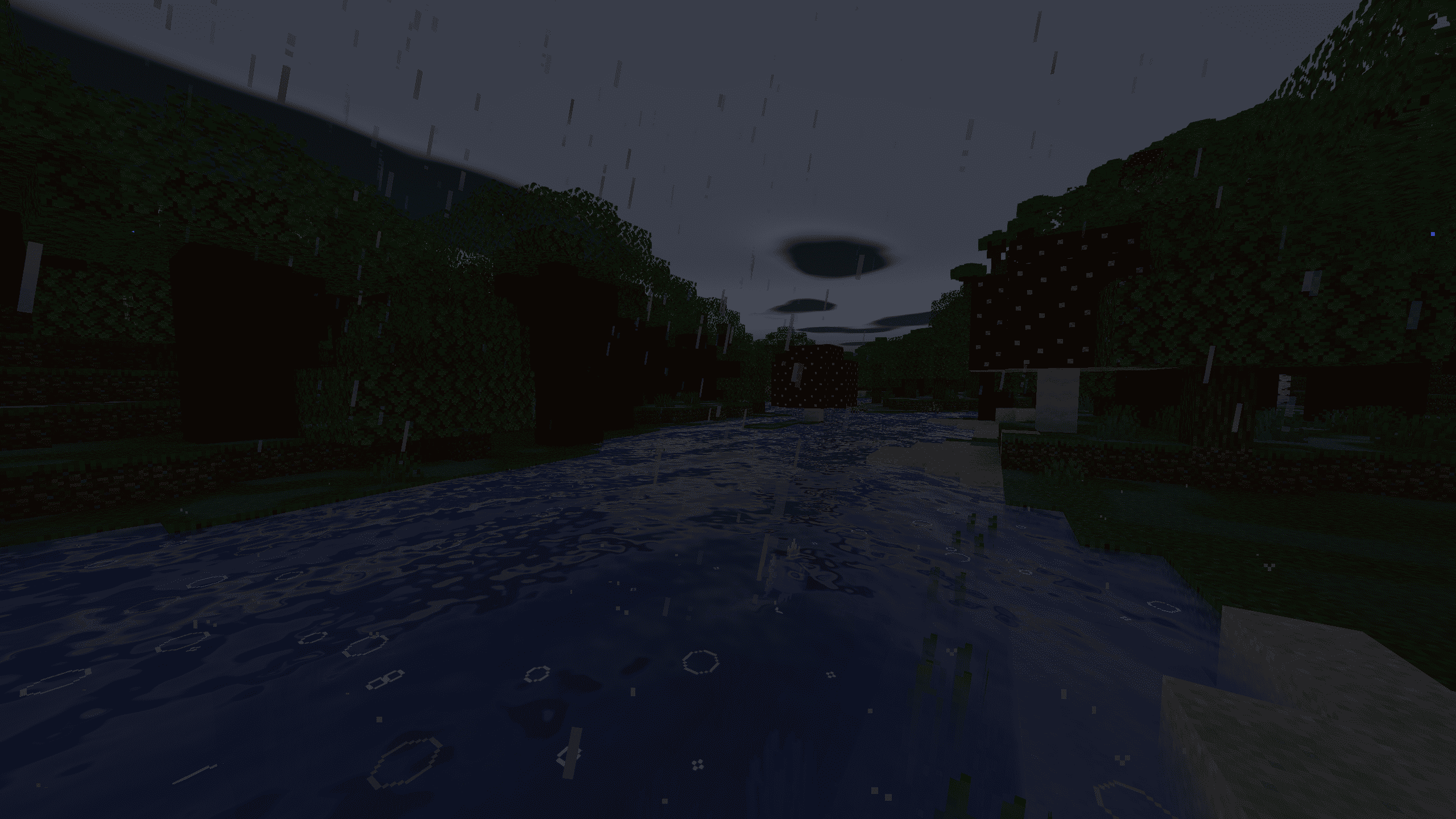
2026-11-19_14.23.49.png
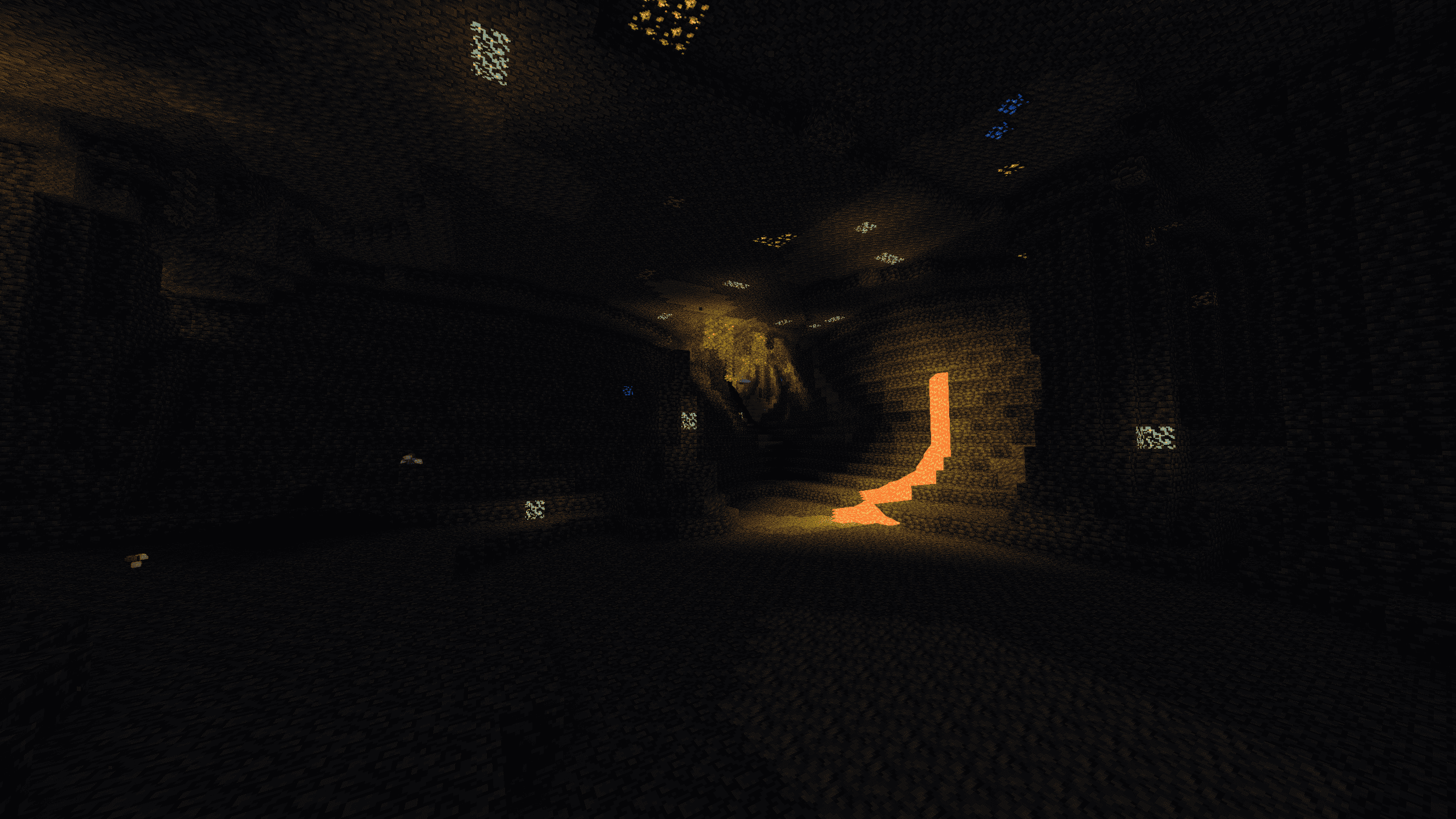
2026-11-19_14.24.24.png
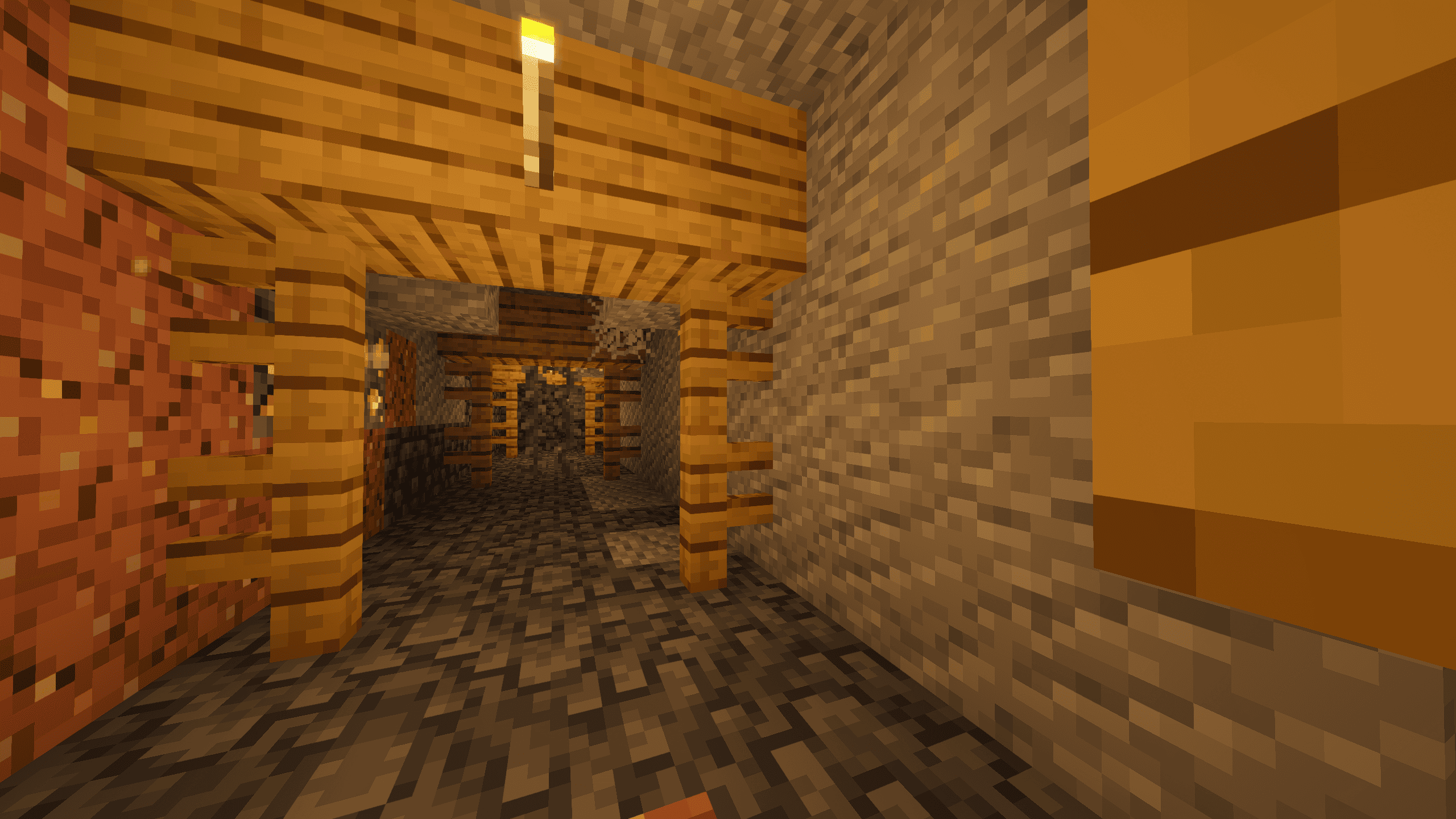
2026-11-19_14.24.41.png
2026-11-19_14.25.20.png
2026-11-19_14.26.07.png
Description
⚡ Shader Performance X
Beautiful Minecraft lighting. Less GPU work. More room for FPS.
Great-looking shaders should not require a high-end graphics card.
Shader Performance X is a lightweight shader pack for Minecraft Java Edition 1.21.1, designed for Iris. Its goal is to add beautiful, natural visuals while keeping rendering costs under control — especially for players on laptops, older PCs and mid-range GPUs.
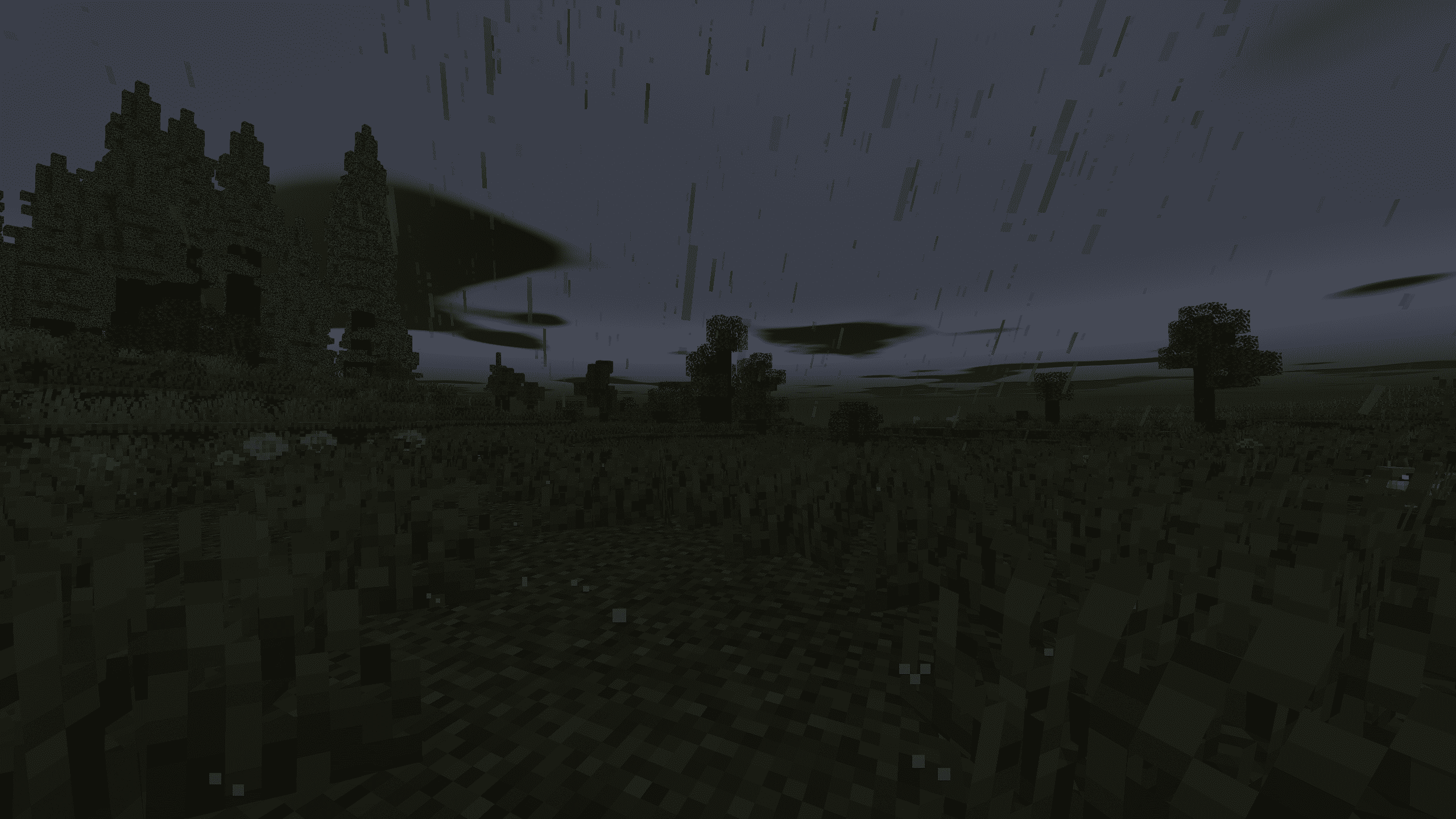
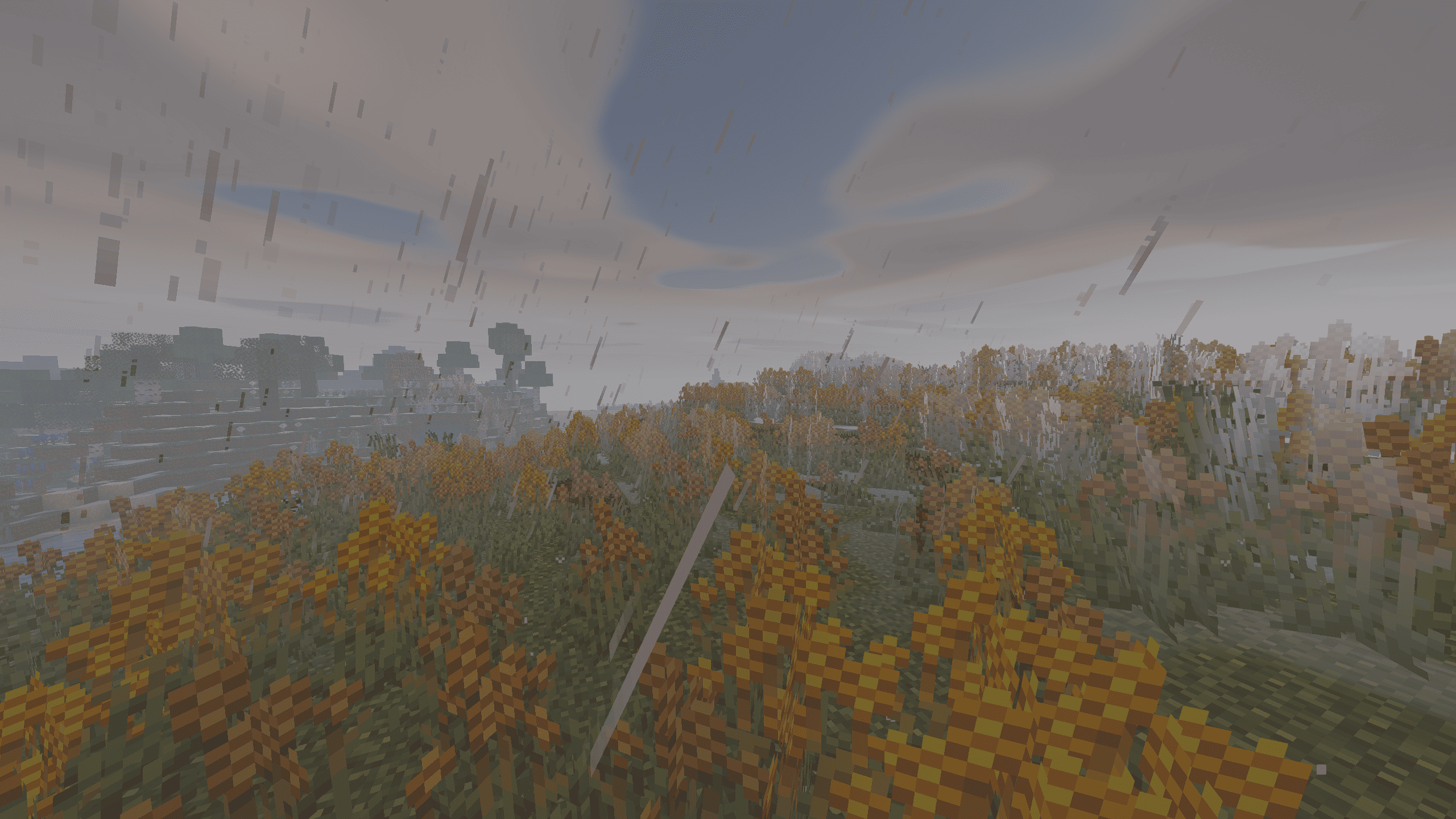
Enjoy warm sunsets, soft shadows, reflective water and atmospheric skies without turning Minecraft into a blurry or oversaturated game. The original block textures stay crisp and familiar.
🚀 Performance first
Shader Performance X prioritizes practical visual improvements over expensive effects. The goal is to reduce unnecessary GPU work, preserve playable frame rates and offer settings that scale to different hardware.
- Efficient rendering: 5 full-screen passes in the Lite configuration (according to source-code analysis).
- Lightweight shadows: a 1024 × 1024 shadow map in Lite, with soft filtering.
- No expensive volumetric ray marching.
- Optional effects: shadows, reflections, bloom and cloud shadows can be reduced or disabled.
- Three graphics presets: Low, Medium and High.
📊 How lightweight is it?
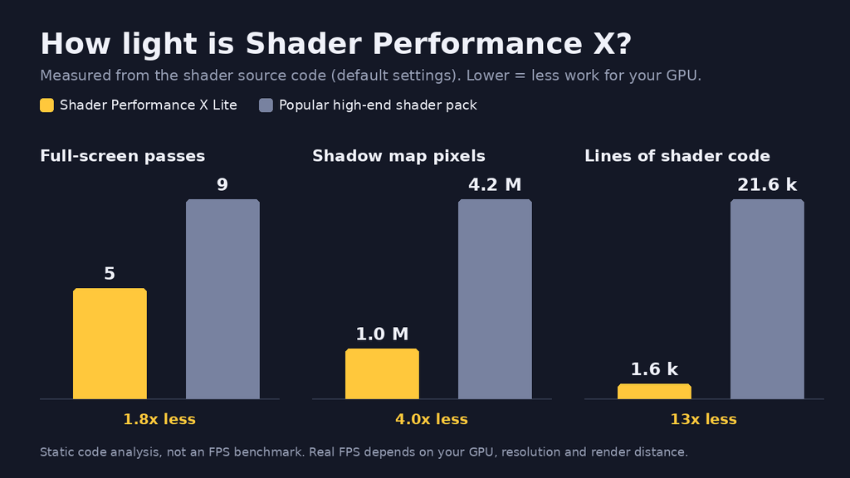
This chart compares code-level settings with an illustrative high-end shader configuration. It is not an FPS benchmark. For a fair public comparison, the reference pack and test configuration should be documented. Shader-code length alone does not establish GPU performance.
Our goal: Good-looking graphics with a smaller performance cost than demanding cinematic shader packs — not a claim of higher FPS than vanilla Minecraft.
✨ Visual features
| Feature | What you get |
|---|---|
| ☀️ Natural lighting | Warm sunlight, vivid sunrises and sunsets, gentle sky lighting |
| 🌳 Soft shadows | Real-time shadows with adjustable quality and optional ambient occlusion |
| 🌊 Better water | Animated waves, biome-dependent colors and optional screen-space reflections |
| ☁️ Atmospheric skies | Soft clouds, moving cloud shadows, distance fog and optional auroras |
| 🌧️ Rain effects | Wet ground and puddle effects |
| 🌿 Animated nature | Gently moving grass, leaves and plants |
| 🌌 Nether & End | Dimension-specific lighting and atmosphere |
| 🔎 Sharp image | Natural colors and adjustable sharpening without a dreamy blur |
🎮 Singleplayer, multiplayer & modded servers
Shader Performance X is intended to remain usable in both singleplayer and multiplayer, including visually busy modded worlds. The lightweight presets aim to leave more GPU headroom for rendering large builds, entities and landscapes.
Important: Shaders run on the client. They do not directly increase server TPS, reduce server CPU usage or fix network lag. Client FPS still depends on your GPU, resolution, mods and render distance.
⚙️ Choose your performance preset
| Preset | Recommended use |
|---|---|
| Low | Older PCs, laptops and integrated graphics; expensive effects disabled |
| Medium | Balanced visuals and performance; default |
| High | Better-equipped GPUs; additional shadow and reflection quality |
Need more FPS? Try disabling shadows first, then water reflections (SSR), bloom and cloud shadows. Lowering render distance can also make a major difference.
📦 Installation
- Install Iris Shaders for a compatible Minecraft Java Edition setup.
- Download the Shader Performance X
.zipfile. - Place the unextracted ZIP in
.minecraft/shaderpacks. - Open Options → Video Settings → Shader Packs and select Shader Performance X.
- Open the shader settings to choose Low, Medium or High.
Target version: Minecraft Java Edition 1.21.1 with Iris (Fabric).
💛 About the project
Created by BlackoverGod.
The mission is simple: make shader lighting accessible to more players without sacrificing the recognizable Minecraft look. Feedback, compatibility reports and reproducible performance tests are welcome in the comments.
Shader Performance X Team