

Mace Roulette Plugin
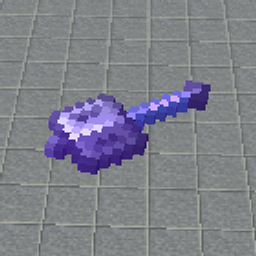
A ten-room Mace Roulette minigame with a spinning Mace selector, queues, round events, and a GUI.
- 12
- November 10, 2026
Mace Roulette
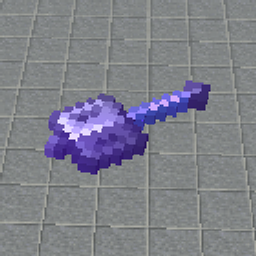
A vanilla Minecraft 1.21.11 Mace Roulette minigame, a spinning Mace selector, custom lobby, and configurable arena events.
- 5
- November 4, 2026
Winter Panorama
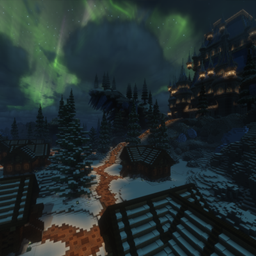
Transform Minecraft's menus into a breathtaking winter night with snowy landscapes, cozy villages, and glowing northern lights.
- 33
- November 4, 2026
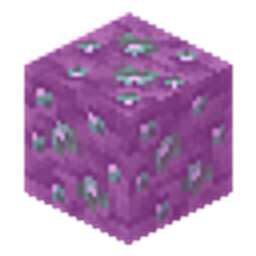
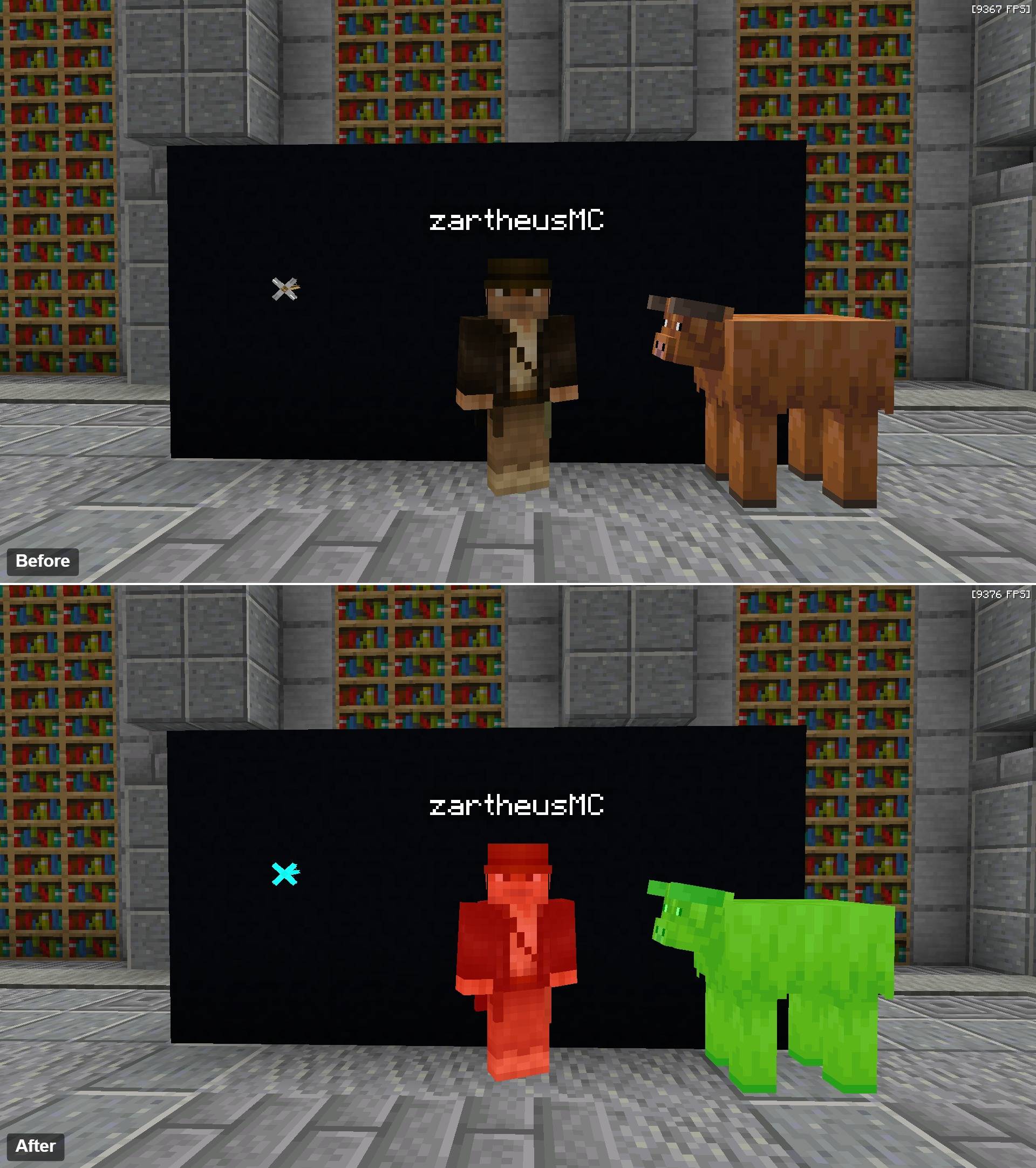
Heus Visible Textures
A lightweight, vanilla-friendly resource pack that makes rare, hidden, and easily confused Minecraft blocks easier to identify.
- 9
- November 3, 2026
Mace Roulette Plugin
A ten-room Mace Roulette minigame with a spinning Mace selector, queues, round events, and a GUI.
- 12
- November 10, 2026
Mace Roulette
A vanilla Minecraft 1.21.11 Mace Roulette minigame, a spinning Mace selector, custom lobby, and configurable arena events.
- 5
- November 4, 2026
Winter Panorama
Transform Minecraft's menus into a breathtaking winter night with snowy landscapes, cozy villages, and glowing northern lights.
- 33
- November 4, 2026
Heus Visible Textures
A lightweight, vanilla-friendly resource pack that makes rare, hidden, and easily confused Minecraft blocks easier to identify.
- 9
- November 3, 2026