Nythra Shaders
- By
A multi-profile Minecraft shaderpack delivering cinematic lighting, atmosphere, and visuals across low-end to high-end hardware.
Logo
Shader preview
Shader preview
Description
Nythra Shaders
Nythra Shaders is an all-in-one Minecraft shaderpack designed to bring a cinematic, atmospheric look to Minecraft while remaining accessible across a wide range of hardware.
Choose between Low / Potato, High, and Cinematic profiles and experience the same Nythra visual identity with different performance budgets.
✦ What Nythra Offers
🌅 Dynamic Lighting
-
Beautiful day, sunset, twilight, and night transitions
-
Directional moonlight for realistic nighttime illumination
-
Warm artificial and emissive lighting
-
Improved environmental contrast and depth
-
Soft, atmospheric shadows
☁️ Atmosphere & Weather
-
Atmospheric sky and horizon rendering
-
Dynamic clouds
-
Immersive rain and storm atmosphere
-
Atmospheric fog and distance depth
-
Distinct lighting throughout the day/night cycle
🌎 Unique Dimensions
Overworld
-
Natural sunlight and atmospheric skies
-
Dynamic weather
-
Improved terrain depth and lighting
-
Beautiful sunsets and moonlit nights
Nether
-
Warm volcanic atmosphere
-
Strong lava and emissive lighting
-
Distinct Nether color grading
-
Atmospheric depth and fog
-
Unique warped-forest appearance
The End
-
Cold, mysterious atmosphere
-
Deeper void-like environments
-
Strong silhouettes and contrast
-
Emissive End Crystal effects
-
Distinct alien visual identity
💧 Water & Visual Effects
-
Animated water and waves
-
Refraction and reflective effects
-
Ambient occlusion
-
Emissive materials
-
Bloom and atmospheric glow
-
Material and gloss-aware rendering
⚙️ Three Profiles
🥔 Low / Potato
For lower-end hardware and players who want better visuals without sacrificing as much performance.
⚡ High
A balanced profile designed for everyday gameplay with a strong combination of visuals and performance.
🎬 Cinematic
For higher-end hardware, enabling the richest visual experience Nythra offers.
🎮 Installation
-
Install a compatible Minecraft shader loader such as Iris or OptiFine.
-
Download the latest Nythra Shaders release.
-
Place the shader ZIP into your Minecraft
shaderpacksfolder. -
Open Minecraft's shader settings.
-
Select Nythra Shaders.
-
Choose the profile that best matches your hardware.
Performance varies depending on your GPU, CPU, resolution, render distance, Minecraft version, mods, and resource packs.
🌌 Built for Different Hardware
Nythra is designed around one goal:
One shader. Multiple performance levels.
Whether you're using an older PC or a modern gaming system, Nythra lets you choose the rendering profile that fits your hardware without completely changing the shader's visual identity.
📸 Screenshots
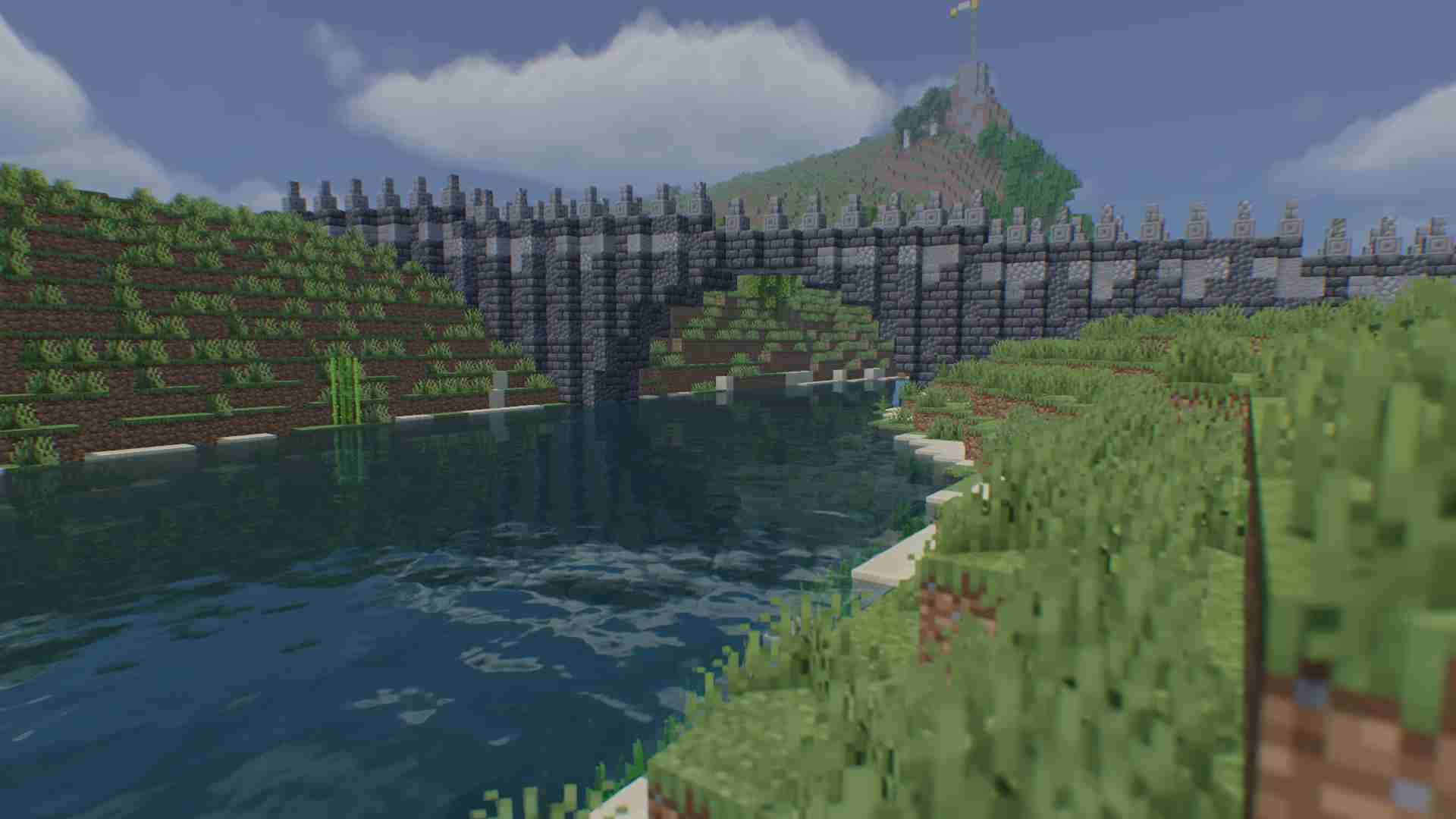
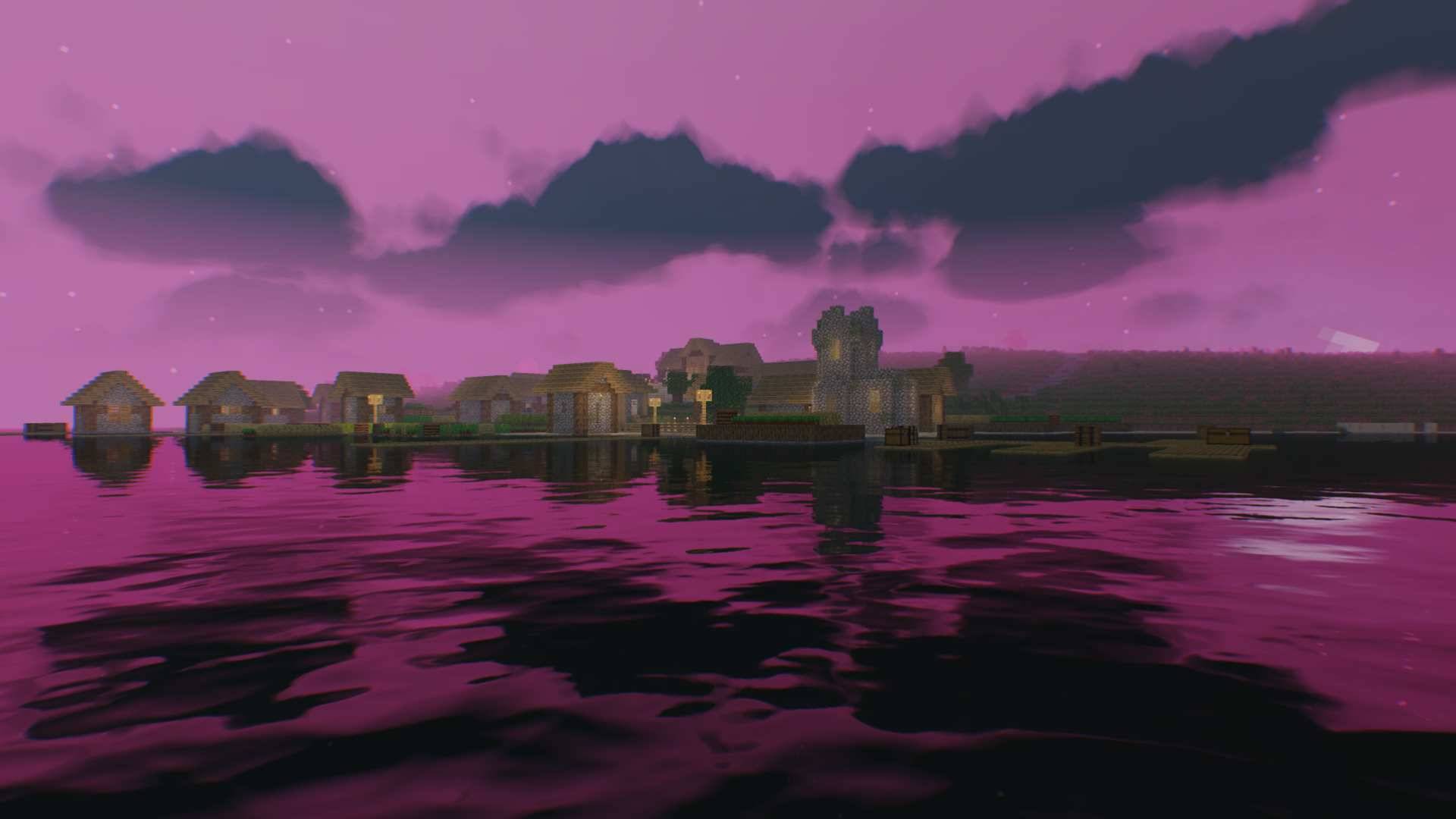
Screenshots below showcase Nythra across different environments, lighting conditions, dimensions, and weather.
Nythra Shaders
Low → High → Cinematic
Created by Harmanpreet Singh
© Harmanpreet Singh 2026. All rights reserved.
Please refer to the included license and project credits for redistribution and usage terms.
Nythra Shaders Team


Owner