Lunaris Shaders
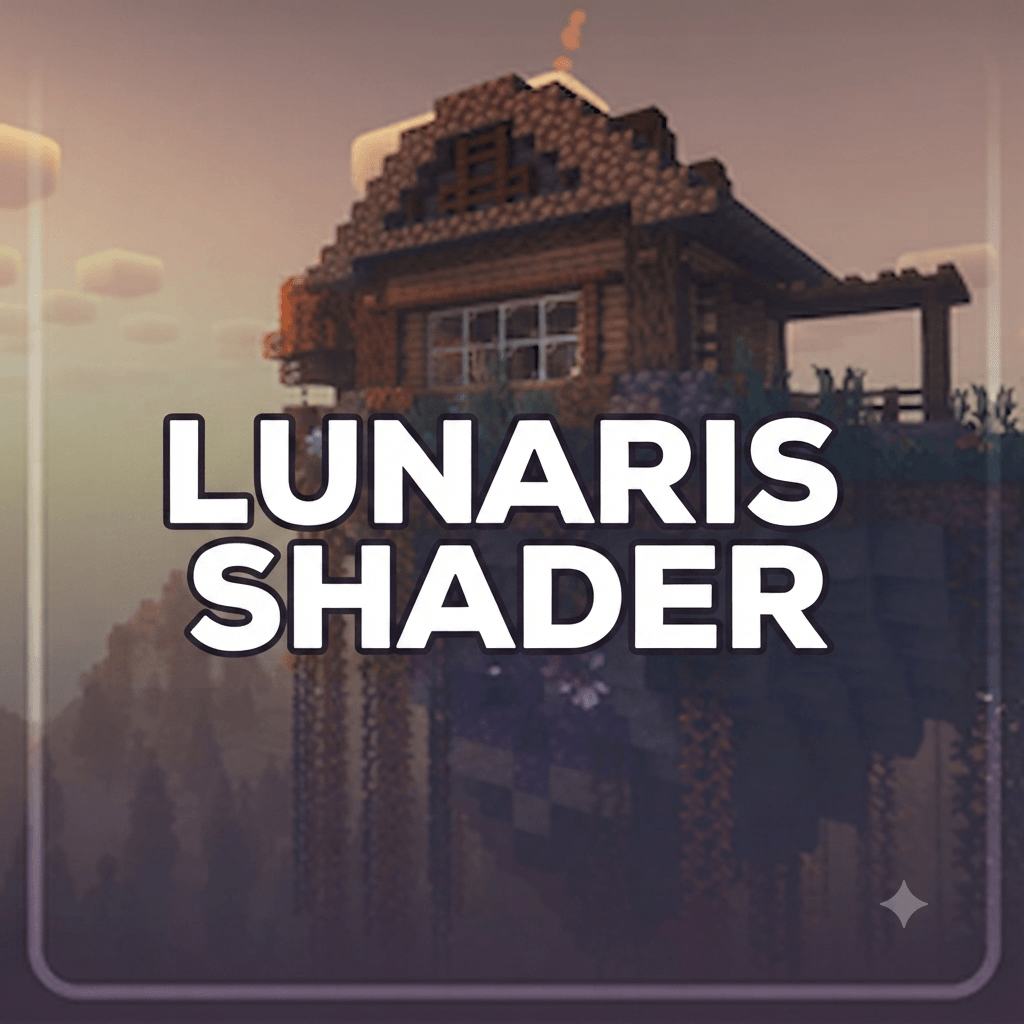
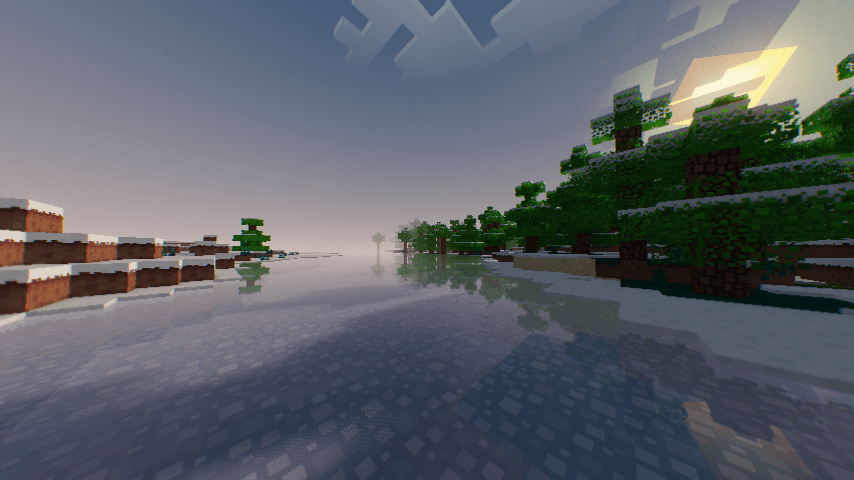
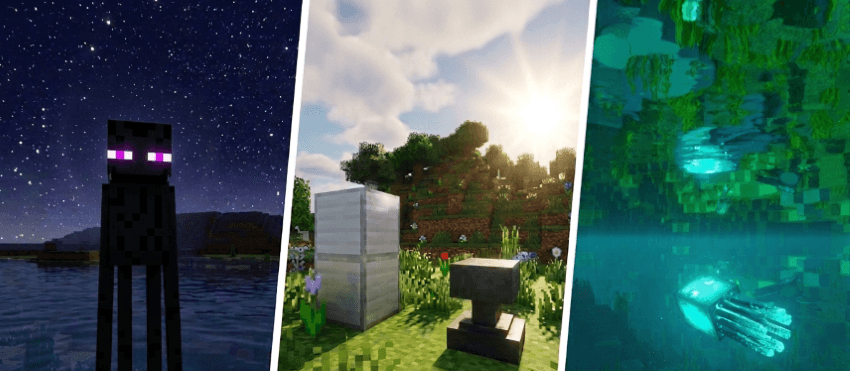
Lunaris Shaders is a lightweight OptiFine shader and Iris Shader for Minecraft 1.21+ designed to make your world look like a beautiful cinematic render — without ray tracing, without destroying performance, and without losing the iconic Minecraft aesthetic.
It enhances the visuals you already love rather than replacing them with something unrecognizable. Think golden hour sunlight, moody nights, warm torches, and silky water — all running smoothly even on integrated graphics.
Lunaris Shaders provides a cinematic day and night experience with continuously changing lighting conditions.
During sunrise and sunset, the world transitions through warmer colors and softer lighting, creating a more dramatic atmosphere. Daytime provides brighter natural illumination, while nighttime becomes darker and more atmospheric without making the world completely unplayable.
At night, the sky becomes more immersive with visible stars and subtle star twinkling effects. Moonlight provides a weaker secondary source of illumination, allowing players to explore at night while still maintaining a clearly darker environment than daytime.
How to Install via Iris:
- Download and run the Iris Installer.
- Select "Iris and Sodium", choose your Minecraft version, and install.
- Open the Minecraft Launcher and select the new Iris profile.
- Launch the game, go to Options -> Video Settings -> Shader Packs.
- Click "Open Shader Pack Folder" and drop the Sildur's Shaders .zip file inside.
- Select the pack from the in-game list.