CrystalGlint Shader
- By
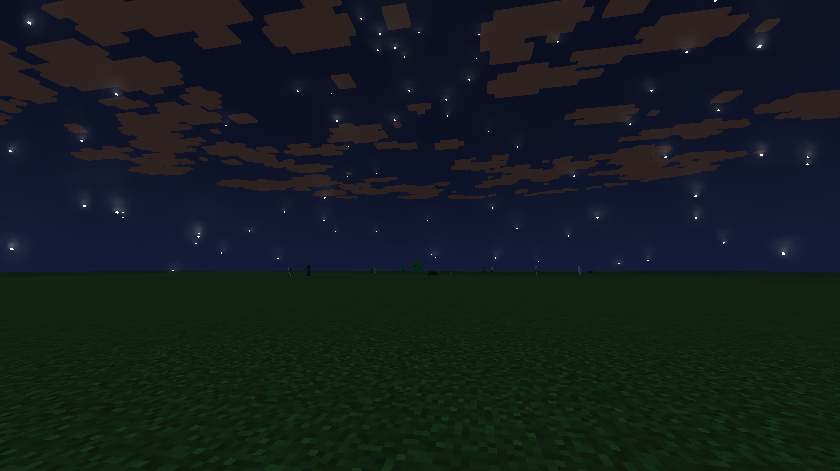
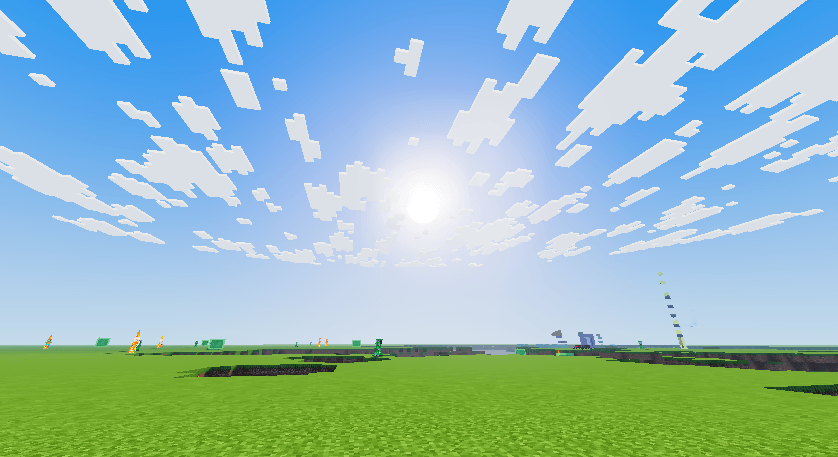
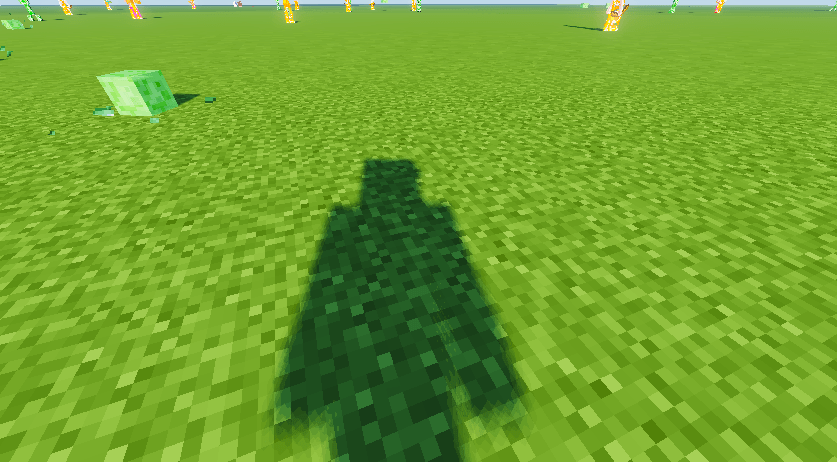
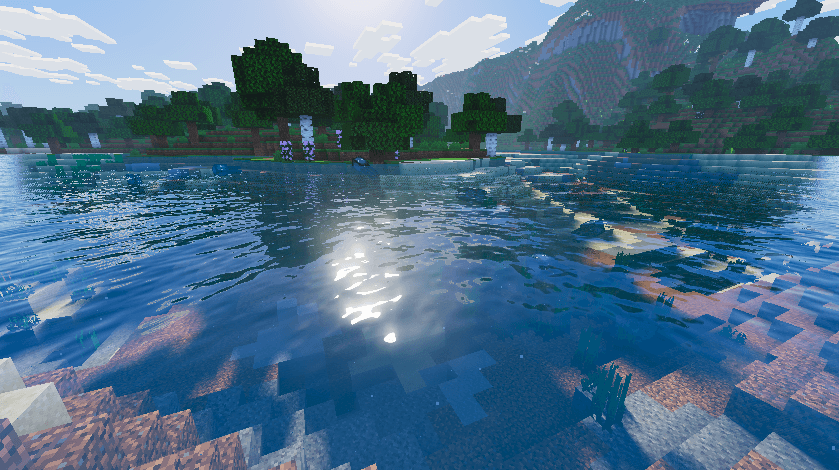
A bright, high-contrast shader pack for Minecraft Java with mirror-like water, realistic metal reflections, glossy ice and obsidian, depth-mapped stone, sparkles, and quality profiles from Low to Ultra.
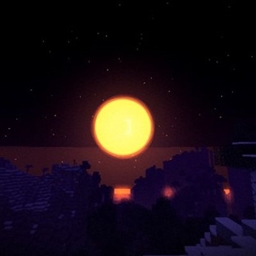
Screenshot 2026-10-24 221429.png
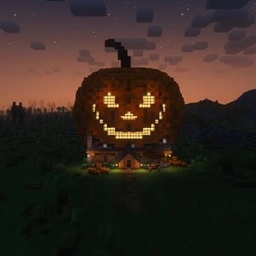
Screenshot 2026-10-24 221443.png
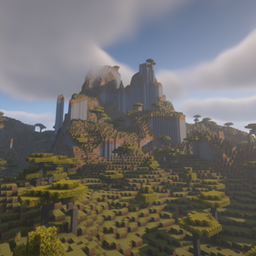
Screenshot 2026-10-24 221457.png
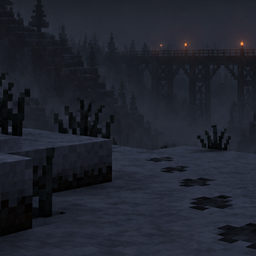
Screenshot 2026-10-24 221810.png
Description
CrystalGlint
CrystalGlint is a shader pack for Minecraft Java Edition built around a clean, saturated look: a vivid blue sky, bright clouds, glassy water, and surfaces that catch the light. It is a rasterized shader, not hardware ray tracing, but it uses a lot of ray-based techniques to get close to that look.
Features
Water
Mirror-like reflections that include the sky, clouds, and nearby blocks
Layered waves with long swells, choppy detail, and fine ripples
Sun glints that sparkle across the surface
Wave strength adjustable in the settings
Metals
Reflections tinted to match the metal: iron looks silver, gold looks gold, copper looks coppery
Weathered and oxidized copper is greener and duller, like real patina
Rough metal gives soft reflections, polished metal gives crisp ones
Reflections still work when the thing being reflected is off screen, using the previous frame
Covers iron, gold, netherite and all copper blocks, plus iron bars, chains, anvils, hoppers, cauldrons and more
Obsidian and crying obsidian
Faceted, glassy plates separated by deep cracks, with real depth when you move around them
Purple glow in the cracks and along the edges
Crying obsidian glows on its own, even in the dark
Ice, concrete, glass and gems
Glossy ice with frosty bumps and a cool blue tint
Polished, wet-look concrete in all 16 colors
Reflective glass
Glossy diamond, emerald, lapis and redstone blocks, amethyst, quartz, polished stone and glazed terracotta
Depth on rock and ore
Stone, cobblestone, bricks, deepslate, blackstone, tuff, netherrack, end stone and ores get a relief effect built from their own textures
Ridges cast small shadows on themselves
Sparkles and glow
Per-pixel glints on glossy blocks and leaves that twinkle as you move
Star-shaped flares on the brightest sparkles
Soft bloom, with a round sun rather than a star-shaped one
Lighting
Soft shadows, from standard to contact-hardening
Ambient occlusion and a one-bounce color bleed between nearby blocks
Filmic tone mapping with adjustable exposure and saturation
Quality profiles
Open the shader menu and use the Profile button to pick a preset, or set each option yourself.
Profile Intended for
LOW Older or weaker GPUs
MEDIUM Balanced
HIGH Default, good looks on a decent GPU
ULTRA Maximum quality, very demanding
ULTRA uses up to 8 reflection rays per pixel, contact-hardening shadows at 4096 resolution, the deepest relief effect, and the strongest occlusion and bounce lighting. Expect a large performance cost.
Requirements
Minecraft Java Edition [versions]
Iris Shaders with Sodium (Fabric or NeoForge) [or OptiFine, if you have tested it]
A GPU that supports OpenGL [version]. HIGH and ULTRA need a strong GPU.
Installation
Install Iris Shaders and Sodium for your Minecraft version.
Download the shader pack zip and place it in your shaderpacks folder. Do not unzip it.
In game, open Options, then Video Settings, then Shader Packs, and select CrystalGlint.
Open Shader Pack Settings and choose a profile.
Compatibility notes
Distant-terrain mods such as Voxy are not supported and may cause errors while a shader pack is active.
The block lists use current block names. If a modded or newer block does not get its effect, tell me and I will add it.
Resource packs with high-resolution textures give better results on the stone and ore depth effect.
Frequently asked questions
Does this use real ray tracing?
No. Minecraft Java does not expose hardware ray tracing to shader packs. CrystalGlint uses screen-space and history-based techniques to approximate it.
Why is it so slow on ULTRA?
ULTRA is built for maximum quality at any cost. Drop to HIGH, or lower only REFLECTION_QUALITY, which is the most expensive setting.
CrystalGlint Shader Team

Owner