

Server Lag reduce
This plugin reduces lag on servers without changing any models or textures
- 50
- July 16, 2026
Server Lag reduce
This plugin reduces lag on servers without changing any models or textures
- 50
- July 16, 2026
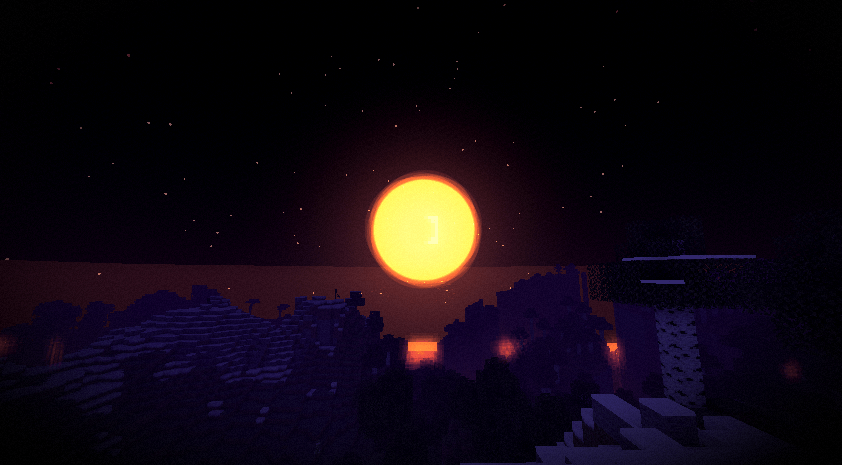
Screenshot 2026-10-12 081023.png
Screenshot 2026-10-12 081921.png
Screenshot 2026-10-12 081958.png
Screenshot 2026-10-12 082035.png
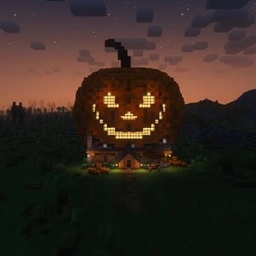
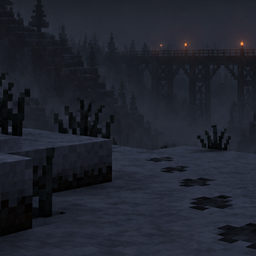
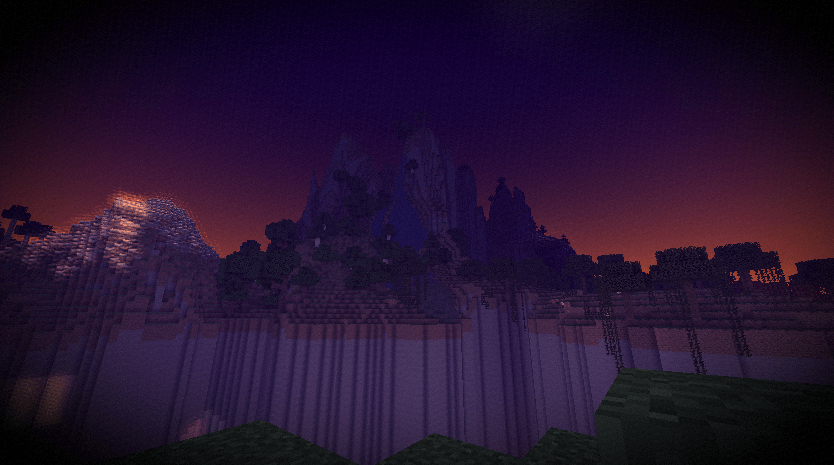
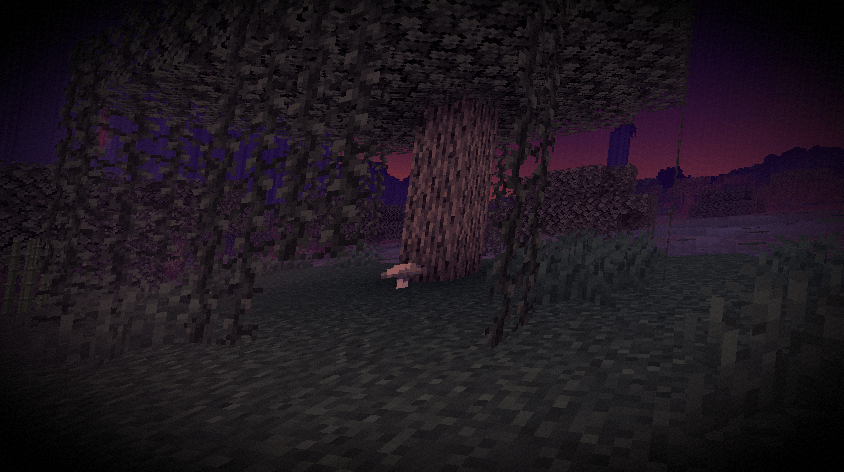
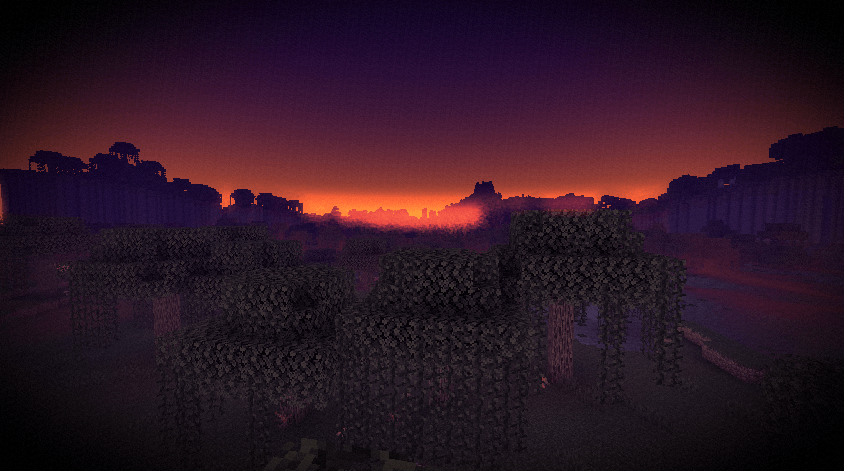
A simple shader pack that makes Minecraft look like a foggy October night. Purple sky, orange moon, mist along the ground. It only touches the sky, fog and color, so block lighting and textures stay vanilla.

All of these can be changed in the shader settings:
| Option | What it does |
|---|---|
| Fog Density | How thick the distance fog is |
| Ground Mist | How much low mist there is |
| Glow Strength | How strong the light glow is |
| Saturation | How faded the colors are |
| Vignette | Darkening at the screen edges |
| Grain | Amount of film grain |
| Giant Moon | Turns the big moon on or off |
shaderpacks folder. Don't unzip it.Works with Iris and OptiFine.
The shader is mostly post-processing, so it shouldn't be heavy to run. There's no shadow or lighting overhaul, so don't expect that. If you run into a bug, leave a comment or open an issue.


This plugin reduces lag on servers without changing any models or textures
This plugin reduces lag on servers without changing any models or textures