Aster Shaders
- By
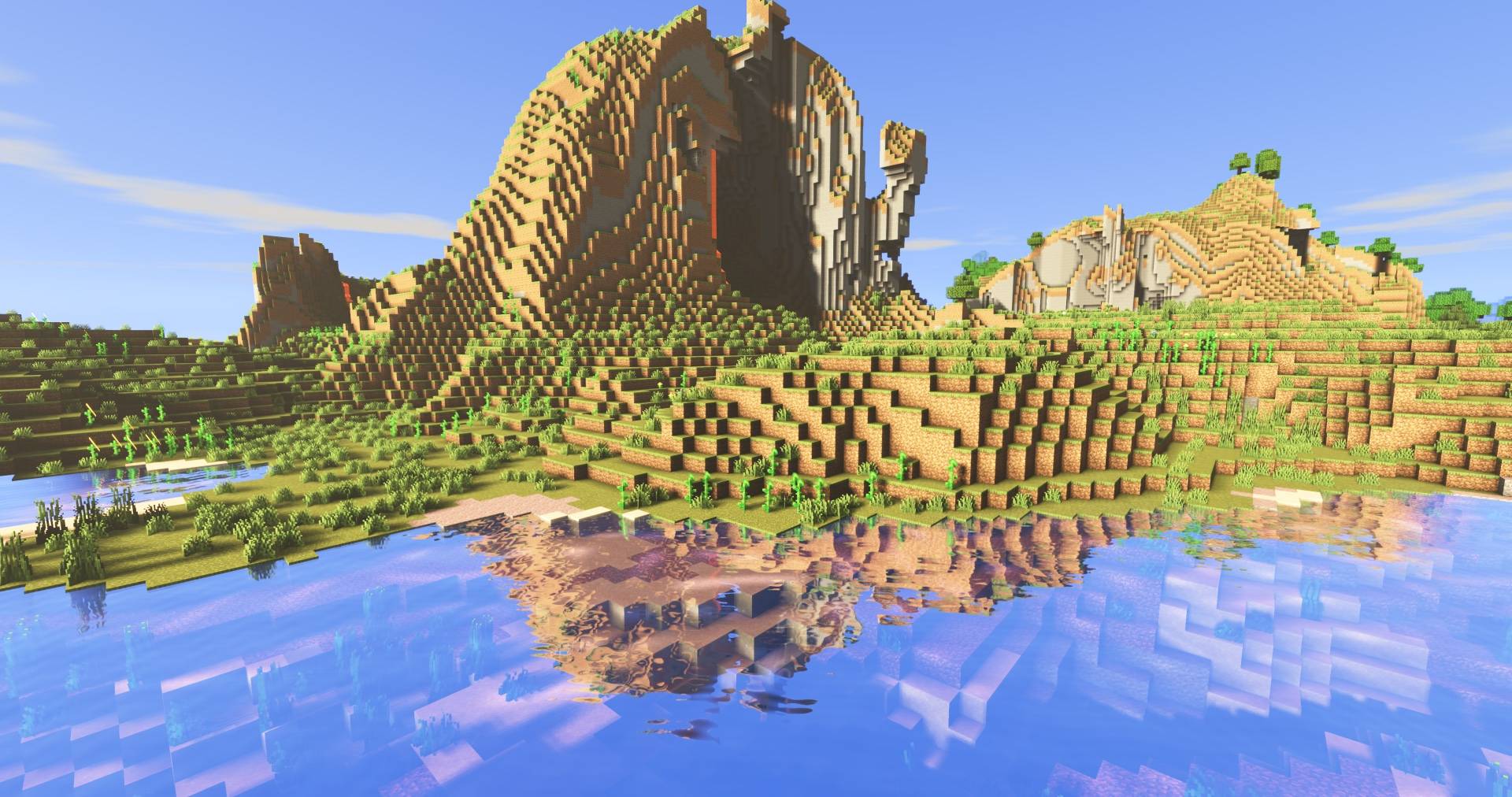
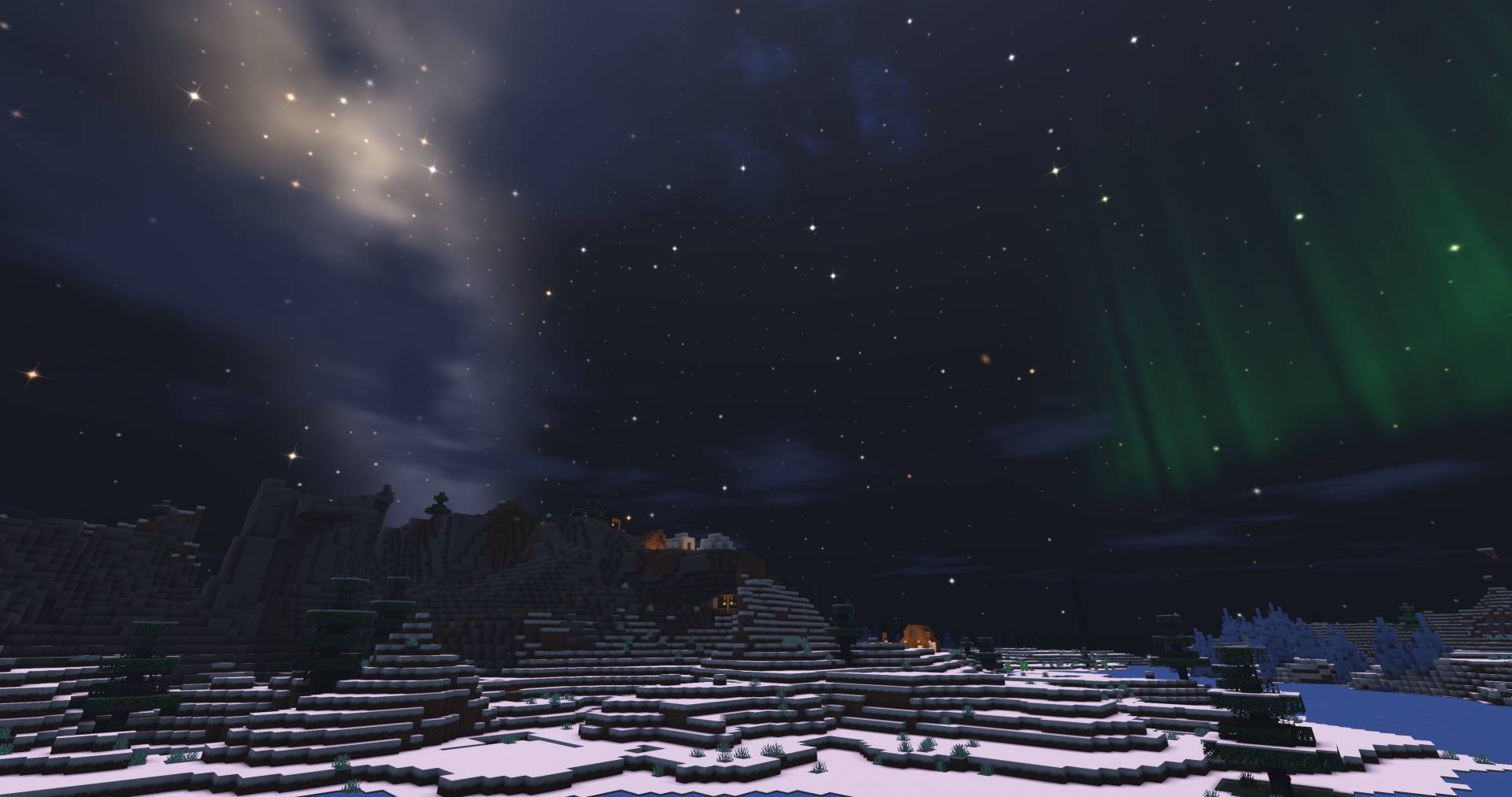
A light, all-in-one shader pack with a beautiful night sky, soft coloured shadows, sun rays, living water, storms and coloured light. Runs on Iris.
IMG_0344.jpeg
Description
Aster
Aster is an all-in-one shader pack for Iris. It aims to look as good as possible while staying fast
The sky
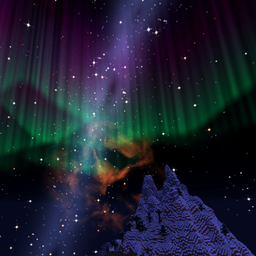
- A full night sky: thousands of twinkling, coloured stars, the Milky Way, nebulae, distant galaxies and planets
- Shooting stars, fireballs, meteor showers and rare comets
- Auroras, sun halos and rainbows after rain
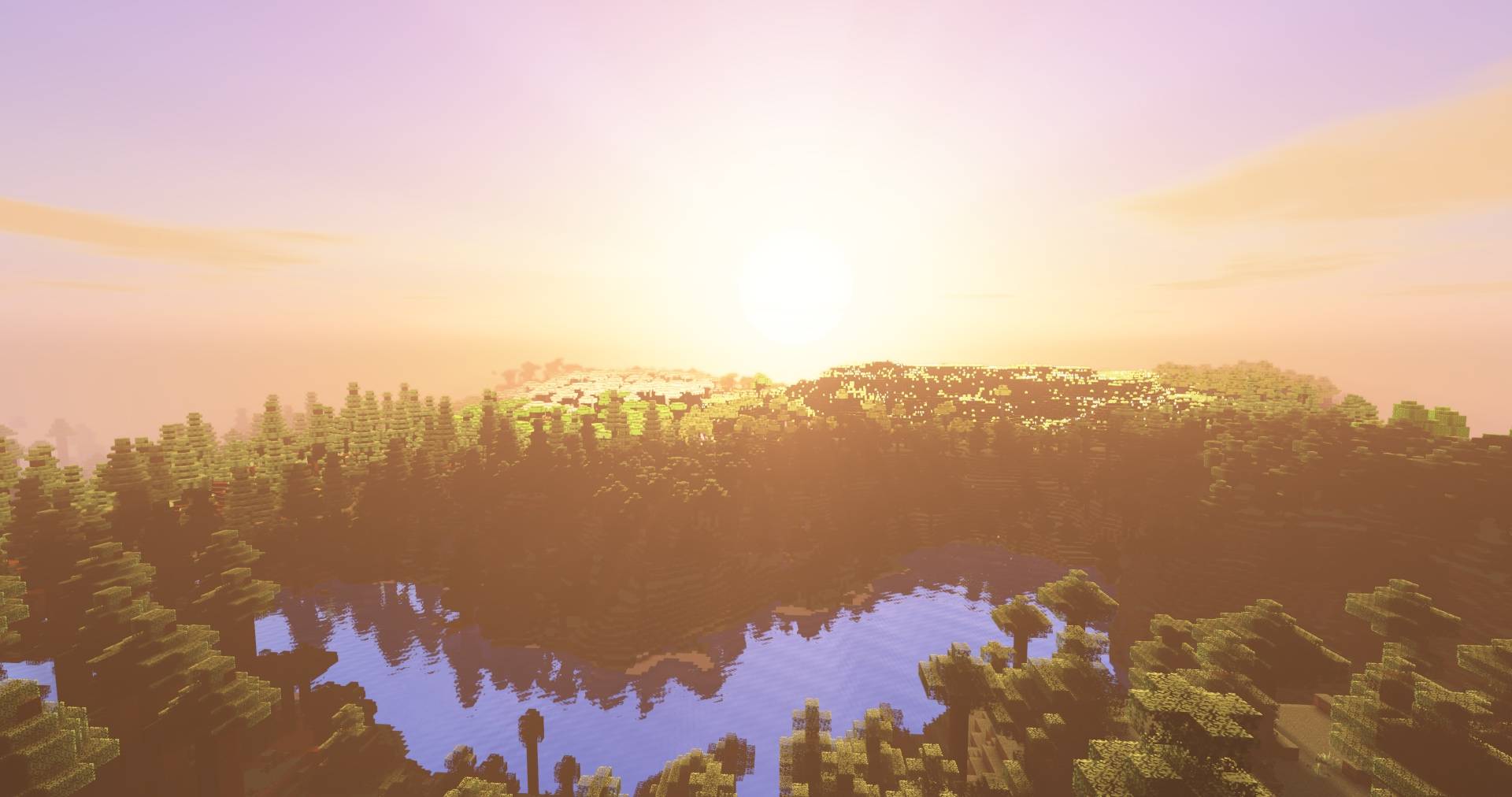
- Warm sunrises and sunsets, drifting clouds and a glowing moon
- A custom End sky
Light and shadow
- Soft, clean shadows
- Coloured shadows through stained glass
- Sun rays and god rays through trees
- Leaves and grass that let sunlight through
- Coloured light: torches glow orange, soul fire blue, sea lanterns pale blue, and stained glass tints the light that passes through it
Water
- Reflections of the sky and the world around it
- Animated waves, and streams and waterfalls that visibly flow
- Underwater light rays, and moving spots of sunlight on the bottom where those rays land
Weather
- Thin, realistic rain streaks and custom snowflakes
- Wet ground and walls that darken and shine in the rain
- Dark storm skies, sheet lightning in the clouds and custom lightning bolts that light up the world
Every dimension
- Nether: warm, moody lighting and fog that take their colour from the biome, with glowing lava and fire
- The End: purple-lit islands under a starry End sky, with a soft haze
Also included
- Waving grass, leaves, flowers and vines
- Bloom, temporal anti-aliasing and a filmic tone map
- Low, Medium, High and Ultra presets, plus a menu with clear descriptions for every option
Requirements
- Minecraft Java Edition with Iris (Sodium recommended)
- Works on Windows and macOS. On Mac, coloured light is turned off because macOS does not support the compute shaders it needs; everything else works.
Installation
- Install Iris (and Sodium).
- Put the downloaded
Aster.zipinto.minecraft/shaderpacks/. Don't unzip it. - In game, open Options → Video Settings → Shader Packs and select Aster.
Performance tips
- Start with the Medium preset and go up or down from there.
- The options that cost the most are Shadow Quality, Shadow Distance, Sun Rays and Coloured Light.
Feedback
Found a bug or have an idea? Please leave a comment or open an issue, ideally with a screenshot and your version.
Aster Shaders Team

Owner