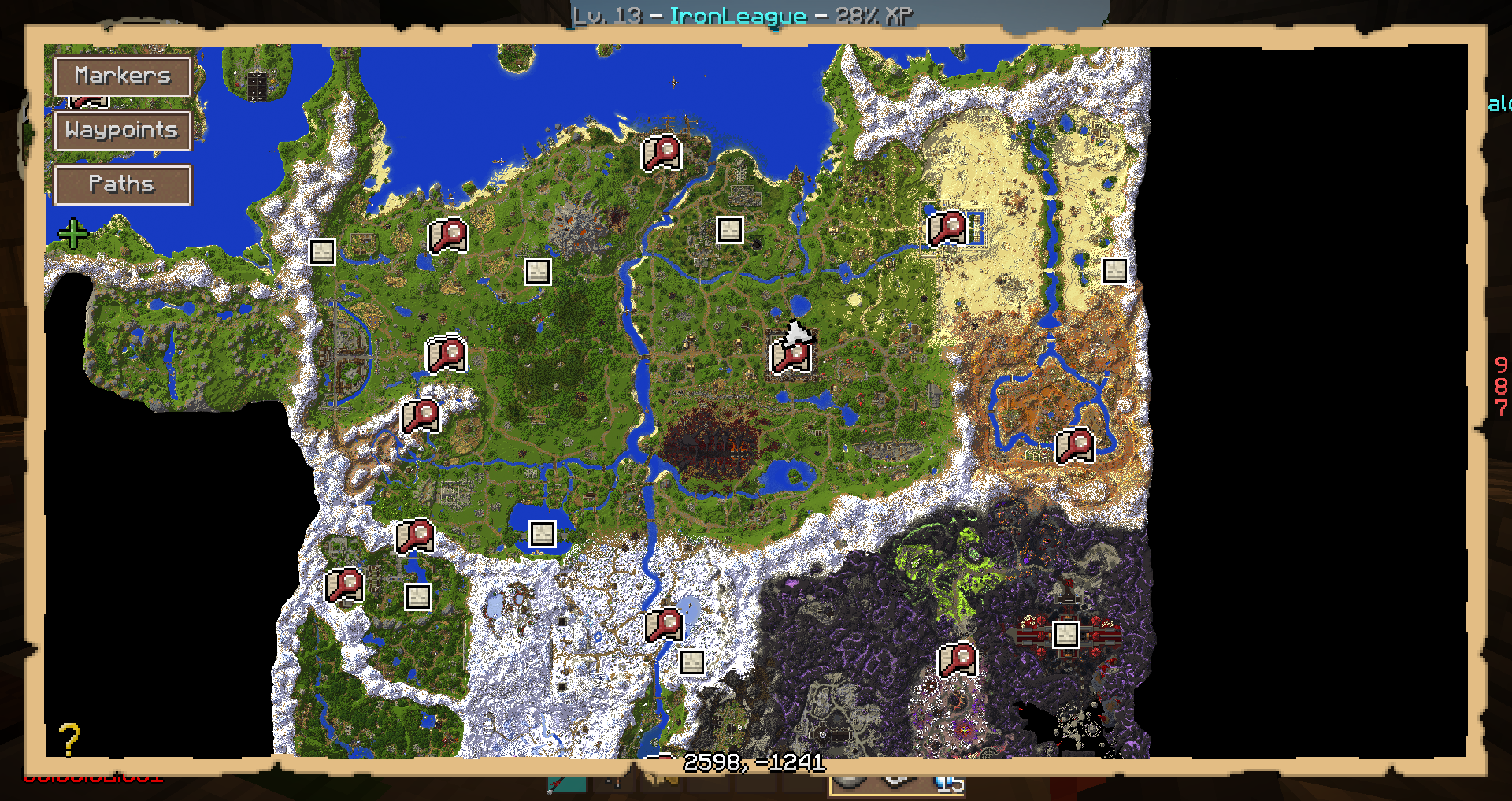
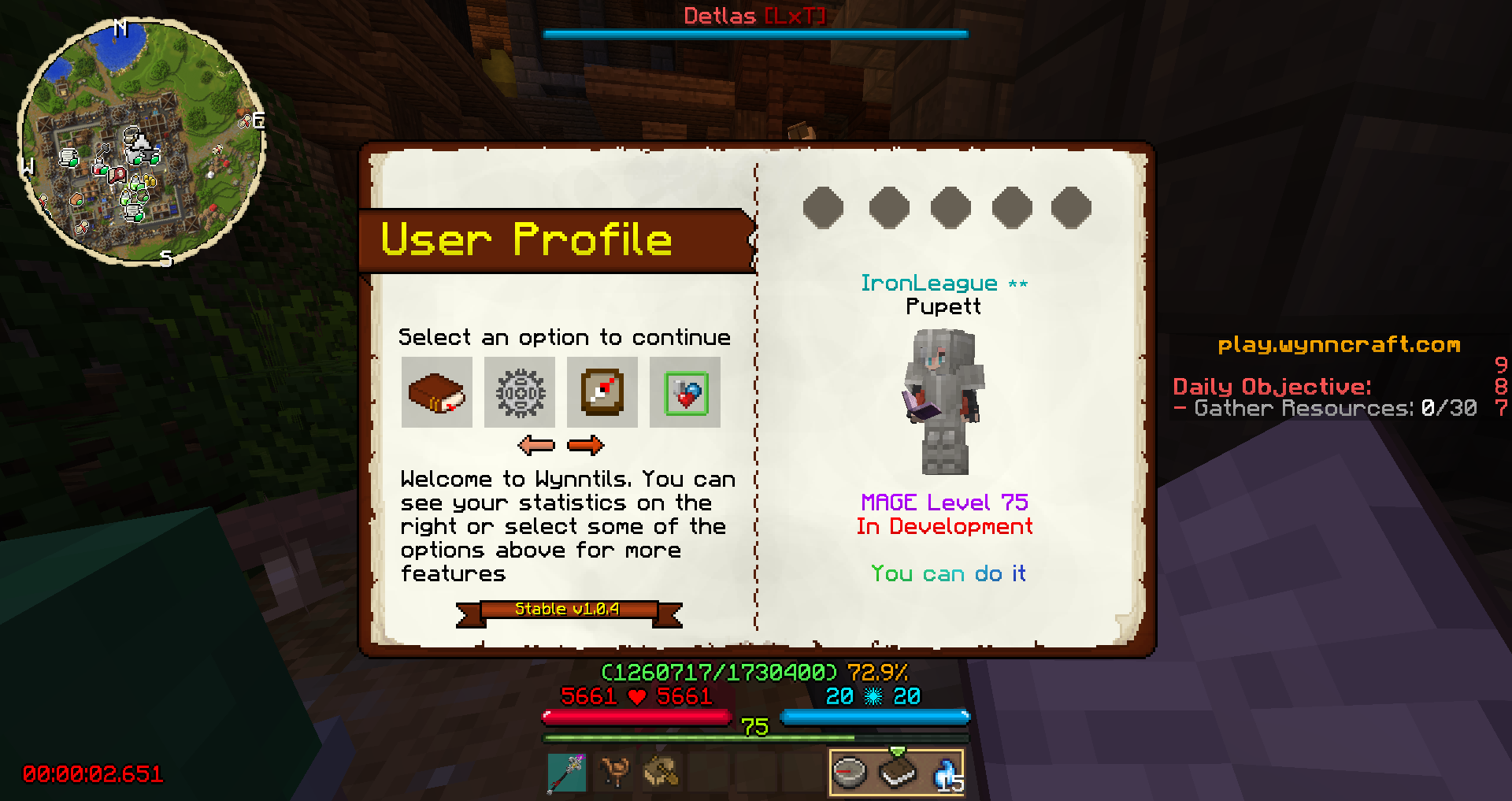
New overhauled in game map with settable waypoints, and locations pre-marked
Description

---------------------------------------------------------------------------------------------------------------------------------------------
**Disclaimer**
WynnUtils is not officially associated with the Wynncraft team in any way, and all logo/banner elements belong to them.
ALSO MAKE SURE TO INSTALL THE LATEST VERSION OF OPTIFINE TO USE THE PIXEL REALITY RESOURCE PACKS (Optifine 1.12.2 HD U F5)
OPTIFINE ALSO HELPS WITH ANY BUGGED OUT WYNNTILS HUDS**
What is WynnUtils?
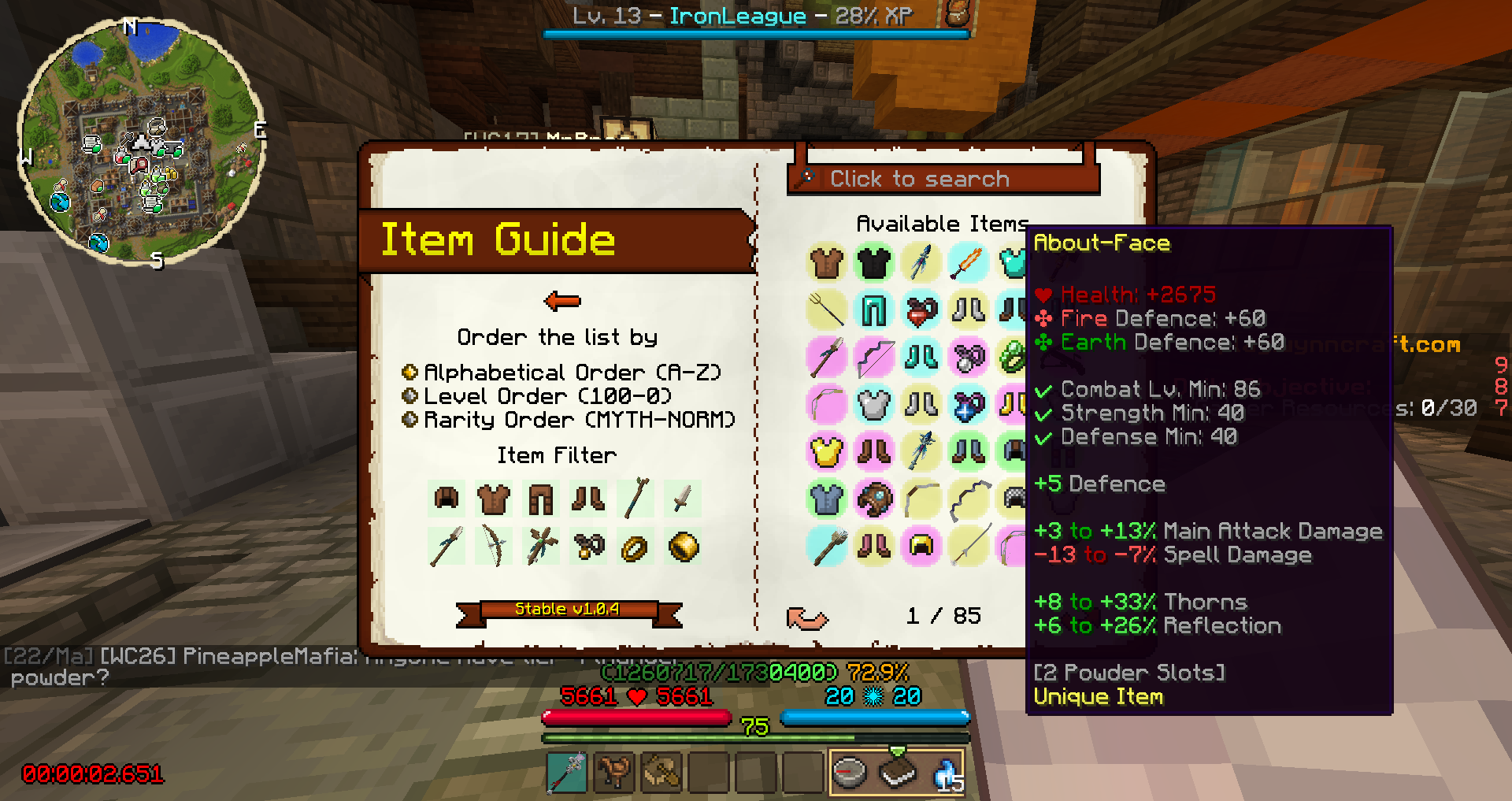
Wynn Utils is a modpack designed to enhance the player's experience when playing on the server "Wynncraft". It adds various cosmetic and utility features, such as an item search GUI, an in-game map with locations marked, and more.
We have a discord! feel free to join and chat with us, we'll be playing on the server as well.
- =Discord= -
Sorry! Discord is no longer being maintained and is heavily outdated, so the link will now be removed. If you'd like to play with us just PM us.
Features:
Multiple cosmetic enhancements to make your Wynncraft experience more lively!
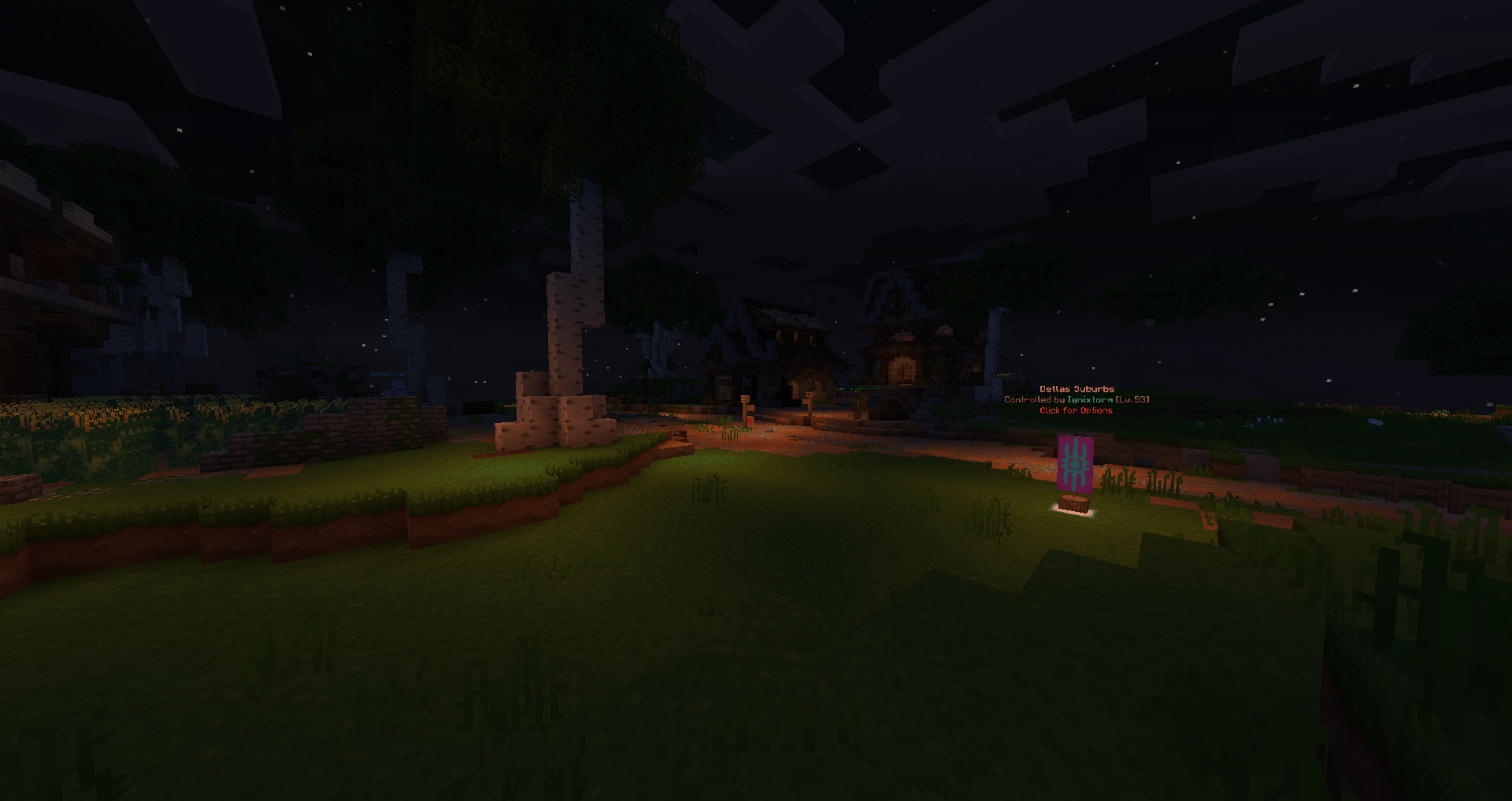
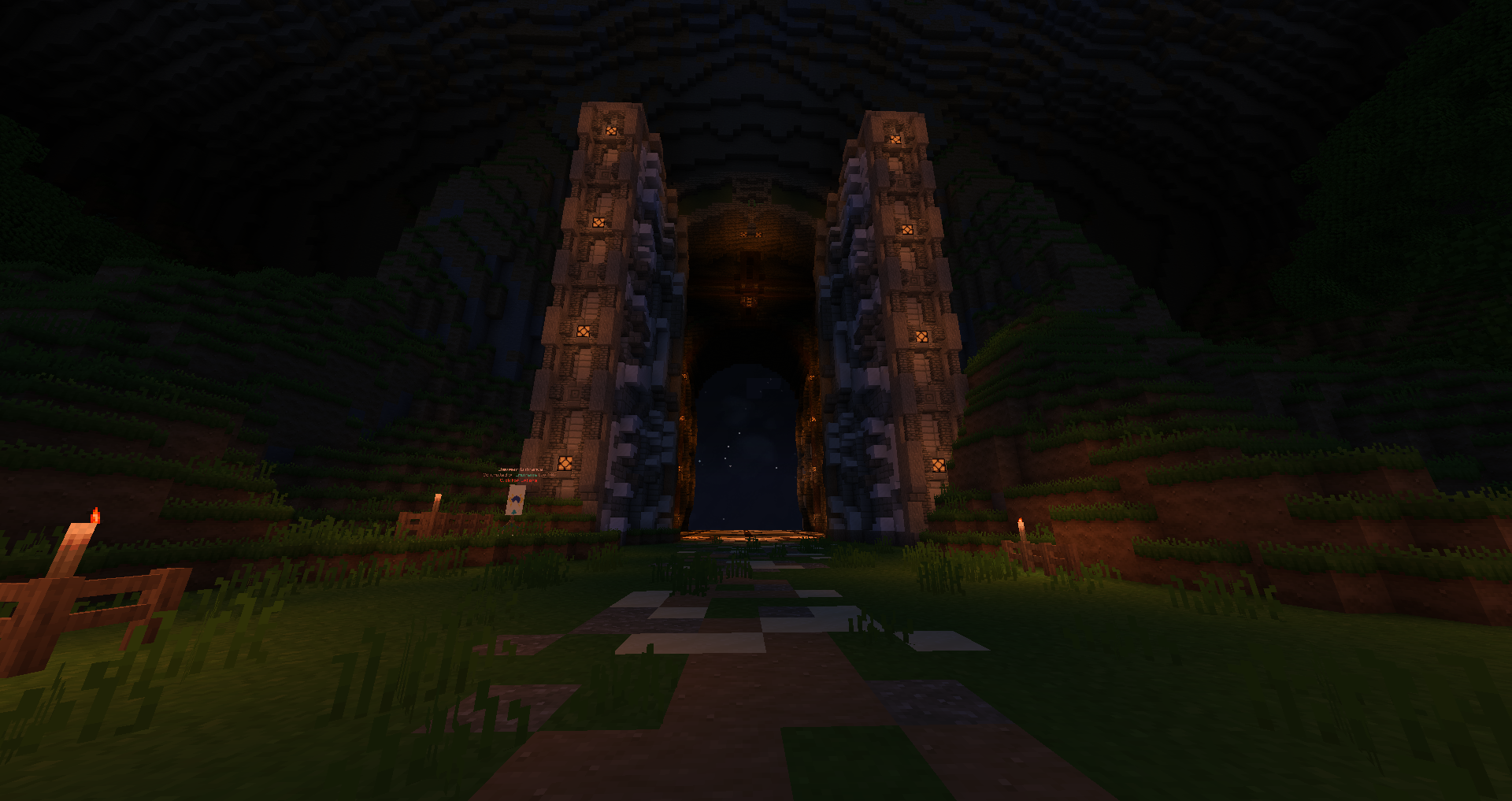
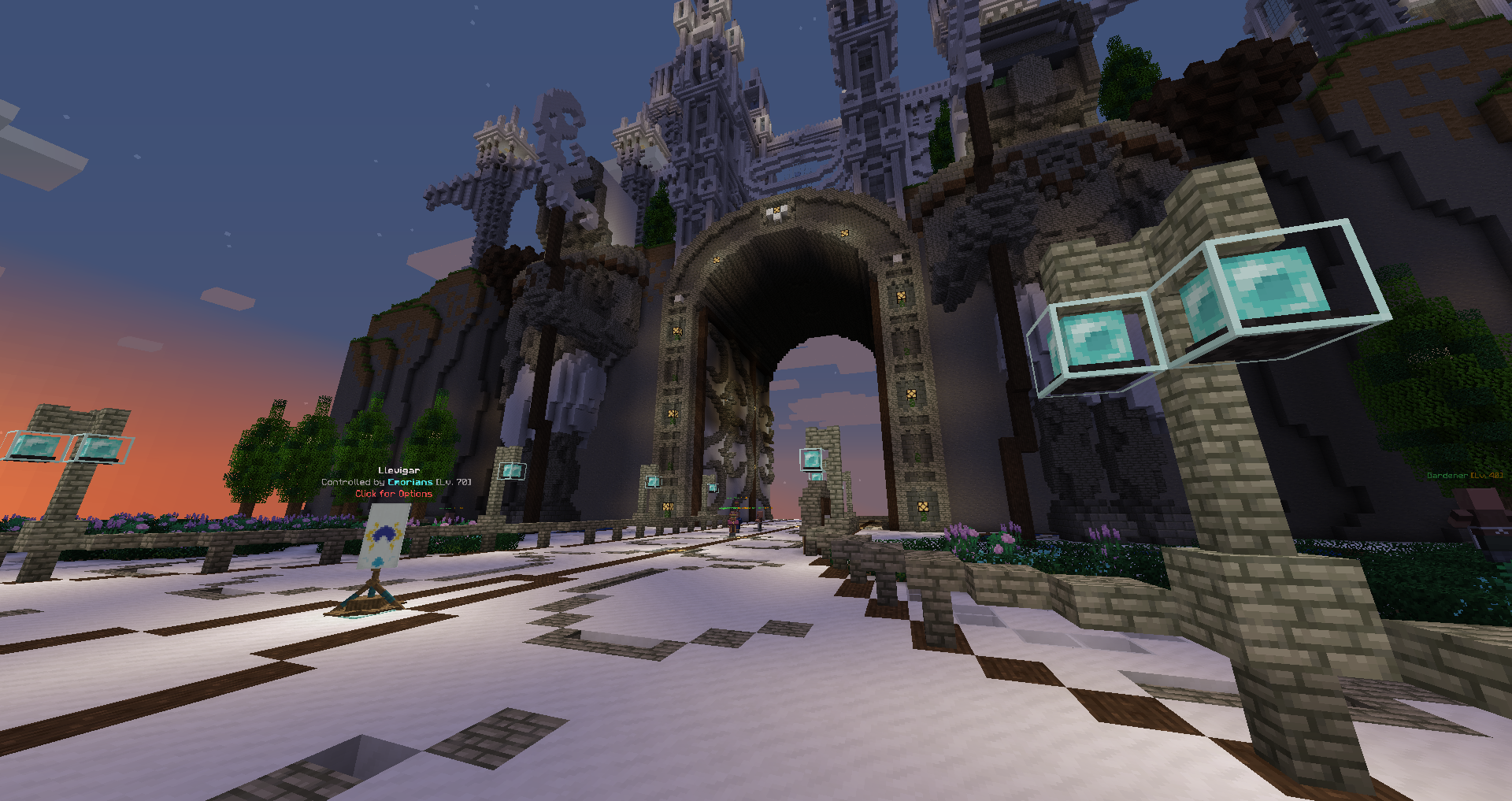
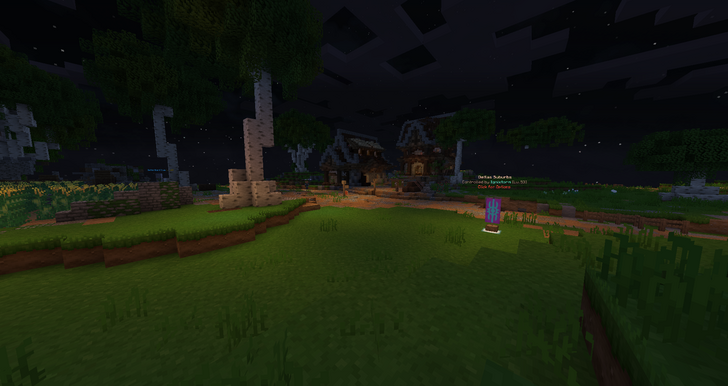
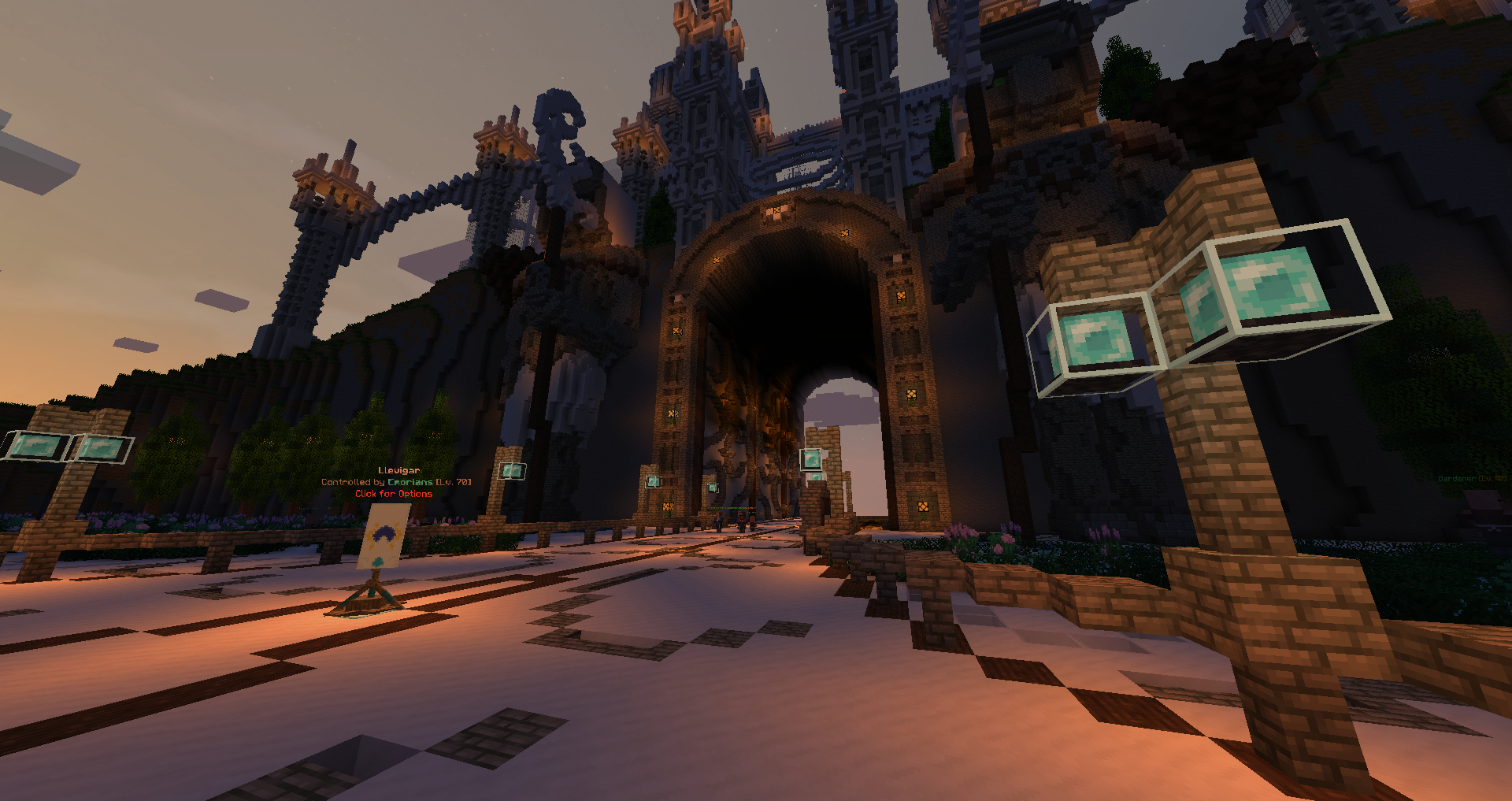
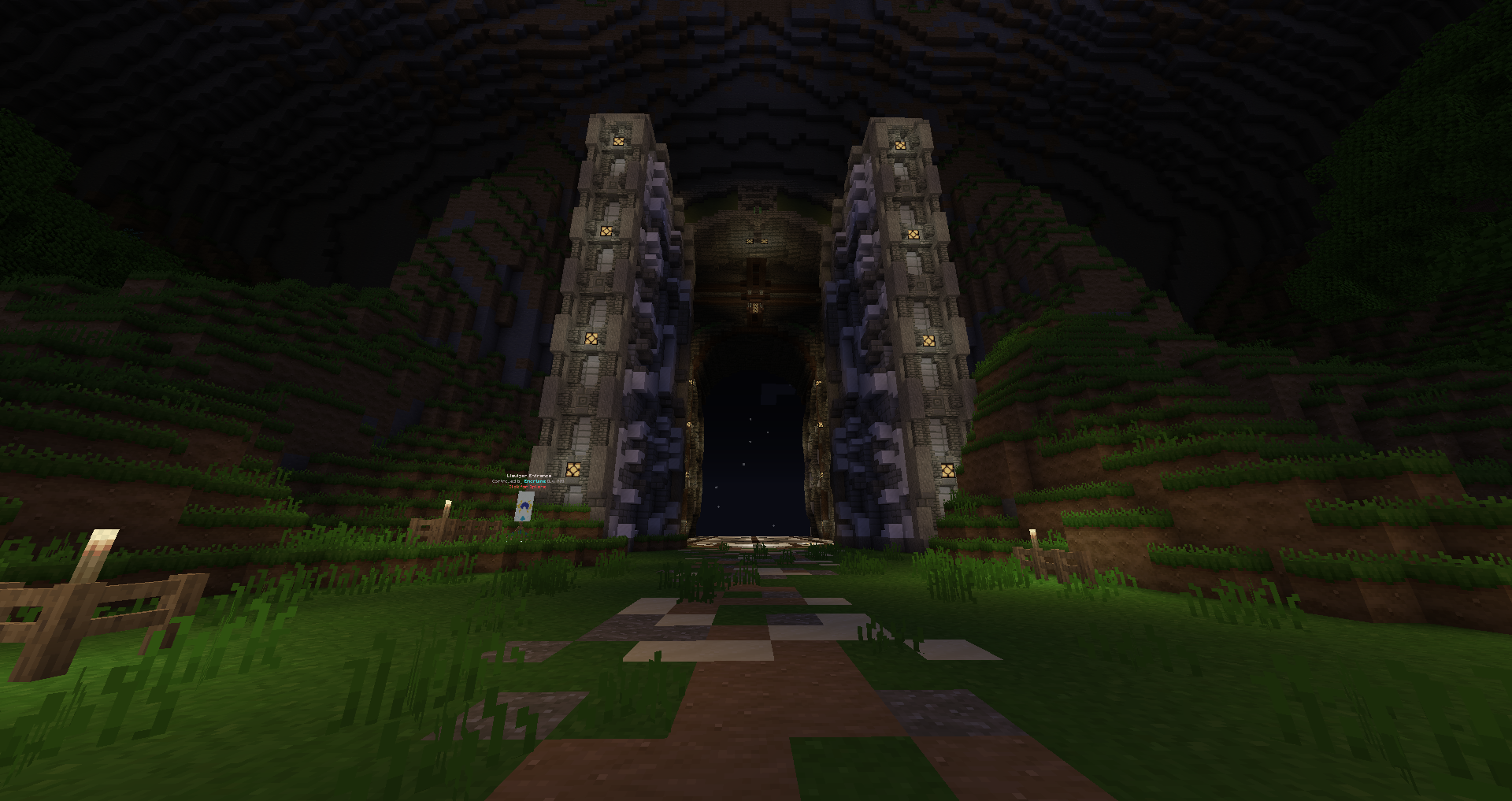
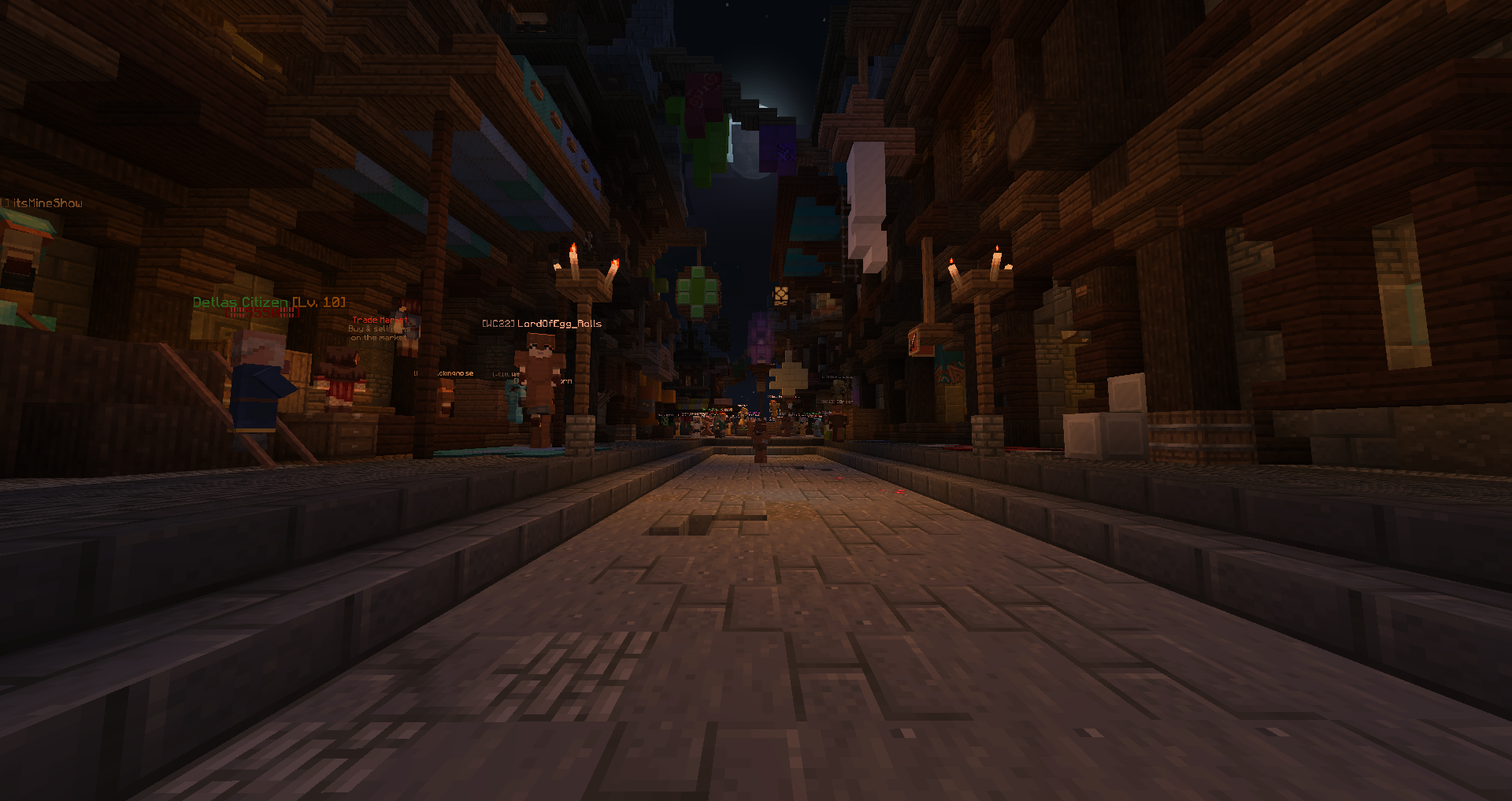
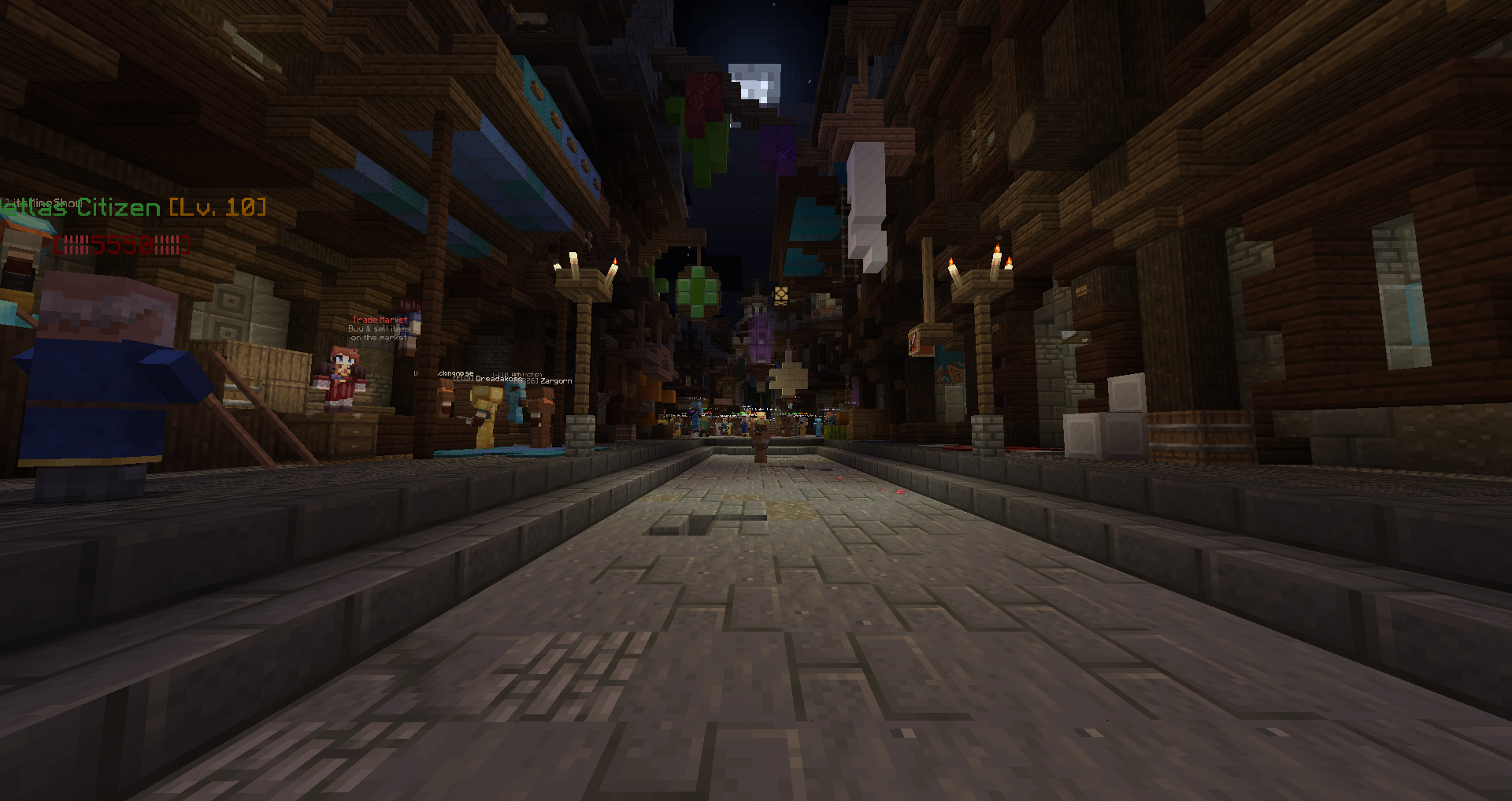
- Two Pixel-reality resource packs help change the sky and lighting into a more realistic, almost shader like experience. (without denting fps too hard)
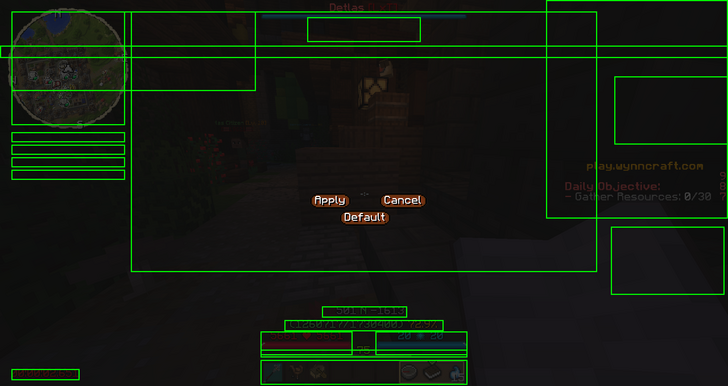
- Overhauled Wynncraft HUD, making the quest log, map, and player statistics look much more lively and flushed out.
- Nicer looking tab list
- HUD is fully customizable as well! Feel free to move everything to wherever you like it best
Utilities!
- New in-game search bar to find Wynncraft items while playing, no more looking them all up on a browser.
- Info on where you are, along with coordinates as well as an in game map with all locations pre-marked so you no longer have to open up the map in your browser (:
- Numerical EXP GUI.
- Minimap that displays your friend's locations
- Many more customizable features.


FPS Improvements
- With Betterfps, and foam fix, you'll be able to play Wynn with average if not decent FPS
Notes:
- It is best to run this mod pack with at least 3.0 gigabytes of RAM.
- If FPS is important, disable the extra resource packs and better foliage before running the pack.
- Pixel Reality - Luminance's effects will be negated when using brightness at max, it is recommended to play on 50% brightness or below.
Installation Instructions
- First, download the twitch desktop client. make an account or log in to twitch
- Go to the "mods" tab
- click "minecraft" and install if necessary
- click "browse modpacks"
- search for "wynnutils"
- click "install"
- DONE
- Optionally, you can install optifine by downloading it with the link above, and then clicking the gear option on the top right of the modpack profile. clicking "open folder" and dragging optifine into "mods"
Mods:
BetterFPS
Custom Main Menu
Foam Fix for Minecraft
Resource Loader
Wynntils
Wynnforge
Resource Packs:
Pixel Reality - Luminance
Pixel Reality - Atmosphere

WynnUtils Team