


Ingame screenshot of the computer case, parts, ordering tablet and monitors.

Where the vmcomputers folder is located and where you put ISOs.

Step 2 - Image Shows The Default Location Virtual Box Is Stored On Windows, May Differ For Mac & Linux
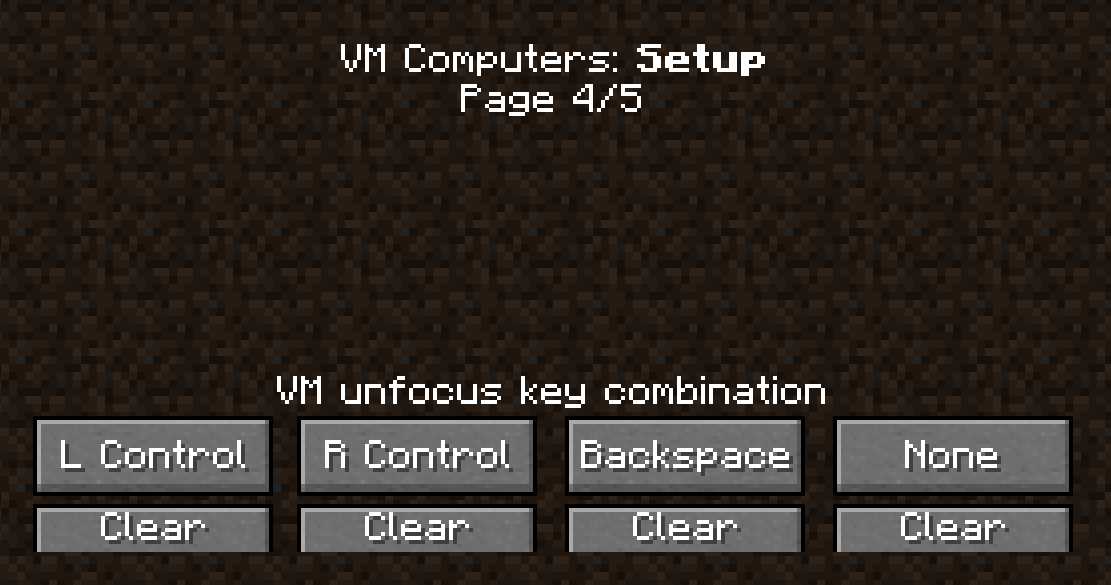
Default Keybinds to use to exit using a Computer in-game. To access the computer in game just right click.
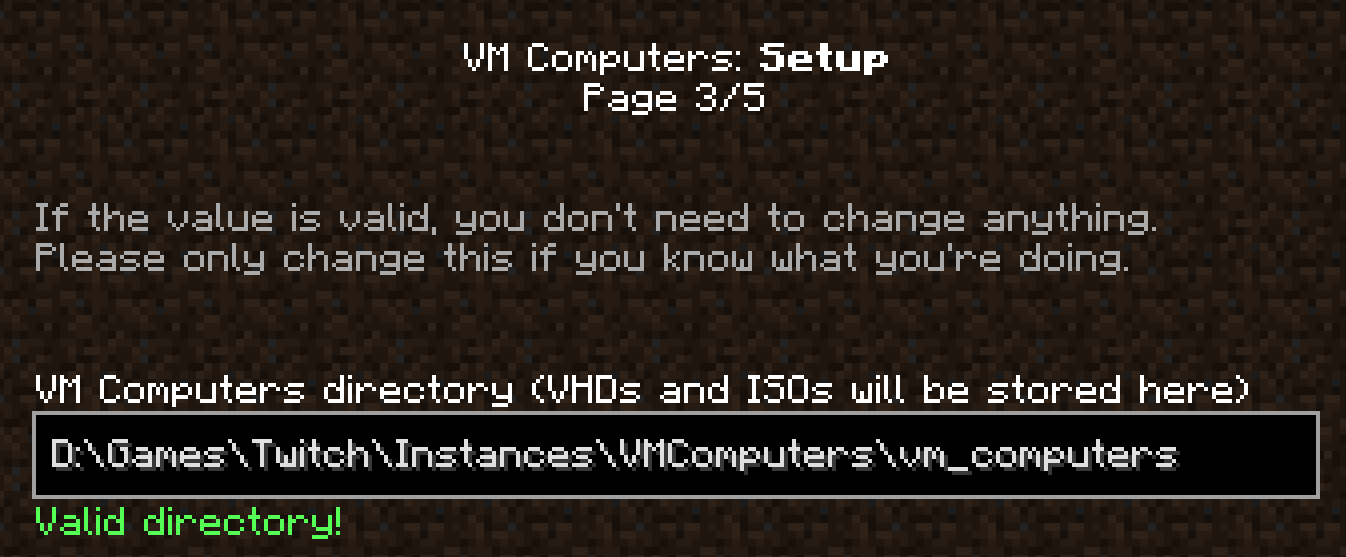
My Default Location for the VM Computers stored contents (ISOs and VHDs). Your may auto fill in for you, but if not just look for where that folder is via the resource packs menu, .minecraft then the 'vmcomputers' folder and copy the location link.
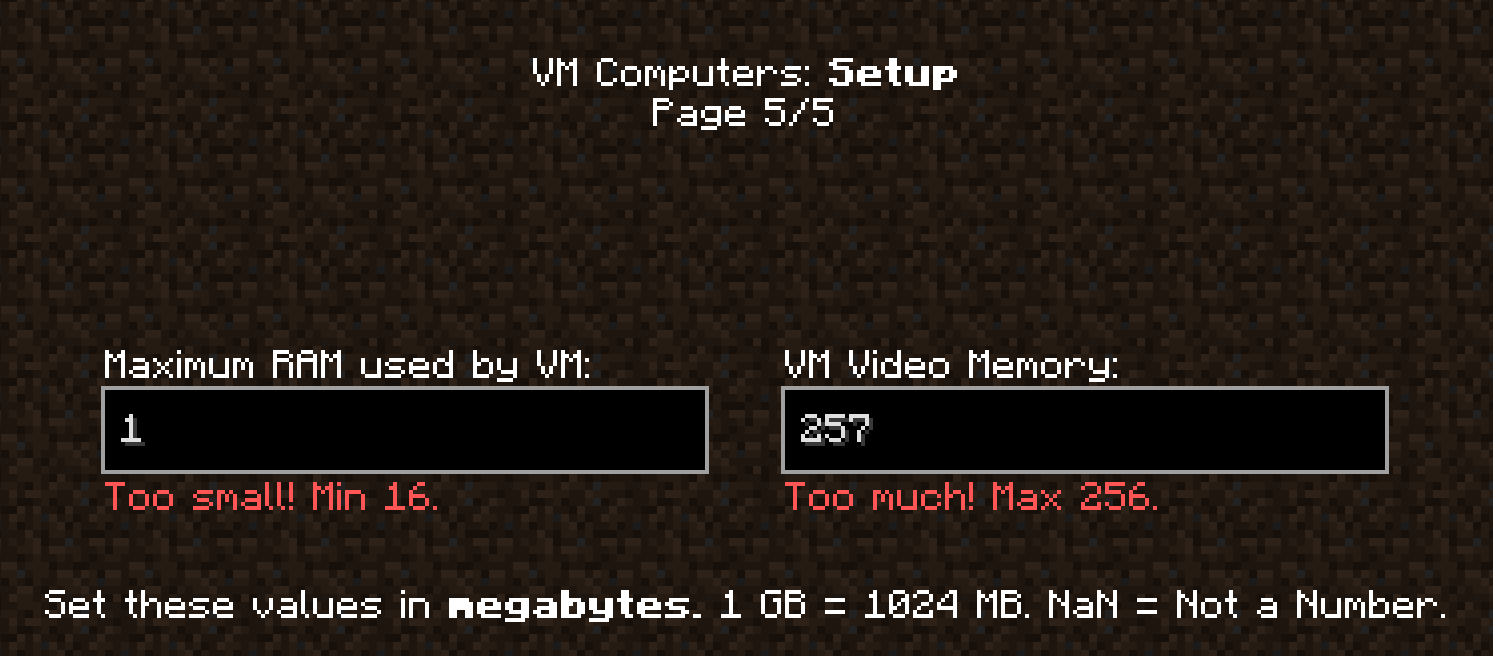
Minimum and Max RAM errors. As low as 16 can be set on the left, change this to ANYTHING but your actual RAM amount, half should do, but 256 is the max on the right.