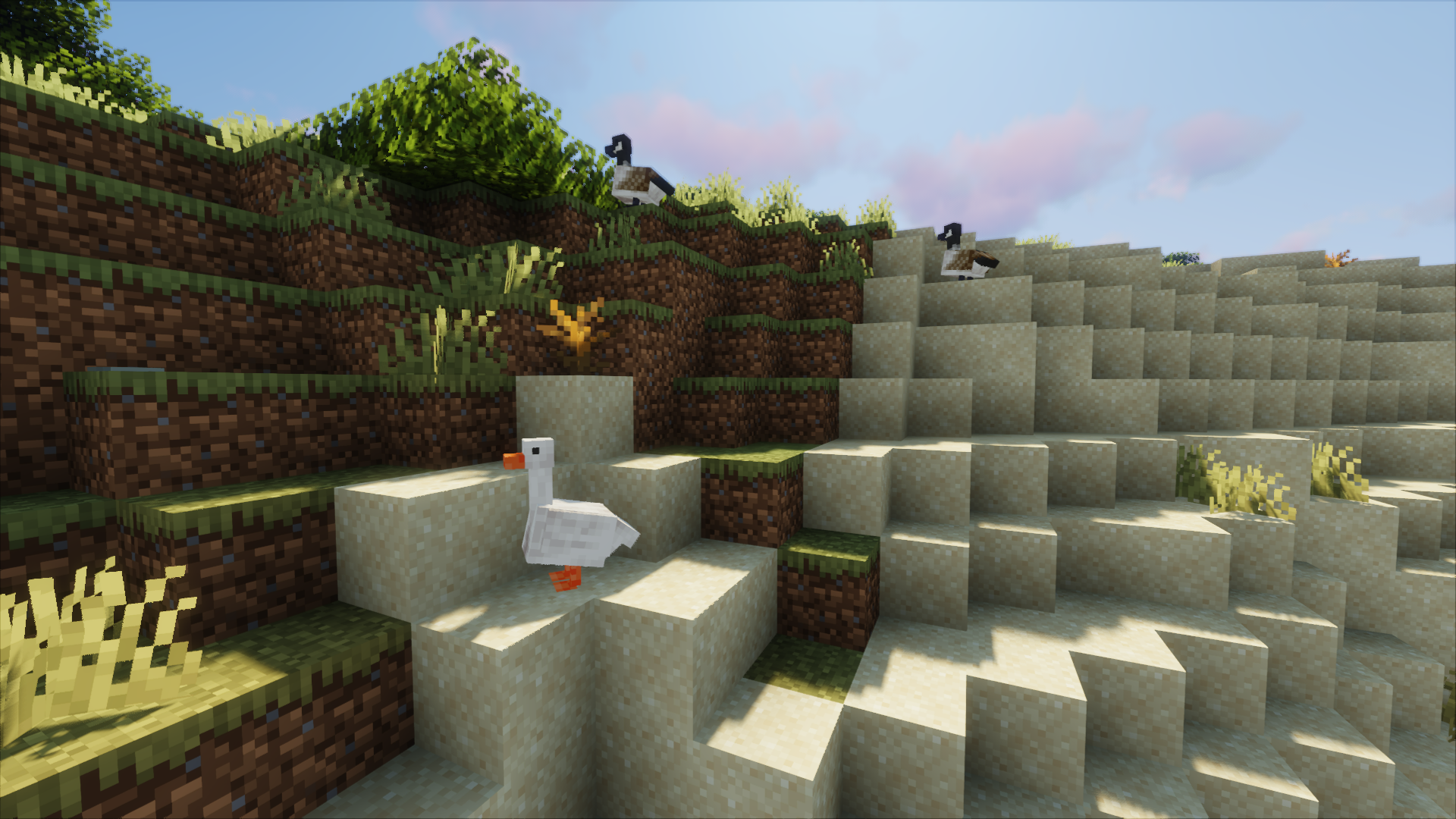
There are more animals like ducks, gooses, mooses, seals, cockatails and many more.
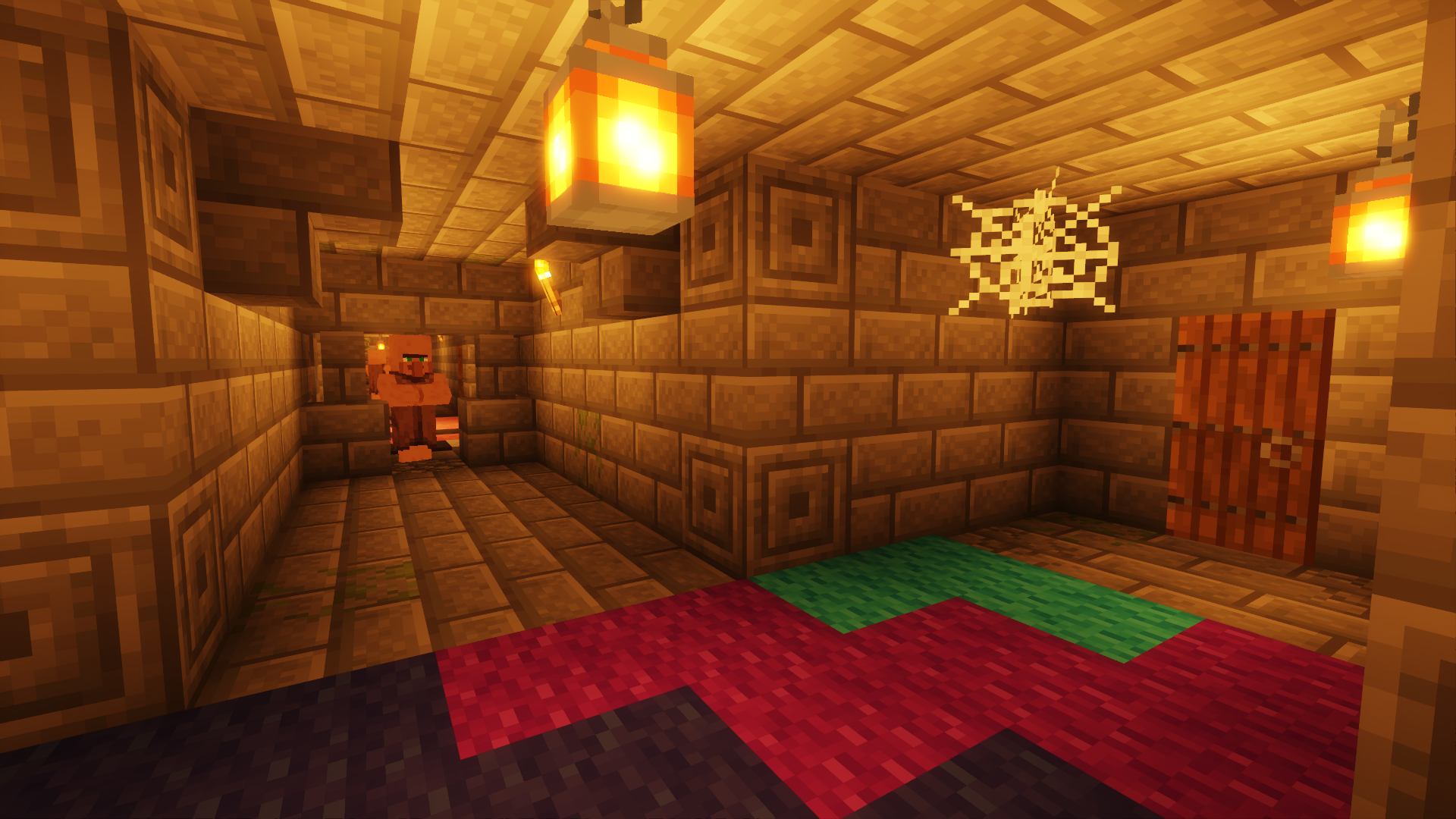
Many different looking villages and even underground villages.
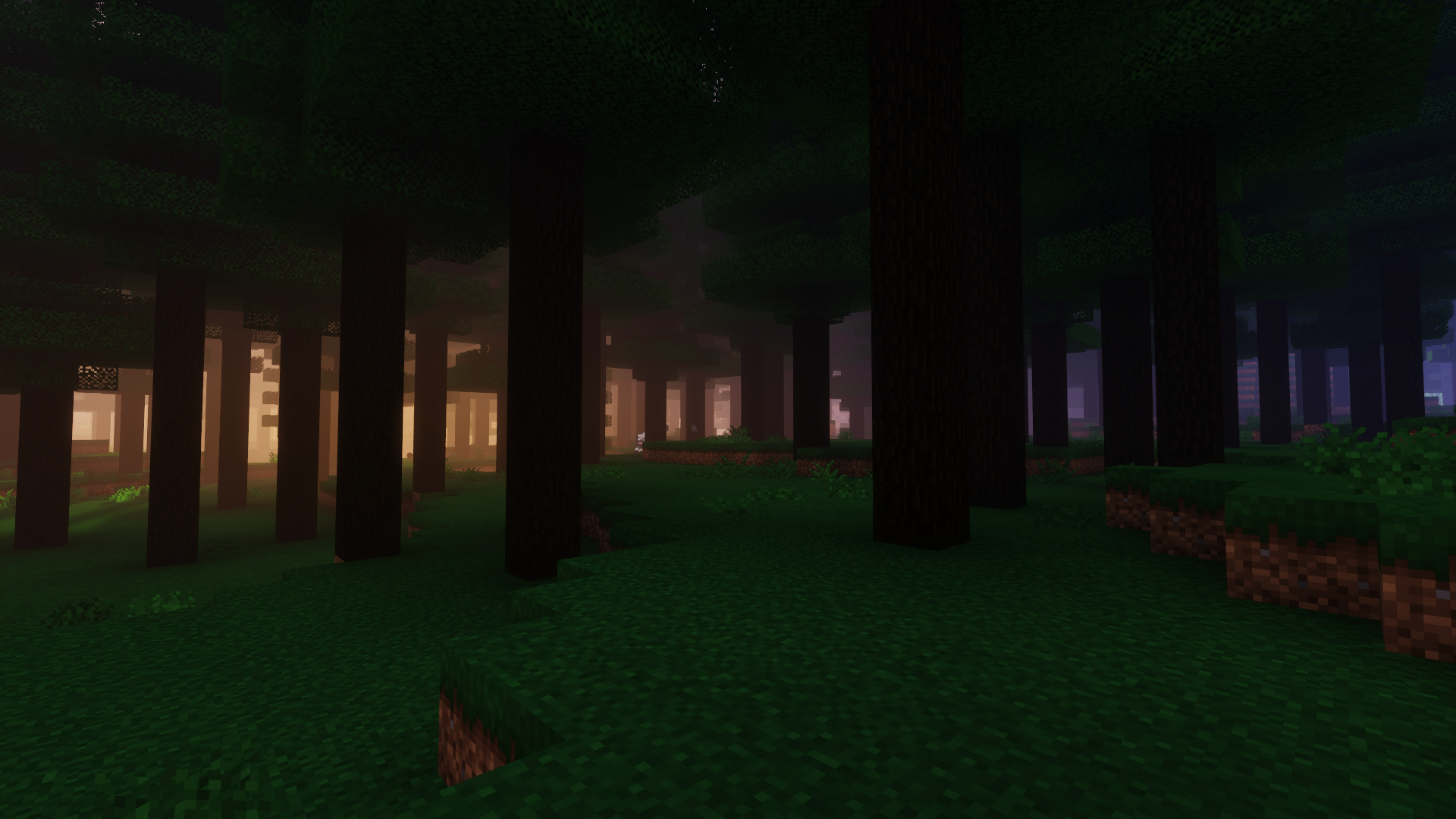
New Ambient sounds and looks.
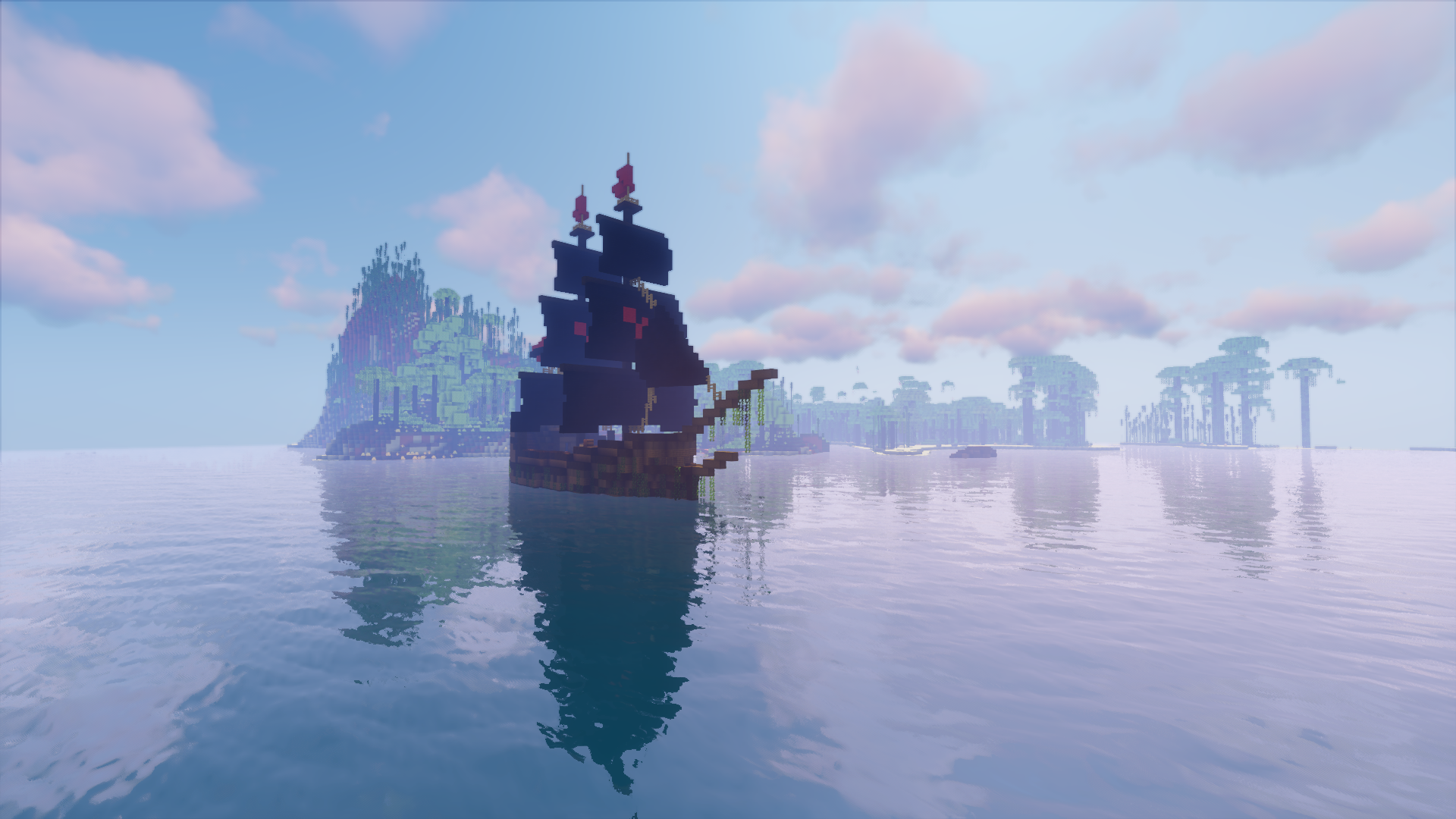
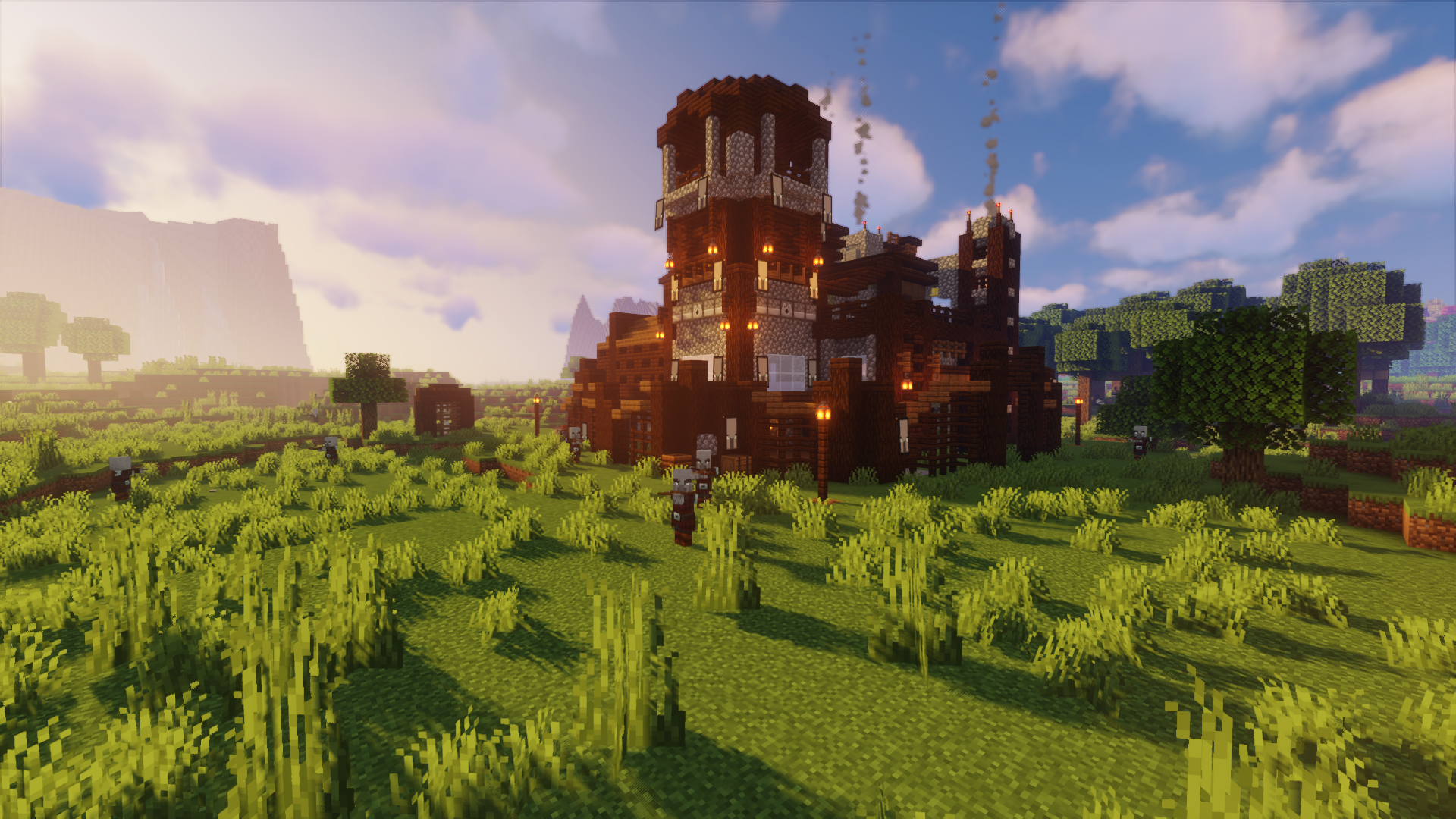
More dangerous places.
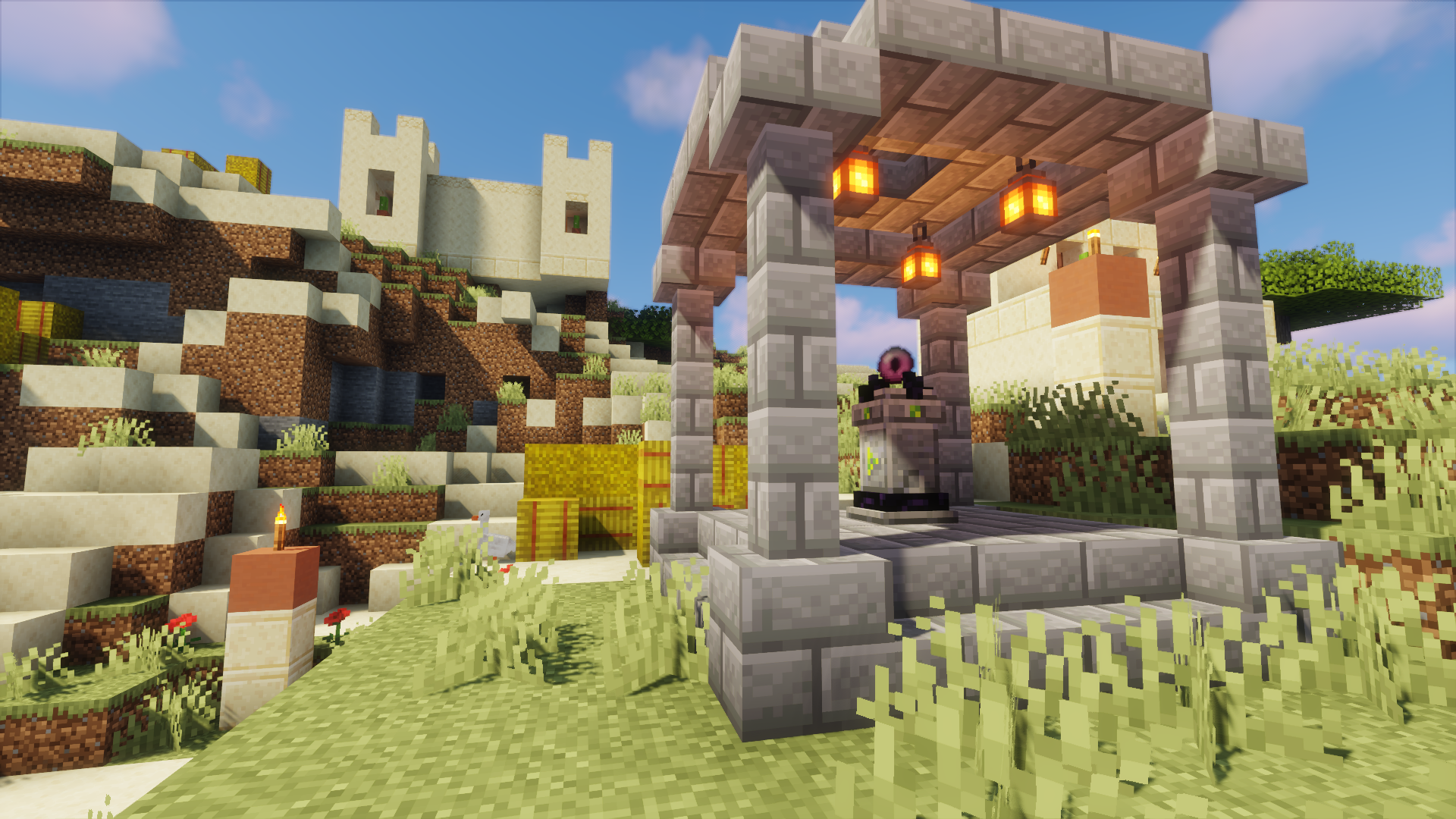
There are waystones scattered around the world, which let you teleport between them.

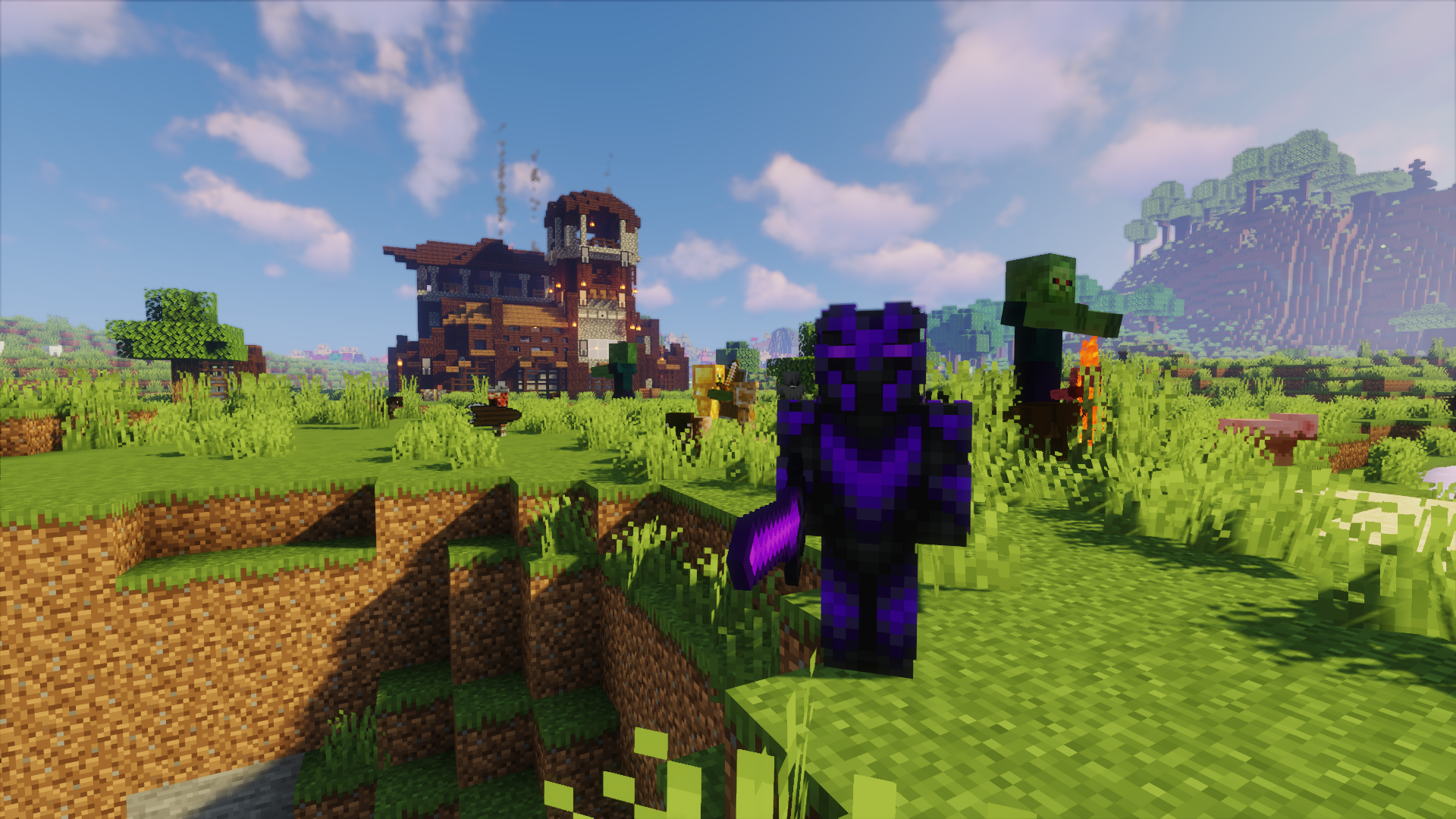
There are a lot of dangerous monsters that await you on your journeys, so keep save!
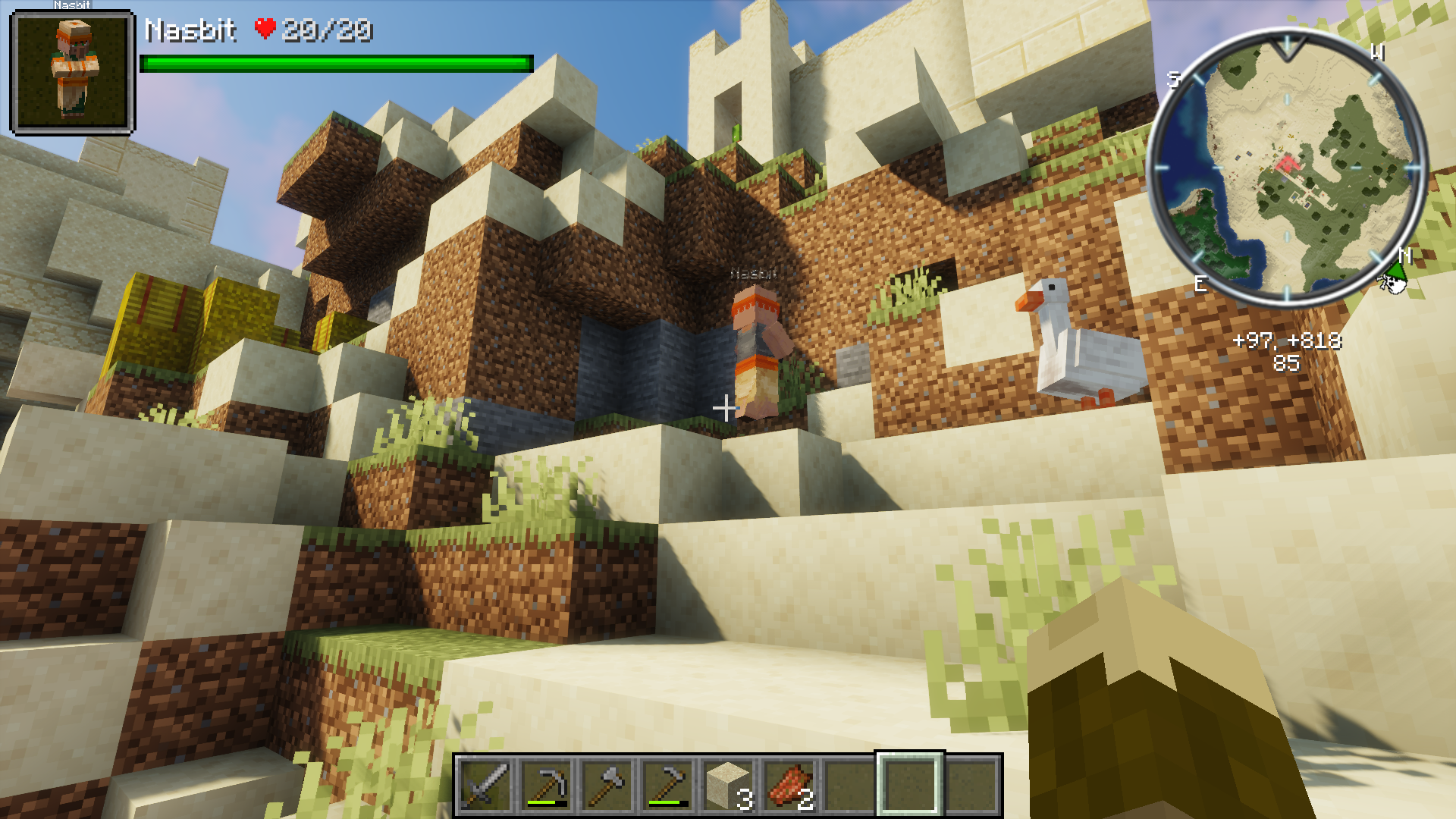
A minimap, health overlay and even more HUD improvements.
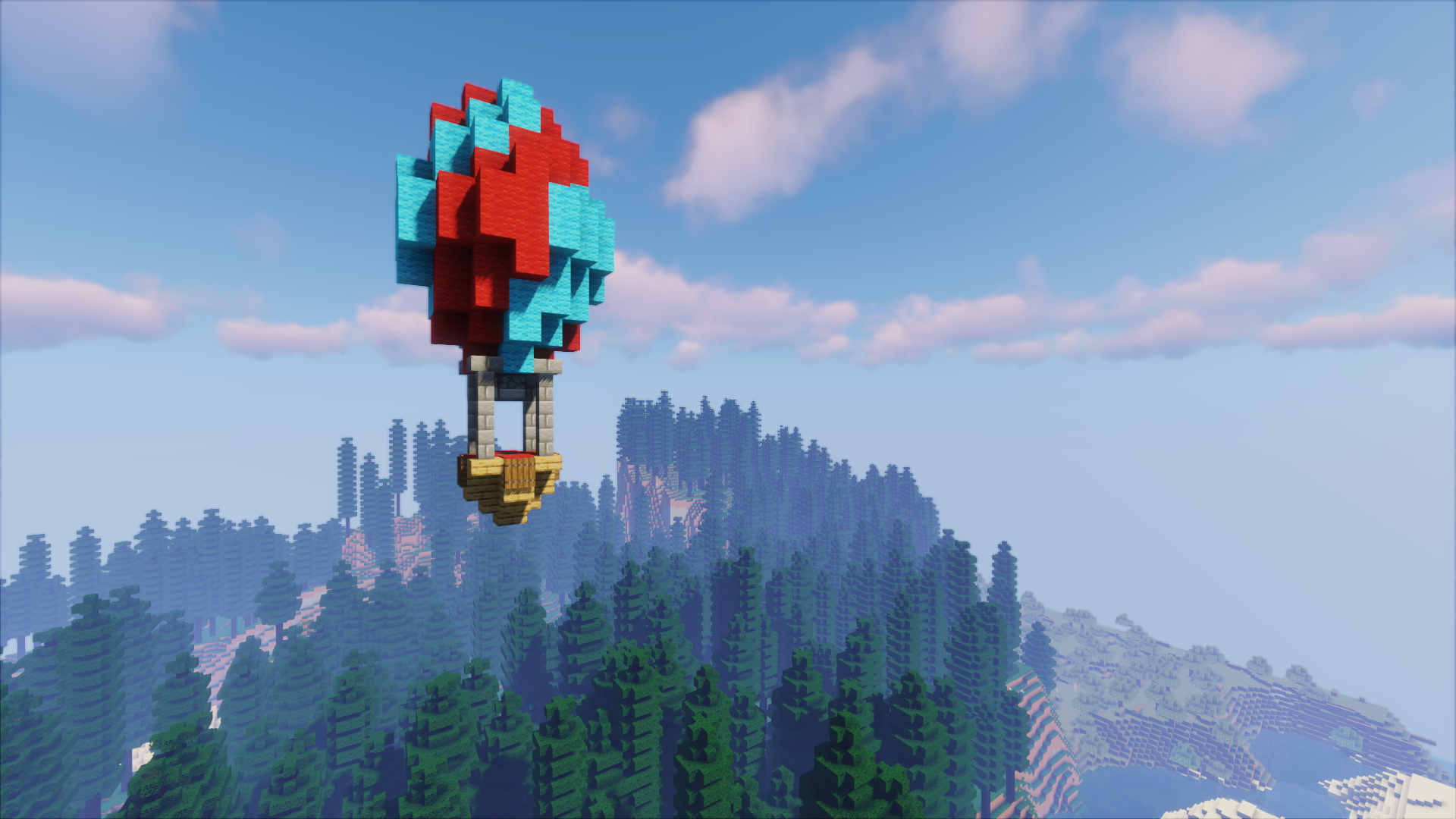
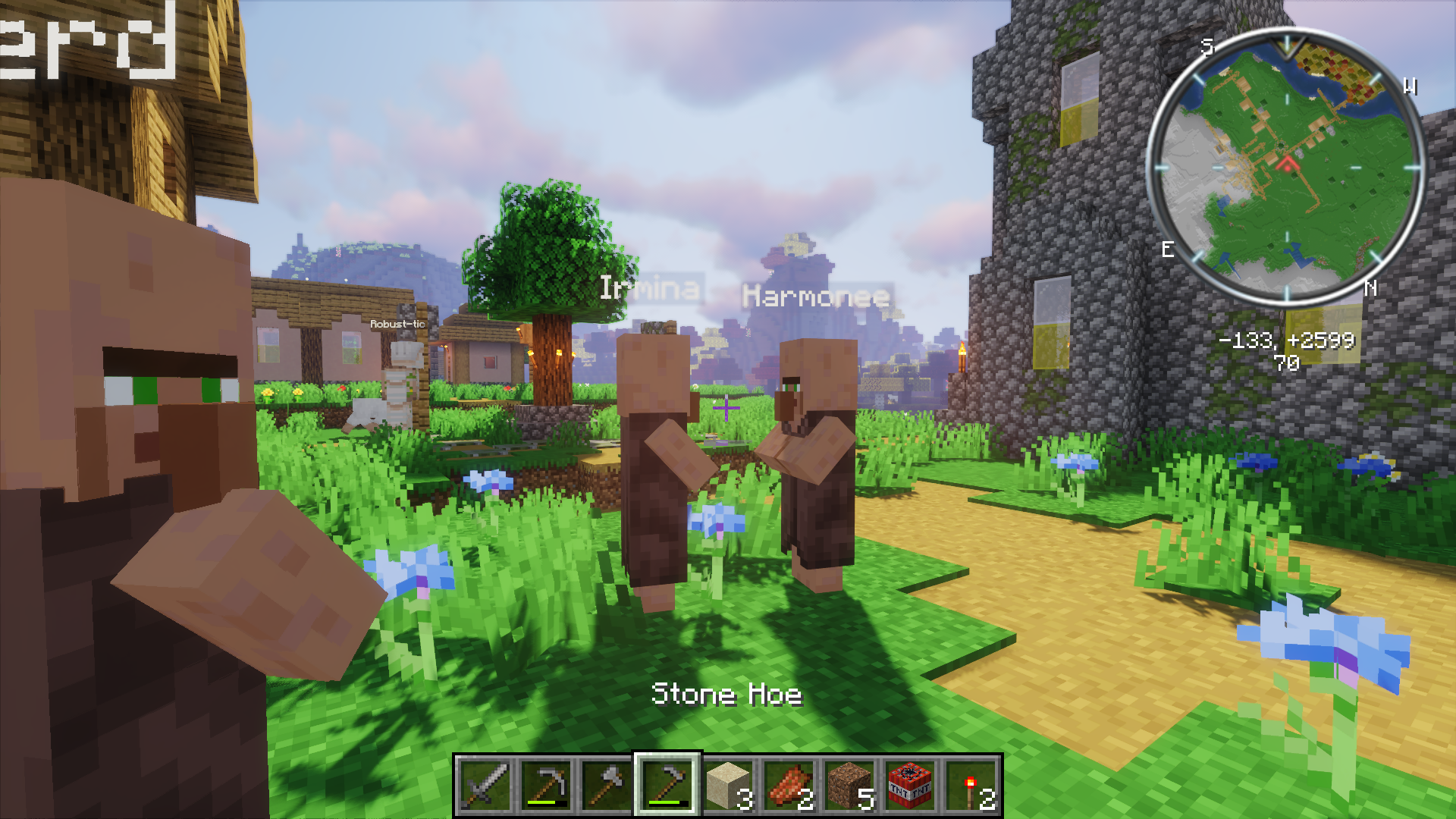
Villagers can talk, have names and there are two new villager professions.
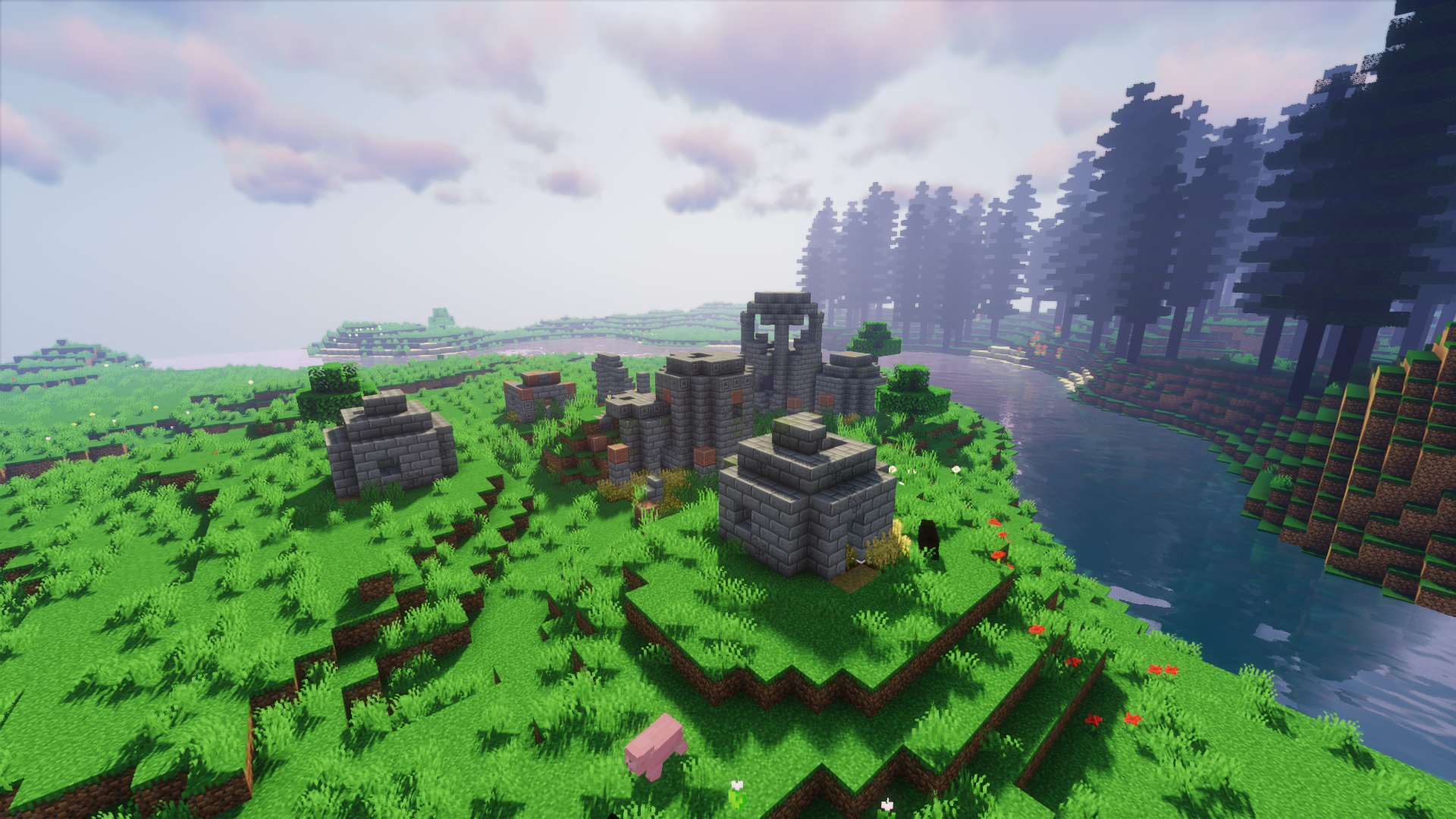
You can find many new structures on your journeys.
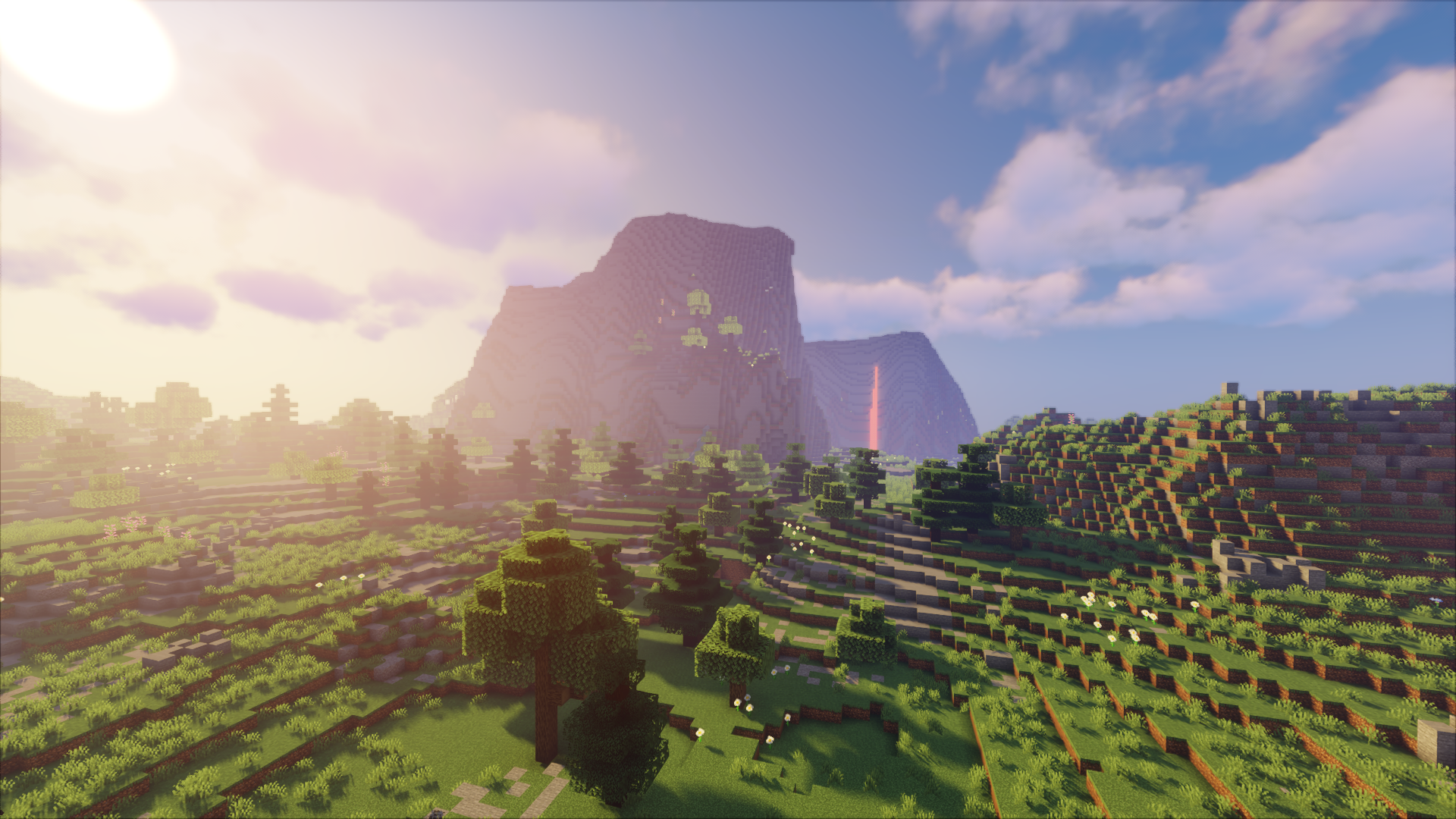
New world generation algorithms make truly beautiful landscapes.
Description
A collection of the best Fabric mods working perfectly together. This modpack improves the vanilla Minecraft experience, while trying to stay simple and not too overwhelming.
There are improvements for exploration, farming, building, crafting, visuals, gameplay and many more.
These things are waiting for you:
- new biomes to explore
- new structures
- new building blocks
- new mobs
- new monsters
- improved world generation
- improved visuals
- improved performance
Visuals
Default Resource Pack: Stay True
Default Shaderpack: Sildurs Vibrant Shaders v1.29 High
Default Controls
- "m": Map Options
- "n": New waypoint
- "y": Change minimap zoom
- "#": Notes (key next to enter key)
- "mouse4": Zoom
- "scroll" (in inventory): transfer items
- "ctrl" + "scroll" (in inventory) transfer item stacks
Installation
CurseForge Application
- Download and Install the CurseForge App.
- Launch it and click on "Browse Modpacks".
- Search for "TeaJay Ultimate".
- Click on Install.
MultiMC
- Go to the files page and click on the version you want to download.
- Click on Download.
- Download and Install MultiMC.
- Login to your Minecraft Account.
- Launch MultiMC and click on add instance.
- Click on "Import from ZIP" and select the mod pack file you downloaded. (7.) If there is an error regarding the Fabric Loader version, click on "Edit Instance" > "Version" > "Install Fabric" and select the newest loader version.
Questions on how to install the mod pack or looking for a server to play on? Join my Discord!
The TeaJay Ultimate Team


Owner