

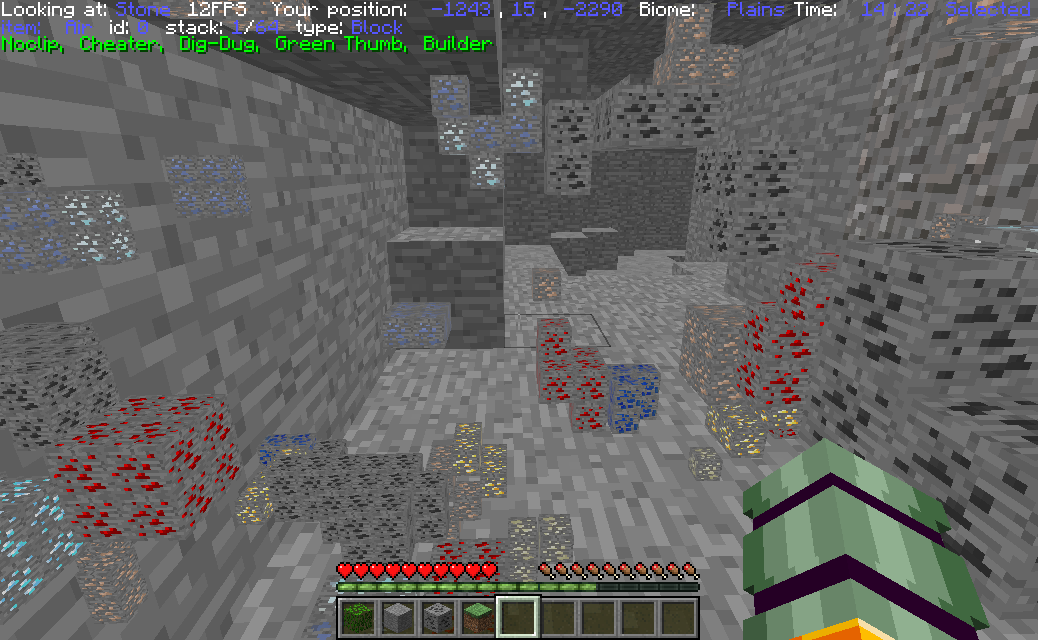
Pressing (default "o") will show all blocks with names containing "ore". The range can be customized horizontally and vertically. The number of displayed ores can also be adjusted
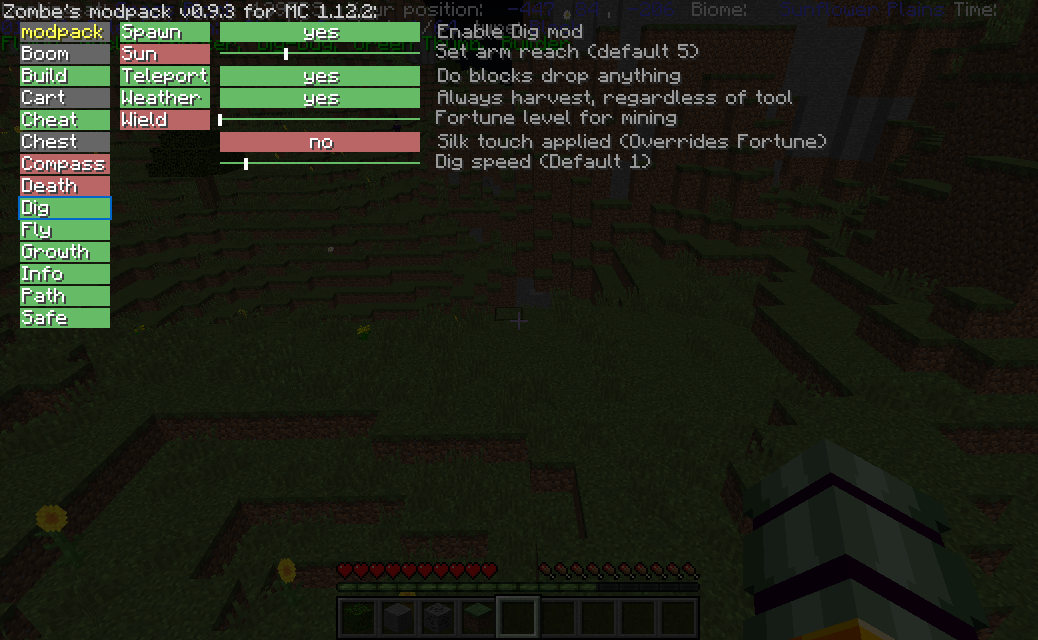
Green mods are currently active, red are inactive and gray are nun-functional
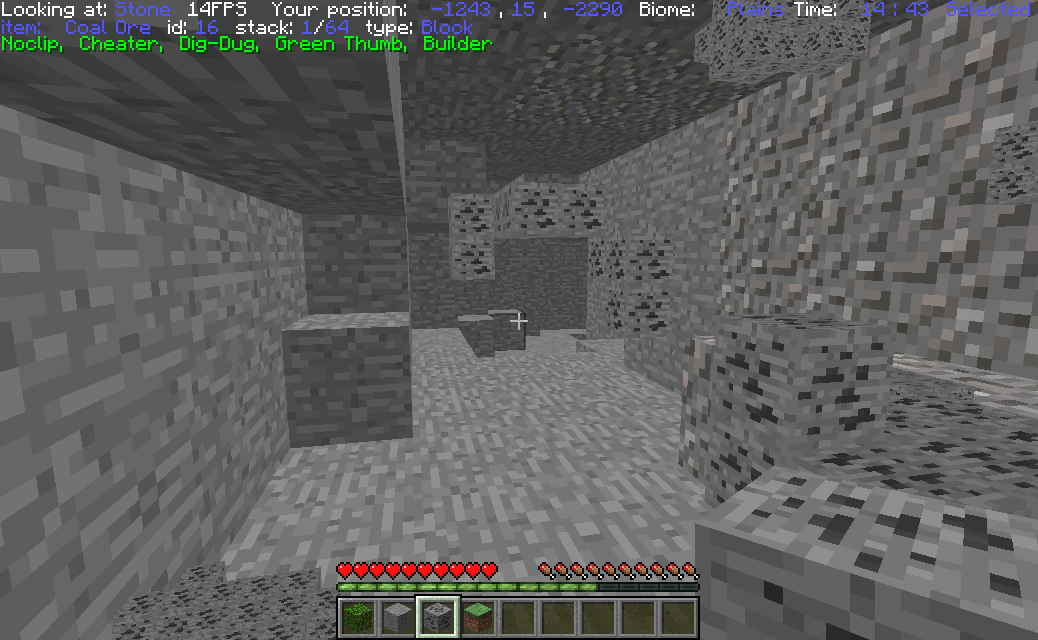
Pressing (default "Home") with a block in your main hand will filter what blocks are highlighted. An empty hand will reset the filter to blocks containing the name "ore"
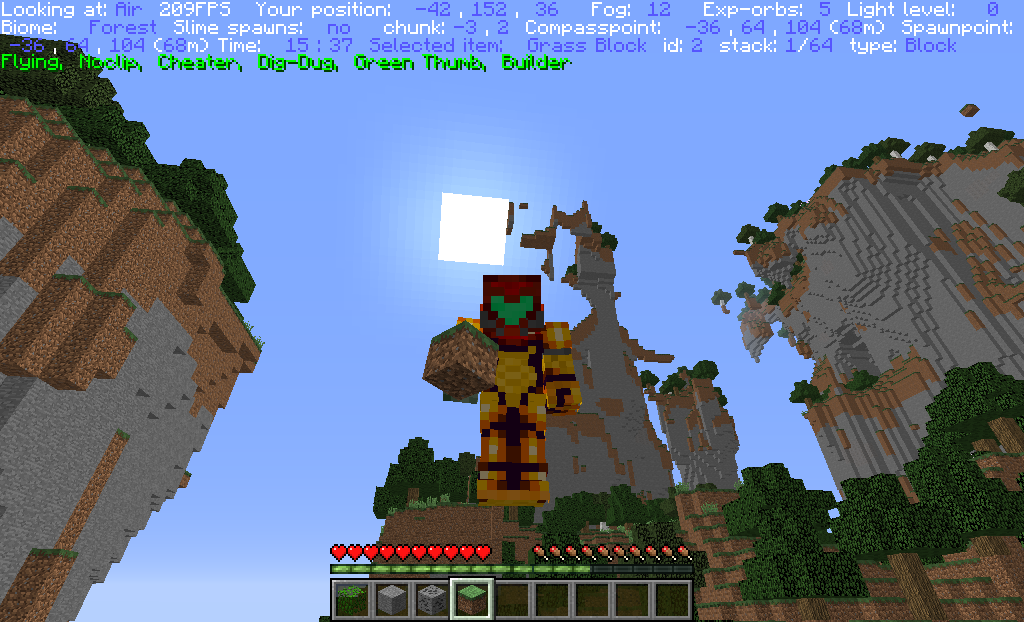
Pressing (default "f12") will show info such as player position, held item, etc. The green text are tags. they display what mods are currently in use. Only info that is toggled will show
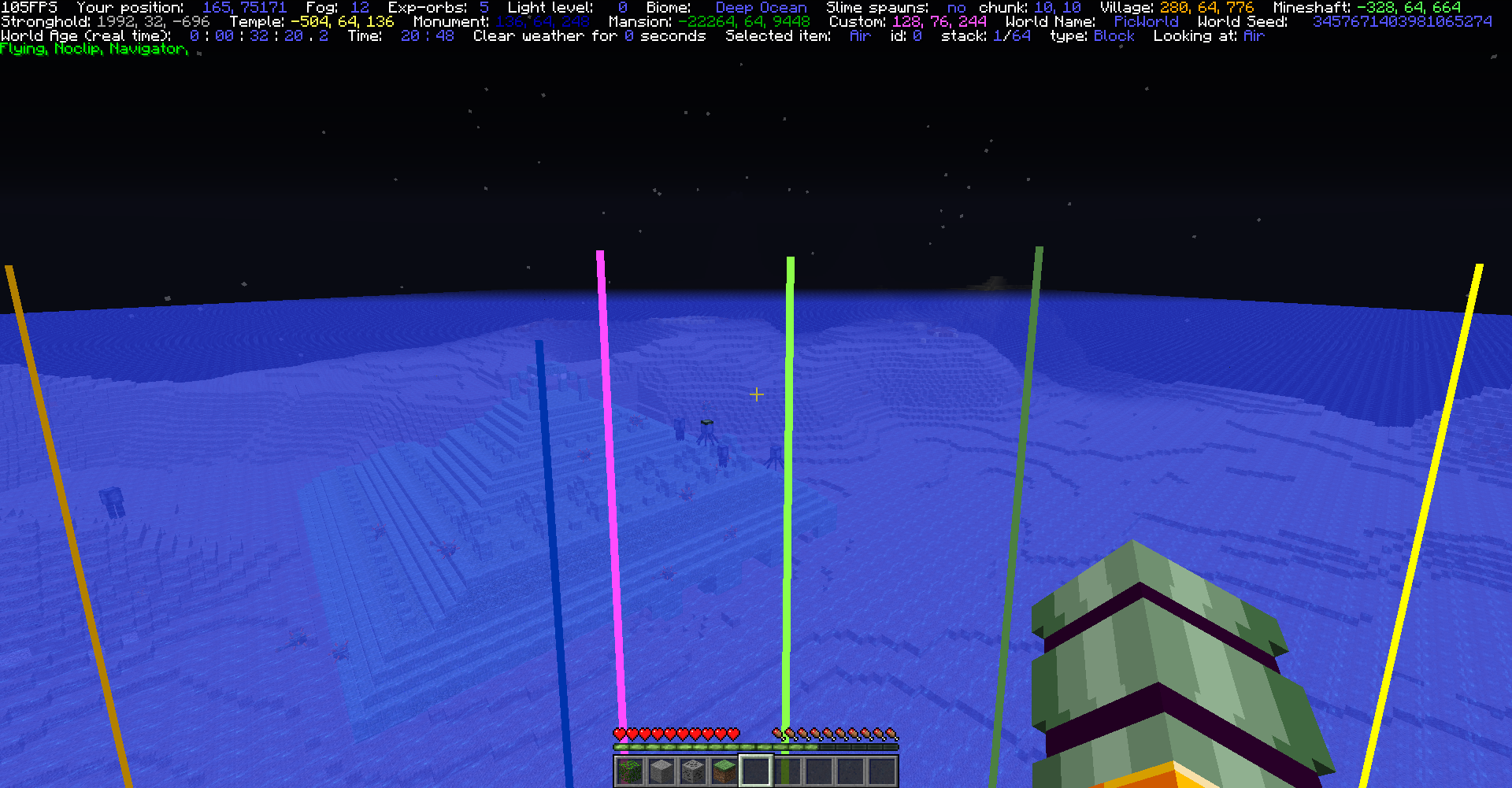
Lines are drawn in world from the player to each selected structure. They are color coated by type: Temple/witch,forest=yellow, monument=blue, stronghold=grey, village=orange, mansion=dark green, etc. (also color coated in info)
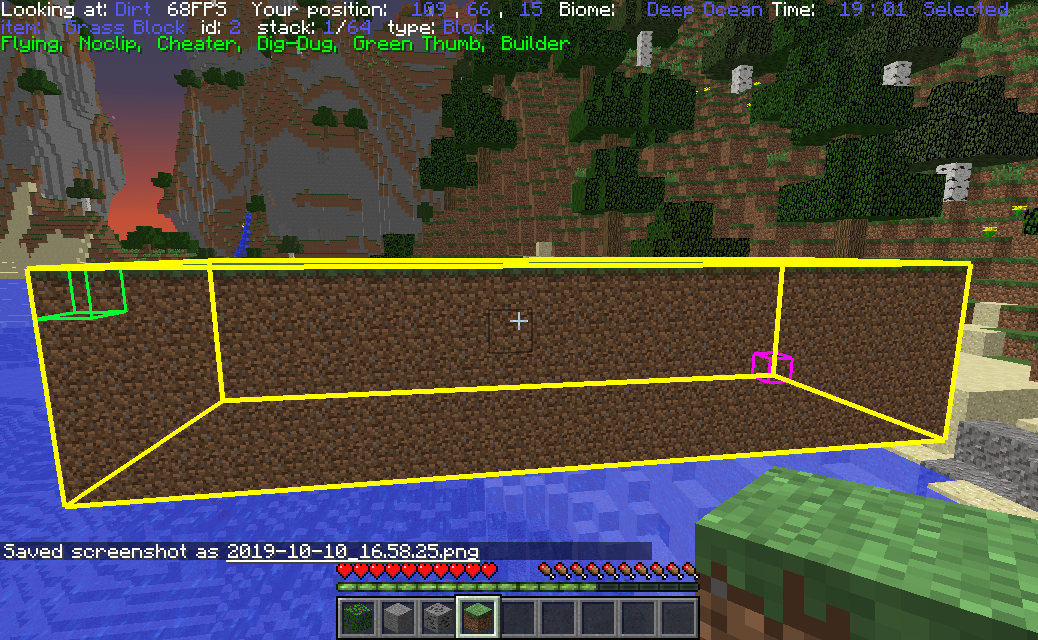
Filling(default "insert") will only fill air spaces with the block you are holding unless (default "shift") is held. Blocks are not currently used, but a toggle will be implemented in the future
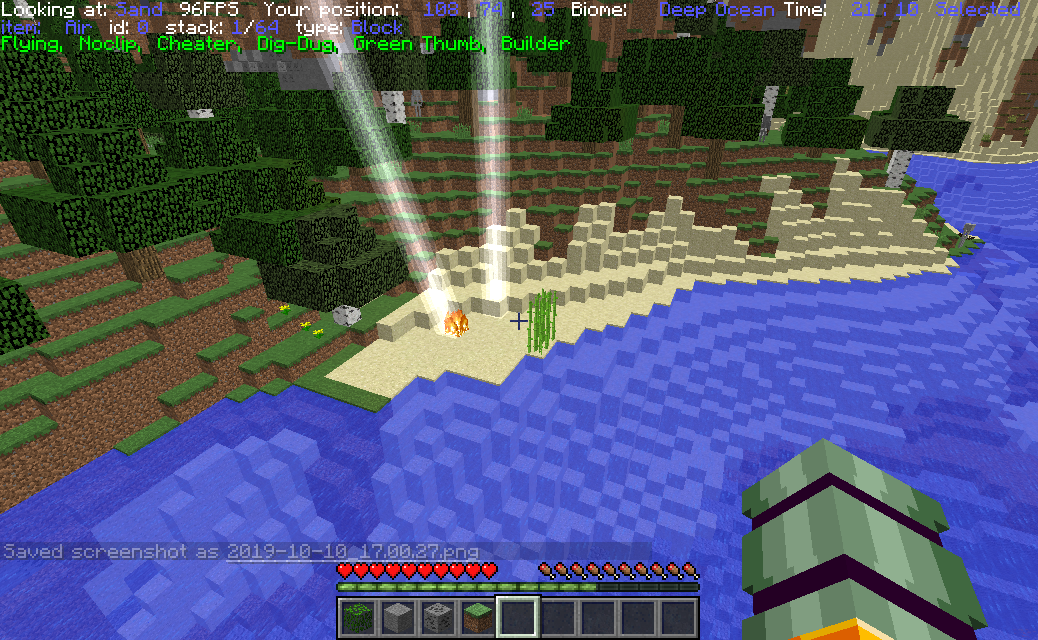
Smite your enemies (default "u"), control when it rains or storms. Lock the weather to your desires.
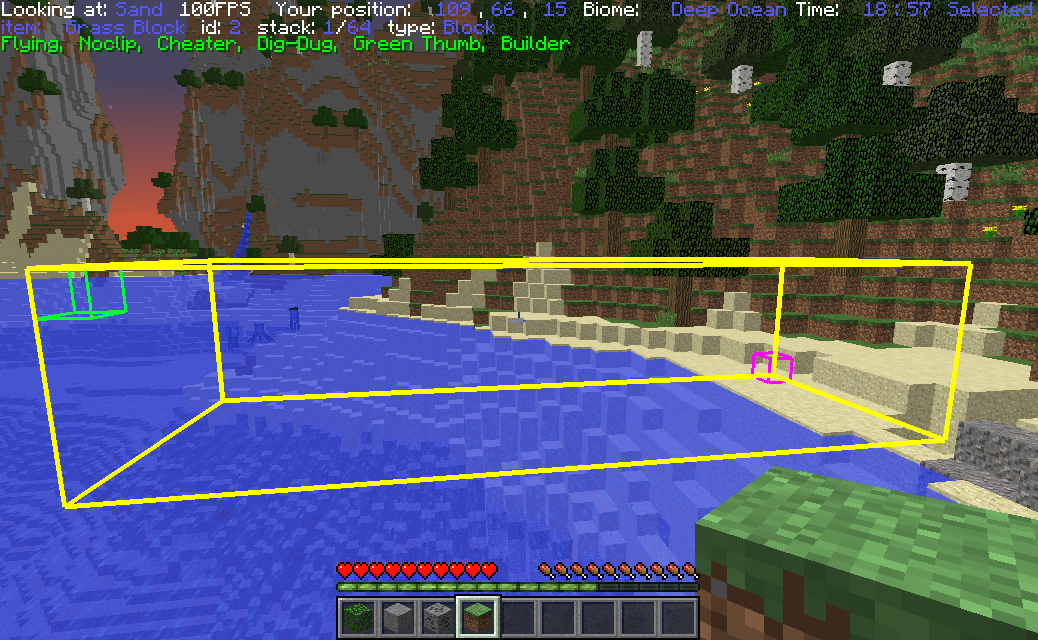
Selecting an area with (default "numpad0" and "numpad1") will outline the area that you want to modify (copy, cut, fill, delete). You can sneak to set points at the block you are looking at.