


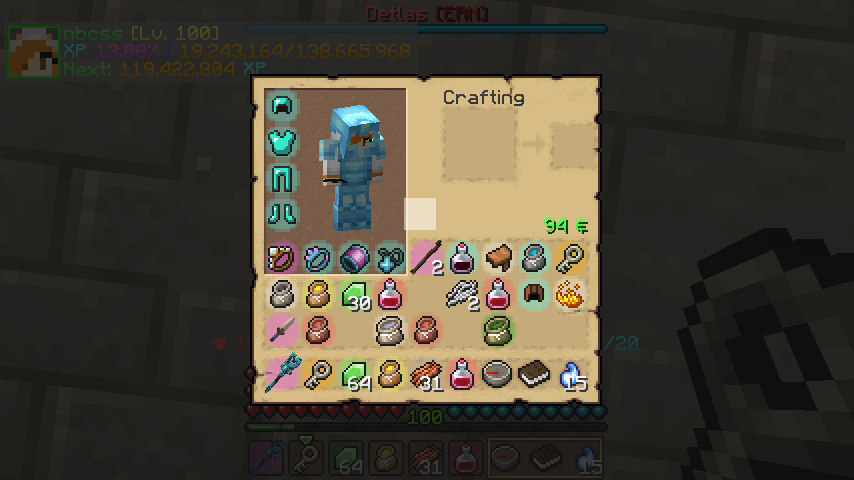
The basic view of inventory
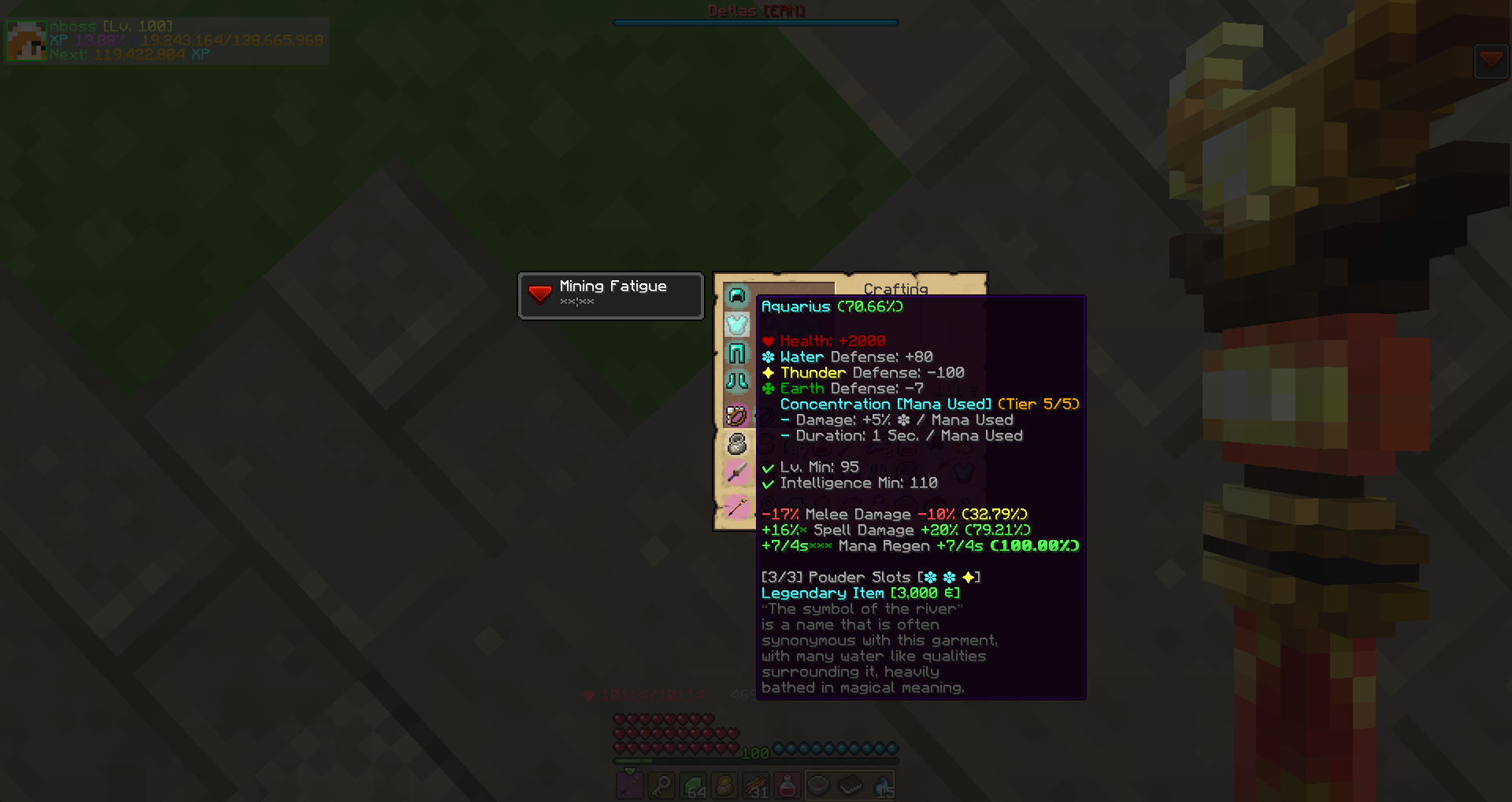
Identified Item
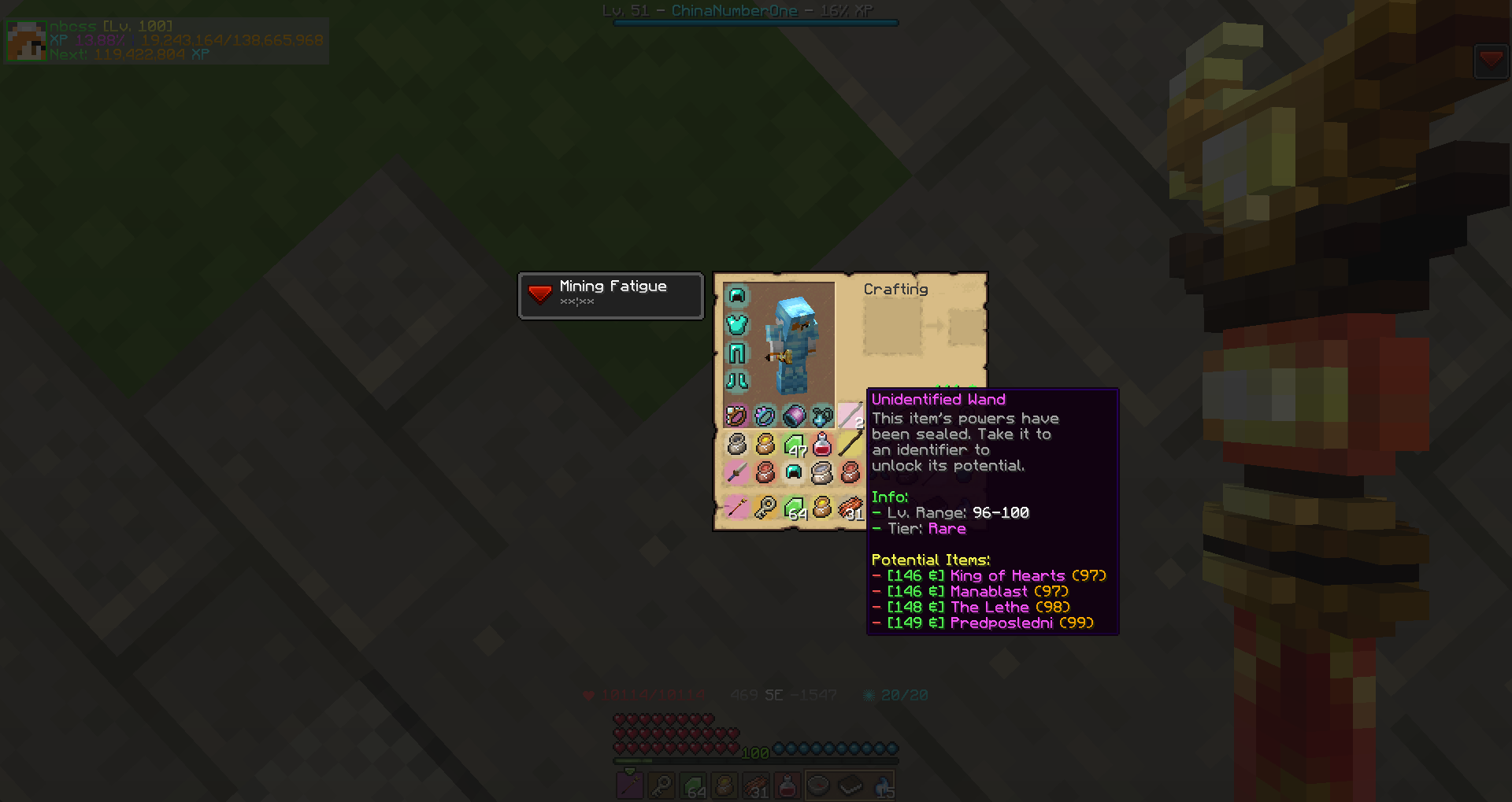
Unidentified Item
![Thumbnail Skill Point Accumulator. You can lock some certain slots by click [L] when your cursor hover on a slot.](https://media.forgecdn.net/attachments/235/176/2018-08-16_20.png)
Skill Point Accumulator. You can lock some certain slots by click [L] when your cursor hover on a slot.
![Thumbnail By click [K] for open item dictionary page (Can be changed in Settings-Control)](https://media.forgecdn.net/attachments/235/177/2018-08-16_20.png)
By click [K] for open item dictionary page (Can be changed in Settings-Control)
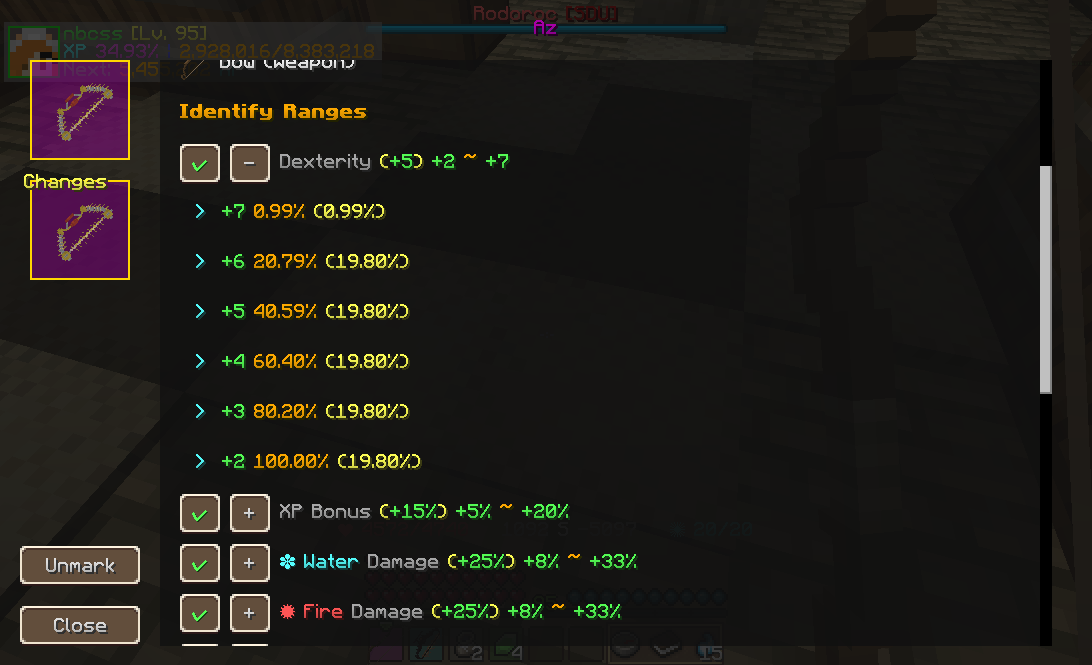
Left click a item in item dictionary for open the page
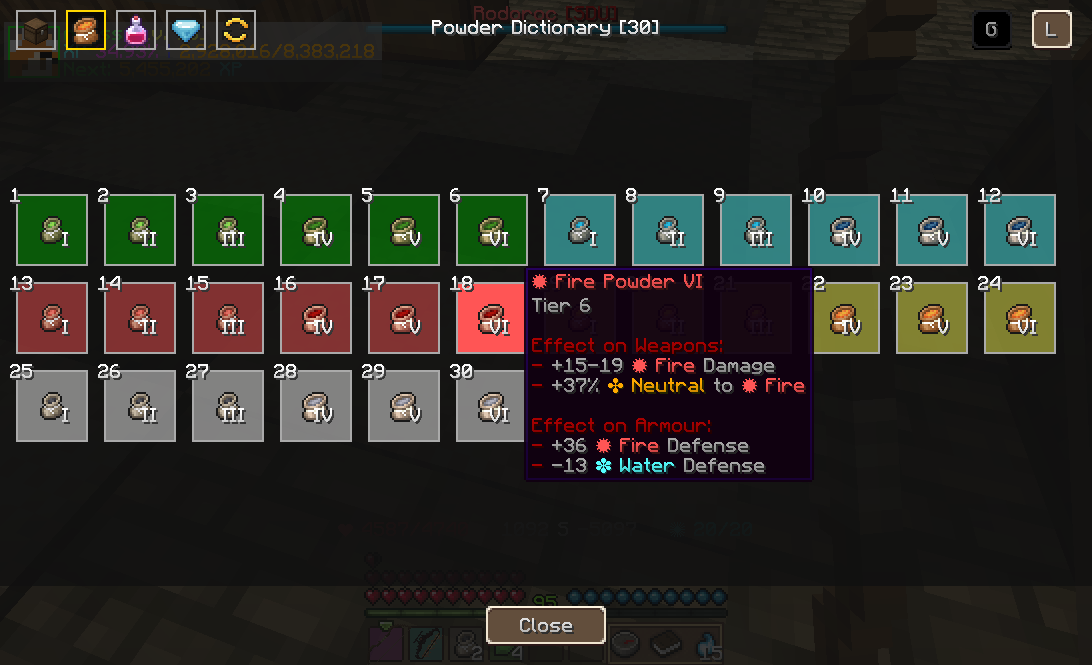
Click the tag on the item dictionary page for switch
![Thumbnail By right click the icon of a item in item dictionary page or click [Mark] button in item detail page for add this item into Favorites. You can see all of marked item here.
You can change display mode to [List] by select [L] in the top-right corner.](https://media.forgecdn.net/attachments/235/180/2018-08-16_21.png)
By right click the icon of a item in item dictionary page or click [Mark] button in item detail page for add this item into Favorites. You can see all of marked item here. You can change display mode to [List] by select [L] in the top-right corner.
![Thumbnail You can open the settings page by click [Mod Options] button in menu/Select WIM mod/click [config] button. You can change some general settings and item background color here, and update your item database by click [Update] button.](https://media.forgecdn.net/attachments/235/182/2018-08-16_21.png)
You can open the settings page by click [Mod Options] button in menu/Select WIM mod/click [config] button. You can change some general settings and item background color here, and update your item database by click [Update] button.
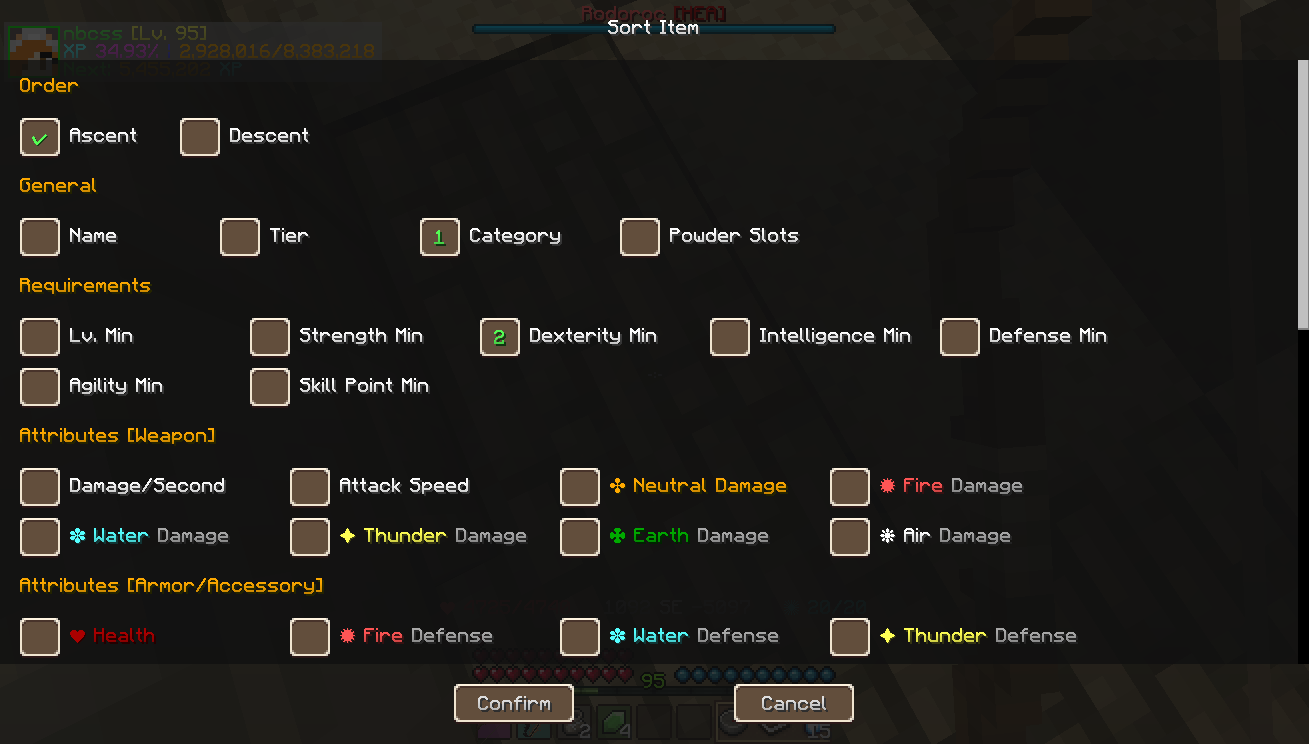
You can sort the item page with certain order! Left click a sort option to add it into sort queue, and right click it for remove the option. (WIM1 Legacy)
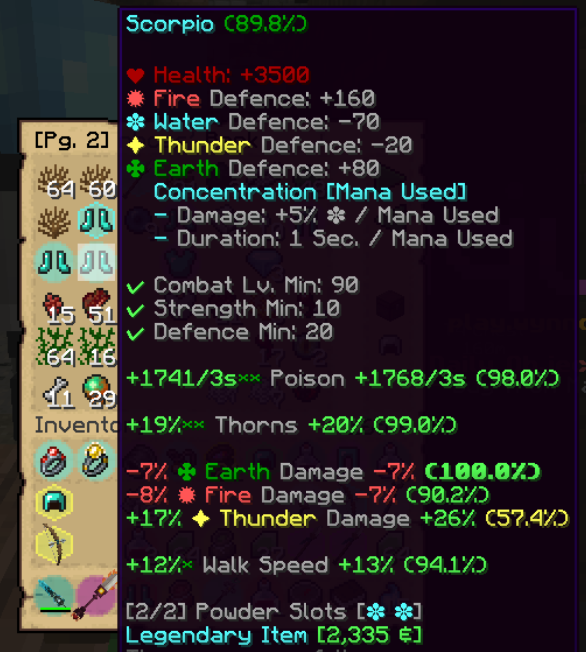
Analyze Mode and Inventory Item Render
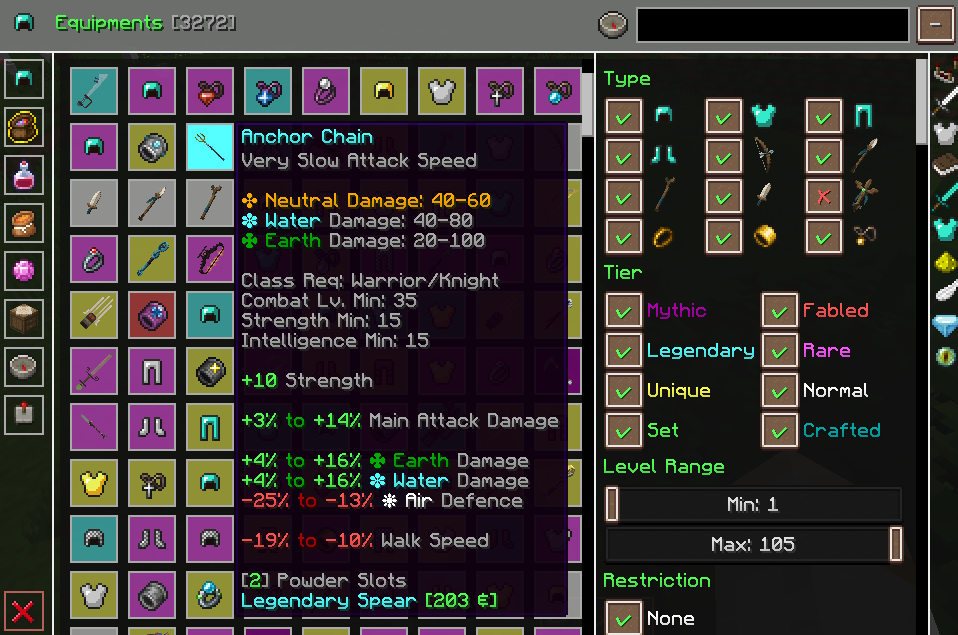
Reworked Handbook GUI (Equipment Dictionary)
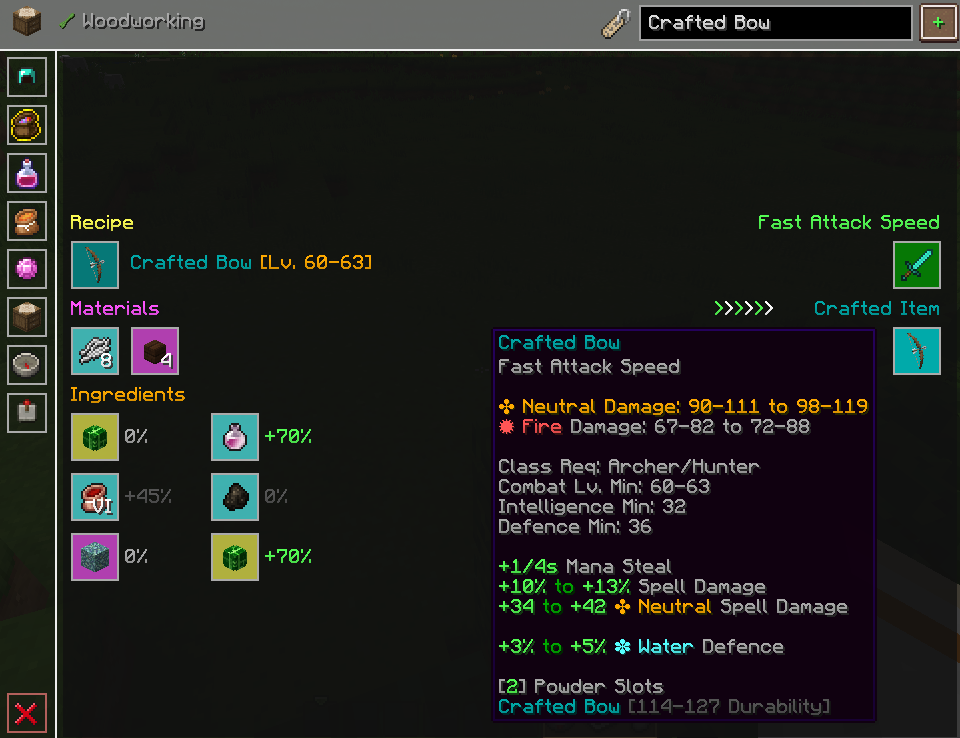
Ingame Crafting Table for make Crafted Item and save it at local dictionary!

