Wise Boxes
- By
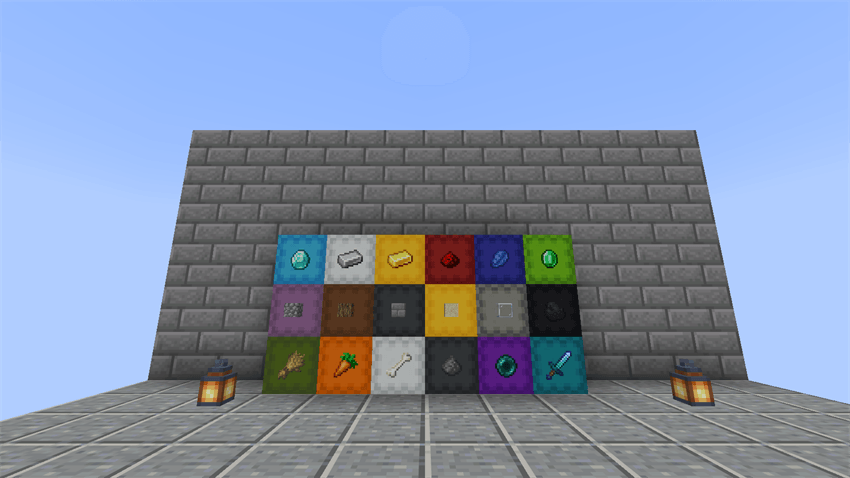
Shulker box and barrel labels that glow, lock, show how full the box is, and help you find items.
1-storage-wall-850.png
2-inventory.png
3-inventory-flat-view.png
4-anvil-labeling.png
5-several-labels.png
Description
Wise Boxes

Mark the box, and it knows what belongs inside.
Wise Boxes gives your shulker boxes and barrels labels that behave like item frames and signs: put up to four items on a lid, edit them in place with an item frame, make them glow, wax them. And the labels know what's inside: how full each box is, which item it mostly holds, and where in your storage room that item is. Everything stays vanilla-like: no new blocks, no new items, nothing that replaces your own storage builds.
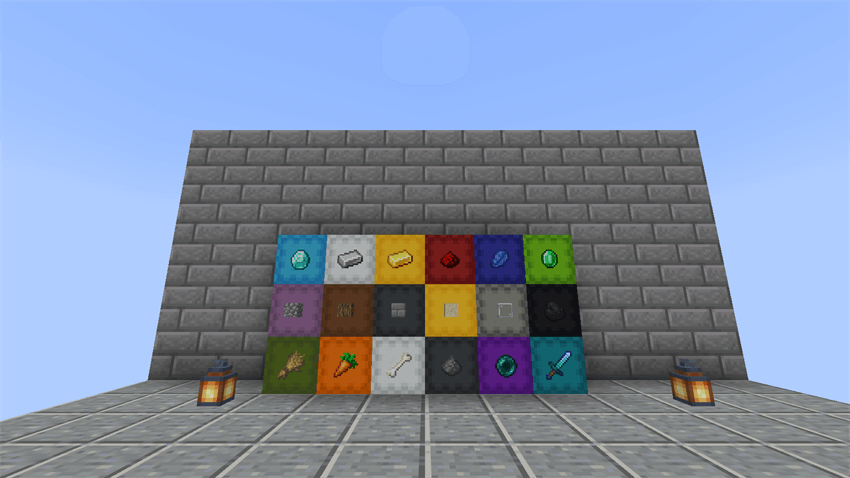
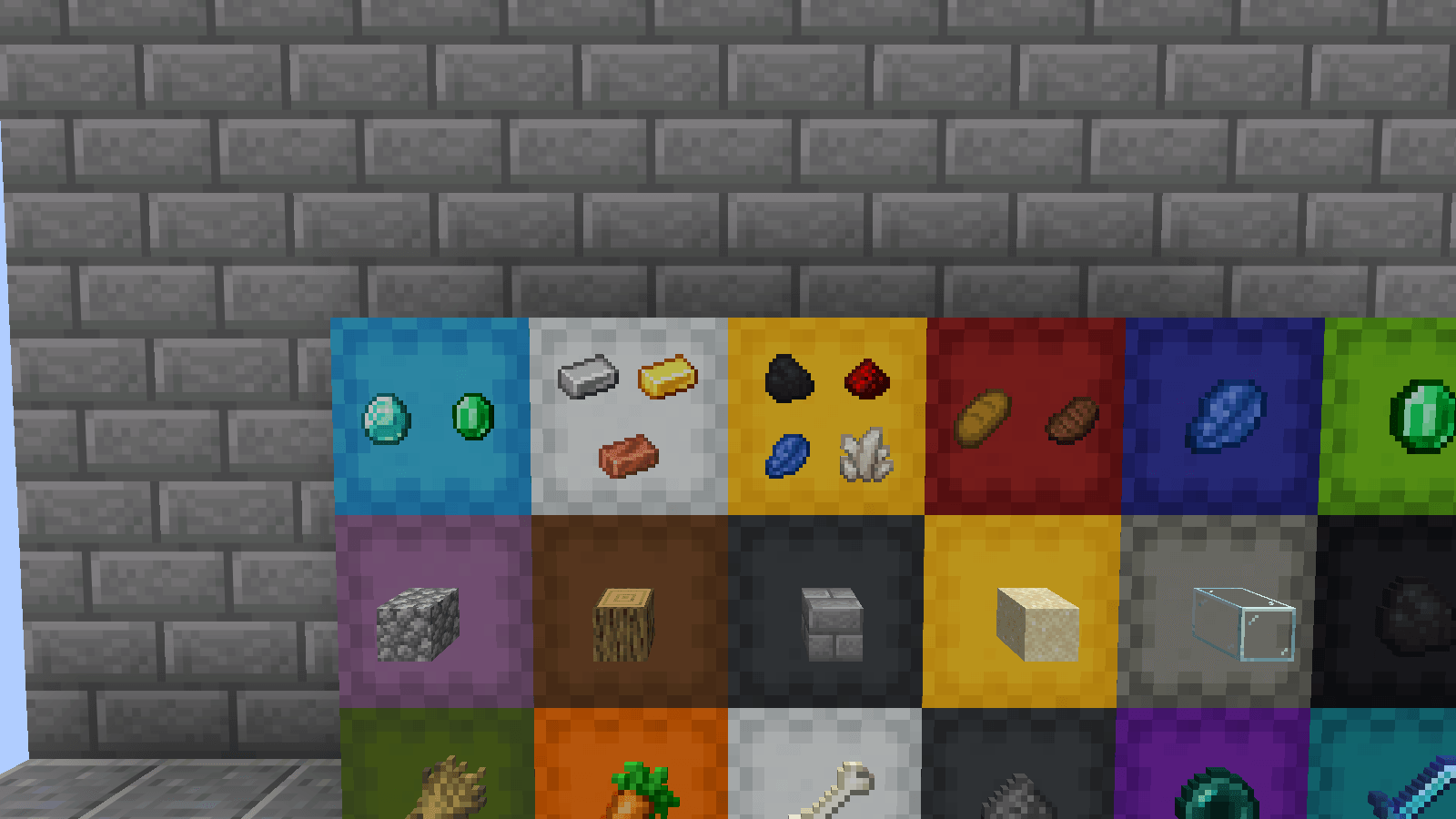
Labels like frames and signs
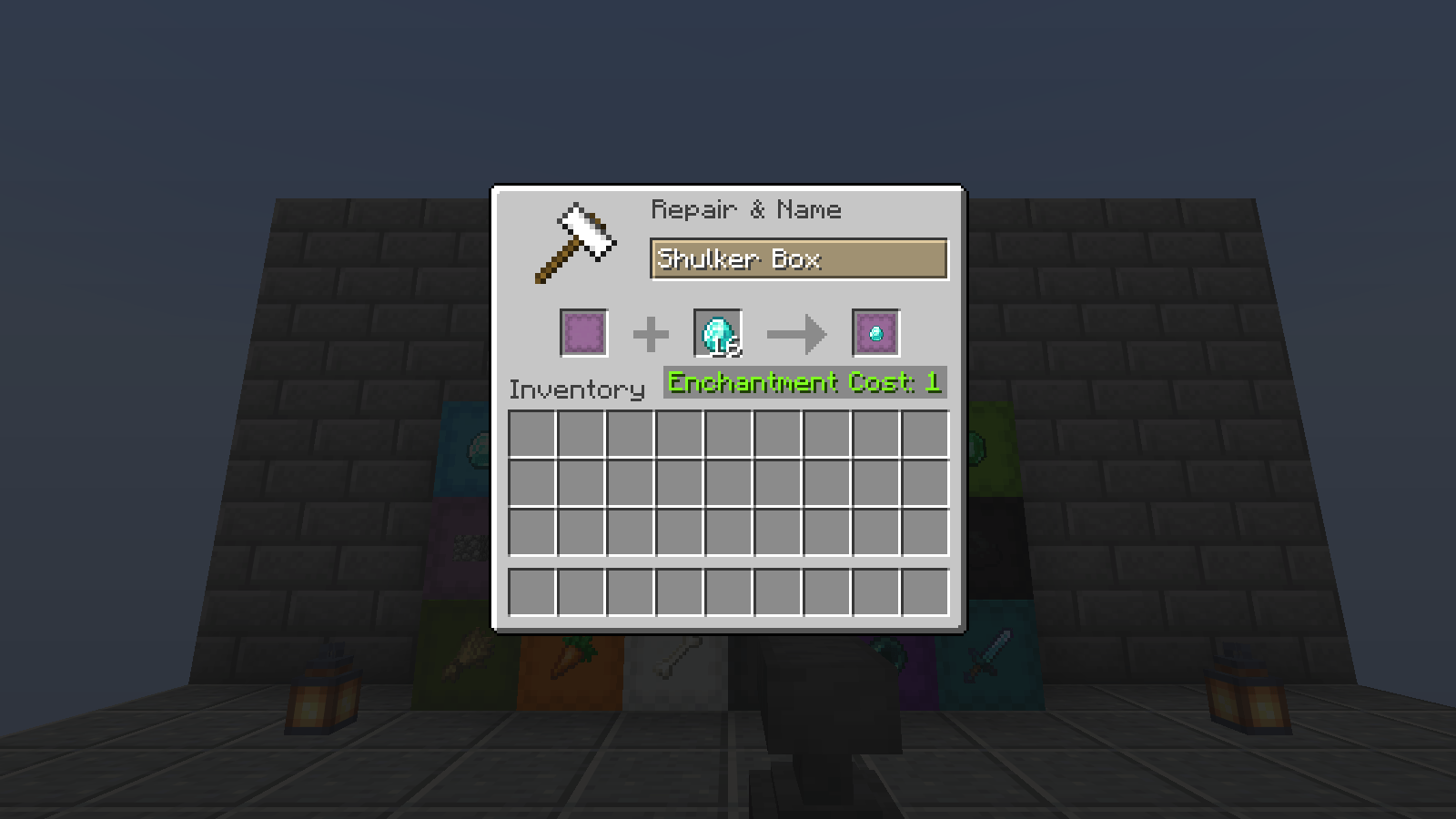
- Up to 4 labels on a lid. Label a box in an anvil with any item (1 level). The label item isn't used up: it stays in the anvil, so you can label box after box with one stack. Add more items one by one, take a label off by putting its item in again, or take off the last one with an empty slot.
- Edit labels in place. Sneak + right-click a placed box with an item frame: the item in your other hand is added as a label, or removed if it's already one. No breaking, no anvil, nothing used up.
- Glowing labels. A glow ink sac makes a box's labels light up in the dark, like glowing sign text. An ink sac takes the glow away.
- Waxed boxes. Honeycomb locks a box's labels, glow and color against accidental changes, like a waxed sign. An axe scrapes the wax off.
- Barrels too. Barrels carry labels on their open face, in any direction, with everything above.
- Any item works. Blocks, tools, enchanted items with their glint, and filled maps, which show their picture.
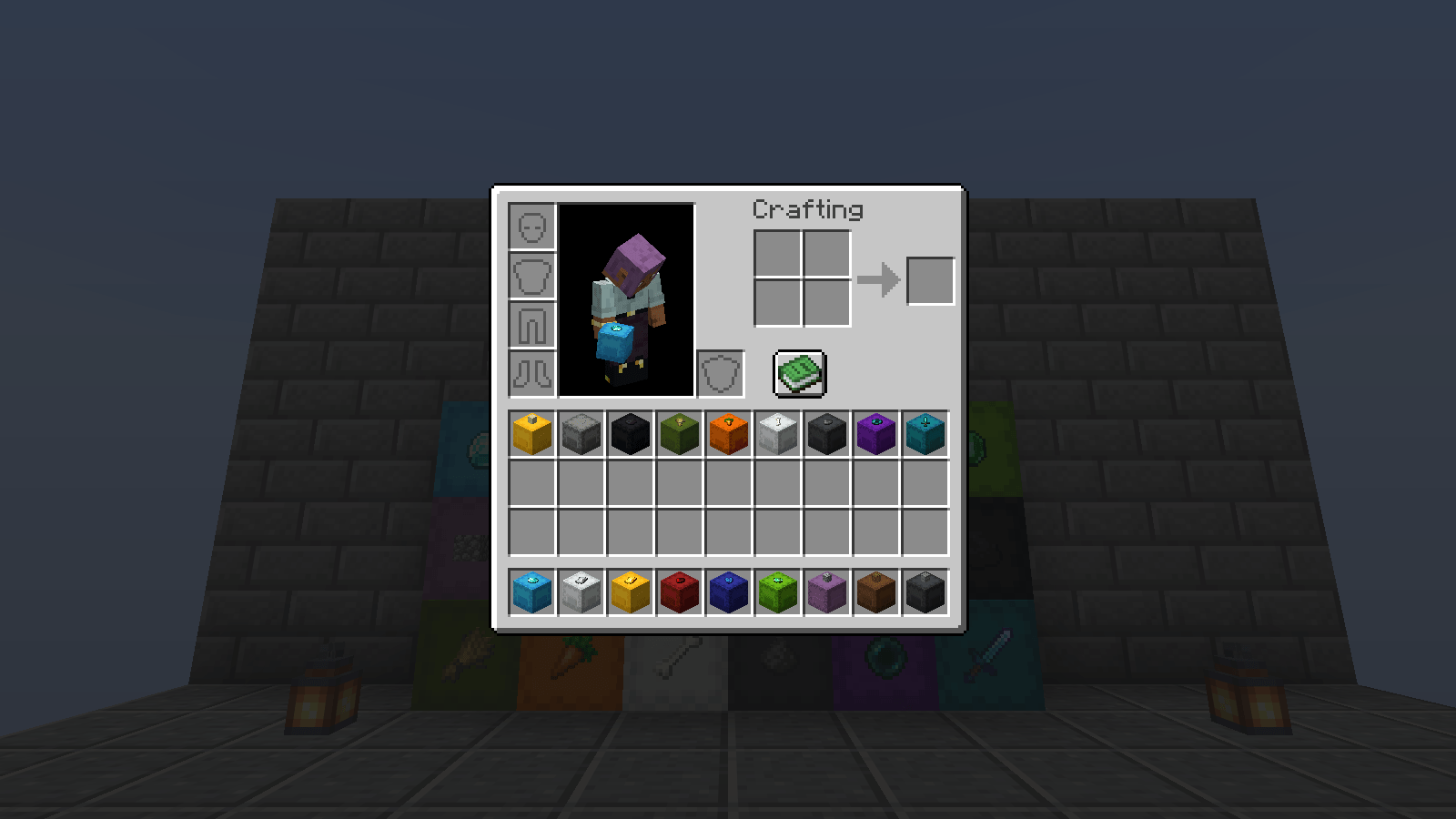
- Everywhere you see the box. On placed boxes (the labels rise and turn with the lid as it opens), and on box items in your inventory, hotbar, hand, on the ground and in item frames. Labels stay on the box when it's broken, moved by pistons or blown up.
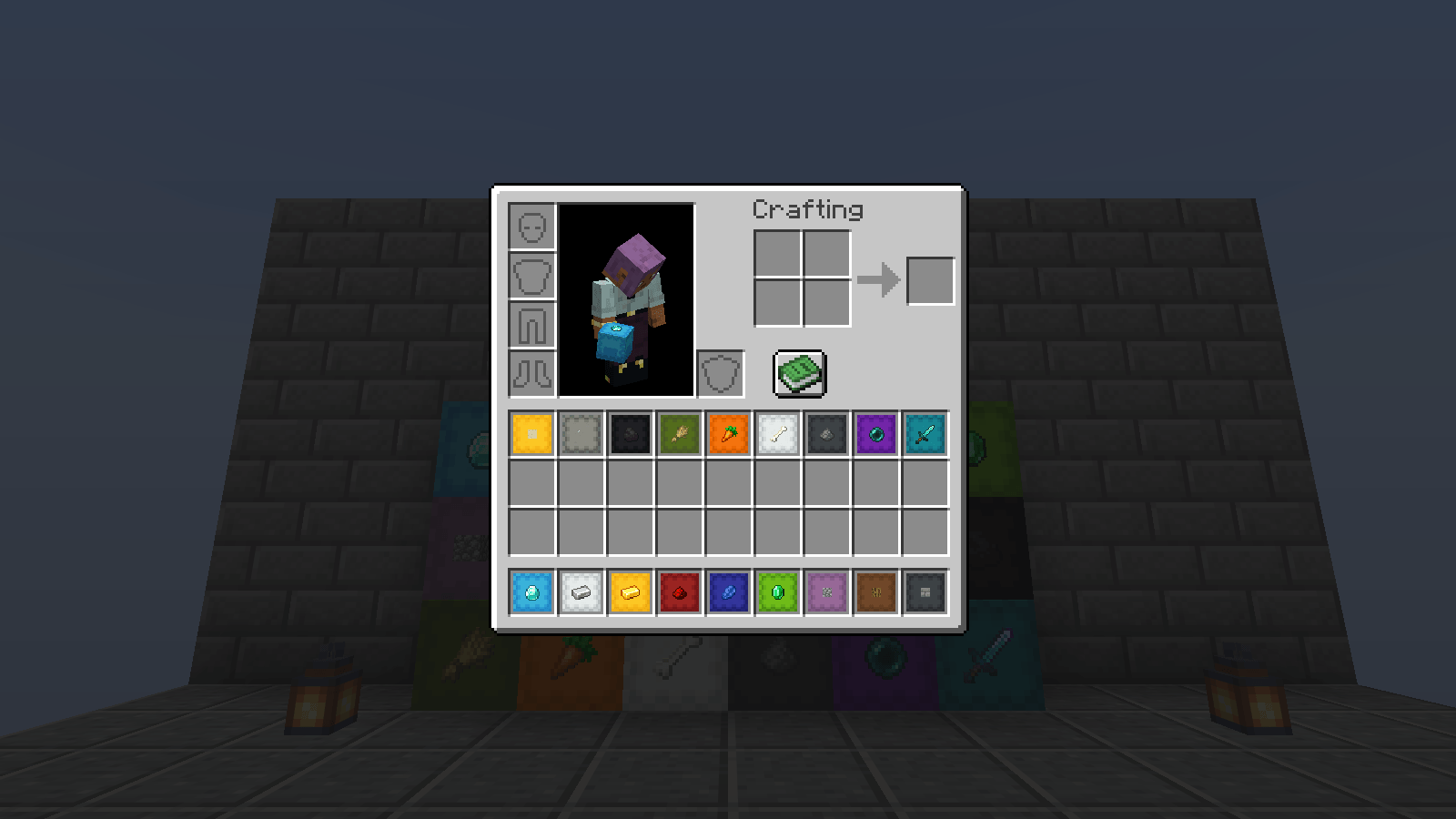
- Lid view. Inventory icons can turn their lid toward you, so labels are big and easy to read. Hold Tab to swap between the 3D look and the lid view for a moment.
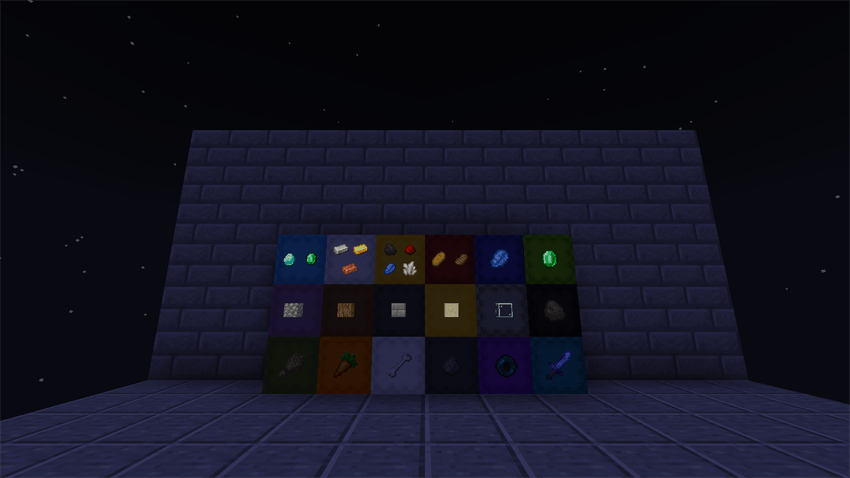
Labels that know what's inside
- Fill gauge. A thin bar on the lid shows how full a box is, and box items get a fill bar in your inventory, like a bundle's (red when full). Tooltips say "12/27 slots" and list the labels.
- Automatic labels. A box you haven't labeled shows its most common item, smaller and dimmed, so it never passes for a real label. It changes as the contents change.
- Find boxes. Press the Find key holding an item, or over an item in your inventory: every box nearby labeled with it, or holding it, lights up with an outline you can see through walls.
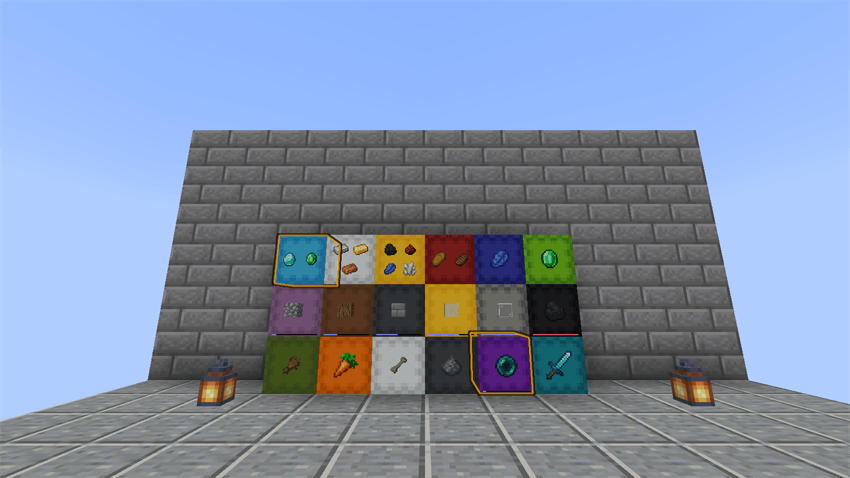
- See where it goes. Carrying an item in your inventory? Box items labeled with it get a gold frame, filled if they already hold some.
Moving items
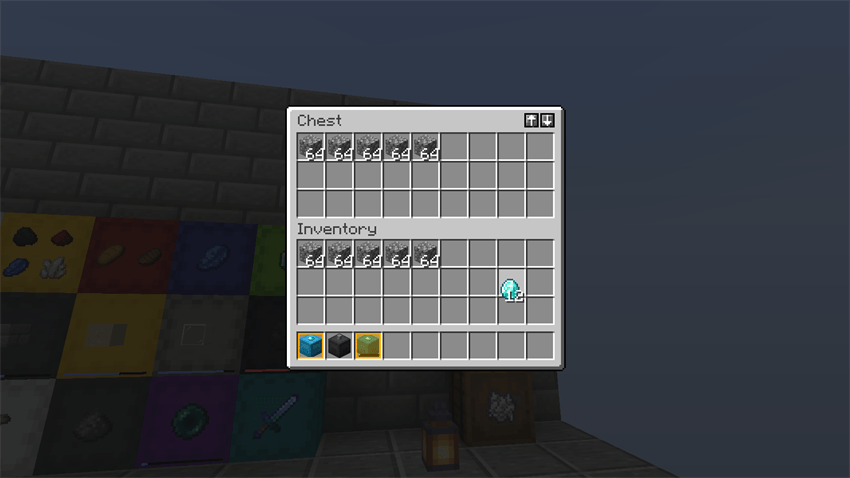
- Transfer buttons. ↑ and ↓ on chests, barrels, shulker boxes, hoppers, dispensers and droppers move everything into the container or back into your inventory, leaving your hotbar alone. Hold Shift to move only what the target already has: an empty box labeled Diamond takes just your diamonds. They use normal shift-clicks, so they work on any server.
- Smart pickup (optional, off by default). Turn it on, and items you pick up go straight into the box in your inventory labeled with them.
Also: recolor placed boxes by sneak + right-clicking them with a dye (server owners can turn it off).
Every feature that shows contents can be turned off on its own, if another mod already shows you that.
How to use
| To… | Do this |
|---|---|
| Label a box | Anvil: shulker box (or barrel) left, label item right, take the result (1 level) |
| Add another label | Same again, with another item (up to 4) |
| Remove one label | Anvil: that label's item in the right slot (a plain item of the same kind works too) |
| Remove the last label | Anvil: right slot empty |
| Rename a labeled box | Anvil: right slot empty, type the new name: the labels are kept |
| Edit a placed box | Sneak + right-click it with an item frame; the item in your other hand is added or removed (empty hand: last label off) |
| Make labels glow | Sneak + right-click the box with a glow ink sac (an ink sac removes the glow) |
| Lock a box | Sneak + right-click it with honeycomb (an axe scrapes the wax off) |
| Recolor a placed box | Sneak + right-click it with a dye |
| Find boxes | Set a "Find Boxes" key in Controls, then press it holding an item (or over a slot in your inventory) |
| Move everything | ↑ / ↓ at the top right of a chest, barrel or box screen (Shift: only what's already there) |
| Lid view in slots | Hold Tab, or set a "Cycle Icon Style" key in Controls, or /wiseboxesc iconStyle lid |
| Change settings | Mod Menu: Wise Boxes, then its settings button (Fabric); Mods → Wise Boxes → Config (NeoForge) |
Commands
Client (only affect you, work on any server; also on the settings screen). Without a value they show the setting:
/wiseboxesc iconStyle [3d|lid|large_lid]how boxes look in your inventory (default 3d)/wiseboxesc labelDistance [8-256]labels farther than this aren't drawn (default 64 blocks), for huge storage rooms/wiseboxesc contentsInfo [true|false]turns off every contents feature at once (fill gauge, item fill bar, slot count, automatic labels, contents search)/wiseboxesc fillGauge [off|labeled|all]which placed boxes show a fill gauge (default: labeled ones)/wiseboxesc itemFillBar [true|false]the fill bar on box items/wiseboxesc tooltipInfo [all|labels|off]tooltip lines: slot count and labels, only labels, or none/wiseboxesc autoLabels [true|false]automatic labels on boxes without labels/wiseboxesc findRadius [1-128]how far the Find key looks (default 32 blocks)/wiseboxesc findContents [true|false]Find also asks the server which boxes hold the item/wiseboxesc matchMarks [true|false]the gold frames while you carry an item/wiseboxesc transferButtons [true|false]the ↑ ↓ buttons/wiseboxesc transferHotbar [true|false]↑ also moves your hotbar/wiseboxesc smartPickup [true|false]items you pick up go into a box labeled with them (off by default)/wiseboxesc reload
Server (operators):
/wiseboxes config dyeInWorld [true|false]recoloring placed boxes with dye/wiseboxes config labelCost [0-30]levels per label change (default 1, 0 = free)/wiseboxes config maxLabels [1-4]labels per box (default 4)/wiseboxes config shareContentsInfo [true|false]whether placed boxes tell players how full they are and their main item, and whether Find may search their contents (turn off on PvP servers if that's too much)/wiseboxes config barrelLabels [true|false]labels on barrels/wiseboxes config smartPickup [true|false]whether players may turn smart pickup on/wiseboxes reload
Settings are saved in config/wiseboxes/client.json and config/wiseboxes/server.json.
Multiplayer
Install it on the server and the clients for everything. Players without the mod can still join:
| Server | Client | What works |
|---|---|---|
| with mod | with mod | Everything |
| with mod | without mod | They can join and play normally, but don't see labels |
| without mod | with mod | Labels, fill bars and automatic labels on items, tooltips, match marks, transfer buttons and the lid view. Labels on placed boxes, the anvil, the item frame tool, the gauge on lids, Find and smart pickup need the mod on the server |
Labels use vanilla data, so labels on items survive if the mod is ever removed.
Requirements
- Minecraft 26.1 – 26.3 (Java 25)
- Fabric: Fabric Loader and Fabric API (Mod Menu optional, for the settings screen)
- NeoForge: NeoForge for your Minecraft version (no other mods needed). Download the file marked
+neoForge. - Languages: English, Deutsch, Español (España), Español (México), Français, Português (Brasil), Português (Portugal)
All rights reserved.
Wise Boxes Team