


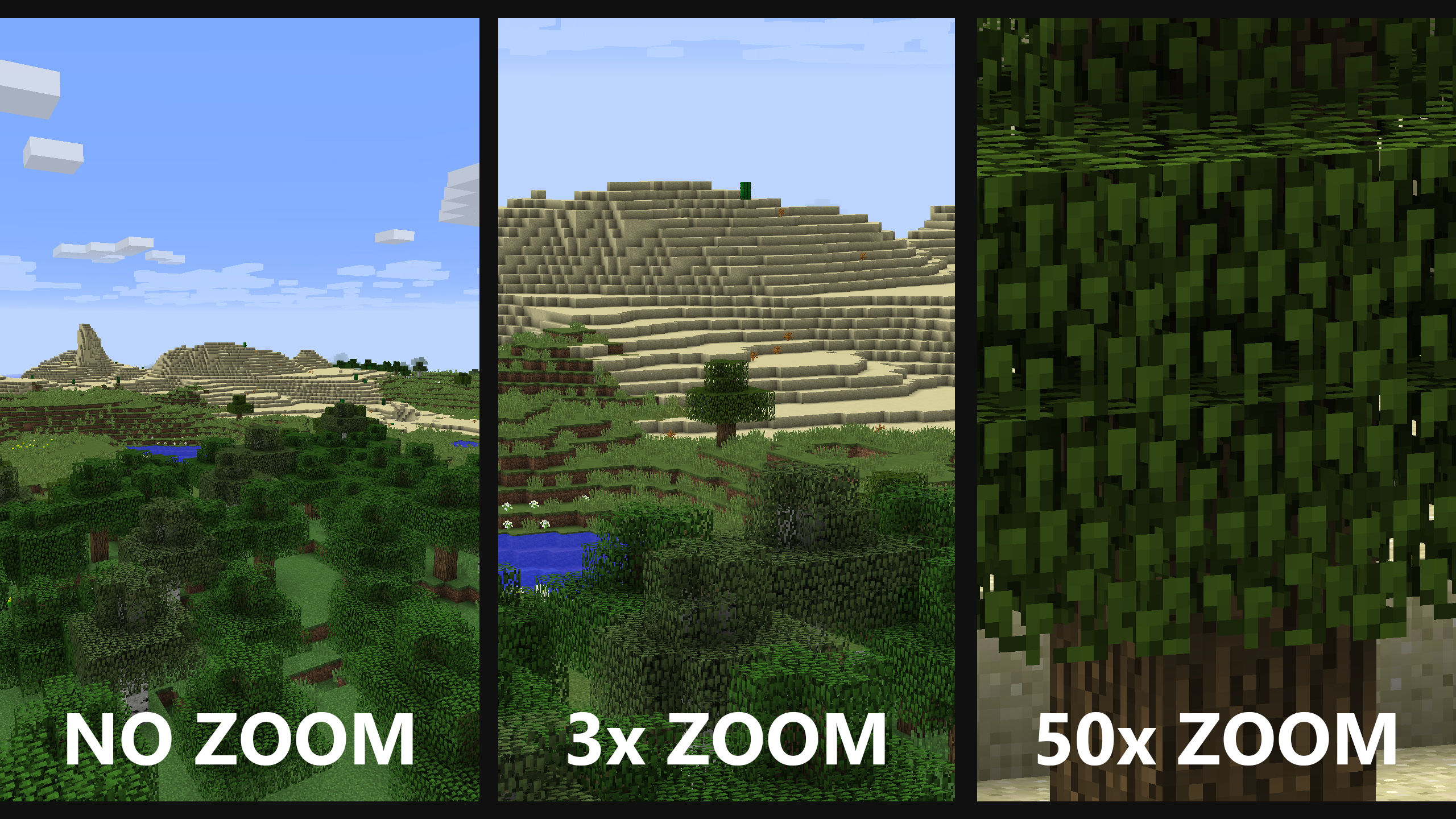
No zoom (left) is just what you would normally see. 3x zoom (middle) is the default zoom level (when you just press V without scrolling). 50x zoom (right) is the maximum zoom level (when you hold V and keep scrolling until you can't zoom in any further).
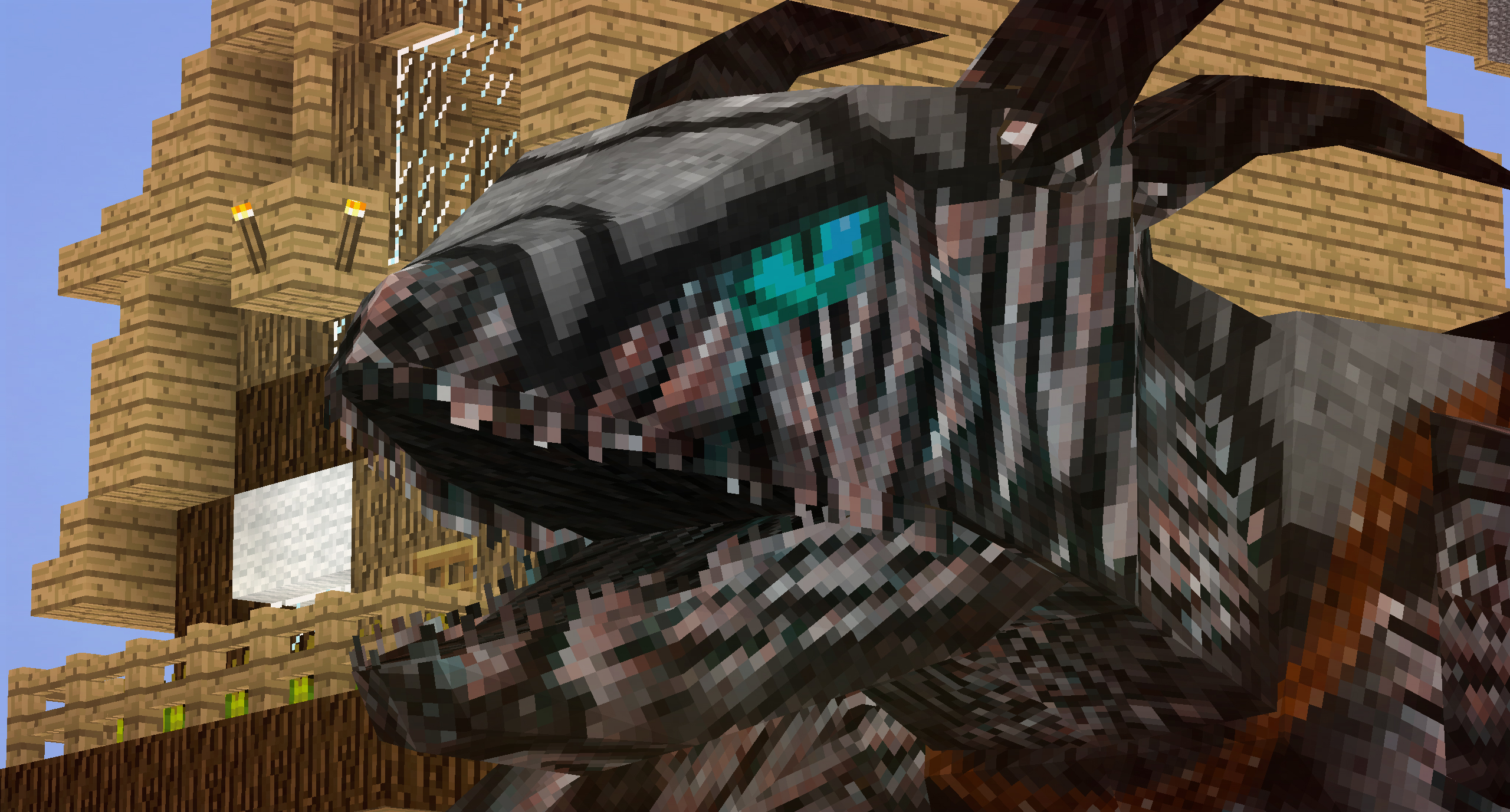
At least now you can see the dragons before they kill you. Yay?
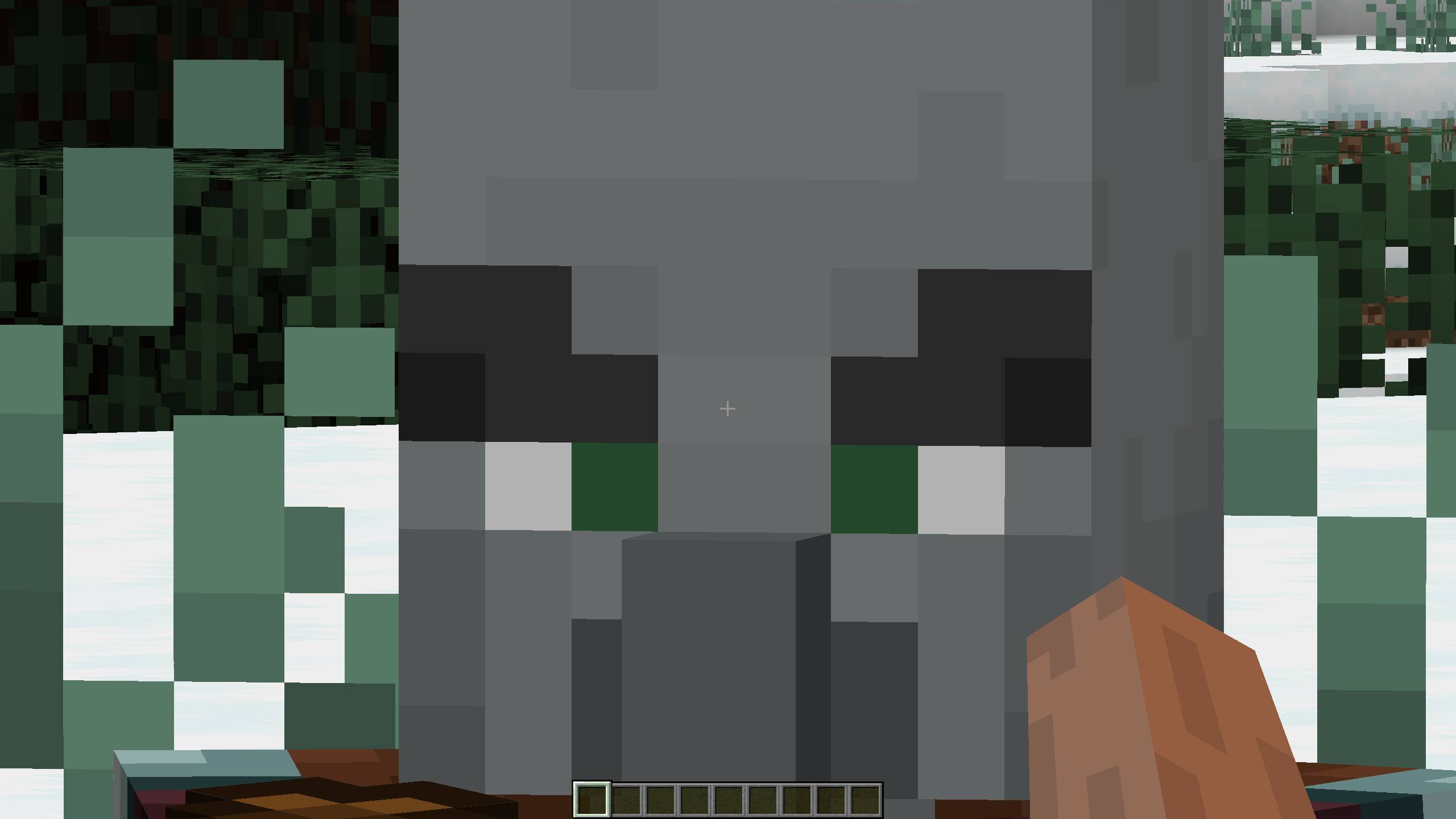
Super zoomed in pillager face
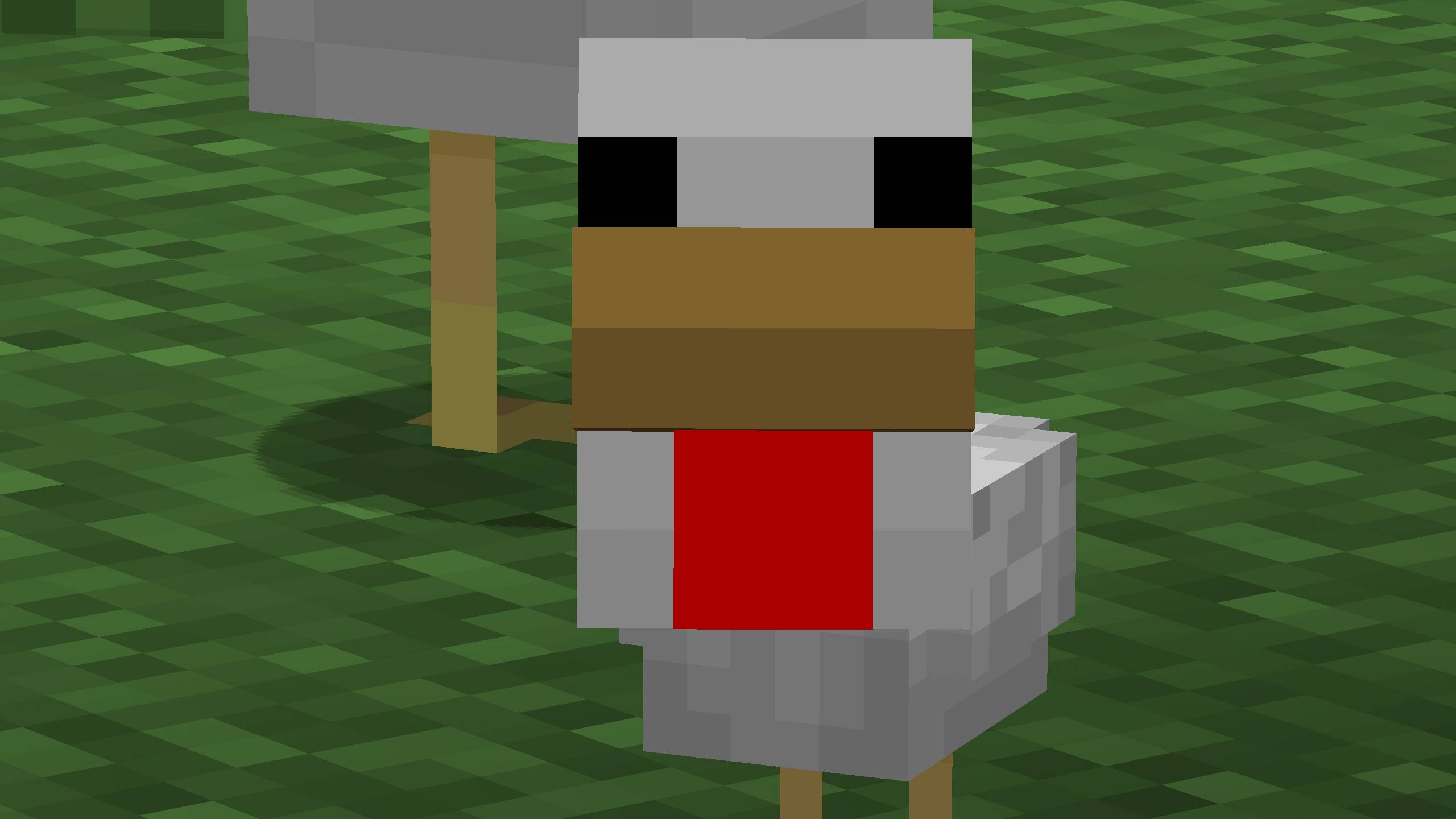
Super zoomed in baby chicken
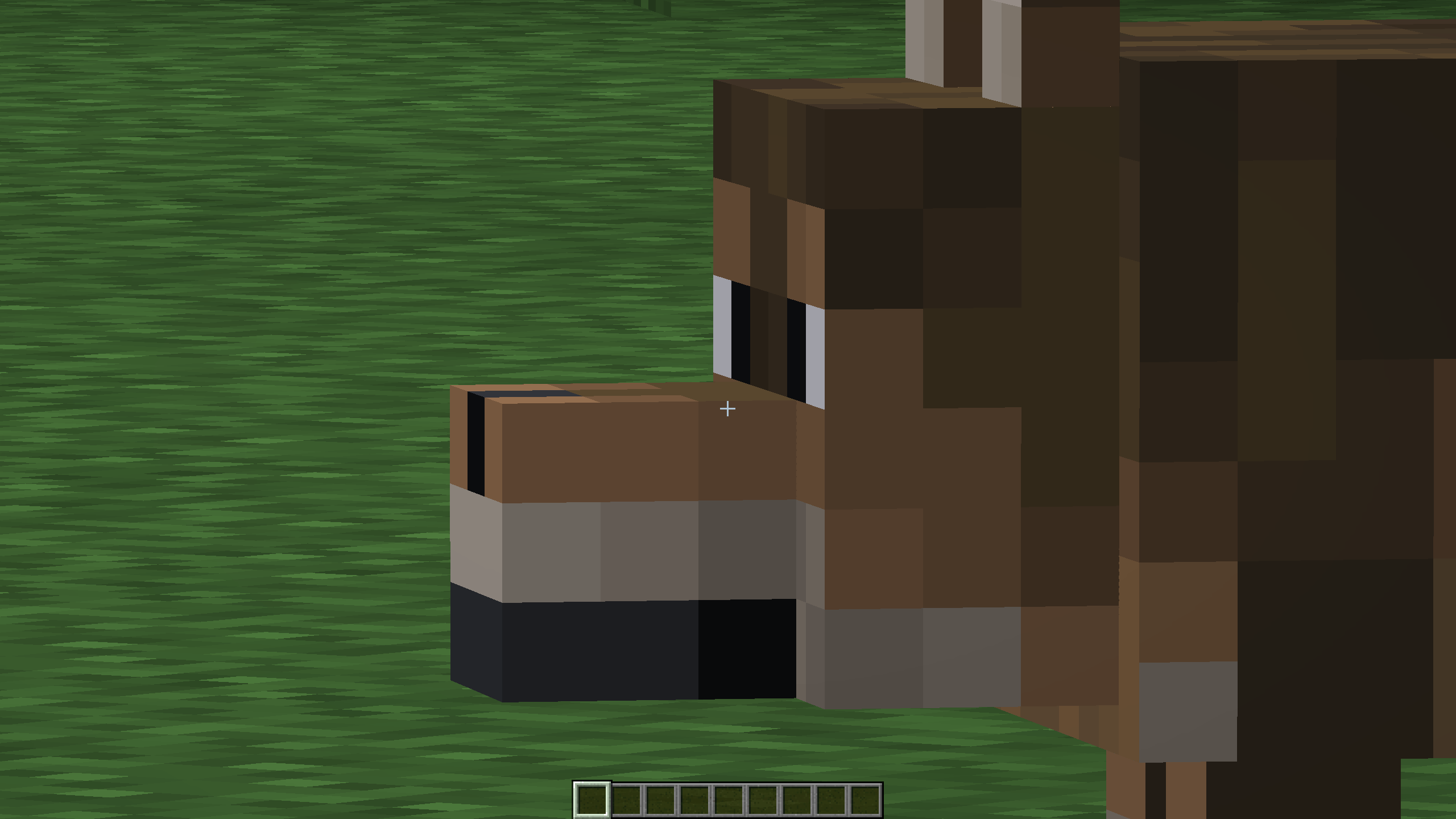
Super zoomed in brown wolf
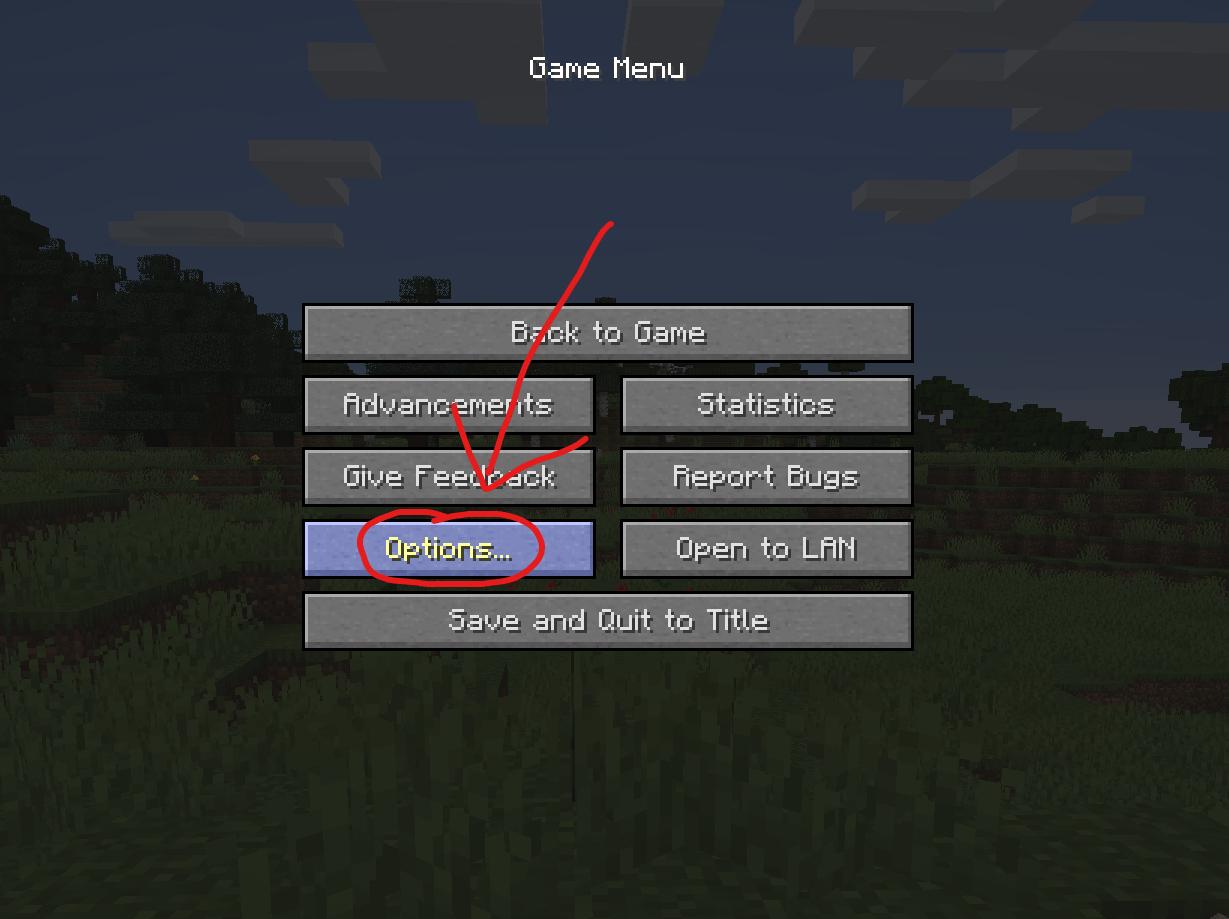
Open the pause menu and click on "Options..."
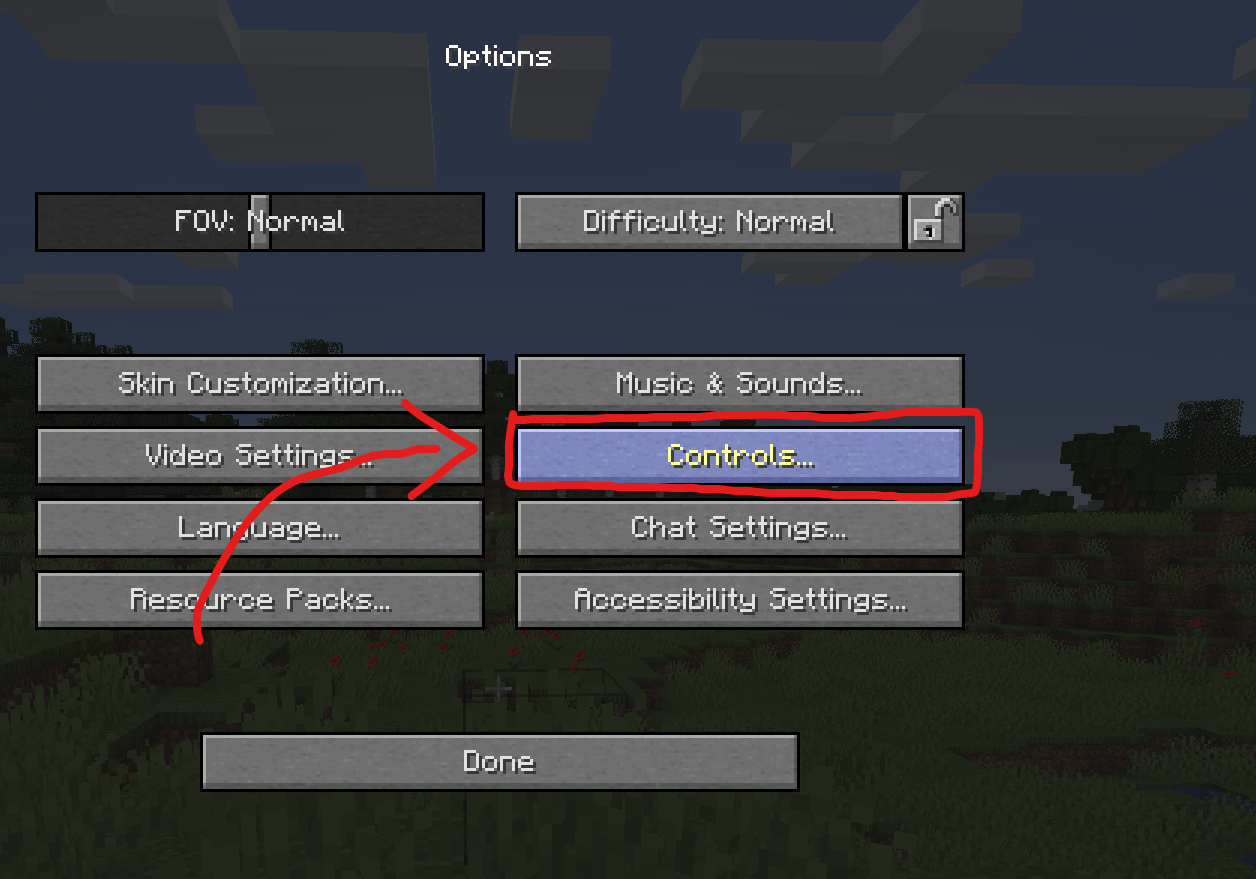
Click on "Controls..." to open your keybinds
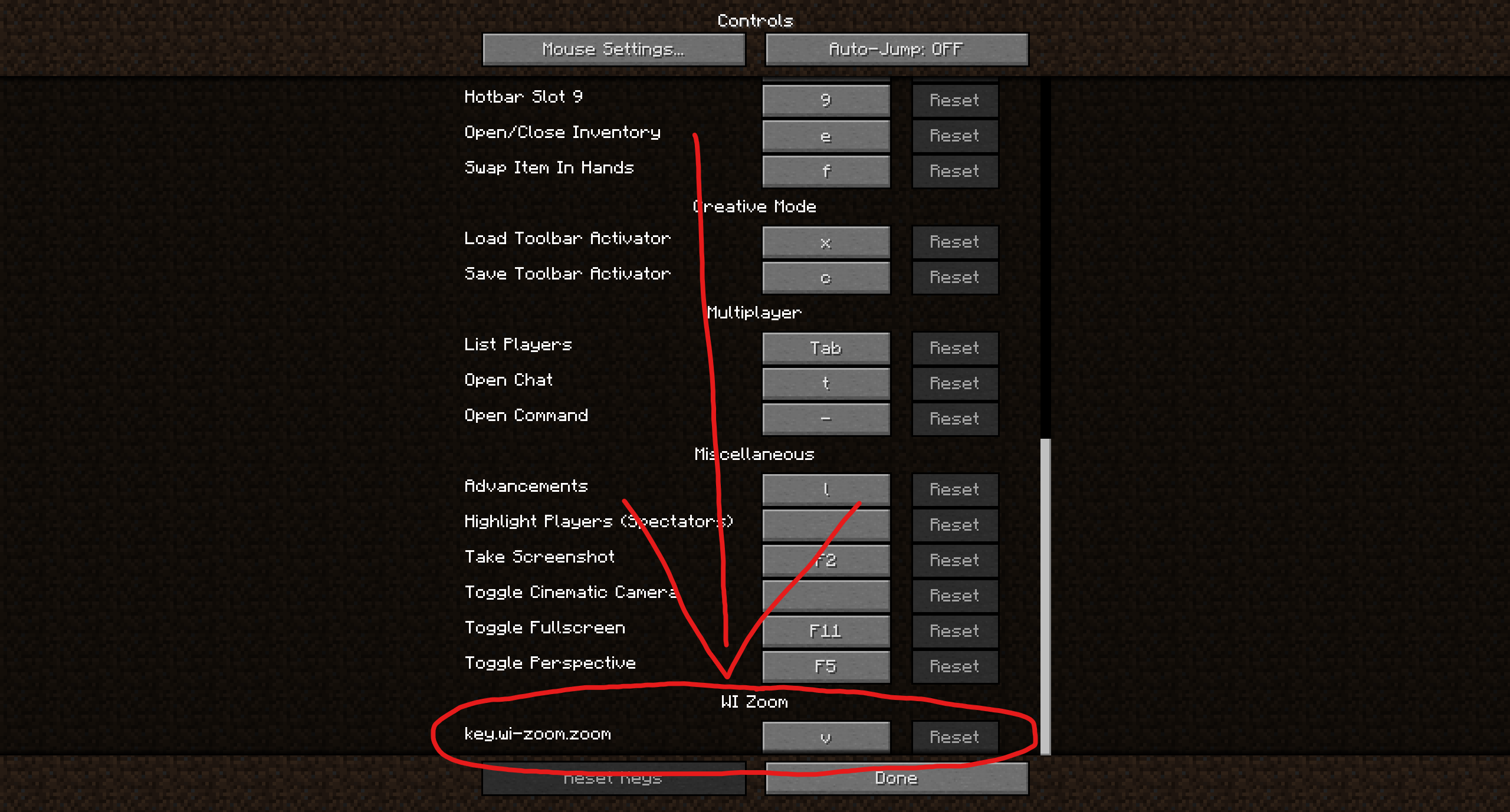
Scroll down to the WI Zoom keybind (usually near the bottom) and change it. Note: This is an old screenshot. It now just says zoom instead of "key.wi-zoom.zoom".
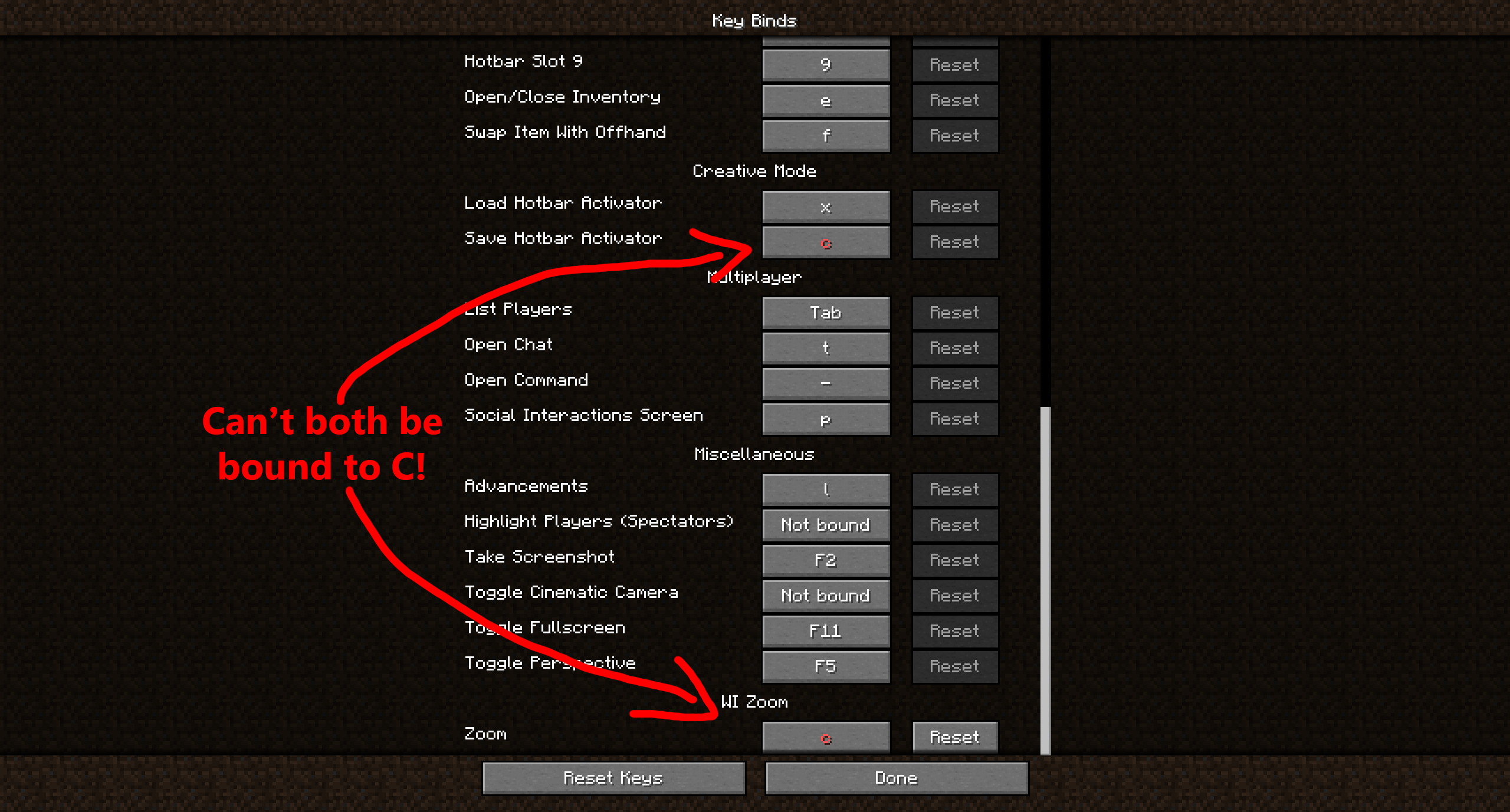
The zoom won't work if you have a key conflict like this. That's why we use V instead of C by default.
The WI Zoom Logo in high resolution.