WebChat
- By
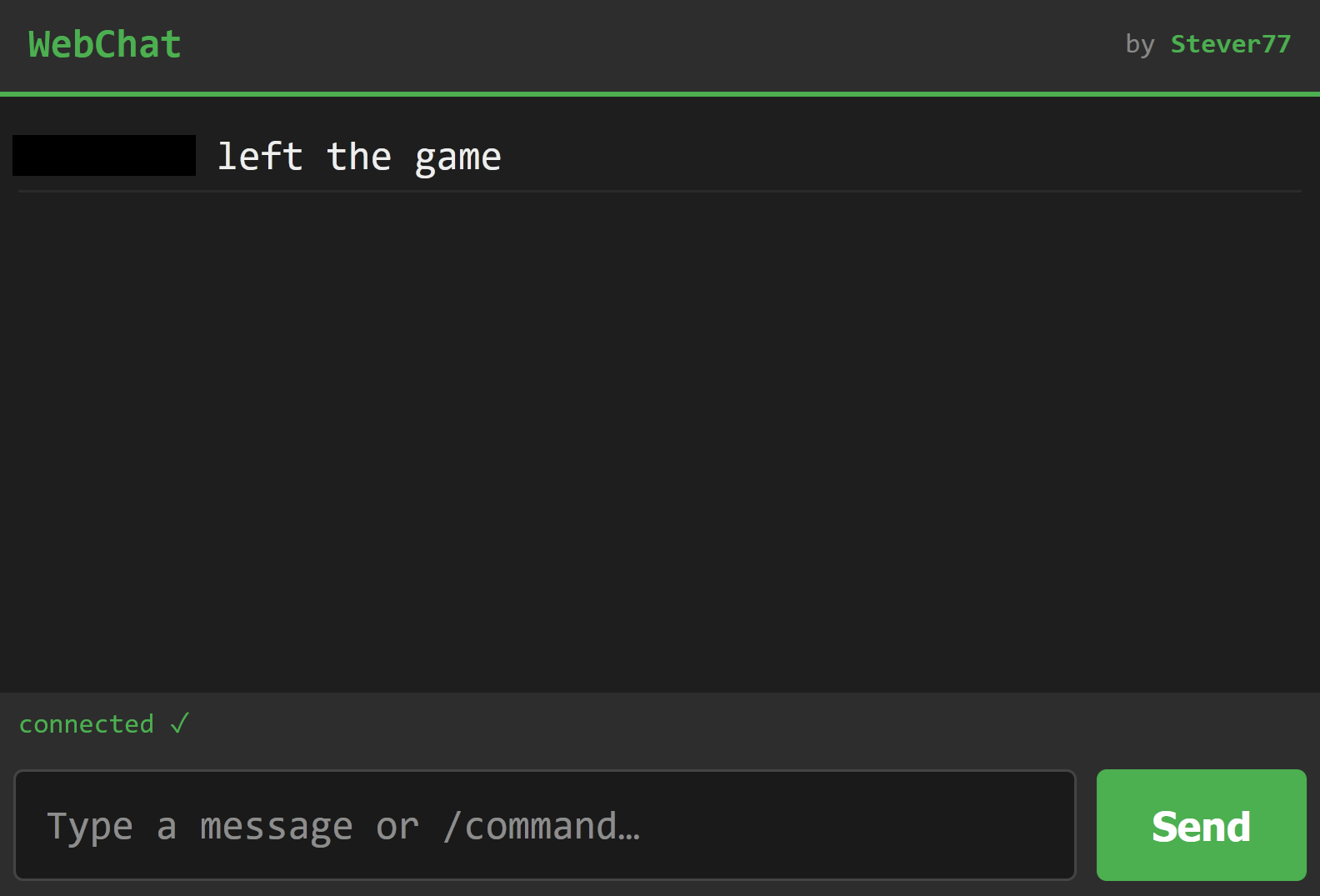
A lightweight mod to view and send in-game chat messages/commands from a separate browser.
Description
WebChat is a super lightweight client-side mod that bridges your in-game chat directly to a separate web browser. I Initially made this as a way to play on my couch with a controller without typing out my messages slowly on some on-screen keyboard.
Note: There are another couple of mods that do webchat that have even more features- check Web Chat out https://modrinth.com/mod/web-chat and also check out https://modrinth.com/plugin/kokoto-webchat if you need this mod to do more.
How to Use
Open the Web Interface: Open a web browser on your computer and go to localhost:8080 (by default) to connect! Using a seprate device? Find your local ip (just type ipconfig in cmd prompt), and connect via yourlocalip:8080 Or you can port forward and access the chat via another network with your public IP.
Authenticate with Passcode: When passcode protection is enabled, visiting the web page will prompt you to enter a 6-digit numeric password before you can view or send messages. You can view your current session code in-game at any time.
Send Messages and Commands: Type messages into the browser input box to send them directly to the in-game chat, or start your text with a slash (/) to execute in-game commands remotely. This works in both singleplayer and multiplayer!
Adjust Settings In-Game: Use the /webchat commands in-game to configure or (Mod Menu Required) change the settings via the Mod Menu settings.
Commands
/webchat toggle — Enable or disable the mod in-game.
/webchat toggleingamechat — Switch in-game chat visibility.
/webchat togglepasscode — Enable or disable web password protection.
/webchat passcode — Print your current 6-digit web passcode in chat.
/webchat newpasscode — Changes your passcode to a new one.
/webchat port — Instantly restart the server on a new port.
/webchat link — Copies your localhost link with your selected port to clipboard.
The WebChat Team